只要 2 次點擊,抓取 Truecaller 資料










只要兩次點擊,就能擷取 Truecaller 資料
Thunderbit 可抓取 Truecaller 個人資料頁中的姓名、電話號碼、垃圾電話評分、地址、Email 與標籤,無需程式碼,也不用繁瑣設定。
立即取得乾淨的 Truecaller 資料
受夠了雜亂無章的資料匯出嗎?Thunderbit 在擷取 Truecaller 資料時,就會同步整理成結構化內容,像是姓名、電話號碼與垃圾電話評分都會自動清理,不需要後續手動排版。您拿到的會是可直接使用的資料列,可立即匯出到 Excel、Google Sheets 或 Notion。您需要的聯絡資訊,一開始就已經整理好。
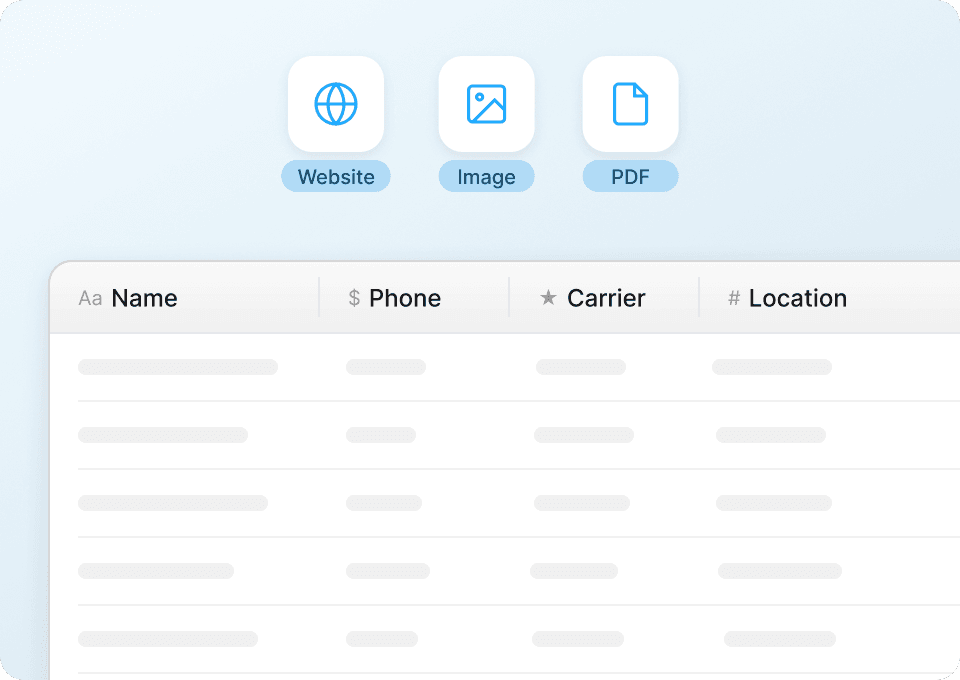
批次抓取多個 Truecaller 個人資料頁
一筆一筆複製每個 Truecaller 個人資料的內容,不但慢,還很費工。使用 Thunderbit,只要貼上一串個人資料網址,AI 就會自動逐頁拜訪,抓取您關心的欄位——例如地址、Email 和標籤——並整理成一個乾淨的表格。無論是一個號碼還是數百個查詢,都能輕鬆擴充,不必再做重複性工作。

自動化您的 Truecaller 抓取流程
Truecaller 的資料會隨著號碼被檢舉與重新分配而變動。與其每次手動重查,不如用 Thunderbit 設定排程抓取。AI 會定期擷取最新的姓名、電話號碼、垃圾電話評分與其他資訊,並直接把更新後的資料送到 Excel、Google Sheets 或 Notion。

Thunderbit 為什麼和傳統 Truecaller 爬蟲不一樣?
即使網站版面改變,也能輕鬆擷取 Truecaller 資料。
傳統爬蟲
過去的做法Thunderbit AI
更聰明的做法







常見問題
相關 使用案例
探索 Thunderbit 網頁爬蟲的更多使用情境。

大眾點評爬蟲
Thunderbit 大眾點評爬蟲可協助你以 AI 智慧欄位推薦,輕鬆擷取大眾點評上的美食與娛樂資訊。無論是餐廳、場所名稱、評分、地點、價格區間或聯絡方式,都能一鍵收集,適合用於市場調查、行銷推廣或旅遊規劃。只需幾下點擊,即可將大眾點評的結構化數據匯出。
深入了解 ->
Whitepages 爬蟲
Thunderbit Whitepages 爬蟲可讓你僅用兩步驟,快速擷取 Whitepages 上的人物與地址搜尋結果。透過 AI 智慧欄位建議,輕鬆收集姓名、電話、電子郵件、地址及房產所有權等資訊,無論是開發潛在客戶、資料研究還是行銷推廣都非常適合。特別適用於快速建立聯絡人名單與房產資料庫。
深入了解 ->
411 爬蟲
Thunderbit 411 爬蟲可協助你從 411 人物搜尋結果與個人頁面中擷取資料。透過 AI 智慧欄位建議,快速收集姓名、電話、電子郵件、地址等資訊,無論是名單開發、市場研究或行銷推廣都非常適用。特別適合需要從 411 獲取結構化聯絡資訊的專業人士。
深入了解 ->
ZabaSearch 爬蟲
Thunderbit ZabaSearch 爬蟲可協助你從 ZabaSearch 的人物搜尋結果與個人頁面中擷取資料。透過 AI 智慧欄位建議,快速收集姓名、地點、電話、電子郵件與地址,無論是用於研究、市場行銷或名單開發都非常合適。特別適合需要結構化公開紀錄資料的專業人士。
深入了解 ->
Intelius 爬蟲
Thunderbit Intelius 爬蟲可協助你從 Intelius 的人物搜尋與反向地址查詢結果中擷取資料。透過 AI 智能欄位建議,快速收集姓名、地址、電話、電子郵件等資訊,無論是用於名單開發、資料研究還是行銷推廣都非常理想,特別適合需要結構化 Intelius 資料的專業人士。
深入了解 ->
PeopleLooker 爬蟲
Thunderbit PeopleLooker 爬蟲可協助你從 PeopleLooker 搜尋結果與房產報告中擷取資料。透過 AI 智能欄位建議,快速收集姓名、聯絡資訊、地址及房產相關內容,無論是用於研究、市場行銷或名單開發都非常方便。特別適合行銷人員、研究人員與房地產專業人士,輕鬆獲取結構化的 PeopleLooker 資料。
深入了解 ->準備好大幅提升你的資料擷取效率了嗎?
加入 200,000+ 位已使用 Thunderbit 自動化網頁爬取流程的專業人士。
免費試用可用於 8 個網頁,且提供無限額度。



