Tesco 爬蟲










輕鬆擷取 Tesco 商品資料
Thunderbit 讓您在幾分鐘內就能抓取 Tesco 的商品資料。
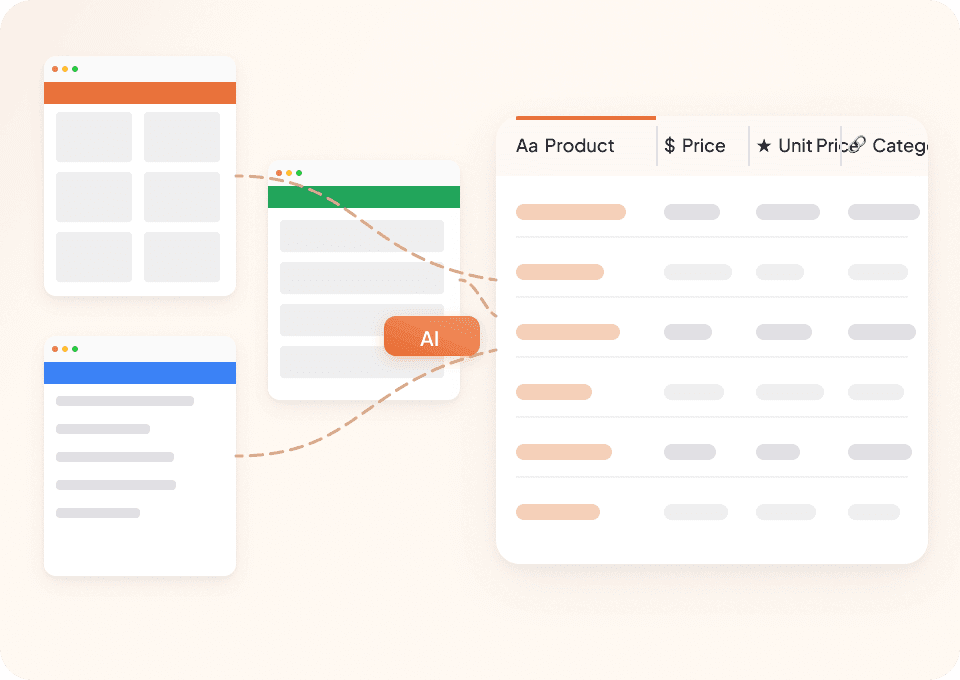
能適應 Tesco 的網站變動
厭倦了 Tesco 每次改版,爬蟲就壞掉嗎?Thunderbit 讀懂的是頁面背後的語意,而不只是固定的 CSS 選擇器,因此即使 Tesco 調整版面,您依然能拿到商品名稱、價格與成分資訊,不必重新重做。

不只抓 Tesco,任何網站都能抓
何必為每個網站都換一套工具?Thunderbit 不只適用於 Tesco,任何網站都能用。內建 50+ 範本,您可以先抓 Tesco 的優惠說明,之後再無縫切換到其他零售網站——一套工具就能涵蓋整個研究流程。
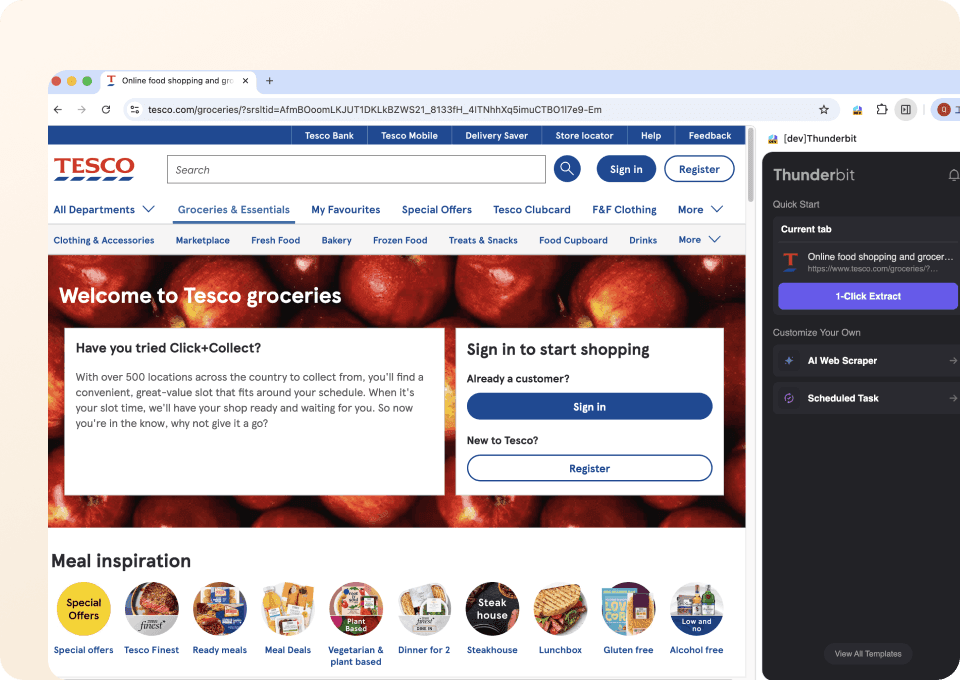
兩下點擊就能抓取 Tesco
不用寫程式,也不用設定。只要把游標移到 Tesco 網站上的商品名稱、價格或單價,然後點一下,Thunderbit 就會自動找出整個頁面中符合的資料欄位並全部擷取。抓資料可以這麼簡單。
Thunderbit 和傳統 Tesco 爬蟲有什麼不同?
Thunderbit 能適應 Tesco 的動態版面,只要幾下點擊就能完成資料擷取。
傳統爬蟲
舊式做法Thunderbit
更聰明的做法






常見問題
相關 使用案例
探索 Thunderbit 網頁爬蟲的更多使用情境。

DIASPORA Co. 爬蟲
Thunderbit DIASPORA Co. 爬蟲可協助你擷取 DIASPORA Co. 商品與組合包的詳細資料。透過 AI 智慧欄位建議,快速收集商品名稱、價格、庫存、圖片與網址,方便分析或研究。非常適合行銷人員、研究者與零售商取得結構化的 DIASPORA Co. 數據。
深入了解 ->
Apotea 爬蟲
Thunderbit Apotea 爬蟲可協助你從 Apotea 擷取商品資料,包含最新上架商品與完整 SKU 資訊。透過 AI 智慧欄位建議,快速收集商品名稱、價格、描述、圖片、EAN 條碼及分類,方便進行分析或研究。非常適合電商從業者、行銷人員與研究人員取得結構化的 Apotea 商品數據。
深入了解 ->
Druni 爬蟲
Thunderbit Druni 爬蟲讓你能夠從 Druni 官網擷取完整的商品資訊,包括美妝產品列表及各別 SKU。透過 AI 智能欄位建議,快速收集商品名稱、價格、品牌、評分、圖片與庫存狀態,方便後續分析或比價。
深入了解 ->
Daiso Mall 爬蟲
Thunderbit Daiso Mall 爬蟲讓你能夠批量擷取 Daiso Mall 的商品資料,無論是大量訂購頁面還是單一 SKU 頁面都能輕鬆處理。透過 AI 智能欄位建議,快速收集商品名稱、價格、評分、評論及圖片,方便後續分析或研究。非常適合電商經營者、行銷人員與研究人員取得結構化的 Daiso Mall 數據。
深入了解 ->
Tutti 爬蟲
Thunderbit 推出的 Tutti 爬蟲,讓你能夠從 Tutti.ch 的商品列表及單一商品頁面擷取結構化資料。透過 AI 智能欄位建議,快速收集商品名稱、價格、描述、圖片、地點與上架日期,方便進行分析或庫存管理。非常適合電商業者、行銷人員與研究人員,有系統地整理 Tutti 資料。
深入了解 ->
PcComponentes 爬蟲
Thunderbit PcComponentes 爬蟲讓你輕鬆擷取 PcComponentes 上的詳細商品資料,包括商品列表、價格、評分與規格。透過 AI 智慧欄位建議,快速收集結構化資訊,方便分析、研究或價格監控。非常適合電商從業者、行銷人員及科技愛好者使用。
深入了解 ->準備好大幅提升你的資料擷取效率了嗎?
加入 200,000+ 位已使用 Thunderbit 自動化網頁爬取流程的專業人士。
免費試用可用於 8 個網頁,且提供無限額度。



