










免自訂爬蟲,直接蒐集公開 Telegram 貼文
擷取公開頻道畫面、研究相關來源,並在有新訊息時持續追蹤。
把開啟的頻道直接轉成表格
One Click Extract 無需先進行頁面映射,就能辨識公開 Telegram 頁面上可見的訊息文字、使用者名稱、時間戳記、反應與媒體資訊。
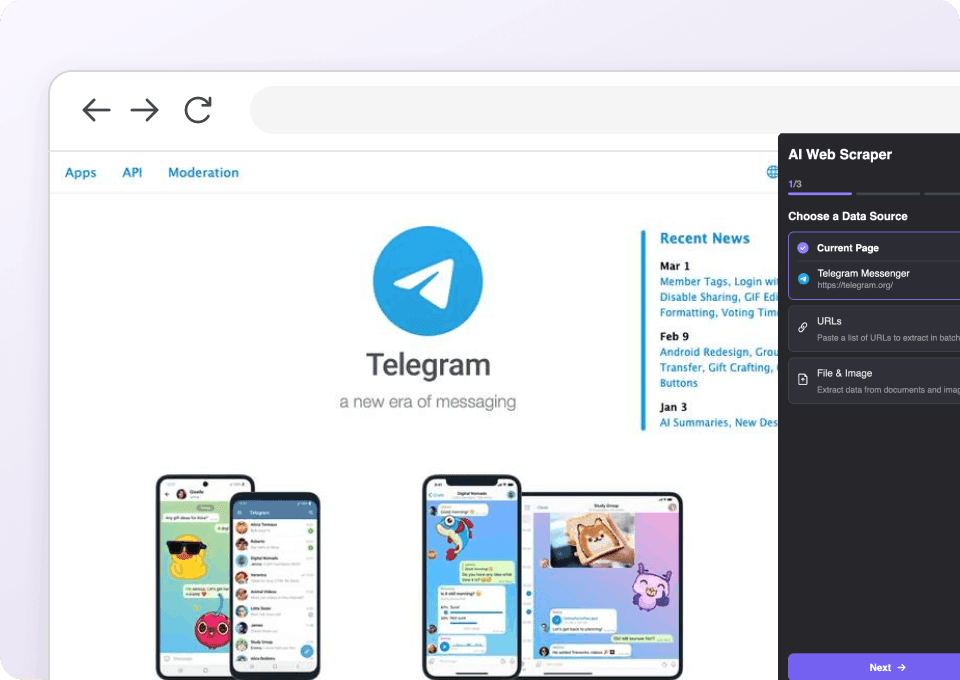
從 Telegram 延伸到相關網站
Thunderbit 也可用於頻道分享的公開頁面。您可以用同一套流程處理訊息存檔,並繼續研究您想追蹤的外部來源。
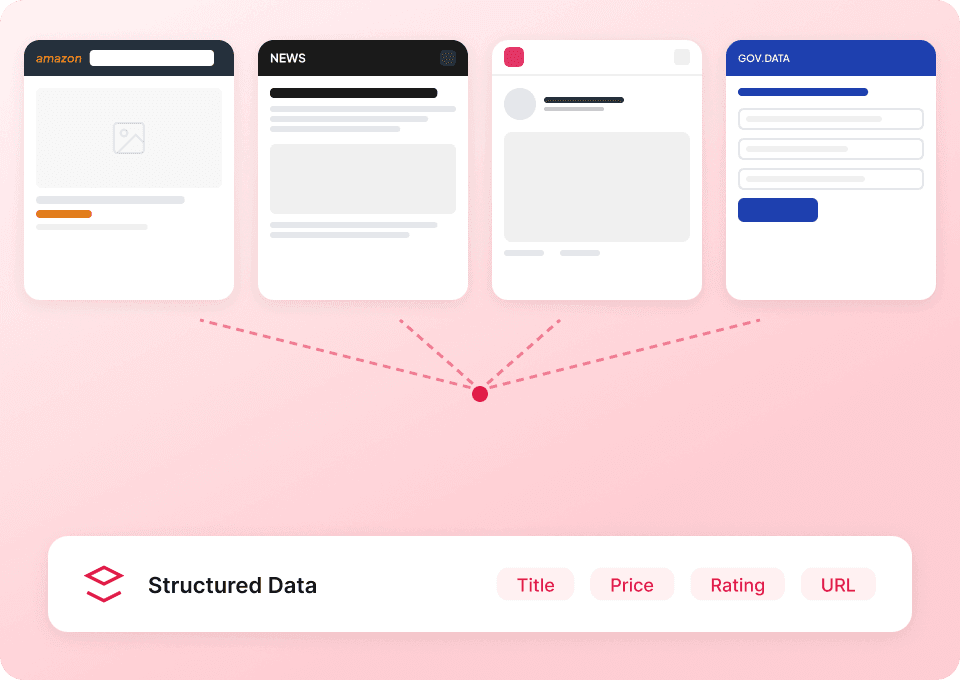
排程更新的頻道快照
可為您要監控的公開頻道設定定期執行。新增的可見訊息、時間戳記、瀏覽數或反應,都能直接送到試算表,不必每次重新開啟頻道。

告別公開頻道爬取背後的維護成本
Telegram 頁面會隨著貼文和媒體累積而持續變動。Thunderbit 會替您處理瀏覽器中可見的結構。
手工打造的頻道擷取
每新增一種內容類型,就要再加一套規則由 AI Agent 整理好的 Telegram 資料列
開啟中的頻道提供上下文公開 Telegram 頻道研究欄位
擷取瀏覽器中可見的頻道、訊息、反應、投票與媒體細節。私人對話、隱藏成員與受限制檔案不包含在內。
- 頻道標題
- 頻道使用者名稱
- 頻道 URL
- 頻道描述
- 訂閱人數
- 頻道驗證狀態
- 討論群組連結
- 訊息 ID
- 訊息 URL
- 訊息日期
- 訊息時間
- 編輯日期
- 訊息文字
- 訊息說明
- 作者簽名
- 傳送者顯示名稱
- 訊息瀏覽數
- 轉發次數
- 回覆數
- 討論串 URL
- 置頂訊息狀態
- 反應表情符號
- 反應數量
- 投票問題
- 投票選項
- 投票總投票數
- 媒體類型
- 照片 URL
- 影片 URL
- 連結預覽 URL
Watch real users hand repetitive browsing to Thunderbit
Their videos show where an AI web scraper fits into day-to-day research and monitoring.








Telegram 爬蟲常見問題
公開頻道資料集能包含什麼,以及它的範圍到哪裡為止。
Research the links shared in Telegram
Use a page-specific scraper for recurring news, product, or community links instead of mixing external claims into the message archive.

Minds 爬蟲
Thunderbit Minds 爬蟲結合 AI 智能欄位建議,協助你從 Minds 動態消息與群組成員中擷取所需資料。無論是貼文標題、作者名稱、按讚數、留言數,還是群組成員資訊,都能快速整理,適用於研究、市場行銷或社群分析。高效導出結構化 Minds 數據,省時又方便。
深入了解 ->
MeWe 爬蟲
Thunderbit MeWe 爬蟲可協助你從 MeWe 用戶個人檔案與群組貼文中擷取資料,並透過 AI 智能欄位建議,快速收集姓名、個人簡介、加入日期、貼文內容、按讚與留言等資訊。無論是行銷、研究還是數據分析,都是行銷人員、研究者與企業取得結構化 MeWe 資料的理想工具。
深入了解 ->
Parler 爬蟲
Thunderbit Parler 爬蟲可協助你從 Parler 搜尋結果與主題標籤清單中提取資料,並透過 AI 智慧欄位建議,快速收集搜尋詞、用戶貼文、標籤、熱門度分數等資訊。無論是市場行銷、學術研究或內容分析,都能輕鬆獲得結構化的 Parler 數據,非常適合行銷人員、研究者與企業使用。
深入了解 ->
Element 爬蟲
Thunderbit Element 爬蟲可協助你從 Element Synapse Admins Room 擷取資料,並透過 AI 智能欄位建議,快速收集訊息 ID、發送者名稱、時間戳、訊息內容及附件,方便後續分析或監控。非常適合開發者、社群管理員及研究人員,輕鬆獲取結構化的 Element 數據。
深入了解 ->
Odnoklassniki 爬蟲
Thunderbit Odnoklassniki 爬蟲可協助你從 Odnoklassniki 群組與遊戲清單中擷取資料,並透過 AI 智慧欄位建議,快速收集群組名稱、簡介、成員數、遊戲資訊、評分等結構化數據。無論是行銷、研究還是商業分析,都是行銷人員、研究者與企業取得 Odnoklassniki 結構化資料的理想工具。
深入了解 ->
Triller 爬蟲
Thunderbit Triller 爬蟲可協助你從 Triller 部落格頁面與創作者社群檔案中擷取資料。透過 AI 智慧欄位建議,快速收集文章標題、發佈日期、作者名稱、創作者簡介及粉絲數,無論是用於研究、市場行銷或數據分析都非常方便。
深入了解 ->準備好大幅提升你的資料擷取效率了嗎?
加入 200,000+ 位已使用 Thunderbit 自動化網頁爬取流程的專業人士。
免費試用可用於 8 個網頁,且提供無限額度。



