Pinterest 圖釘、看板、創作者與連結爬蟲










整理圖釘、看板、創作者與連結
選擇可見欄位、必要時打開圖釘頁面,並重新檢視指定畫面。
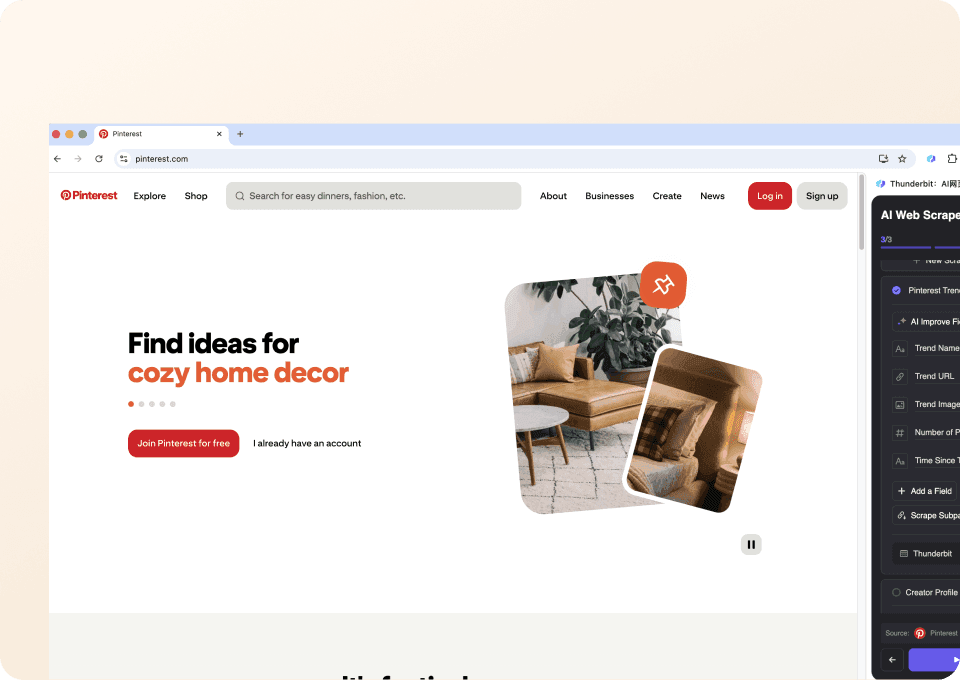
一鍵擷取圖釘細節
One Click Extract 會根據目前頁面自動建議欄位。若開啟圖釘連結訪問,可補上預覽中沒有的描述或目的地連結。
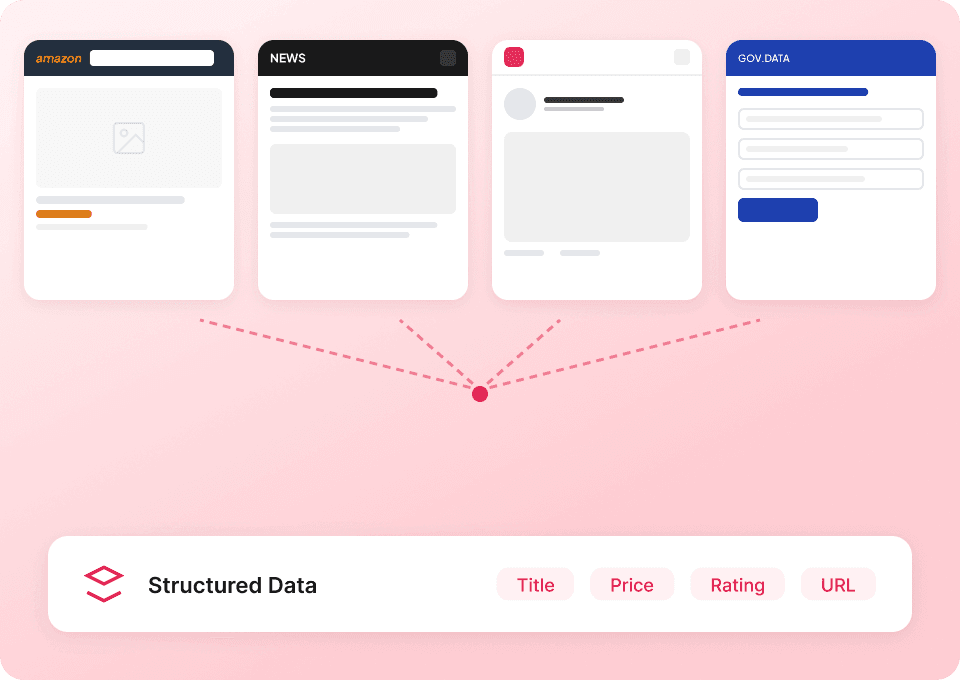
因應 Pinterest 頁面變動
你可以直接描述想保留的創作者、看板、網域或互動細節。當 Pinterest 呈現不同頁面結構時,也能隨時調整需求。
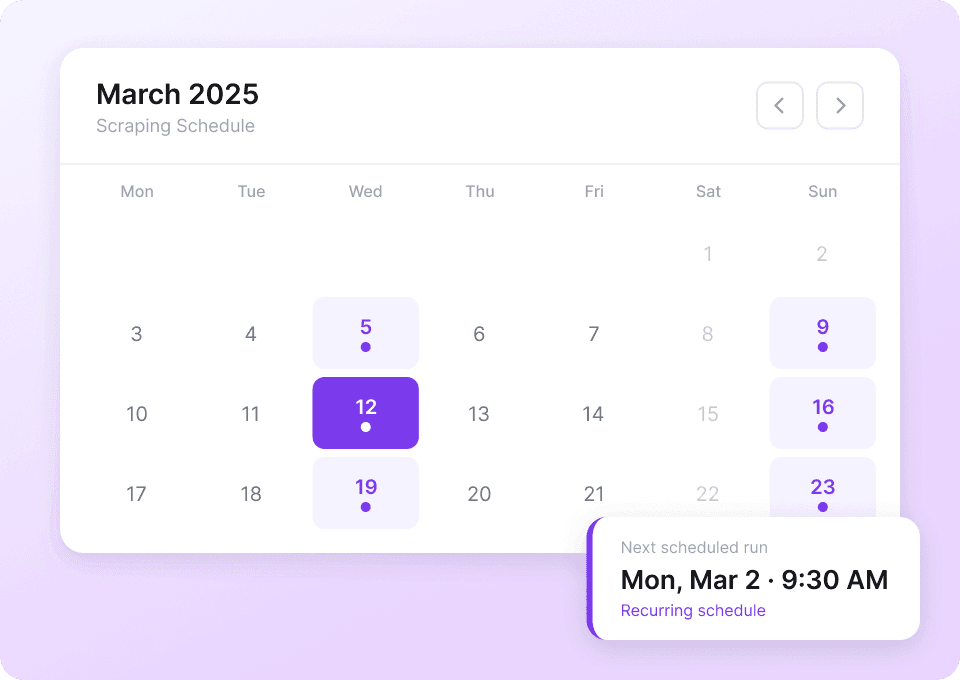
重新整理追蹤中的 Pinterest 頁面
當你需要新的可見快照時,可以排程再次執行指定頁面。每次執行都能直接輸出到你選定的表格。
保留圖釘到看板的脈絡:人工維護 vs Agent Mode
當創作者、看板與目的地資訊需要一起保留時,能大幅減少重工。
複製貼上或固定選擇器
團隊最容易卡住的地方Agent Mode 執行
實際改善了什麼從圖片到目的地,完整追蹤每個可見圖釘
每一列只會填入你目前 Pinterest 畫面中可見的圖釘、看板、創作者與連結頁面資訊。
- 圖釘標題
- 圖釘描述
- 圖釘 URL
- 圖片 URL
- 影片 URL
- 影片時長
- 收藏數
- 留言數
- 目的地 URL
- 目的地網域
- 圖釘 ID(來自 URL)
- 看板名稱
- 看板 URL
- 看板描述
- 看板追蹤者數
- 看板圖釘數
- 看板擁有者使用者名稱
- 看板分區名稱
- 創作者顯示名稱
- 創作者使用者名稱
- 創作者個人檔案 URL
- 創作者頭像 URL
- 個人簡介
- 個人追蹤者數
- 個人正在追蹤數
- 個人網站
- 個人所在地
- 創作者已驗證
- 商品價格
- 食譜烹調時間
See visual research become a working dataset
In real videos, Thunderbit users select page details and check a visual research table before export.





圖釘與情境對應:常見問題
說明執行時如何訪問頁面、挑選欄位,以及如何以你看得到的內容為準。
Map visual ideas beyond Pinterest
Connect visible creators, work, and links on Etsy, Behance, Dribbble, or other visual pages.

白頁爬蟲
Thunderbit White Pages 爬蟲結合 AI 智能欄位建議,讓你輕鬆從 White Pages 電話與商業名錄中擷取資料。無論是名單開發、行銷推廣或市場研究,只需幾下點擊,即可收集姓名、電話、地址與網站網址。
了解更多 ->
BestPrice GR 網頁爬蟲
Thunderbit 的人工智慧 BestPrice GR 網頁爬蟲,讓你只需幾下點擊就能從 BestPrice.gr 擷取商品清單、價格及詳細資訊。無論是銷售、行銷還是電商團隊,都能快速高效地獲取結構化資料。
了解更多 ->
PeopleWhiz 爬蟲
Thunderbit PeopleWhiz 爬蟲讓您透過 AI 欄位建議,從 PeopleWhiz 搜尋結果與個人檔案中擷取資料。快速蒐集姓名、聯絡資訊、地點等內容,適用於研究、行銷或開發潛在客戶。將 PeopleWhiz 資料迅速且高效地轉換為結構化資料集。
了解更多 ->
HKTVmall 爬蟲
只需 2 次點擊,即可從 HKTVmall 商品列表中擷取商品名稱、價格、評分等資訊,完全不需要寫程式。可直接匯出到 Excel、Google Sheets 或 Notion,把 HKTVmall 資料轉化為可行動的洞察。
了解更多 ->
People-Search 爬蟲
Thunderbit People-Search 爬蟲可協助你從 People-Search 個人檔案及反向電話查詢頁面擷取結構化資料。透過 AI 智能欄位建議,快速收集姓名、地點、電話、電子郵件等資訊,無論是用於研究、市場行銷或名單開發都非常合適。特別適合需要公開紀錄與聯絡方式的行銷人員、研究人員及企業。
了解更多 ->
DialIndia 爬蟲
Thunderbit 的 DialIndia 爬蟲可協助你從 DialIndia 的商業檔案與旅遊目錄中,透過 AI 智慧欄位建議,快速擷取商家名稱、聯絡資料、地點與描述。不論是市場調查、行銷推廣或名單開發,都能輕鬆完成。
了解更多 ->準備好強化你的資料擷取了嗎?
加入 200,000+ 已在使用 Thunderbit 自動化網頁爬取流程的專業人士行列。
免費試用提供 8 個網頁的無限額度。



