Kmart 澳洲爬蟲










輕鬆擷取 Kmart Australia 商品資料
輕鬆抓取 Kmart Australia 的商品名稱、價格、評分等資訊。
擷取 Kmart Australia——也適用於其他網站
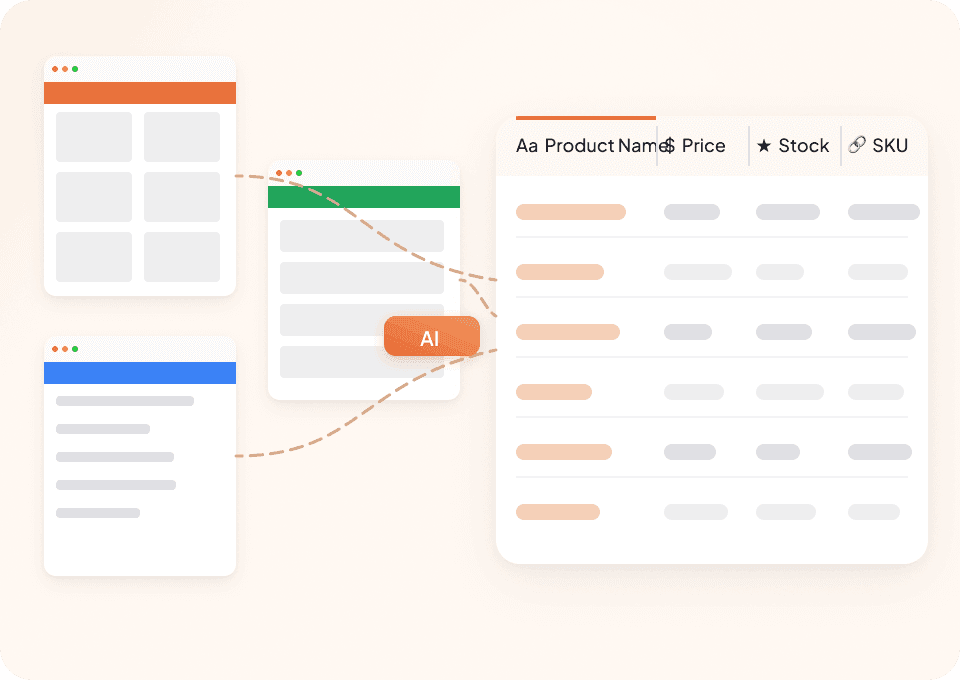
為什麼每個網站都要用不同的爬蟲?Thunderbit 開箱即可用於 Kmart Australia 以及任何其他網站。需要從多個來源抓取商品名稱、價格和評論數嗎?您可以使用我們 50+ 個預建範本,或透過點選操作教 Thunderbit 學會如何擷取任何網站。
匯出 Kmart Australia 資料——免去複製貼上
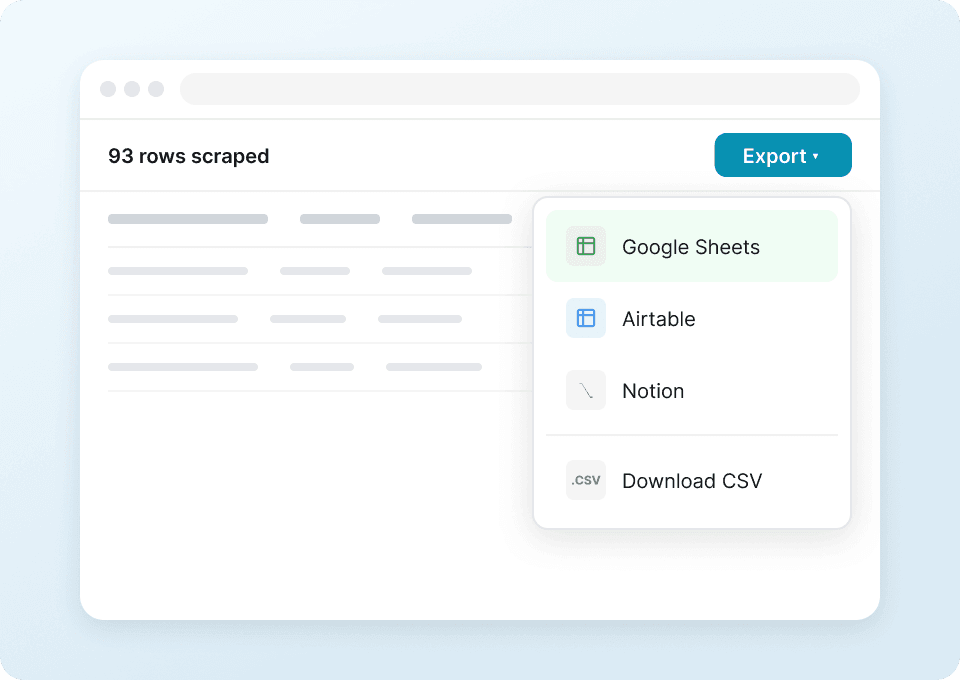
厭倦了手動搬運 Kmart Australia 的商品資料嗎?Thunderbit 讓繁瑣的複製貼上徹底消失。您可以先擷取商品編號、評分與原價等資料,再用 2 次點擊直接送到 Google Sheets、Notion、Airtable 或 Excel。讓您的工作流程更順暢、更有效率。
自動化 Kmart Australia 資料蒐集
Kmart Australia 的商品價格和評分經常變動,手動查看只是在浪費時間。使用 Thunderbit 設定排程擷取,即可定期自動收集商品名稱、價格與評論數資料。讓最新資料自動送到您的試算表,完全不需要人工操作。

為什麼 Thunderbit 和傳統 Kmart Australia 爬蟲不同?
即使 Kmart 網站改版,也能快速又輕鬆地擷取資料。
傳統爬蟲
舊式做法Thunderbit AI
更聰明的作法







常見問題
相關 使用案例
探索 Thunderbit 網頁爬蟲的更多使用情境。

DIASPORA Co. 爬蟲
Thunderbit DIASPORA Co. 爬蟲可協助你擷取 DIASPORA Co. 商品與組合包的詳細資料。透過 AI 智慧欄位建議,快速收集商品名稱、價格、庫存、圖片與網址,方便分析或研究。非常適合行銷人員、研究者與零售商取得結構化的 DIASPORA Co. 數據。
深入了解 ->
Apotea 爬蟲
Thunderbit Apotea 爬蟲可協助你從 Apotea 擷取商品資料,包含最新上架商品與完整 SKU 資訊。透過 AI 智慧欄位建議,快速收集商品名稱、價格、描述、圖片、EAN 條碼及分類,方便進行分析或研究。非常適合電商從業者、行銷人員與研究人員取得結構化的 Apotea 商品數據。
深入了解 ->
Druni 爬蟲
Thunderbit Druni 爬蟲讓你能夠從 Druni 官網擷取完整的商品資訊,包括美妝產品列表及各別 SKU。透過 AI 智能欄位建議,快速收集商品名稱、價格、品牌、評分、圖片與庫存狀態,方便後續分析或比價。
深入了解 ->
Daiso Mall 爬蟲
Thunderbit Daiso Mall 爬蟲讓你能夠批量擷取 Daiso Mall 的商品資料,無論是大量訂購頁面還是單一 SKU 頁面都能輕鬆處理。透過 AI 智能欄位建議,快速收集商品名稱、價格、評分、評論及圖片,方便後續分析或研究。非常適合電商經營者、行銷人員與研究人員取得結構化的 Daiso Mall 數據。
深入了解 ->
Tutti 爬蟲
Thunderbit 推出的 Tutti 爬蟲,讓你能夠從 Tutti.ch 的商品列表及單一商品頁面擷取結構化資料。透過 AI 智能欄位建議,快速收集商品名稱、價格、描述、圖片、地點與上架日期,方便進行分析或庫存管理。非常適合電商業者、行銷人員與研究人員,有系統地整理 Tutti 資料。
深入了解 ->
PcComponentes 爬蟲
Thunderbit PcComponentes 爬蟲讓你輕鬆擷取 PcComponentes 上的詳細商品資料,包括商品列表、價格、評分與規格。透過 AI 智慧欄位建議,快速收集結構化資訊,方便分析、研究或價格監控。非常適合電商從業者、行銷人員及科技愛好者使用。
深入了解 ->準備好大幅提升你的資料擷取效率了嗎?
加入 200,000+ 位已使用 Thunderbit 自動化網頁爬取流程的專業人士。
免費試用可用於 8 個網頁,且提供無限額度。



