Kaufland.de 爬蟲










輕鬆解鎖 Kaufland.de 資料
不用寫程式,也不用複雜設定,就能輕鬆擷取 Kaufland.de 的商品資料。
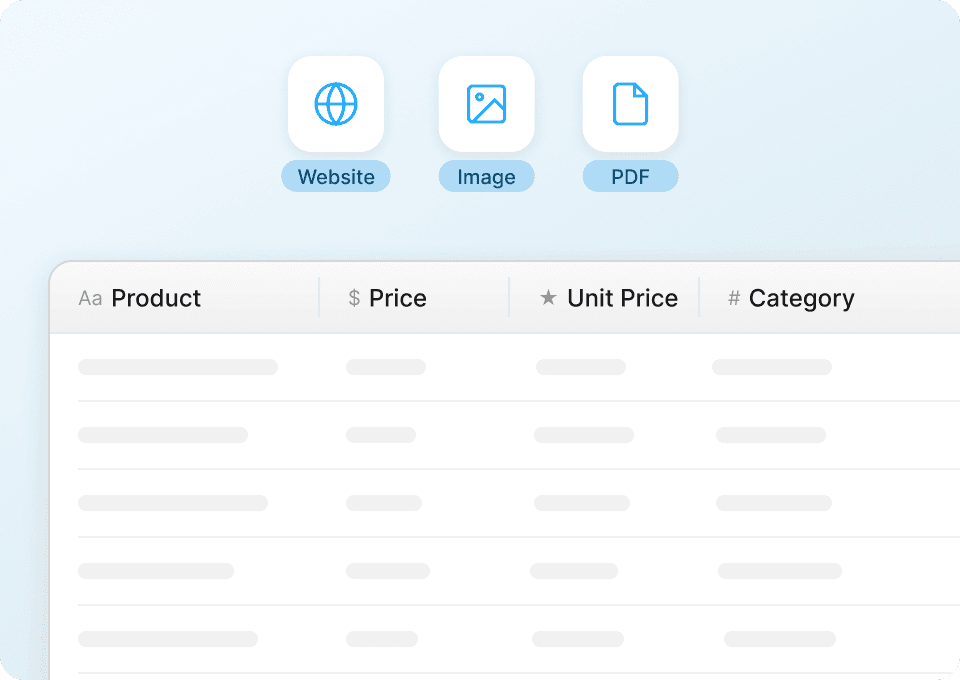
取得乾淨、可直接使用的 Kaufland.de 商品資料
原始資料往往雜亂無章。Thunderbit 會自動清理並結構化從 Kaufland.de 擷取到的內容,讓商品名稱、價格、品牌與分類一到手就能直接使用。您可以省下手動整理的時間,直接匯出到 Google Sheets、Notion 或 Airtable,立刻開始分析庫存狀態與價格趨勢。
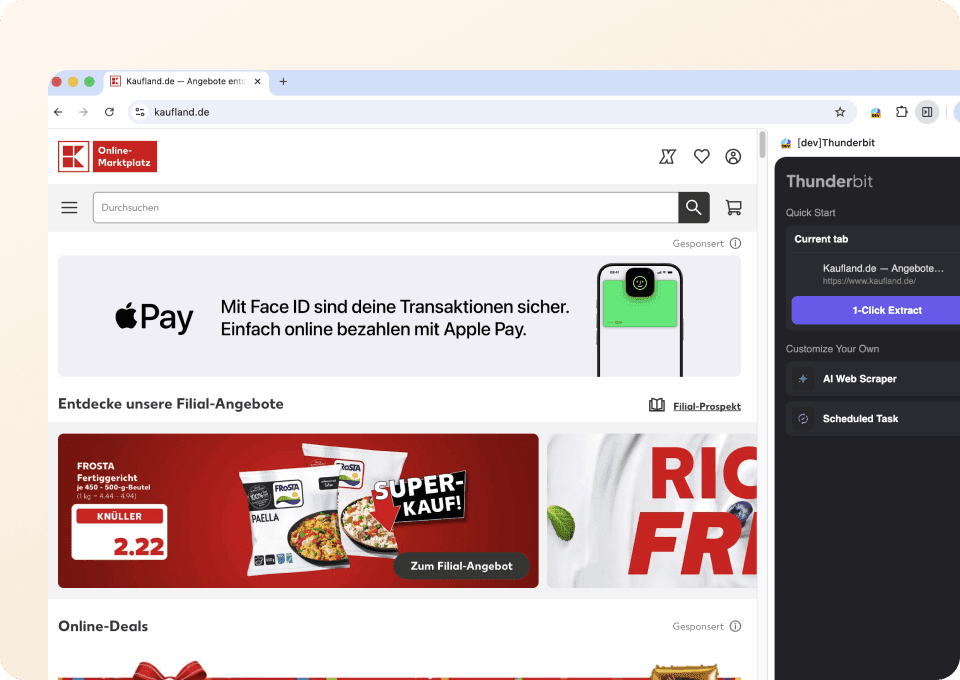
只要兩下點擊就能完成擷取
手動複製 Kaufland.de 的商品細節實在太耗時。使用 Thunderbit 時,您只要點選商品名稱、價格或任何需要的欄位,剩下的交給 AI 處理即可。只需兩下點擊,就能抓取折扣價、品牌、分類等更多資料,不需要寫程式,也不用碰 CSS 選擇器。
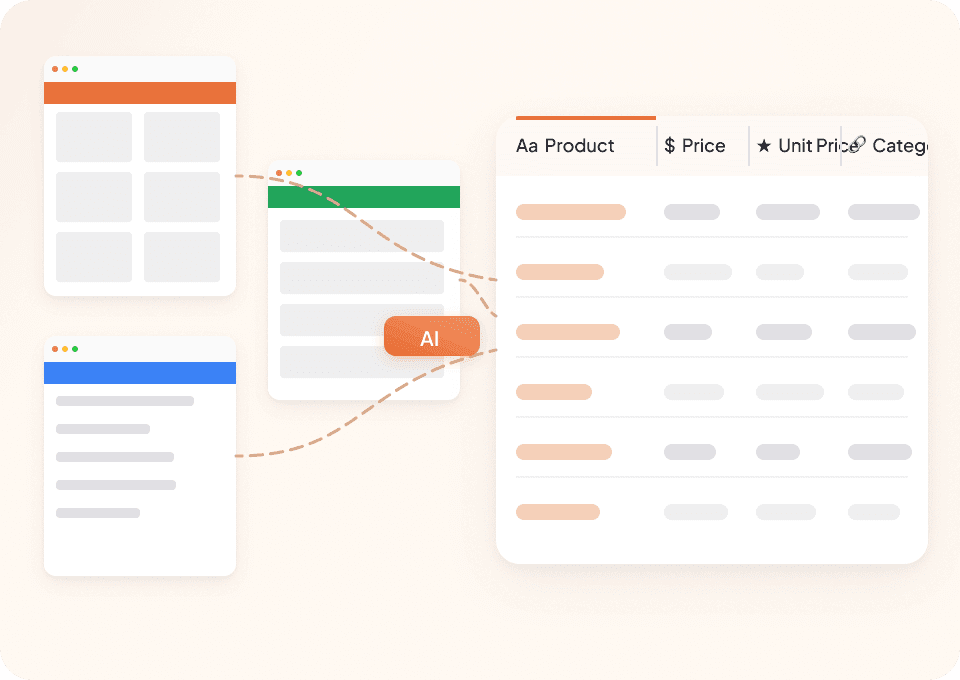
一個爬蟲,適用任何網站
何必為每個網站分別準備不同工具?Thunderbit 不只適用 Kaufland.de,也能用在數百個其他平台上。透過 50 多個預建範本,您可以立即開始抓取熱門網站。而且因為 Thunderbit 能自動適應各種頁面結構,無論是 Kaufland.de 商品列表,還是其他網站上的商品資料,您都能輕鬆擷取到想要的內容。
Thunderbit 和傳統 Kaufland.de 爬蟲有什麼不同?
用 AI 爬取 Kaufland.de,輕鬆取得商品資料。
傳統爬蟲
舊式做法Thunderbit AI
更聰明的做法







常見問題
相關 使用案例
探索 Thunderbit 網頁爬蟲的更多使用情境。

DIASPORA Co. 爬蟲
Thunderbit DIASPORA Co. 爬蟲可協助你擷取 DIASPORA Co. 商品與組合包的詳細資料。透過 AI 智慧欄位建議,快速收集商品名稱、價格、庫存、圖片與網址,方便分析或研究。非常適合行銷人員、研究者與零售商取得結構化的 DIASPORA Co. 數據。
深入了解 ->
Apotea 爬蟲
Thunderbit Apotea 爬蟲可協助你從 Apotea 擷取商品資料,包含最新上架商品與完整 SKU 資訊。透過 AI 智慧欄位建議,快速收集商品名稱、價格、描述、圖片、EAN 條碼及分類,方便進行分析或研究。非常適合電商從業者、行銷人員與研究人員取得結構化的 Apotea 商品數據。
深入了解 ->
Druni 爬蟲
Thunderbit Druni 爬蟲讓你能夠從 Druni 官網擷取完整的商品資訊,包括美妝產品列表及各別 SKU。透過 AI 智能欄位建議,快速收集商品名稱、價格、品牌、評分、圖片與庫存狀態,方便後續分析或比價。
深入了解 ->
Daiso Mall 爬蟲
Thunderbit Daiso Mall 爬蟲讓你能夠批量擷取 Daiso Mall 的商品資料,無論是大量訂購頁面還是單一 SKU 頁面都能輕鬆處理。透過 AI 智能欄位建議,快速收集商品名稱、價格、評分、評論及圖片,方便後續分析或研究。非常適合電商經營者、行銷人員與研究人員取得結構化的 Daiso Mall 數據。
深入了解 ->
Tutti 爬蟲
Thunderbit 推出的 Tutti 爬蟲,讓你能夠從 Tutti.ch 的商品列表及單一商品頁面擷取結構化資料。透過 AI 智能欄位建議,快速收集商品名稱、價格、描述、圖片、地點與上架日期,方便進行分析或庫存管理。非常適合電商業者、行銷人員與研究人員,有系統地整理 Tutti 資料。
深入了解 ->
PcComponentes 爬蟲
Thunderbit PcComponentes 爬蟲讓你輕鬆擷取 PcComponentes 上的詳細商品資料,包括商品列表、價格、評分與規格。透過 AI 智慧欄位建議,快速收集結構化資訊,方便分析、研究或價格監控。非常適合電商從業者、行銷人員及科技愛好者使用。
深入了解 ->準備好大幅提升你的資料擷取效率了嗎?
加入 200,000+ 位已使用 Thunderbit 自動化網頁爬取流程的專業人士。
免費試用可用於 8 個網頁,且提供無限額度。



