
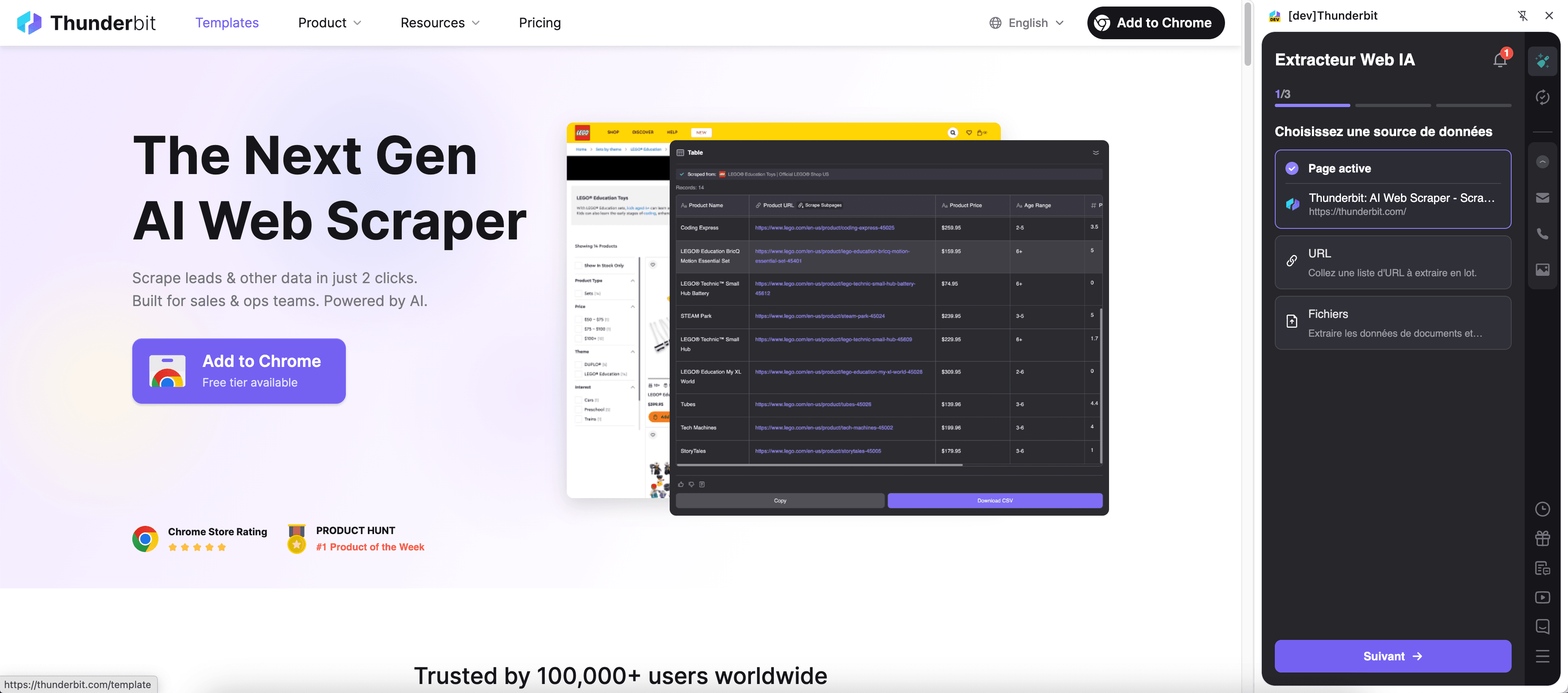
Thunderbit’s Product Info Scraper helps you turn messy e-commerce pages into clean, structured product datasets using AI. You can extract product titles, prices, ratings, SKUs, images, and more from listing pages and product detail pages, then export to Excel, Google Sheets, Airtable, or Notion. With AI Suggest Fields, pagination support, and subpage scraping for enrichment, you can go from browsing to analysis in minutes.
🛍️ What is Product Info Scraper
Product Info Scraper is an AI Web Scraper built for e-commerce research and operations. With Thunderbit, you simply open a product listing or search results page, click AI Suggest Fields, then click Scrape to extract structured data.
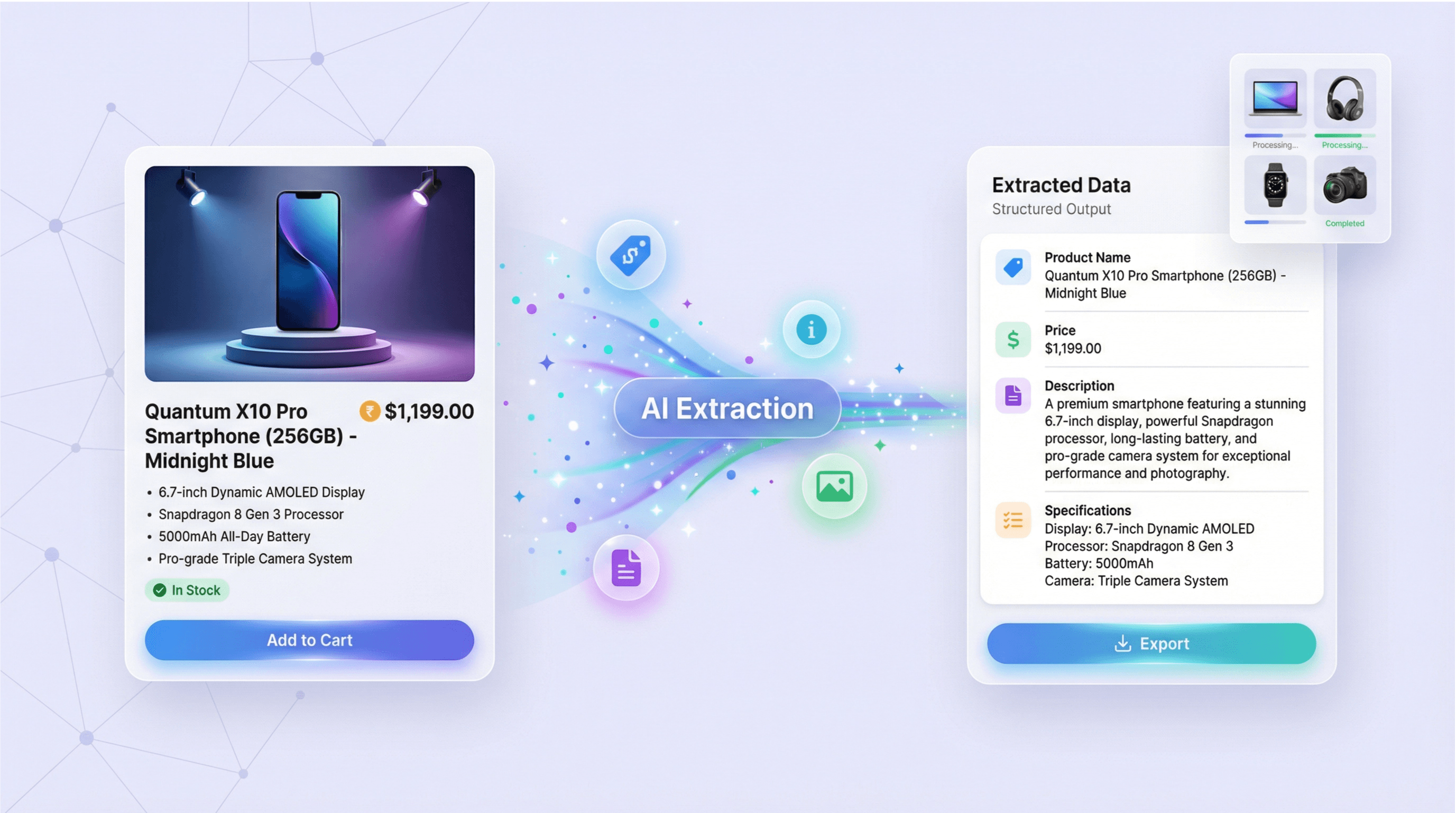
It’s designed for real-world workflows like competitor tracking, catalog building, and price monitoring across marketplaces such as Amazon, eBay, and Walmart. Thunderbit’s AI reads the page layout and outputs a table you can export instantly.
🧾 What can you scrape with Product Info Scraper
You can scrape both listing pages (search results, category pages) and product detail pages (PDPs). Thunderbit also supports pagination scraping (click pagination and infinite scroll) and subpage scraping to open each product and enrich your dataset with deeper attributes.
🟠 Scrape Amazon Product Data Extraction
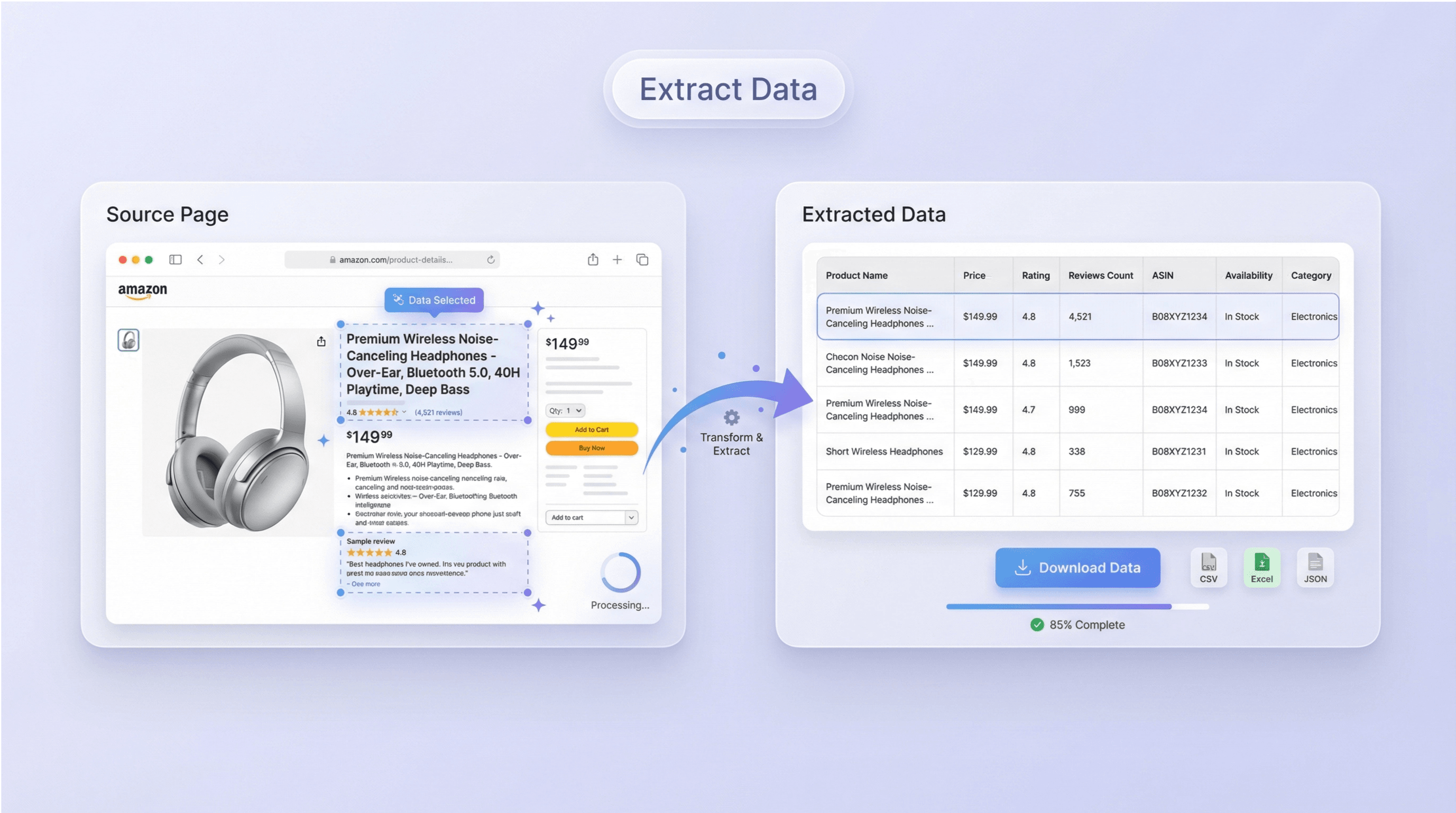
Use this workflow to extract structured product data from an Amazon search results page like:
Amazon search results for “scraper”
This is useful when you need a fast dataset of products for competitive research, keyword research, assortment analysis, or ad planning.
Steps:
- Download the Thunderbit Chrome Extension and register an account.
- Go to the destination page, for example: Amazon search results.
- Click AI Suggest Columns, which recommends column names and data types.
- Click Scrape to run the scraper, then download or export your data.
Column names
| Column | Description |
|---|---|
| 🏷️ Product Title | The product name shown in the listing card. |
| 🌐 Product URL | The direct link to the product detail page. |
| 💲 Price | The current listed price (when available). |
| 🧾 List Price / Discount | Any crossed-out price, coupon, or discount messaging if present. |
| ⭐ Rating | Average star rating displayed on the listing. |
| 🧑🤝🧑 Review Count | Number of reviews shown for the product. |
| 🚚 Shipping / Delivery | Delivery estimate, Prime badge, or shipping notes when visible. |
| 🏪 Seller / Brand | Brand name or seller info shown on the card (varies by layout). |
| 🖼️ Image URL | Main product image link for cataloging or reporting. |
| 🆔 ASIN | Amazon’s product identifier when detectable from the page or subpage. |
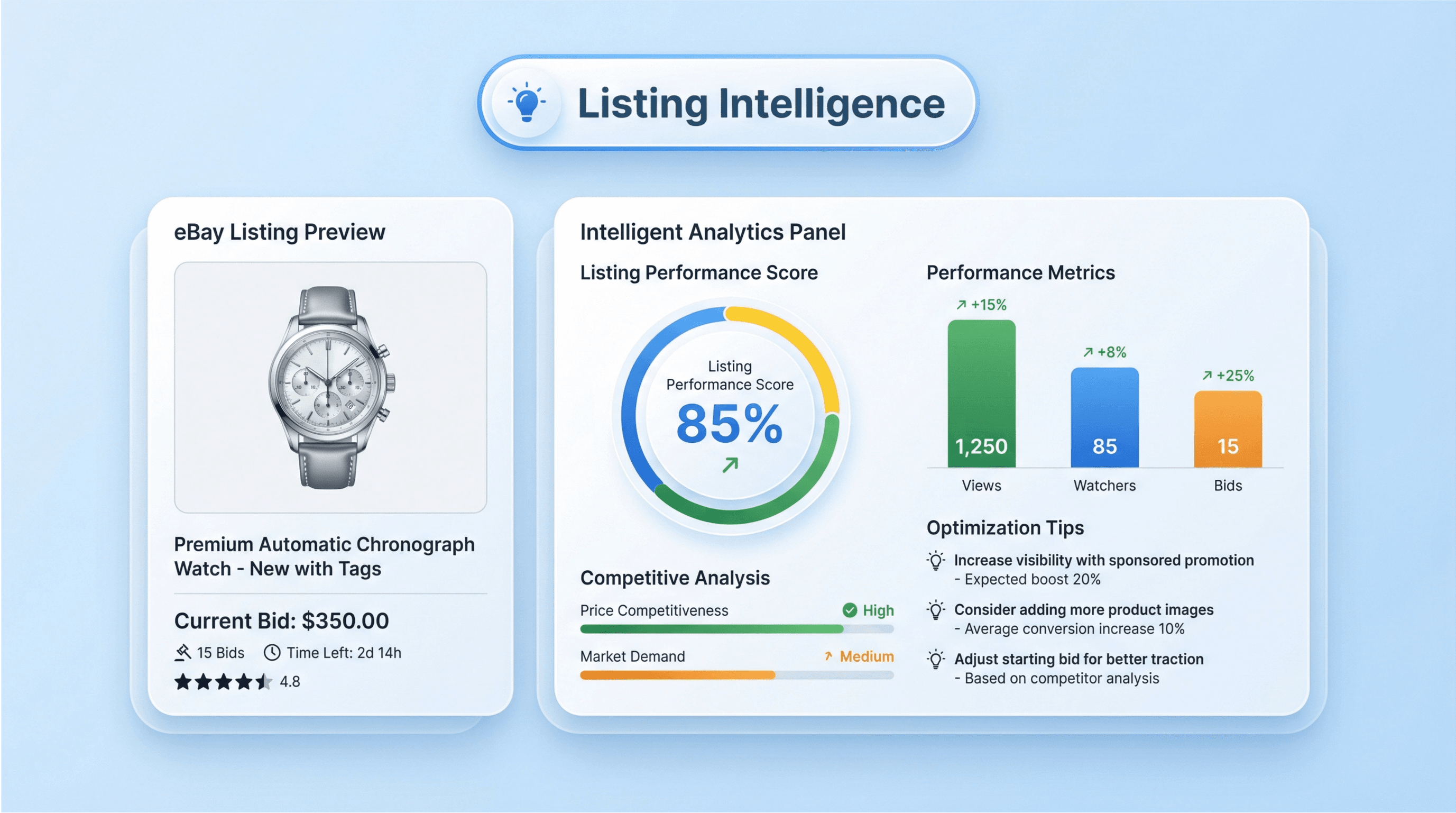
🟦 Scrape eBay Listing Intelligence
Use this workflow to build a dataset from eBay search/category results and analyze pricing, condition mix, seller signals, and listing velocity. This is commonly used for resale research, competitor benchmarking, and market mapping.
Steps:
- Download the Thunderbit Chrome Extension and register an account.
- Go to the destination page, for example: an eBay search results page (category or keyword results).
- Click AI Suggest Columns, which recommends column names and data types.
- Click Scrape to run the scraper, then download or export your data.
Column names
| Column | Description |
|---|---|
| 🏷️ Listing Title | The title of the eBay listing. |
| 🌐 Listing URL | The link to the listing detail page. |
| 💲 Price | The current listing price. |
| 📦 Shipping Cost | Shipping fee or shipping label text (e.g., free shipping). |
| 🏷️ Condition | Condition label such as New, Used, Pre-owned, Refurbished. |
| 🧑💼 Seller Name | Seller store/name when shown on the results page or subpage. |
| ⭐ Seller Rating | Seller feedback score/percent when available. |
| ⏳ Time Left | Auction time remaining (for auction-style listings). |
| 🛒 Buy It Now | Whether the listing is Buy It Now vs auction (when detectable). |
| 🖼️ Image URL | Main listing image for analysis or cataloging. |
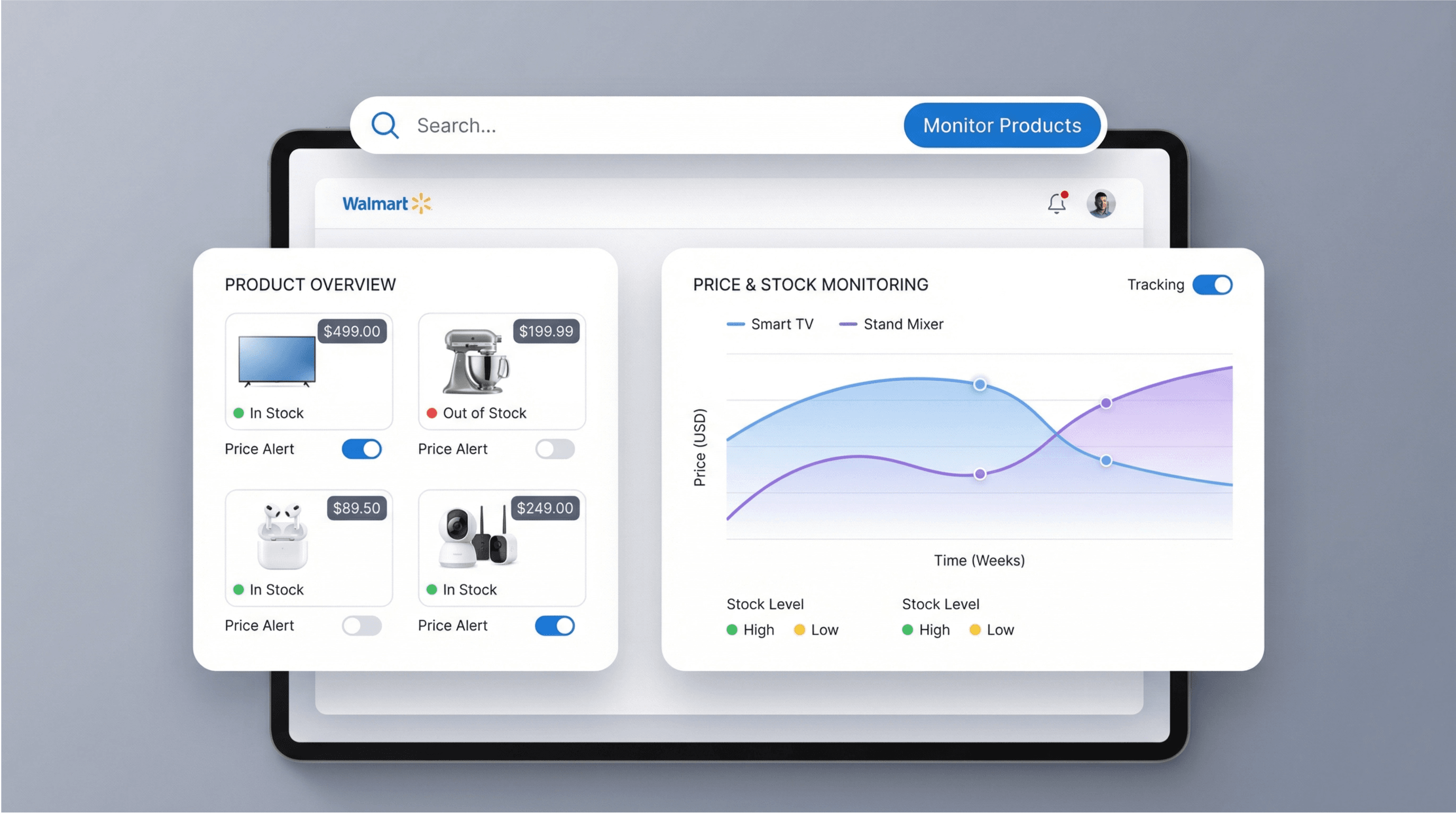
🟡 Scrape Walmart Product Monitoring
Use this workflow to monitor product listings over time for price changes, availability, and assortment shifts. You can scrape a listing page, then use Scheduled Scraper to re-run it on a cadence for ongoing monitoring.
Example listing-style page to scrape:
eBay search results for “Hermès”
Steps:
- Download the Thunderbit Chrome Extension and register an account.
- Go to the destination page, for example: a Walmart category page, search results page, or a marketplace listing page.
- Click AI Suggest Columns, which recommends column names and data types.
- Click Scrape to run the scraper, then download or export your data.
Column names
| Column | Description |
|---|---|
| 🏷️ Product Name | The product title shown on the listing page. |
| 🌐 Product URL | Link to the product detail page for enrichment. |
| 💲 Current Price | The current price displayed. |
| 🧾 Was Price / Rollback | Any previous price, rollback, or promo label when present. |
| 📦 Availability | In stock/out of stock or delivery/pickup availability text. |
| ⭐ Rating | Star rating shown on the listing. |
| 🧑🤝🧑 Review Count | Number of reviews shown. |
| 🏪 Seller | Seller/marketplace merchant when visible. |
| 🆔 SKU / Item ID | Walmart item identifier when detectable (often via subpage). |
| 🖼️ Image URL | Main product image link. |
📈 Why Use Product Info Scraper Tool
When product data lives across multiple marketplaces, manual copy/paste becomes slow and inconsistent. With Thunderbit’s AI Web Scraper (https://thunderbit.com/), you can standardize product data into a single table and keep it updated.
Common reasons you might scrape product info:
- E-commerce operators: Track competitor pricing, promos, and availability across Amazon/eBay/Walmart, then export to Google Sheets for weekly reporting.
- Sales teams: Build lead lists of sellers/brands and enrich them with subpage scraping for store details.
- Marketing teams: Collect product titles, images, and review counts to inform positioning, creative briefs, and keyword strategy.
- Analysts & researchers: Create datasets for market mapping, price distribution analysis, and assortment comparisons.
- Real estate and other verticals: Use the same AI approach to scrape any structured or semi-structured listings, not just products.
Thunderbit is especially helpful when:
- The page layout changes often (AI adapts without you rebuilding selectors)
- You need pagination scraping across many result pages
- You want subpage scraping to enrich each row with details from the product page
🧩 How to Use Product Info Scraper Chrome Extension
- Install the Thunderbit Chrome Extension: Get it from the Chrome Web Store and create your account on Thunderbit.
- Navigate to an Amazon, eBay, or Walmart page: Open a listing/search page such as Amazon search results or an eBay results page like this example.
- Activate AI-Powered Scraper: Click AI Suggest Columns to generate fields, then adjust column names and data types if needed (Text, Number, Date, URL, Image, Email, Phone).
- Scrape, enrich, and export: Click Scrape. If you need deeper attributes, use Scrape Subpages to visit each product URL and append more columns. Export to Excel, Google Sheets, Airtable, or Notion.
Helpful reading if you’re building a repeatable workflow:
- How to Scrape Any Website Using AI
- How to Scrape Website Data into Excel using AI
- What Is List Crawling and How to Do It Using AI
- What Is Data Scraping and How to Do It in 2025
- How To Scrape Amazon Products and Reviews in 2025 using AI
💳 Pricing for Product Info Scraper
Thunderbit uses a simple credit system:
- 1 credit = 1 output row in your results table
- Exporting your data (CSV/JSON, Excel, Google Sheets, Airtable, Notion) is free
You can start without a paid plan:
- Free tier includes 6 pages per month
- Free trial lets you scrape 10 pages for free, which is ideal for testing Amazon/eBay/Walmart workflows before committing
For ongoing scraping (like weekly competitor checks or daily price monitoring), you can choose a paid plan. The yearly plan is more cost effective because it includes a discount compared to paying month-to-month.
You can review current options on the Thunderbit Pricing page. In general:
- Starter works well for light research and small catalogs
- Pro tiers fit teams doing frequent pagination scraping, subpage enrichment, and scheduled monitoring
If you plan to monitor prices, consider pairing Product Info Scraper with Scheduled Scraper so your dataset refreshes automatically on a schedule you describe in plain English.
❓ FAQ
-
What is the AI Powered Product Info Scraper?
The AI Powered Product Info Scraper is an AI-driven workflow in Thunderbit that extracts structured product data from e-commerce listing pages and product detail pages. You click AI Suggest Fields to generate columns, then click Scrape to produce a clean table you can export. -
What is Thunderbit?
Thunderbit is an AI Web Scraper Chrome Extension that helps you scrape data from websites, PDFs, and images, then export it to tools like Excel, Google Sheets, Airtable, and Notion. It’s built for business workflows like lead generation, e-commerce operations, and market research, with features like subpage scraping, pagination scraping, and scheduled scraping. -
Can I scrape both listing pages and product detail pages?
Yes. You can scrape a listing page first to capture a product list, then use Scrape Subpages to visit each product URL and enrich your table with details like SKU/ASIN, variants, specs, or seller information. This two-step approach is one of the fastest ways to build a high-quality product dataset. -
How does pagination scraping work for Amazon, eBay, or Walmart?
Thunderbit can handle common pagination patterns, including next-page buttons and infinite scroll layouts. After you set up your columns once, you can scrape multiple pages in a run, which is useful for collecting hundreds of products across a category or keyword. -
What data fields are most common for product research?
Most teams start with product title, price, rating, review count, product URL, and image URL. If you’re doing deeper analysis, add seller/brand, shipping/delivery text, availability, and identifiers like ASIN/SKU, often captured via subpage scraping. -
Can I export to Google Sheets, Airtable, or Notion?
Yes. Thunderbit supports free export to Excel, Google Sheets, Airtable, and Notion, plus CSV and JSON downloads. If you export image fields to Airtable or Notion, Thunderbit can upload images into the workspace’s image library so you can view them directly in your database. -
What’s the difference between Cloud Scraping and Browser Scraping?
Cloud Scraping runs on Thunderbit’s cloud infrastructure and is typically faster for public pages, often processing up to 50 pages at a time. Browser Scraping runs in your Chrome session, which is helpful when a site requires login or when you need to scrape content that only appears in your authenticated view. -
How much does it cost to scrape product data?
Cost is based on credits, where 1 credit equals 1 output row. If you scrape 200 products into a table, that’s 200 credits. You can try with the free tier (6 pages/month) or the free trial (10 pages) and then choose a plan on the pricing page based on your volume. -
Is it okay to scrape Amazon, eBay, or Walmart product pages?
Scraping rules depend on the website’s terms and applicable laws, and you should always follow them. In practice, many teams scrape publicly available product information for internal analysis, price monitoring, and catalog research, while avoiding personal data and respecting rate limits and compliance requirements.
📚 Learn More
- Get started with the Thunderbit Chrome Extension
- Explore guides on the Thunderbit Blog
- Learn fundamentals: What Is Data Scraping and How to Do It in 2025
- Build better crawls: What Is List Crawling and How to Do It Using AI
- Amazon-specific workflow: How To Scrape Amazon Products and Reviews in 2025 using AI
- Spreadsheet workflow: How to Scrape Website Data into Excel using AI
- Compare tooling: The Best Web Scraping Tools & Software in 2025
- Watch tutorials on Thunderbit YouTube Channel










