Apollo Scraper for People and Company Data













Move Apollo research from pages to a useful table
Extract the records you see, refresh them on a schedule, and export clean rows for your team.
Extract the Apollo fields you need
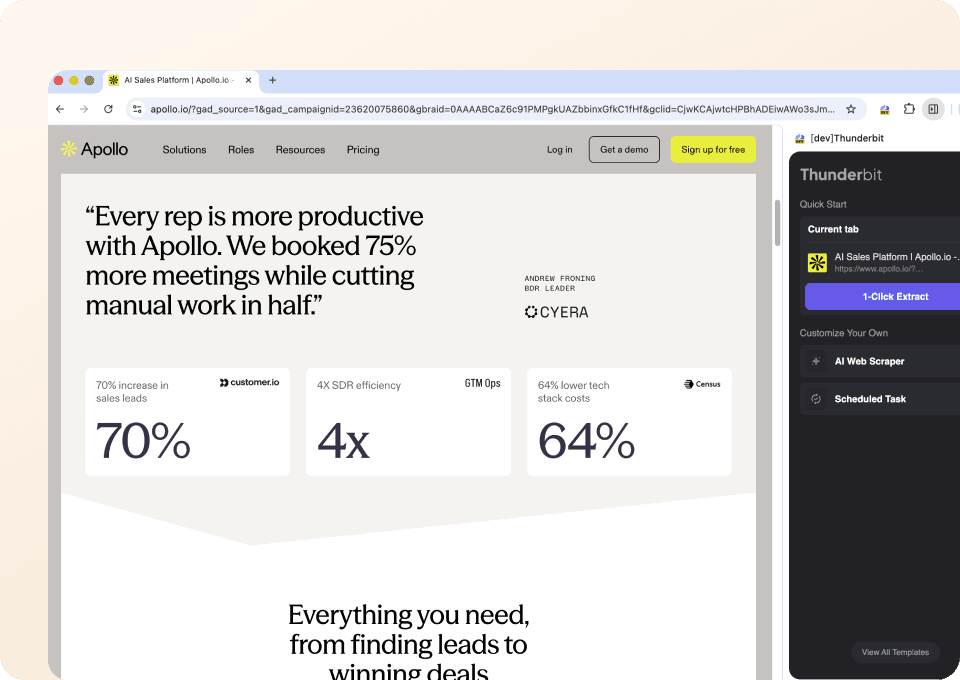
Open an Apollo people or company page. One Click Extract finds visible names, roles, emails, phone numbers, profile links, and company details. You do not need to set up selectors.
Refresh your Apollo research on schedule
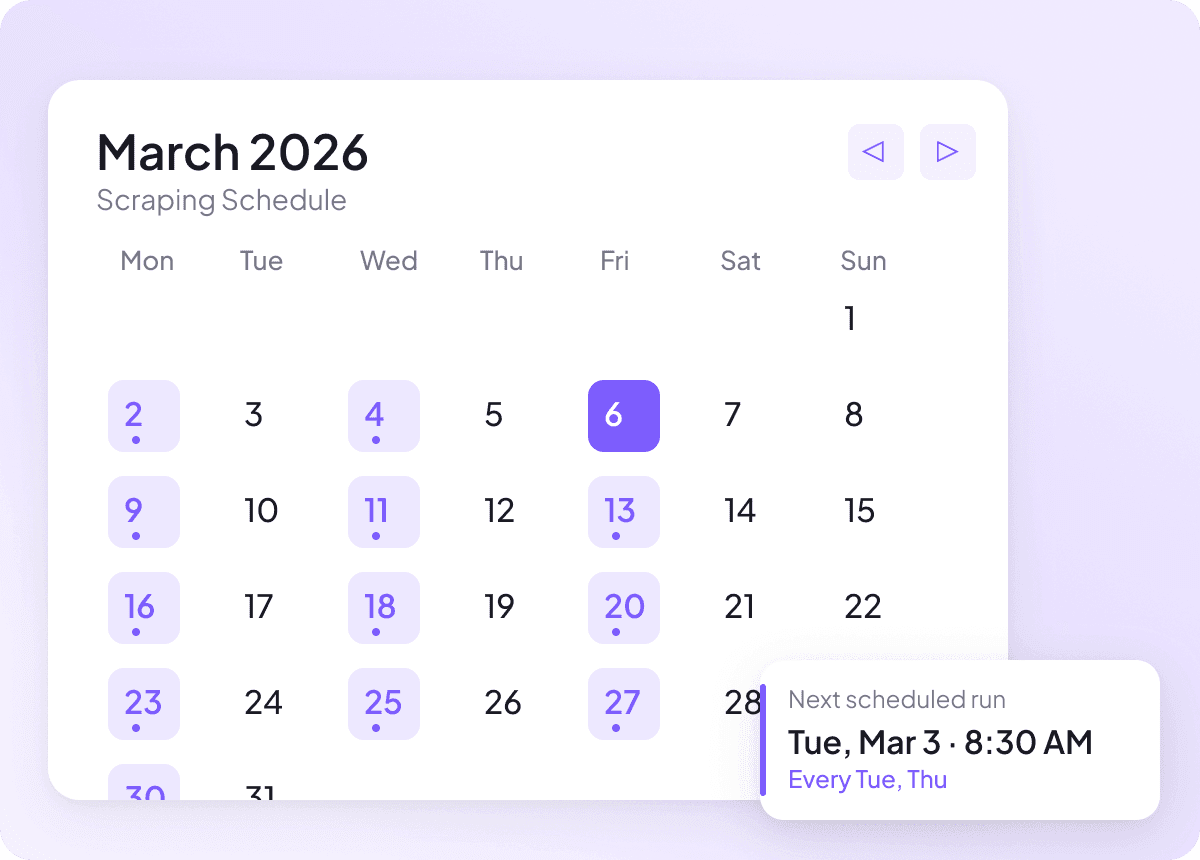
Set a recurring run when you need to revisit the same Apollo search. Thunderbit can collect the latest visible rows and send the updated table to your chosen destination.
Export clean Apollo data
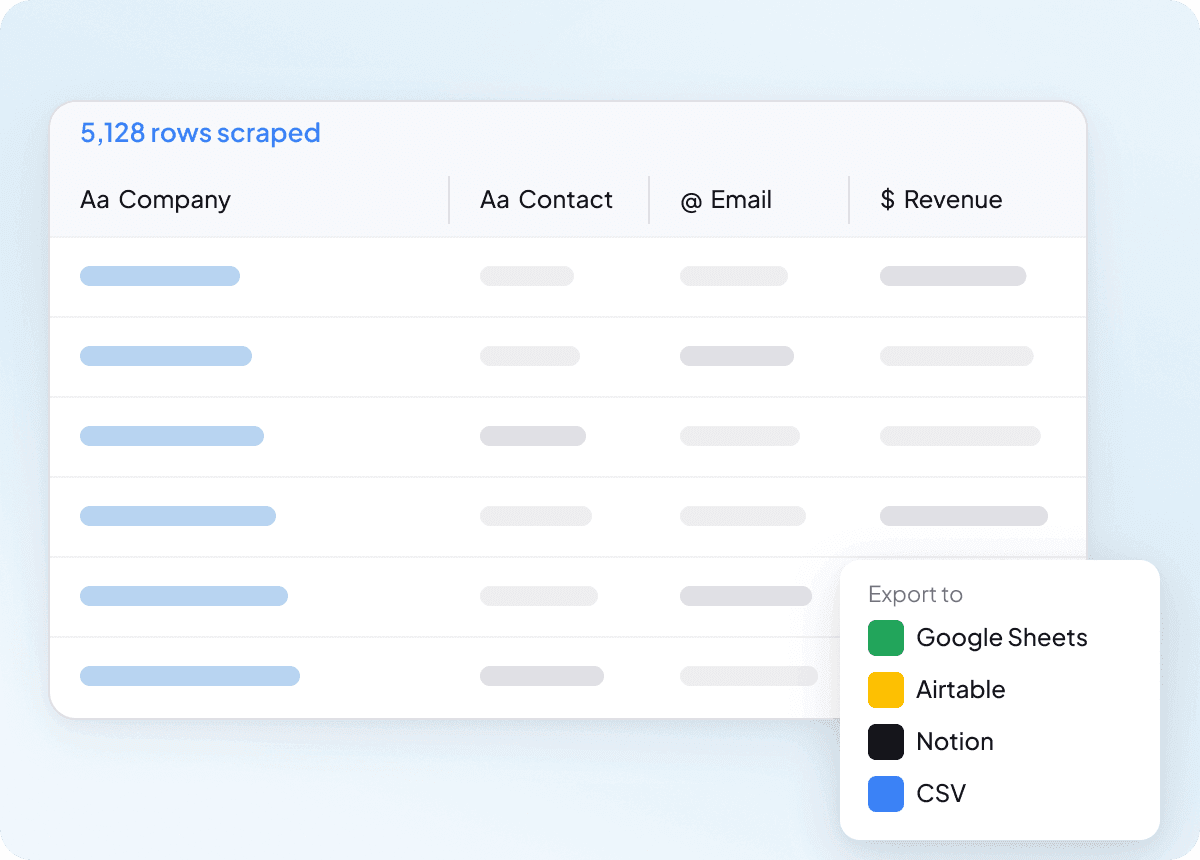
Thunderbit keeps person and company data in clean, clear columns. Export a spreadsheet for lead scoring, territory review, or account research.
Apollo research without a brittle scraping setup
Fixed rules track page positions. Thunderbit AI reads the visible fields they represent.
Selectors and manual profile checks
Each page change creates more workApollo rows organized by Thunderbit
People and company fields stay connectedWhat data can you extract from Apollo?
Choose from 30 visible person, role, contact, location, and company fields. Availability depends on the Apollo page you open.
- First Name
- Last Name
- Full Name
- Job Title
- Management Level
- Department
- Job Function
- Work Email
- Email Status
- Mobile Phone
- Work Direct Phone
- LinkedIn URL
- Contact City
- Contact State
- Contact Country
- Time in Current Role
- Total Years of Experience
- Past Job Titles
- Company Name
- Company Website
- Company Domain
- Company LinkedIn URL
- Company Industry
- Company Description
- Employee Count
- Annual Revenue
- Founded Year
- Funding Stage
- Company HQ Country
- Technologies Used
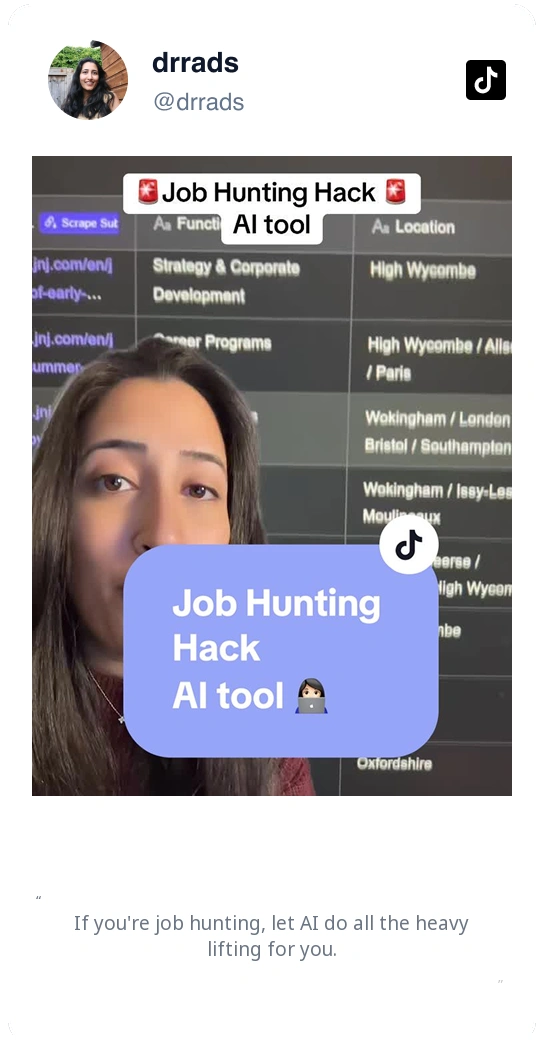
Watch users explain how Thunderbit saves research time
In these user feedback videos, people show how they save time and turn web pages into useful data for their teams.







Questions about collecting data from Apollo
Apollo people, company, and profile views show different fields, so the page you open shapes the finished table.
Continue your people and company research
Explore other lead and company scrapers when you need to compare public records beyond Apollo.

Crunchbase Company Scraper
The Crunchbase Company Scraper lets you extract detailed company profiles from Crunchbase, including founding year, industry, funding, and more. Ideal for sales, marketing, and research, this tool helps you gather valuable business insights quickly using Thunderbit's AI-powered Chrome Extension.
Learn more ->
G2 Software Product Reviews Scraper
The G2 Software Product Reviews Scraper lets you extract detailed software reviews, ratings, and author information directly from G2. Use Thunderbit's AI-powered tool to gather structured feedback, analyze customer sentiment, and benchmark products for marketing, product management, or competitor analysis.
Learn more ->G2 Software Product Overview Scraper
The G2 Software Product Overview Scraper lets you extract detailed software product data from G2, including ratings, reviews, badges, and competitor information. Ideal for marketers, sales teams, and product managers seeking structured insights from G2 product pages. Use Thunderbit's AI-powered tool to streamline your data collection process.
Learn more ->
Contact Information Scraper
The Thunderbit Contact Information Scraper helps you extract contact details from websites, directories, and PDFs. Use AI-powered field suggestions to quickly gather names, emails, phone numbers, and more for lead generation, research, or outreach. Ideal for marketers, recruiters, and sales teams seeking organized contact data.
Learn more ->
Restaurantdepot Scraper
The Thunderbit Restaurantdepot Scraper helps you extract detailed information about Restaurant Depot store locations, including addresses, phone numbers, and operating hours. Use AI-powered field suggestions to quickly gather structured data for business, marketing, or research needs.
Learn more ->
Email Scraper
The Thunderbit Email Scraper helps you extract email addresses and contact information from websites, search engine results, and PDFs. Use AI-powered field suggestions to quickly gather emails, phone numbers, and names for lead generation, research, or outreach. Ideal for marketers, recruiters, and business professionals.
Learn more ->Ready to supercharge your data extraction?
Join 200,000+ professionals already using Thunderbit to automate their web scraping workflows.
Free trial provides unlimited credits for 8 webpages.



