JD.COM स्क्रेपर













JD.com product data बिना मेहनत के निकालें
साफ-सुथरा JD data, export करने के लिए तैयार
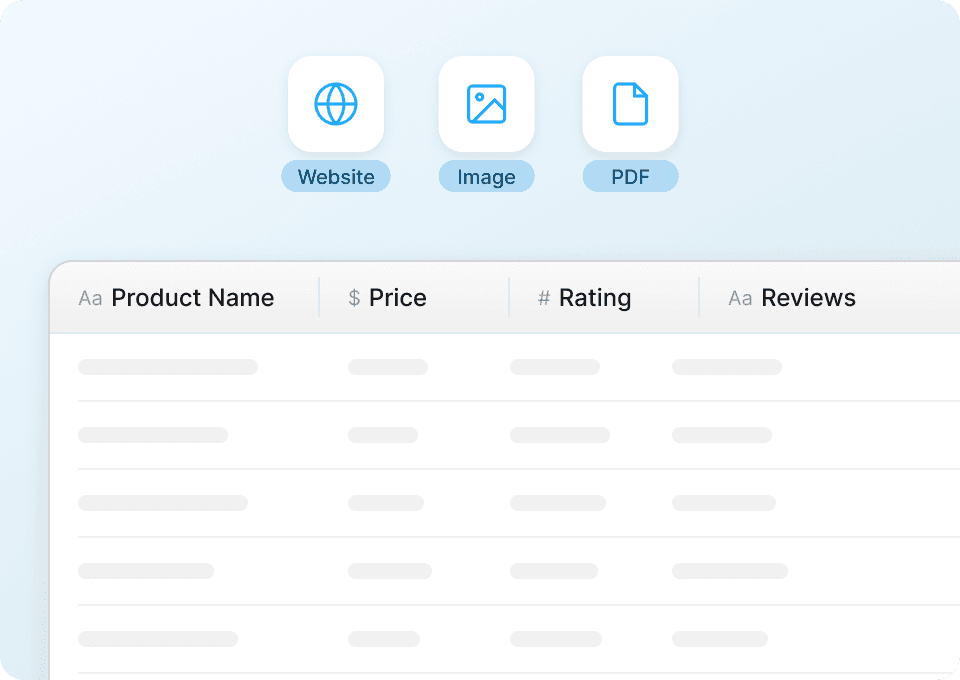
कच्चा डेटा मिलना केवल आधी लड़ाई है। Thunderbit आपके JD.com data को निकालते ही अपने-आप संरचित और format कर देता है। Product names, prices, SKUs, ratings, review counts और brands को पहले से साफ करके analysis के लिए तैयार रूप में export करें — किसी messy data wrangling की ज़रूरत नहीं।
पूरी जानकारी के लिए JD subpages स्क्रैप करें
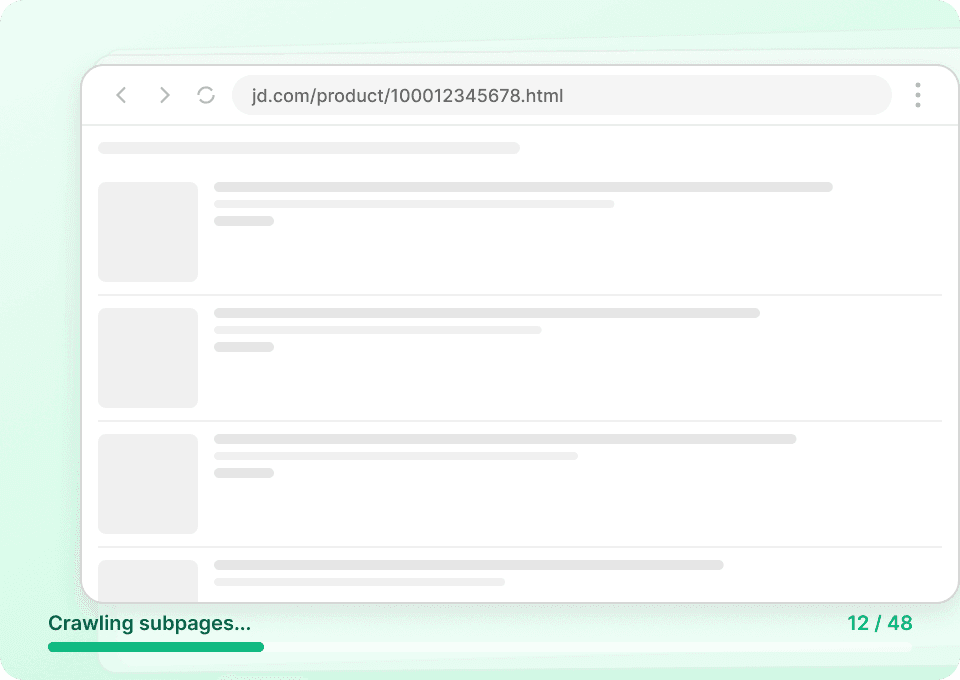
JD.com की listing pages अक्सर पूरी कहानी नहीं बतातीं। Thunderbit हर product subpage पर अपने-आप जाता है और specifications, descriptions, features जैसी पूरी जानकारी खींच लाता है — बिना आपको हर पेज पर manually क्लिक किए। सभी subpage data नए columns के रूप में जुड़ जाता है, जिससे आपको एक ही export में complete product record मिल जाता है।
बड़े पैमाने पर JD data extraction
JD.com को product by product स्क्रैप करना धीमा और लंबे समय तक टिकाऊ नहीं है। Thunderbit के साथ आप सैकड़ों JD.com pages से एक साथ डेटा निकाल सकते हैं — बस URLs की एक list दें और बाकी काम Thunderbit संभाल लेता है, चाहे volume कितना भी हो, product names, prices और हर key data point automatically खींचता है।

JD.com को प्रभावी ढंग से स्क्रैप करने में दिक्कत हो रही है?
देखिए, Thunderbit पारंपरिक तरीकों की तुलना में data extraction को कितना आसान बनाता है।
Traditional scrapers
काम करने का पुराना तरीकाThunderbit
ज़्यादा स्मार्ट तरीका







अक्सर पूछे जाने वाले प्रश्न
संबंधित उपयोग के मामले
Thunderbit के web scraper के और उपयोग के मामले देखें।

Amazon कीमत स्क्रैपर
Amazon की कीमतों, रेटिंग्स और ASIN को रियल टाइम में ट्रैक करें — सिर्फ 2 क्लिक में डेटा को Excel, Google Sheets या Notion में एक्सपोर्ट करें, किसी कोडिंग की जरूरत नहीं।
और जानें ->
वीडियो स्क्रैपर
Thunderbit का Video Scraper आपको AI की मदद से सिर्फ कुछ क्लिक में वीडियो और क्रिएटर डेटा निकालने देता है। वीडियो लिस्टिंग, परफॉर्मेंस मेट्रिक्स और प्रोफ़ाइल डिटेल्स स्क्रैप करें, फिर ट्रैकिंग और इन्फ्लुएंसर रिसर्च के लिए डेटा को Excel, Google Sheets, Airtable या Notion में एक्सपोर्ट करें।
और जानें ->
United Airlines स्क्रैपर
सिर्फ 2 क्लिक में United Airlines से फ्लाइट नंबर, प्रस्थान समय, आगमन हवाई अड्डे और कीमतें निकालें — फिर उन्हें तुरंत Excel, Google Sheets या Notion में एक्सपोर्ट करें। बाकी काम Thunderbit AI अपने आप संभाल लेता है।
और जानें ->
Craigslist फोन नंबर स्क्रैपर
Thunderbit का Craigslist फोन नंबर स्क्रैपर AI की मदद से Craigslist सर्च रिज़ल्ट्स से फोन नंबर और लिस्टिंग डिटेल्स निकालने में मदद करता है। लिस्टिंग्स स्क्रैप करें, हर पोस्ट खोलकर (सबपेज स्क्रैपिंग) कॉन्टैक्ट जानकारी और अतिरिक्त फ़ील्ड्स कैप्चर करें, फिर Excel, Google Sheets, Airtable, Notion, CSV या JSON में एक्सपोर्ट करें।
और जानें ->
Coupang स्क्रेपर
सिर्फ 2 क्लिक में Coupang के प्रोडक्ट नाम, कीमतें और डिस्काउंट रेट निकालें — और तुरंत Excel, Google Sheets या Notion में एक्सपोर्ट करें। कोडिंग की जरूरत नहीं।
और जानें ->
Steam Scraper
सिर्फ 2 क्लिक में Steam गेम के नाम, कीमतें और यूज़र रिव्यू स्कोर निकालें—कोई कोडिंग नहीं चाहिए। साफ़ डेटा को सीधे Excel, Google Sheets या Notion में एक्सपोर्ट करें और तुरंत विश्लेषण शुरू करें।
और जानें ->क्या आप अपनी data extraction को तेज़ करना चाहते हैं?
Join 200,000+ professionals already using Thunderbit to automate their web scraping workflows.
फ्री ट्रायल 8 webpages के लिए unlimited credits देता है।



