
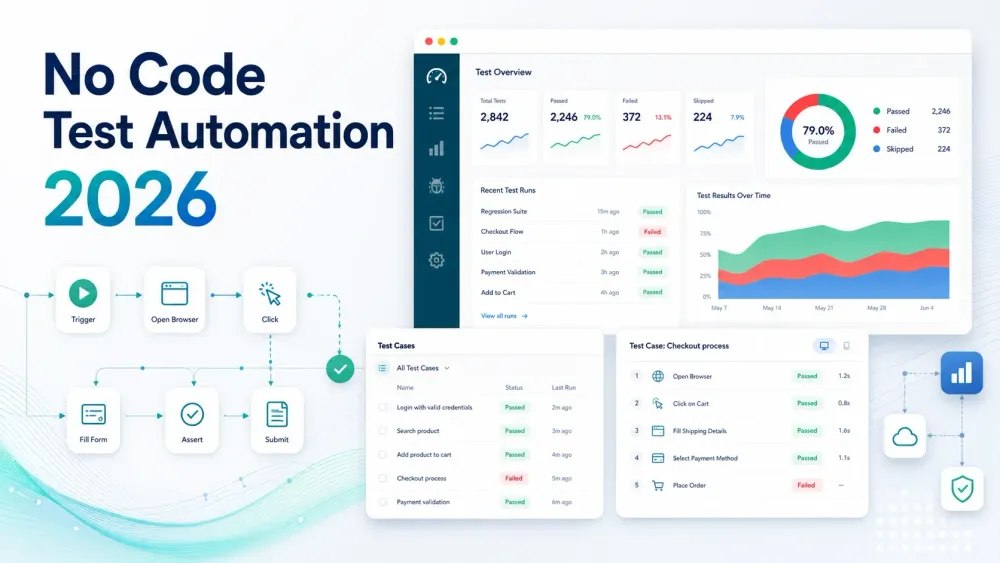
2026 में सॉफ़्टवेयर टेस्टिंग की दुनिया अब पहले जैसी नहीं रही। मुझे याद है, जब “ऑटोमेशन” का मतलब Selenium स्क्रिप्ट्स से जूझना, रात 2 बजे उलझाऊ एरर डिबग करना, और यह दुआ करना होता था कि कोई बटन की CSS class बदल दे, बस आपका टेस्ट न टूटे। आज तेज़ी से आगे बढ़ें, तो तस्वीर पूरी तरह बदल चुकी है। नो-कोड टेस्ट ऑटोमेशन टूल्स हर जगह हैं, और अब ये सिर्फ़ इंजीनियरों तक सीमित नहीं रहे। बिज़नेस यूज़र, QA analyst, यहाँ तक कि product manager भी इसमें कूद रहे हैं—बिना एक भी लाइन कोड लिखे टेस्ट ऑटोमेट कर रहे हैं। ऐसा लगता है जैसे हमने आखिरकार पूरी टीम को कार की चाबी दे दी है, सिर्फ़ उन लोगों को नहीं जो manual gear चलाते हैं।
यह अचानक इतना बढ़ा क्यों? एक वजह है सॉफ़्टवेयर को तेज़ी से, और कम बग्स के साथ, रिलीज़ करने का दबाव। ऊपर से automation engineers की भी कमी बनी हुई है। नो-कोड टूल्स automation को सुलभ बना रहे हैं, testing cycles को तेज़ कर रहे हैं, और टीमों का बहुत सारा पैसा और सिरदर्द बचा रहे हैं। हालिया testing-industry roundups अभी भी automation adoption के व्यापक स्तर की ओर इशारा करते हैं, जबकि पूरी तरह automated testing अब भी दुर्लभ है—यही कारण है कि no-code solutions लगातार आगे बढ़ रहे हैं (Testlio, Global App Testing).
इस गाइड में, मैं आपको समझाऊँगा कि no-code test automation असल में क्या है, यह क्यों ज़रूरी है, सही टूल कैसे चुनें, और ज़ाहिर है, 2026 के 15 सर्वश्रेष्ठ no-code test automation tools के लिए मेरी पसंद भी। और भले ही Thunderbit (मेरी कंपनी) test automation tool नहीं है, यह इस बात का शानदार उदाहरण है कि no-code automation QA से आगे बढ़कर business workflows को कैसे बदल रहा है। तो चलिए, शुरू करते हैं।
यहाँ से शुरू करें: आपको असल में किस तरह के No-Code Tool की ज़रूरत है?
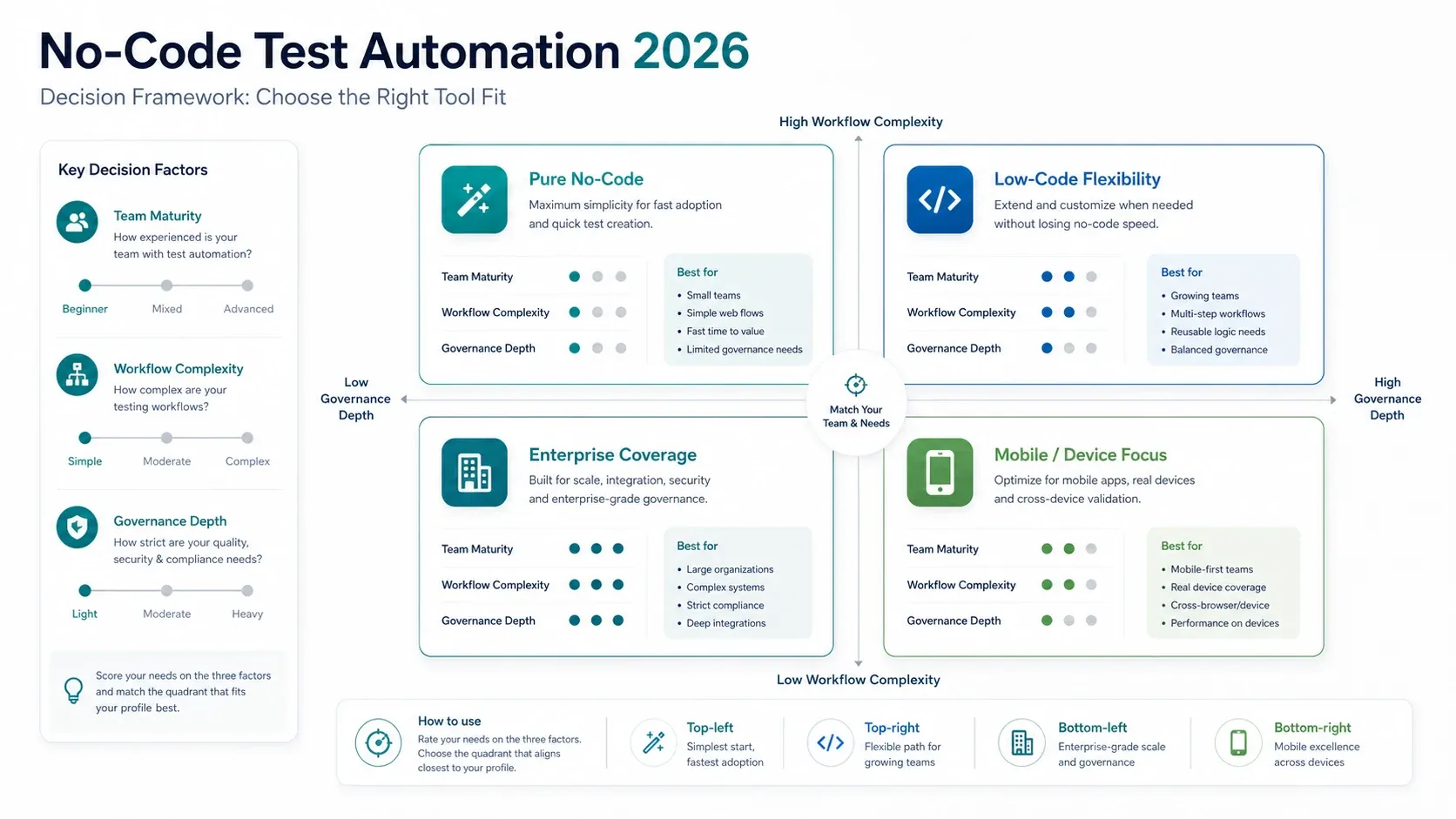
अगर आप यह लेख जल्दी से shortlist बनाने के लिए पढ़ रहे हैं, तो पूरे ranking से शुरू मत कीजिए। पहले उस काम से शुरू कीजिए जिसे आपकी टीम वास्तव में पूरा करना चाहती है।
- अगर आपको plain English में authoring और कम setup friction चाहिए, तो
testRigor,Rainforest QA, औरTestsigmaसे शुरुआत करें। - अगर आपको web, API, SAP, और packaged apps में enterprise process coverage चाहिए, तो
ACCELQ,Tosca, औरWorksoft Certifyसे शुरुआत करें। - अगर mobile devices और browser coverage आपकी bottleneck है, तो
Perfecto,Kobiton, औरTestGridसे शुरुआत करें। - अगर आपको scriptless authoring और engineering flexibility का संतुलन चाहिए, तो
Katalon,Mabl,Testim, औरLeapworkसे शुरुआत करें।
अगर इससे ही विकल्प सीमित हो गए हैं, तो हर tool review को क्रम से पढ़ने के बजाय नीचे comparison table और best-by-use-case section पर सीधे जाएँ।
No-Code Test Automation क्या है? यह क्यों महत्वपूर्ण है?
No-code test automation वही है जो नाम से लगता है: ऐसे टूल्स जो बिना कोड लिखे software testing को automate करने देते हैं। Java या Python में scripting करने की बजाय, आप visual interfaces, drag-and-drop actions, या plain English instructions का उपयोग करके tests बनाते और चलाते हैं। जटिलता पर्दे के पीछे संभाली जाती है, ताकि आप इस पर ध्यान दें कि क्या test करना है, न कि उसे code कैसे करना है।
यह इतना महत्वपूर्ण क्यों है? सबसे पहले, यह automation को बहुत बड़े audience तक पहुँचाता है। Business analyst, manual QA tester, product manager—कोई भी जो application को समझता है—अब automated testing में योगदान दे सकता है। यह पुराने दिनों से एक बड़ा बदलाव है, जब सिर्फ़ कुछ automation engineers ही tests बना और संभाल सकते थे। वास्तव में, 10 में से 8 manual testers code नहीं कर सकते, इसलिए no-code tools एक बहुत बड़े skills gap को पाट रहे हैं।
यह speed और quality के लिए भी बड़ा बदलाव है। No-code platforms test creation time को 90% तक घटा सकते हैं और maintenance costs को 25–75% तक कम कर सकते हैं (BrowserStack). इसका मतलब है तेज़ releases, कम bugs, और ज़्यादा खुश customers।
आइए terminology साफ़ कर लें:
- No code: बिल्कुल कोई programming की ज़रूरत नहीं। सब कुछ visual या plain language में होता है।
- Low code: ज़्यादातर visual, लेकिन advanced scenarios के लिए code snippets जोड़ सकते हैं।
- Traditional automation: पूरी तरह scripting पर आधारित। शक्तिशाली, लेकिन programming skills और काफी maintenance चाहिए।
No-code test automation सिर्फ़ QA की ज़िंदगी आसान बनाने के लिए नहीं है। यह quality को सबकी ज़िम्मेदारी बनाने के लिए है।
No-Code Test Automation Tools Business Workflows को कैसे बदलते हैं
No-code test automation सिर्फ़ एक technical upgrade नहीं है। यह business accelerator है। ये tools teams के लिए खेल कैसे बदल रहे हैं, देखिए:
1. तेज़ Testing Cycles
No-code tools के साथ tests बनाना और अपडेट करना बहुत तेज़ होता है। अध्ययन दिखाते हैं कि test creation 90% तक तेज़ हो सकता है। इसका मतलब है कि आप तेज़ development cycles के साथ तालमेल रख सकते हैं, bugs जल्दी पकड़ सकते हैं, और अधिक बार release कर सकते हैं।
2. कम लागत
No-code automation specialist automation engineers की ज़रूरत को बहुत घटा देता है। आपकी मौजूदा QA team ज़्यादा काम संभाल सकती है, और hiring या outsourcing पर कम खर्च होता है। इसके अलावा, maintenance costs 75% तक घट सकती हैं।
3. बेहतर Collaboration
Tests हर किसी के लिए पढ़ने योग्य होते हैं, इसलिए अब “यह script क्या कर रही है?” वाली उलझन नहीं रहती। Product managers, QA, और developers—सभी review कर सकते हैं और योगदान दे सकते हैं, जिससे quality साझा ज़िम्मेदारी बन जाती है।
4. ज़्यादा भागीदारी
Manual testers, business analysts, यहाँ तक कि operations वाले लोग भी tests automate कर सकते हैं। इससे QA का दायरा लोकतांत्रिक हो जाता है और ज़्यादा coverage मिलती है।
5. ठोस Use Cases
- Regression Testing: हर release के बाद बार-बार होने वाली checks को automate करें।
- Cross-Browser/Device Testing: वही tests कई environments में चलाएँ।
- End-to-End Workflows: web, mobile, और desktop तक फैली जटिल business processes को test करें।
- बार-बार बदलने वाला UI: AI-powered tools बदलावों के साथ बिना टूटे adapt हो जाते हैं।
ROI-केंद्रित लाभ तालिका
| टीम | लाभ | उदाहरण प्रभाव |
|---|---|---|
| QA | तेज़ test creation, कम maintenance | 90% तेज़ test authoring, 75% कम upkeep |
| Product | साझा test ownership, तेज़ feedback | release cycles हफ्तों से दिनों में |
| Operations | व्यापक test coverage, कम production bugs | बड़े scale automation projects में 7x ROI |
सर्वश्रेष्ठ No-Code Test Automation Tool कैसे चुनें: मुख्य मानदंड
इतने सारे विकल्पों के बीच सही tool चुनना QA के लिए speed dating जैसा लग सकता है। No-code automation testing tools का मूल्यांकन करने के लिए मेरी checklist यह है:
1. उपयोग में आसानी
क्या interface सहज है? क्या कोई manual tester एक या दो घंटे में test बना सकता है? drag-and-drop, record/playback, और स्पष्ट documentation देखें।
2. समर्थित Platforms
क्या यह web, mobile, API, desktop—जो भी आपको चाहिए—सब कवर करता है? सुनिश्चित करें कि यह आपके tech stack और target environments को सपोर्ट करता हो।
3. Test Creation और Maintenance
- Record/playback और आसान editing
- Built-in keywords/actions
- Reusable components
- Conditional logic और loops
- UI changes के लिए AI self-healing
- Data-driven testing
4. CI/CD के साथ Integration
क्या यह Jenkins, GitHub Actions, Azure DevOps आदि के साथ अच्छी तरह काम करता है? क्या आप अपने pipeline से tests trigger कर सकते हैं और results अपने आप वापस पा सकते हैं?
5. Reporting और Analytics
विस्तृत logs, screenshots, dashboards, और real-time alerts देखें। actionable analytics और root cause hints हों तो और अच्छा।
6. Scalability
क्या यह हज़ारों tests संभाल सकता है? क्या यह parallel execution सपोर्ट करता है? क्या जल्दी scale up करने के लिए cloud option है?
7. Support और Community
क्या vendor स्थापित है? क्या helpful community या responsive support team है? क्या updates नियमित आते हैं?
8. लागत
क्या free tier है? pricing कैसे scale होती है—per user, per test, per device minute? hidden costs पर नज़र रखें।
त्वरित Checklist
| मानदंड | ज़रूरी फीचर्स |
|---|---|
| उपयोग में आसानी | Visual editor, tutorials, तेज़ onboarding |
| समर्थित Platforms | Web, mobile, API, desktop |
| Test Authoring | Record/playback, AI self-healing |
| CI/CD Integration | Plugins, APIs, reporting |
| Reporting | Dashboards, logs, screenshots |
| Scalability | Parallel runs, cloud/on-prem options |
| Support/Community | Docs, forums, vendor stability |
| Cost | पारदर्शी pricing, free trial/tier |
त्वरित Comparison Table: 2026 के 15 सर्वश्रेष्ठ No-Code Test Automation Tools
यहाँ top tools का side-by-side नज़ारा है। ज़्यादा विवरण के लिए आगे पढ़ते रहिए।
| Tool | Supported Platforms | Key Features | Pros | Cons | Best For | Pricing |
|---|---|---|---|---|---|---|
| ACCELQ | Web, API, Mobile, Desktop | AI model-based, data-driven, cloud/on-prem | मज़बूत logic, cross-platform, कम maintenance | Enterprise pricing, सीखने की चुनौती | End-to-end enterprise testing | Paid, free trial |
| Katalon Studio | Web, Mobile, API, Desktop | Keyword-driven, dual mode, analytics | बहुमुखी, free tier, active community | UI भारी लग सकती है, debugging सीमित | Mixed-skill teams, SMEs | Free & paid licenses |
| Mabl | Web, API, Mobile Web | AI recorder, auto-healing, CI/CD | आसान maintenance, DevOps-friendly | Advanced के लिए low-code, scale पर लागत | CI/CD में agile web QA | Subscription, free trial |
| Perfecto | Web, Mobile | Scriptless flowcharts, device cloud | मज़बूत cross-browser/device, analytics | सीमित logic, ऊँची लागत | Device coverage चाहने वाले enterprises | Enterprise, free trial |
| Tosca | Web, Mobile, API, SAP | Model-based, risk-based, integrations | उच्च coverage, business process focus | कठिन learning, महँगा | बड़े orgs, SAP/ERP automation | Enterprise license |
| testRigor | Web, Mobile, API | Plain English, AI maintenance | सुलभ, कम upkeep | Platform lock-in, AI debugging | Manual QA teams, तेज़ automation | Subscription, free POC |
| Tricentis Testim | Web, Mobile | AI recorder, smart locators, TestOps | तेज़ authoring, स्थिर tests | CI setup, mobile विकसित हो रहा | Startups, SaaS, CI/CD | Contact vendor |
| Leapwork | Web, Desktop, SAP, API | Visual flowcharts, reusable blocks | Code-free, व्यापक tech support | Setup जटिल, ऊँची लागत | Unified automation, enterprise | Enterprise license |
| Testsigma | Web, Mobile, API | Natural language, open-source, auto-heal | लागत-कुशल, unified, active community | Advanced features सीखना पड़ता है | Startups, open-source fans | Free & paid SaaS |
| TestGrid | Web, Mobile, API, OTT | AI auto-heal, device/network/load test | अनूठी breadth, CI integration | Advanced flows के लिए coding, नया platform | Media/IoT, device/network testing | Flexible, free trial |
| Kobiton | Mobile, Web on devices | Scriptless mobile, real device cloud | Mobile-centric, AI recorder | Limited web, जटिल logic के लिए code | Mobile QA, manual-to-auto transition | Cloud plans, free trial |
| TestComplete | Web, Mobile, Desktop | Keyword-driven, object recognition | लचीला, desktop support, बड़ा userbase | पुराना UI, seat-based cost | Desktop/web mix, experienced QA | Paid license, trial |
| Worksoft Certify | SAP, Oracle, Web, Desktop | Business process capture, analytics | Enterprise-grade, SAP/ERP focus | उच्च लागत, specialized | Large enterprises, SAP/ERP validation | Enterprise pricing |
| Rainforest QA | Web (cloud) | Plain English, visual, AI self-heal | पूरी तरह no-code, तेज़, कम upkeep | UI-focused, cloud-only, scale पर लागत | Startups, agile, on-demand QA | SaaS, free trial |
| Squish | Desktop, Web, Mobile | Record/playback, BDD, scripting | बहुमुखी, cross-platform, strong support | पूरी तरह no-code नहीं, high license cost | Embedded/cross-platform apps | Commercial, eval available |
दृश्य पैक डाउनलोड करें: best-no-code-test-automation-tools-2025_visual_pack_v3.zip
Use Case के हिसाब से सर्वश्रेष्ठ Tools
manual QA teams के लिए जो automation की ओर बढ़ रहे हैं
अनुशंसित shortlist:
- testRigor
- Rainforest QA
- Testsigma
जब मुख्य लक्ष्य non-coders को भारी framework बनाए बिना जल्दी उपयोगी tests author करने देना हो, तब ये सबसे मज़बूत शुरुआती विकल्प हैं।
enterprise end-to-end process coverage के लिए
अनुशंसित shortlist:
- ACCELQ
- Tosca
- Worksoft Certify
ये tools तब बेहतर काम करते हैं जब automation business workflows, packaged systems, governance, और multi-team rollout से जुड़ा हो, न कि सिर्फ़ साधारण browser regression से।
mobile और device-heavy QA के लिए
अनुशंसित shortlist:
- Perfecto
- Kobiton
- TestGrid
अगर real devices, cross-browser validation, और mobile execution depth plain-English test writing से ज़्यादा महत्वपूर्ण हैं, तो इन तीनों पर सबसे जल्दी ध्यान देना चाहिए।
CI/CD अपनाने वाली mixed-skill teams के लिए
अनुशंसित shortlist:
- Katalon Studio
- Mabl
- Tricentis Testim
- Leapwork
जब product, QA, और engineering teams को ऐसा tool चाहिए जो authoring friction घटाए लेकिन release pipelines और अधिक structured QA processes के भीतर भी काम करे, तब ये मज़बूत विकल्प हैं।
2026 के Top 15 No-Code Test Automation Tools
मैंने इन tools पर काफ़ी समय research, demos, और teams से बातचीत में लगाया है। यहाँ हर tool का तेज़ tour है: यह क्यों चमकता है, कहाँ फिट बैठता है, और किस बात पर ध्यान देना चाहिए।
ACCELQ
Overview: ACCELQ एक cloud-based, AI-powered platform है जो आपको बिना code के web, API, mobile, और desktop apps automate करने देती है। इसका model-based approach मतलब है कि आप logical flows तय करते हैं, और system detailed steps generate करता है। इसे ऐसे automation की तरह समझिए जो आपके app के बदलने के साथ खुद को adapt कर लेती है।
मुख्य फीचर्स: AI-driven test generation, data-driven testing, smart element selectors, cloud/on-prem execution, CI/CD और ALM tools के साथ गहरी integrations।
फ़ायदे: बिना scripting के जटिल end-to-end scenarios संभालता है; cross-platform; AI self-healing की वजह से कम maintenance।
कमियाँ: Enterprise pricing, कुछ सीखने की ज़रूरत, proprietary model के कारण lock-in की संभावना।
किसके लिए बेहतर: Agile teams और enterprises जिन्हें मज़बूत, scalable, cross-tech stack automation चाहिए।
Katalon Studio
Overview: Katalon एक all-in-one solution है जो web, mobile, API, और desktop testing support करता है। यह keyword-driven, scriptless interface के लिए प्रसिद्ध है, लेकिन advanced cases में आप code में भी जा सकते हैं।
मुख्य फीचर्स: Built-in keywords, record/playback, TestOps analytics, dual codeless/coded modes, CI integration।
फ़ायदे: बहुमुखी, free community edition, सक्रिय user base, no-code और low-code दोनों सपोर्ट।
कमियाँ: शुरुआती users के लिए UI भारी लग सकती है, advanced features के लिए paid license चाहिए, debugging बेहतर हो सकती है।
किसके लिए बेहतर: ऐसी teams जो no-code और code के बीच flexibility चाहती हैं, खासकर SMEs और mixed-skill groups।
Mabl
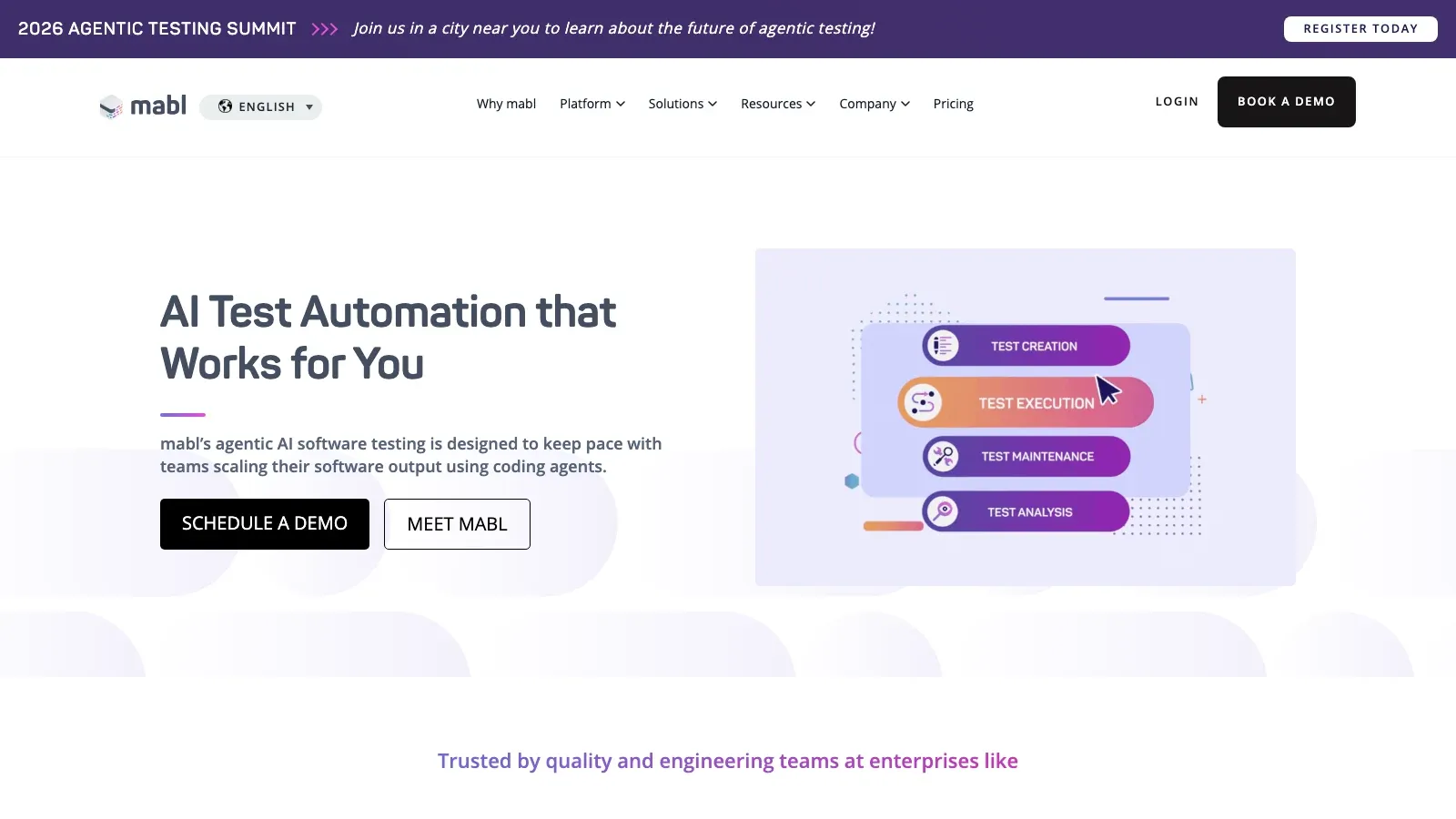
Overview: Mabl एक cloud-based, low-code tool है जो AI का उपयोग करके web और API tests बनाता, संभालता और चलाता है। यह DevOps और continuous testing के लिए बनाया गया है।
मुख्य फीचर्स: Intelligent recorder, auto-healing, visual regression, API testing, CI/CD integration।
फ़ायदे: तेज़ maintenance, cloud pipelines के लिए शानदार, collaborative dashboard।
कमियाँ: advanced steps के लिए low-code, scale पर लागत अधिक, native mobile support सीमित।
किसके लिए बेहतर: DevOps teams जिन्हें कम upkeep के साथ तेज़, स्मार्ट web automation चाहिए।
Perfecto
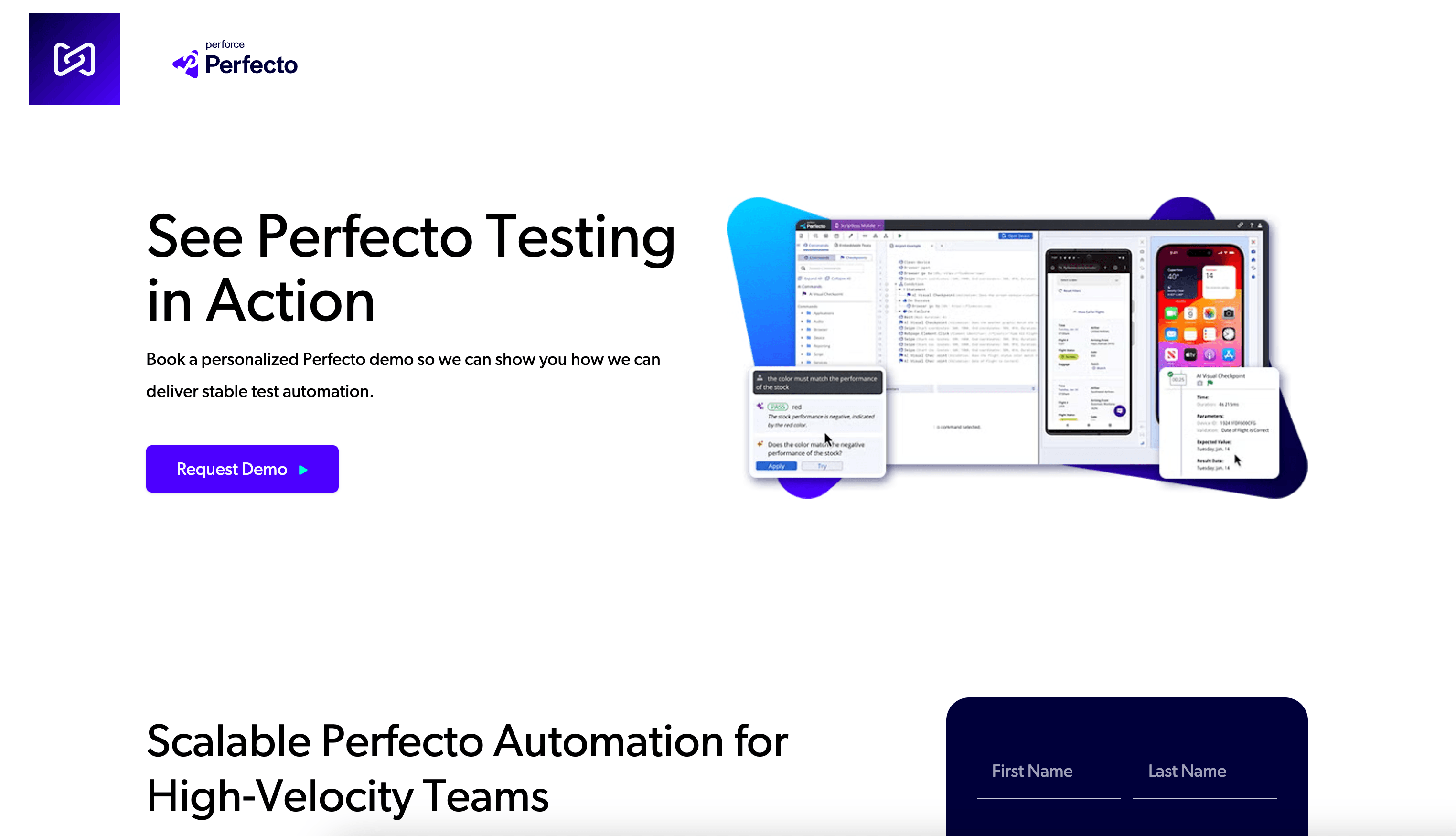
Overview: Perfecto अपने enterprise-grade cloud device lab और scriptless test builder के लिए जाना जाता है। यह उन teams के लिए go-to है जिन्हें cross-browser और mobile device coverage चाहिए।
मुख्य फीचर्स: Visual flowchart builder, real device cloud, rich reporting, parallel execution।
फ़ायदे: बेहतरीन device/browser coverage, विस्तृत analytics, mobile/web के लिए मज़बूत।
कमियाँ: उच्च लागत, complex logic के लिए सीमित flexibility, कुछ सीखने की ज़रूरत।
किसके लिए बेहतर: ऐसे enterprises जिन्हें व्यापक device/browser coverage और मज़बूत infrastructure चाहिए।
Tosca (Tricentis Tosca)
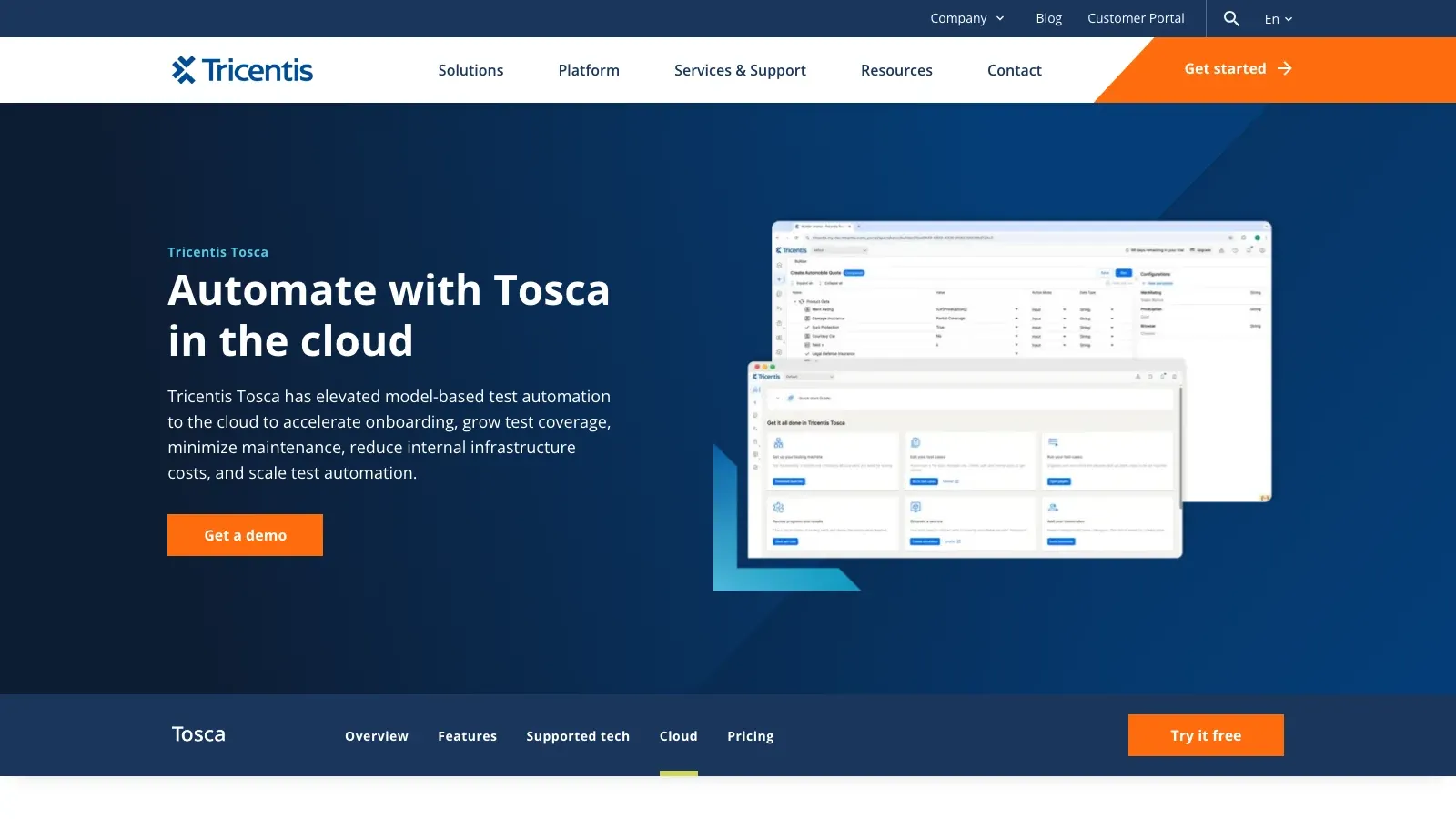
Overview: Tosca enterprise test automation में एक heavyweight है, खासकर SAP और packaged apps के लिए। इसका model-based, risk-driven approach आपको business processes end-to-end automate करने देता है।
मुख्य फीचर्स: Model-based test design, risk-based optimization, business-readable scenarios, विस्तृत integrations।
फ़ायदे: उच्च automation coverage, legacy और modern apps दोनों को सपोर्ट करता है, maintenance कम करता है।
कमियाँ: सीखने में कठिन, महँगा, setup जटिल।
किसके लिए बेहतर: बड़े संगठन जो कई systems में business processes automate कर रहे हैं।
testRigor
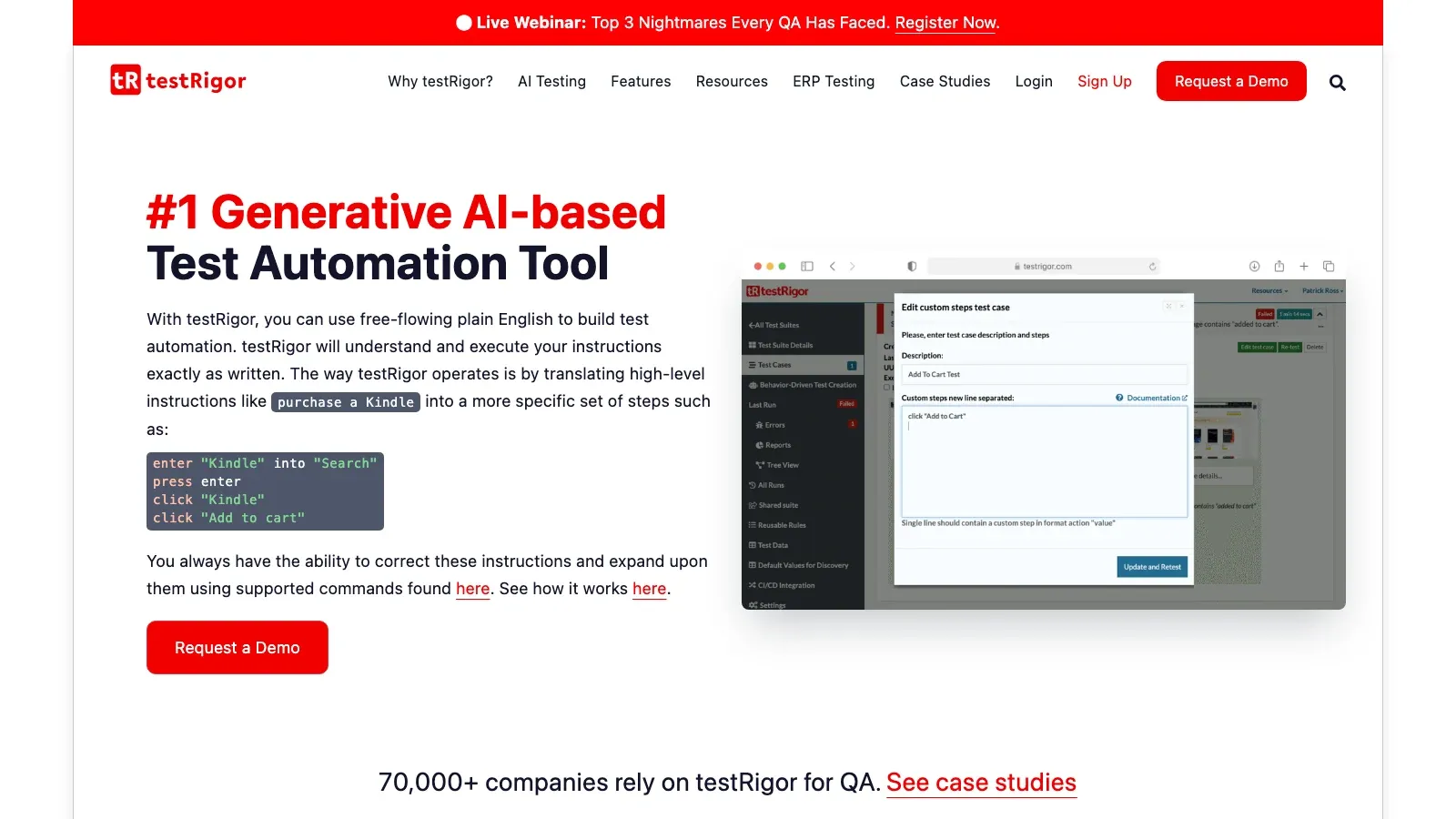
Overview: testRigor आपको plain English में tests लिखने देता है, जिन्हें इसकी AI समझकर execute करती है। इसे manual testers को बिना coding के automation देने के लिए डिज़ाइन किया गया है।
मुख्य फीचर्स: Natural language test steps, AI element identification, auto-generated edge-case tests, कम maintenance।
फ़ायदे: बेहद सुलभ, UI changes के साथ adapt होता है, non-coders के लिए शानदार।
कमियाँ: platform lock-in, debugging मुश्किल हो सकती है, कुछ advanced features अभी परिपक्व हो रहे हैं।
किसके लिए बेहतर: ऐसी teams जिनमें manual testers बहुत हैं और जो जल्दी automation चाहते हैं।
Tricentis Testim
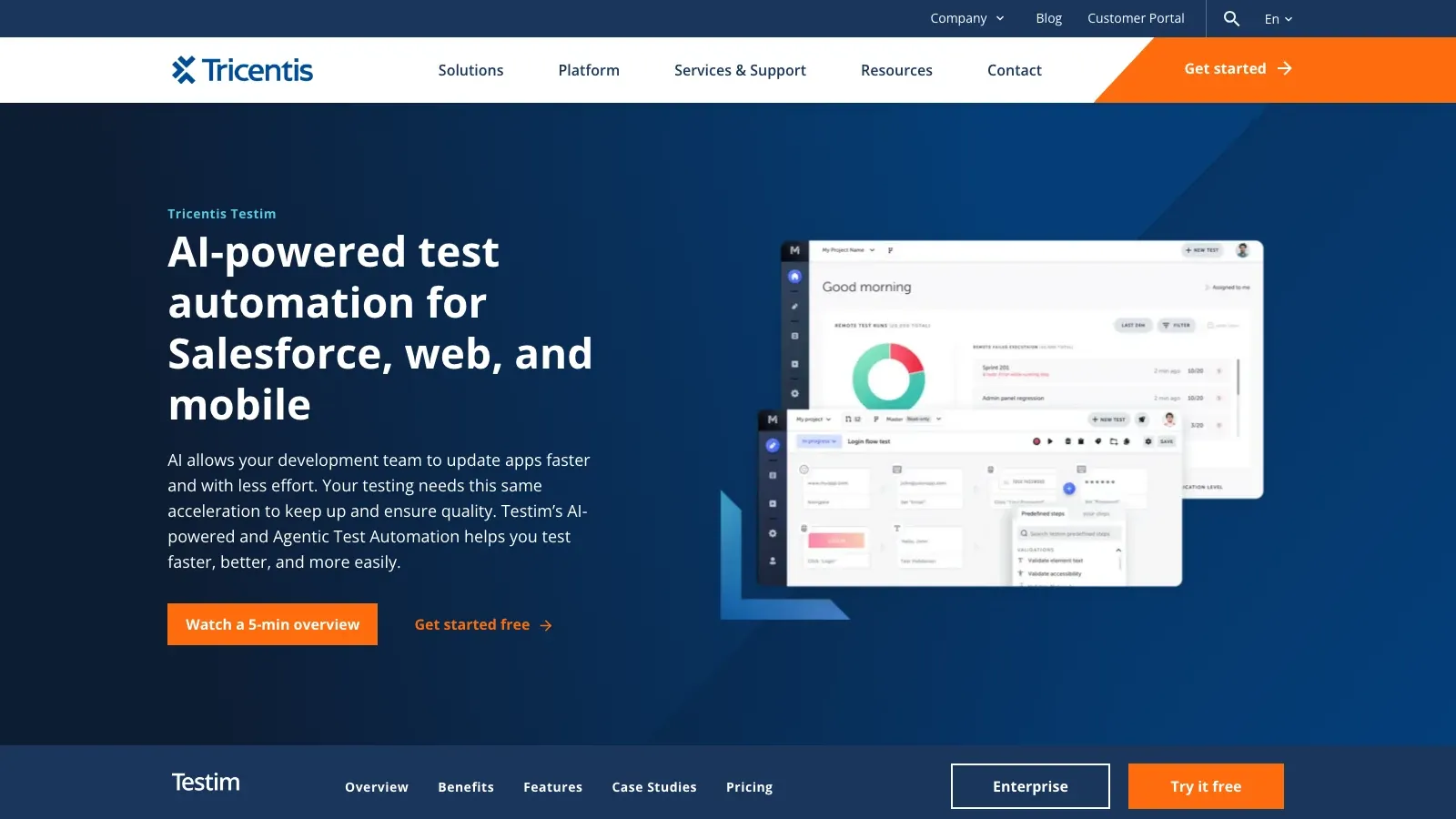
Overview: Tricentis का हिस्सा बनने के बाद Testim अब तेज़, स्थिर web और mobile test creation के लिए AI-powered platform है। इसके smart locators और visual editor authoring और maintenance को बहुत आसान बना देते हैं।
मुख्य फीचर्स: Smart recorder, AI-driven locators, visual editor, TestOps dashboard, parallel execution।
फ़ायदे: तेज़ test authoring, स्थिर tests, CI/CD के साथ integration।
कमियाँ: mobile support विकसित हो रहा है, complex pipelines के लिए setup, pricing काफ़ी हो सकती है।
किसके लिए बेहतर: CI/CD environments में काम करने वाले startups और SaaS teams।
Leapwork
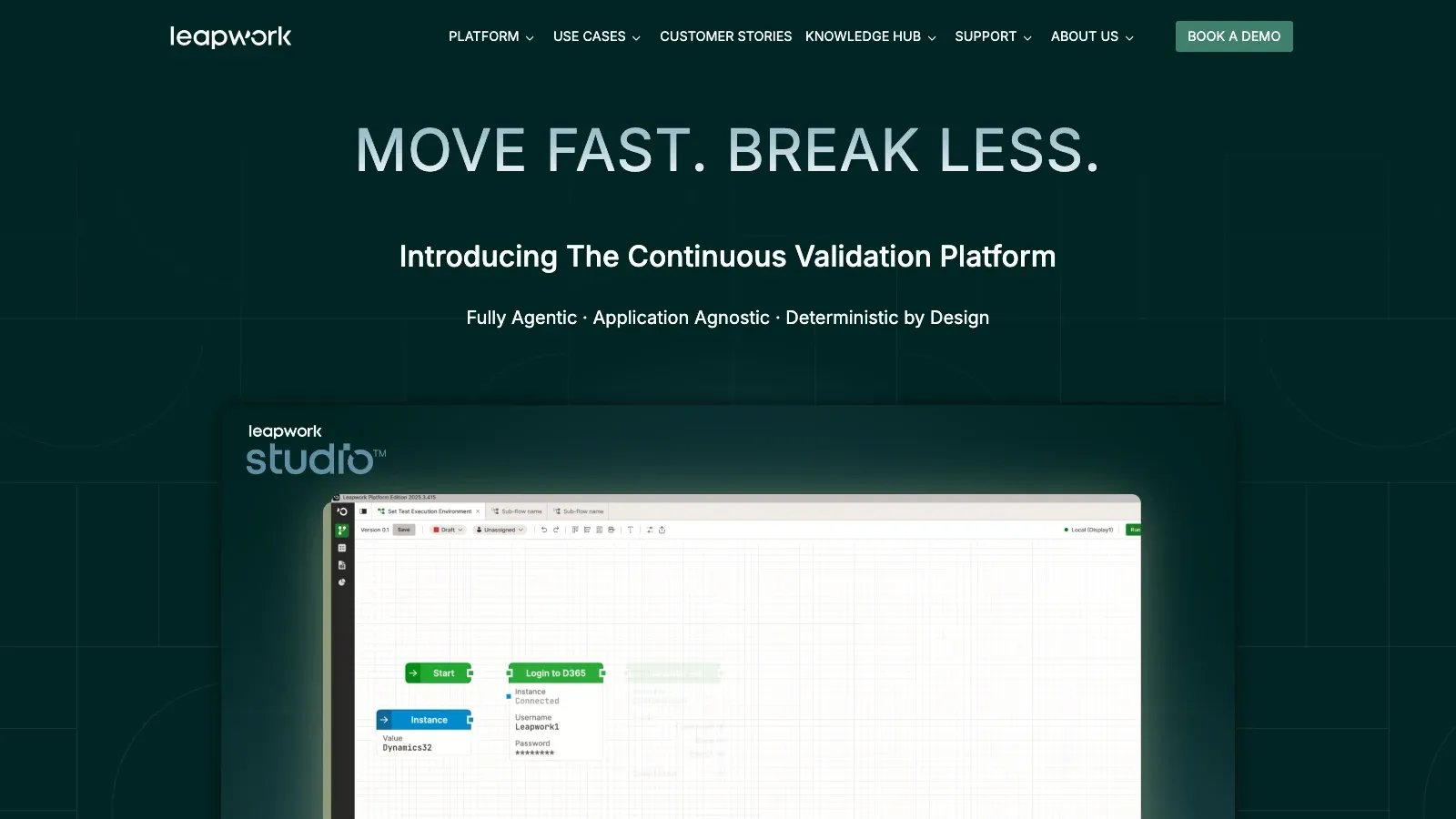
Overview: Leapwork पूरी तरह visual automation पर केंद्रित है। आप blocks को जोड़कर flows बनाते हैं—कोड नहीं, सिर्फ़ logic। यह web, desktop, SAP, और बहुत कुछ सपोर्ट करता है।
मुख्य फीचर्स: Drag-and-drop flowcharts, reusable blocks, video logs, व्यापक tech stack support।
फ़ायदे: सचमुच code-free, reusable components, testing और RPA को एक साथ लाता है।
कमियाँ: setup जटिल, उच्च लागत, reporting और flexible हो सकती है।
किसके लिए बेहतर: ऐसे enterprises जो QA और business ops में unified automation चाहते हैं।
Testsigma
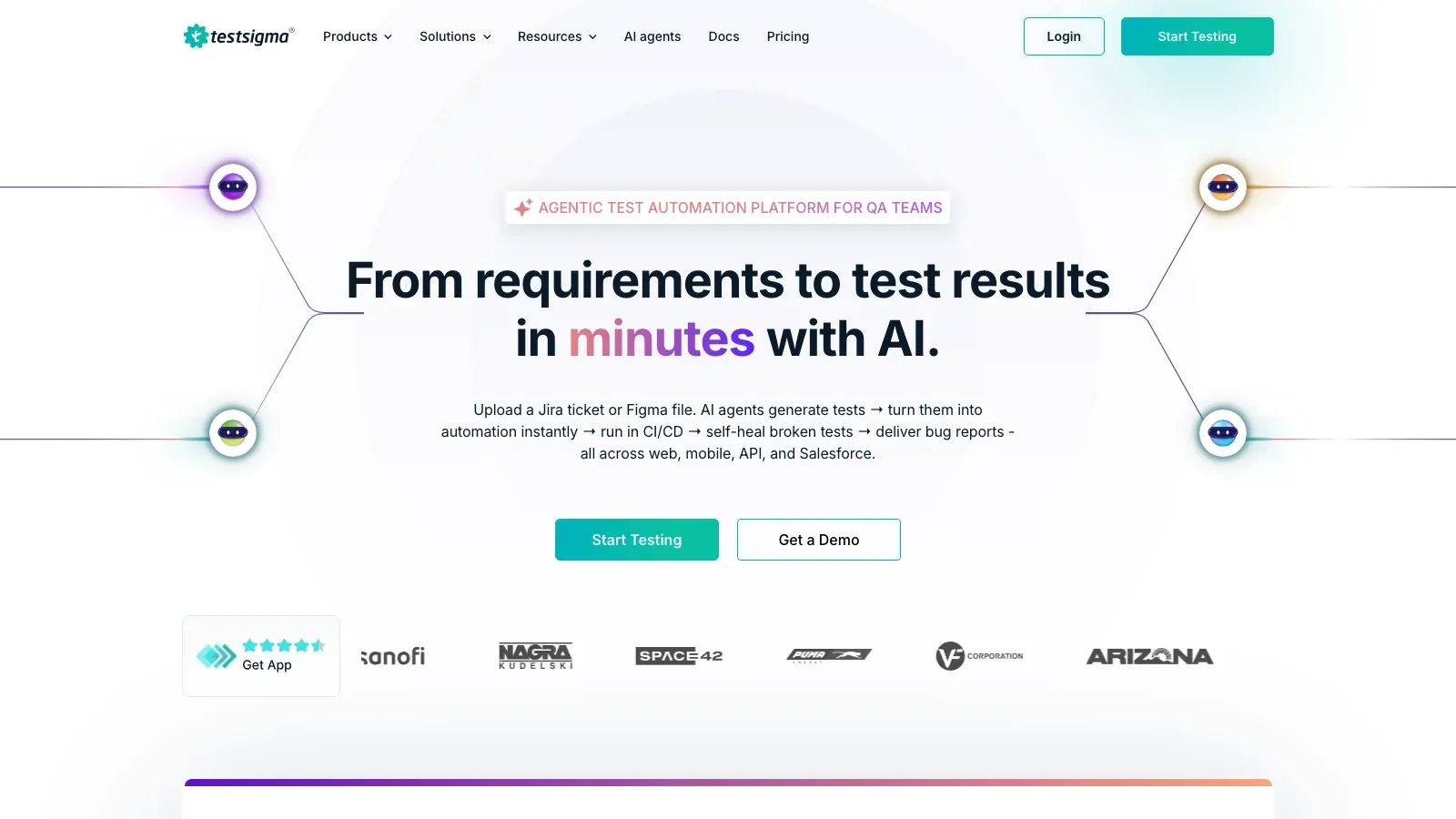
Overview: Testsigma web, mobile, और API testing के लिए एक open-source, no-code/low-code platform है। यह community-driven है और बहुत customizable है।
मुख्य फीचर्स: Natural language steps, open-source core, cloud/self-hosted, auto-healing, unified test management।
फ़ायदे: लागत-कुशल, unified testing, सक्रिय community, आसानी से scale हो सकता है।
कमियाँ: कुछ advanced तकनीकें सपोर्ट नहीं हैं, advanced features के लिए learning curve है।
किसके लिए बेहतर: Startups, open-source अपनाने वाले, और budget-conscious teams।
TestGrid
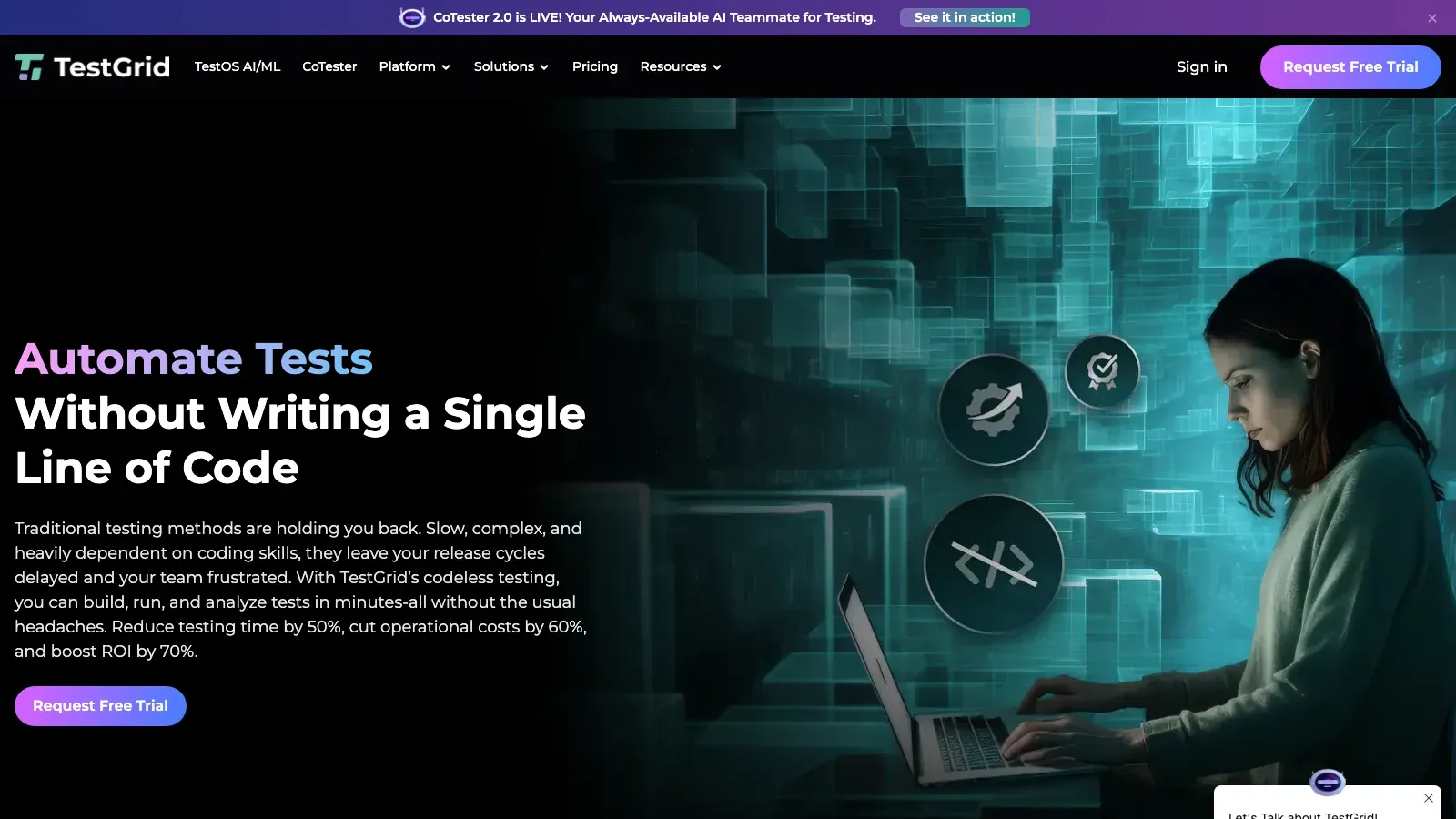
Overview: TestGrid एक unified platform है जो no-code automation, load testing, network testing, और OTT device testing के लिए robotic arms तक प्रदान करता है।
मुख्य फीचर्स: Keyword-driven no-code tests, AI auto-heal, device/network/load testing, cloud/on-prem विकल्प।
फ़ायदे: web/mobile/IoT को कवर करता है, अनूठा device testing, flexible deployment।
कमियाँ: advanced flows के लिए coding की ज़रूरत, नया platform, vendor lock-in की संभावना।
किसके लिए बेहतर: ऐसी कंपनियाँ जिन्हें device और network testing सहित व्यापक QA चाहिए।
Kobiton
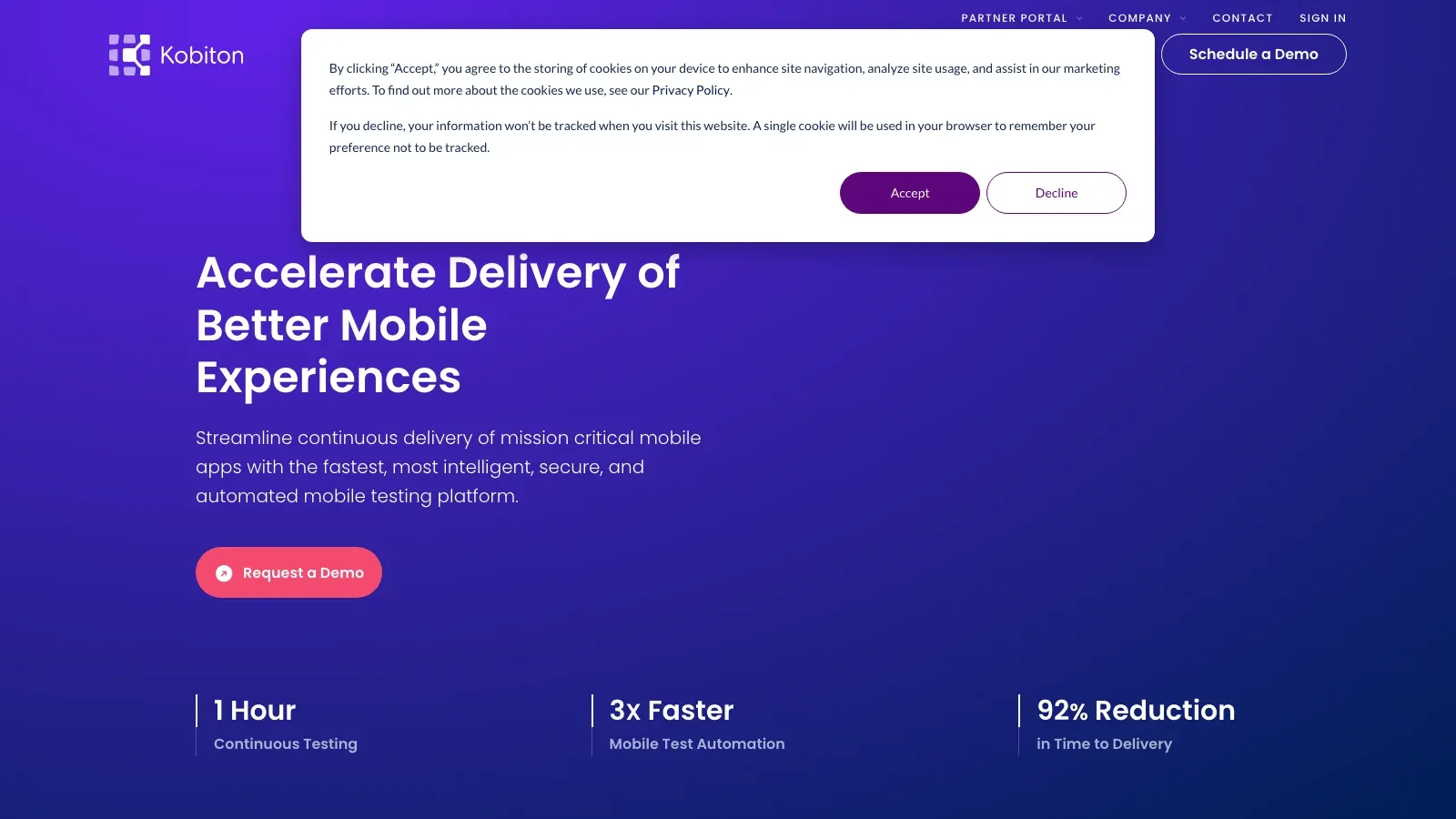
Overview: Kobiton एक mobile experience platform है जिसमें scriptless automation है। real devices पर manual sessions रिकॉर्ड करें और AI से test scripts जनरेट करवाएँ।
मुख्य फीचर्स: Real-device cloud, AI script generation, visual validation, performance metrics।
फ़ायदे: mobile-centric, आसान scriptless creation, Appium में export करता है।
कमियाँ: web support सीमित, complex logic के लिए code चाहिए, UI सीखने में समय लग सकता है।
किसके लिए बेहतर: ऐसे mobile app teams जिन्हें आसान, real-device testing चाहिए।
TestComplete
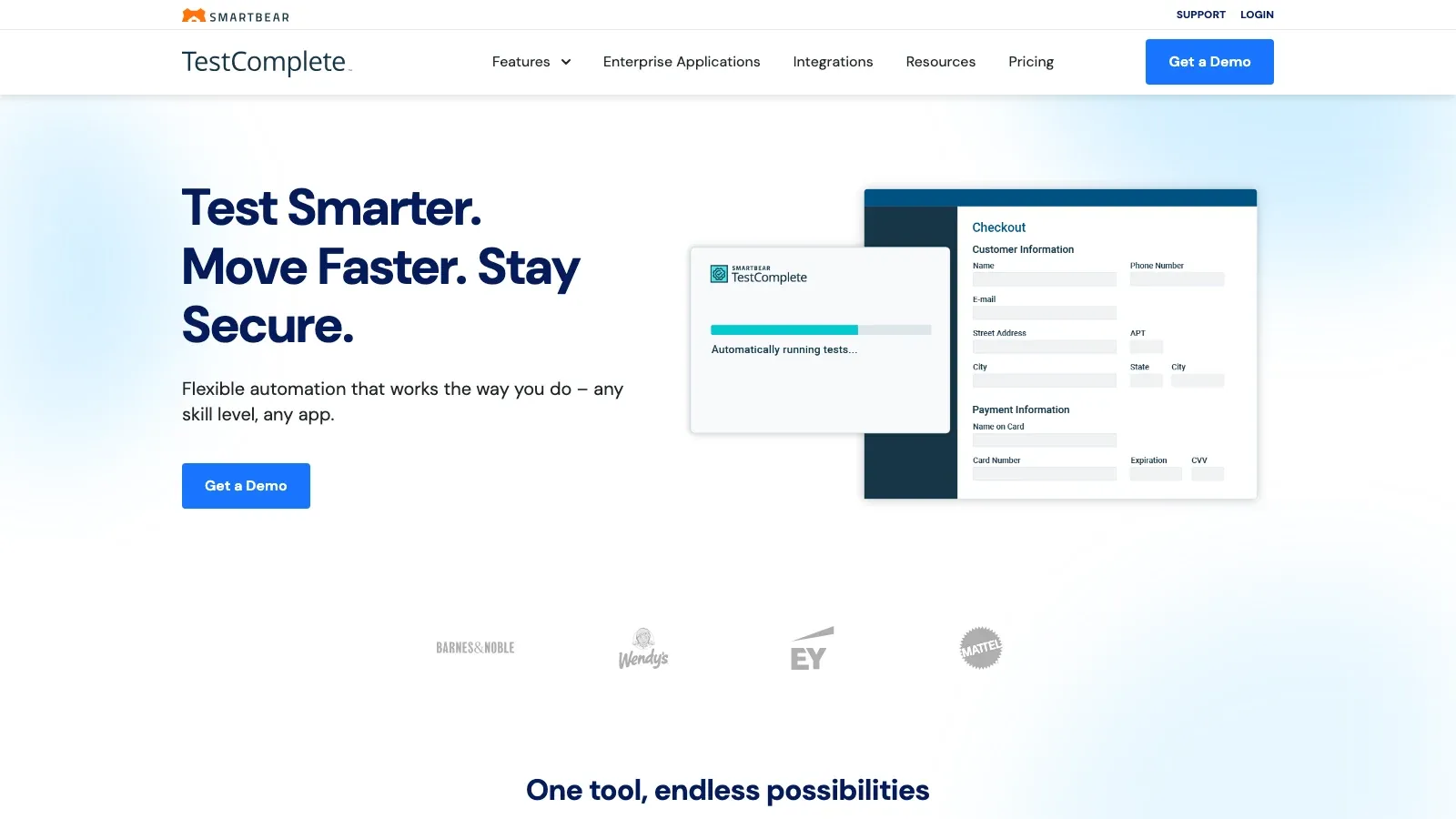
Overview: TestComplete web, desktop, और mobile across UI test automation के लिए एक परिपक्व platform है। यह keyword-driven और scripted—दोनों विकल्प देता है।
मुख्य फीचर्स: Keyword-driven editor, multi-language scripting, object property recognition, data-driven testing।
फ़ायदे: लचीला, strong desktop support, बड़ा user base।
कमियाँ: पुराना interface, बड़े projects में जटिलता, per-seat licensing।
किसके लिए बेहतर: ऐसे teams जिन्हें desktop/web automation और मिश्रित skill sets चाहिए।
Worksoft Certify
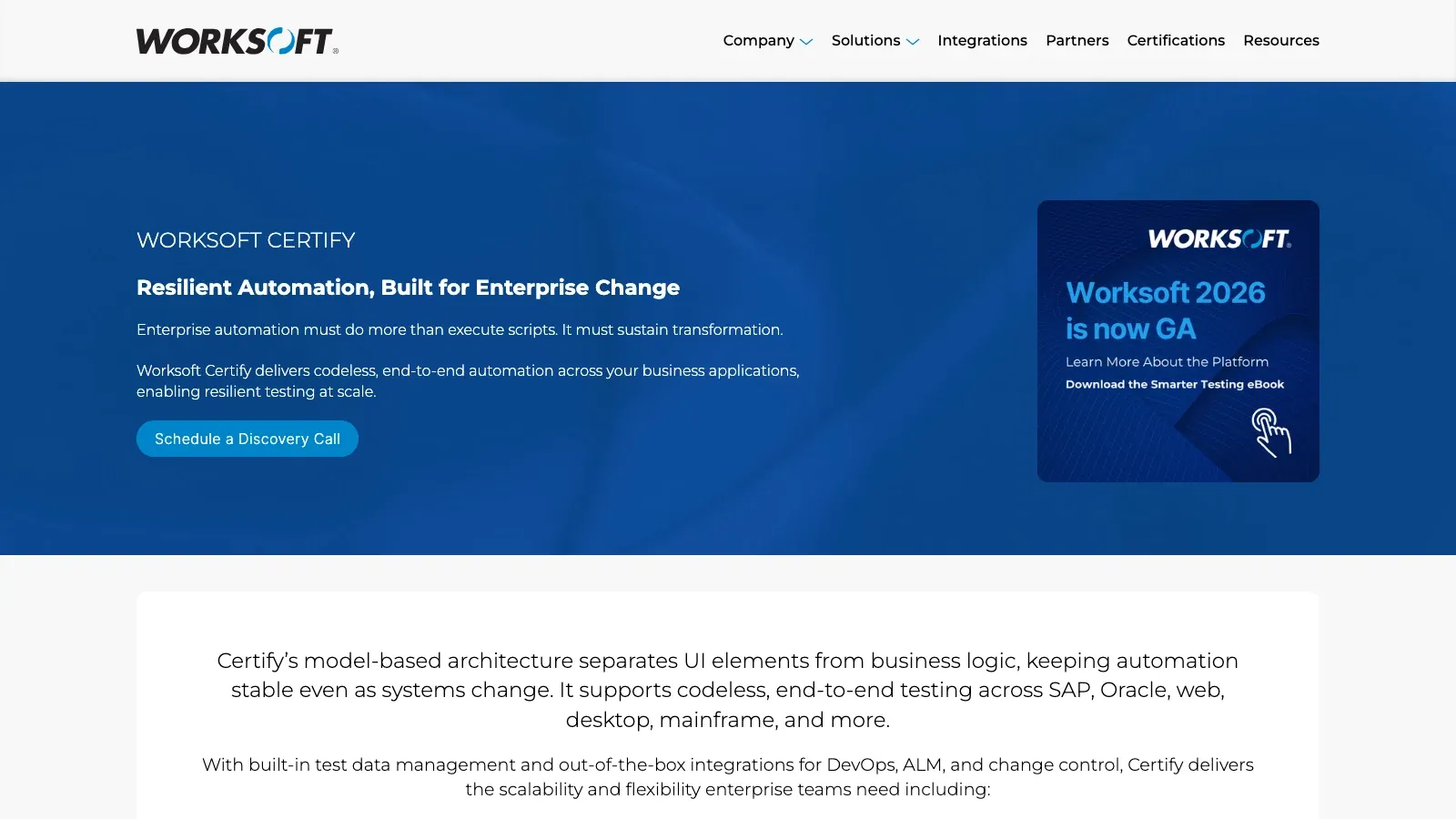
Overview: Worksoft enterprise process automation के लिए बना है, खासकर SAP और multi-app environments में। यह business processes को capture करता है और उन्हें codeless तरीके से automate करता है।
मुख्य फीचर्स: Business process capture, SAP/ERP integration, process analytics, cross-app automation।
फ़ायदे: SAP/ERP में उत्कृष्ट, process insights, non-programmers को सक्षम बनाता है।
कमियाँ: उच्च लागत, specialized, customization के कम विकल्प।
किसके लिए बेहतर: बड़े enterprises जिनके business processes जटिल हैं।
Rainforest QA
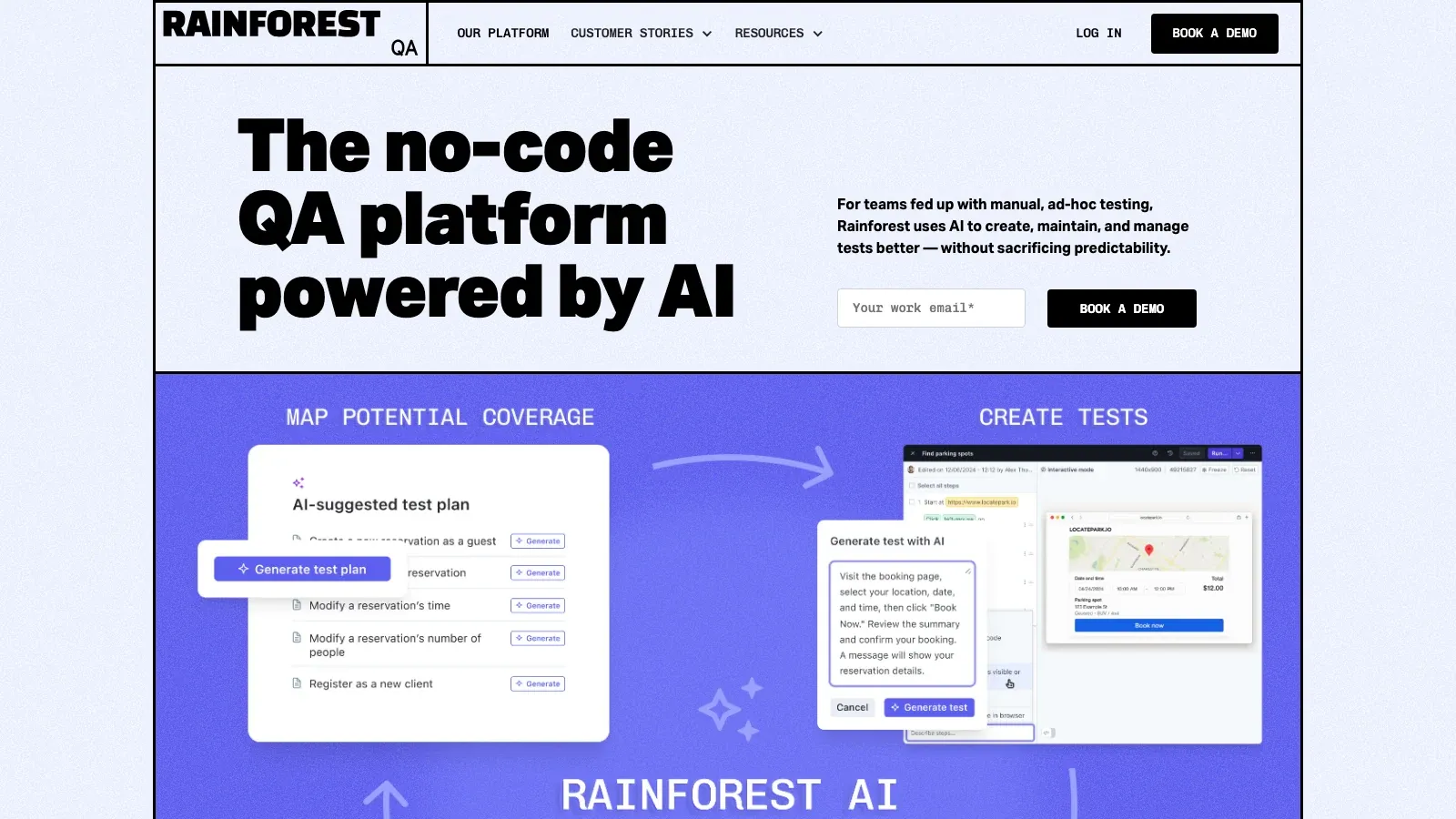
Overview: Rainforest QA एक cloud-based, सच्चा no-code platform है जहाँ आप tests plain English में लिखते हैं और उन्हें cloud VMs पर visual रूप से चलाते हैं।
मुख्य फीचर्स: Plain English test creation, visual testing, AI self-healing, बड़े पैमाने पर parallel execution।
फ़ायदे: पूरी तरह no-code, उपयोग में आसान, कम maintenance, तेज़ execution।
कमियाँ: UI पर केंद्रित, deep API/unit testing की कमी, cloud-only।
किसके लिए बेहतर: Startups और agile teams जिन्हें तेज़, बिना झंझट web UI testing चाहिए।
Squish
Overview: Squish एक cross-platform GUI automation tool है जो web, desktop, mobile, और embedded apps को सपोर्ट करता है। यह record/playback और कई भाषाओं में scripting देता है।
मुख्य फीचर्स: Record/playback, BDD support, scripting, व्यापक tech stack, CI integrations।
फ़ायदे: अत्यंत बहुमुखी, मजबूत object identification, भरोसेमंद support।
कमियाँ: पूरी तरह no-code नहीं, high license cost, तकनीकी users के लिए अधिक उपयुक्त।
किसके लिए बेहतर: Cross-platform या embedded GUI apps बनाने वाली teams।
Testing से आगे: Business Users के लिए No-Code Automation Solution के रूप में Thunderbit
अब, एक पल के लिए QA lab से बाहर चलते हैं। ऊपर दिए गए सभी tools test automation पर केंद्रित हैं, लेकिन no-code automation business workflows में भी क्रांति ला रहा है। यहीं Thunderbit काम आता है।
Thunderbit business users—जैसे sales, marketing, ecommerce ops, और real estate agents—के लिए एक AI-powered, no-code automation tool है। यह test automation tool नहीं है, लेकिन उसी philosophy पर बना है: automation को हर किसी के लिए सुलभ बनाना।
Thunderbit के साथ आप यह कर सकते हैं:
- सिर्फ़ कुछ क्लिक में किसी भी वेबसाइट, PDF, या image से data scrape कर सकते हैं।
- Form filling और web workflows automate कर सकते हैं (कल्पना कीजिए, एक साथ 10 sites पर job posting करना)।
- Data सीधे Excel, Google Sheets, Airtable, या Notion में export कर सकते हैं बिना manual copy-paste के।
- Scrapes या automations को schedule करके अपने आप चला सकते हैं (price monitoring या lead generation के लिए बढ़िया)।
- किसी भी web page से emails, phone numbers, और images निकाल सकते हैं—वह भी बिल्कुल मुफ्त।
इसका जादू AI में है: Thunderbit page को पढ़ता है, बताता है कि क्या scrape करना है, और pagination या subpages को अपने आप संभालता है। यह “click, scrape, done” जितना आसान है। और क्योंकि यह Chrome extension है, यह सीधे आपके browser में काम करता है।
मुख्य अंतर क्या है? Test automation tools software behavior को validate करते हैं। Thunderbit business tasks, scraping, data entry, और repetitive web actions को automate करता है। लेकिन दोनों non-coders को वही काम automate करने की ताकत देते हैं जो उनके लिए महत्वपूर्ण है।
अगर आप QA से बाहर repetitive browser work को हल करने वाला no-code workflow आज़माना चाहते हैं, तो यहाँ से शुरू करें:
Thunderbit Chrome Extension आज़माएँ
No-Code Test Automation Tools के फ़ायदे और नुकसान
फ़ायदे
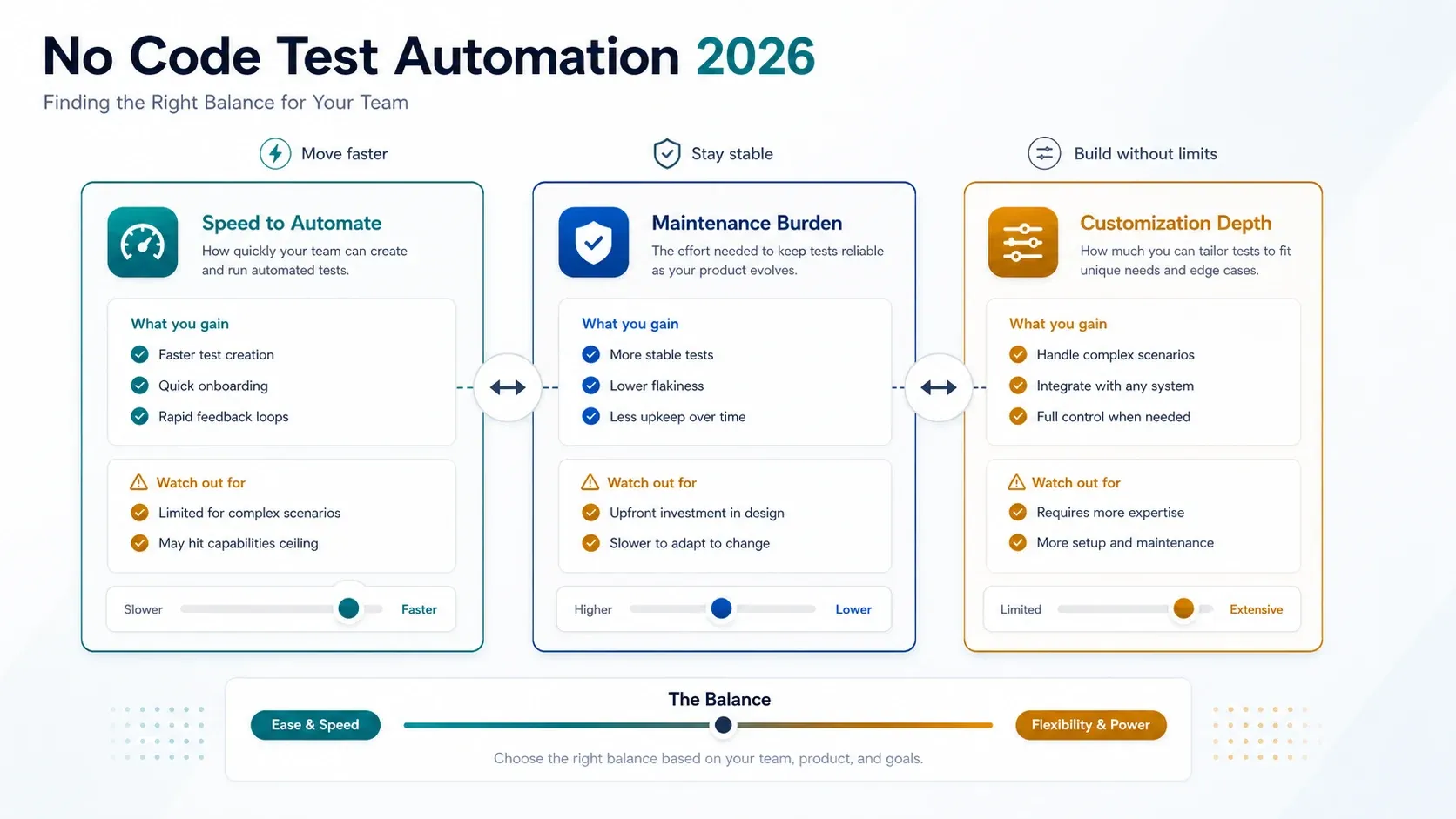
- Non-Programmers के लिए सुलभ: Automation को manual testers, business analysts, और अन्य लोगों तक खोलता है।
- तेज़ Test Development: Test creation 90% तक तेज़।
- कम Maintenance: AI self-healing और smart locators से टूटे tests ठीक करने में कम समय लगता है।
- तेज़ Feedback: Rapid validation के लिए CI/CD के साथ integration।
- लागत बचत: Specialised engineers की कम ज़रूरत, चलती लागत भी कम।
- बेहतर Collaboration: Tests हर कोई पढ़ सकता है, सिर्फ़ coders नहीं।
- Scalable: Cloud-based tools parallel execution और व्यापक coverage संभालते हैं।
नुकसान
- Customization की सीमा: Edge cases या जटिल logic के लिए code या workarounds चाहिए हो सकते हैं।
- बड़े Projects पर Scalability: हज़ारों visual tests manage करना मुश्किल हो सकता है।
- Vendor Lock-In: Tests अक्सर एक tool से दूसरे में आसानी से नहीं जाते।
- Learning Curve: Tool की logic और quirks सीखने पड़ते हैं।
- Integration Gaps: कुछ tools हर CI/CD setup से पूरी तरह मेल नहीं खाते।
- लागत: Commercial tools scale करते समय महँगे हो सकते हैं।
- Skill Atrophy: No-code पर बहुत अधिक निर्भरता टीम की तकनीकी गहराई कम कर सकती है।
चुनौतियों से निपटने के सुझाव
- ऐसे tools चुनें जिनमें edge cases के लिए code extensions हों।
- Scalability के लिए tests को modular बनाइए और व्यवस्थित रखिए।
- बड़े scale पर जाने से पहले छोटे suite के साथ pilot करें।
- Training में निवेश करें और technical तथा non-technical, दोनों users को शामिल करें।
- ROI पर नज़र रखें और ज़रूरत बदलने पर tool choices फिर से देखें।
No-Code Test Automation Tools कब उपयोग करें (और कब नहीं)
कब उपयोग करें
- Regression और दोहराए जाने वाली Testing: स्थिर, repeatable flows automate करें।
- Agile/CI Environments: तेज़ releases और बार-बार UI changes के साथ तालमेल रखें।
- Cross-Browser/Device Checks: कई environments को जल्दी कवर करें।
- सीमित Coding Skills वाली Teams: Manual testers और business users को सक्षम बनाइए।
- Standard UI Flows: Typical buttons, forms, और navigation वाले apps।
- Early Automation: Living requirements के रूप में plain English में tests लिखिए।
कब नहीं उपयोग करें
- बहुत जटिल या Custom Scenarios: गहरी logic, custom UIs, या non-standard tech।
- Flaky या अस्थिर UIs: अगर app हर दिन बदलती है, तो किसी भी तरह की automation कठिन होगी।
- Exploratory Testing: No-code tools human intuition की जगह नहीं ले सकते।
- Unit या Low-Level Testing: Backend logic के लिए code frameworks ही बेहतर हैं।
- Heavy Custom Integrations: अगर आपको stack में deep hooks चाहिए, तो code बेहतर हो सकता है।
- Security/Performance Testing: इन ज़रूरतों के लिए specialized tools इस्तेमाल करें।
- कठोर Compliance Needs: कुछ industries को code-level audit trails चाहिए होते हैं।
याद रखें: जो चीज़ें predict कर सकते हैं, उन्हें automate करें; जो unpredictable हैं, उन्हें manual test करें। No-code tools सिर्फ़ “predictable” हिस्से को सबके लिए सुलभ बनाते हैं।
निष्कर्ष: अपनी टीम के लिए सही No-Code Test Automation Tool कैसे खोजें
No-code test automation सिर्फ़ एक trend नहीं है। यह इस बात में एक व्यावहारिक बदलाव है कि टीमें quality software कैसे deliver करती हैं। हालिया industry roundups अभी भी मज़बूत automation adoption, mixed manual-and-automated strategies पर लगातार निर्भरता, और feedback cycles को छोटा करने का दबाव दिखाते हैं—और यही सब codeless तथा low-code workflows को आज वास्तविक teams के लिए अधिक आकर्षक बनाता है (Testlio, BrowserStack).
मैं यह सलाह देता हूँ:
- अपनी ज़रूरतें आँकिए: आपकी समस्याएँ क्या हैं—speed, maintenance, coverage?
- Shortlist बनाइए और trial कीजिए: ज़्यादातर tools free trials देते हैं। खुद इस्तेमाल करके देखें क्या फिट बैठता है।
- अपनी टीम को शामिल कीजिए: Technical और non-technical, दोनों लोगों से tools आज़मवाइए।
- छोटे से शुरू करें, फिर scale करें: कुछ high-value flows automate करें, फिर विस्तार करें।
- Training और best practices में निवेश करें: No-code tools को भी सोच-समझकर test design चाहिए।
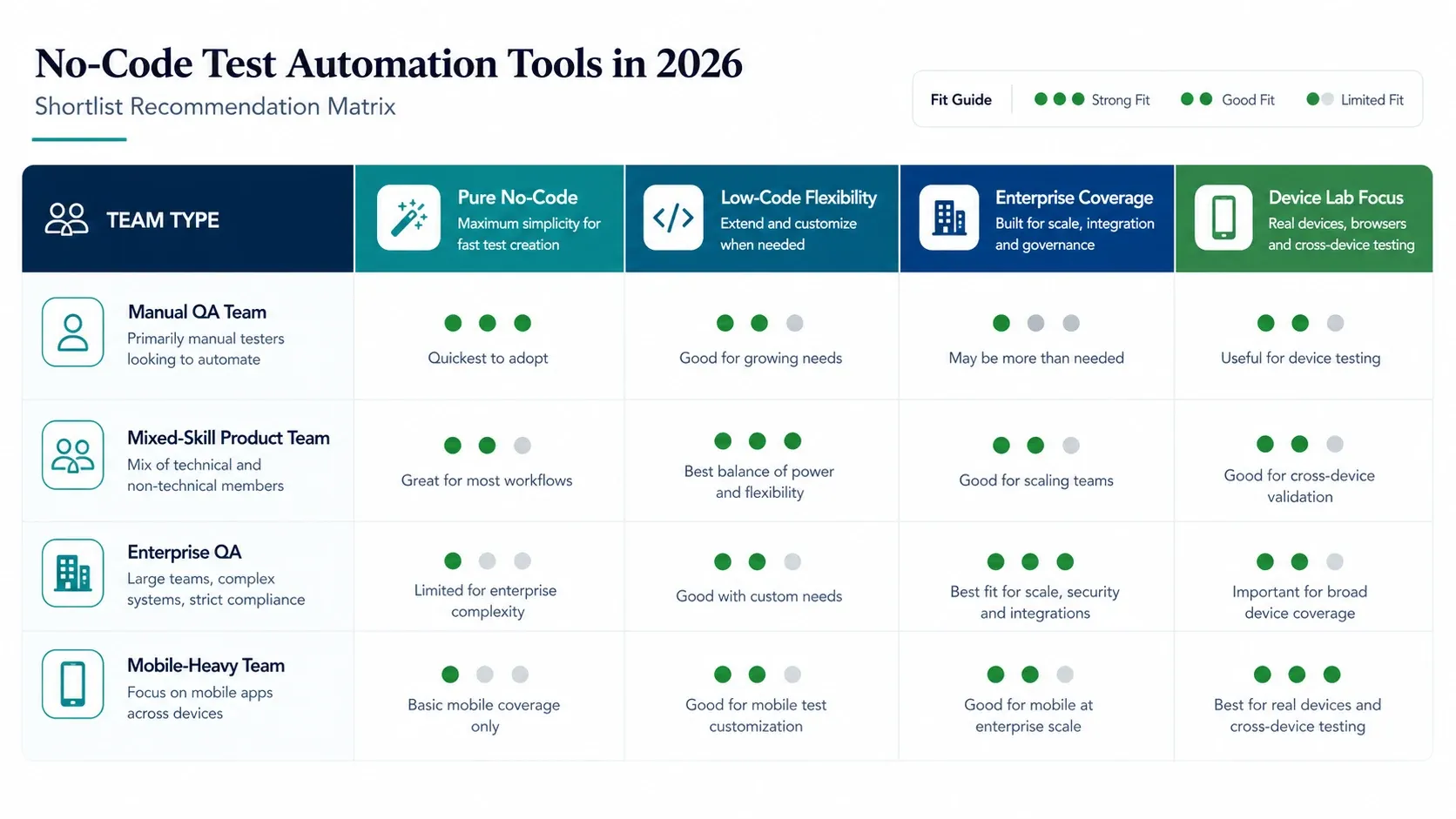
टीम प्रकार के अनुसार अंतिम Shortlist
- Manual QA teams के लिए:
testRigor,Rainforest QA, औरTestsigmaसे शुरुआत करें। - Enterprise process-heavy environments के लिए:
ACCELQ,Tosca, औरWorksoft Certifyसे शुरुआत करें। - Mobile-first QA programs के लिए:
Perfecto,Kobiton, औरTestGridसे शुरुआत करें। - CI/CD में mixed-skill SaaS teams के लिए:
Katalon,Mabl,Testim, औरLeapworkसे शुरुआत करें।
और यह मत भूलिए कि no-code automation सिर्फ़ QA के लिए नहीं है। Thunderbit जैसे tools वही accessibility business workflows में ला रहे हैं, जिससे कोई भी उबाऊ browser work automate कर सकता है और उन चीज़ों पर ध्यान दे सकता है जो सच में मायने रखती हैं।
अगर आप अपनी testing को, और शायद अपनी business ops को भी, तेज़ करना चाहते हैं, तो अब इसमें उतरने का सही समय है। कुछ tools आज़माइए, experiment कीजिए, और देखिए कि जब automation सच में सबके लिए हो, तो आप कितना अधिक हासिल कर सकते हैं।
No-Code Automation के लिए Thunderbit आज़माएँ
खुशियों के साथ testing कीजिए और automation कीजिए!
FAQs
1. No-code test automation क्या है और 2026 में यह क्यों लोकप्रिय हो रही है?
No-code test automation उपयोगकर्ताओं को visual interfaces और plain English की मदद से, बिना coding के, software tests बनाने और चलाने की सुविधा देती है। 2026 में यह इसलिए लोकप्रिय हो रही है क्योंकि यह skills gap को पाटती है, testing cycles तेज़ करती है, लागत घटाती है, और व्यापक team participation को सक्षम बनाती है। यह खास तौर पर तब उपयोगी है जब teams पर तेज़ी से कम bugs के साथ release करने का दबाव बढ़ रहा हो।
2. No-code test automation tools से किसे लाभ मिल सकता है?
इन tools से QA engineers, manual testers, product managers, और business analysts—असल में कोई भी जो app को समझता हो लेकिन coding skills न रखता हो—लाभ उठा सकता है। यह लोकतंत्रीकरण team के ज़्यादा सदस्यों को quality assurance में योगदान देने का मौका देता है, जिससे feedback तेज़ होता है और test coverage व्यापक होती है।
3. No-code test automation tools इस्तेमाल करने के मुख्य फ़ायदे और सीमाएँ क्या हैं?
फ़ायदों में तेज़ test creation (90% तक), कम maintenance, बेहतर collaboration, और automation engineers पर कम निर्भरता शामिल है। सीमाओं में जटिल logic के लिए कम flexibility, संभावित vendor lock-in, scale पर अधिक लागत, और अत्यधिक custom या backend scenarios के लिए सीमित support शामिल है।
4. अपनी team के लिए सही no-code test automation tool कैसे चुनूँ?
मुख्य मानदंड हैं उपयोग में आसानी, supported platforms (web, mobile, API, आदि), test creation और maintenance features (जैसे AI self-healing), CI/CD integration, reporting capabilities, scalability, support/community की मजबूती, और पारदर्शी pricing। किसी tool को अपनाने से पहले हमेशा कुछ विकल्पों का trial लें।
5. Thunderbit का no-code automation से क्या संबंध है, और यह क्या देता है?
भले ही यह test automation tool नहीं है, Thunderbit business users के लिए एक no-code automation platform है। यह data scraping, form filling, और repetitive web tasks को बिना code के automate करता है। No-code QA tools की तरह ही, Thunderbit non-technical users को काम automate करने की ताकत देता है, जिससे business operations अधिक efficient बनती हैं।




