
“ग्रैबर टूल” एक पुराना, व्यापक शब्द है, जिसका इस्तेमाल उन software के लिए किया जाता था जो web pages की जानकारी को उपयोगी data में बदलते हैं। इस guide में शामिल modern विकल्प एक ही तरह की समस्या का हल नहीं देते: कुछ visual desktop tools हैं, कुछ API-first products हैं, और कुछ managed enterprise data platforms हैं। यह तुलना आपको सही operating model चुनने में मदद करती है, बजाय इसके कि आप हर web-data tool को एक जैसा मान लें।
अगस्त 2026 में अंतिम समीक्षा और अपडेट किया गया। उस तारीख पर product पहचान और मुख्य capabilities को provider की सामग्री से verify किया गया था। कृपया मौजूदा commercial terms सीधे हर provider से जांचें।
ग्रैबर टूल कैसे चुनें
सबसे पहले अपनी ज़रूरत के operating model से शुरुआत करें:
- ऐसे business users जिन्हें वेबसाइट से एक custom table चाहिए: Thunderbit, ParseHub, WebHarvy, Octoparse, या ScrapeStorm.
- ऐसी teams के लिए जिन्हें programmable data service चाहिए: Diffbot या Sequentum Enterprise.
- retail और pricing teams के लिए जिन्हें लगातार update होने वाला data feed चाहिए: Import.io.
फिर चार practical बातों की जांच करें: क्या tool आपके काम की page type को handle कर सकता है, output कहाँ जाना है, workflow की maintenance कौन करेगा, और क्या आपके process के लिए local desktop app, cloud run, API, या fully managed service सही है।
1. Thunderbit — web pages से custom business data के लिए सबसे अच्छा
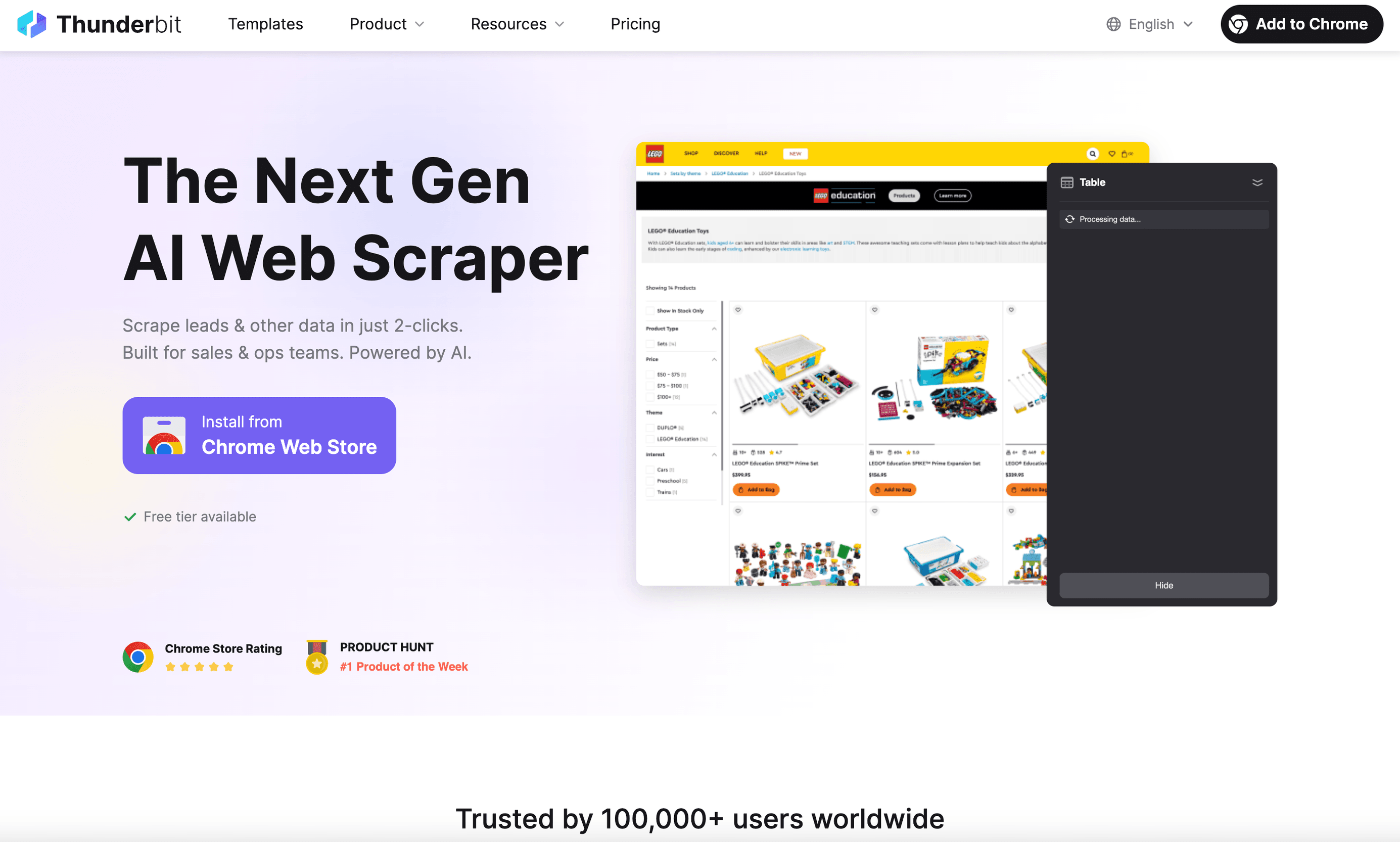
Thunderbit एक agentic web scraper है, जो उन लोगों के लिए बनाया गया है जिन्हें selectors या custom scraper बनाए बिना वेबसाइट से structured data चाहिए। यह lead lists, ecommerce research, directories, event pages, और किसी भी public page के लिए उपयोगी है जहाँ आपको exact dataset पहले से नहीं मिलता।
AI Suggest Fields का इस्तेमाल करके Thunderbit से columns और extraction instructions सुझवाएँ, suggestions की review करें, फिर job शुरू करने के लिए एक क्लिक में Scrape करें। यह subpages follow कर सकता है और pagination भी संभाल सकता है, फिर results को Excel, Google Sheets, Airtable, Notion, CSV, या JSON में export कर सकता है। Automated workflows के लिए Thunderbit API, MCP, और CLI भी देता है।
सबसे उपयुक्त: non-technical या operations team, जिसे खुले web पर मौजूद pages से flexible, business-ready dataset चाहिए।
वेब डेटा एक्सट्रैक्शन के लिए Thunderbit आज़माएँ
2. ParseHub — स्पष्ट page interactions वाले visual projects के लिए सबसे अच्छा
ParseHub एक desktop-based visual scraping tool है। यह users को page elements पर point करके projects बनाने देता है, जो JavaScript/AJAX pages, forms, dropdowns, infinite scroll, pagination, और logged-in sessions के साथ काम कर सकते हैं। इसके cloud runs schedule किए जा सकते हैं, और REST API के ज़रिए projects को programmatically शुरू करके results लिए जा सकते हैं।
सबसे उपयुक्त: ऐसे analysts जो step by step एक visual extraction workflow बनाना चाहते हैं, खासकर उन page interactions के साथ जिन्हें simple table grab से ज़्यादा control चाहिए।
3. Octoparse — scale पर local और cloud visual extraction के लिए सबसे अच्छा
Octoparse एक visual task builder को local और cloud extraction के साथ जोड़ता है। इसके product materials में local और cloud runs, scheduling, templates, और product tiers के अनुसार API access का वर्णन किया गया है।
सबसे उपयुक्त: ऐसी teams जो ad hoc desktop jobs से recurring cloud tasks और scheduled data delivery की ओर बढ़ना चाहती हैं।
4. WebHarvy — one-time-purchase desktop scraper के लिए सबसे अच्छा
WebHarvy एक point-and-click desktop scraper है, जिसमें repeat होने वाले data के लिए pattern detection मिलता है। यह pagination, form input, login handling, image extraction, custom JavaScript, और files या SQL databases में export को support करता है। इसका current version extraction और transformations के लिए local या cloud LLM providers से connections भी support करता है। इसे monthly subscription के बजाय one-time purchase के रूप में बेचा जाता है।
सबसे उपयुक्त: ऐसे individuals या छोटी teams जो recurring visual extraction work के लिए desktop tool और perpetual-license model पसंद करती हैं।
5. ScrapeStorm — visual Smart Mode और Flowchart Mode के लिए सबसे अच्छा
ScrapeStorm दो अलग setup modes देता है। Smart Mode AI की मदद से किसी URL से list data, tables, और pagination पहचानता है; Flowchart Mode users को clicks, input, scrolls, waits, loops, और conditions जैसी actions model करने देता है। इसके paid plans में higher tiers पर बड़े task और export limits, scheduling, automatic export, Google Sheets export, REST API, और webhooks मिलते हैं।
सबसे उपयुक्त: ऐसी teams जो AI-assisted शुरुआत चाहती हैं, लेकिन complex sites के लिए visual workflow editor भी चाहती हैं।
6. Diffbot — API-first extraction और Knowledge Graph data के लिए सबसे अच्छा
Diffbot एक API-first web-data platform है, जिसमें Extract, Bulk Extract, Crawl, Natural Language, और Knowledge Graph products शामिल हैं। यह desktop click-to-export utility नहीं, बल्कि developers और data-platform teams के लिए विकल्प है।
सबसे उपयुक्त: engineering और data teams, जो extraction और knowledge-graph capabilities को किसी application या data pipeline से call करना चाहती हैं।
7. Sequentum Enterprise — Windows-based enterprise extraction agents के लिए सबसे अच्छा
Sequentum Enterprise उस product का current नाम है जिसे पहले Content Grabber Enterprise कहा जाता था। इसका Desktop license web-data extraction agents बनाने और संभालने के लिए है। इसका Server license production में agents चलाता है और इसमें auto-scheduling, API functionality, और centralized enterprise operations के लिए Agent Control Center शामिल है।
सबसे उपयुक्त: ऐसी संस्थाएँ जो custom Windows-based extraction agents चलाती हैं और central control के साथ अलग production environment चाहती हैं।
8. Import.io — managed retail pricing intelligence के लिए सबसे अच्छा
Import.io अब real-time pricing intelligence और retailers व brands के लिए managed web-data delivery पर केंद्रित है। इसका product competitor price, availability, assortment, और MAP monitoring; self-healing data pipelines; API, warehouse, और BI delivery; साथ ही sensitive-data detection और removal जैसे compliance controls cover करता है।
सबसे उपयुक्त: retail, ecommerce, और pricing teams, जिन्हें general-purpose self-service scraper के बजाय governed और maintained feed चाहिए।
8 ग्रैबर टूल विकल्पों की तुलना
| टूल | Operating model | सबसे अच्छा उपयोग |
|---|---|---|
| Thunderbit | AI-assisted browser और cloud extraction | web pages से custom business datasets |
| ParseHub | Visual desktop projects और cloud runs | dynamic pages पर स्पष्ट interactions |
| Octoparse | Visual desktop और cloud tasks | scheduled और scalable visual extraction |
| WebHarvy | Visual desktop scraper | perpetual-license model के साथ pattern-based extraction |
| ScrapeStorm | Smart Mode और visual flowcharts | optional workflow control के साथ AI-assisted setup |
| Diffbot | API और Knowledge Graph platform | application और data-pipeline integration |
| Sequentum Enterprise | Desktop/Server agent platform | enterprise-managed custom extraction agents |
| Import.io | Managed web-data और pricing-intelligence platform | maintained retail price, availability, और assortment feeds |
एक practical selection checklist
- पहले data source चुनें। अगर जवाब है “कुछ बदलते हुए web pages,” तो visual tool से शुरू करें। अगर जवाब है “production data feed,” तो API और managed-service options की तुलना करें।
- maintenance owner तय करें। कोई visual project तब भी किसी व्यक्ति से update मांगता है जब page बदलता है। Managed platforms कुछ control के बदले ongoing delivery और support देते हैं।
- तय करें कि data कहाँ इस्तेमाल होगा। spreadsheet delivery, database, warehouse, CRM, और application API—सबकी ज़रूरतें अलग होती हैं।
- एक representative workflow से शुरुआत करें। बड़े plan पर जाने से पहले एक domain, एक output schema, और एक destination को test करें।
- source और लागू rules का सम्मान करें। target site की terms, privacy obligations, और data collect व use करने पर लागू laws की review करें।
अक्सर पूछे जाने वाले सवाल
ग्रैबर टूल क्या है?
यह ऐसा software है जो websites से जानकारी निकालकर उसे structured output में बदलता है, जैसे spreadsheet, database record, API response, या managed data feed।
visual scraper और API-first product में क्या अंतर है?
Visual scraper इस तरह बनाया जाता है कि कोई व्यक्ति web page से extraction configure करे। API-first product software systems के लिए बनाया जाता है ताकि वे programmatically data request कर सकें, और यह product features या repeatable pipelines के लिए अक्सर बेहतर होता है।
non-technical team के लिए कौन-सा विकल्प सबसे अच्छा है?
Thunderbit उन teams के लिए उपयुक्त है जो review के बाद AI-assisted field setup और एक Scrape action चाहती हैं। ParseHub, Octoparse, WebHarvy, और ScrapeStorm visual tools देते हैं, लेकिन उनके cloud, scheduling, और workflow-control models अलग-अलग हैं।
इस list में Thunderbit अलग कैसे है?
Thunderbit एक agentic web scraper है। AI Suggest Fields output fields और prompts सुझाता है; आप उन्हें review करने के बाद, एक क्लिक में Scrape extraction शुरू कर देता है। यह result export कर सकता है या technical workflows के लिए API, MCP, और CLI के ज़रिए इस्तेमाल किया जा सकता है।
कस्टम web data के लिए Thunderbit का उपयोग करें Get Started Free




