

2026 के अगस्त में आख़िरी बार समीक्षा और अपडेट किया गया।
Amazon seller extensions अलग-अलग कामों के लिए बनाए गए हैं। कुछ price या sales-rank का history दिखाते हैं, कुछ sourcing decision का आकलन करने में मदद करते हैं, कुछ product research के लिए होते हैं, और कुछ visible page data से custom table बनाने में मदद करते हैं। सही तुलना की शुरुआत हर extension को किसी vague scale पर एक साथ रैंक करने से नहीं, बल्कि इन categories को अलग-अलग समझने से होती है।
यह गाइड Amazon seller workflows के लिए छह मौजूदा विकल्पों को कवर करता है। कोई भी फैसला लेने से पहले हर product की current terms, plan details, और आपके business के लिए उपयुक्त data sources ज़रूर देख लें।
6 Amazon Seller Extensions एक नज़र में
| Tool | मुख्य काम | किसके लिए सबसे अच्छा | क्या जाँचें |
|---|---|---|---|
| Thunderbit | Browser-based data collection | अनुमत visible fields से custom tables | Plan limits और target page compatibility |
| Keepa | Price और sales-rank history | Sourcing या pricing decision से पहले historical context | Current subscription features |
| Helium 10 | Seller product और keyword research | Broad research suite चाहने वाले sellers | Current plan entitlements |
| SellerAmp SAS | Sourcing analysis | Individual products का आकलन करने वाले OA और wholesale workflows | Marketplace और plan requirements |
| Jungle Scout | Product research | Product opportunities compare करने वाले sellers | Current extension और suite scope |
| AMZScout | Product research | Alternative research workflow चाहने वाले sellers | Current trial और product terms |
कोई भी tool हर मामले में “सबसे अच्छा” नहीं होता। सबसे उपयोगी option इस बात पर depend करता है कि आपको कौन-सा decision लेना है और आप किस data का use करने की अनुमति रखते हैं।

1. Thunderbit: Web Scraping के लिए AI Agent
Thunderbit एक AI agent for web scraping है, जो उन business users के लिए बनाया गया है जिन्हें किसी अनुमत page पर visibly दिख रहे fields से structured table चाहिए। उदाहरण के तौर पर, किसी seller को search result या storefront page से product titles, visible prices, ratings, URLs, या दूसरे displayed fields की ज़रूरत हो सकती है।
AI Suggest Fields extract किए जाने वाले columns का सुझाव देता है। सुझाई गई schema को एक बार review करें, फिर extraction शुरू करने के लिए Scrape पर क्लिक करें। यह एक no-code browser workflow है, लेकिन यह यह guarantee नहीं करता कि हर Amazon page या access pattern काम करेगा, और यह किसी अनुमत official data source का विकल्प भी नहीं है।
Technical या data-pipeline work के लिए, Thunderbit Web Scraper API, MCP Server, और CLI भी देता है। Plan और export details के लिए current pricing देखें।

किसके लिए सबसे अच्छा: sellers, agencies, या operations teams, जिन्हें predefined seller-research metric के बजाय visible page data की custom table चाहिए।
Thunderbit AI Web Scraper आज़माएँ
2. Keepa: Historical Price और Rank Context
Keepa Amazon price और sales-rank history पर focus करता है। इसका extension product page पर historical context जोड़ता है, जो तब काम आता है जब कोई seller price movement, marketplace behavior, या sourcing decision का आकलन कर रहा हो।
Keepa custom-page data extractor नहीं है और न ही यह profitability calculator या keyword suite का विकल्प है। इसका असली value historical context में है; अपने workflow के लिए ज़रूरी exact history और alerts के हिसाब से current product और subscription details देख लें।

किसके लिए सबसे अच्छा: sellers जिन्हें research या sourcing workflow के साथ price-history context भी चाहिए।
3. Helium 10: Seller Research Suite
Helium 10 एक seller-focused research suite है। इसका Chrome extension product और keyword research के लिए broader toolset का हिस्सा है, और plan access तथा product entitlements समय के साथ बदल सकते हैं।
Helium 10 को general browser scraper की तरह नहीं, बल्कि research-suite decision की तरह देखें। जब seller को Amazon-oriented research workflow चाहिए और वे current plan scope को अपनी ज़रूरतों से compare करने के लिए तैयार हों, तब यह एक अच्छा fit हो सकता है।

किसके लिए सबसे अच्छा: sellers जिन्हें broader Amazon seller toolkit के हिस्से के रूप में product और keyword research चाहिए।
4. SellerAmp SAS: Sourcing Analysis
SellerAmp SAS Amazon sourcing analysis के लिए Chrome extension, web app, और mobile app को जोड़ता है। इसकी current documentation Amazon pages पर product analysis बताती है, जिसमें configured cost inputs, fees, ROI, margin, break-even information, eligibility, alerts, और historical context शामिल हैं।
यह seller के लिए एक decision-support tool है, न कि arbitrary visible fields से custom extraction का tool। यह खास तौर पर online-arbitrage और wholesale workflows के लिए उपयोगी है, जहाँ खरीदने से पहले किसी defined product का analysis करना होता है।
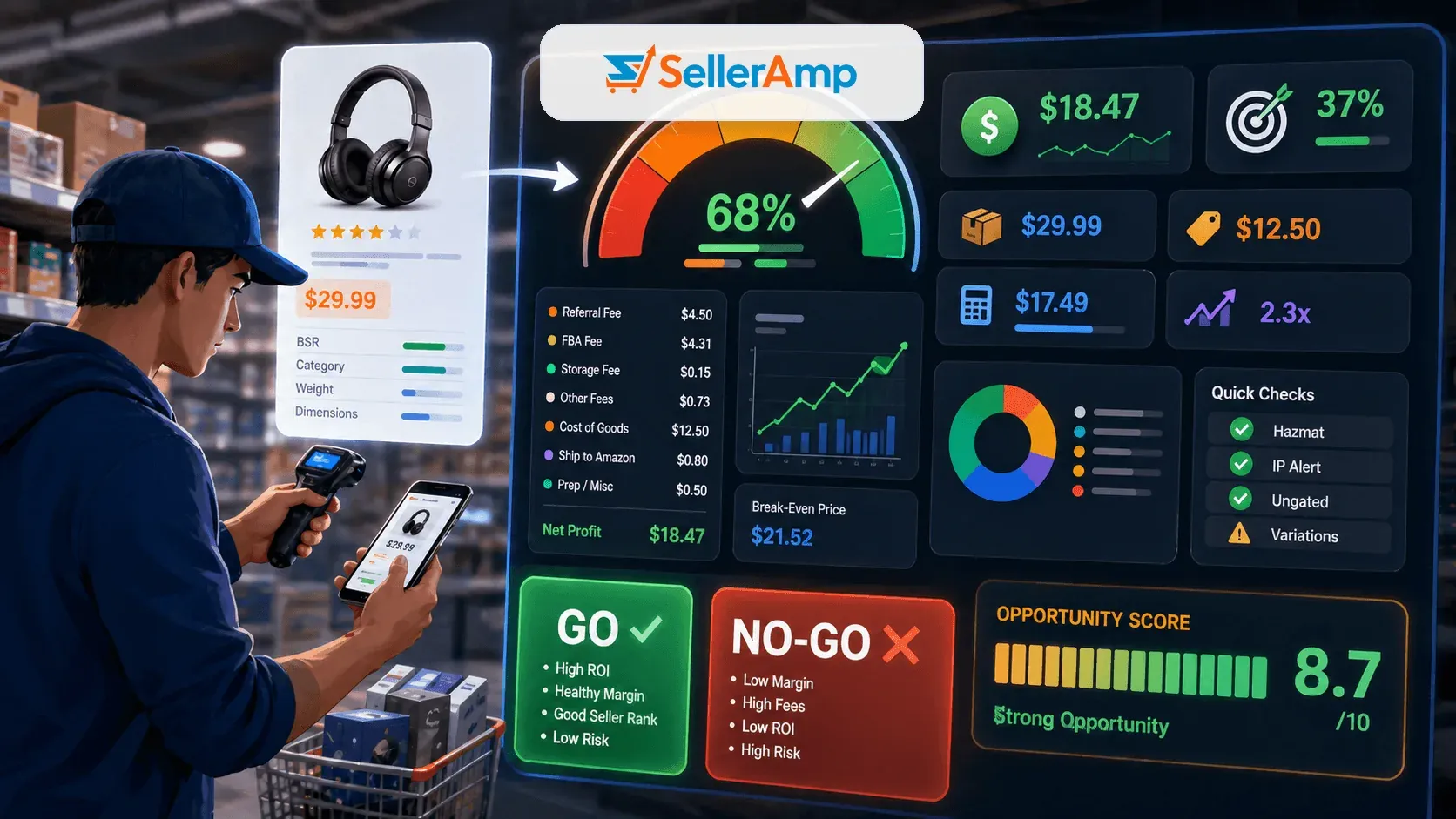
किसके लिए सबसे अच्छा: sourcing workflows जिन्हें structured product-analysis view चाहिए। खरीदने से पहले SellerAmp की current pricing और marketplace support देख लें।
5. Jungle Scout: Product Opportunity Research
Jungle Scout Amazon product-research tools देता है, जिसमें browser extension भी शामिल है जो sellers के Amazon browse करते समय product-research information दिखाता है। इसे product opportunities और research के मूल्यांकन के लिए बनाया गया है, न कि किसी arbitrary custom extraction table के लिए।
यह extension और broader suite में क्या शामिल है, यह confirm करने के लिए current product documentation और plan pages देख लें। Sales या revenue estimates को research inputs की तरह लें, future results की guarantee की तरह नहीं।

किसके लिए सबसे अच्छा: sellers जो guided product-research workflow चाहते हैं और opportunity को अपने costs, demand evidence, और constraints से validate करेंगे।
6. AMZScout: Alternative Product Research Workflow
AMZScout Amazon seller workflows के लिए product-research tools और Chrome extension देता है। यह भी general-purpose custom scraper के बजाय research-oriented option है।
इसके plans और offers product page और region के हिसाब से बदल सकते हैं, इसलिए उस live term को compare करें जो वास्तव में आपके खरीदे जाने वाले plan पर लागू होता है। चुनते समय static price table या generic “budget” label पर भरोसा न करें।
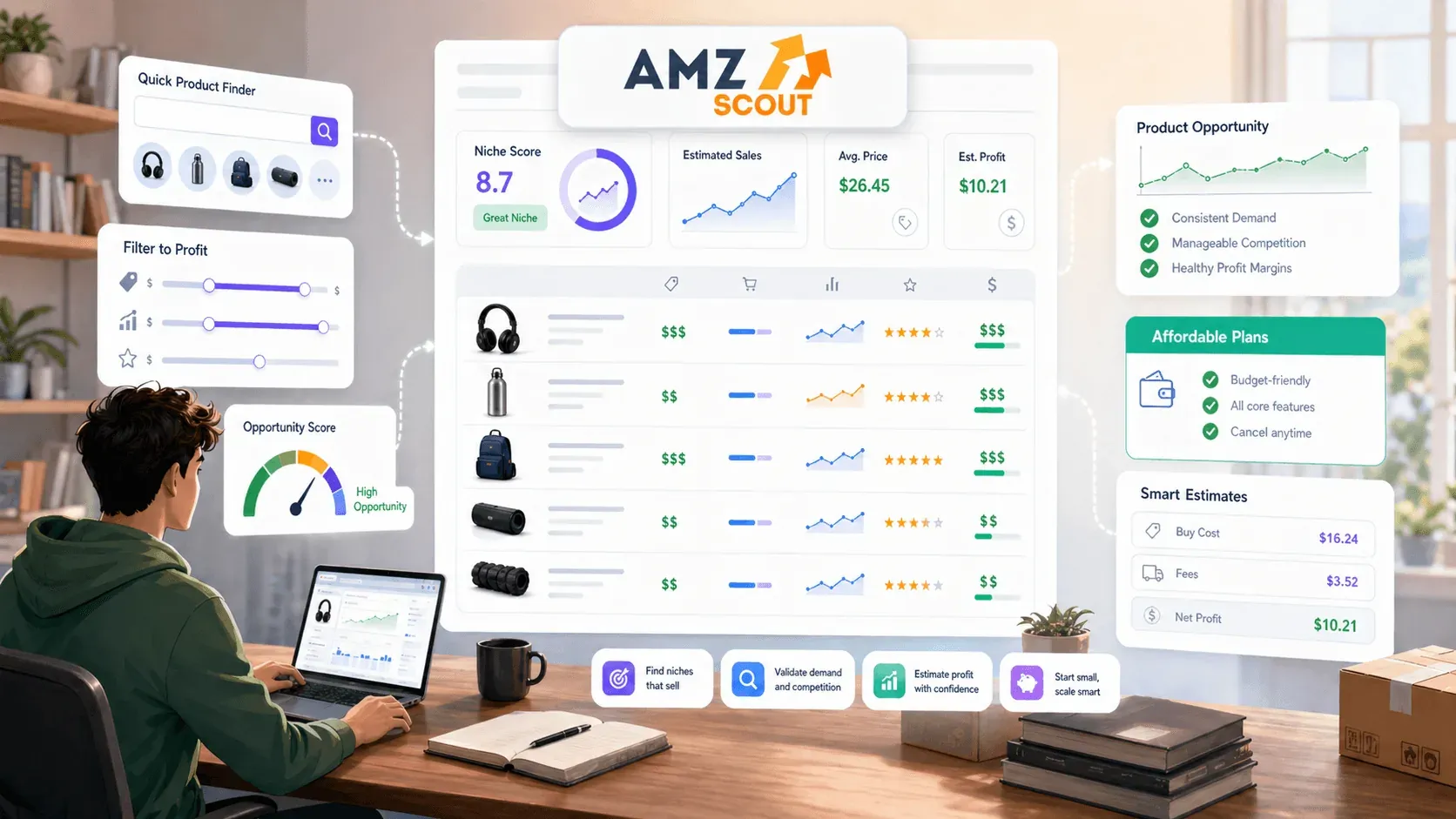
किसके लिए सबसे अच्छा: sellers जो अपनी ज़रूरत के data, interface, और plan scope के मुकाबले एक alternative Amazon product-research workflow compare करना चाहते हैं।
जिस काम की ज़रूरत है, उसी के हिसाब से चुनें
| काम | पहले किसे देखें | क्यों |
|---|---|---|
| Visible product या storefront fields की spreadsheet बनाना | Thunderbit | यह custom browser-based data collection के लिए बनाया गया है |
| Historical price और rank context जोड़ना | Keepa | इसकी category historical product context है |
| Seller suite में products और keywords research करना | Helium 10 | यह broader seller-research toolkit है |
| किसी specific product के sourcing decision का analysis करना | SellerAmp SAS | इसका Chrome workflow sourcing analysis पर केंद्रित है |
| Product opportunities का मूल्यांकन करना | Jungle Scout या AMZScout | दोनों research-oriented seller tools हैं, लेकिन उनके current plans और interfaces अलग हैं |
ज़िम्मेदार उपयोग और Extension Security
Amazon workflow में कोई extension जोड़ने से पहले उसकी current privacy policy और Chrome permissions देख लें। जो extension page data access कर सकता है, उसके site permissions के हिसाब से वह आपके browser activity का काफी व्यापक view पा सकता है। Active extensions की संख्या सीमित रखें, normal Amazon sign-in flow का उपयोग करें, और कभी भी unrelated third-party form में Seller Central credentials न दें।
Amazon की current terms और अपने use case के लिए उपयुक्त data-access method भी देखें। किसी extension को platform controls bypass करने के तरीके के रूप में चुनना या पेश करना ठीक नहीं है।
अक्सर पूछे जाने वाले सवाल
Amazon seller research के लिए सबसे अच्छा extension कौन-सा है?
इसका कोई एक universal जवाब नहीं है। Historical context के लिए Keepa, defined research workflow के लिए Helium 10 जैसा seller suite, sourcing analysis के लिए SellerAmp, और product research के लिए Jungle Scout या AMZScout चुनें। फैसला उसी काम के आधार पर करें जो आपको करना है।
Amazon page से custom table बनाने में कौन-सा tool मदद करता है?
किसी अनुमत page पर visibly उपलब्ध fields के लिए Thunderbit एक no-code option है: AI Suggest Fields columns propose करता है, फिर Scrape पर एक क्लिक से extraction शुरू हो जाता है। यह predefined metric set देने वाले seller-research overlay से अलग है।
Seller tools द्वारा दिखाए गए price और sales figures क्या guaranteed होते हैं?
नहीं। Estimates, historical signals, और calculated outputs को research inputs की तरह लें। अपने marketplace और selling model से जुड़ी facts, costs, eligibility, और दूसरी conditions की पुष्टि करें।
यहाँ prices को rank क्यों नहीं किया गया?
Plans, allowances, product packaging, marketplaces, और billing terms बदलते रहते हैं। अपनी workflow की वास्तविक लागत compare करने के लिए हर vendor के current plan page का use करें।
Amazon data collection options देखें Get Started Free
Thunderbit AI Web Scraper आज़माएँ Get Started Free




