
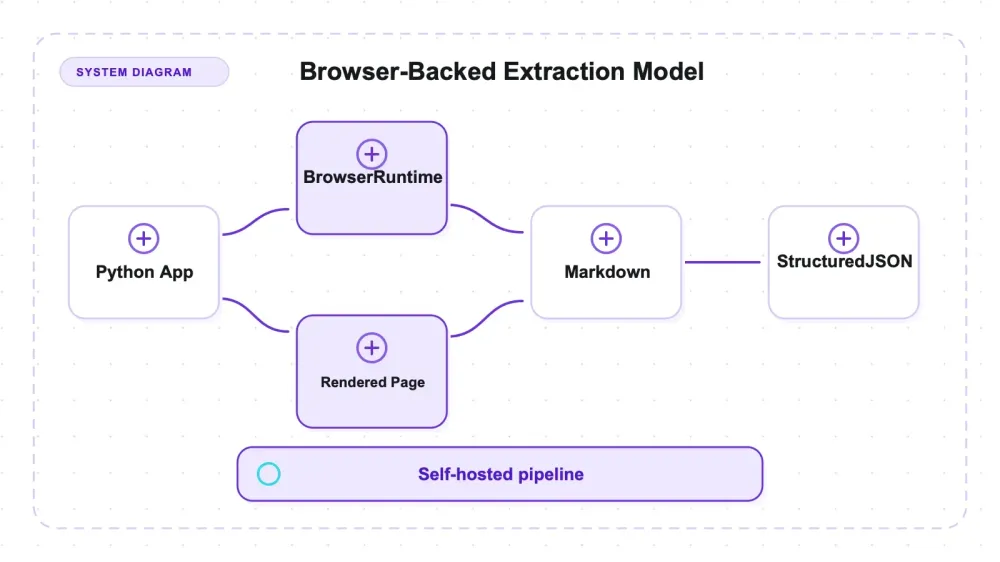
Some third-party scraper comparisons attribute "Adaptive Intelligence" — selectors that learn a site and heal themselves after markup changes — to Crawl4AI. I did not find that behavior in the tested API surface. What Crawl4AI does provide is browser-backed Markdown generation plus CSS/XPath extraction. Scrapling exposes a separate adaptive selector feature, within limits documented in its own review.
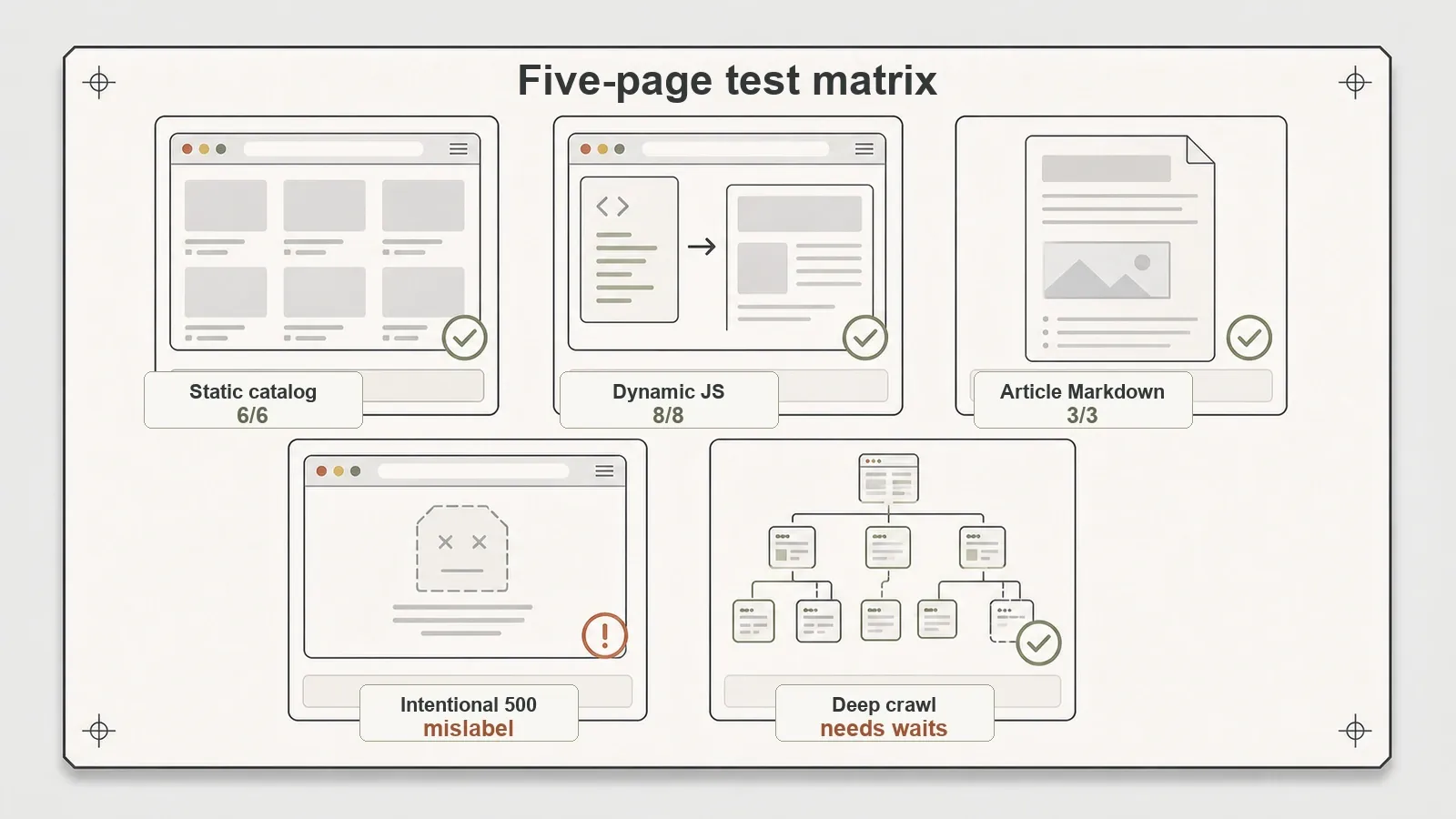
I ran Crawl4AI 0.9.0 against five page types with known ground truth: a static catalog, a JavaScript-rendered catalog, an article inside boilerplate, an intentional 500, and a linked multi-page graph. The tested Markdown and schema paths returned the expected fixture content. Raw Markdown kept boilerplate, deep crawling needed page-specific waits, and an ordinary 500 received an anti-bot-flavored error label.
What Crawl4AI actually is
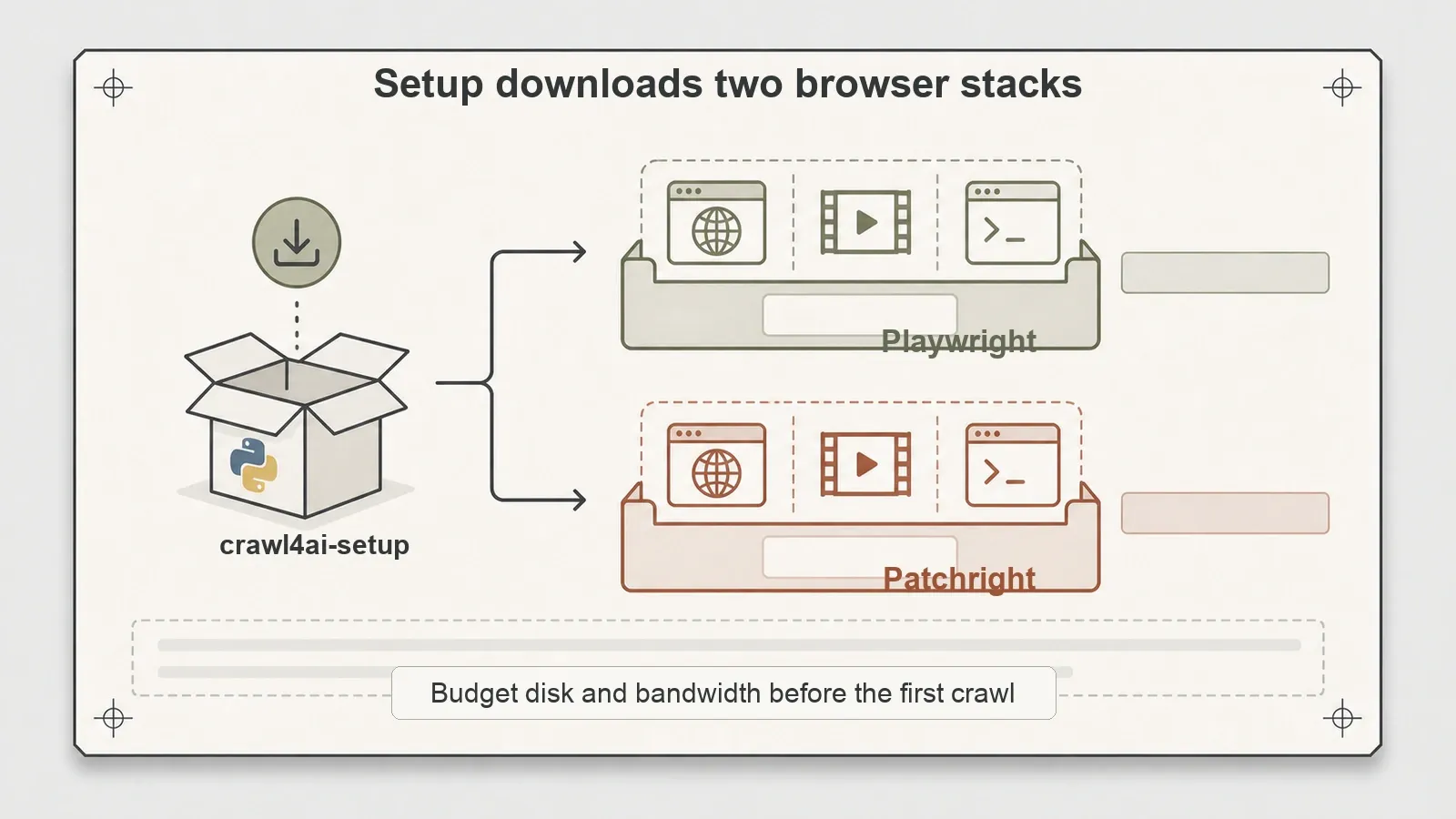
Start with the thing most people get wrong at install time. Crawl4AI is not a small Python parser. The first crawl4ai-setup quietly pulls down two full browser stacks — Playwright and Patchright — and once you see that, the whole tool clicks into place: this is a controlled headless browser with a Markdown converter on top, wearing a scraper's clothes.
Officially, it's an open-source, Apache-2.0 library for turning webpages into Markdown for RAG pipelines, agents, and data workflows. I tested v0.9.0. Its core primitives include AsyncWebCrawler, BrowserConfig, CrawlerRunConfig, Markdown generation, and CSS/XPath- or LLM-based extraction strategies, per the official quick start.
Here's the mental model that matters. Most parsing libraries send an HTTP request and parse returned bytes; Crawl4AI drives a real browser. Browser rendering is built in, which makes installation heavier than a pure HTTP parser, while reliable extraction from asynchronously rendered elements may still require an explicit wait. Nothing tested here rewrote selectors after a redesign. Treat the self-healing claim as a third-party comparison error unless a specific official source and reproducible API are supplied.
Key features, and how they work under the hood
The single-page path is the heart of it. You point AsyncWebCrawler at a URL, it loads the page in a browser, and it hands back Markdown. On the official example.com quickstart that round-trip took 1.81 seconds and returned a clean 200. Nothing exotic, but it confirms the minimal path works with near-zero configuration — no schema, no waits, no browser config.
Video tutorial (1:02:38): Crawl4AI Official Tutorial, Full 1hr with Quickstart Examples.
Structured extraction is the second pillar, and it's the closest thing Crawl4AI has to "understanding" a page — which is to say, not inference, just a schema you write. Instead of only dumping Markdown, you hand it a CSS schema via JsonCssExtractionStrategy and get back JSON objects with the exact fields you asked for. On my local static catalog it returned 6 clean JSON records — product name, category, price, rating, detail URL — matching all 6 expected products. That's the difference between "here's the page as text" and "here's the data as rows," and Crawl4AI does both from the same crawl. The selectors are yours to define, though; the tool matches what you give it, it doesn't infer the schema for you.
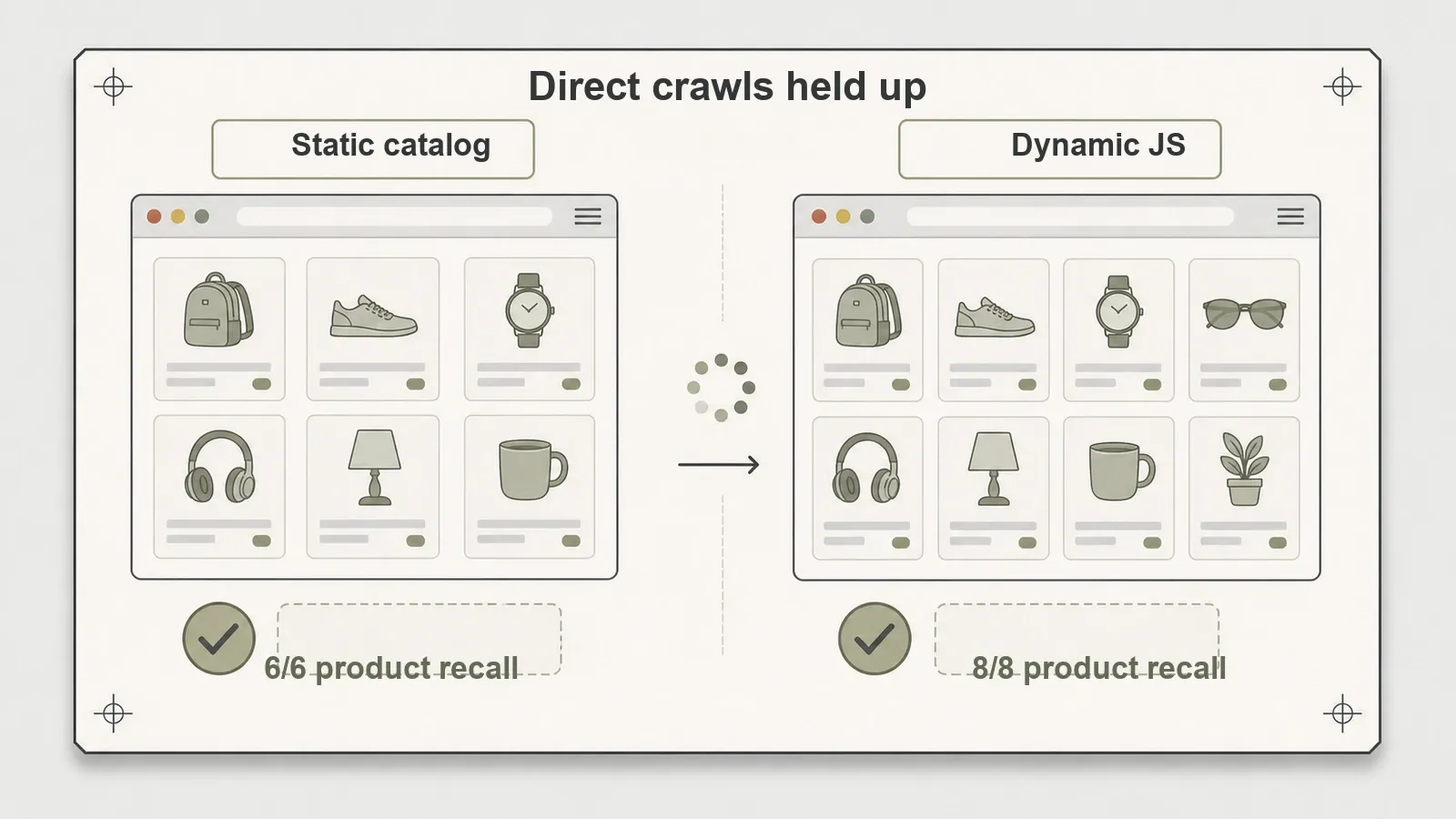
Dynamic rendering is where the browser backing pays off. Point it at a JavaScript-rendered catalog with wait_for="css:.product-card" and it holds until the client-side render finishes before extracting. That produced 8/8 product recall in both Markdown and schema output on my local JS fixture, in about 1.56 seconds. On the public Quotes to Scrape JS page it captured the rendered quotes and saved a usable screenshot — content a plain HTTP request would never see, because there's nothing in the initial HTML to parse.
Then there's scale and crawling. arun_many() ran six local detail pages concurrently with full 6/6 recall in 3.76 seconds. And Crawl4AI ships deep-crawl strategies — BFS, DFS, BestFirst — that walk a link graph with depth limits, page caps, filtering, and scoring. A BFS deep crawl walked my fixture homepage's link graph and pulled in five pages. This is where the pitch and the reality start to separate, and I'll get to it below.
Setup: the part nobody puts in the README intro
Installation on my machine was smoother than expected in one way and heavier in another. pip install -U crawl4ai and the smoke test succeeded on Python 3.14.2 on macOS arm64. PyPI's >=3.10 specifier already includes 3.14; this result confirms only the tested install and workflow, not broader compatibility.
The friction is the setup step. crawl4ai-setup downloads browser assets for both Playwright and Patchright — Chrome for Testing, FFmpeg, a Headless Shell. If you're on a laptop with a tight disk or a metered connection, that's a real cost, and the docs mention it in passing rather than up front. crawl4ai-doctor then passed and crawled crawl4ai.com in 14.65 seconds, which is a fine end-to-end smoke test but not a benchmark of anything — I wouldn't read speed into that number.
The takeaway for the setup section of your own evaluation: budget for the browser download, not just the pip install. This is closer to standing up a headless browser environment than dropping a library into a script. Two browser stacks land on disk before you crawl a single real page, and that's a one-time cost you eat whether or not your workload ever needs Patchright's stealth layer.
Hands-on: what held up, and what I'd flag
Four results are worth writing down carefully, because they're exactly the kind of nuance a marketing page rounds off — and in one case, mislabels.
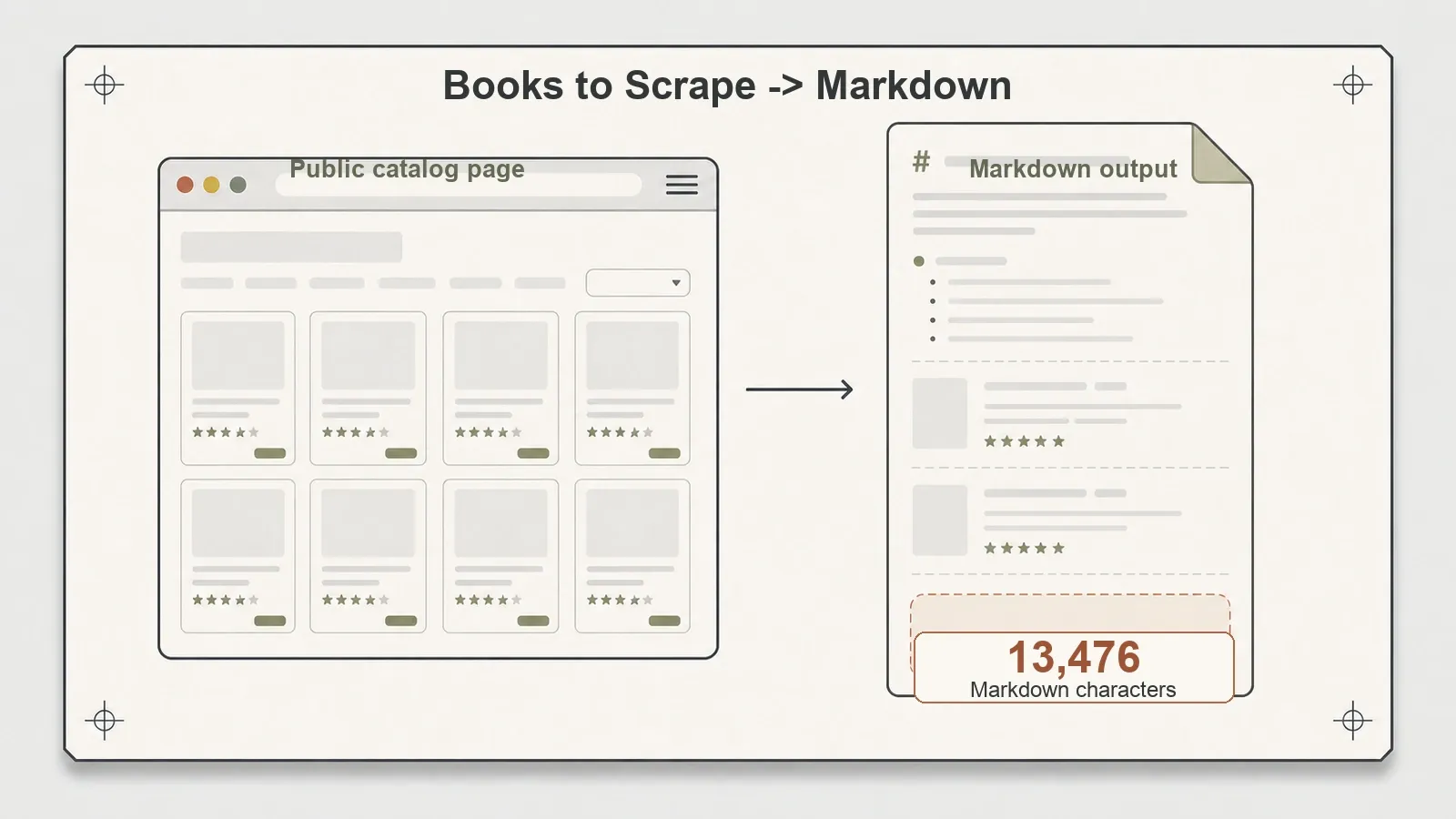
Two public demo pages also completed the happy path. On the Books to Scrape homepage, Crawl4AI produced 13,476 characters of Markdown in 2.43 seconds. The public Quotes JS page returned 1,666 rendered Markdown characters in about 3.1 seconds. Neither is evidence about scale, hostile sites, long-running stability, sessions, proxies, retries, or memory behavior.
The article fixture exposes a Markdown-quality caveat. Crawl4AI captured the title and all 3/3 body paragraphs — good. But the raw Markdown also retained nav text, related links, a subscription line, and footer text. That's not a bug; without a content filter or a target selector, "convert this page to Markdown" honestly means the whole page. The lesson is to distinguish raw Markdown conversion from clean article extraction. If you want the latter, you reach for a content filter like PruningContentFilter or a target selector — which I haven't stress-tested yet, so I won't claim a cleanliness number for it.
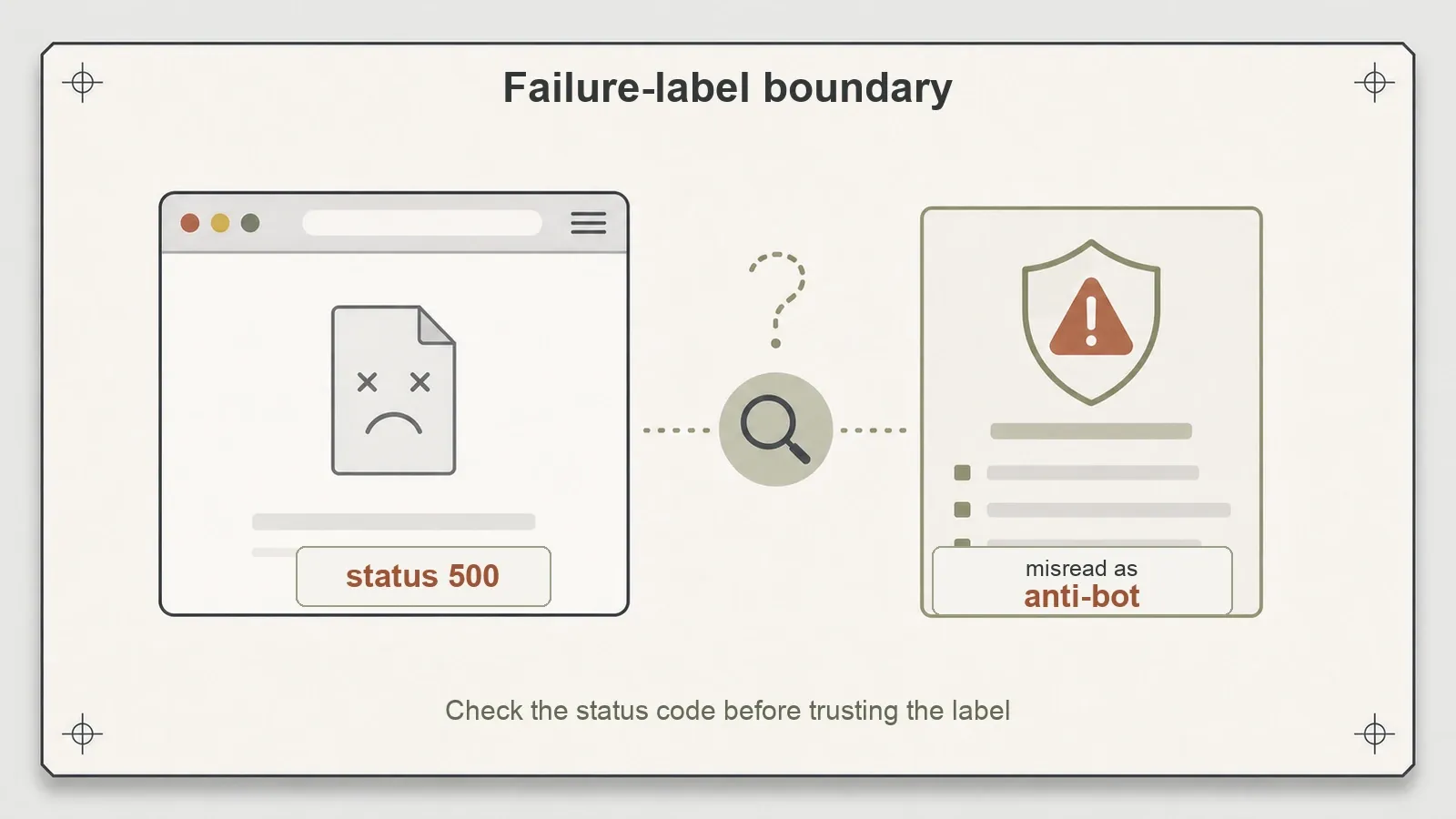
The broken page was the most telling result. I served a deliberate HTTP 500 with a tiny body. Crawl4AI returned success=false and status 500 — correct — but the error message framed it as "Blocked by anti-bot protection: Structural: minimal_text on small page." There was no anti-bot wall. It was a small error page. Crawl4AI's structural heuristic saw very little visible text and reached for an anti-bot explanation. For anyone building on top of this, that matters: don't trust the "anti-bot" label at face value. Inspect the status code and the actual response before you conclude a site is fighting you. The raw result is in the benchmark repo at results/local_failure_500.json.
Deep crawling needs deliberate configuration. A direct dynamic crawl with wait_for worked cleanly, while the BFS deep crawl discovered the dynamic catalog and returned a failure. The minimal-text classification is consistent with reading before the cards rendered, and the deep crawl did not apply the direct crawl's wait. Of five pages, three succeeded and two failed. Because a wait-configured rerun is not shown here, that diagnosis remains an inference rather than a proven cause.
Where the numbers land
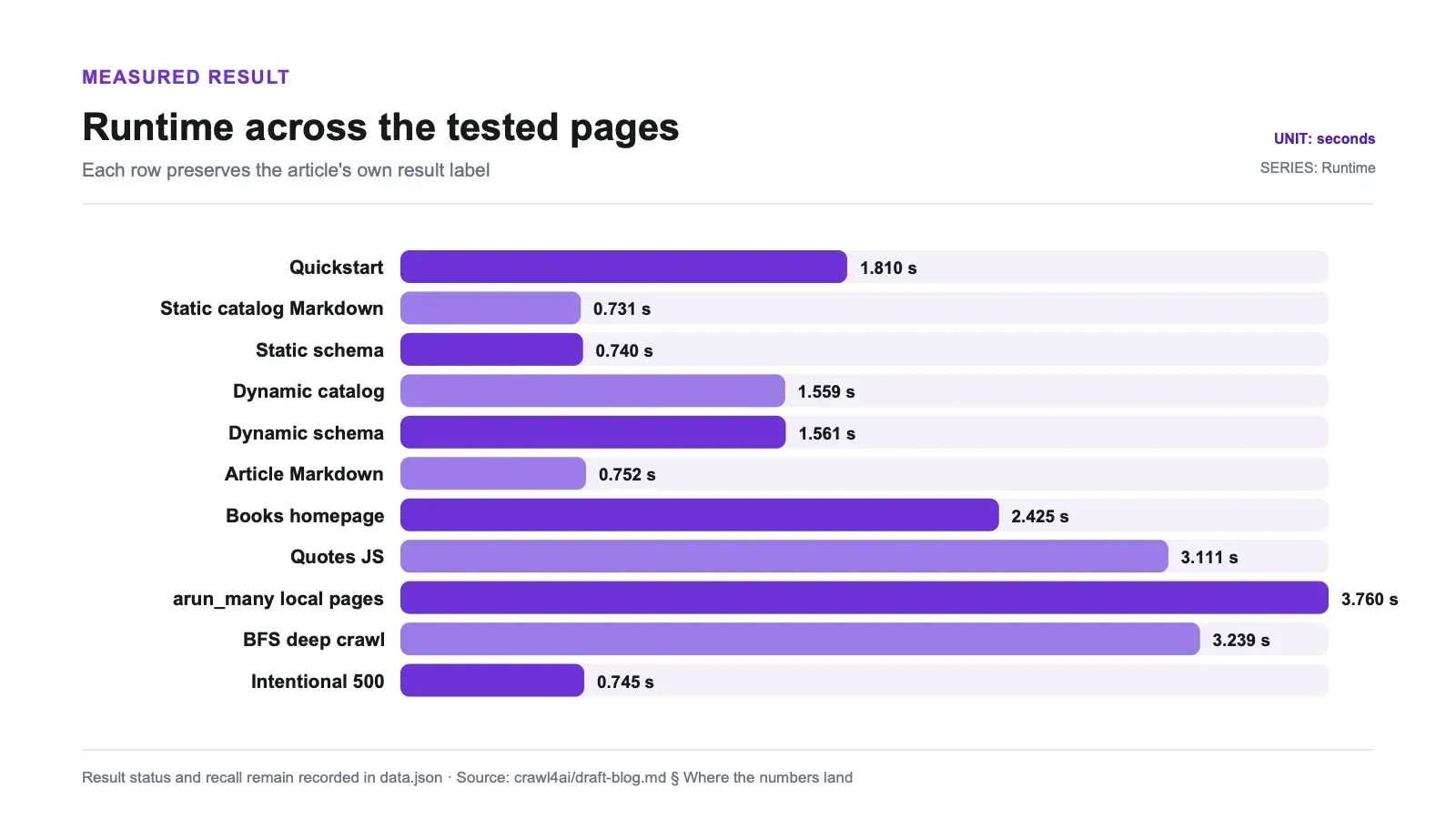
| Test | Result | Observed wall time (single captured run) |
|---|---|---|
Quickstart (example.com) | success, 200 | 1.81s |
| Local static catalog (Markdown) | 6/6 product recall | 0.731s |
| Local static CSS schema extraction | 6 JSON records | 0.740s |
Local dynamic catalog (wait_for) | 8/8 product recall | 1.559s |
| Local dynamic CSS schema extraction | 8 JSON records | 1.561s |
| Article Markdown | 3/3 paragraphs (+ boilerplate) | 0.752s |
| Public Books to Scrape homepage | 13,476 Markdown chars | 2.425s |
| Public Quotes JS page | 1,666 Markdown chars, rendered | 3.111s |
arun_many() (6 local pages) | 6/6 recall | 3.760s |
| Local BFS deep crawl | 5 pages found, 3 success / 2 failed | 3.239s |
| Intentional 500 page | failure, 500 (mislabeled "anti-bot") | 0.745s |
These are smoke-test timings, not a performance benchmark: the article does not document hardware, repetition count, warm/cold state, cache state, concurrency controls, or variance. They show that the listed workflows completed on this machine. Full run artifacts live in the benchmark repo directory.
For a decision-grade performance run, repeat each workflow in fresh and reused browser sessions, report distributions rather than one decimal, pin browser builds, and record CPU, memory, cache state, and concurrency. That would separate library overhead from browser startup and network variation.
| Requirement | Fit in this review | Main condition |
|---|---|---|
| Render a page and return Markdown | Good candidate | Filter boilerplate before treating output as article-clean |
| Extract schema-shaped JSON | Good candidate | You still write and maintain the CSS schema |
| Wait for asynchronous page content | Supported | Define an explicit, target-specific wait_for condition |
| Crawl dynamic pages deeply | Conditional | Propagate readiness rules; the tested default produced partial failures |
| Run as a small dependency-light HTTP parser | Poor fit | Browser assets and their maintenance are part of the deployment |
| Use self-healing selectors | Not supported by this test | Do not infer this from unrelated comparison copy |
Pros and cons
Pros:
- One library does raw Markdown and CSS-schema structured JSON — you're not gluing two tools together.
- Browser rendering is built in; asynchronously rendered targets may need an explicit
wait_for. - The tested single-page workflows completed in the observed times above; no comparative speed claim is made.
- Apache-2.0 license — commercially friendly, no copyleft surprises.
- Active project with a recent release and a large, engaged community.
Cons:
- Heavy first-time setup (two browser stacks) that the intro undersells.
- Raw Markdown includes boilerplate unless you configure content filters.
- Deep crawling doesn't auto-wait for dynamic pages — you configure it per crawl or you get failures.
- Failure messages can mislabel a plain error as "anti-bot," which is confusing in logs.
- No self-adapting selectors, despite what some comparisons imply — schemas are hand-written and static.
- You run and maintain the browser environment yourself, including updates and breakage.
Who it's for — and who should skip it
Crawl4AI is worth evaluating if you're a developer building a RAG or agent pipeline, you're comfortable running a headless browser environment, and you want Markdown plus structured JSON from the same crawl. The tests did not cover hostile-site resilience, long-running stability, memory, sessions, retries, proxies, or production deployment, so the recommendation is limited to the workflows exercised here.
Skip it — or at least pause — if you wanted a tiny, dependency-light HTTP parser (this is the opposite of that), if you can't spare the disk and bandwidth for browser downloads, or if you don't want to own the maintenance of a browser stack in production. And skip it specifically if you came for self-healing selectors: that's not what this tool is, and building a workflow around a feature it doesn't have will bite you later. For pure article-text extraction with boilerplate stripped, a lighter tool aimed squarely at that job may serve you better.
Alternatives, including where Thunderbit fits
The honest framing: Crawl4AI is a free, open-source library you host and maintain yourself. You get full control and no vendor usage fee, while still paying for compute, bandwidth, storage, browser updates, schemas, and operational work.
At the other end is a managed scraping service such as Thunderbit, where fetching and extraction sit behind an API. Thunderbit was not run through these fixtures, so this article makes no matched claim about rendering, anti-bot handling, CAPTCHAs, accuracy, or speed. The relevant comparison is operational ownership: self-host the browser-backed library, or pay a service to operate that layer.
The difference is who runs the browser. With Crawl4AI you own rendering, waits, schemas, and maintenance. With a managed API you pay per call and move some operational responsibility to the provider. This experiment did not compare the two paths on outcomes.
Related benchmark reviews: the full open-source scraper comparison, Firecrawl's self-hosted review, and trafilatura's article extraction review.
Try Thunderbit for Web Data Extraction
Verdict
Crawl4AI is a reasonable candidate if you want open-source, browser-backed extraction that produces Markdown and schema-shaped JSON, and you're prepared to own the browser environment. The direct static and waited-dynamic workflows succeeded in these fixtures. Apache-2.0 is permissive, though normal dependency and distribution review still applies.
Budget for the browser assets. Raw Markdown needs filtering before it is article-clean. Deep-crawl waits require deliberate configuration, and a log that says "anti-bot" should be checked against the status code and response. Schema selectors remain yours to write and maintain. Those are the tested decision boundaries; production scale and hostile-site behavior remain open questions.
Try Thunderbit for Web Data Extraction Get Started Free
FAQs
Does Crawl4AI have adaptive or self-healing selectors? No. Despite some comparisons crediting it with "adaptive intelligence," Crawl4AI matches the CSS/XPath schema you write — it doesn't fingerprint elements or re-locate them after a markup change. In testing, structured extraction hit 6/6 and 8/8 recall using schemas I defined by hand. If a site changes its classes, your schema breaks until you update it. Self-healing element tracking is a different library's feature, not this one's.
Why is the installation so large?
crawl4ai-setup downloads full browser assets for both Playwright and Patchright — Chrome for Testing, FFmpeg, and a Headless Shell. That's the cost of shipping real browser rendering. Budget disk and bandwidth for it; it's heavier than a pure HTTP parser, and you pay it even if your workload never uses the stealth stack.
Does Crawl4AI handle JavaScript-rendered pages?
Yes, because it drives a real headless browser. In testing, a dynamic catalog with wait_for="css:.product-card" returned full 8/8 product recall, and the public Quotes JS page rendered cleanly. The catch is that deep crawls don't automatically apply that wait to discovered pages — a BFS crawl failed on a dynamic page it found because it didn't wait. You configure the waiting yourself, per crawl.
Does Crawl4AI give me clean article text or the whole page?
By default, the whole page. In testing it captured all body paragraphs but also kept nav, related links, and footer text. For clean article extraction you apply a content filter (like PruningContentFilter) or a target selector rather than relying on raw Markdown.
Can I trust Crawl4AI's error messages? Read them with some skepticism. A deliberate 500 error page with a tiny body was labeled "Blocked by anti-bot protection" purely because of a low-visible-text heuristic — there was no anti-bot wall. The raw result is in the benchmark repo. Always check the actual HTTP status code and response body before concluding a site is blocking you.




