

Pinterest now has over 619 million monthly active users, and people save roughly 1.5 billion Pins every week. That is a lot of visual, commercial, and trend data sitting behind an infinite-scroll feed — and getting it out in a structured way is harder than it looks.
I've spent years building and testing data extraction tools at Thunderbit, and Pinterest is one of those platforms that humbles you. It's not just a mood board anymore. Ecommerce teams use it for competitor price monitoring. Marketers mine it for trend forecasting. Agencies scrape boards for influencer discovery. And developers... well, developers spend a lot of time swearing at Pinterest's internal API.
The platform generates more than 80 billion monthly searches, which means the data is there — but Pinterest actively blocks bots, flags VPNs, proxies, EC2, and Google App Engine traffic, and applies temporary rate-limit blocks when it detects repetitive automated behavior. Picking the wrong scraper doesn't just waste time; it wastes your entire afternoon staring at a CAPTCHA wall.
This guide covers the 10 best Pinterest scrapers in 2026 — from AI-powered no-code Chrome extensions to open-source CLI tools — with honest pricing, a feature-by-feature comparison, and a step-by-step no-code walkthrough.
Try Thunderbit for Pinterest Scraping
What Data Can You Actually Scrape from Pinterest?
Most articles about Pinterest scraping say "extract Pinterest data" and leave it at that, which is about as helpful as a recipe that says "add ingredients." The practical reality is that Pinterest exposes different fields depending on whether you're looking at a profile page, a board page, search results, or an individual pin page.
Here is a practical field reference, based on current Bright Data Pinterest API schemas, multiple Apify Pinterest actors, and hands-on testing:
| Data Point | Board Page | Search Results | Pin Detail Page | Notes |
|---|---|---|---|---|
| Pin title | Truncated | Truncated | Full | Full title most reliable on pin page |
| Pin description | Partial | Partial | Full | Subpage scraping helps a lot |
| Image URL | Medium res (236px–564px) | Medium res | High-res / original | High-res often needs pin detail or URL rewriting |
| Board name / URL | Yes | Sometimes | Yes | Best captured from board or pin page |
| Pinner username | Usually | Sometimes | Yes | Most visible on pin pages |
| Follower count | No | No | Sometimes (creator card) | Usually requires profile visit |
| Save / repin count | Sometimes | Sometimes | Yes | Actor docs surface these more reliably than raw HTML |
| Comment count | No | No | Yes | Pin page or API-style actor needed |
| Source / outbound URL | No | No | Yes | Usually pin detail only |
| Hashtags | No | Rarely | Yes | Usually pin detail or API result |
| Date pinned | No | Rarely | Yes | Often only on pin detail or API output |
Board and search pages give you a preview, but the richest data lives on individual pin pages. That is exactly why subpage scraping — where a tool visits each pin after scraping the board listing — matters so much on Pinterest.
One practical tip: Thunderbit's "AI Suggest Fields" feature reads a live Pinterest page and automatically proposes columns based on what's actually visible. Instead of guessing which fields are available, you can point it at a board and let the AI tell you. It's like having a data scout that reads the page before you do.
Pinterest Image URL Structure
Pinterest still uses the i.pinimg.com resolution-tier system. Current Apify actors and downloader communities document variants including 170x, 236x, 474x, 564x, 736x, and originals. Listing pages typically serve lower-resolution card images first. Pin detail pages reveal better image URLs or enough information to derive them. Some originals paths can still return 403 AccessDenied even when lower-resolution variants succeed — a quirk that catches people off guard.
No-Code vs. Code vs. API: Which Pinterest Scraper Type Is Right for You?
The audience for Pinterest scraping splits cleanly into three camps, and the right tool depends entirely on which camp you're in.
| If you are... | Skill level | Best tool tier | Examples from this list |
|---|---|---|---|
| A marketer backing up boards or researching trends | Non-technical | Chrome extension / no-code | Thunderbit, Pinpasta, ParseHub |
| An ecommerce ops person monitoring competitors weekly | Low to medium | Visual scraper / cloud API | Octoparse, Apify, Bright Data, Scraping-Bot |
| A developer building a repeatable data pipeline | High | Code library / headless browser | gallery-dl, pinterest-dl, Playwright |
This is not a ranking of "better" versus "worse." A marketer who needs 200 pins from a competitor's board has zero use for Playwright. A data engineer building a nightly pipeline has zero patience for a Chrome extension. The trick is matching the tool to the job.
How We Picked the Best Pinterest Scrapers
I evaluated every tool in this list against eight criteria, each chosen because it maps to a real Pinterest scraping pain point:
| Criterion | Why It Matters on Pinterest |
|---|---|
| Ease of setup | Most Pinterest users are not data engineers — setup friction is a dealbreaker |
| Data types extracted | Some tools are image downloaders; others return structured metadata |
| Image quality / resolution | Users consistently complain about tools that download "trash quality, like too small size" |
| Handles infinite scroll / pagination | Pinterest's dynamic loading is the #1 technical blocker for scraping |
| Free tier / pricing | Users are frustrated by aggressive paywalls |
| Export options | Google Sheets, Airtable, Notion matter a lot for non-technical workflows |
| Anti-bot handling | Pinterest blocks bots, shared networks, and applies rate limits |
| Best for (user type) | The "right" tool changes dramatically by persona |
The 10 Best Pinterest Scrapers at a Glance
| Tool | Type | Free Tier | Starting Price | Best For |
|---|---|---|---|---|
| Thunderbit | No-code Chrome extension | Yes (6 pages free) | ~$9/mo annual | Non-technical users, marketers |
| Bright Data | Enterprise scraper API + dataset | Trial (1K requests) | ~$0.50/1K records | Enterprise-scale extraction |
| Octoparse | No-code desktop / cloud platform | Yes | $39/mo | Visual workflow builders |
| Apify Pinterest Scraper | Cloud actor marketplace | Yes ($5 free credit) | ~$49/mo + usage | Cloud automation teams |
| ParseHub | Desktop visual scraper | Yes (5 projects) | $89/mo | Scheduled projects, smaller teams |
| gallery-dl | Open-source CLI | Free forever | Free | Bulk image/metadata downloading |
| Pinpasta | Chrome extension + Figma companion | Yes | Free; Pro one-time lifetime | Designers and moodboards |
| Scraping-Bot | General scraping API | Yes (1,000 credits) | $2/mo | Budget API users |
| Playwright | Browser automation framework | Free | Free | Developers building custom pipelines |
| pinterest-dl | Open-source Python / CLI | Free | Free | Pinterest-specific Python downloader |
Now, the detailed breakdown.
1. Thunderbit
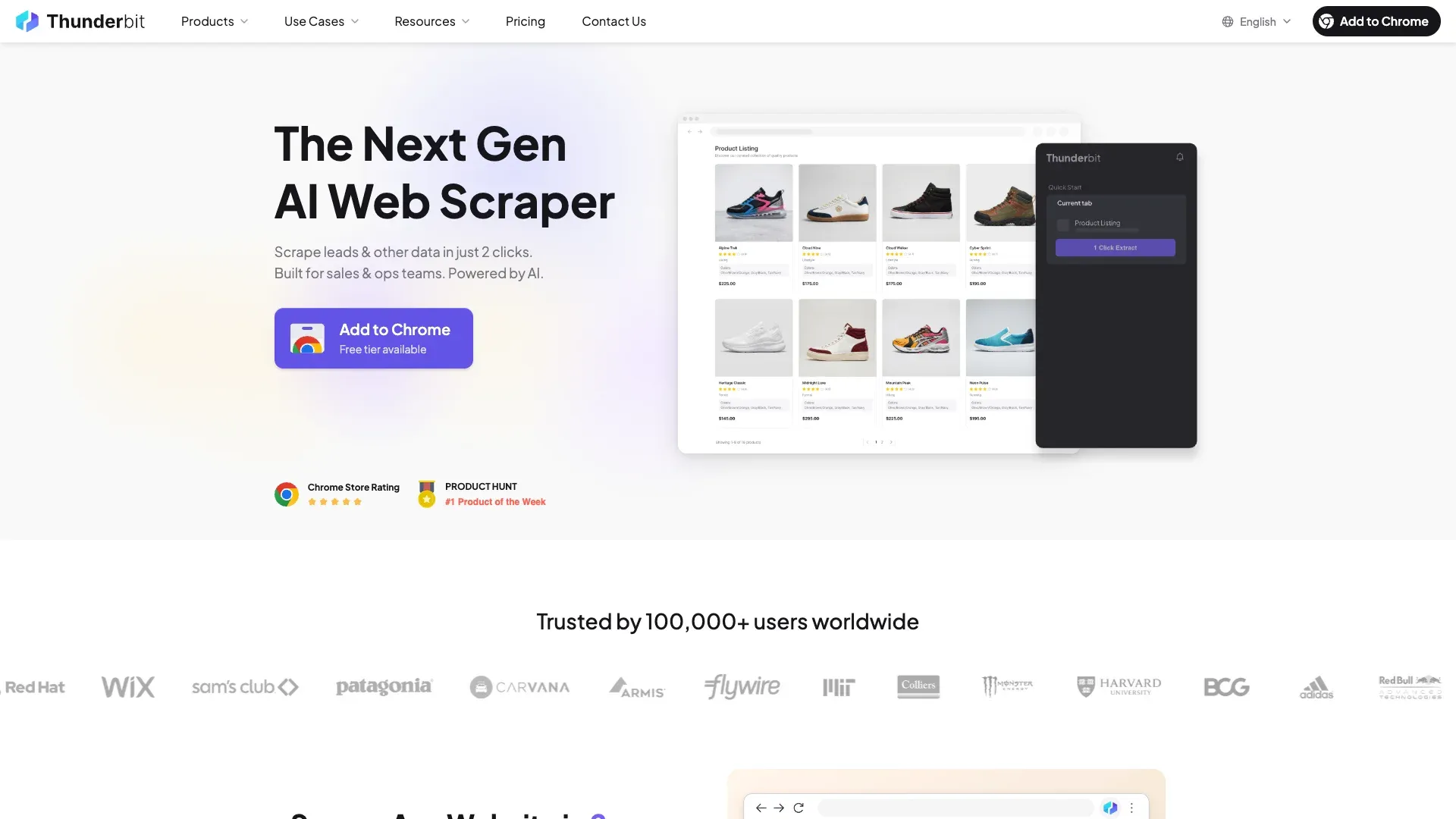 Thunderbit is an AI-powered Chrome extension that scrapes Pinterest boards and pins in two clicks — no code, no workflow builder, no configuration files. I'm biased here since my team built it, but the reason it's first on this list is that it solves the exact problem most Pinterest users describe: "I just want to get this data into a spreadsheet without learning to code."
The workflow on Pinterest goes like this: you navigate to a board or search page, click AI Suggest Fields, and Thunderbit reads the live page to propose columns — pin title, image URL, description, source link, whatever is visible. Then you click Scrape, and it handles Pinterest's infinite scroll automatically with built-in pagination. If you need richer data (engagement metrics, full descriptions, high-res image URLs), you use Scrape Subpages to visit each pin and enrich the table. The whole thing exports directly to Google Sheets, Airtable, Notion, Excel, or CSV — all free, no paywall on exports.
The browser scraping mode is especially relevant for Pinterest because it uses your existing logged-in session. That means you're not fighting CAPTCHAs or login walls — you're scraping as yourself, which is exactly how Pinterest expects a real user to browse. For public pages at scale, Thunderbit also offers a cloud mode with built-in anti-blocking.
Key Features of Thunderbit for Pinterest Scraping
- AI Suggest Fields for automatic column detection on any Pinterest page
- Subpage scraping for board → pin enrichment (the killer feature for Pinterest's two-layer data model)
- Pagination handling for infinite scroll — no manual "scroll to bottom" required
- Browser mode that uses your real session to bypass login walls and CAPTCHA
- Free image, email, and phone extractors built into the extension
- 34-language support across the platform
- Direct export to Sheets, Airtable, Notion, Excel, CSV, JSON
Thunderbit Pricing
- Free tier: 6 pages (10 with trial)
- Paid plans: from ~$9/month billed annually, ~$15/month billed monthly
- API pricing: 600 units free, then from ~$6/month annual
Check Thunderbit Pricing for current details, or grab the Thunderbit Chrome Extension Download Page to try it free.
2. Bright Data
 Bright Data is the enterprise answer. If you need to scrape hundreds of thousands of Pinterest records on a schedule, Bright Data has both a dedicated Pinterest Scraper API and a pre-built Pinterest dataset with 235.9M+ total records.
The scraper API handles proxies, anti-bot systems, and delivery automatically. You define what you want — profiles, boards, pins, search results — and Bright Data handles the infrastructure. The dataset side is even more hands-off: you can buy pre-collected Pinterest data starting at $50 for 100K records, delivered in JSON, CSV, XLSX, or Parquet to S3, GCS, Snowflake, or email.
The downside is price and complexity. The pay-as-you-go scraper starts at $0.50 per 1,000 records, but volume tiers climb to $499/mo, $999/mo, and $1,999/mo.
This is not a tool for scraping one board. It's for teams that need Pinterest data at industrial scale.
Key Features of Bright Data
- Pinterest-specific scraper API and dataset marketplace
- Residential, mobile, and datacenter proxy infrastructure
- JSON, NDJSON, CSV, XLSX, Parquet delivery
- Webhook, S3, GCS, Azure, Snowflake, SFTP, email delivery options
- 1K-request free trial with no credit card
Bright Data Pricing
- Free trial: 1K requests
- Pay-as-you-go: ~$0.50/1K records
- Volume tiers: ~$499/mo, ~$999/mo, ~$1,999/mo
- Dataset: ~$50/100K records
Best for: Large enterprises and agencies running high-volume competitive intelligence.
3. Octoparse
 Octoparse is a visual no-code web scraper with a point-and-click workflow builder. It supports both local and cloud-based extraction, which means you can build a Pinterest scraping task on your desktop and then schedule it to run in the cloud 24/7.
For Pinterest, Octoparse's strengths are its handling of JS-heavy pages, built-in CAPTCHA support (ImageCaptcha, ReCaptcha V2/V3, Cloudflare), and optional residential proxy add-ons at $3/GB. The export options are solid: Excel, CSV, JSON, HTML, XML, Google Sheets, and database connections on higher tiers.
The learning curve is the main friction point. Building a Pinterest-specific workflow requires more setup than a one-click extension, and the free plan limits tasks, devices, and export volume. But for ecommerce teams that need recurring, scheduled Pinterest scrapes, Octoparse is a strong middle ground between "too simple" and "too technical."
Key Features of Octoparse
- Point-and-click task builder with visual workflow
- Local and cloud execution
- Google Sheets, DB, CSV, Excel, JSON export
- Proxy and CAPTCHA add-ons
- Scheduled scraping on paid plans
Octoparse Pricing
- Free plan available
- Basic: from $39/mo
- Standard: ~$83/mo
- Professional: ~$199/mo
- Enterprise: custom
Best for: Intermediate users and ecommerce teams who need recurring Pinterest scrapes with a visual interface.
4. Apify Pinterest Scraper
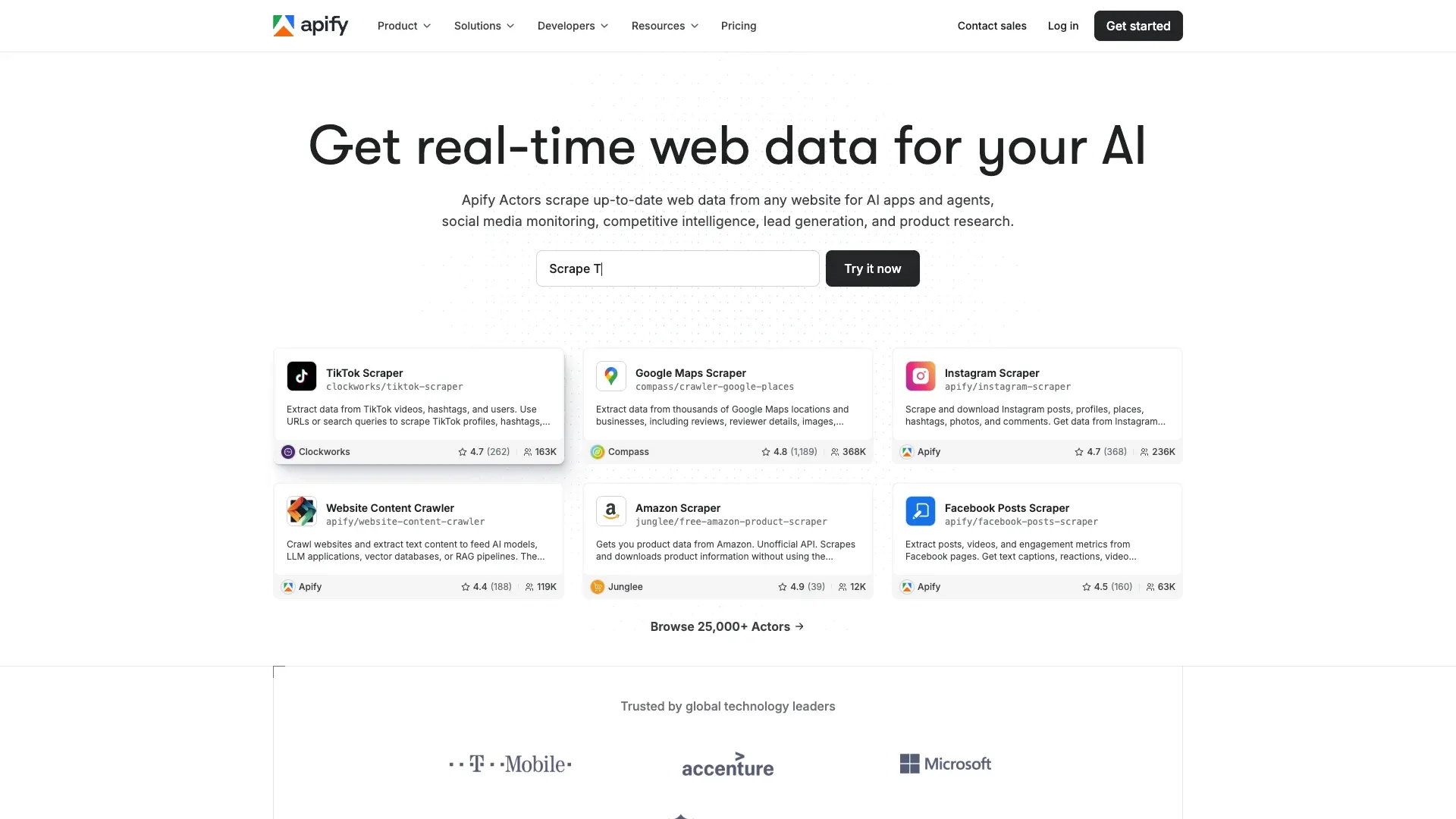 Apify has the strongest verified Pinterest-specific ecosystem in this roundup. The Apify Store hosts multiple live Pinterest actors — dedicated scraping modules — that handle keyword search, boards, single pins, profiles, and even comments.
The clearest general-purpose actor is automation-lab/pinterest-scraper, which supports keyword search, boards, and single pins, uses Pinterest's internal API, returns up to 18 fields per pin, and exports to JSON, CSV, and Excel. A more advanced SilentFlow actor advertises 30+ fields and multiple image resolutions.
Apify's platform supports scheduling, webhooks, and a dataset API, which makes it a natural fit for teams building automated Pinterest monitoring pipelines. The free tier gives you $5 in free credit with no card required.
Key Features of Apify Pinterest Scraper
- Dedicated Pinterest actors for pins, boards, profiles, search, and comments
- Scheduling, webhooks, and dataset API
- JSON, CSV, Excel export plus broader dataset integrations
- Cloud-based — no local resource usage
- Actors range from ~$0.20–$4.00 per 1,000 results
Apify Pricing
- Free tier: $5 free spend, no card required
- Starter platform plan: ~$49/mo
- Actor costs vary by provider and volume
Best for: Teams that want a dedicated Pinterest actor in a broader cloud automation stack.
5. ParseHub
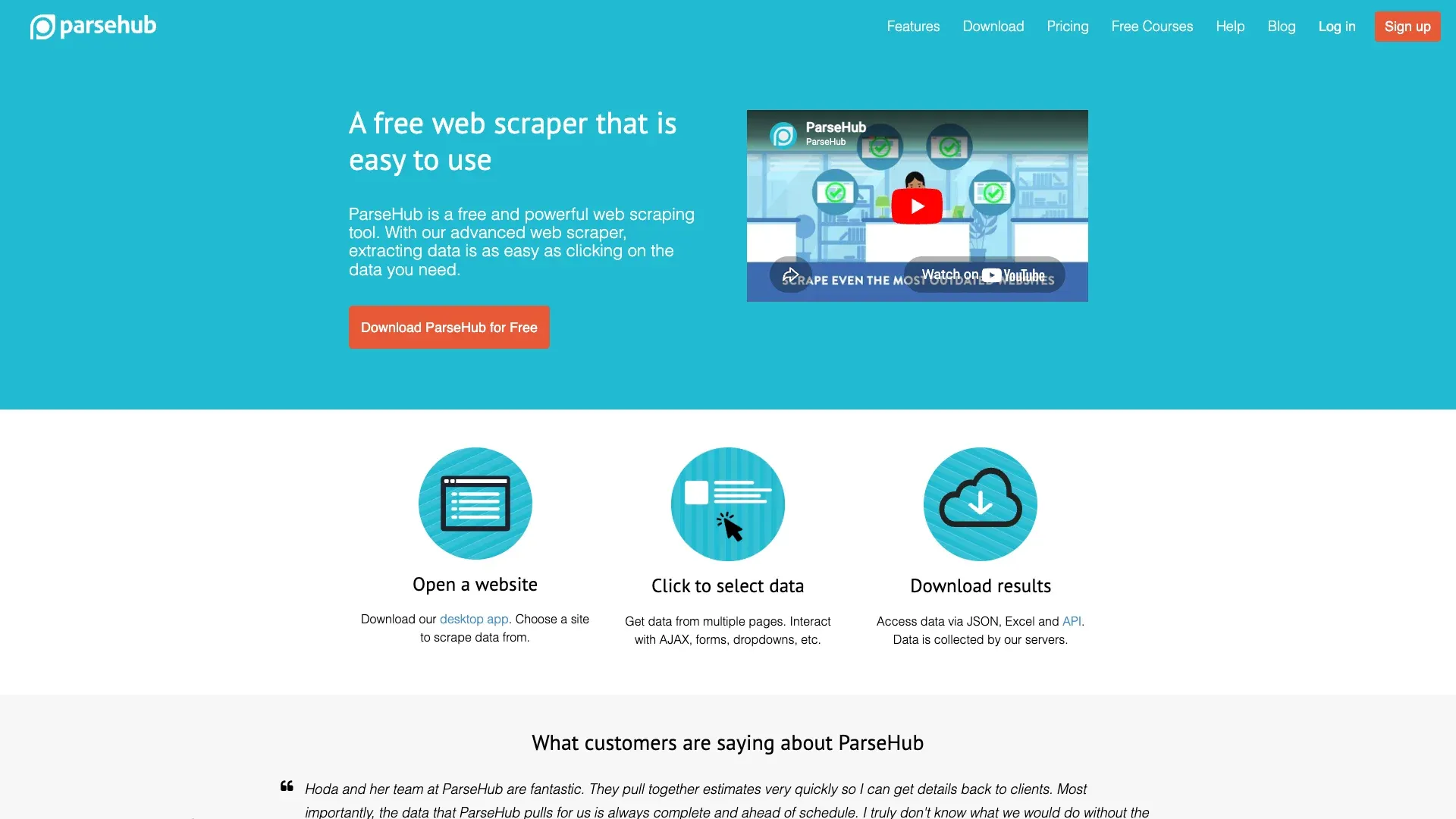 ParseHub is a desktop-based visual scraper that handles complex JS-rendered sites, including Pinterest. Its help center documents support for AJAX clicks, dynamic values, infinite scroll, and pagination, which covers the main Pinterest technical challenges.
The catch is pricing and page counting. Paid plans start at $89/month, and ParseHub counts every new scroll load or next-page action as an additional page. On Pinterest, where infinite scroll means constant page increments, those limits add up fast.
The free plan supports up to 5 projects with page-per-run limits.
ParseHub is best for users who need periodic Pinterest data pulls — say, scraping a competitor's board once a week — and don't mind a more manual workflow.
Key Features of ParseHub
- Visual workflow builder with AJAX / JS-heavy support
- Scheduling on paid plans
- CSV, JSON export and Google Sheets workflow
- Desktop application (Mac, Windows, Linux)
ParseHub Pricing
- Free: 5 projects, limited pages per run
- Paid: from $89/mo
Best for: Small teams and solo users who need periodic Pinterest data pulls with a visual interface.
6. gallery-dl
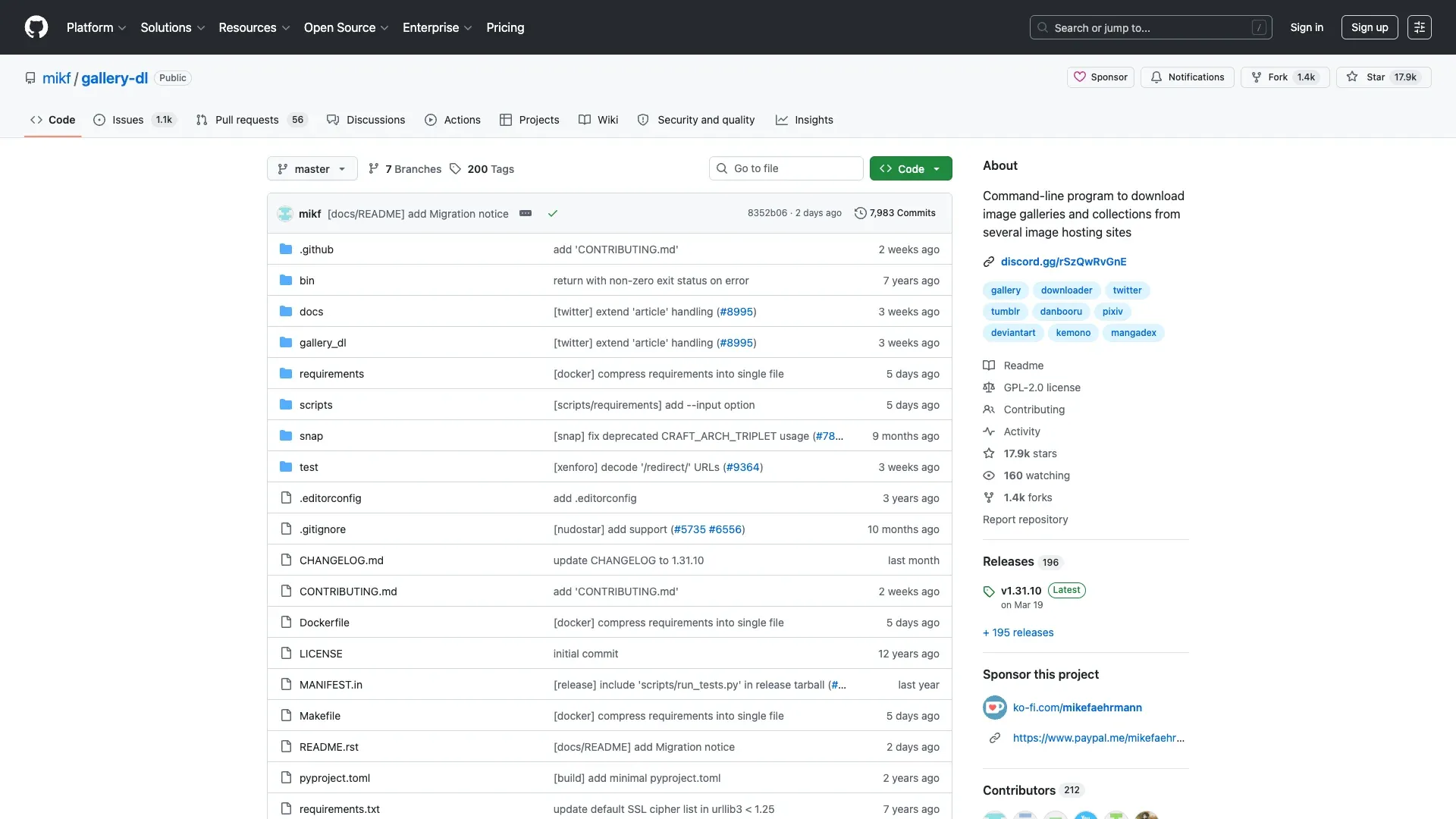 gallery-dl is the heavyweight free open-source option for Pinterest media workflows. It's actively maintained — v1.31.10 was released March 19, 2026 — and the repo has around 17.9k GitHub stars. The supported-sites table explicitly lists Pinterest and supports all pins, created pins, pin.it links, related pins, search results, sections, and user profiles.
gallery-dl's main strength is high-resolution media handling. It fetches the highest available image resolution, supports browser-cookie authentication for private boards, and works with video pins via yt-dlp integration. The main caution: some originals URLs can still return 403 AccessDenied even when lower-resolution variants succeed.
The tradeoff is that gallery-dl is CLI-only. No graphical interface. Python required. No built-in proxy rotation or anti-bot handling.
But if you're comfortable with a terminal and want free, high-resolution bulk downloads, this is the tool.
Key Features of gallery-dl
- Free and open source (17.9k GitHub stars)
- Pinterest support explicitly documented
- Cookie-based auth for private boards
- High-res image and video download workflows
- Metadata extraction alongside media
gallery-dl Pricing
- Free forever
Best for: Developers and power users who want free, high-resolution bulk image and metadata downloads.
7. Pinpasta
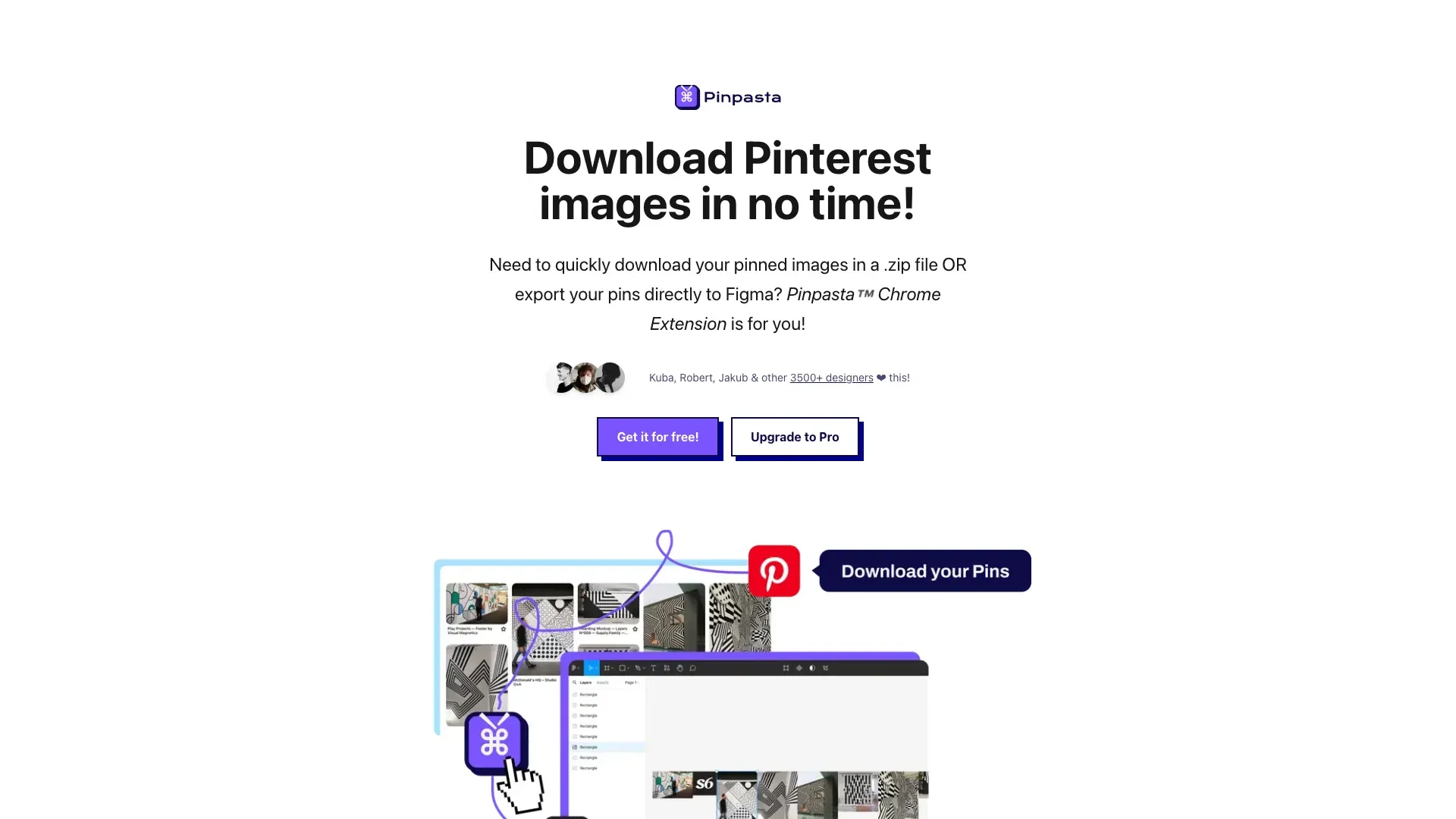 Pinpasta is narrower than the other tools here, but it deserves a spot for readers who care about mood boards rather than structured datasets. The Chrome Web Store listing shows about 2,000 users and was last updated in October 2025.
Pinpasta is best described as a Pinterest-to-Figma / ZIP workflow, not a general scraper. The free tier allows up to 30 pins per board, up to 20 ZIP-download images, and up to 30 Figma imports. Pro is a one-time lifetime upgrade. If you're a designer who wants to pull board images into Figma or FigJam, Pinpasta does that specific job well.
It does not handle structured data export, pagination, or engagement metrics.
Think of it as a specialized tool for a specialized audience.
Key Features of Pinpasta
- Extremely simple Chrome extension flow
- Pinterest board images to ZIP download
- Pinterest board images to Figma / FigJam
- Free forever tier with per-board limits
Pinpasta Pricing
- Free forever (30 pins/board, 20 ZIP images, 30 Figma imports)
- Pro: one-time lifetime purchase
Best for: Designers who want to pull Pinterest board images into Figma or download as ZIP.
8. Scraping-Bot
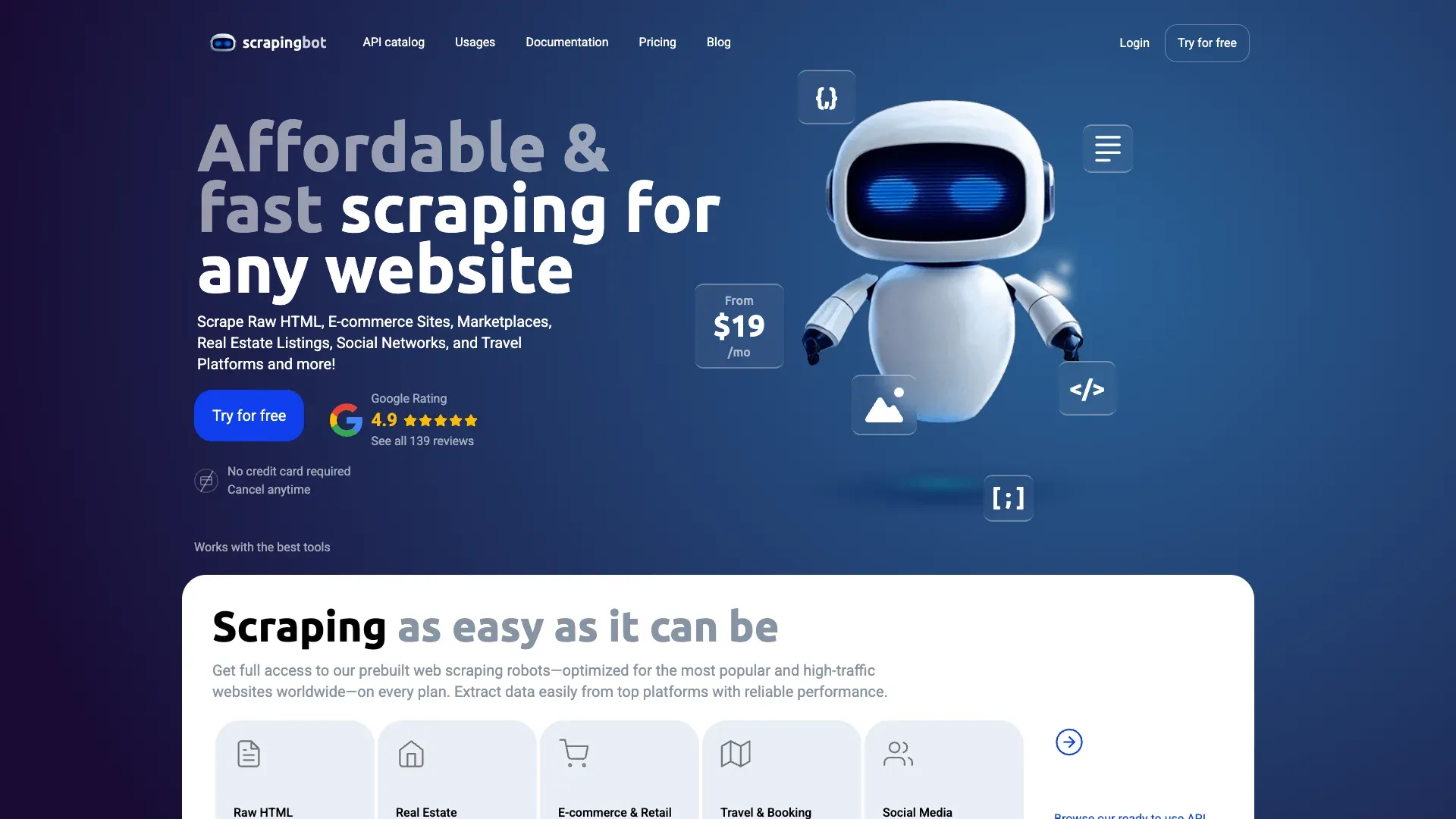 Scraping-Bot is a general-purpose scraping API with JavaScript rendering, proxy rotation, and a free tier of 1,000 API credits. I should be upfront: I did not find a public Pinterest-specific product page for Scraping-Bot during this research. What I could verify is that it offers the infrastructure primitives — JS rendering, proxies, API access — that make Pinterest scraping technically possible.
That means Scraping-Bot is a plausible budget API for Pinterest if you're comfortable adapting a generic scraping API to Pinterest's page structure. It's not as well-supported for Pinterest specifically as Apify or Bright Data, but at $2/month for the starter plan, it's hard to argue with the price.
Key Features of Scraping-Bot
- JavaScript rendering for dynamic pages
- Built-in proxy rotation
- Real-time data extraction API
- Free tier: 1,000 API credits
Scraping-Bot Pricing
- Free: 1,000 API credits
- Starter: $2/mo
- Pro: $45/mo
- Growth: $102/mo
- Business: $171/mo
Best for: Small businesses and freelancers who need a lightweight, cheap API for periodic Pinterest data pulls.
9. Playwright
 Playwright is the right answer for developers who want total control over every aspect of the scraping process. It's a free, open-source browser automation framework from Microsoft that supports the exact primitives Pinterest scraping requires: persistent authentication state, scroll automation, network interception, and multi-browser support.
For Pinterest, the practical workflow is: save authenticated state after a clean login, scroll until pin-card counts stop increasing, intercept network traffic backing the pin feed, and normalize the pin/profile/media fields into your own schema.
The downside is equally clear: Playwright does not ship with built-in stealth, anti-bot solving, proxy rotation, or CAPTCHA handling. You own all of that. If you're building a production-grade Pinterest data pipeline and you want total control, Playwright is your foundation. If you want to scrape a board before lunch, look elsewhere.
Key Features of Playwright for Pinterest Scraping
- Full JavaScript rendering in headless or headed mode
- Stateful authenticated sessions
- Network interception for capturing Pinterest's XHR/JSON data
- Infinite scroll automation
- Multi-browser support (Chromium, Firefox, WebKit)
Playwright Pricing
- Free and open source
Best for: Developers building production-grade Pinterest data pipelines who need total control.
10. pinterest-dl
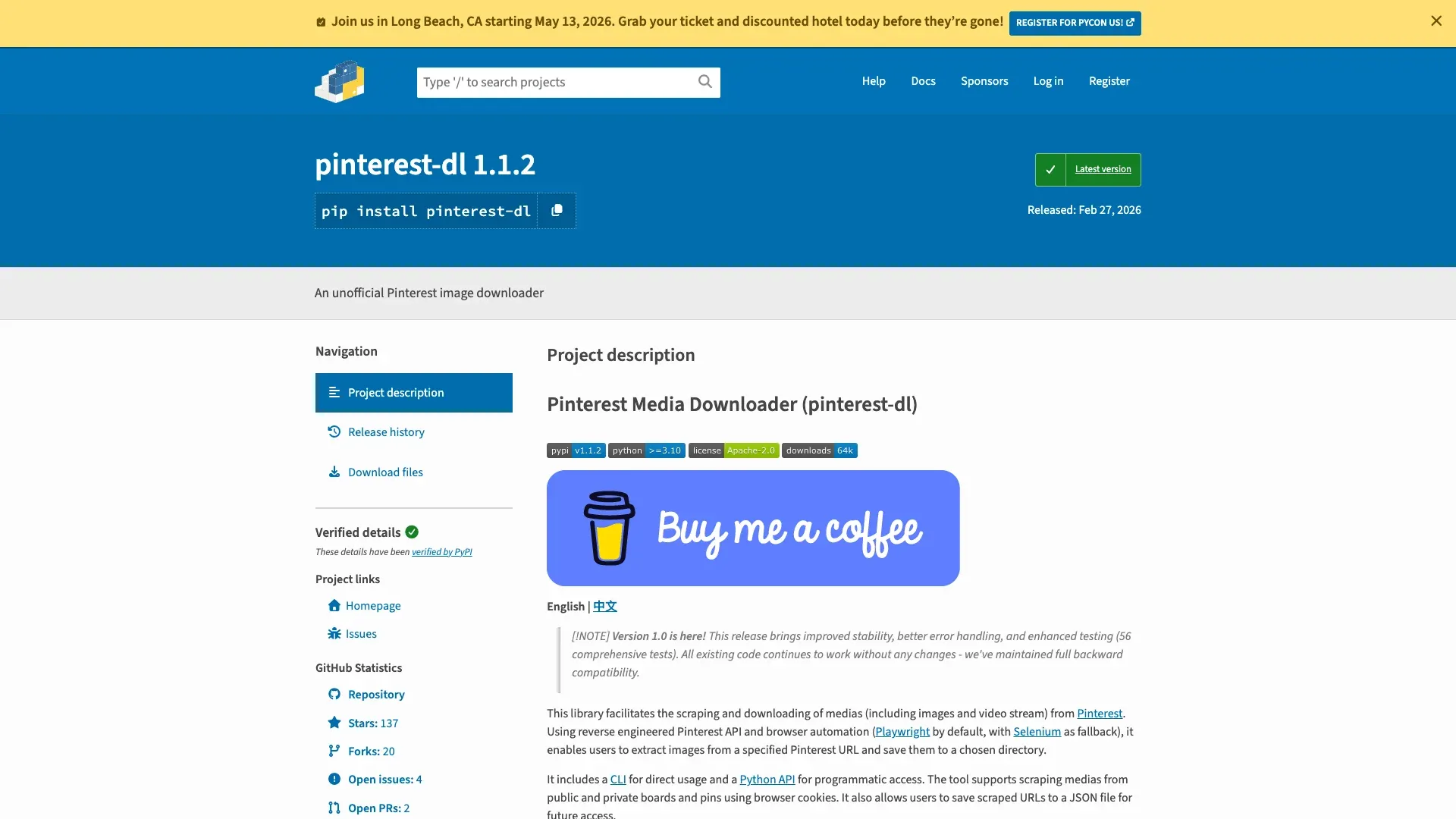 pinterest-dl is a newer, Pinterest-specific open-source Python library. PyPI shows version 1.1.2 released February 27, 2026, and labels the project as Beta. It supports public and private boards and pins via browser cookies, search by query, multiple URLs and queries, image and video stream downloads, and uses Playwright by default with Selenium as fallback.
This is a strong option for Python users who want something more Pinterest-native than gallery-dl, but it's still younger and less battle-tested. The Pinterest-specific design means less configuration for common Pinterest workflows, but the Beta label means you should expect occasional breakage when Pinterest changes internal endpoints.
Key Features of pinterest-dl
- Pinterest-specific search, board, and pin workflows
- Cookie support for private board access
- Video stream downloads
- Async download support
- Python-first and CLI-friendly
pinterest-dl Pricing
- Free and open source
Best for: Python developers who want a Pinterest-specific tool for bulk downloading with minimal setup.
Best Pinterest Scrapers Compared: Feature-by-Feature Table
| Tool | Ease of Setup | Data Types | Image Quality | Infinite Scroll | Export Options | Anti-Bot Handling | Best For |
|---|---|---|---|---|---|---|---|
| Thunderbit | Very easy | Structured page data (AI-detected) | Good (subpage enrichment) | Strong | CSV, Excel, Sheets, Airtable, Notion, JSON | Browser mode + cloud mode | Non-technical users |
| Bright Data | Medium | Profiles, posts, datasets, comments | Strong | Strong | JSON, NDJSON, CSV, XLSX, Parquet, cloud delivery | Strongest managed stack | Enterprise |
| Octoparse | Medium | General structured page data | Medium | Strong | Excel, CSV, JSON, HTML, XML, Sheets, DB | Good with proxy/CAPTCHA add-ons | Visual no-code teams |
| Apify | Medium | Pins, boards, profiles, search, comments | Strong | Strong | JSON, CSV, Excel, dataset API | Strong (actor-dependent) | Cloud automation |
| ParseHub | Medium-hard | General page data | Medium | Good | CSV, JSON, Sheets workflow | Limited | Periodic projects |
| gallery-dl | Hard (CLI) | Images, media, metadata | Very strong | Good on supported flows | Local files + metadata | Weak built-in; cookies help | Free media backup |
| Pinpasta | Very easy | Board images for design workflows | Good for design use | Limited | ZIP / Figma | Minimal | Designers |
| Scraping-Bot | Medium | Generic page/API extraction | Unknown for Pinterest-specific | Depends on implementation | API / JSON | General API anti-blocking | Budget API users |
| Playwright | Hard | Anything you can script | Strong | Strong if coded well | Anything your code writes | DIY | Developers |
| pinterest-dl | Medium-hard | Pinterest-specific media and URLs | Strong | Good | CLI / Python / JSON cache | DIY with cookies | Python developers |
Pinterest's Anti-Scraping Defenses in 2026: What Each Tool Handles
Pinterest is harder to scrape than it looks because the challenge is not just lazy-loaded HTML. The platform uses a combination of bot detection on shared networks, rate-limit blocks, suspicious-activity login blocks, reCAPTCHA friction, internal SPA-style loading, and pagination caps in internal JSON flows.
Here is how each tool handles the main challenges:
| Challenge | Thunderbit | Bright Data | Octoparse | Apify | ParseHub | gallery-dl | Pinpasta | Scraping-Bot | Playwright | pinterest-dl |
|---|---|---|---|---|---|---|---|---|---|---|
| Infinite scroll | ✅ | ✅ | ✅ | ✅ | ✅ | ⚠️ | Limited | Depends | ✅ | ✅ |
| Login-required content | ✅ Browser session | Partial (public-first) | Manual setup | Actor-dependent | Manual | ⚠️ Cookies | ❌ | Custom | ✅ | ✅ Cookies |
| CAPTCHA / challenge | ✅ Browser + cloud | ✅ Strong | ⚠️ Add-ons | Actor-dependent | Limited | ❌ | ❌ | General only | DIY | DIY |
| Image resolution | Good with subpages | Strong | Medium | Strong | Medium | Very strong | Good for design | Unknown | Strong | Strong |
| Structured exports | ✅ Strong | ✅ Strong | ✅ Strong | ✅ Strong | Medium | Weak | Weak | Medium | DIY | Weak |
In practice, browser-based tools (Thunderbit, Pinpasta) sidestep many anti-bot issues by using your real session. Enterprise APIs (Bright Data) solve them with infrastructure. Open-source tools (gallery-dl, Playwright) leave the problem to you.
Free vs. Paid Pinterest Scrapers: What You Actually Get at Each Price Point
Forum users are vocally hostile toward paywalls — "Charging money for that is deranged" is a direct quote from a Pinterest scraping thread — so transparency matters here.
| Tool | Free Tier | Paid Starting Price | What the Free Tier Limits |
|---|---|---|---|
| Thunderbit | 6 pages (10 with trial) | ~$9/mo annual | Page count, not row count |
| Bright Data | 1K-request trial | ~$0.50/1K records | Trial only; enterprise pricing after |
| Octoparse | Free plan | $39/mo | Tasks, devices, export volume |
| Apify | $5 free credit | ~$49/mo + actor usage | Only $5 free spend |
| ParseHub | 5 projects, 200 pages/run | $89/mo | Run limits, no API |
| gallery-dl | Completely free | N/A | CLI-only, no GUI, no proxy rotation |
| Pinpasta | Free forever | Pro one-time lifetime | 30 pins/board, 20 ZIP images |
| Scraping-Bot | 1,000 API credits | $2/mo | Credit-limited, not Pinterest-specialized |
| Playwright | Free forever | N/A | You pay in developer time and proxies |
| pinterest-dl | Free forever | N/A | Beta project, DIY maintenance |
The split is straightforward. If you want cheap structured Pinterest records at scale, Apify actors and Bright Data are the clearest options. If you want spreadsheet-first, no-code workflows, Thunderbit and Octoparse make more sense. If you want free, the real tradeoff is not features but maintenance.
Step-by-Step: How to Scrape a Pinterest Board Without Writing Code
No Python. No API keys. No workflow builder. Just a browser and two minutes.
- Install the Thunderbit Chrome Extension Download Page extension from the Chrome Web Store and open any Pinterest board in your browser.
- Click "AI Suggest Fields." Thunderbit reads the live page and proposes columns — pin title, image URL, description, source link, board name, whatever is visible on the page. No guessing required.
- Click "Scrape" with pagination enabled. Thunderbit handles Pinterest's infinite scroll automatically, loading more pins as it goes.
- Use "Scrape Subpages" to enrich the data. This visits each individual pin page and adds fields that only exist there — engagement metrics, full descriptions, high-resolution image URLs, source/outbound links.
- Export to Google Sheets, CSV, Excel, Airtable, or Notion. All free. No paywall on exports.
Scrape Pinterest Boards with AI in 2 Clicks
The whole process takes under two minutes for a typical board. The subpage step adds time proportional to the number of pins, but it runs automatically — you don't need to babysit it.
This workflow directly solves the two-layer data problem on Pinterest: boards give you the overview, subpages give you the detail. Thunderbit handles both in a single session.
Tips for Scraping Pinterest Without Getting Blocked
A few ground rules that apply no matter which tool you pick:
- Use browser-based scraping when possible. Tools like Thunderbit and Pinpasta leverage your real session, which means Pinterest sees a normal user, not a bot.
- Control request frequency. Mimic human scrolling patterns. Don't hammer infinite scroll as fast as your connection allows.
- Rotate IPs for high-volume scraping. Residential proxies are the gold standard. Bright Data and Octoparse offer these as add-ons.
- Reuse cookies for login-required content. gallery-dl and pinterest-dl both support cookie files for private board access.
- Expect Pinterest's internal endpoints to change. Open-source tools break periodically when Pinterest updates its API. Keep tools updated and page-size assumptions conservative.
- Avoid shared cloud/VPN egress. Pinterest explicitly flags VPNs, proxies, EC2, and GAE traffic.
Legal and Ethical Considerations for Pinterest Scraping
Pinterest's Terms of Service are explicit: users agree not to scrape, collect, or access Pinterest data by automated means without prior permission. That's the policy constraint. The broader legal context still references the hiQ v. LinkedIn line of cases, but that does not cancel platform terms or contract claims.
Some practical guidelines:
- Stay on public pages when possible.
- Avoid circumventing login requirements with technical workarounds.
- Don't republish copyrighted images without rights — most pinned images are owned by creators.
- Use scraped data for research, analysis, backup, or operational intelligence rather than blind republishing.
- Review your local data privacy regulations.
None of this is legal advice. If your use case involves large-scale commercial use of Pinterest data, talk to a lawyer.
Which Pinterest Scraper Is Best for You?
There is no single best Pinterest scraper — it depends on who you are and what you need.
Non-technical users and marketers: Thunderbit is the strongest fit. Two-click AI scraping, subpage enrichment, free exports to Sheets/Airtable/Notion, and browser-mode session handling that sidesteps most anti-bot friction. If you've never scraped anything before and you want structured Pinterest data in a spreadsheet, start here.
Ecommerce ops and agencies: Octoparse, Apify, or Bright Data are better when scheduling, scale, and automation matter. Apify has the most Pinterest-specific actors. Bright Data has the strongest infrastructure. Octoparse splits the difference with a visual builder and cloud execution.
Developers: gallery-dl, pinterest-dl, and Playwright offer the most control. gallery-dl is the most mature free option for media. pinterest-dl is the most Pinterest-native. Playwright gives you total control over everything, including the headaches.
Designers: Pinpasta does one thing — Pinterest boards to Figma/ZIP — and does it simply.
If you want to see what modern Pinterest scraping looks like without writing a line of code, give Thunderbit's free tier a spin. You can also check out the Thunderbit YouTube Channel for walkthroughs. And if Thunderbit isn't the perfect fit, try a few others from this list — there's genuinely never been more options for getting structured data out of Pinterest.
Happy scraping — and may your image URLs always resolve to originals.
Try AI Web Scraper for Pinterest Get Started Free
FAQs
1. What is the best free Pinterest scraper in 2026?
For open-source users, gallery-dl is the most mature free option for bulk image and metadata downloads, and pinterest-dl is the most Pinterest-specific free Python tool. For zero-code users, Pinpasta is the simplest free extension for design workflows, while Thunderbit offers the most useful free tier for structured data extraction with AI field detection and free exports.
2. Can you scrape Pinterest without coding?
Yes. Thunderbit, Pinpasta, ParseHub, and Octoparse all support no-code or low-code Pinterest scraping. Thunderbit is the simplest — you click two buttons and export to a spreadsheet. Apify's Pinterest actors also require minimal technical knowledge, though some configuration is involved.
3. What data can you extract from Pinterest?
The stable schema includes pin title, description, image URL (with multiple resolution tiers), board name, pinner username, follower count (on profiles), save/repin count, comment count, source/outbound URL, hashtags, and date pinned. Board and search pages expose partial data; individual pin pages contain the richest fields. Tools with subpage scraping (like Thunderbit) can capture both layers automatically.
4. Does Pinterest block scrapers?
Yes. Pinterest blocks bots, flags shared network traffic (VPNs, proxies, EC2, GAE), and applies temporary rate-limit blocks for repetitive automated behavior. Browser-based tools like Thunderbit sidestep many of these issues by using your real session. Enterprise APIs like Bright Data handle them with proxy infrastructure and managed unblocking.
5. How do you scrape high-resolution images from Pinterest?
Pinterest uses the i.pinimg.com URL pattern with resolution tiers including 236x, 474x, 564x, 736x, and originals. Pin detail pages typically expose higher-resolution URLs than board listings. Tools like gallery-dl and Apify's SilentFlow actor are designed to fetch the highest available resolution. Thunderbit's subpage scraping can also capture high-res image URLs from individual pin pages. Note that some originals paths may occasionally return 403 errors, so tools that fall back to the next-best resolution tier are more reliable in practice.
Learn More




