redfin-scraper

Redfin Scraper

Thunderbit’s Redfin Scraper helps you extract real estate listings into structured data using AI. Scrape homes for sale or recently sold properties, then enrich results with subpage details like price history, beds/baths, square footage, address, and agent info. Export to Excel, Google Sheets, Airtable, Notion, CSV, or JSON.
4.7
Monthly users2.4k
AI-Powered
Real Estate
Get Started Free
Free tier available

Thunderbit’s Redfin Scraper helps you turn Redfin listings into clean, structured data using AI. You can scrape homes for sale and recently sold properties, then enrich your dataset by having AI visit each listing subpage to capture details like price history, beds/baths, square footage, address, and agent info. Export your results to Excel, Google Sheets, Airtable, Notion, CSV, or JSON in a couple clicks.

🏡 What is Redfin Scraper

The Redfin Scraper is an AI Web Scraper built into that lets you scrape data from without coding. You simply open a Redfin results page, click AI Suggest Fields to let AI detect the best columns, then click Scrape to extract listings into a table you can export anywhere.

Redfin | Real Estate, Homes for Sale, MLS Listings, Agents

Thunderbit is especially useful on real estate sites because it can handle:

  • Pagination and infinite scroll results pages
  • Subpage scraping to enrich each row with listing-page details
  • Flexible exports (Excel, Sheets, Airtable, Notion, CSV, JSON)

🧾 What can you scrape with Redfin

Redfin pages often contain a mix of visible listing cards and deeper details inside each property page. With Thunderbit’s AI Web Scraper (https://thunderbit.com/), you can scrape the list view first, then use Scrape Subpages to collect richer fields like price history, HOA, agent/brokerage, and more.

🏠 Scrape Homes for Sale from Redfin

This use case focuses on extracting active listings from the Redfin “Homes for Sale” experience, such as price, address, beds/baths, and listing URL. It’s ideal for building a pipeline of properties to analyze, contact agents about, or compare across neighborhoods.

Scrape Homes for Sale from Redfin

Steps:

  1. Download the and register an account.
  2. Go to the destination page, for example: .
  3. Click AI Suggest Fields to generate recommended column names and data types.
  4. Click Scrape to run the scraper, then export to Excel, Google Sheets, Airtable, Notion, CSV, or JSON.

Column names

ColumnDescription
🏷️ Listing TitleThe listing headline shown on the card (often includes address or short descriptor).
🌐 Listing URLDirect link to the property detail page for subpage enrichment.
📍 AddressStreet address (or partial address depending on what’s displayed).
🏙️ CityCity name for filtering and grouping.
🗺️ StateState abbreviation (useful for multi-market tracking).
📮 ZIP CodeZIP/postal code for location analysis.
💲 List PriceCurrent asking price shown on the results page.
🛏️ BedsNumber of bedrooms.
🛁 BathsNumber of bathrooms (may include partial baths).
📐 Square FootageInterior size (sq ft) when available on the card.
🌳 Lot SizeLot size when available on the card.
🏷️ Property TypeHouse/condo/townhome/multi-family (when shown).
🖼️ Main Image URLPrimary listing photo URL for quick review and exports to Airtable/Notion.
🕒 Days on MarketDOM indicator when Redfin displays it on the card.
🏢 Brokerage / AgentAgent or brokerage name when visible on the results card.

Tip: After you scrape the results table, use Scrape Subpages to pull deeper fields like price history, HOA, year built, school info, and agent contact details (where available on the page).

🧾 Scrape Recently Sold Homes from Redfin

This use case is for collecting sold comps and market activity signals. You can scrape sold prices, sold dates (when shown), and property attributes to support pricing analysis, investment research, or neighborhood trend reporting.

Scrape Recently Sold Homes from Redfin

Steps:

  1. Download the and register an account.
  2. Go to the destination page, for example: .
  3. Click AI Suggest Fields to generate recommended column names and data types.
  4. Click Scrape to run the scraper, then export your dataset.

Column names

ColumnDescription
🏠 Property AddressAddress shown for the sold property.
🌐 Property URLLink to the sold listing detail page for subpage scraping.
💰 Sold PriceFinal sold price when displayed.
📅 Sold DateSold/closed date when available on the page.
💲 Last List PriceLast asking price before sale (if shown).
🛏️ BedsBedroom count for comp matching.
🛁 BathsBathroom count for comp matching.
📐 Square FootageInterior size for price-per-sq-ft analysis.
📊 Price per Sq FtUseful metric when Redfin displays it.
🏷️ Property TypeHelps segment comps (single-family, condo, etc.).
🧱 Year BuiltConstruction year when available.
🖼️ Image URLMain photo URL for visual review.
📍 Neighborhood / AreaNeighborhood label when shown.
🧭 Latitude / LongitudeCoordinates when available or extractable from the page.

🎯 Why Use Redfin Tool

Scraping Redfin can help you build a reliable dataset for analysis, outreach, and monitoring—without manual copy/paste.

Common ways professionals use a Redfin scraper:

  • Real estate agents & teams: Build targeted lists of active listings, track price changes, and prepare CMAs with sold comps.
  • Investors: Monitor neighborhoods, identify pricing trends, and compare DOM, price per sq ft, and renovation potential.
  • Ecommerce-style operators in real estate (iBuyers, wholesalers, lead gen): Create structured pipelines and push data into Airtable/Notion/CRMs.
  • Market researchers & analysts: Track inventory, sales velocity, and pricing movement across ZIP codes and cities.

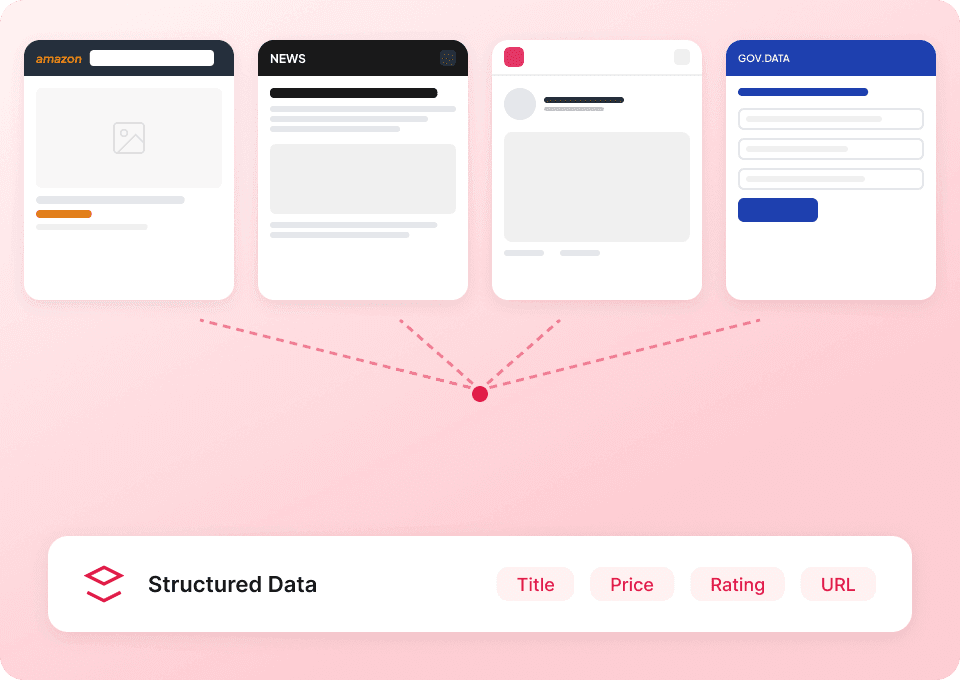
Thunderbit’s advantage is that it uses AI to structure messy web content into a table, and it can visit each listing subpage to enrich your rows with deeper details.

🧩 How to Use Redfin Chrome Extension

  1. Install the Thunderbit Chrome Extension: Get it from the and create your account on .
  2. Navigate to a Redfin results page: Open a page like or .
  3. Activate AI-Powered Scraper: Click AI Suggest Fields to generate columns, adjust if needed, then click Scrape. After the table loads, use Scrape Subpages to enrich each row with listing-page details.

If you’re new to scraping, these guides can help:

💳 Pricing for Redfin

Thunderbit uses a simple credit system:

  • 1 credit = 1 output row in your results table
  • The AI-powered scraping experience (AI Suggest Fields + structured extraction) is included, and you can start without coding.

Free options:

  • Free tier: scrape 6 pages per month
  • Free trial: scrape 10 pages for free to test your Redfin workflows before upgrading

Paid plans (monthly and yearly) scale with your volume. If you scrape regularly (weekly monitoring, multi-city tracking, or large comp sets), the yearly plan is typically more cost effective because it includes a discount.

You can review the latest options here:

Typical cost per run example:

  • If you scrape a results page with 40 listings, that’s about 40 credits (40 rows).
  • If you then enrich those 40 rows with subpage scraping, you still pay by output rows, not by how complex the page is.

❓ FAQ

  1. What is the AI Powered Redfin Scraper?
    The AI Powered Redfin Scraper is a tool in Thunderbit that extracts Redfin listing data into a structured table using AI. You can scrape results pages (homes for sale or sold listings) and then enrich each row by scraping the property detail pages for deeper fields.

  2. What is Thunderbit?
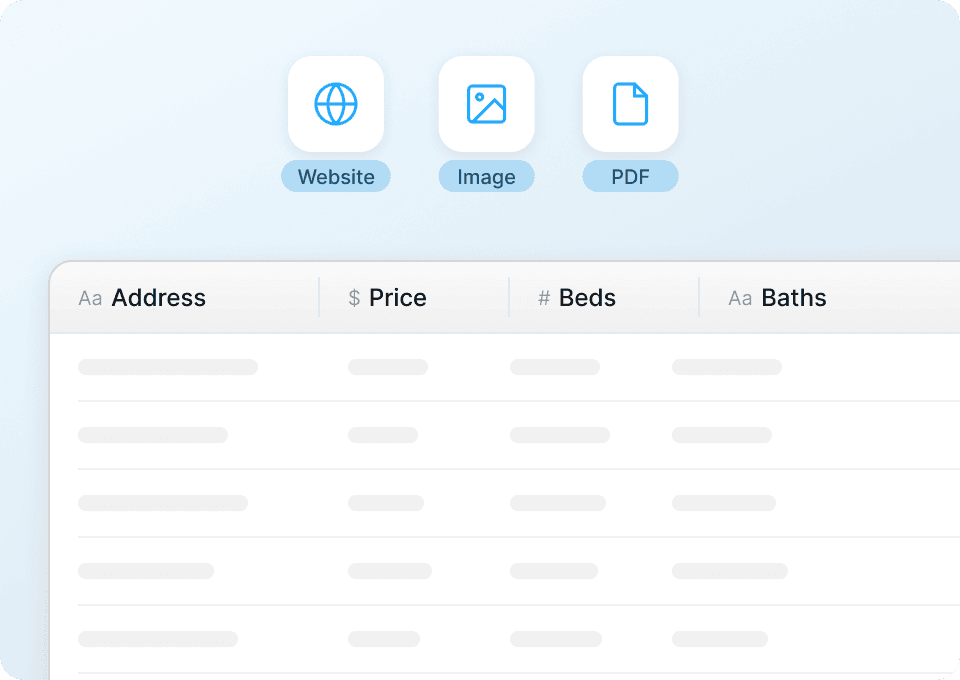
    is an AI Web Scraper Chrome Extension that helps you extract data from websites, PDFs, and images into structured formats. It’s designed for business workflows like lead generation, market research, ecommerce ops, and real estate analysis, with exports to tools you already use.

  3. Do you need coding to scrape Redfin?
    No. You click AI Suggest Fields and then Scrape, and Thunderbit builds the table for you. If you want more control, you can rename columns, change data types (text/number/date/URL), and add field instructions.

  4. What Redfin data can you extract from listing pages vs. subpages?
    Results pages usually provide high-level fields like price, beds, baths, square footage, and address. Subpages often contain richer details like price history, tax/HOA info, agent/brokerage details, and other property facts, depending on what Redfin displays for that listing.

  5. Can Thunderbit handle pagination and infinite scroll on Redfin?
    Yes. Thunderbit supports pagination scraping, including click-based pagination and infinite scroll patterns. This is useful when you need to collect hundreds of listings across multiple pages.

  6. Can you export Redfin data to Excel or Google Sheets?
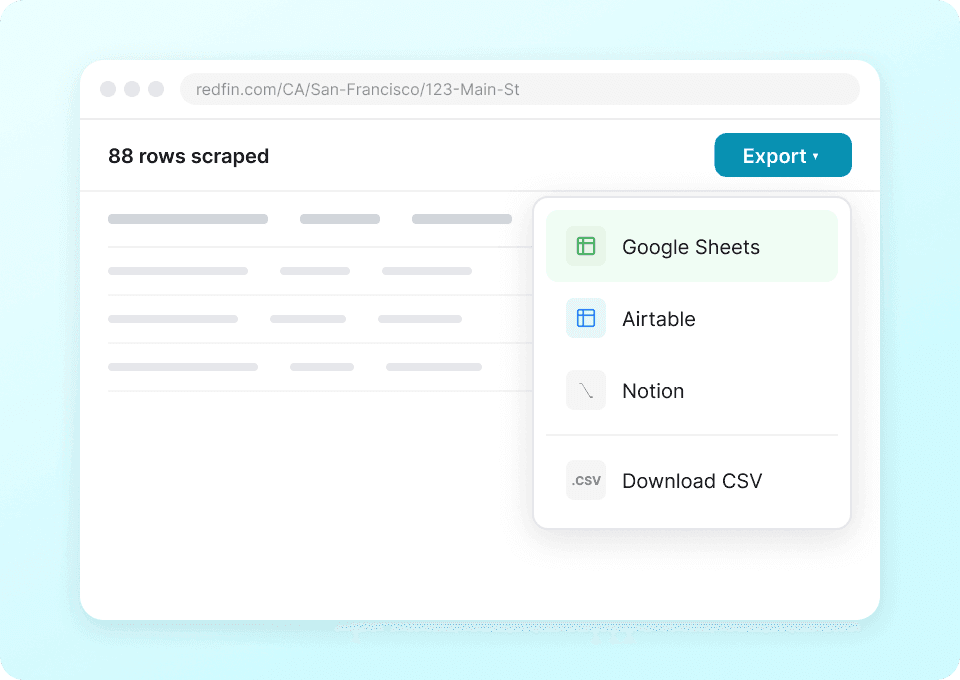
    Yes. Thunderbit supports free export to Excel, Google Sheets, Airtable, and Notion, plus downloads as CSV or JSON. This makes it easy to share comps, build dashboards, or run analysis.

  7. How does credit usage work for Redfin scraping?
    Thunderbit charges by output rows: 1 credit equals 1 row in your final table. If you scrape 120 listings, that’s 120 credits, regardless of how many fields you extract per listing.

  8. What if some fields are missing or formatted differently across listings?
    That’s common in real estate data. Thunderbit’s AI is designed to adapt to layout differences and can often extract fields even when the page structure varies. You can also refine results by editing column definitions or adding a Field AI Prompt to clarify formatting (for example, forcing phone numbers into E.164 or standardizing dates).

  9. Is it okay to scrape Redfin?
    You should always follow applicable laws, respect privacy, and review the website’s terms and policies before scraping. Thunderbit is a productivity tool that helps you collect and structure data; how you use that data should be compliant and responsible.

📚 Learn More

  • Get the extension:
  • Product site:
  • Pricing:
  • Guides and tutorials:
  • Videos:

Ready to build a clean Redfin dataset for comps, inventory tracking, or market research? Install Thunderbit, open your Redfin page, click AI Suggest Fields, then Scrape.