United Airlines scraper













Effortlessly extract United Airlines flight data
Thunderbit simplifies scraping flight details from United Airlines and other sites.
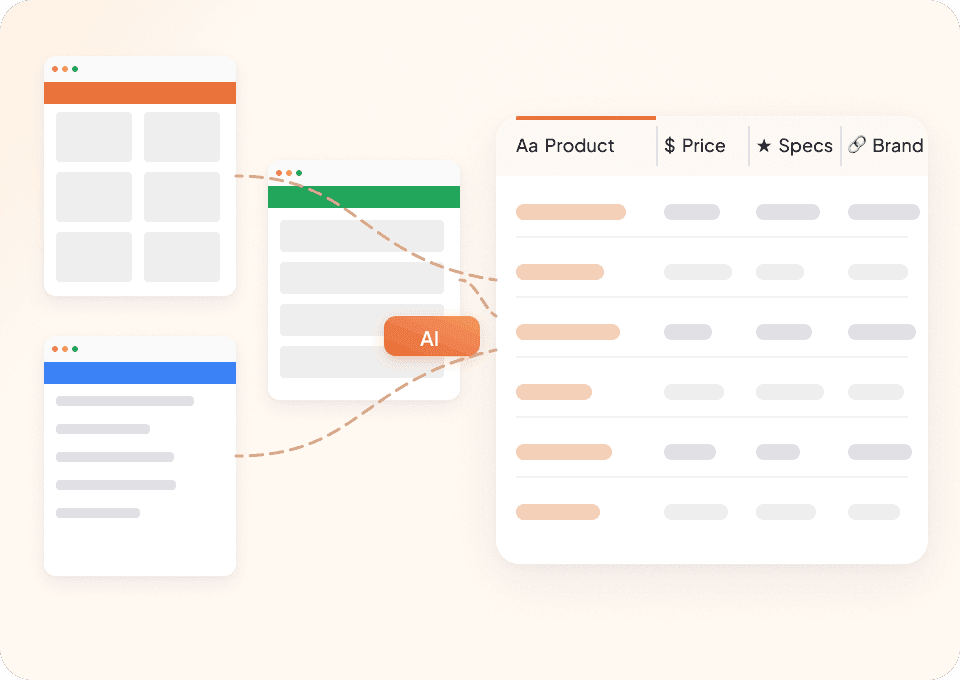
Scrape United Airlines, and every site
Tired of clunky scrapers that only work on one website? Thunderbit works on United Airlines right out of the box, and includes 50+ pre-built templates for popular travel platforms. Whether you need flight numbers, departure and arrival times, or prices, scrape data from any website with a single tool.
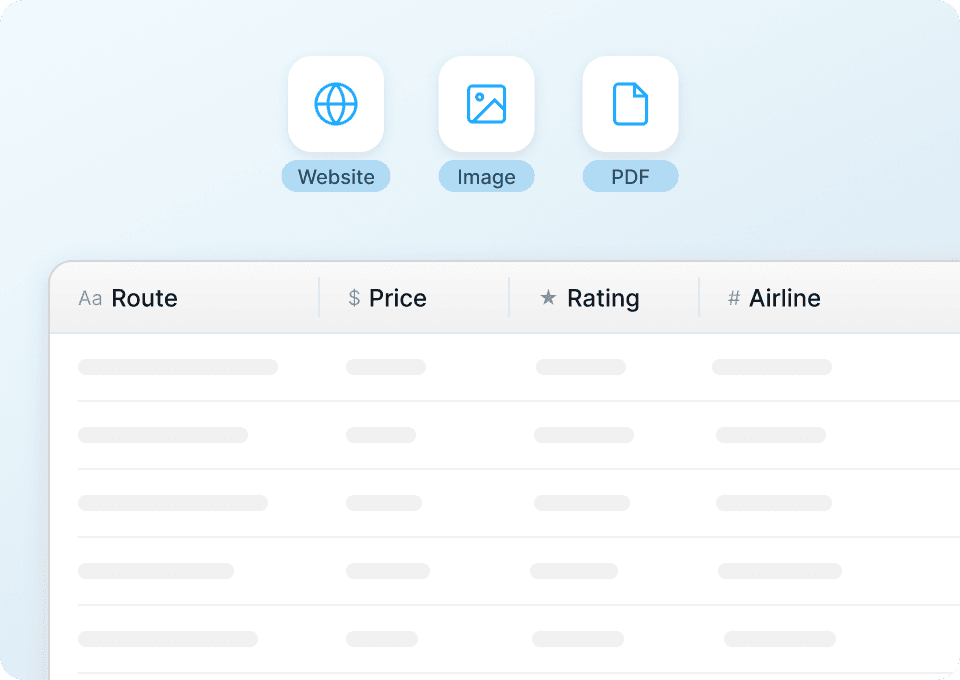
Get clean United Airlines data, instantly
Struggling to clean up messy flight data after scraping United Airlines? Thunderbit automatically structures and formats your data during extraction. Get clean, consistent columns for flight number, departure airport, arrival airport, and price — ready to export to Excel, Google Sheets, or Notion with one click.
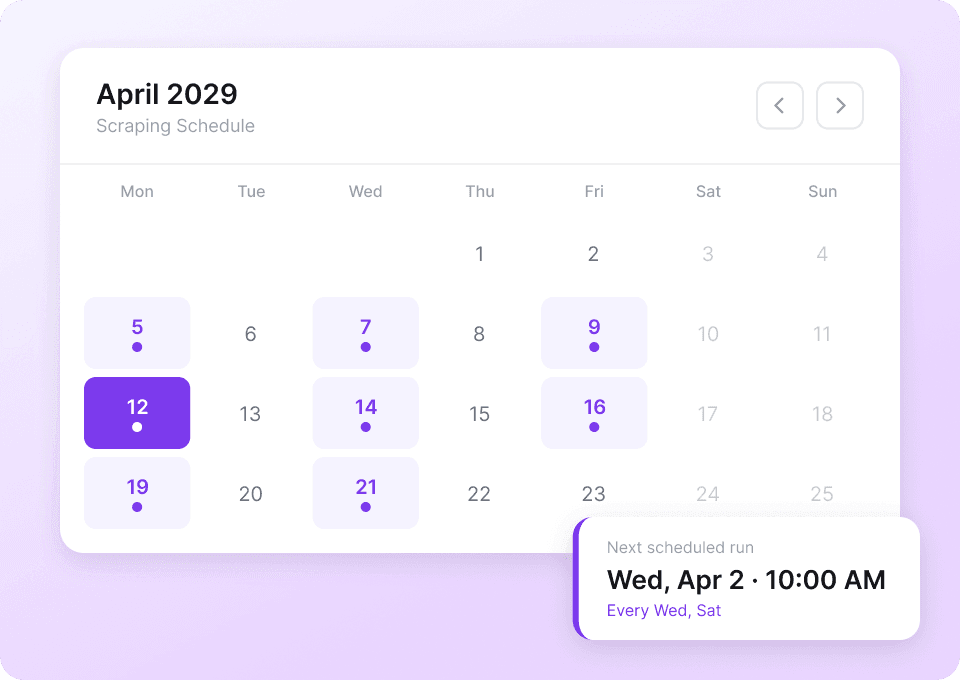
Automate your United Airlines scraping
Flight prices and schedules on United Airlines change constantly. Manually scraping every day is a pain. With Thunderbit, set up scheduled scraping to automatically extract flight data — departure times, arrival times, and prices — and deliver it straight to Google Sheets, Excel, or Notion on your schedule.
Why is Thunderbit different from traditional United Airlines scrapers?
Extract flight data effortlessly, even when United's website changes.
Traditional scrapers
The old way of doing thingsThunderbit AI
The smarter approach





Frequently asked questions
Related use cases
Explore more use cases of Thunderbit's web scraper.

DiveAssist Scraper
The Thunderbit DiveAssist Scraper lets you extract data from DiveAssist membership and dive centre directory pages. Use AI-powered field suggestions to quickly gather membership types, prices, benefits, dive centre names, locations, and contact details for research or business needs.
Learn more ->
HotelsCombined Scraper
The Thunderbit HotelsCombined Scraper lets you extract structured data from HotelsCombined hotel and flight search results. Use AI-powered field suggestions to quickly gather hotel names, prices, ratings, flight details, and more for travel analysis or planning. Ideal for travel agents, researchers, and businesses seeking actionable travel data.
Learn more ->
Viator Scraper
The Thunderbit Viator Scraper lets you extract data from Viator's tours and travel listings with AI-powered field suggestions. Gather tour names, prices, ratings, durations, and more for analysis or research. Ideal for travel agencies, researchers, and tour operators seeking structured Viator data.
Learn more ->
GetYourGuide Scraper
The Thunderbit GetYourGuide Scraper lets you extract data from GetYourGuide activities search results and details pages. Use AI-powered field suggestions to quickly gather activity names, prices, ratings, availability, and locations for travel analysis or content creation. Ideal for travel agencies, researchers, and bloggers seeking structured travel data.
Learn more ->
Klook Scraper
The Thunderbit Klook Scraper lets you extract data from Klook activities and details pages with AI-powered field suggestions. Gather structured information such as activity names, prices, ratings, locations, and availability for travel research, analysis, or marketing. Ideal for travel agencies, researchers, and businesses seeking Klook data.
Learn more ->
Hostelworld Scraper
The Thunderbit Hostelworld Scraper lets you extract data from Hostelworld hotel search results and details pages. Use AI-powered field suggestions to quickly gather hotel names, prices, ratings, room types, and contact information for travel research or analysis. Ideal for travel agents, researchers, and businesses seeking structured accommodation data.
Learn more ->Ready to supercharge your data extraction?
Join 200,000+ professionals already using Thunderbit to automate their web scraping workflows.
Free trial provides unlimited credits for 8 webpages.



