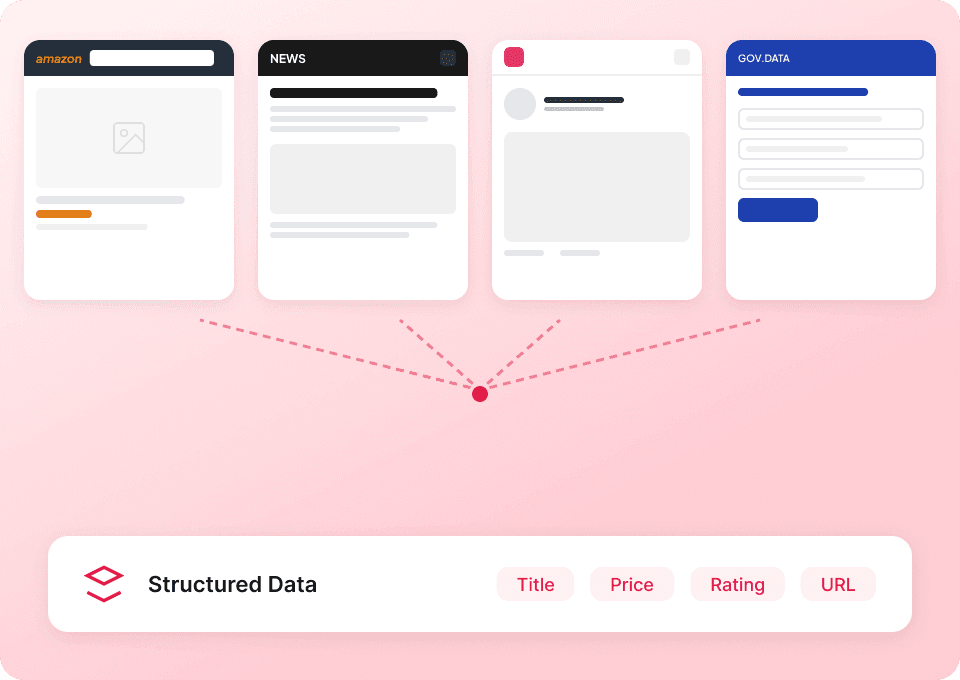
Thunderbit’s Substack Scraper helps you turn Substack pages into clean, structured datasets using AI. You can extract newsletter listings, categories, authors, and publication details from Substack Discover and resource/leaderboard-style pages, then enrich your results by scraping subpages for deeper info. Export your data to Excel, Google Sheets, Airtable, or Notion in minutes with the AI Web Scraper (https://thunderbit.com/ai-web-scraper).
🧠 What is Substack Scraper
The AI Powered Substack Scraper is an that lets you scrape data from with a simple workflow: open the page, click AI Suggest Columns, then click Scrape. Thunderbit’s AI reads the page layout, suggests the best fields to extract, and structures the data into a table you can download or send to your tools.

🧾 What can you scrape with Substack
Substack is full of valuable public information for research, partnerships, media monitoring, and audience development. With Thunderbit, you can scrape listing pages (like Discover) and then use Subpage Scraping to visit each newsletter/publication page to enrich your dataset with details that aren’t visible in the list view.
Below are two common, high-value workflows you can run with the Substack Scraper.
🗞️ Scrape Newsletters from Substack Discover
Use this to build a database of newsletters from the . It’s useful when you want to find publications by topic, evaluate potential sponsorship partners, or track what’s trending across categories.

Steps:
- Download the and register an account.
- Go to the destination page, for example: .
- Click AI Suggest Columns to let AI recommend column names and data types.
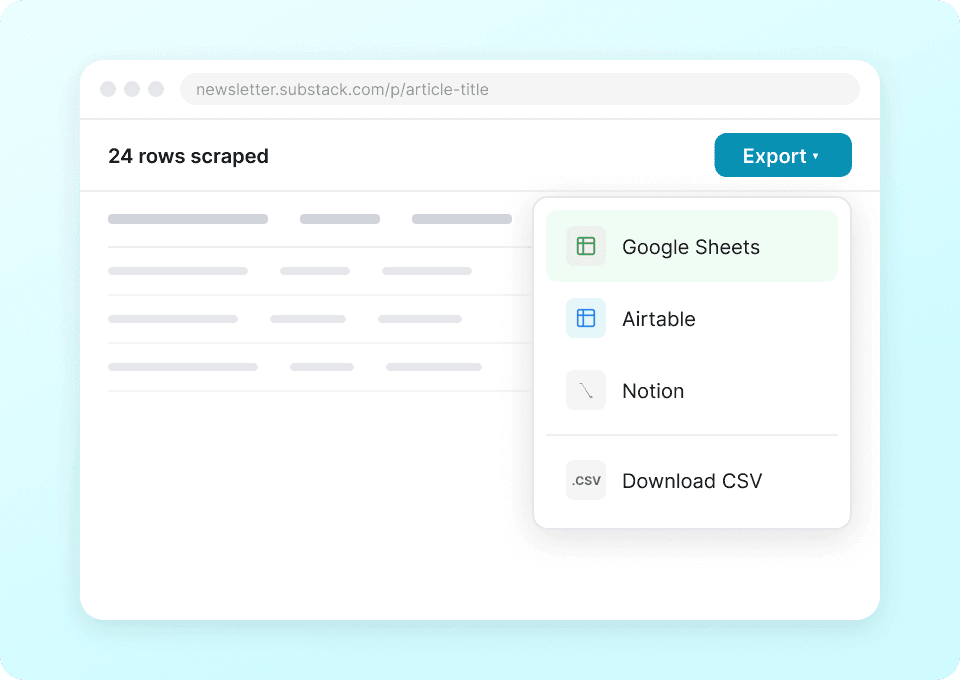
- Click Scrape to run the scraper, then export to Excel, Google Sheets, Airtable, or Notion.
Column names
| Column | Description |
|---|---|
| 📰 Newsletter / Publication Name | The name of the newsletter or publication shown in Discover. |
| 🔗 Publication URL | The link to the publication page (great for subpage enrichment). |
| ✍️ Author / Creator | The writer or brand behind the publication, when shown. |
| 🏷️ Category / Topic | The category tag(s) associated with the listing (e.g., Tech, Politics, Culture). |
| 📝 Description | The short summary/positioning text shown in the listing. |
| 👥 Subscriber Count | Subscriber number if displayed (or leave blank and enrich via subpages). |
| 🖼️ Publication Image | The logo/cover image URL for the publication. |
| ⭐ Featured / Ranking Label | Any featured badge, trending label, or placement indicator shown on the page. |
🏆 Scrape Top Publications from Substack Leaderboard (Resources)
Use this workflow to extract a curated list of publications from Substack’s resources/leaderboard-style page: . This is helpful for competitive research, partnership outreach, and building a media landscape list by niche.

Steps:
- Download the and register an account.
- Go to the destination page, for example: .
- Click AI Suggest Columns to generate recommended fields for this page layout.
- Click Scrape to extract the table, then download or export your data.
Column names
| Column | Description |
|---|---|
| 🏷️ Publication Name | The publication name listed on the page. |
| 🔗 Publication URL | Direct link to the publication (ideal for subpage scraping). |
| 🧑💼 Author / Team | The author name(s) or organization behind the publication, if shown. |
| 🗂️ Category / Collection | The section or grouping the publication appears under (if applicable). |
| 📝 Summary | Short description or positioning text. |
| 👥 Subscribers / Audience | Any audience size indicator shown on the page. |
| 🖼️ Logo / Image | Publication logo or thumbnail image URL. |
| 🕒 Last Updated / Recency | Any recency signal shown (or extract from subpages if available). |
🎯 Why Use Substack Tool
Scraping Substack can support real business workflows, especially when you need structured data for analysis, outreach, or monitoring.
Common reasons you might scrape Substack with an :
- Marketing & partnerships: Build a list of newsletters for sponsorship outreach, cross-promotion, or affiliate partnerships. You can enrich your list by scraping subpages for contact links and publication details.
- Sales & lead generation: Identify creators and niche publications that match your ICP, then export to Google Sheets or Airtable for pipeline building.
- Media research & competitive analysis: Track categories, positioning, and growth signals across publications to understand what’s gaining traction.
- Content strategy: Map newsletter topics and descriptions to find gaps, emerging themes, and audience segments.
Thunderbit is especially useful when:
- The page layout changes often and traditional scrapers break
- You want Subpage Scraping to enrich each row with deeper publication info
- You want to export quickly to the tools you already use (Sheets, Airtable, Notion)
If you’re new to scraping, these guides can help:
🧩 How to Use Substack Chrome Extension
- Install the Thunderbit Chrome Extension: Get it from the and create your account.
- Navigate to a Substack page you want to scrape: For example, or .
- Activate AI-Powered Scraper: Click AI Suggest Columns to generate column names, adjust any fields you want, then click Scrape.
Tip: After your first scrape, use Scrape Subpages to have Thunderbit visit each publication URL and append extra fields (like extended descriptions, author details, links, or other visible metadata) back into your table.
💳 Pricing for Substack
Thunderbit uses a credit system designed to be simple:
- 1 credit = 1 output row in your results table.
- The AI Powered Scraper experience (AI Suggest Columns + Scrape) is available from the start, and data export is free (CSV/JSON, Excel, Google Sheets, Airtable, Notion).
You can try Thunderbit at no cost:
- Free tier: scrape 6 pages per month
- Free trial: scrape 10 pages for free before choosing a paid plan
If you scrape Substack Discover and get 200 rows of newsletters, that’s about 200 credits for that run. If you then enrich those rows with subpage scraping, the total credits depend on how many enriched rows you output.
Paid plans (monthly and yearly) are built for different volumes, and the yearly plan is typically more cost effective because it includes a discount compared to paying month-to-month. See full details on .
| Tier | Pricing (Monthly) | Pricing (Yearly) | Yearly Total Price | Credits (Monthly) | Credits (Yearly) |
|---|---|---|---|---|---|
| Free | Free | Free | Free | 6 pages | N/A |
| Starter | $15 | $9 | $108 | 500 | 5,000 |
| Pro 1 | $38 | $16.5 | $199 | 3,000 | 30,000 |
| Pro 2 | $75 | $33.8 | $398 | 6,000 | 60,000 |
| Pro 3 | $125 | $68.4 | $796 | 10,000 | 120,000 |
| Pro 4 | $249 | $137.5 | $1,592 | 20,000 | 240,000 |
Ready to scrape Substack with AI
- Install:
- Product:
❓ FAQ
-
What is the AI Powered Substack Scraper?
The AI Powered Substack Scraper is an that extracts structured data from Substack pages like Discover and publication lists. You open the page, click AI Suggest Columns, and Thunderbit generates a table-ready schema and scrapes the data into rows you can export. -
What is Thunderbit?
is an AI web scraping and productivity Chrome Extension that helps you collect data from websites, PDFs, and images and turn it into structured datasets. It’s built for business workflows like lead generation, market research, ecommerce operations, and real estate, with fast export to tools like Google Sheets, Airtable, and Notion. -
What Substack pages can I scrape with Thunderbit?
You can scrape many public Substack pages, including , curated resource pages, and individual publication pages. If a page requires login, you can often use Browser Scraping so Thunderbit works inside your logged-in Chrome session. -
Can Thunderbit scrape publication subpages for more details?
Yes. Thunderbit’s Subpage Scraping can visit each publication URL you collected from a list page and append additional fields into your table. This is useful when the listing page only shows a short description, but the publication page contains richer metadata you want to capture. -
How do I choose the right columns for Substack scraping?
Start with AI Suggest Columns, then adjust the field names and data types to match your workflow. You can also add a Field AI Prompt to a column to guide extraction or formatting, such as standardizing categories or extracting a clean author name. -
Can I export Substack data to Google Sheets, Airtable, or Notion?
Yes, and export is free. After scraping, you can download CSV/JSON or send the dataset directly to Google Sheets, Airtable, or Notion for collaboration, filtering, and enrichment. -
What’s the difference between Cloud Scraping and Browser Scraping for Substack?
Cloud Scraping runs faster and is great for public pages that don’t require login. Browser Scraping runs in your Chrome session and is better when you need to access pages behind authentication or when you want the scraper to behave exactly like your browser. -
How many rows can I scrape from Substack in one run?
The practical limit depends on the page structure, pagination/infinite scroll, and your plan credits, but many workflows target hundreds of rows at a time (often up to around 500 rows for a typical run). If the page uses infinite scroll or multiple pages, Thunderbit can handle pagination and continue collecting rows as you load more results. -
Is it okay to scrape Substack?
You should scrape responsibly and follow applicable laws, privacy expectations, and Substack’s terms. Thunderbit is a tool for structuring data you can access in your browser, and you’re in control of what you collect and how you use it.
📚 Learn More
- Get started with the product:
- Install the extension:
- Read guides on the
- Learn fundamentals:
- List scraping concepts:
- Excel workflow:
- PDF extraction:
- Email collection best practices:
- Tool comparisons: