

Thunderbit’s AI-Powered Audible Scraper helps you turn Audible listing pages into clean, structured data using AI. You can scrape Bestsellers and New Releases, then enrich your dataset with subpage details like title, author, narrator, rating, price, and release date. Export your results to Excel, Google Sheets, Airtable, or Notion in a simple workflow built for business research and e-commerce operations.
🎧 What is Audible Scraper
The Audible Scraper is an AI Web Scraper that lets you extract audiobook data from Audible.com with the Thunderbit AI agent. You simply open an Audible page (like Bestsellers or New Releases), click AI Suggest Columns, then click Scrape to generate a structured table you can download or send to your tools.
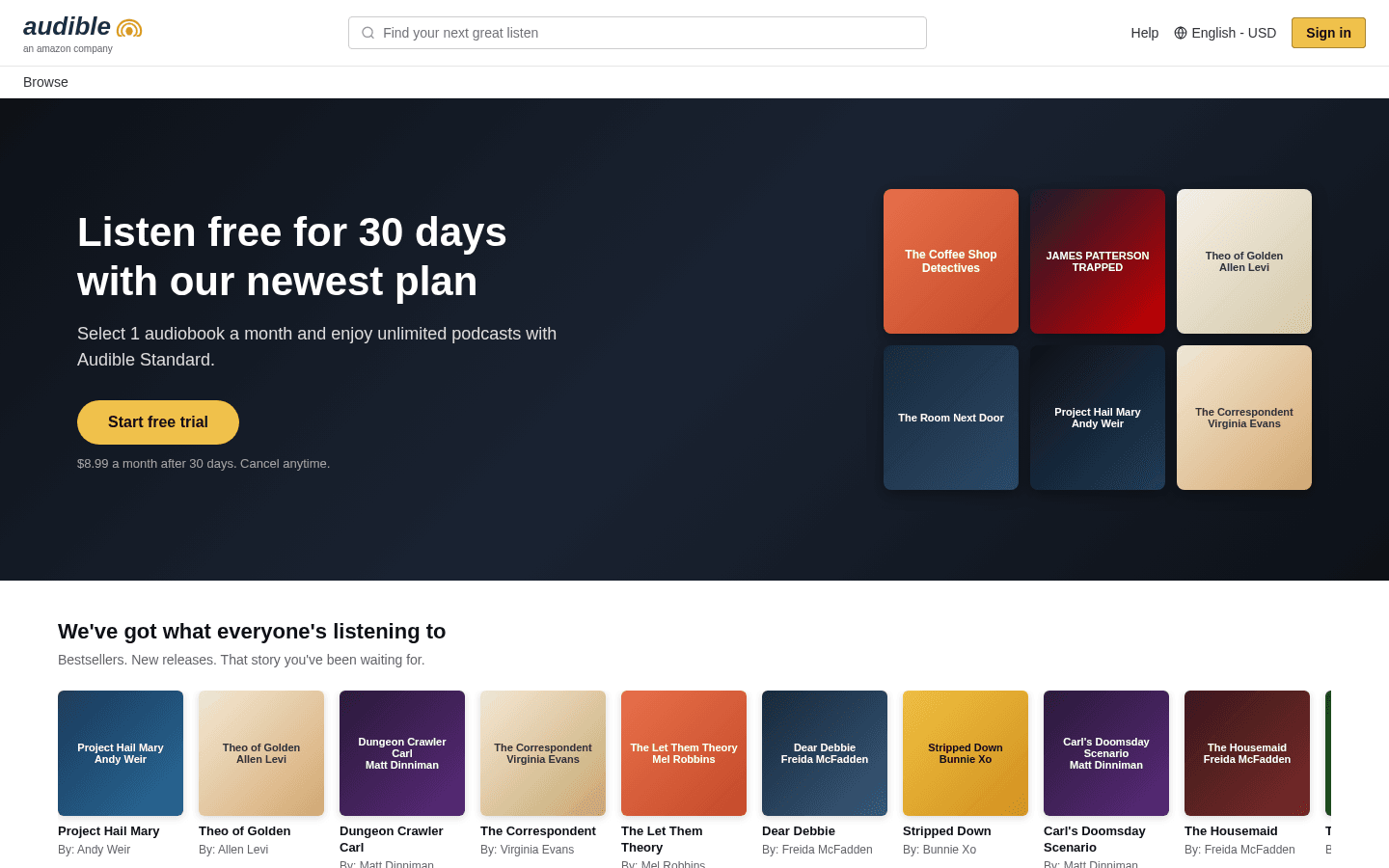
With Thunderbit’s AI Web Scraper, you can also use pagination scraping to collect multiple pages and subpage scraping to visit each audiobook’s detail page to capture richer metadata.
🧾 What can you scrape with Audible.com
Audible is packed with valuable catalog data for market research, content analysis, and competitive tracking. With Thunderbit, you can scrape listing pages and optionally enrich each row by visiting the audiobook’s product page.
📈 Scrape Audible Bestsellers
The Audible Bestsellers Scraper pulls structured data from the Audible Bestsellers page, helping you analyze what’s trending across categories, authors, and narrators.
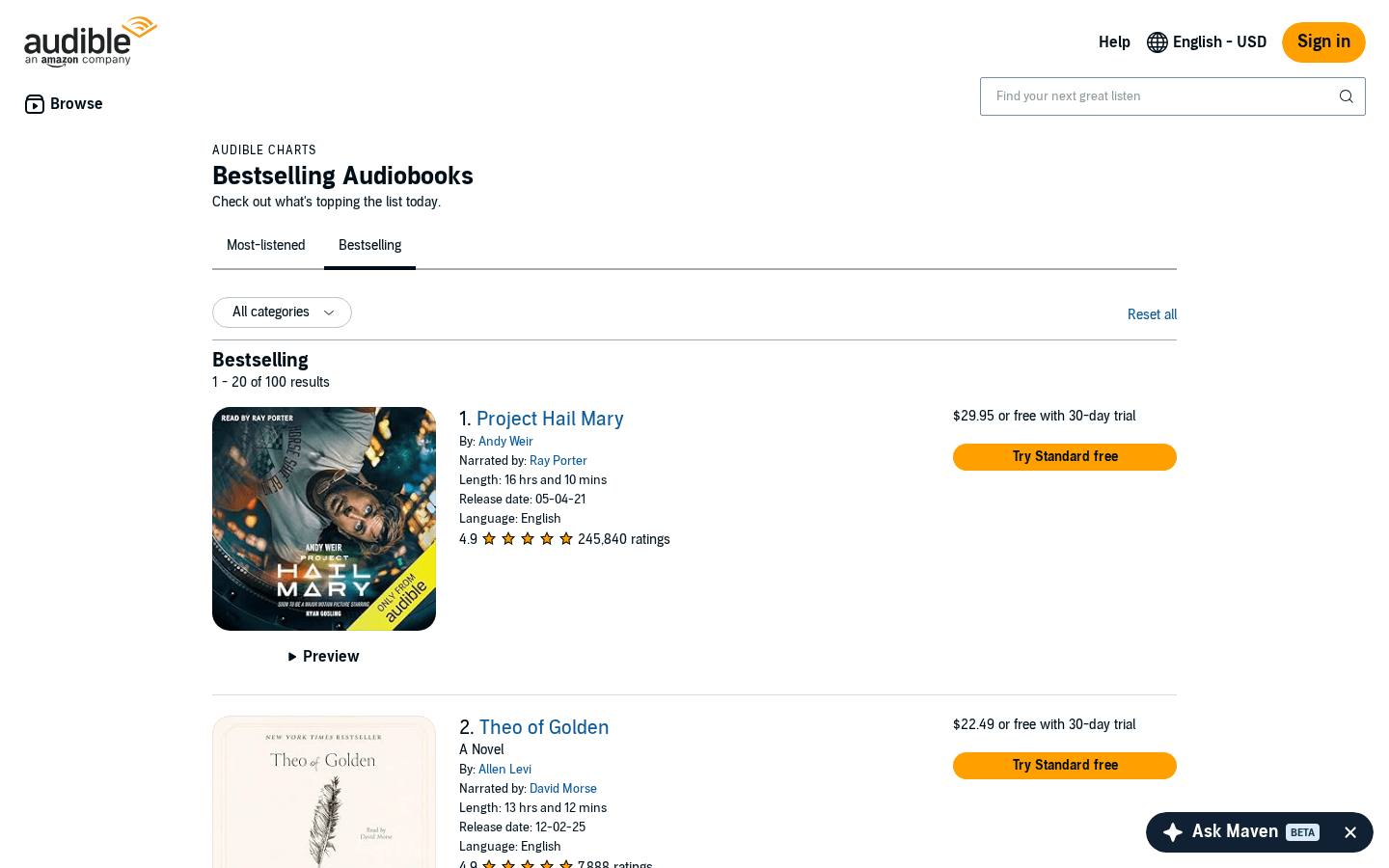
Steps:
- Download the Thunderbit Chrome Extension and register your account.
- Go to the destination page, for example: Audible Bestsellers.
- Click AI Suggest Columns to let AI recommend the best column names and data types.
- Click Scrape to run the scraper, then export to Excel, Google Sheets, Airtable, or Notion.
Column names
| Column | Description |
|---|---|
| 🎧 Audiobook Title | The title of the audiobook shown in the bestseller list. |
| 🔗 Audiobook URL | The direct link to the audiobook detail page (useful for subpage scraping). |
| ✍️ Author | The author name(s) listed for the audiobook. |
| 🎙️ Narrator | The narrator name(s) listed on the card or detail page. |
| ⭐ Rating | Average star rating displayed on the listing. |
| 🧾 Review Count | Number of ratings/reviews shown for social proof analysis. |
| 💲 Price | Listed price (or membership/credit messaging when shown). |
| 🏷️ Category/Genre | Category label when available on the listing or subpage. |
| 🖼️ Cover Image | The cover image URL for cataloging or creative review. |
| 🏆 Bestseller Rank | The position in the bestseller list for trend tracking. |
🆕 Scrape Audible New Releases
The Audible New Releases Scraper extracts newly released audiobook data from the Audible New Releases page. This is useful for monitoring fresh launches, spotting emerging authors, and tracking category momentum.
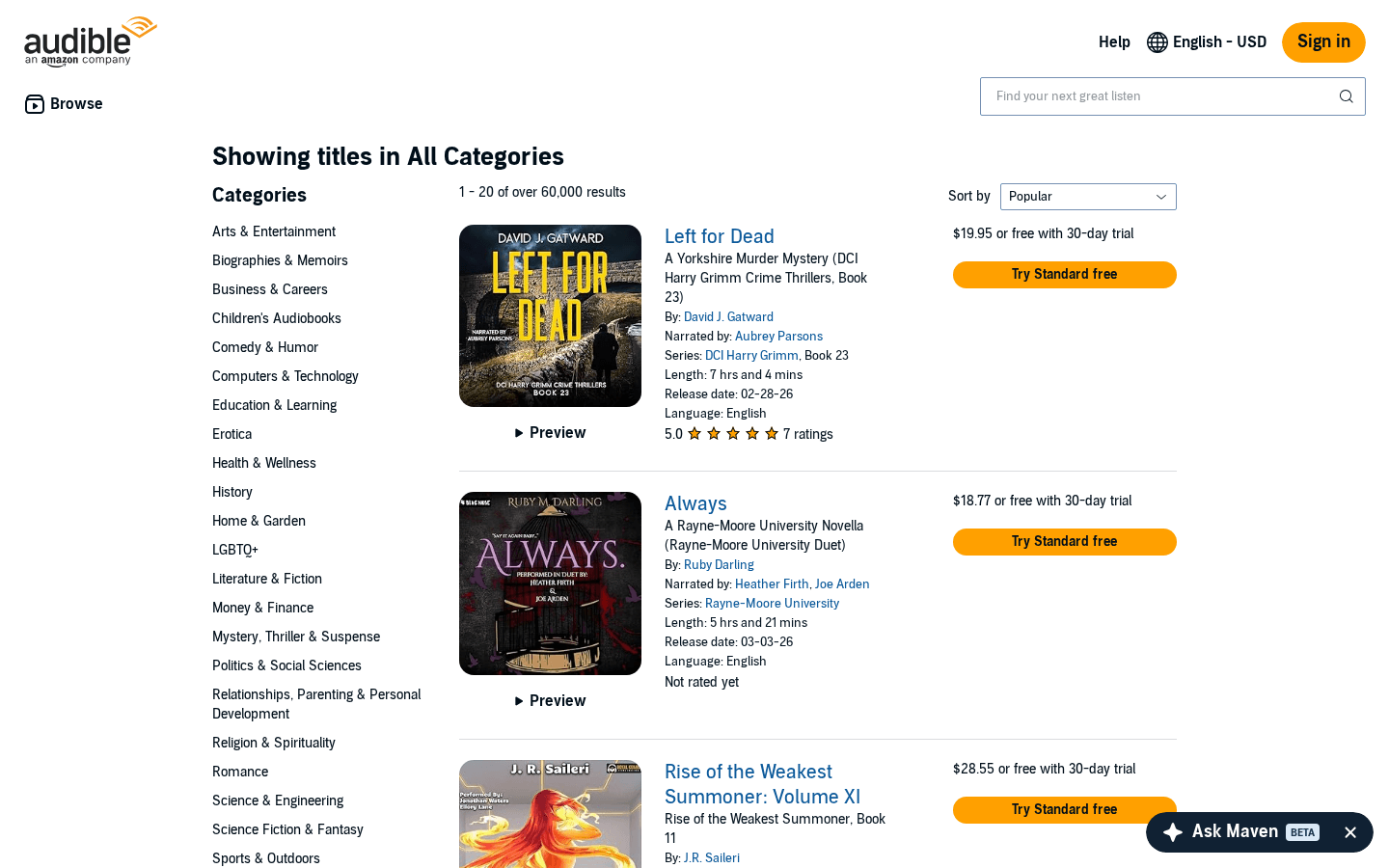
Steps:
- Download the Thunderbit Chrome Extension and register your account.
- Go to the destination page, for example: Audible New Releases.
- Click AI Suggest Columns to generate recommended fields for new release listings.
- Click Scrape to collect the data and export it to your preferred format.
Column names
| Column | Description |
|---|---|
| 🆕 Audiobook Title | The title of the newly released audiobook. |
| 🔗 Audiobook URL | Link to the audiobook detail page for enrichment. |
| ✍️ Author | Author name(s) associated with the release. |
| 🎙️ Narrator | Narrator name(s), helpful for narrator-focused research. |
| 📅 Release Date | The release date when available (often best captured via subpage scraping). |
| ⭐ Rating | Star rating shown (may be missing for brand-new titles). |
| 🧾 Review Count | Number of reviews/ratings, useful for early traction tracking. |
| 💲 Price | Price shown on listing or detail page. |
| ⏱️ Length/Runtime | Audiobook duration when available (often on the detail page). |
| 🖼️ Cover Image | Cover image URL for cataloging and creative analysis. |
🧠 Why Use Audible.com Tool
Scraping Audible data is useful when you need structured audiobook intelligence without manually copying titles, authors, and metadata.
Common reasons you might scrape Audible include:
- E-commerce & media operators: Build a dataset of bestsellers and new releases to compare pricing, ratings, and category movement over time.
- Marketing teams: Identify high-performing authors/narrators, analyze review velocity, and plan partnerships or ad targeting.
- Sales & partnerships: Create lead lists of publishers, authors, or studios by enriching audiobook pages with additional details using subpage scraping.
- Analysts & researchers: Track trends by genre, release cadence, and audience sentiment using rating and review count signals.
Thunderbit is designed for real workflows: you can scrape listing pages, then use Scrape Subpages to enrich each row with deeper fields from the audiobook detail page (runtime, full description, series info, publisher, language, and more depending on what’s available).
If you want more background on techniques and best practices, these guides help:
- What Is Data Scraping and How to Do It in 2025
- What Is List Crawling and How to Do It Using AI
- How to Scrape Website Data into Excel using AI
- How to Scrape Any Website Using AI
- More tutorials on the Thunderbit Blog
🧩 How to Use Audible.com Chrome Extension
- Install the Thunderbit Chrome Extension: Get it from the Chrome Web Store and create your account.
- Navigate to an Audible page you want to scrape: For example, Audible Bestsellers or Audible New Releases.
- Activate AI-Powered Scraper: Click AI Suggest Columns to generate a ready-to-scrape schema, then adjust columns if needed (data types like text, number, date, URL, image).
- Scrape and export: Click Scrape, then export to Excel/CSV/JSON, or send to Google Sheets, Airtable, or Notion.
Tips for better Audible datasets:
- Use Pagination Scraping to capture more than one page of results (including infinite scroll where applicable).
- Use Subpage Scraping to enrich each audiobook row with detail-page fields (runtime, publisher, series, full description).
- Choose Browser Scraping if you need to scrape content that depends on your session or region; choose Cloud Scraping for speed on public pages.
💳 Pricing for Audible Scraper
Thunderbit uses a simple credit system:
- 1 credit = 1 output row in your results table.
- The AI-powered scraping workflow (AI Suggest Columns + Scrape) is available starting from the Free tier, so you can validate your extraction before upgrading.
What you can try for free:
- Free tier: scrape 6 pages per month (page-based allowance).
- Free trial: scrape 10 pages for free, which is useful for testing Bestsellers + New Releases and trying subpage enrichment.
Paid plans are designed for ongoing monitoring and larger datasets. If you scrape regularly (weekly pricing checks, monthly catalog snapshots), the yearly plan is typically more cost effective due to the discount.
You can review the latest options on Thunderbit Pricing.
❓ FAQ
-
What is the AI Powered Audible Scraper?
The AI Powered Audible Scraper is an AI Web Scraper that extracts structured audiobook data from Audible pages like Bestsellers and New Releases. Instead of manually copying information, you click AI Suggest Columns and Thunderbit’s AI reads the page and builds a table you can export. -
What is Thunderbit?
Thunderbit is an AI web scraping and productivity Chrome Extension that helps you collect data from websites, PDFs, and images into structured formats. It’s built for business teams who want results quickly, with exports to Excel, Google Sheets, Airtable, and Notion. -
What Audible pages can I scrape with Thunderbit?
You can scrape listing pages such as Audible Bestsellers and Audible New Releases, plus many other Audible pages depending on what you need. Thunderbit works best when you start from a list page, then enrich each item using subpage scraping. -
Can Thunderbit scrape audiobook detail pages too?
Yes. Thunderbit’s Subpage Scraping can visit each audiobook URL from your listing results and append extra fields into the same table. This is useful for capturing fields that are not consistently visible on the listing page, such as runtime, publisher, series, or full description. -
How do pagination and infinite scroll work on Audible?
Thunderbit supports pagination scraping for both click-to-next pagination and infinite scroll patterns. If Audible loads more items as you scroll, Thunderbit can still capture the expanded list, then continue scraping additional pages when available. -
What data can I export after scraping Audible?
You can export to CSV, JSON, and Excel, or send data directly to Google Sheets, Airtable, or Notion. Exports are designed to be simple so you can move from scraping to analysis or reporting quickly. -
How much does it cost to scrape Audible data?
Thunderbit charges by credits, where 1 credit equals 1 output row. You can start on the Free tier (6 pages per month) and use the free trial (10 pages) to estimate how many rows you’ll collect before choosing a plan on the pricing page. -
Do I need coding skills to use the Audible Scraper?
No. Thunderbit is built for non-technical workflows: open the page, click AI Suggest Columns, then click Scrape. If you want more control, you can rename columns, change data types (text/number/date/URL/image), and add field instructions. -
Is it okay to scrape Audible?
Scraping rules depend on the website’s terms and applicable laws in your region. You should only scrape data you have the right to access and use, avoid collecting sensitive personal data, and follow Audible’s terms and relevant regulations.
📚 Learn More
- Get the extension: Thunderbit Chrome Extension Download Page
- Explore product details: Thunderbit Official Website
- Pricing and credits: Thunderbit Pricing
- Tutorials and guides: Thunderbit Blog
- Popular how-tos:
- Videos: Thunderbit YouTube Channel










