

The Thunderbit AI-Powered UnMask Scraper एक खास टूल है, जिसे UnMask के people search results से डेटा सटीक और आसान तरीके से निकालने के लिए बनाया गया है। की मदद से यूज़र वेबसाइट की सामग्री को structured datasets में बदल सकते हैं और सिर्फ 2 क्लिक में डेटा export कर सकते हैं।
UnMask Scraper क्या है
Scraper एक AI Web Scraper है, जो users को artificial intelligence की मदद से UnMask वेबसाइट से डेटा scrape करने देता है। बस पर जाएँ, फिर AI Suggest Columns बटन और Scrape बटन पर क्लिक करके उपयोगी डेटा तेजी से निकालें।
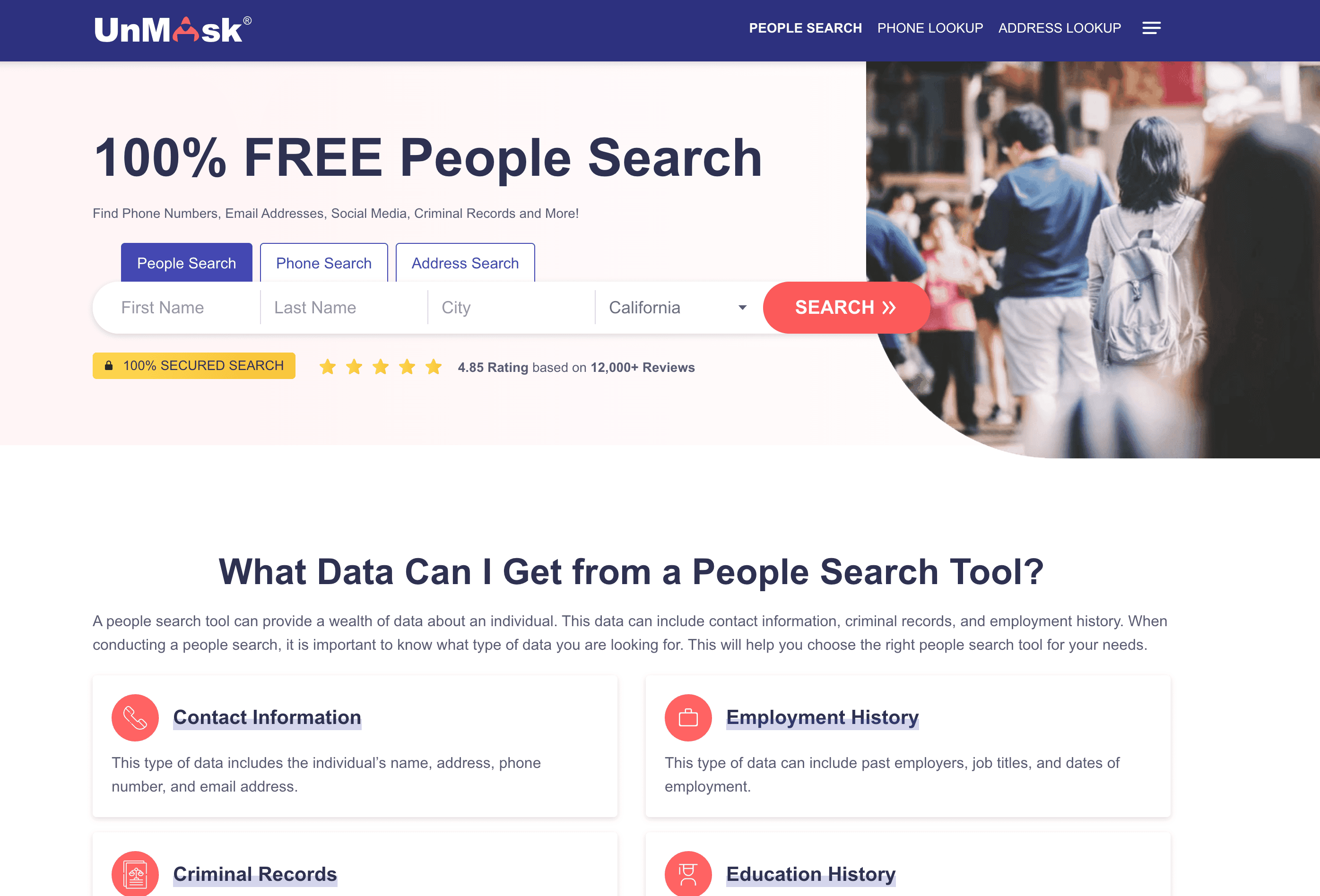
UnMask Scraper से क्या-क्या scrape किया जा सकता है
UnMask People Search Result Scrape करें
AI-Powered UnMask scraper की मदद से आप किसी भी से विस्तृत जानकारी निकाल सकते हैं। यह फीचर लोगों से जुड़ी जानकारी और उनके public records इकट्ठा करने के लिए बहुत उपयोगी है।
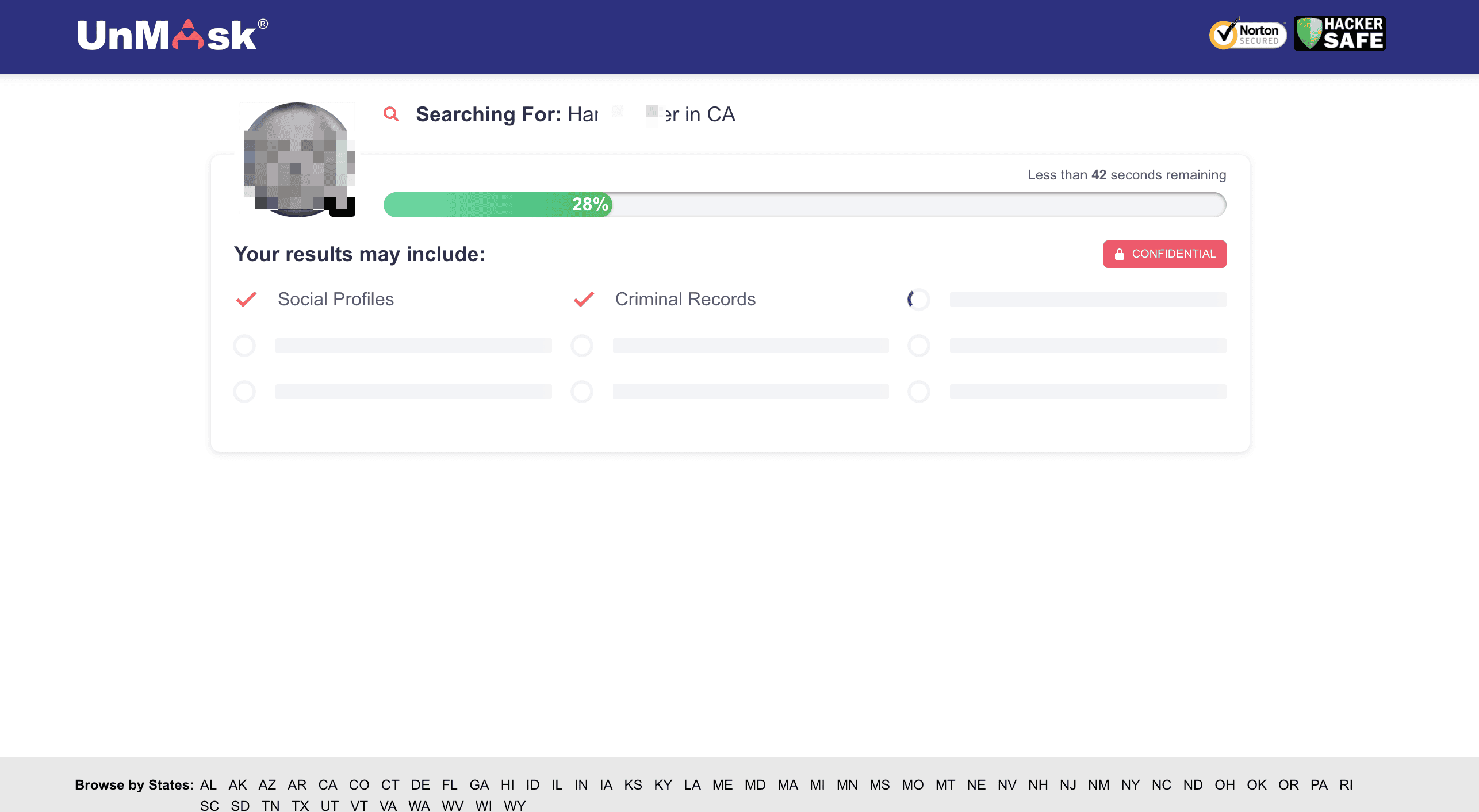
स्टेप्स:
- डाउनलोड करें और अपना अकाउंट रजिस्टर करें।
- डेस्टिनेशन पेज पर जाएँ, उदाहरण के लिए: .
- AI Suggest Columns पर क्लिक करें — AI वेबपेज पढ़कर column names सुझाएगा।
- Scrape पर क्लिक करें, scraper चलाएँ, डेटा लें और फ़ाइल डाउनलोड करें।
Column Names
| Column | Description |
|---|---|
| 🧑 Full Name | व्यक्ति का पूरा नाम। |
| 🌐 Profile URL | व्यक्ति के प्रोफ़ाइल पेज का लिंक। |
| 🏠 Address | व्यक्ति से जुड़ा पता। |
| 📞 Phone Number | व्यक्ति का संपर्क नंबर। |
| 📧 Email Address | व्यक्ति का ईमेल पता। |
| 🗓️ Date of Birth | व्यक्ति की जन्मतिथि। |
| 🖼️ Profile Image | व्यक्ति की प्रोफ़ाइल तस्वीर। |
UnMask Scraper Tool का उपयोग क्यों करें
UnMask के people search results को scrape करने से कई कामों के लिए उपयोगी insights मिल सकते हैं:
- Marketers: targeting strategy बेहतर करने के लिए demographic data का विश्लेषण करें।
- Researchers: social trends और public records का अध्ययन करें।
- Recruiters: संभावित candidates की contact information इकट्ठा करें।
- Businesses: lead generation और customer outreach के लिए structured data निकालें।
सही और सुव्यवस्थित डेटा निकालकर आप data-driven फैसले ले सकते हैं और नए अवसरों का लाभ उठा सकते हैं।
UnMask Chrome Extension का उपयोग कैसे करें
- Thunderbit Chrome Extension इंस्टॉल करें: extension डाउनलोड करें और अपना account register करें।
- People Search Result Page पर जाएँ: UnMask के उस search result पर जाएँ जिसे आप scrape करना चाहते हैं।
- AI-Powered Scraper चालू करें: AI Suggest Column पर क्लिक करके column names जनरेट करें या अपनी जरूरत के हिसाब से columns customize करें।
UnMask Scraper की Pricing
Thunderbit credit-based system पर काम करता है, जहाँ 1 credit = 1 scraped row होता है। यह tool free trial में उपलब्ध है, और अलग-अलग plans occasional users से लेकर high-volume users तक सभी के लिए flexibility देते हैं।
Plans:
| Tier | Monthly Price | Yearly Price | Yearly Total Cost | Credits/Month | Credits/Year |
|---|---|---|---|---|---|
| Free | Free | Free | Free | 6 pages | N/A |
| Starter | $15 | $9 | $108 | 500 | 5,000 |
| Pro 1 | $38 | $16.5 | $199 | 3,000 | 30,000 |
| Pro 2 | $75 | $33.8 | $406 | 6,000 | 60,000 |
| Pro 3 | $125 | $68.4 | $821 | 10,000 | 120,000 |
| Pro 4 | $249 | $137.5 | $1,650 | 20,000 | 240,000 |
Free Features:
- Free Plan में हर महीने 6 pages मिलते हैं।
- Free Trial के साथ 10 pages free मिलते हैं, जिससे आप scraper की features को आराम से explore कर सकते हैं।
FAQ
-
AI Powered UnMask Scraper क्या है?
AI Powered UnMask Scraper एक specialized tool है, जो UnMask के people search results से detailed information निकालने के लिए बनाया गया है। यह Thunderbit Chrome Extension का उपयोग करके data collection को आसान बनाता है, जिससे user बिना technical expertise के research, marketing या analysis के लिए जल्दी structured data इकट्ठा कर सकते हैं।
-
Thunderbit क्या है?
Thunderbit एक advanced Chrome Extension है, जो artificial intelligence की मदद से web scraping, data extraction और automation tasks को आसान बनाता है। इससे users वेबसाइटों से डेटा scrape कर सकते हैं, columns customize कर सकते हैं, online forms autofill कर सकते हैं और content का summary बना सकते हैं। Thunderbit marketing, e-commerce, research और कई अन्य क्षेत्रों के professionals के लिए tedious web-based कामों को तेज, आसान और अधिक accurate बनाता है।
-
Free trial में मैं कितने profiles या posts scrape कर सकता हूँ?
Thunderbit के free trial के साथ आप मुफ्त में अधिकतम 10 profiles या posts scrape कर सकते हैं। इससे users tool की capabilities को आज़मा सकते हैं और paid plan लेने से पहले यह तय कर सकते हैं कि यह उनकी data extraction needs के लिए सही है या नहीं।
-
क्या मैं scrape करने के लिए columns और data fields customize कर सकता हूँ?
बिल्कुल! Thunderbit में powerful customization options हैं, जिनसे आप वही data fields चुन सकते हैं जिन्हें आप extract करना चाहते हैं। Names, addresses, contact information जैसी profile details से लेकर अन्य relevant data तक, scraper आपकी जरूरत के हिसाब से ढल जाता है।
-
मैं scraper को कितनी बार चला सकता हूँ?
Scraper चलाने की frequency आपके subscription plan और account में उपलब्ध credits पर निर्भर करती है। Higher-tier plans में ज्यादा credits मिलते हैं, जिससे बड़े पैमाने पर या बार-बार data extraction करना संभव होता है। जिन्हें लगातार access चाहिए, वे uninterrupted usage के लिए premium plan upgrade कर सकते हैं।
-
अगर मेरे credits खत्म हो जाएँ तो क्या होगा?
अगर आपके credits खत्म हो जाते हैं, तो आप आसानी से अतिरिक्त credits on-demand खरीद सकते हैं या higher-tier subscription plan पर upgrade कर सकते हैं। इससे जरूरत पड़ने पर scraper की features का continuous access बना रहता है।
-
क्या UnMask profiles और posts scrape करना legal है?
UnMask पर publicly accessible data scrape करना आम तौर पर अनुमति योग्य है, बशर्ते आप लागू laws का पालन करें, privacy rights का सम्मान करें और UnMask की terms of service का उल्लंघन न करें। डेटा का जिम्मेदारी से उपयोग करना और सभी relevant regulations का पालन करना जरूरी है ताकि किसी संभावित समस्या से बचा जा सके।
-
UnMask profiles से किस तरह का डेटा निकाला जा सकता है?
आप UnMask profiles से कई प्रकार का डेटा निकाल सकते हैं, जैसे full names, addresses, phone numbers और email addresses। इस डेटा का उपयोग analysis, marketing strategies और lead generation के लिए किया जा सकता है, जिससे public records से उपयोगी insights मिलते हैं।
-
Thunderbit से निकाला गया डेटा कितना secure है?
Thunderbit यह सुनिश्चित करता है कि सभी data extraction processes सुरक्षित तरीके से हों, और user privacy तथा data protection इसकी top priorities हैं। यह tool industry standards और regulations के अनुरूप बनाया गया है, ताकि users सेवा का उपयोग करते समय निश्चिंत रहें।
और जानें
Thunderbit को अपने data scraping needs के लिए बेहतर तरीके से इस्तेमाल करने की जानकारी के लिए हमारा देखें और तथा जैसे लेख पढ़ें।