How I Scrape SuperPages for Leads (3 Methods, Step by Step)

Last Updated on May 26, 2026
AI Summary
Automate your lead generation from SuperPages by comparing three methods: AI no-code tools, visual scrapers, and Python scripts. Get tips for 2026.

Last week, one of our users told me he'd spent an entire afternoon copying plumber listings from SuperPages into a spreadsheet — 47 rows in three hours. His wrists hurt, his data had typos, and he still didn't have emails. That story hit close to home because I've been there, and it's exactly the kind of problem we built to solve.

SuperPages is one of the long-running US local business directories, operated by Thryv, with broad coverage across major cities and categories — plumbers, dentists, lawyers, HVAC techs, you name it. Older technical documentation described it as a national yellow-pages database with over 11 million listings, and the site today still surfaces dense local categories. The challenge isn't finding listings. It's turning them into a clean, enriched lead list without losing your mind (or your afternoon).

According to HubSpot's 2024 Sales Trends report, sales reps spend only about 2 hours per day actually selling — the rest gets swallowed by tasks like data entry and research. And 81% of sales pros say AI could help them spend less time on manual work. This guide covers three ways to scrape SuperPages for leads — from zero-code AI to Python — so you can pick the method that fits your skill level and get back to what actually moves the needle.

What Is SuperPages (and Why Sales Teams Love It for Leads)

SuperPages is a US-focused online business directory where local businesses are listed with contact details, categories, ratings, and more. Think of it as the digital evolution of the old yellow pages phone book — except now it's searchable by category and location, with richer data per listing.

superpages-directory-services.webp

Here's what a typical SuperPages listing can include:

  • Business name
  • Phone number
  • Street address
  • Website URL (when available)
  • Category (e.g., Plumbing, Family Law, HVAC)
  • Ratings and reviews
  • Hours of operation (usually on the detail page)
  • Description (detail page)

The SuperPages homepage highlights popular categories like Home Services, Plumbers, Electricians, Dentists, Legal Services, Auto Repair, Restaurants, and Pet Services — which happen to be the exact verticals that sales teams, agencies, and local service vendors target for outbound outreach.

In short, SuperPages is a goldmine for anyone prospecting local businesses in the US. The data is structured, the coverage is broad, and the categories map neatly to real outbound campaigns.

Why Scrape SuperPages for Leads (Top Use Cases)

Manually browsing SuperPages and copying data into a spreadsheet is a productivity black hole. Scraping automates that process, giving you a targeted, structured list in minutes instead of hours. And because you control the search (category + city + keyword), the output is often more relevant than a generic purchased lead list.

Here are the most common use cases I see from our users:

Use CaseWho BenefitsExample
Local lead generationSales teams, agenciesBuild a list of plumbers in Dallas for cold outreach
Competitor researchOperations, marketingCompare ratings and services across competitors in a market
Market mappingBusiness developmentIdentify all dentists in a zip code for a new product launch
Vendor sourcingProcurement, operationsFind suppliers in a region with phone + website info
Local SEO prospectingAgenciesFind businesses with no website or weak listing data
Territory planningField salesGroup contractors by city, zip code, or service area

The US B2B lead generation market was estimated at USD 8.5 billion in 2024, projected to reach USD 18.2 billion by 2034 — so the demand for this kind of data isn't slowing down. A freshly scraped, category-and-location-specific list can be more targeted than a generic purchased list, but it still needs verification and deduplication before outreach (more on that later).

What the Final Output Looks Like: Sample Scraped Data from SuperPages

Before we get into the how, I want to show you what you'll actually end up with. This is the part most guides skip — but if you're investing time, you should know what the payoff looks like.

Here's a sample output table (fictional data, realistic shape):

Business NamePhoneAddressWebsiteCategoryRatingHoursEmail (enriched)
Sunset Pipe & Drain Co.+1 213-555-01481842 W 7th St, Los Angeles, CA 90057sunsetpipe.examplePlumbing4.6Mon-Fri 7a-6pservice@sunsetpipe.example
Arroyo HVAC Pros+1 626-555-018272 N Fair Oaks Ave, Pasadena, CA 91103arroyohvac.exampleHVAC4.8Mon-Sat 8a-7phello@arroyohvac.example
Wilshire Family Dental+1 323-555-01194100 Wilshire Blvd, Los Angeles, CA 90010wilshiredental.exampleDentists4.4Mon-Thu 9a-5pappointments@wilshiredental.example
Pacific Legal Aid Group+1 310-555-017311845 W Olympic Blvd, Los Angeles, CA 90064Legal Services4.2Mon-Fri 8:30a-5:30pintake@pacificlegal.example
Valley Auto Repair Center+1 818-555-019814422 Ventura Blvd, Sherman Oaks, CA 91423valleyautorepair.exampleAuto Repair4.7Mon-Sat 8a-6pinfo@valleyautorepair.example
Echo Park Pet Grooming+1 213-555-01661511 Sunset Blvd, Los Angeles, CA 90026echoparkpets.examplePet Grooming4.9Tue-Sun 9a-5pbooking@echoparkpets.example

A few things to note:

  • From the search results page: Business name, phone, partial address, category, rating, listing URL.
  • From the business detail page (subpage): Full address, hours, description, reviews, sometimes website.
  • From enrichment: Email (often only found on the business's own website or via enrichment tools).
  • From cleaning: Phone formatted as E.164, normalized state/ZIP, dedupe keys, source URL and scraped-at date.

This is the kind of output you can drop straight into a CRM, a Google Sheet, or an Airtable base and start working from immediately.

3 Ways to Scrape SuperPages for Leads: Quick Comparison

ai-no-code-visual-python-comparison.webp

Not everyone has the same technical comfort level — or the same amount of patience. So here are three methods, side by side, so you can pick the one that fits:

CriteriaThunderbit (AI No-Code)Visual Scraper (e.g., Octoparse)Python (Requests + BS4)
Setup time~2 min (install extension)~15 min (create workflow)~30 min (install libraries, write code)
Coding requiredNoneNoneYes (Python)
Pagination handlingBuilt-in (click or scroll)Config requiredManual code
Subpage enrichment1-click Subpage ScrapingSeparate workflow/loop neededSeparate script
Anti-blockingCloud Scraping handles itDepends on plan/proxy add-onDIY (proxies, headers, rate limits)
Export optionsExcel, Google Sheets, Airtable, Notion, CSV, JSONCSV, Excel, databaseWhatever you code
Best forSales teams, agencies, non-devsSemi-technical usersDevelopers wanting full control

My recommendation: If you want to start scraping in the next 2 minutes, go to Method 1. If you prefer visual workflows and don't mind some configuration, try Method 2. If you want full control and know Python, jump to Method 3.

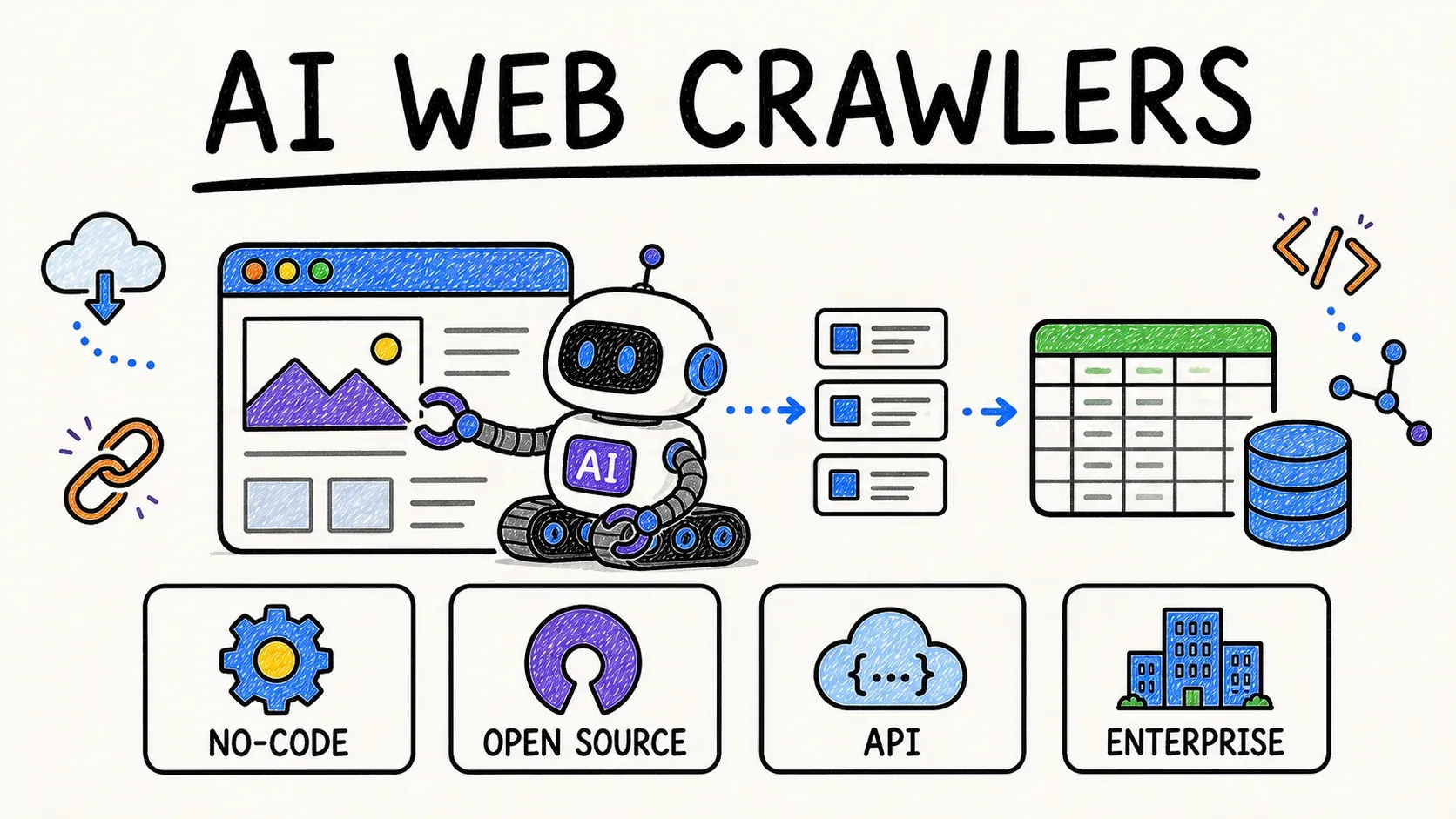
Method 1: Scrape SuperPages for Leads with Thunderbit (AI, No Code)

This is the fastest path from "I have a SuperPages search" to "I have a lead list." No coding, no workflow builders, no proxy configuration. I'm biased — we built Thunderbit — but I'll walk you through exactly what happens so you can judge for yourself.

Difficulty: Beginner
Time Required: ~5 minutes for a full category/city scrape
What You'll Need: Chrome browser, Thunderbit Chrome Extension (free tier works)

Step 1: Install Thunderbit and Open SuperPages

Head to the and install the Thunderbit extension. It takes about a minute. Once installed, navigate to a SuperPages search results page — for example, search "Plumbers in Los Angeles, CA" on superpages.com.

You should see the Thunderbit icon in your browser toolbar and a sidebar panel ready to go.

Step 2: Click "AI Suggest Fields" to Auto-Detect Data Columns

Open the Thunderbit sidebar and click "AI Suggest Fields." Thunderbit's AI reads the page and automatically recommends columns based on what it finds — typically business name, phone, address, website, category, rating, and listing URL.

You can adjust, add, or remove columns before scraping. Want to add a custom column like "Has Website?" or "Service Area?" Just type a description in plain English using the Field AI Prompt. For example, you could instruct a column to "format phone as +1XXXXXXXXXX" or "classify as residential vs. commercial."

You should now see a table preview with your configured columns in the Thunderbit panel.

Step 3: Click "Scrape" and Watch the Data Fill In

Hit the blue "Scrape" button. Thunderbit extracts all listings on the current page and fills in your table row by row. For a typical SuperPages results page, this takes about 30–45 seconds.

Thunderbit automatically handles pagination — it detects "Next" buttons or infinite scroll and keeps going until it runs out of pages or hits your limit. If you're scraping a large result set (say, all plumbers in a metro area), switch to Cloud Scraping mode, which can process up to 50 pages at once without tying up your browser.

Step 4: Use Subpage Scraping to Enrich Each Listing

business-profile-verification-process.webp

The search results page gives you the basics, but the real gold — hours, full descriptions, reviews, sometimes email — lives on each business's detail page. Click "Scrape Subpages" and Thunderbit visits each listing's detail page, pulling in enriched columns like hours, description, website URL, and any contact info visible there.

This is a one-click process. No separate workflow, no configuration. The enriched data gets appended right to your existing table.

Step 5: Export Your Leads to Excel, Google Sheets, Airtable, or Notion

When you're happy with your data, click Export. Thunderbit lets you send your leads directly to:

  • Google Sheets (great for CRM prep and sharing)
  • Airtable (lightweight pipeline tables)
  • Notion (research databases)
  • Excel / CSV (CRM imports)
  • JSON (developer handoff)

cloud50-data-workflow.webp

All export options are free. If you're feeding leads into HubSpot or Salesforce, exporting to CSV or Google Sheets is usually the fastest path.

Pro tip: Scrape by category + city rather than broad state-wide searches. "Emergency plumbers Dallas TX" will give you a tighter, more actionable list than "plumbers Texas." Add a "Source URL" and "Scraped At" column for traceability.

Method 2: Scrape SuperPages with a Visual Scraping Tool (Octoparse Example)

Visual scraping tools like Octoparse sit in the middle ground: no coding, but more setup and configuration than Thunderbit. Octoparse even has a pre-built SuperPages template for simpler use cases.

Difficulty: Intermediate
Time Required: ~20–30 minutes for setup + scrape
What You'll Need: Octoparse account (free plan available, with limitations)

Step 1: Create a New Task and Load the SuperPages URL

Open Octoparse, click "New Task," and paste your SuperPages search URL (e.g., "https://www.superpages.com/los-angeles-ca/plumbers"). The built-in browser loads the page.

Step 2: Auto-Detect or Manually Select Data Fields

Click "Auto-detect" — Octoparse scans the page and highlights data fields it thinks are relevant. Review the Data Preview panel. In my experience, auto-detection often picks up most fields but may grab extras (like ad labels or navigation text) or miss some. You'll likely need to manually add or remove a few fields.

According to Octoparse's help docs, auto-detection creates a basic workflow with pagination and extract-data steps, but users may need to add missing data manually.

Step 3: Build the Workflow and Configure Pagination

Click "Create workflow." Octoparse generates a step-by-step action sequence. Review the pagination step — make sure it clicks "Next" or loads more results correctly. If you want data from each business's detail page (hours, email, description), you'll need to add a detail-page loop or subpage action inside the workflow. This adds complexity compared to Thunderbit's one-click subpage approach.

Step 4: Run the Task and Export Data

Run the task locally (for small jobs) or on Octoparse's cloud (for scheduled or larger jobs — cloud is a paid feature). When it finishes, export as CSV, Excel, or JSON.

Limitations to know: Octoparse's free plan includes 10 tasks, up to 50,000 rows/month, and local extraction only. Cloud runs, IP rotation, CAPTCHA solving, and some export integrations require a paid plan (starting around $69/month annually).

Method 3: Scrape SuperPages with Python (Requests + BeautifulSoup)

This is the developer route. Full control, full responsibility. If you're comfortable writing and maintaining Python scripts, this gives you the most flexibility — but also the most headaches.

Difficulty: Advanced
Time Required: ~30–60 minutes (setup + coding + debugging)
What You'll Need: Python 3.x, pip, requests, beautifulsoup4, lxml, a code editor

Step 1: Set Up Your Python Environment

1python -m venv .venv
2source .venv/bin/activate
3pip install requests beautifulsoup4 lxml pandas

Step 2: Inspect the SuperPages HTML Structure

Open Developer Tools (F12) on a SuperPages results page. Identify CSS selectors for business name, address, phone, website, and detail page link. Keep in mind: HTML structure can change without warning, which means your selectors may break at any time.

Step 3: Write the Listings Scraper and Handle Pagination

Here's a simplified example. Important caveat: In my testing, a direct request to SuperPages returned a Cloudflare "Attention Required" block page. A naive Requests script may fail at scale — you may need browser-session context, rate limiting, retries, or authorized alternatives.

1import csv, time
2from urllib.parse import urljoin
3import requests
4from bs4 import BeautifulSoup
5BASE_URL = "https://www.superpages.com"
6HEADERS = {
7    "User-Agent": (
8        "Mozilla/5.0 (Macintosh; Intel Mac OS X 10_15_7) "
9        "AppleWebKit/537.36 (KHTML, like Gecko) "
10        "Chrome/125.0 Safari/537.36"
11    )
12}
13def fetch(url):
14    resp = requests.get(url, headers=HEADERS, timeout=20)
15    resp.raise_for_status()
16    if "Attention Required" in resp.text or "Cloudflare" in resp.text:
17        raise RuntimeError("Blocked. Slow down or switch to browser/cloud scraping.")
18    return BeautifulSoup(resp.text, "lxml")
19def parse_listing(card):
20    name_el = card.select_one(".business-name, a.business-name, h2 a, h3 a")
21    phone_el = card.select_one(".phones, .phone, [class*=phone]")
22    address_el = card.select_one(".street-address, .adr, [class*=address]")
23    website_el = card.select_one("a.track-visit-website, a[href*='http']")
24    rating_el = card.select_one(".rating, [class*=rating]")
25    detail_url = urljoin(BASE_URL, name_el.get("href")) if name_el and name_el.get("href") else ""
26    return {
27        "business_name": name_el.get_text(" ", strip=True) if name_el else "",
28        "phone": phone_el.get_text(" ", strip=True) if phone_el else "",
29        "address": address_el.get_text(" ", strip=True) if address_el else "",
30        "website": website_el.get("href", "") if website_el else "",
31        "rating": rating_el.get_text(" ", strip=True) if rating_el else "",
32        "detail_url": detail_url,
33    }
34def scrape_search(search_url, pages=3):
35    all_rows = []
36    for page in range(1, pages + 1):
37        page_url = f"\{search_url\}?page=\{page\}"
38        soup = fetch(page_url)
39        cards = soup.select(".result, .organic, [class*=result]")
40        if not cards:
41            break
42        for card in cards:
43            all_rows.append(parse_listing(card))
44        time.sleep(5)
45    return all_rows
46if __name__ == "__main__":
47    rows = scrape_search("https://www.superpages.com/los-angeles-ca/plumbers", pages=2)
48    with open("superpages_leads.csv", "w", newline="", encoding="utf-8") as f:
49        writer = csv.DictWriter(f, fieldnames=sorted({k for row in rows for k in row}))
50        writer.writeheader()
51        writer.writerows(rows)

Step 4: Scrape Detail Pages for Enrichment

Write a separate function to visit each detail page URL and extract hours, email, description, and reviews. This means managing rate limits, error handling, and potentially proxies — all on you.

Step 5: Save Data to CSV or JSON

Use Python's csv or json modules. You'll also need to write your own deduplication, cleaning, and export logic.

Common pitfalls:

  • SuperPages may block requests with Cloudflare or similar anti-bot systems (confirmed in my testing).
  • Selectors are intentionally broad here because SuperPages markup can change.
  • Don't assume search-result pages contain emails. They almost never do.
  • A production scraper needs robots/TOS review, rate limiting, retry/backoff, structured logging, and error capture.

If you want to go deeper on Python scraping, check out our guide to web scraping with Python or BeautifulSoup tutorial.

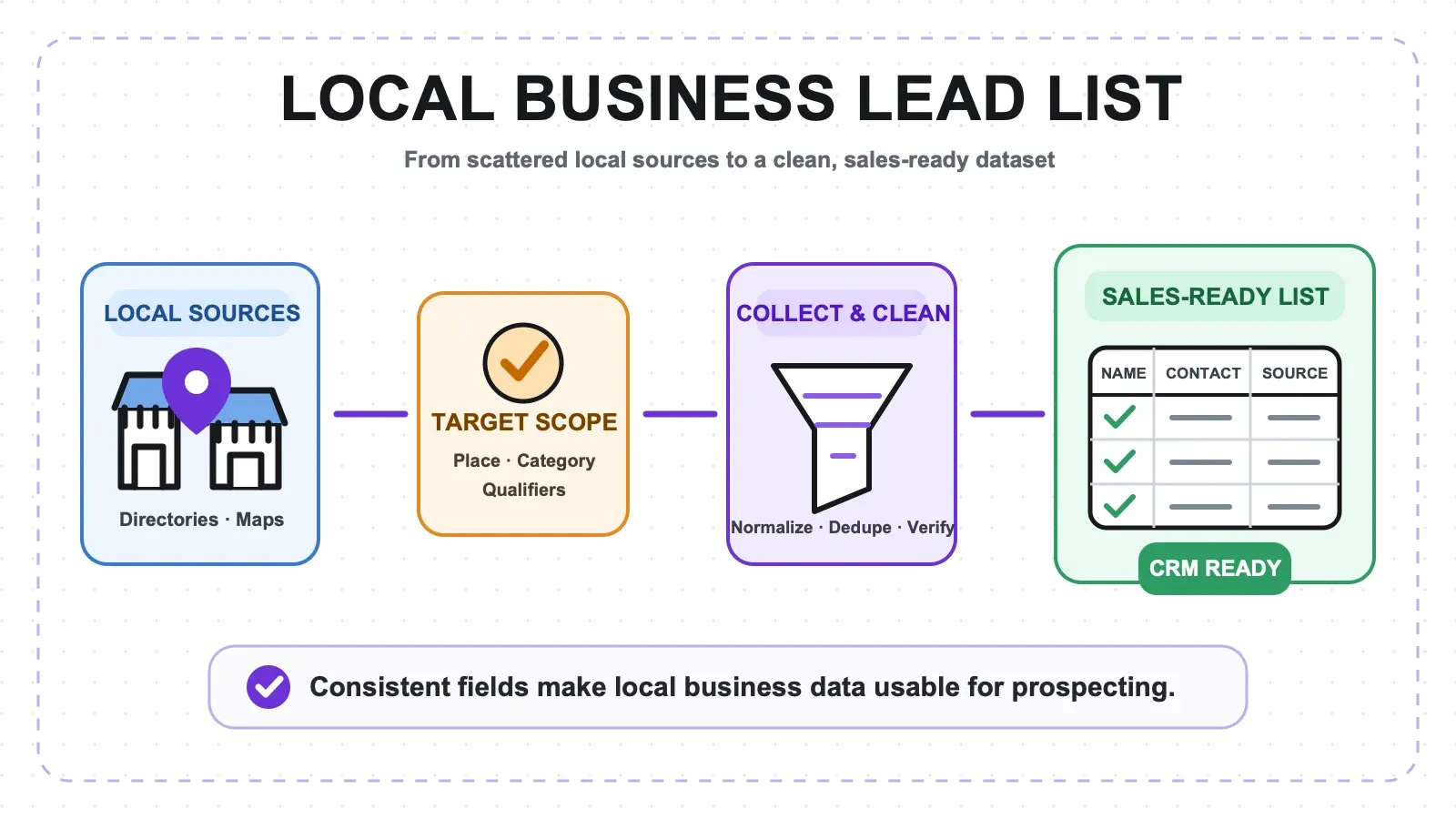
From Raw Data to Real Leads: The Full Pipeline (Scrape → Clean → Verify → CRM)

Here's where most scraping guides stop — and where the real value starts. Scraping gives you raw material. Turning it into a usable lead list requires a few more steps.

data-pipeline-workflow.webp

The pipeline looks like this:

SuperPages search → Scrape listings → Scrape detail pages/websites → Export to Google Sheets or CSV → Clean phones, addresses, categories → Deduplicate → Verify emails/phones → Enrich missing contacts → Import to CRM → Compliant outreach

Deduplication: Removing Duplicate Listings

SuperPages often shows the same business in multiple categories. If you scraped "plumbers" and "drain cleaning" in the same city, you'll get overlaps.

  • Primary dedupe key: Normalized phone number + normalized street address.
  • Secondary: Domain + city.
  • Fallback: Business name + ZIP code (review manually for franchises).

In Google Sheets, use =UNIQUE(A:H) for exact-row matches, or create a helper column like =LOWER(REGEXREPLACE(B2&C2,"[^a-zA-Z0-9]","")) to catch near-duplicates. In Excel, use Data > Remove Duplicates.

Data Cleaning: Standardizing Phones, Addresses, and Formatting

  • Format phone numbers as E.164 (for US: +1 followed by 10 digits). This is the format most CRMs and dialers expect. You can use a Field AI Prompt in Thunderbit to auto-format during scraping.
  • Normalize addresses: expand abbreviations, fill missing ZIP codes, split into street/city/state/ZIP columns if needed.
  • Strip HTML artifacts, extra whitespace, and tracking query parameters from URLs.
  • Add source_directory, source_url, and scraped_at columns for traceability.

Email and Phone Verification Before Outreach

Don't blast a cold email to every address you scraped. Verification protects your sender reputation and keeps your bounce rates low.

  • Email verification: ZeroBounce (starts at ~$39 for 2,000 credits, plus 100 free monthly credits) or Bouncer ($8 for 1,000 credits, credits never expire) are solid options.
  • Phone validation: Twilio Lookup offers formatting and validation for free; caller ID is $0.01/request.
  • Thunderbit's free Email Extractor and Phone Number Extractor can pull contact details missed on listing pages.

Enrichment: Finding Contacts When SuperPages Doesn't Have Emails

Many SuperPages listings don't show an email at all — especially on the search results page. Here's what to do:

  • Scrape the business website's Contact, About, or footer pages. Thunderbit's Subpage Scraping or Email Extractor can do this in bulk.
  • Use enrichment tools like Apollo, BetterContact, Icypeas, or Prospeo. Fair warning: for small local businesses (a two-person plumbing shop, a solo dentist), big B2B databases often come up empty. Website-first extraction tends to work better for these.
  • Combine multiple directories. Scrape SuperPages, Yellow Pages, and Google Maps for the same category/city, then merge and deduplicate. The overlap gives you more complete records.

If you've ever tried running a local SMB list through Apollo and gotten mostly blanks, you're not alone. That's why the website-first approach matters for this audience.

CRM Import: Getting Leads into HubSpot, Salesforce, or Google Sheets

  • HubSpot: Go to Data Management > Data Integration > Import data > Quick import (contacts only). Upload your .csv or .xlsx. HubSpot's import guide walks through field mapping.
  • Salesforce: Use the Data Import Wizard. Prepare a CSV, map source fields to Salesforce fields, and run the import.
  • Google Sheets / Airtable / Notion: Thunderbit exports directly to all three — no CSV intermediary needed.

Tip: Map your scraped columns to CRM fields before importing. A few minutes of mapping saves hours of manual cleanup later.

SuperPages vs. Other Local Business Directories: Where to Find the Best Leads

SuperPages is a strong starting point, but it's not the only directory worth scraping. Here's how it stacks up:

DirectoryLead VolumeData Fields AvailableData FreshnessAnti-Scraping DifficultyBest For
SuperPagesLarge (US focus)Name, phone, address, website, categories, ratingsModerateMediumHome services, contractors, SMBs
Yellow PagesLarge (US focus)Similar to SuperPagesModerateMediumGeneral local business outreach
Google MapsVery large (global)Name, phone, address, website, reviews, hours, photosHigh (owner-updated)High (aggressive anti-bot)Most current local data
YelpLarge (US focus)Name, phone, address, reviews, price rangeHighHighRestaurants, retail, service businesses
MantaMediumName, phone, address, revenue estimates, employee countModerateLowB2B prospecting (revenue/employee data)
BBBMediumName, phone, address, accreditation, complaintsModerateLowTrustworthy/vetted businesses

Sources: SuperPages homepage, VLDB SuperPages paper, Google Places API docs, Yelp Places API docs, Manta homepage, BBB guide.

Thunderbit works across all of these — including Instant Templates for popular sites like Google Maps and SuperPages — so you can apply the same workflow to multiple sources and merge your lead lists. In my experience, the best approach is often scraping two or three directories for the same category/city and deduplicating. The overlap fills in gaps and gives you a more complete picture.

For more on scraping other directories, see our guides on , , and .

data-privacy-compliance-infographic.webp

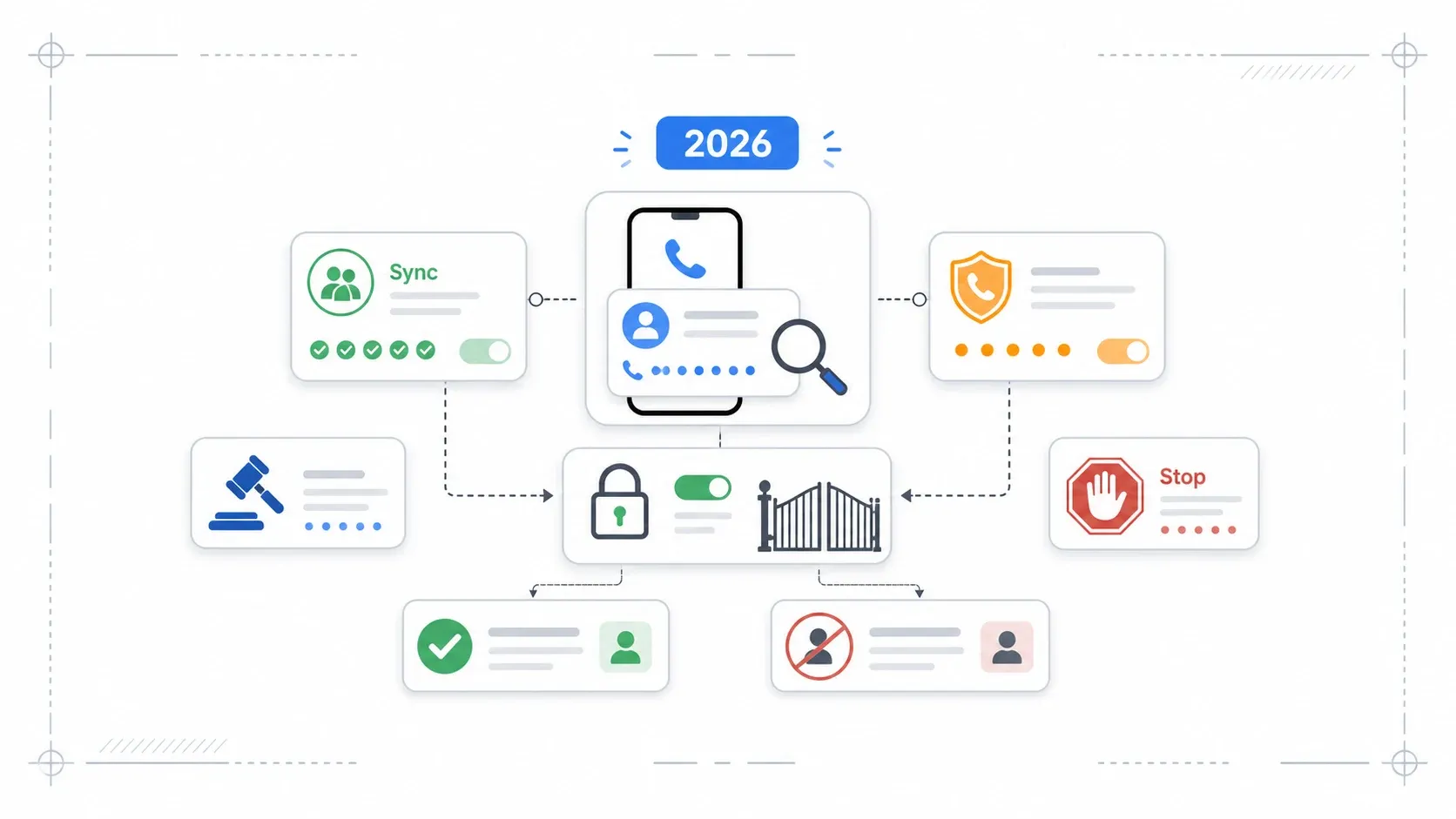
I'm not a lawyer, and this isn't legal advice — but I've spent enough time in this space to know that ignoring compliance is a fast way to get burned. Here's the practical rundown.

Public Business Data vs. Personal Data

Business listings — company name, business phone, business address, business website — are generally considered public commercial data. That's different from personal consumer data under GDPR or CCPA. But "public" doesn't mean "no rules apply." Always check the site's Terms of Service.

SuperPages' Terms of Use (updated July 2019) include a "Data Mining Prohibited" clause: users may not use bots, crawlers, spiders, or similar tools to gather or extract data without Thryv's prior consent. The article discusses methods and workflows, but you should review these terms and get permission where needed before scraping at scale.

Outreach Compliance: CAN-SPAM and TCPA Basics

If you're using scraped emails for cold outreach, the FTC's CAN-SPAM guide says you must:

  • Not use false or misleading headers
  • Not use deceptive subject lines
  • Identify the message as an ad when required
  • Include a valid physical postal address
  • Provide a clear opt-out mechanism and honor it promptly

If you're using scraped phone numbers for cold calls, check the National Do Not Call Registry and comply with TCPA rules — especially around automated calls, prerecorded messages, and SMS. The FTC announced 2024 changes to strengthen protections against deceptive B2B telemarketing and AI-enabled scam calls.

Quick Compliance Checklist

  • âś… Scrape only publicly listed business data
  • âś… Review SuperPages' Terms of Use and obtain permission where required
  • âś… Verify contacts before outreach
  • âś… Include opt-out in emails
  • âś… Respect robots.txt and rate limits
  • âś… Maintain DNC and email suppression lists
  • ⚠️ Avoid scraping personal/consumer data
  • ⚠️ Don't resell raw scraped data without legal review

Pick Your Method and Start Building Your Lead List

Scraping SuperPages for leads isn't just about extracting rows from a web page. The real value comes from the full pipeline: scrape, clean, deduplicate, verify, enrich, import, and outreach compliantly.

Here's the quick recap:

  • Thunderbit is the fastest path for sales teams, agencies, and non-devs. Two clicks to scrape, one click to enrich with subpages, free export to Google Sheets, Airtable, Notion, or Excel. Try it free.
  • Octoparse is a solid visual workflow tool for semi-technical users who want more configuration control.
  • Python gives developers full flexibility — but comes with maintenance, anti-blocking headaches, and no built-in enrichment.
  • And remember: the same workflow applies to Yellow Pages, Google Maps, Yelp, Manta, and BBB. Scrape multiple sources, merge, deduplicate, and you'll have the most complete local lead list possible.

If you want to see Thunderbit in action, check out our for walkthroughs, or explore to see what fits your team.

Now go turn those directory pages into pipeline — and may your phone numbers always be formatted and your emails always verified.

FAQs

Scraping publicly available business directory data for B2B research is common practice, but SuperPages' Terms of Use prohibit data mining without Thryv's prior consent. Always review the site's terms, obtain permission where needed, and comply with outreach regulations like CAN-SPAM and TCPA. This article covers methods and workflows for educational purposes — it's your responsibility to use them compliantly.

What data can I get from SuperPages?

A typical scrape yields business name, phone, address, website, category, ratings, hours, and descriptions. Emails are rarely visible on the search results page — you'll usually need to visit the business detail page or the company's own website (using subpage scraping or an email extractor) to find them.

Can I scrape SuperPages without coding?

Yes. Tools like Thunderbit (AI Chrome extension) and Octoparse (visual scraper) let you scrape SuperPages without writing a single line of code. Thunderbit is the fastest option — install the extension, open a SuperPages search, click "AI Suggest Fields," then "Scrape."

How do I handle pagination when scraping SuperPages?

Thunderbit handles pagination automatically — it detects "Next" buttons or infinite scroll and keeps going. Octoparse requires you to configure a pagination step in the workflow. In Python, you need to write manual page-loop logic (incrementing page numbers, detecting the last page).

How do I get emails from SuperPages listings?

Most SuperPages listings don't display emails on the search results page. Use Thunderbit's Subpage Scraping to visit each detail page, or use the free Email Extractor on the business's website. For remaining gaps, try enrichment tools like Apollo, BetterContact, or Prospeo — though for small local businesses, website-first extraction often works better than big B2B databases.

Try AI Web Scraper for SuperPages leads

Learn More

Shuai Guan
Shuai Guan
CEO at Thunderbit | AI Data Automation Expert Shuai Guan is the CEO of Thunderbit and a University of Michigan Engineering alumnus. Drawing on nearly a decade of experience in tech and SaaS architecture, he specializes in turning complex AI models into practical, no-code data extraction tools. On this blog, he shares unfiltered, battle-tested insights on web scraping and automation strategies to help you build smarter, data-driven workflows.When he's not optimizing data workflows, he applies the same eye for detail to his passion for photography.

Try Thunderbit

Scrape leads & other data in just 2-clicks. Powered by AI.

Get Thunderbit It's free
Extract Data using AI
Easily transfer data to Google Sheets, Airtable, or Notion
PRODUCT HUNT#1 Product of the Week