
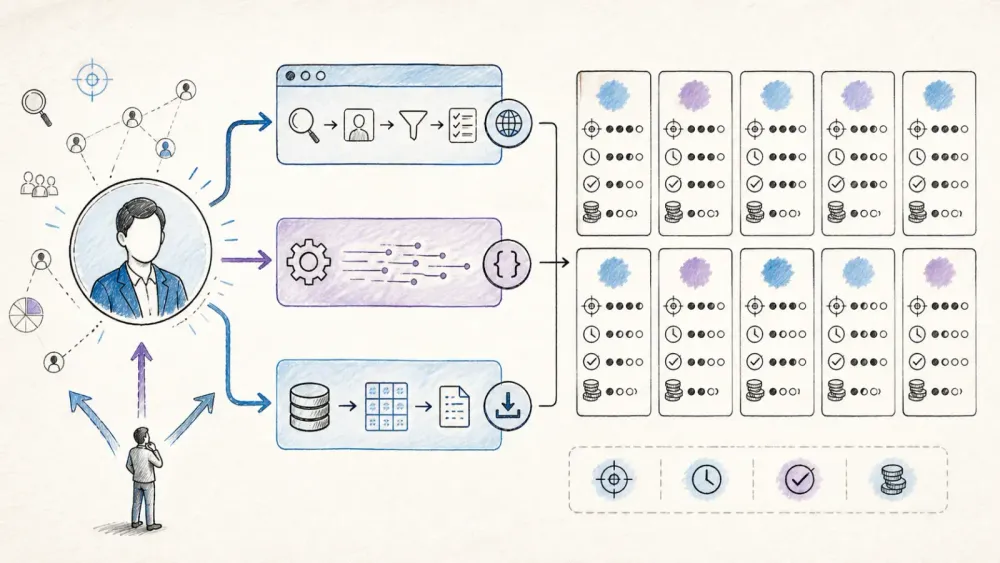
LinkedIn has more than 1.2 billion members at this point, which means it's basically the world's largest self-reported HR database. Every sales team, recruiter, and growth hacker wants a slice of it. Turning that profile layer into structured, current, workflow-ready data is harder than it looks — and the market is a confusing mix of dataset vendors, APIs, browser tools, and quote-only sales platforms.
Current pricing pages, API documentation, and user feedback provide a practical view of ten widely discussed LinkedIn data providers. Some are databases you rent. Some are APIs you call. One is a browser extension that just does what you tell it to. None of them are interchangeable, even though most comparison articles treat them like they are. The useful distinctions are what each one actually costs, how fresh the data really is, and which type of team should be using it.
Why LinkedIn Data Providers Matter for Sales and Operations Teams
LinkedIn profiles are self-reported, which is part of their value. People are more likely to update a role on LinkedIn than on a conventional public directory because recruiters, customers, and future employers actively use the network. That makes LinkedIn a frequently refreshed professional identity layer covering job titles, work history, skills, and company affiliations.
That is why sales teams, recruiters, and market researchers treat LinkedIn as a primary data source instead of a nice-to-have. The catch is access: LinkedIn does not offer a general public bulk API for the professional data buyers often want. Copying profiles into a spreadsheet might work for ten records; it falls apart at 500.
That access gap created the industry covered here: dataset vendors, enrichment APIs, sales intelligence platforms, and on-demand extraction tools, each solving the same data-access problem differently. The buyer is no longer only a sales representative. AI teams building RAG pipelines and research agents also need structured professional data, even though most providers were not originally designed for that use case.
What to Look for in the Best LinkedIn Data Providers
The comparison evaluates all ten providers against seven criteria. Their importance varies by buyer, but together they cover the questions worth answering before a contract or credit-card commitment.
Data Coverage and Profile Fields
Not every provider returns the same fields. Some give you name, title, and company and call it a day. Others go deeper — work history, skills, education, verified emails, direct-dial phone numbers. Geographic coverage matters too: a handful of providers are strong in the US and thin in EMEA (or the reverse), and that gap shows up fast if your ICP isn't American.
Data Freshness: Real-Time vs. Cached
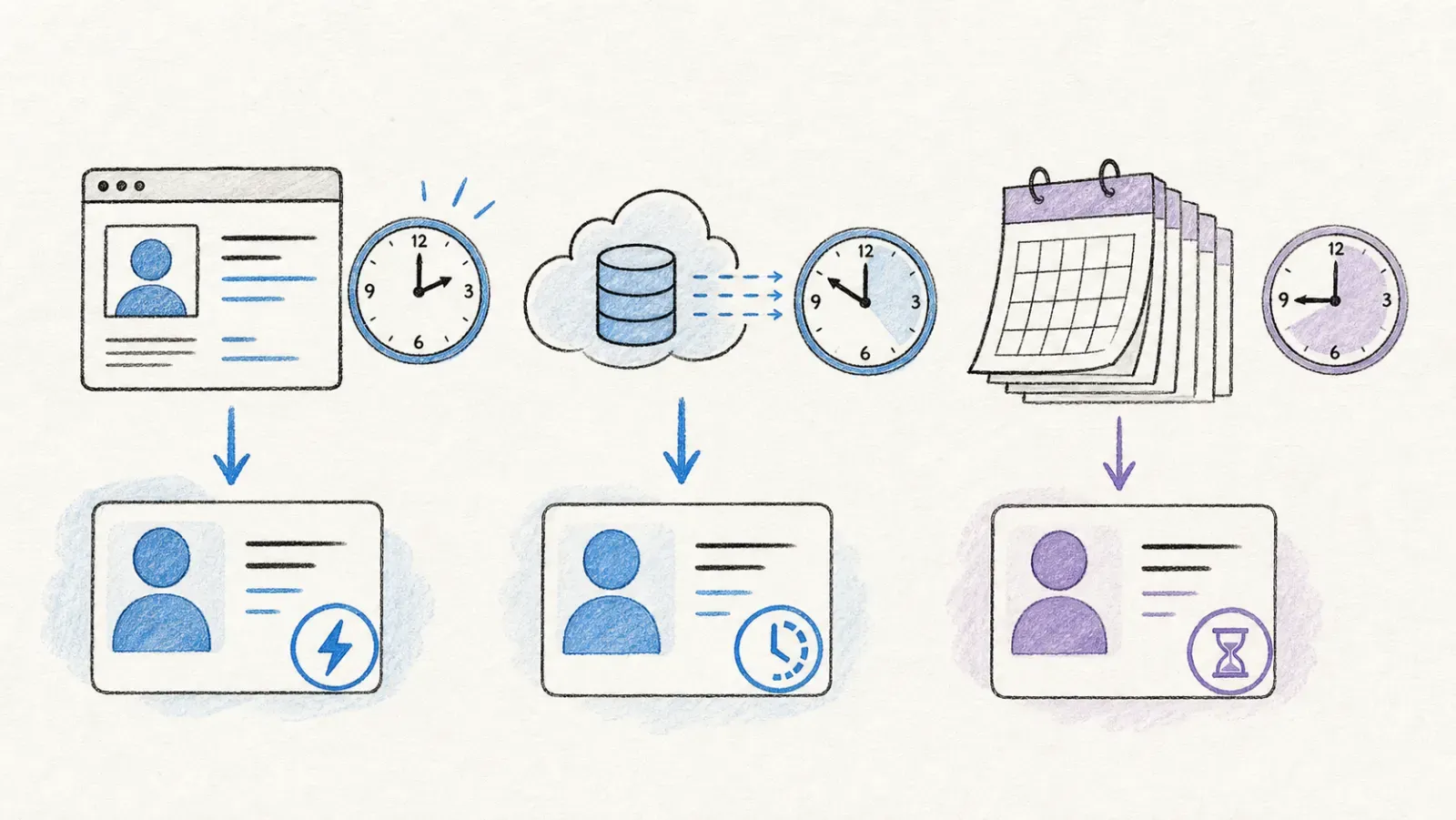 This is where a lot of vendor marketing gets slippery. "Real-time" can mean the API hits LinkedIn live right now, or it can mean the dataset was refreshed last month and someone's calling that real-time. Job changes and promotions happen constantly — a snapshot that's 90 days stale will quietly wreck your outbound targeting without ever telling you it's wrong.
Delivery Method: API, Bulk Dataset, Scraping, or Export
Three fundamentally different models appear here. The taxonomy in the next section is the most useful lens for the buying decision.
Pricing Model and Cost Transparency
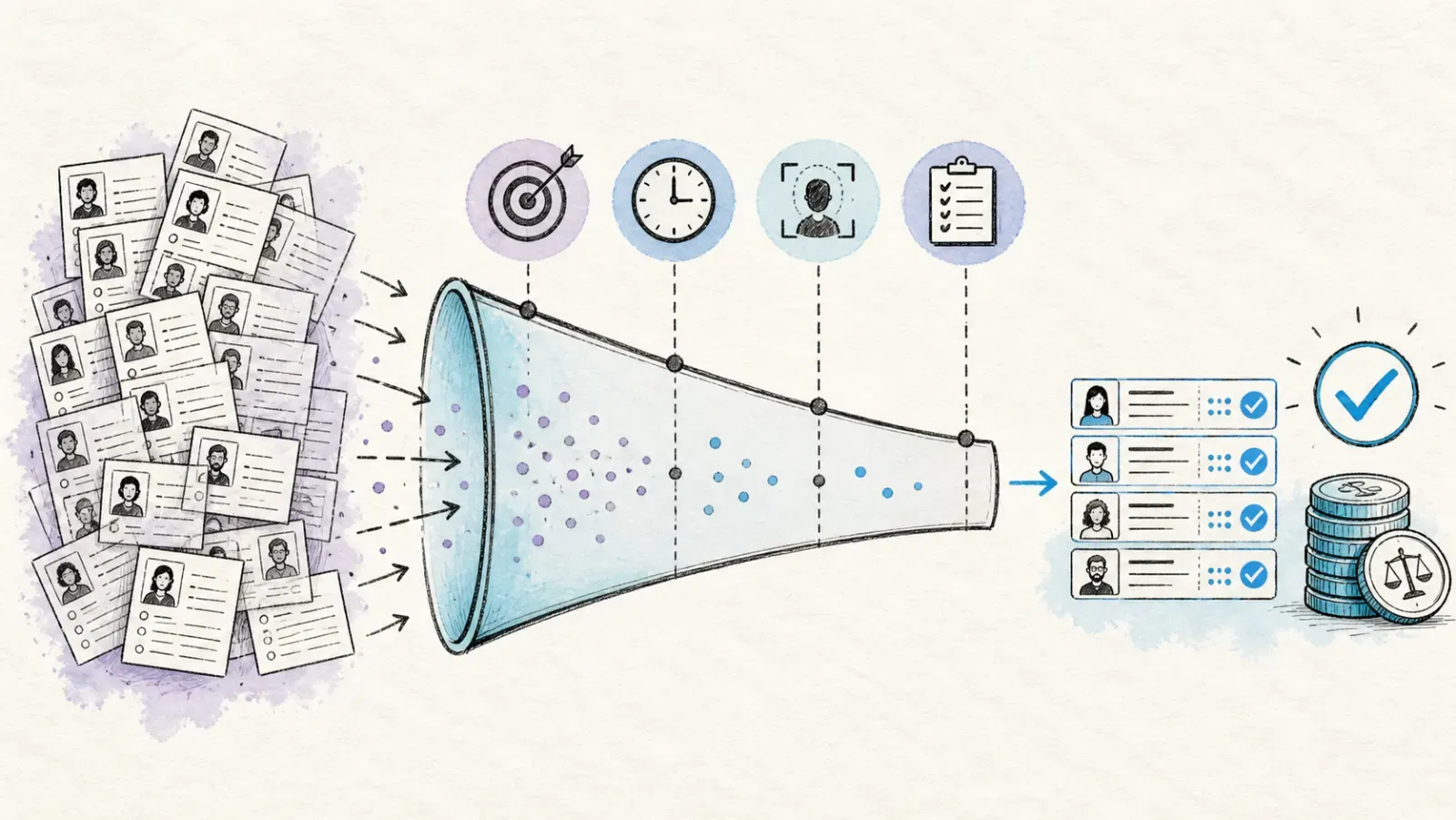 “Contact Sales” is the default answer on at least four of the ten pricing pages reviewed. That makes apples-to-apples comparison difficult for a buyer trying to budget in advance, so the table below normalizes the published pricing units where possible.
Workflow Fit and Data Usability
A provider is only useful if its output fits the operating workflow: targeted research, contact enrichment, territory analysis, recruiting, CRM refreshes, or AI ingestion. Evaluate the fields, refresh model, export format, and activation path together.
Ease of Integration
CRM connectors (Salesforce, HubSpot), API documentation quality, and export destinations (Excel, Google Sheets, Airtable, Notion) all factor into how fast a provider actually gets used versus how fast it gets abandoned after the trial.
Best-Fit Persona
A sales rep building a prospect list and a data engineer building a training corpus have almost nothing in common as buyers, even though they might end up on the same vendor's pricing page.
API vs. Scraping vs. Pre-Built Datasets: Choosing the Right Approach
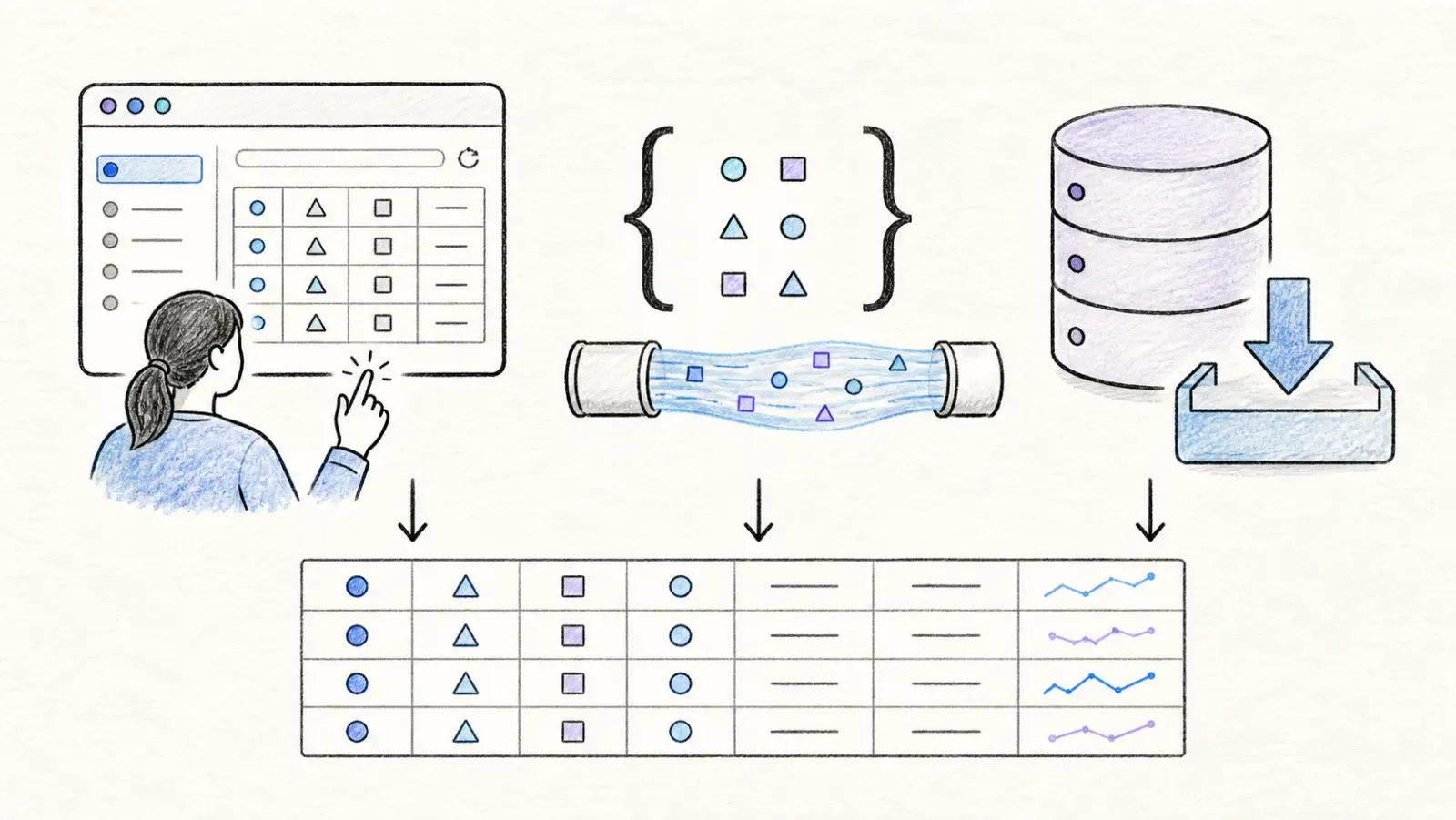 People conflate these three approaches constantly, and vendors don't exactly rush to clarify the difference because the confusion works in their favor.
| Approach | How It Works | Pros | Cons | Best For |
|---|---|---|---|---|
| LinkedIn Official API | OAuth-based, limited to approved member and company use cases | Direct official integration path | Extremely limited fields for these use cases, no general public work-history access | Apps using approved member or company data |
| Pre-Built Datasets | Vendor collects and packages data in bulk, you buy access | Large scale, no infra to maintain | Expensive, ages between refresh cycles | Enterprise analytics, market research, ML training |
| On-Demand Extraction | You trigger extraction per URL or search in real time | Fresh data, pay-per-use, flexible schema | Cost scales with volume, rate limits at high throughput | Targeted list building, CRM enrichment, agent workflows |
The official LinkedIn API is basically a non-starter for the use cases discussed here — it's built for apps that need a logged-in member's own network, not third-party lead generation. So the real decision is between buying a pre-collected dataset (Bright Data, Coresignal fall here) and triggering extraction on-demand (Thunderbit, ScrapIn, Apify). Sales-intelligence platforms like Apollo, Cognism, Lusha, and ZoomInfo are really a fourth category layered on top — they combine a proprietary contact database with outbound tooling, so you're buying a workflow, not just data.
Thunderbit straddles the on-demand category in an interesting way: the Chrome extension handles this for non-technical users with zero setup, while the API, MCP server, and CLI serve developers who want the same on-demand freshness inside a pipeline.
Thunderbit: Best for No-Code, Custom, On-Demand Extraction
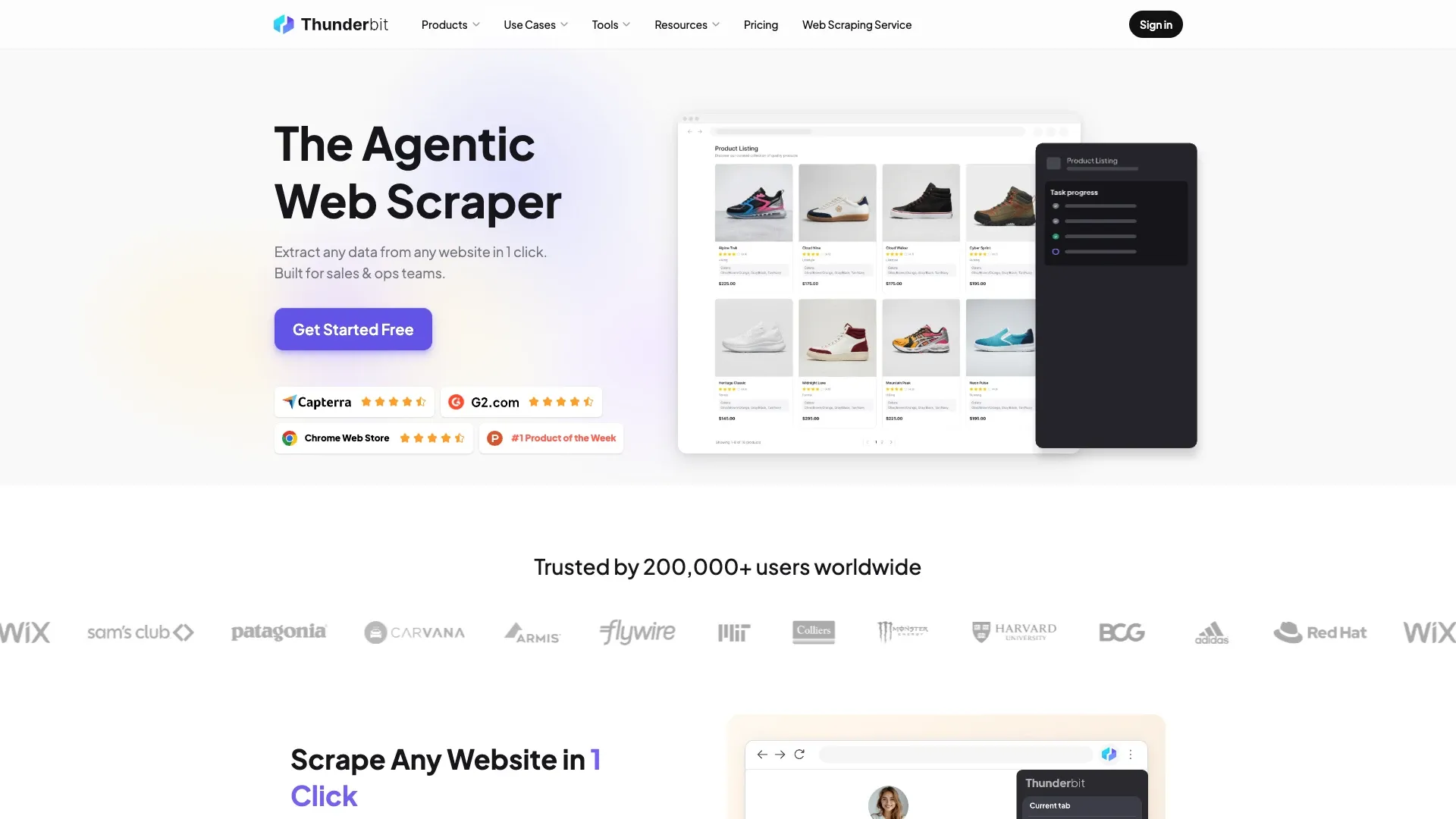
Thunderbit is best described less as a “LinkedIn database” and more as an on-demand data collection layer. It does not come preloaded with a billion profiles. Instead, it turns a target profile, search-results page, or company page into structured rows without requiring selectors or scraper code.
The workflow is genuinely simple, which is rare enough in this space to be worth pointing out. You open the extension on a LinkedIn search results page or a list of profile URLs, click "AI Suggest Fields," and the AI scans the page and proposes a column structure — name, title, company, location, whatever's actually present. Click "Scrape," and it goes. Two clicks, no CSS selectors, no maintaining scrapers when LinkedIn tweaks its HTML (which it does often enough to be annoying).
What sets it apart from a basic scraper:
- Subpage scraping — feed it a list of profile URLs and it automatically visits each one, enriching the base table with work history, skills, and contact details pulled from the individual profile pages.
- Free export to CSV, Excel, Google Sheets, Airtable, and Notion — no paywall on getting your data out.
- AI field transformation during extraction — translate, categorize, or reformat fields on the fly instead of cleaning up in a spreadsheet afterward.
- Scheduled scraping for ongoing monitoring of a search or list.
- One-click email and phone extractors that are free to run.
Thunderbit for Developers: API, MCP, and CLI
For technical teams, the same extraction engine is available as an Open API, an MCP server, and a CLI. The API accepts a JSON Schema and returns structured data via POST /extract, or clean Markdown via POST /distill if you just want readable text without a rigid schema. The MCP server means Claude, Cursor, or any MCP-compatible agent can call thunderbit_extract mid-task — the agent doesn't have to leave its environment to go fetch LinkedIn data, which is a meaningfully different experience than bolting a scraper onto an agent as an external tool call. The CLI (thunderbit extract <linkedin-url> --schema schema.json) fits neatly into batch jobs and cron-based pipelines. Anti-bot handling, JS rendering, and CAPTCHA navigation are handled under the hood — you're not managing a proxy pool.
Thunderbit Pricing and Free Tier
Thunderbit runs on a credit-based model: on the extension, 1 credit equals 1 extracted row; on the API, it is 1 credit per Distill call and 20 per Extract call. A free tier is available for initial testing, and exports are free. Full pricing details, including the custom Business/API tier for higher-volume teams, are on the Thunderbit pricing page.
Best for: Sales teams building targeted lead lists without code, operations teams enriching CRM records with profile fields, and developers or AI engineers who need structured LinkedIn data inside a pipeline via API or MCP rather than a static database. It is not a ready-made global contact database; the user supplies a target list, search, or URL set. Thunderbit's guide to scraping LinkedIn goes deeper on the prospecting workflow.
Bright Data: Best for Large-Scale Datasets
Bright Data sells the opposite philosophy — instead of extracting on demand, you buy a slice of a dataset they've already collected at massive scale. Their LinkedIn dataset currently advertises more than 896.3 million records, which is a genuinely enormous number by any measure.
Current public pricing starts at $50 for 100,000 records as a one-time purchase—roughly $0.0005 per record before filtering, refresh costs, or the engineering work of activating the data. Delivery happens through generated snapshots with API polling, plus downloadable JSON, CSV, or Parquet files.
- Massive scale — hundreds of millions of profiles and companies
- Snapshot-based delivery with API polling for large pulls
- Web Scraper API and Browser API available for custom collection needs
- Enterprise contract options for recurring, high-volume access
Pricing: Datasets from $50 per 100,000 records; enterprise contracts for larger recurring volumes.
Best for: Data engineering and analytics teams that need bulk records for market maps or ML training, not individual sales reps looking for a handful of targeted contacts.
Coresignal: Best for Workforce Analytics
Coresignal leans hard into structured workforce and company intelligence rather than individual lead gen. Their public pricing page lists more than 895 million employee profiles, 70 million company records, and 468 million job postings.
The credit system is refreshingly transparent for this market. Plans run from Mini at $49/month for 2,500 credits up to Growth at $2,000/month for 150,000 credits. A base employee or company record typically costs 10 credits, multi-source records run 20, job postings cost 1, and contact enrichment adds 10 more. Records carry last-update timestamps, and Coresignal says data can update in real time via the API while bulk datasets refresh daily, weekly, or monthly depending on the feed.
Best for: Investment firms, HR analytics teams, and market researchers building workforce models — not a tool for someone trying to find 50 warm leads by Friday.
People Data Labs: Best for Mature Enrichment APIs
People Data Labs takes a deterministic, match-based approach: feed its Person Enrichment API a LinkedIn URL, email, or phone number, and it only charges when it returns a successful match. PDL claims nearly three billion person profiles in its underlying dataset, aggregated from many sources — not LinkedIn exclusively.
The free plan includes 100 Person Enrichment and 100 Person Search credits monthly, though it excludes contact data and premium fields. Paid Pro pricing starts at 350 Person Enrichment/Search credits for $0.28 each ($98 minimum), while Company Enrichment starts at 1,000 credits for $0.10 each ($100 minimum). Bulk requests can process up to 100 matches at once, per PDL's pricing documentation.
Best for: Product teams that already have identifiers (an email, a LinkedIn URL) and need programmatic matching without building their own identity resolution system. One catch worth flagging: querying the same profile twice charges twice, so caching and deduplication matter here.
ScrapIn: Best for Real-Time Profile and Company APIs
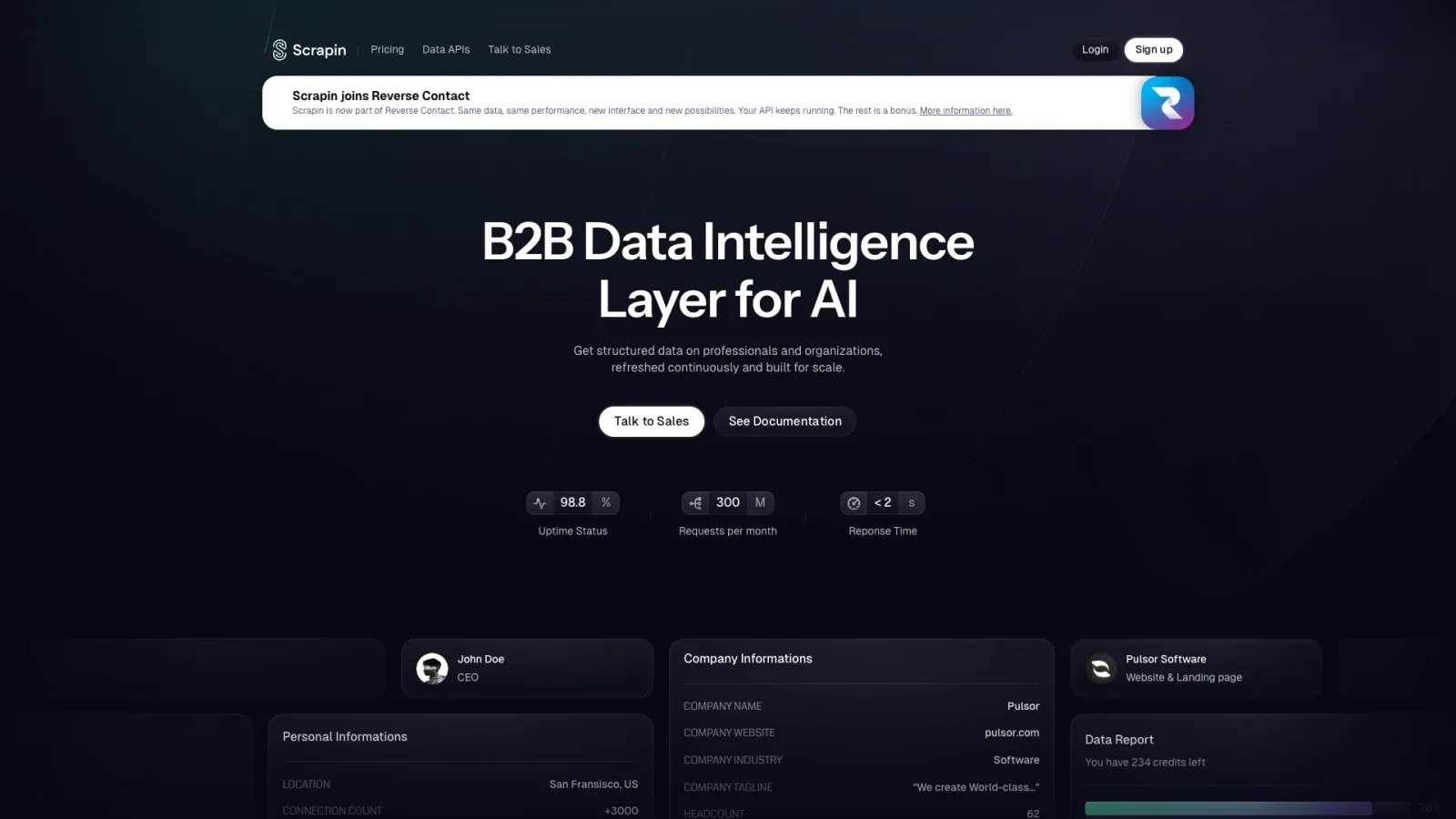
ScrapIn replaces Proxycurl in the current lineup, which itself shows how quickly the market moves. Proxycurl's founder publicly confirmed that the service was sunset, and the old login page shows a shutdown notice. Older “best LinkedIn API” roundups that still recommend Proxycurl are now outdated.
ScrapIn covers person and company profiles and search, job postings, and social activity endpoints (posts, comments, reactions, reposts) per its API documentation. Pricing runs a paid 7-day trial at $30, pay-as-you-go credits starting at $500 with 12-month validity, and custom annual contracts for higher volume. The site claims 98.8% uptime and sub-two-second response times — vendor-reported numbers, worth treating as marketing rather than independent benchmark.
Best for: Developers and data-product teams that need fresh profile and activity data through an API, not a per-seat sales dashboard.
What Patterns Emerge So Far
Five providers in, a pattern is already clear: the "on-demand extraction" and "pre-built dataset" categories solve the coverage-versus-freshness tradeoff in opposite directions. Datasets like Bright Data and Coresignal win on raw scale and per-record cost, but that data ages the moment it's collected. On-demand tools like Thunderbit and ScrapIn cost more per lookup but never hand you a profile that's three months stale. Neither approach is objectively better — it depends entirely on whether your workflow needs breadth or freshness more.
The next four providers — Apollo, Cognism, Lusha, and ZoomInfo — represent a fourth model entirely: sales-intelligence platforms that bundle contact data with outreach tooling. You're not just buying data from these; you're buying a workflow.
Apollo.io: Best for Sales Prospecting
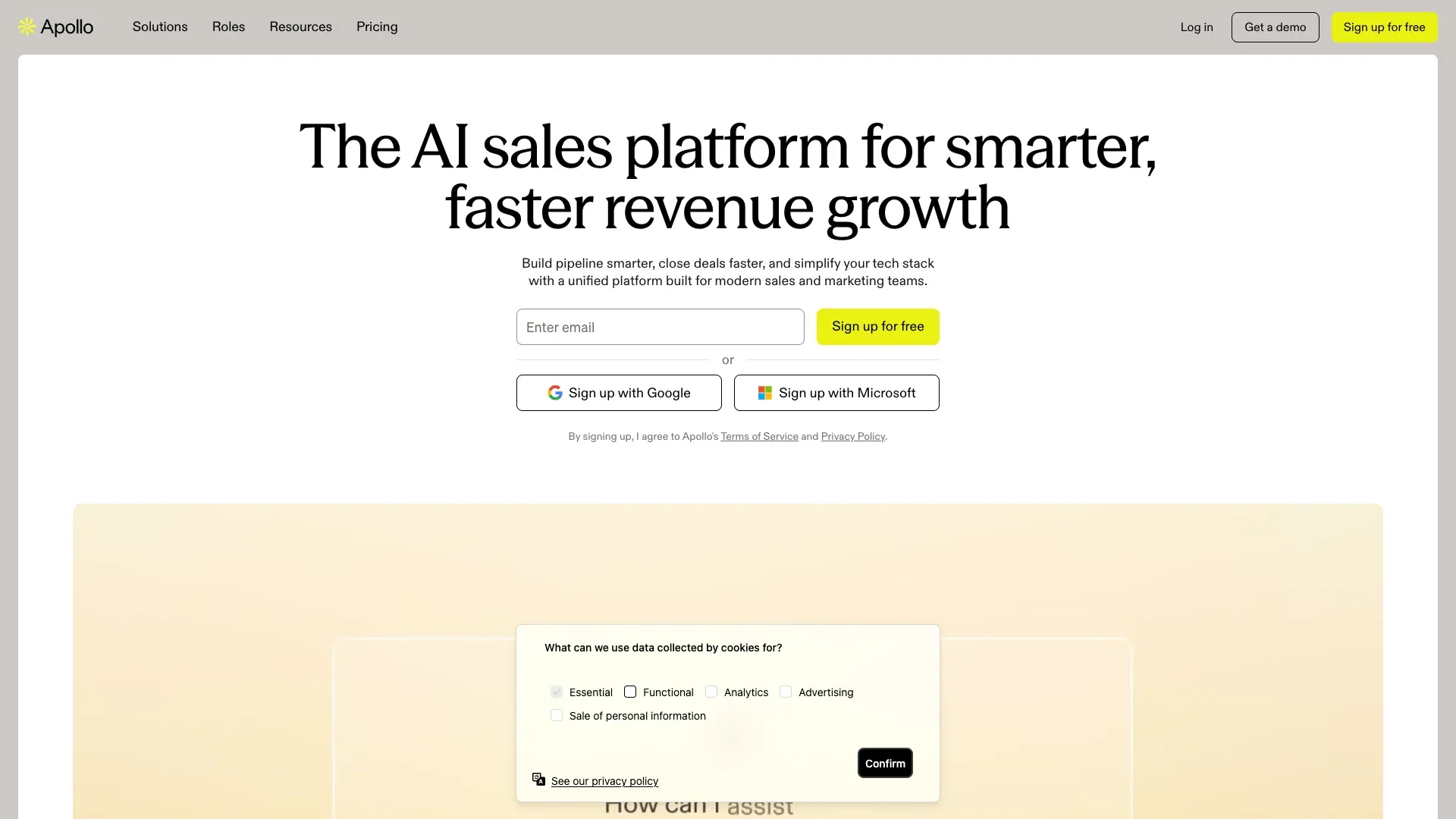
Apollo.io bundles a contact/account database with outbound sequencing, dialing, and CRM integration — it's less "data provider" and more "sales engagement platform with a LinkedIn-integrated Chrome extension bolted on."
Current annual-billing pricing runs Free at $0 with 900 credits per seat/year, Basic at $49/month with 30,000 credits, Professional at $79 with 48,000, and Organization at $119/seat (three-seat minimum) with 72,000 credits/seat. Per Apollo's credit documentation, an email costs 1 credit, a phone number costs 8, and enrichment runs up to 9 credits per record.
Best for: Teams that want data and outreach in a single platform rather than stitching together separate tools. Comparing Apollo's per-seat price directly against a pure data API is misleading, since you're also paying for the engagement layer.
Cognism: Best for EMEA Sales Intelligence
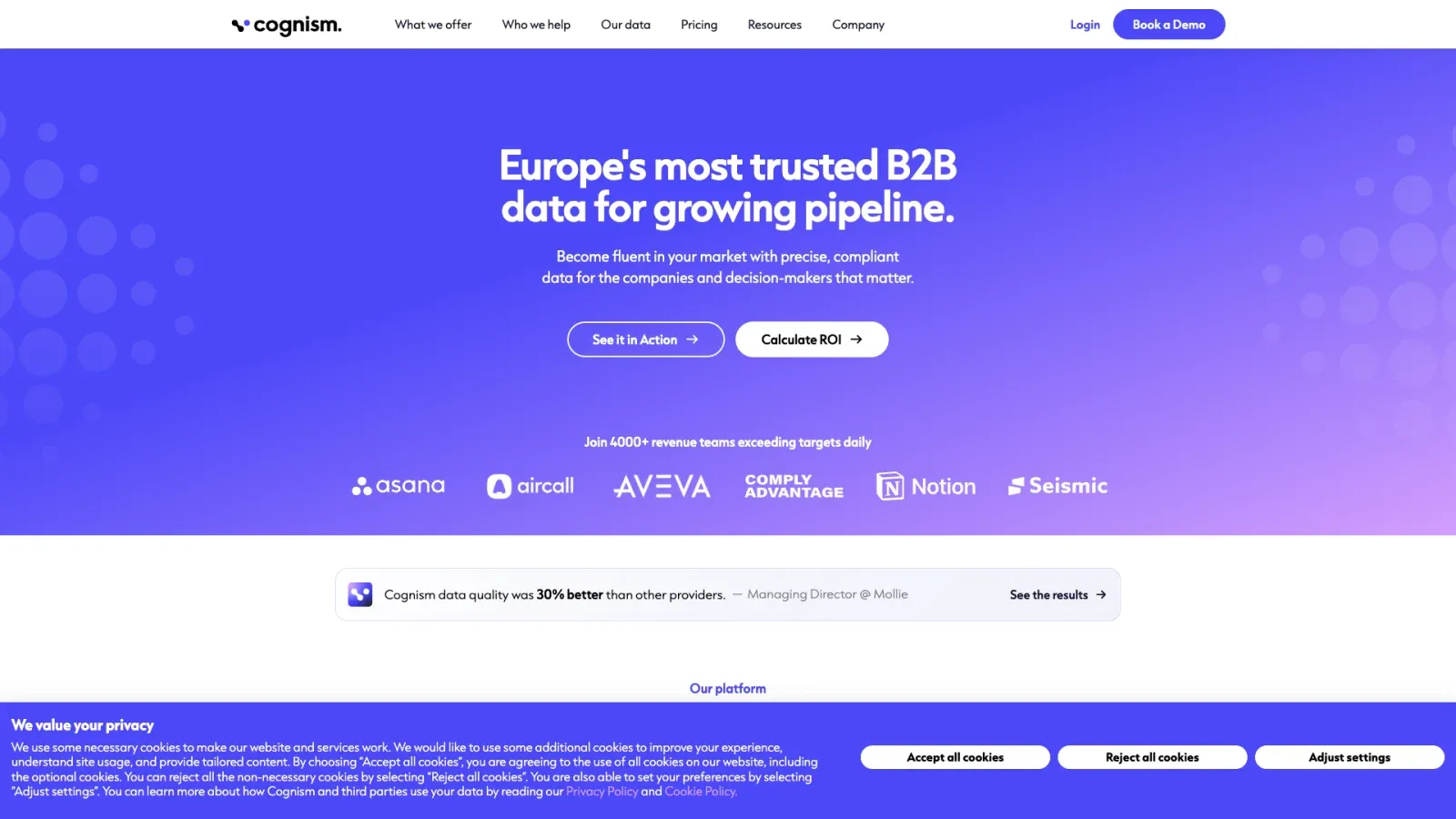
Cognism leans into European coverage and phone-verified mobile numbers (branded "Diamond Data") — a real differentiator if your pipeline is EMEA-heavy and you've been burned by US-centric providers that go thin the moment you cross the Atlantic.
Pricing is quote-based across the board, so there's no public per-seat number to cite honestly. Cognism's own comparison pages emphasize phone-verified data and European coverage — read those as vendor claims, not independent findings, since they're written by Cognism about Cognism.
Best for: Revenue teams selling into Europe who need verified mobile numbers more than they need the cheapest self-serve entry point.
Lusha: Best for Quick Contact Reveals
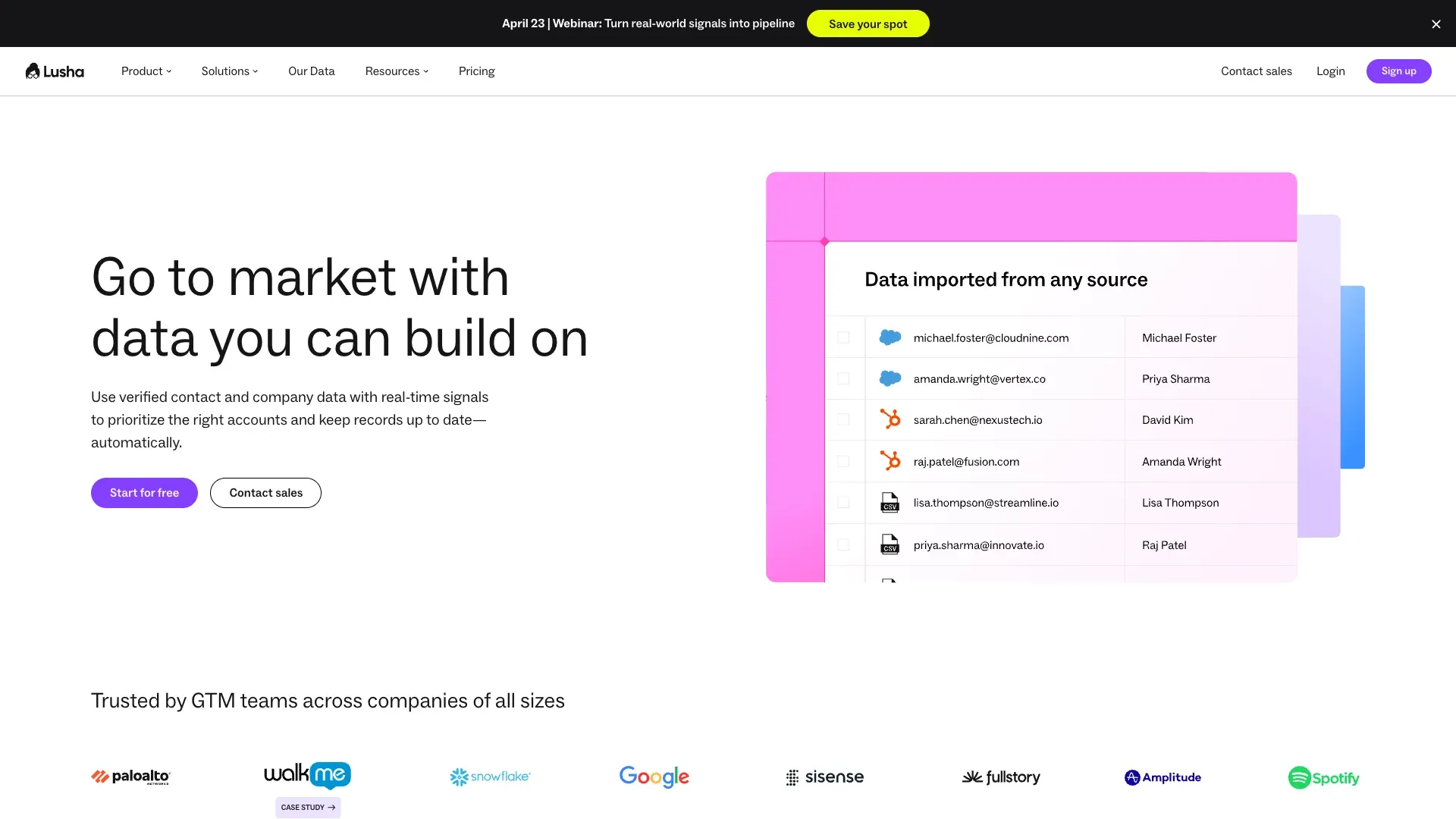
Lusha is built for speed — a lightweight browser extension that reveals contact info while you're already browsing a LinkedIn profile, rather than a platform you plan a workflow around.
The Free plan currently advertises up to 40 credits per month. Here's a wrinkle worth flagging: Lusha's official pages currently disagree with each other on phone-reveal cost — the main pricing page says 10 credits per phone reveal, while updated documentation says 5. Both agree an email reveal costs 1 credit. Verify the in-product rate before you budget around either number.
Best for: Individual reps who need fast, occasional lookups — not a bulk enrichment platform.
ZoomInfo: Best for Enterprise GTM Intelligence
ZoomInfo is the heavyweight of this list — intent data, org charts, technographic signals, and a contact/company database that goes well beyond LinkedIn as a single source.
Public plan pricing is not reliably available; ZoomInfo uses custom quotes, so unattributed estimates are omitted. A frequently cited complaint across review sites is outdated job titles and stale contact records despite the platform's scale.
Best for: Large revenue organizations with budget for procurement overhead who value breadth and governance more than self-serve pricing transparency.
Apify: Best for Custom Scraping Workflows
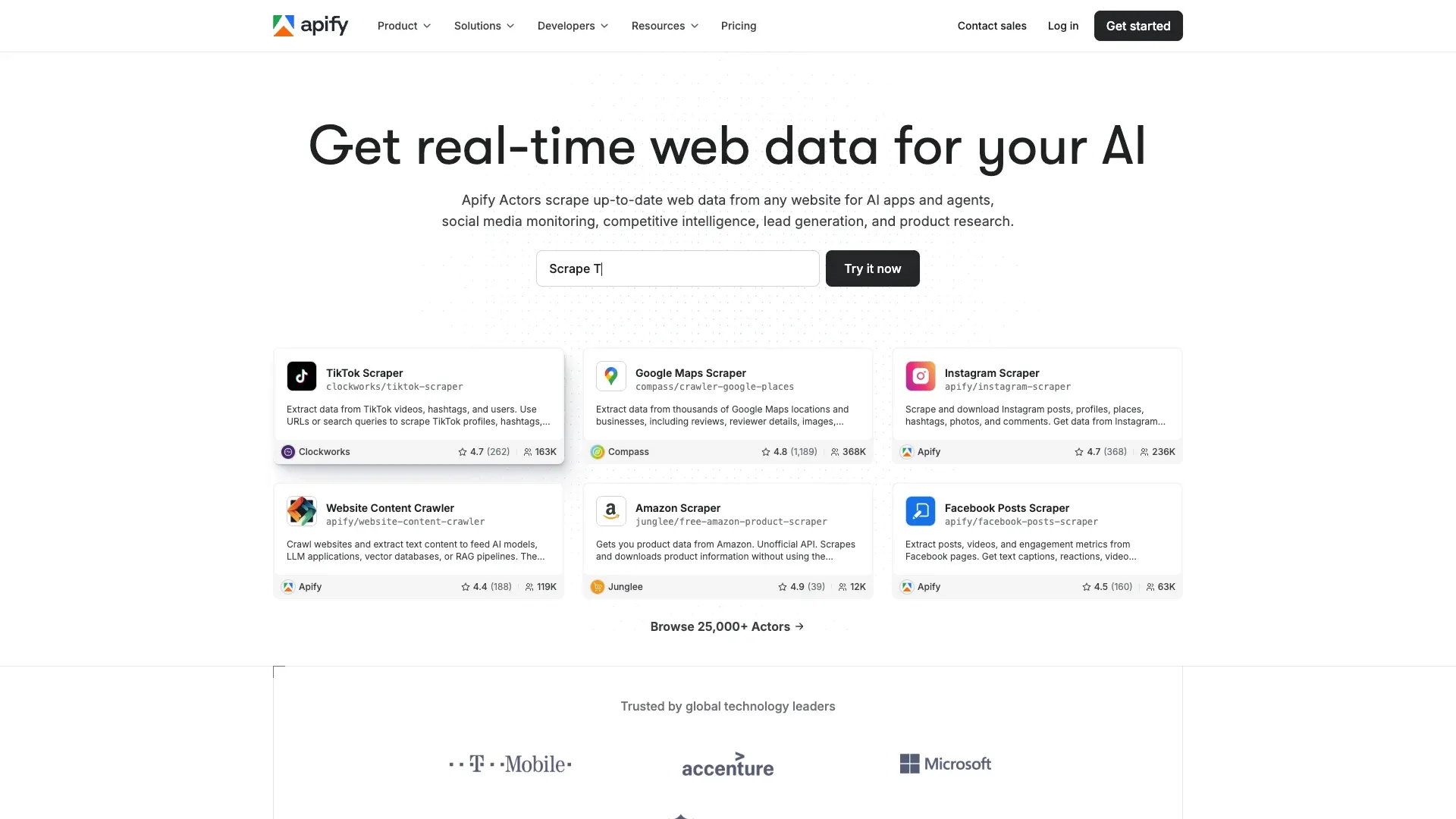
Apify isn't a single LinkedIn product — it's a scraping platform with a Store of independently maintained "Actors," some of which target LinkedIn profiles, companies, or job postings. That means pricing, fields, and reliability vary wildly by which Actor you pick.
Store listings reviewed range from lightweight public-profile Actors around $1.20–$3 per 1,000 core profiles up to fuller-profile Actors around $6 per 1,000. Output exports as JSON, CSV, or Excel, with scheduling and integrations through the Apify pricing plans, n8n, Make, and MCP-style agent setups.
Best for: Technical teams comfortable evaluating a specific Actor's maintainer, last-update date, and reviews — because you're not buying one product, you're buying whichever community-built scraper happens to still be working this month.
The 10 Providers Compared: Feature and Pricing Snapshot
| Provider | Category | Key Data Types | Delivery Method | Starting Price | Free Tier | Best For |
|---|---|---|---|---|---|---|
| Thunderbit | On-demand extraction | Custom fields, profile + work history, email/phone | Extension, API, MCP, CLI | Credit-based, free tier | Yes | Non-coders + AI/dev pipelines |
| Bright Data | Dataset provider | Profiles, companies, job postings | Snapshot API, JSON/CSV/Parquet | $50/100K records | No | Bulk analytics, ML training |
| Coresignal | Dataset provider | Employee, company, job data | Database API, bulk datasets | $49/mo (2,500 credits) | No | Workforce analytics |
| People Data Labs | Enrichment API | Person + company records | REST API, bulk enrichment | Pay-per-match, from $0.28 | 100 credits/mo | Product enrichment |
| ScrapIn | On-demand API | Profile, company, activity data | Real-time API, bulk delivery | $500 pay-as-you-go | 7-day trial ($30) | Dev/data-product teams |
| Apollo.io | Sales platform | Contact, company, engagement | Web app, extension, CRM | $49/user/mo | Yes (900 credits/yr) | Outbound sales |
| Cognism | Sales platform | EMEA contact/phone data | Web app, extension, API | Custom quote | No | EMEA revenue teams |
| Lusha | Sales platform | Email, phone, company | Extension, API, CRM | $49/user/mo | Yes (40 credits/mo) | Quick contact reveals |
| ZoomInfo | Sales platform | Contact, intent, org data | Web app, API, CRM | Custom quote | No | Enterprise GTM |
| Apify | Scraping platform | Varies by Actor | API, scheduled runs, JSON/CSV | ~$1.20–$6/1K profiles | Limited free usage | Custom dev workflows |
Data Accuracy and Freshness: What Users Actually Report
Every vendor on this list claims high accuracy. None of them define "accuracy" the same way, and independent verification is basically nonexistent in this market — you're mostly relying on user reviews and your own sample tests.
A few patterns show up consistently across review sites and forums. ZoomInfo users frequently mention outdated job titles despite the platform's massive scale. Cognism gets praised for EMEA phone data but criticized for thinner US coverage relative to US-native competitors. People Data Labs offers broad coverage, but freshness varies depending on when a given record was last aggregated. Apollo users occasionally report bounced emails. Lusha's phone number accuracy gets mixed reviews, unsurprising given the pricing-page discrepancy mentioned earlier.
There's also a structural issue worth understanding: LinkedIn has clamped down significantly on what's visible without authentication, and work history in particular is harder to pull publicly than it used to be. Providers relying purely on public scraping without additional enrichment sources are more exposed to this than providers layering in phone/email verification from outside sources.
Regardless of provider, request a sample of 100–500 records and check match rates against the team's own CRM before committing. A provider unwilling to support a representative quality test should not make the shortlist.
Which Providers Work for AI Agents and RAG Pipelines?
A newer buyer persona has emerged here that most comparison articles ignore entirely — AI engineers building knowledge bases, enrichment agents, and research automation who need LinkedIn data structured for ingestion, not for a sales rep's inbox.
| Provider | Structured JSON Output | Batch Support | MCP/Agent Integration | Ideal AI Use Case |
|---|---|---|---|---|
| Thunderbit | Yes, schema-matched | Yes | Native MCP server | RAG ingestion, live agent enrichment |
| Bright Data | Yes (datasets) | Yes | No | Bulk training data |
| Coresignal | Yes | Yes | No | Company graph fine-tuning |
| Apify | Yes | Yes | Community MCP setups | Custom scraping pipelines |
| ScrapIn | Yes | Yes | No | Fresh data for enrichment agents |
Thunderbit's MCP server stands out because an agent can call thunderbit_extract mid-task and receive structured data without leaving its environment or waiting for a separate manual scraping job. The CLI covers batch RAG ingestion. Thunderbit's article on AI web scraping explains the underlying mechanics in more depth.
How to Combine LinkedIn Data with Enrichment and CRM Workflows
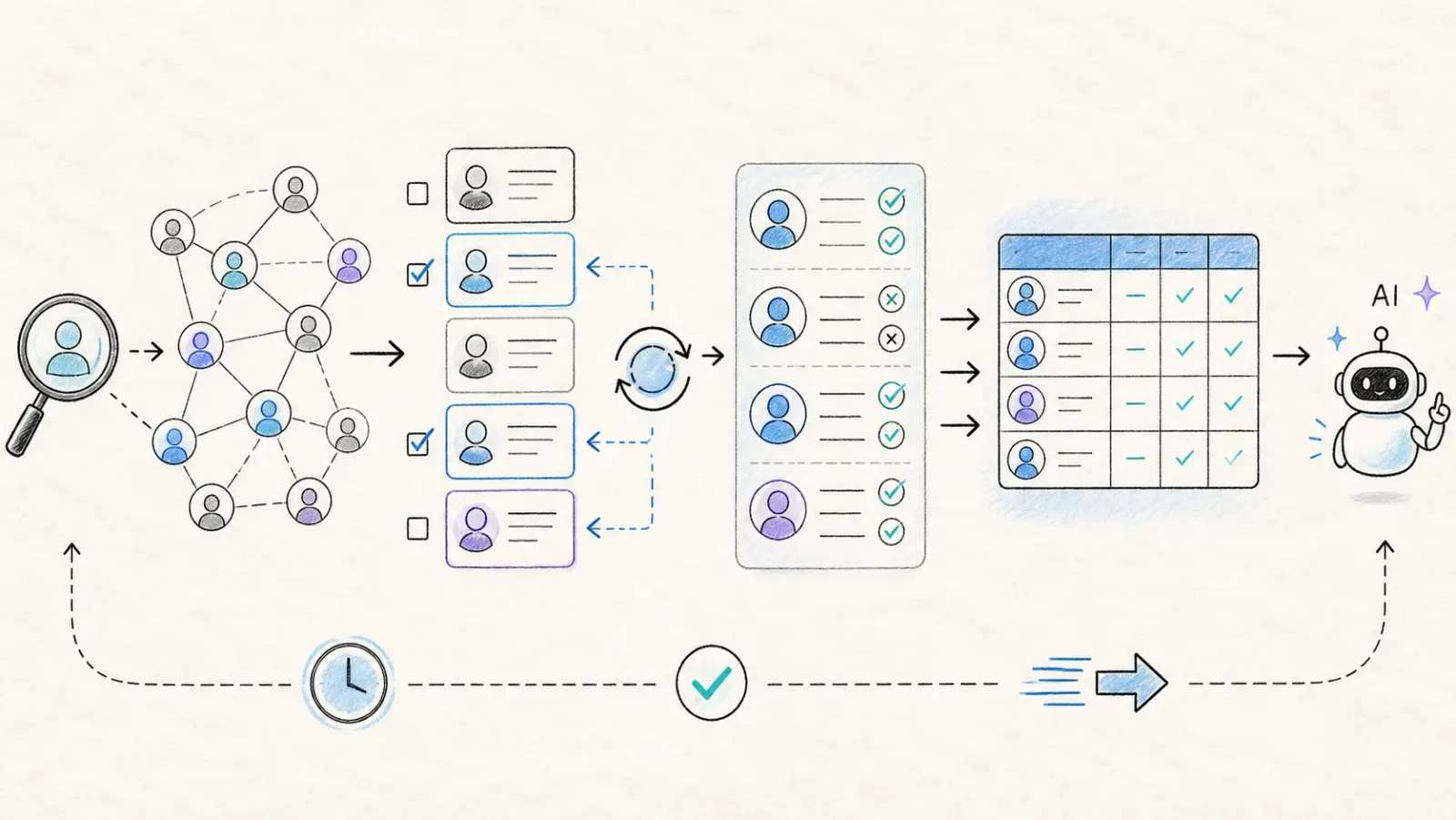 The provider is only one layer of a usable data pipeline. The cleanest setup separates four jobs:
- Discover the right people or accounts with a database, search API, or targeted scrape.
- Refresh the fields that go stale fastest—current role, company, headcount, recent activity—when the workflow actually needs them.
- Complete and verify the fields required for action, such as work email, phone, company domain, or a qualification signal.
- Activate the result in the CRM, warehouse, sales sequence, recruiting system, or AI agent with a source URL and observation date attached.
This is why hybrid stacks often outperform a one-vendor mandate. A sales team might use Apollo for broad discovery, Thunderbit for a custom live list, and its CRM for deduplication and routing. A data product might use Coresignal for coverage, ScrapIn for real-time lookups, and an internal cache to avoid paying twice for unchanged records. Judge the stack by cost per useful row and time to activation—not by how many raw profiles the biggest vendor claims to hold.
Which LinkedIn Data Provider Is Best for Your Team?
- Sales reps building lead lists without code → Thunderbit (2-click extraction, free export), Apollo.io (data plus outreach in one), or Lusha (fast one-off lookups)
- Teams focused on EMEA phone and contact coverage → Cognism
- Enterprise sales orgs with dedicated budget → ZoomInfo
- Developers enriching CRM records or building products → ScrapIn, People Data Labs, or Thunderbit's API
- Data and analytics teams needing bulk historical datasets → Bright Data or Coresignal
- AI engineers building agents or RAG pipelines → Thunderbit (MCP + API) or Apify for fully custom pipelines
- Startups on a tight budget → Apollo's free tier, Thunderbit's free tier, or a cheap Apify Actor to start
No single provider wins across every row of that list, and that's kind of the point of writing ten entries instead of one. The right pick depends on your volume, your budget, your team's technical comfort, and how fresh the data actually needs to be for what you're doing with it.
To test whether on-demand extraction fits the workflow before committing budget, Thunderbit's free tier provides a practical starting point without a sales call. The guides to web scraping without coding and AI for lead generation add context on how non-technical teams approach the problem.
Building a good LinkedIn data pipeline in 2026 isn't about finding the one provider that does everything. It's about knowing which category your problem actually belongs to, and picking accordingly.
FAQs
What is a LinkedIn data provider?
It's any service that gives you structured access to LinkedIn profile, company, or activity data through something other than manually copying it from the browser — that includes APIs, pre-built datasets, browser extensions, and on-demand scraping tools.
Can one provider cover both contact data and company data well?
A few try (ZoomInfo, Coresignal, and Bright Data all offer both), but coverage quality still varies by region and field type. Check the specific fields and geography you need rather than assuming "enterprise" means "complete."
Which LinkedIn data provider has the most accurate data?
Accuracy varies by field and region for every provider on this list, and headline vendor percentages are rarely directly comparable. Request a sample of 100–500 records and check match rates against the team's own CRM before trusting any single number.
Can I export LinkedIn data to Excel or Google Sheets?
Yes — Thunderbit, Apollo, Lusha, and Apify all support direct export to spreadsheet formats or Google Sheets, which makes them easier to plug into an existing workflow than a raw API-only provider.
What's the cheapest way to get started with LinkedIn data?
Thunderbit, Apollo, Lusha, and People Data Labs all offer usable free tiers for testing before you commit budget. For pure bulk volume at the lowest per-record cost, Bright Data's dataset pricing starting at $50 per 100,000 records is hard to beat on paper — just budget for the filtering and activation work that raw dataset pricing doesn't include.
Learn More




