

Marketplace sellers spend roughly 36% of their working week on repetitive tasks — listing, repricing, syncing inventory, checking competitor prices. On a 40-hour week, that's about 14 hours lost to admin instead of sourcing or shipping.
With an estimated 17.6 million active sellers on eBay and competition coming from cross-platform flippers, liquidators, and AI-assisted operators, the margin for error keeps shrinking. eBay itself has leaned into this reality: the platform says its AI listing features have already powered over 200 million listings, with sellers using those tools seeing more than 50% higher listing creation rates and double-digit GMV increases. The message is clear — systems and speed now matter as much as sourcing skill.
But with dozens of eBay seller tools on the market, most resellers either overpay for features they don't need or underinvest and hit a ceiling. I've spent a lot of time digging into what real resellers actually use, testing workflows, and comparing pricing. This guide ranks 10 tools, explains who each one is best for, and shows how to build the right stack for your stage.
Why the Right eBay Seller Tools Make or Break Your Reselling Business
The eBay landscape has shifted. Sellers now compete against operators active on an average of 6 marketplaces, with 62% already working through an integrator and 91% calling automation "very important" or "business-critical." If you're still listing one item at a time, repricing by hand, and checking competitor prices tab by tab, you're competing with one arm tied behind your back.
The pain points are concrete and familiar to anyone who's spent time on r/Flipping:
- Inconsistent listings that tank search visibility
- Double-sells across platforms because inventory isn't synced
- Hours lost to manual price checks and research
- Profit leakage from poor sourcing decisions or missed repricing windows
As one seller put it: "In my experience, using an automated profit-tracking tool is much less hassle and more accurate than updating spreadsheets, especially when the volume increases."
This article isn't a marketing feature dump. It's a practical ranking based on what resellers actually use, when each tool pays for itself, and — importantly — what you can skip at your current stage.
How We Picked These 10 eBay Seller Tools
Every tool in this list was assessed against eight criteria, chosen because they map to how real sellers make buying decisions:
| Criteria | Why It Matters |
|---|---|
| Free Plan / Trial | eBay sellers are cost-conscious — many won't commit without testing first |
| Monthly Pricing (entry tier) | Sellers need clear cost-per-month to calculate ROI at their listing volume |
| Best For (primary use case) | Different seller stages and models (reseller, dropshipper, multi-platform) need different tools |
| eBay-Specific Features | Many tools are marketplace-generic — eBay sellers need tools tuned for item specifics, Cassini, promoted listings |
| AI / Automation Depth | How much manual work the tool actually eliminates |
| Integration Ecosystem | Exports to Sheets/Excel/Airtable, connects to other tools in the workflow |
| Learning Curve | Time from signup to productively using the tool — critical for part-time sellers |
| Unique Strength | The one thing this tool does better than every alternative |
Each tool was tested against real eBay selling workflows, not just feature pages.
10 Best eBay Seller Tools at a Glance
| Tool | Best For | Starting Price | Free Plan? | Key Strength |
|---|---|---|---|---|
| Thunderbit | Competitive intelligence | $15/mo (or free tier) | Yes | AI scraping of eBay results and listing subpages |
| 3Dsellers | Listing management | $26/mo (annual) | Free trial | Most complete eBay-native operations suite |
| ZIK Analytics | Product research | $39.90/mo | $1 trial | eBay demand and competitor research |
| Vendoo | Crosslisting | $8.99/mo | Yes (5 items) | Beginner-friendly multi-marketplace crosslisting |
| eBay Seller Hub | Free native tooling | $0 | Yes | Built-in research, listing, promo, and analytics |
| LitCommerce | Multi-channel listing & inventory sync | Free plan; paid tiers scale | Yes (free plan) | eBay + Amazon/Etsy/Shopify/Walmart/TikTok Shop |
| Informed Repricer | Automated repricing | ~$99/mo (per G2) | Free trial | Mature repricing logic and rules-based automation |
| PhotoRoom | Product photos | Free tier; ~$9.99/mo Pro | Yes | Fast batch background removal and image cleanup |
| AutoDS | Dropshipping automation | ~$26.90/mo | $1/3-day trial | End-to-end supplier, stock, and order automation |
| Algopix | Profitability analysis | ~$35/mo | Limited free searches | Pre-buy margin validation across marketplaces |
Before you look at the paid options, note that Thunderbit fills a fundamentally different role from the other nine. It's not a listing manager, repricing engine, or crosslister. It's a competitive intelligence layer — the tool that feeds better data into every other decision you make.
Quick Pick: Best eBay Seller Tool By Need
| If You Need… | Best Free Option | Best Paid Option |
|---|---|---|
| Competitor price monitoring | Thunderbit free tier | Thunderbit Starter/Pro |
| Bulk eBay listing management | eBay Seller Hub | 3Dsellers |
| Product research before sourcing | eBay Terapeak (free) | ZIK Analytics |
| Crosslisting to other marketplaces | — | Vendoo |
| Multi-channel listing & inventory sync | LitCommerce (free plan) | LitCommerce paid |
| Automated repricing | — | Informed Repricer |
| Product photos | PhotoRoom free tier | PhotoRoom Pro |
| Dropshipping automation | — | AutoDS |
| Margin validation on wholesale/liquidation buys | Spreadsheet + Terapeak | Algopix |
1. Thunderbit — Best eBay Seller Tool for Competitive Intelligence
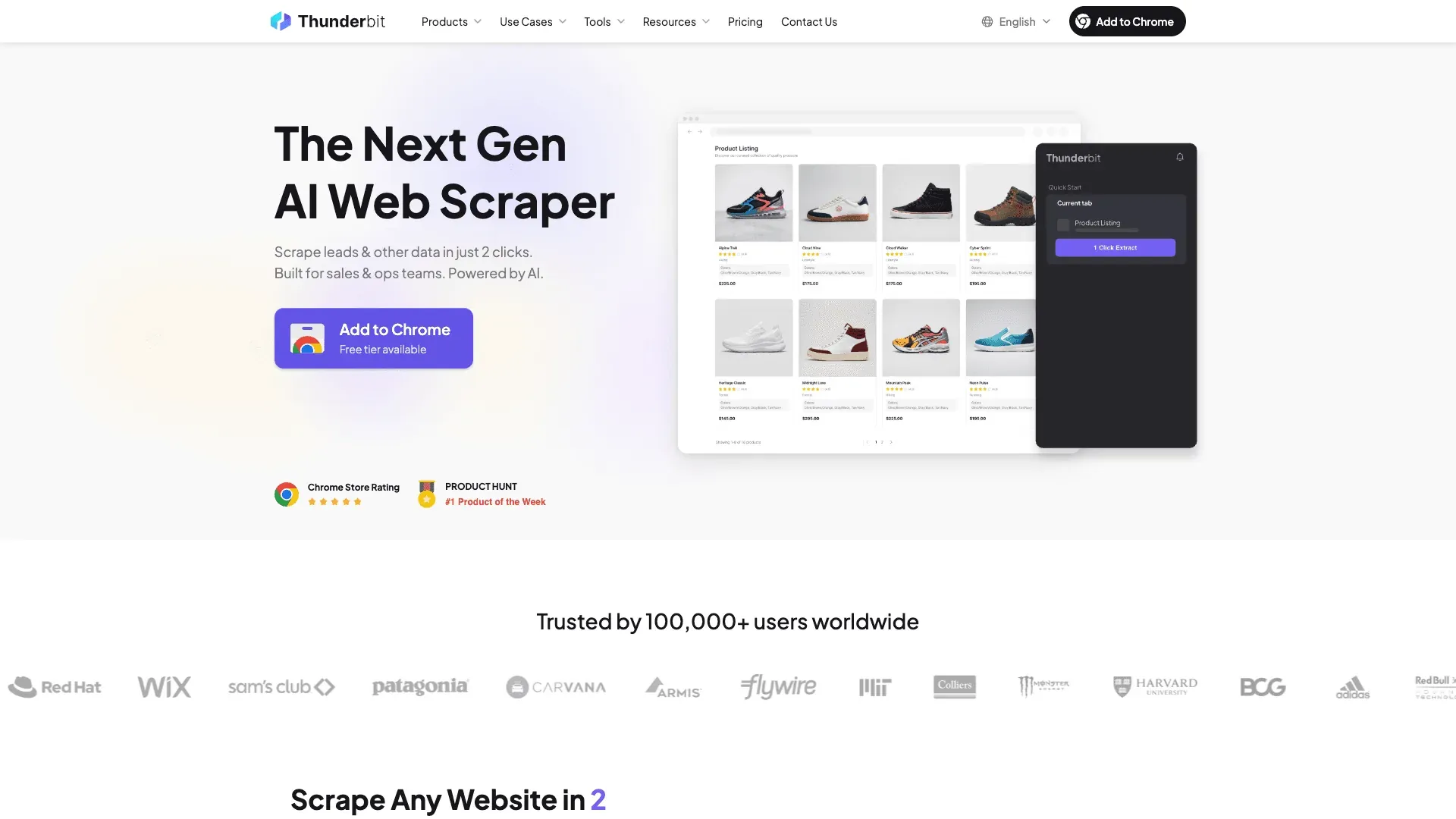
Thunderbit is an AI-powered web scraper built as a Chrome extension that turns any eBay page into a structured dataset — no coding, no CSS selectors, no developer needed. Most eBay seller tools help you list, price, or ship. Thunderbit helps you know — what competitors charge, what's selling, what's trending, and when inventory shifts.
That's a gap most eBay tool roundups ignore entirely. Forum users constantly ask about researching item value and sell-through rates, but the tools they're pointed toward (Terapeak, manual tab-switching) only go so far. Thunderbit fills the space between "I checked a few listings by hand" and "I have a structured competitor database I update weekly."
How Thunderbit Helps eBay Sellers Research Competitors
The workflow is simple enough that I can describe it in a sentence: open an eBay search results page or a competitor's seller profile, click AI Suggest Fields, and Thunderbit's AI reads the page structure to suggest columns like title, price, shipping cost, seller, and condition. Click Scrape, and you get a clean table in seconds.
Here's where it gets genuinely useful for resellers:
- Pricing validation: Before listing a sourced item, scrape sold listings to confirm the price ceiling — not one at a time, but dozens or hundreds at once.
- Trend spotting: Scrape eBay search results weekly to identify rising categories, brands, or price shifts. Export to Google Sheets, and you've got a running trend log.
- Competitor monitoring: Track a competitor's top 50 SKUs for price drops, new additions, or out-of-stock signals using the Scheduled Scraper feature — set it to run daily or weekly.
The Subpage Scraping feature is the real differentiator. Scrape a search results page, then have Thunderbit visit each individual listing to pull item specifics, seller feedback score, return policy details — all appended to the original table. That's the kind of enrichment that would take hours by hand.
Before/after example: Manually checking 50 competitor listings means 2+ hours of clicking, copying, and pasting. Thunderbit scrapes them in minutes with structured output ready for analysis. That time difference compounds fast if you're doing this weekly.
Pricing, Pros, and Cons
- Pricing: Free tier (6 pages); Starter at $15/month (500 credits, 1 credit = 1 output row); higher tiers available.
- Pros: No coding needed. AI adapts to any page layout. Scheduled Scraper for ongoing monitoring. Free export to Google Sheets, Excel, Airtable, or Notion.
- Cons: Not a listing or selling tool — it's a research and intelligence layer. You'll still need other tools for listing management, crosslisting, and repricing.
- 💡 Worth paying for if… you regularly research competitor pricing, need to validate sourcing decisions with sold-listing data, or want automated weekly competitor scrapes without the manual grind.
2. 3Dsellers — Best eBay Seller Tool for Listing Management
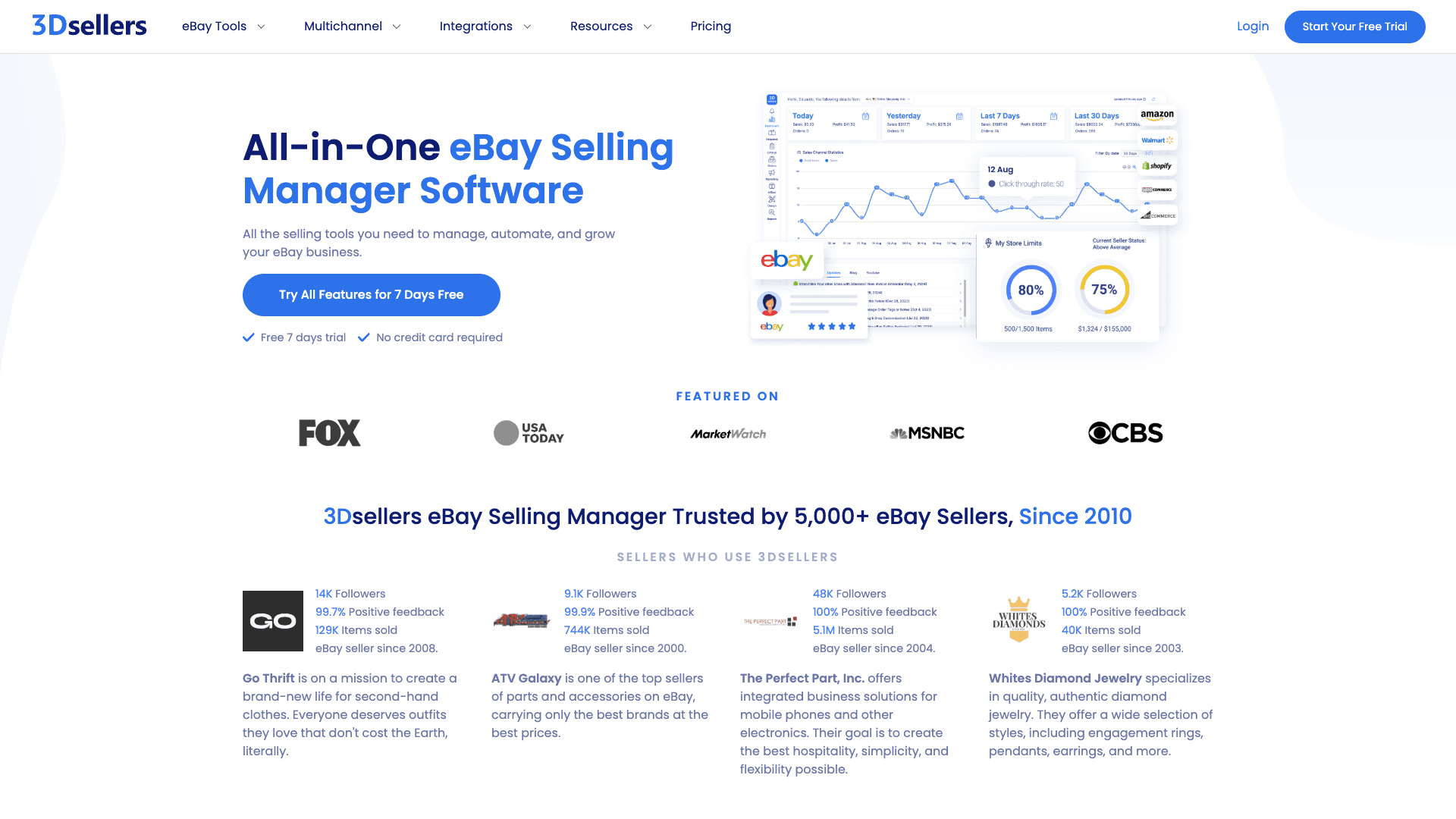
3Dsellers is an eBay Silver Solution Provider offering bulk listing management, order automation, AI-powered listing optimization, and a customer service helpdesk — all built specifically for eBay. If your bottleneck is managing hundreds or thousands of listings with templates, bulk edits, and automated order notifications, this is the tool most eBay-native sellers land on.
Key Features for eBay Sellers
- Bulk listing editor with CSV import/export for updating prices, titles, descriptions, and inventory at scale. The CSV field documentation is eBay-specific and deep enough to support serious bulk workflows.
- AI-powered SEO optimization for listing titles and meta descriptions, tuned for eBay's Cassini search algorithm.
- AI price suggestions tied to live and sold eBay data — not generic marketplace averages.
- Automated order management: order notifications, invoice generation, internal notes across multiple eBay Stores.
- Professional listing design templates with a drag-and-drop editor.
- Free tools included: eBay Title Builder, Fee Calculators, SKU Generator.
Pricing, Pros, and Cons
- Pricing: Essential at $26/month (annual) or $29/month monthly; Growth at $29.90/month annually; Professional at $59/month annually. 7-day free trial.
- Pros: Deepest eBay-specific feature set in this list. Authorized by eBay. Strong support and tutorials. Price automation is currently eBay-only, which means it's genuinely tuned for the platform.
- Cons: User reviews mention occasional bugs after eBay platform updates and a learning curve for advanced features. Less useful if you sell primarily on non-eBay platforms.
- 💡 Worth paying for if… you manage 200+ active eBay listings and bulk editing, listing templates, or automated customer messaging would save you meaningful time each week.
3. ZIK Analytics — Best eBay Seller Tool for Product Research
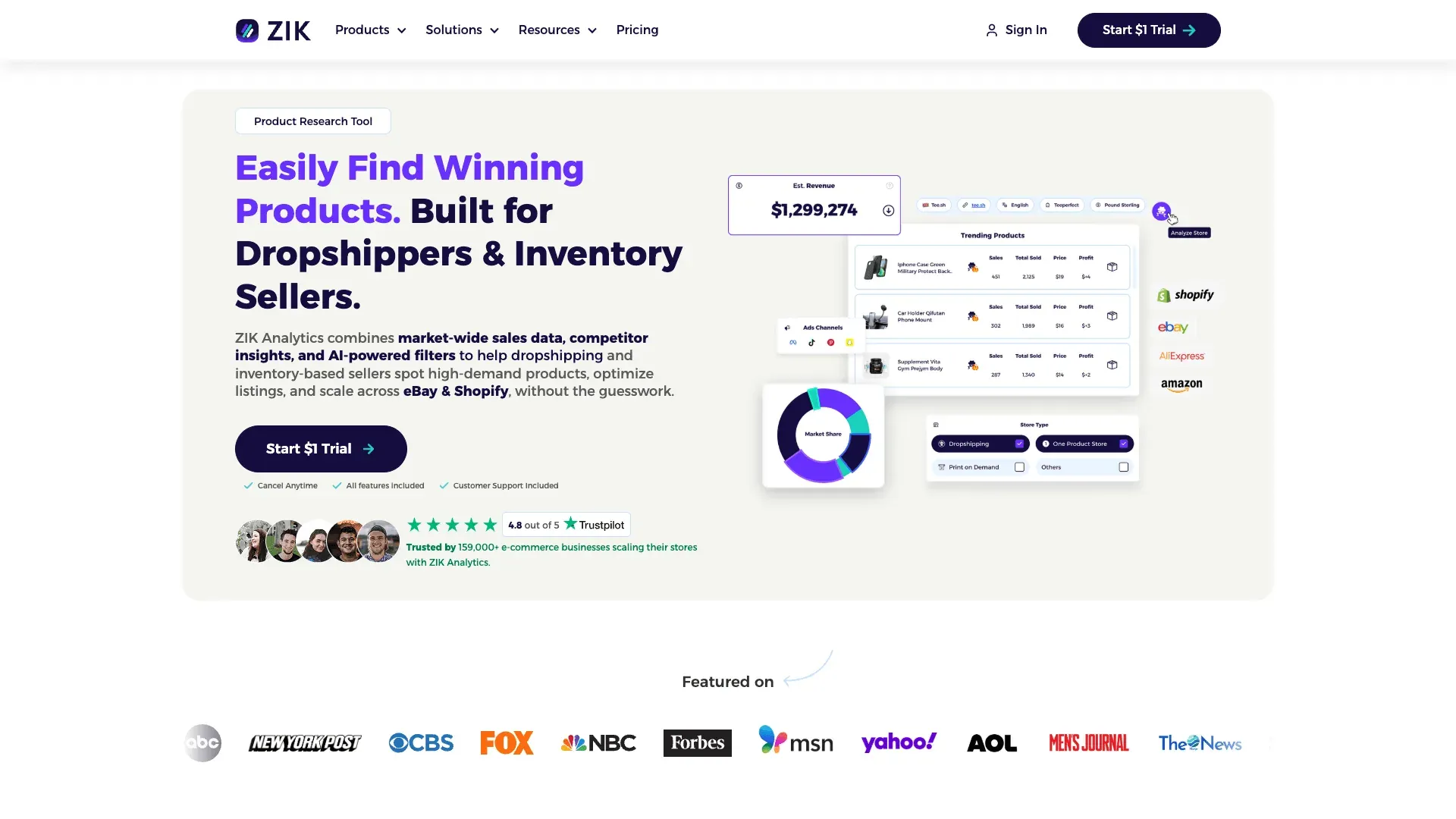
ZIK Analytics is a product research and market analysis platform that helps sellers find profitable items, analyze competitors, and match suppliers. It's built for sellers who want data-driven sourcing decisions instead of gut-feel guesses.
Key Features for eBay Sellers
- Product explorer with 19+ filters (category, sales volume, revenue, pricing) using real-time eBay sales data.
- Competitor research: analyze any eBay seller's inventory, best-performing listings, and pricing strategies.
- Supplier matching across Amazon, Walmart, AliExpress, Alibaba, and CJ Dropshipping.
- eBay keyword tool for listing optimization — useful for understanding what buyers actually search for.
- Price analytics tutorial walks through the research workflow step by step.
Pricing, Pros, and Cons
- Pricing: Promotional first month ($1), then $39.90/month for PRO; $59.90/month for PRO+.
- Pros: Accurate eBay marketplace data from millions of transactions. Dramatically reduces manual research time for sourcing decisions.
- Cons: Steep learning curve for new sellers. Focused on eBay and Shopify — not ideal if you need research across Poshmark, Mercari, or Depop.
- 💡 Worth paying for if… you source more than 20 new products per month and want to validate demand before buying inventory.
What Patterns Emerge So Far
Three tools in, and a clear theme is forming. Thunderbit, 3Dsellers, and ZIK each solve a different part of the eBay workflow: competitive intelligence, listing operations, and sourcing research. No single tool covers all three well. The sellers who build real efficiency tend to pick one tool per bottleneck, not one tool that claims to do everything.
That principle holds for the rest of this list too.
4. Vendoo — Best eBay Seller Tool for Crosslisting
Vendoo is a crosslisting platform that lets resellers list and manage inventory across eBay, Poshmark, Mercari, Depop, Etsy, and other resale marketplaces from one dashboard. It's the tool most part-time resellers mention when asked how they manage multiple platforms without losing their minds.

Key Features for eBay Sellers
- Crosslist to 10+ resale platforms from a single listing draft — supported marketplaces include eBay, Poshmark, Mercari, Depop, Etsy, Kidizen, Grailed, Facebook Marketplace, and more.
- Inventory sync to prevent double-sells when an item sells on one platform. (This is a real stress point — one Reddit user said: "crosslisting really scares me because the thought of a double sale is a big stressor for me.")
- Analytics dashboard to track sales, sell-through rates, and platform performance.
- AI listing enhancement and integrated PhotoRoom background removal.
- Mobile-friendly workflow for on-the-go listing.
Pricing, Pros, and Cons
- Pricing: Free plan (5 items); Starter at $8.99/month; higher tiers by monthly item volume.
- Pros: Affordable entry point. Wide platform support. Intuitive for beginners. Strong community.
- Cons: Limited deep eBay-specific features — no promoted listing management, no Cassini optimization. Crosslisting speed can slow down at very large inventories.
- 💡 Worth paying for if… you sell on 3+ marketplaces and manually re-entering listings across platforms is eating more than 2 hours per week.
5. eBay Seller Hub — Best Free eBay Seller Tool (And What Most Sellers Overlook)
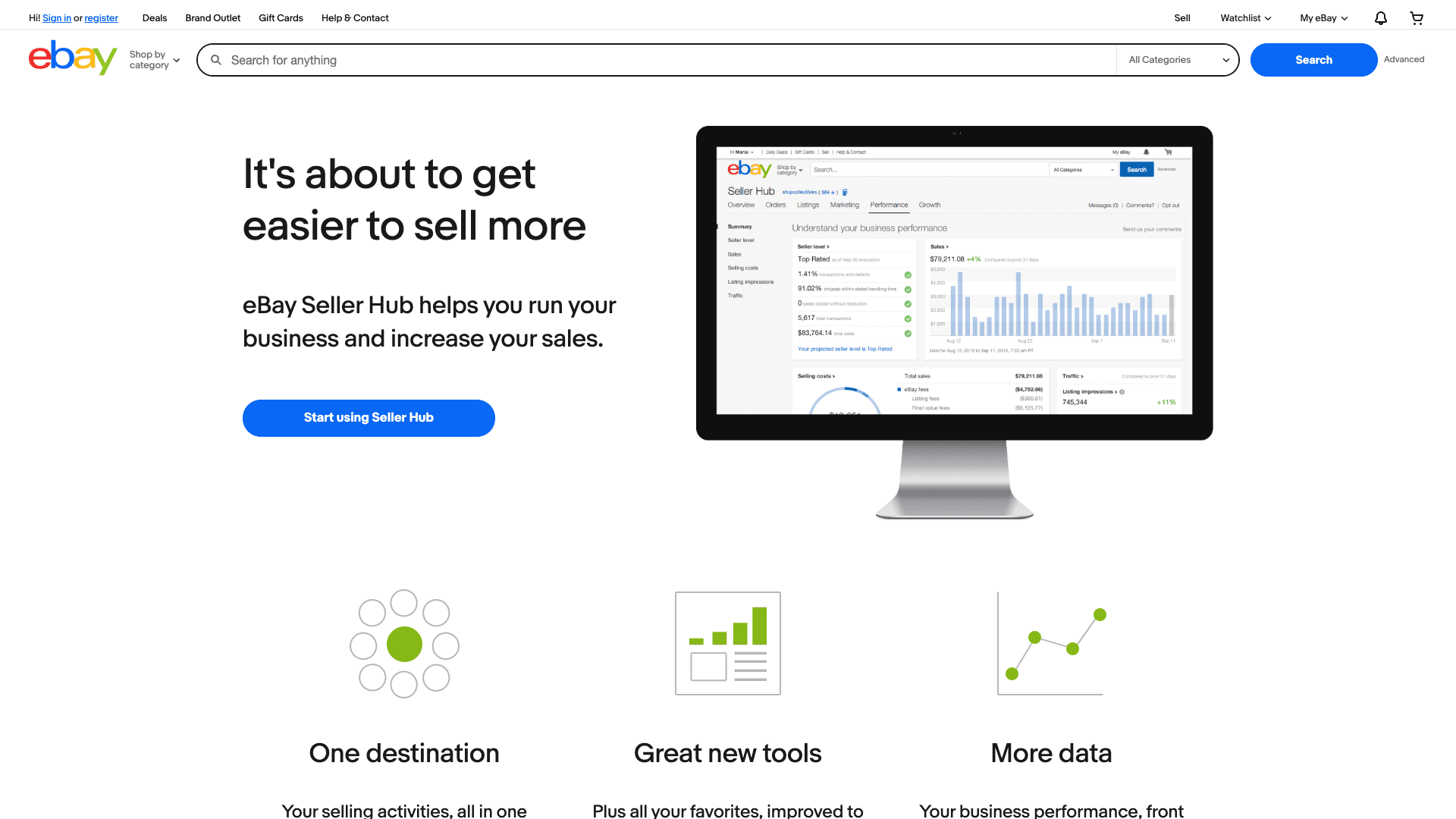
eBay Seller Hub is eBay's own built-in suite of free tools. Most articles give it a sentence. That's a mistake, because it's the foundation every seller should master before spending a dollar on third-party tools.
The Full Suite of eBay's Free Native Tools
| eBay Native Tool | What It Does | Who Should Use It | Key Limitation |
|---|---|---|---|
| Seller Hub Dashboard | Central dashboard for sales, listings, traffic, and performance | Every seller — it's your home base | Limited customization compared with external BI tools |
| Product Research (Terapeak) | 3 years of sold-item, price, and sell-through data | Every seller validating price and demand | eBay-only data, no external competitor view |
| Sourcing Insights | Store-level demand and sourcing opportunities | Sellers with Basic Store subscription or above | Store-gated, not universal |
| Promotions Manager | Coupons, sales, volume pricing, codeless promotions | Store owners running promos | No automated scheduling or A/B testing |
| Listing Analytics | Listing-level impressions, click-through rate | Sellers diagnosing underperforming listings | No keyword-level data |
| eBay Mobile App Listing | Fast photo-to-list workflow from phone camera | Casual sellers, on-the-go listers | Fewer fields, no bulk features |
Terapeak is no longer a premium add-on. It's available to all sellers from the Seller Hub Research tab — 3 years of sales data, average prices, and sell-through rates. If you haven't used it, start there before paying for anything else.
Pricing, Pros, and Cons
- Pricing: Completely free. Some features (Sourcing Insights, Markdown Manager) require an eBay Store subscription — Starter at $4.95/month annually, Basic at $21.95/month annually.
- Pros: Zero cost. Always up-to-date with eBay's platform. No third-party data risk. Terapeak is surprisingly powerful for pricing validation.
- Cons: Limited historical data beyond 3 years. No custom reports. No cross-platform support. No automation beyond basic promotions.
- 💡 Worth paying for? N/A — everyone should use Seller Hub. The question is what gaps it leaves that paid tools fill.
6. LitCommerce — Best eBay Seller Tool for Multi-Channel Listing & Inventory Sync
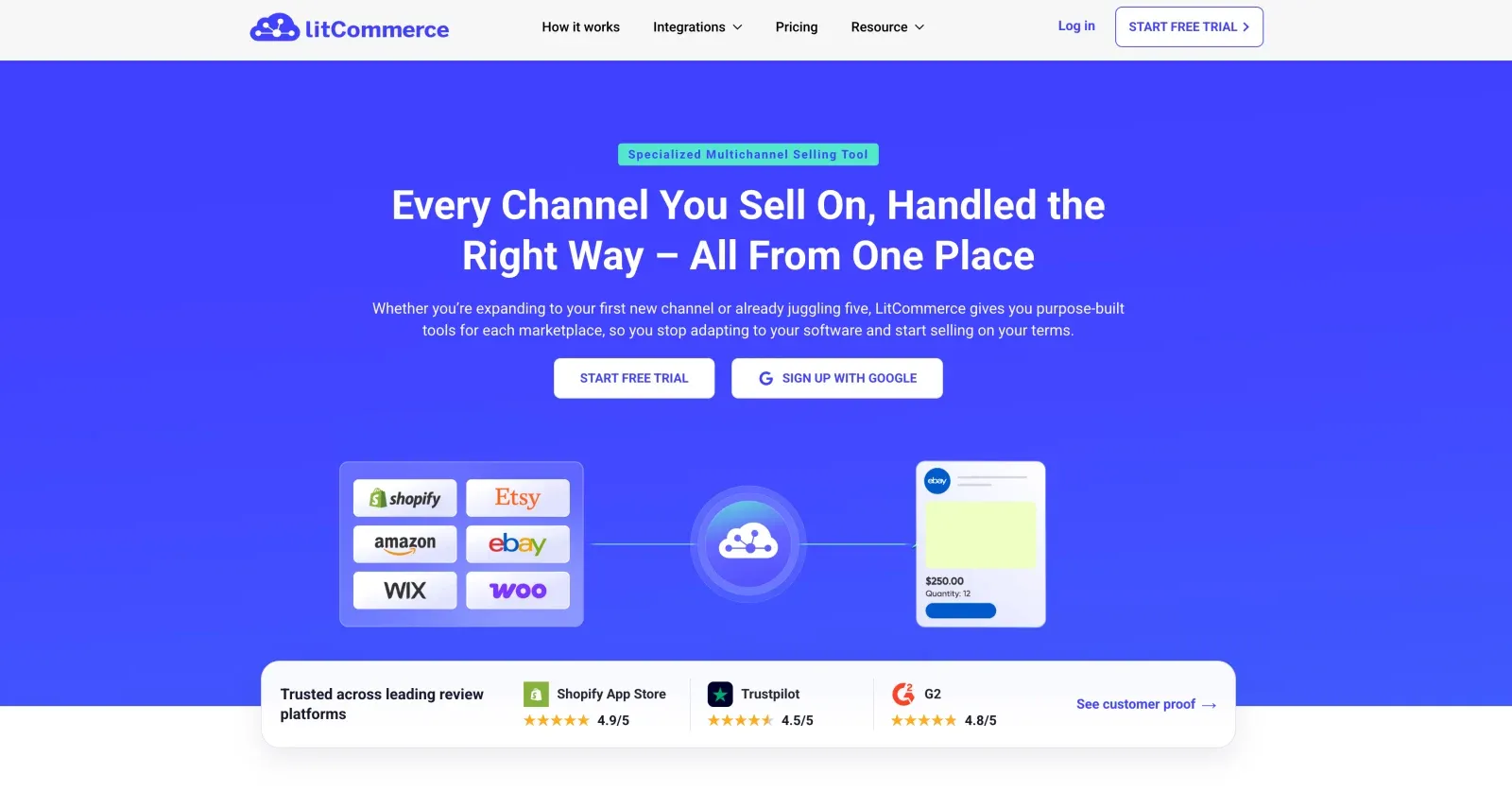
LitCommerce is a multichannel selling platform that lets eBay sellers create, edit, and sync listings across eBay, Amazon, Etsy, Shopify, Walmart, TikTok Shop, and more — all from one dashboard. It's built for sellers running the same catalog in several places who don't want stock levels drifting out of sync.
Key Features for eBay Sellers
- Bulk listing: create and edit eBay listings in bulk with templates and rules, instead of editing item by item.
- Near real-time sync: inventory and order sync across eBay and your other channels, which cuts down on oversells.
- Central catalog: map one product to its listings on every channel and update them together.
- Per-channel rules: set pricing and quantity rules for each marketplace.
- Direct eBay integration: onboard your existing eBay listings quickly.
Pricing, Pros, and Cons
- Pricing: Free plan to start; paid tiers scale with your number of listings and connected channels.
- Pros: Genuinely multichannel — a strong fit if you sell on eBay plus Amazon, Etsy, or Shopify. Modern interface. Fast setup from existing listings. Reliable inventory sync.
- Cons: Aimed at multichannel ecommerce sellers rather than resale-app users (Poshmark, Depop, Mercari). Costs rise as you add channels and listing volume.
💡 Worth paying for if… you sell the same catalog on eBay and at least one other marketplace, and manual inventory updates are causing oversells.
7. Informed Repricer — Best eBay Seller Tool for Automated Repricing
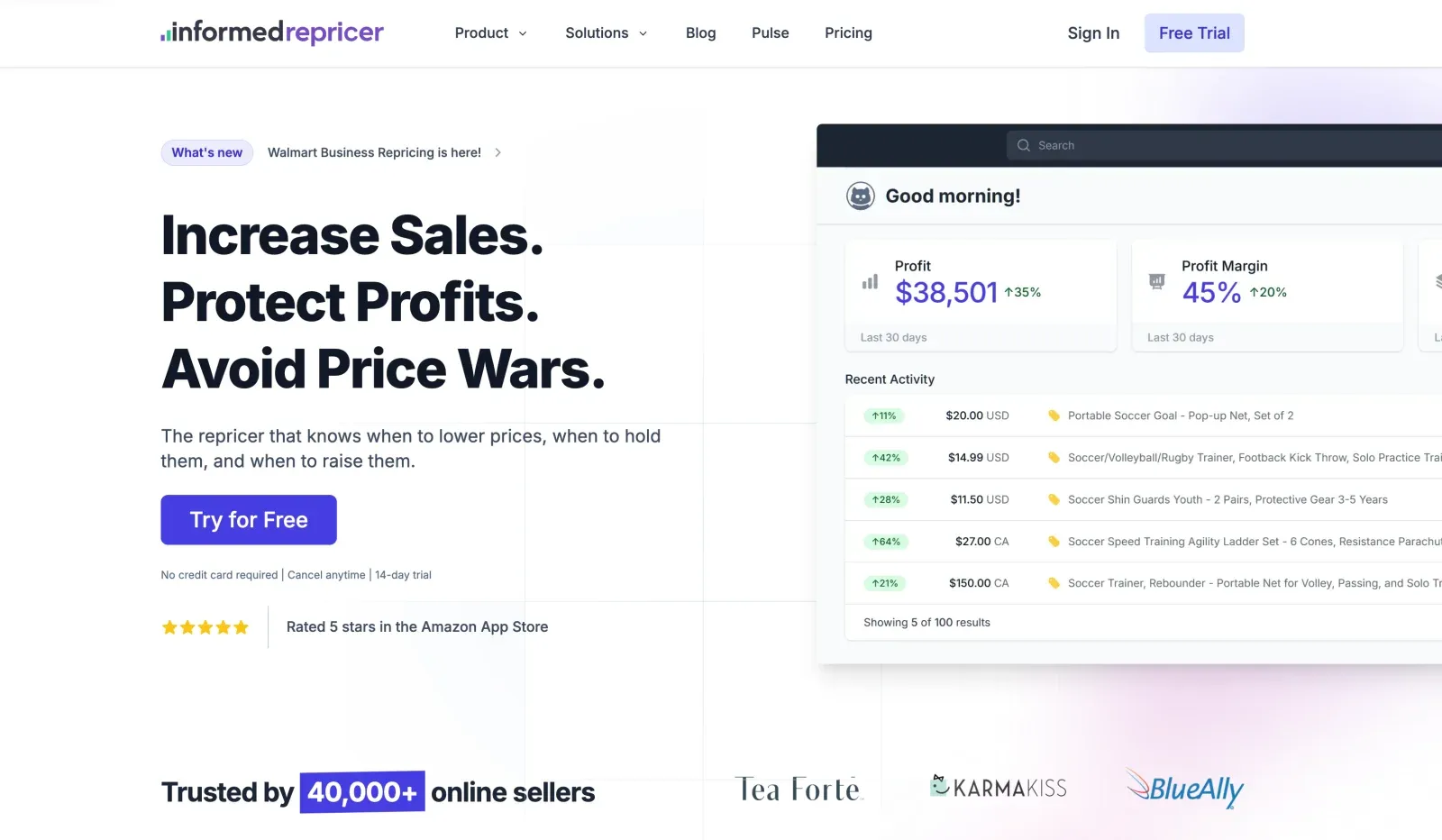
Informed.co is an automated repricing tool that adjusts your eBay (and Amazon) listing prices based on competitor pricing, market demand, and rules you set. If you sell commodity or branded items where price is the primary buying factor, a repricer can be the difference between winning and losing sales.
Key Features for eBay Sellers
- Rule-based and algorithmic repricing strategies: set rules like "stay $0.50 below the lowest competitor" or "never go below my floor price."
- Real-time competitor price monitoring.
- Support for eBay and Amazon repricing in one tool.
- Revenue and margin analytics to track repricing impact.
Pricing, Pros, and Cons
- Pricing: Public third-party pricing on G2 shows entry around $99/month. Free 14-day trial available.
- Pros: Set-and-forget repricing saves hours. Helps win more Buy It Now sales. Real-time competitor awareness.
- Cons: Requires careful floor-price setup to avoid a race to the bottom. eBay-specific repricing features are less mature than the Amazon side. Not useful for one-of-a-kind items — if you sell vintage or unique thrift finds, this tool won't help much.
- 💡 Worth paying for if… you sell commodity or branded items with multiple competing sellers and price is the primary buying factor. If you're losing 5+ sales per month to competitors who undercut your price within hours, a repricer starts paying for itself fast.
8. PhotoRoom — Best eBay Seller Tool for Product Photos
PhotoRoom is an AI-powered photo editing app that removes backgrounds, cleans up product images, and enables batch editing. It's become something of an industry standard for reseller product photography — and for good reason.

Key Features for eBay Sellers
- One-tap background removal for clean, white-background product photos.
- Batch mode for editing dozens of photos at once (Pro plan — up to 500 batch exports/month).
- Templates for consistent branding across listings.
- Mobile app for editing photos immediately after shooting.
Pricing, Pros, and Cons
- Pricing: Free tier with 250 exports/month and basic features; Pro at roughly $9.99/month with batch mode and advanced AI tools.
- Pros: Fast, intuitive, batch mode is a huge time saver. Dramatically improves listing appearance. G2 reviews consistently highlight ease of use.
- Cons: Free tier has feature limitations. Not a listing tool — photos still need to be uploaded to eBay separately. Advanced editing (shadows, reflections) requires Pro.
- 💡 Worth paying for if… you list 50+ items per month and spend more than 30 minutes per batch editing photos manually.
9. AutoDS — Best eBay Seller Tool for Dropshipping Automation
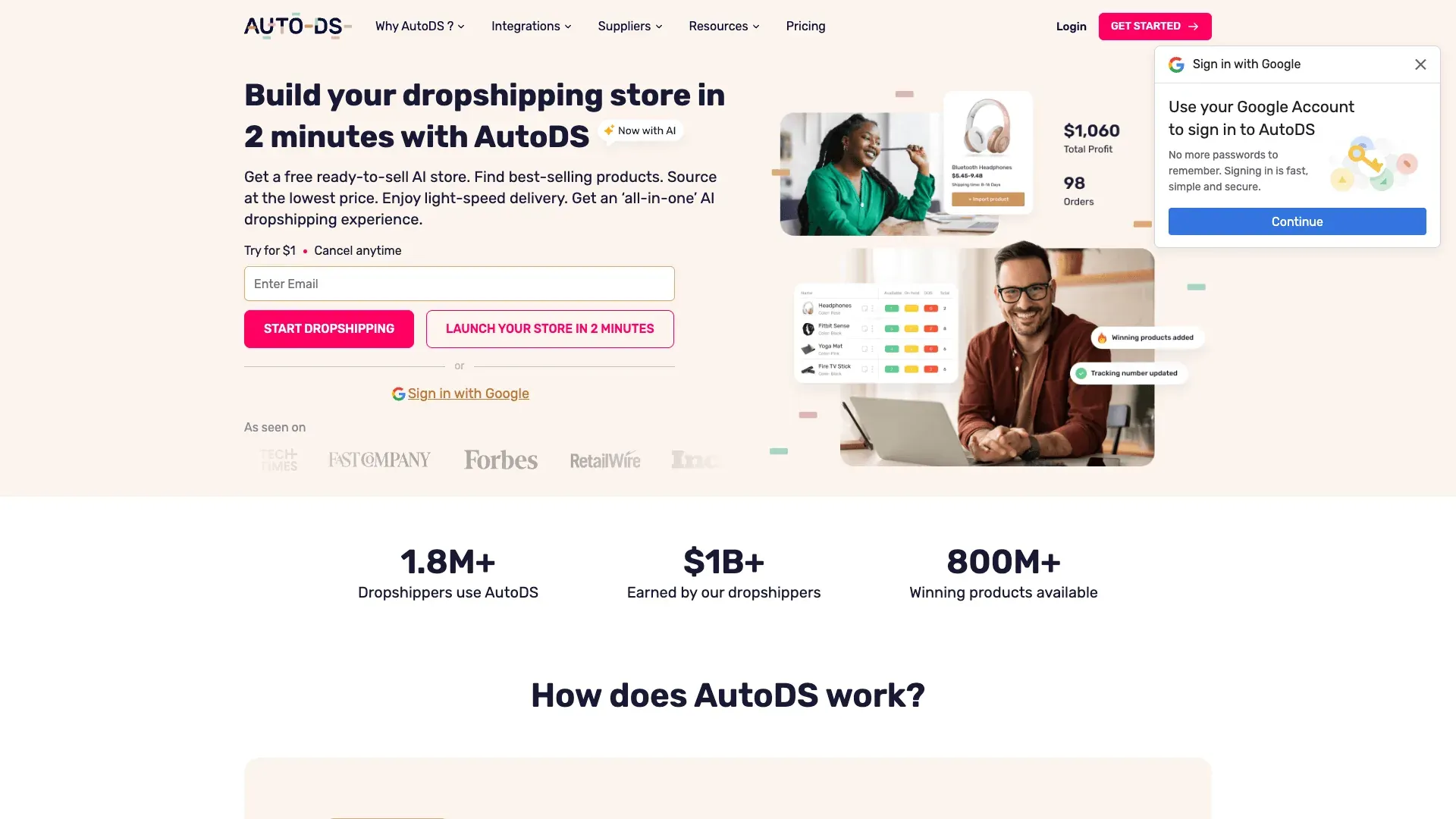
AutoDS is an all-in-one dropshipping automation platform that handles product sourcing, listing, inventory management, price monitoring, and order fulfillment across eBay, Shopify, Amazon, and other marketplaces.
Key Features for eBay Sellers
- Automated product importing from 500+ suppliers (AliExpress, Amazon, Walmart, etc.).
- Auto price and stock monitoring — updates eBay listings when supplier prices or availability change.
- Automatic order fulfillment: when an eBay order comes in, AutoDS places the order with the supplier.
- Listing optimization tools and product research features.
Pricing, Pros, and Cons
- Pricing: 3-day trial for $1; plans start around $26.90/month.
- Pros: End-to-end dropshipping automation. Huge supplier network. Saves massive time on fulfillment for the right business model.
- Cons: Designed specifically for dropshipping — not useful for resellers sourcing from thrift stores or clearance. Important policy note: eBay allows dropshipping when you fulfill from a wholesale supplier, but listing an item and purchasing it from another retailer to ship to your customer is not allowed. Make sure your model is compliant. Learning curve for initial setup.
- 💡 Worth paying for if… you run a compliant dropshipping model on eBay and process 50+ orders per month that you're currently fulfilling manually.
10. Algopix — Best eBay Seller Tool for Profitability Analysis
Algopix is a product research and profitability analysis platform that estimates demand, fees, shipping costs, and net margin across eBay, Amazon, and Walmart before you buy inventory. It's the tool for sellers who buy in bulk and need to validate margins before committing capital.

Key Features for eBay Sellers
- Product analysis: enter a UPC, ASIN, or keyword and get estimated demand, average selling price, competition level, and net profit after all fees.
- Cross-marketplace comparison: see how the same product performs on eBay vs. Amazon vs. Walmart.
- Bulk analysis for evaluating entire pallets or liquidation lots.
- Expense calculator that factors in eBay fees, shipping, and platform-specific costs.
Pricing, Pros, and Cons
- Pricing: Entry pricing around $35/month based on official deal pages; limited free searches available.
- Pros: Prevents bad sourcing decisions. Cross-marketplace comparison is unique. Bulk analysis saves hours on liquidation evaluations.
- Cons: Best for branded/commodity products with UPCs — much less useful for vintage, one-of-a-kind, or unbranded items. Data accuracy depends on category. Not a listing or selling tool.
- 💡 Worth paying for if… you buy inventory in bulk (pallets, wholesale, liquidation) and need to validate margins before committing $500+.
eBay Seller Tools Compared: The Full Side-by-Side Breakdown
| Tool | Free Plan / Trial | Monthly Pricing | Best For | eBay-Specific Features | AI / Automation | Integrations | Learning Curve | Unique Strength |
|---|---|---|---|---|---|---|---|---|
| Thunderbit | Free tier (6 pages) | $15/mo starter | Competitor intelligence | Scrapes eBay results, seller pages, item specifics via subpages | High | Excel, Sheets, Airtable, Notion | Low | Fastest path from eBay pages to structured competitor data |
| 3Dsellers | 7-day free trial | $26/mo annual | Listing management | Deep eBay listing, offer, CSV, pricing, support workflows | High | Some multichannel add-ons, eBay-first | Medium | Most complete eBay-native operations suite |
| ZIK Analytics | $1 trial | $39.90/mo | Product research | Strong eBay research and competitor data | Medium | Supplier matching, export-oriented | Medium | Best research-first tool for sourcing decisions |
| Vendoo | Free (5 items) | $8.99/mo | Crosslisting | Limited deep eBay-native tooling | Medium | 10+ resale marketplaces | Low | Beginner-friendly crosslisting |
| Seller Hub | Free | $0 | Native eBay ops | Full native fit | Medium | Mostly inside eBay | Low | Best no-cost foundation |
| LitCommerce | Free plan | Paid tiers scale | eBay + multi-marketplace sync | Strong multichannel listing & sync | Medium | Amazon, Etsy, Shopify, Walmart | Medium | eBay + multichannel store sync |
| Informed | Free trial | ~$99/mo (G2) | Automated repricing | eBay support (Amazon-side is more mature) | High | Marketplace repricing | Medium | Most specialized repricing logic |
| PhotoRoom | Free tier | ~$9.99/mo Pro | Product photos | No true eBay-native integration | Medium | Mobile/web, downstream export | Low | Fast batch photo cleanup |
| AutoDS | $1/3-day trial | ~$26.90/mo | Dropshipping automation | eBay dropshipping positioning | High | Multi-marketplace + suppliers | Medium | End-to-end dropshipping automation |
| Algopix | Limited free searches | ~$35/mo | Profitability analysis | eBay + Amazon + Walmart comparison | Medium | Identifier-based tools | Medium | Best pre-buy margin validation |
Best For Quick Picks:
- Best for beginners on a budget: eBay Seller Hub
- Best for competitive intel: Thunderbit
- Best for crosslisting: Vendoo
- Best for listing management: 3Dsellers
- Best for product research: ZIK Analytics
Free vs. Paid eBay Seller Tools: When Does Paying Actually Make Sense?
This is the section most eBay tool articles skip, and it's the one sellers actually need. The skepticism toward subscriptions is real and rational — why pay $40/month when eBay's own tools are free?
The answer isn't "tools are worth it." The answer is: a tool is worth it only when it removes a bottleneck you already feel.
| Seller Profile | Monthly Listings | Sensible Tool Budget | What Usually Pays First |
|---|---|---|---|
| Hobby / Casual | <50 | $0 | Seller Hub, mobile listing, spreadsheets, Thunderbit free tier |
| Part-Time | 50–200 | $0–50/mo (only if pain is obvious) | PhotoRoom Pro, Vendoo Starter, or one research tool |
| Growing | 200–1,000 | $75–150/mo | 3Dsellers + Vendoo + PhotoRoom + research tool |
| Full-Time / Scaling | 1,000+ | $180–300+/mo | Full stack: listing ops + crosslisting + repricing + research + profit validation |
The Tipping Points
- Listing management pays for itself once bulk edits, templates, or buyer-message automation are saving multiple hours per week.
- Crosslisting pays for itself once duplicate entry or delisting risk is actively stressing the workflow. (One seller on Reddit noted: "So that you don't accidentally double-sell a specific item.")
- Repricing pays for itself only when items are commodity-like enough that being late to price changes costs actual sales.
- Photo tools pay for themselves once image cleanup becomes a batch process rather than a one-off annoyance.
- Research tools pay for themselves once sourcing mistakes are more expensive than the subscription.
- Competitive intelligence (Thunderbit) pays for itself once competitor checking is becoming a recurring habit rather than an occasional spot check. The free tier handles occasional use; the credit-based model means no wasted monthly fee on quiet months.
Which eBay Seller Tools Do You Actually Need? Stage-Based Stacks
You don't need all 10 tools. You need the right 2–4 for your current stage, added when you feel a specific bottleneck. Here are three concrete stacks with realistic costs.
Beginner Stack (0–50 Listings/Month, $0/Month)
Workflow: Source item → eBay Mobile App (photo + list) → eBay Seller Hub (track sales) → Spreadsheet (profit tracking) → Thunderbit free tier (occasional competitor price checks)
- Total cost: $0
- Focus at this stage: Learn sell-through patterns and category habits. Don't optimize what you haven't learned yet.
Growing Stack (50–500 Listings/Month, ~$75–95/Month)
Workflow: Source item → PhotoRoom Pro (clean product photos) → 3Dsellers Essential (bulk listing + templates) → Vendoo Starter (crosslist to Poshmark/Mercari) → ZIK Analytics PRO (research before sourcing) → Thunderbit free tier or Starter (weekly competitor scrapes exported to Google Sheets)
- Total cost: ~$75–95/month (varies with annual vs. monthly billing)
- Focus at this stage: Consistency and speed. Every hour saved on listing and research is an hour available for sourcing.
Scaling Stack (500+ Listings/Month, ~$220–300+/Month)
Workflow: Source item → PhotoRoom Pro (batch photo editing) → 3Dsellers Growth or LitCommerce (bulk listing + inventory sync across channels) → Vendoo Pro (crosslisting automation) → Informed Repricer (automated repricing) → ZIK + Thunderbit Scheduled Scraper (deep competitive intel with subpage enrichment) → Algopix (profitability validation before bulk buys)
- Total cost: ~$220–300+/month
- Focus at this stage: Automation, systems, and data-driven decisions. At this volume, every manual process you haven't automated is a direct drag on margin.
How Competitive Intelligence Gives eBay Sellers an Edge
This is the most overlooked part of the eBay seller toolkit, and it's the angle no other eBay seller tools article covers. Every tool in this list helps you do something — list faster, crosspost, reprice, edit photos. But none of them (except Thunderbit) help you know something you didn't know before.
Competitive intelligence in practice means:
- Pricing validation: Before listing a sourced item, you need to know what similar items actually sold for, not just what sellers are asking.
- Trend detection: Scraping search results over time shows which categories, brands, or conditions are gaining momentum.
- Competitor tracking: Monitoring seller inventories can reveal price drops, new listings, and stock changes before they affect your margins.
- Assortment gaps: Comparing top-selling competitors against your own inventory can show where you're understocked or missing profitable variants.
That is exactly where Thunderbit fits. It turns any eBay page into a structured source of truth you can export, analyze, and revisit on a schedule.
Scrape eBay pages with AI Get Started Free
For sellers who want more than manual spot checks, the workflow is simple: use Thunderbit to scrape results pages, enrich them with subpages, and export the data to Sheets or Airtable. Then compare it against sourcing costs or competitor activity to make better buying and pricing decisions.
If you want a broader walkthrough of scraping workflows, see How to Scrape Any Website Using AI or The Easiest Way to Scrape Website to Excel.
Learn More




