zappos-scraper

Zappos Scraper

Thunderbit’s Zappos scraper helps you extract product listings and detailed item data from Zappos using AI. Scrape names, prices, sizes, colors, ratings, images, and product URLs from category pages like Women’s Shoes and New Arrivals, then export to Excel, Google Sheets, Airtable, or Notion.
4.9
Monthly users12.5k
AI-Powered
E-commerce
Get Started Free
Free tier available

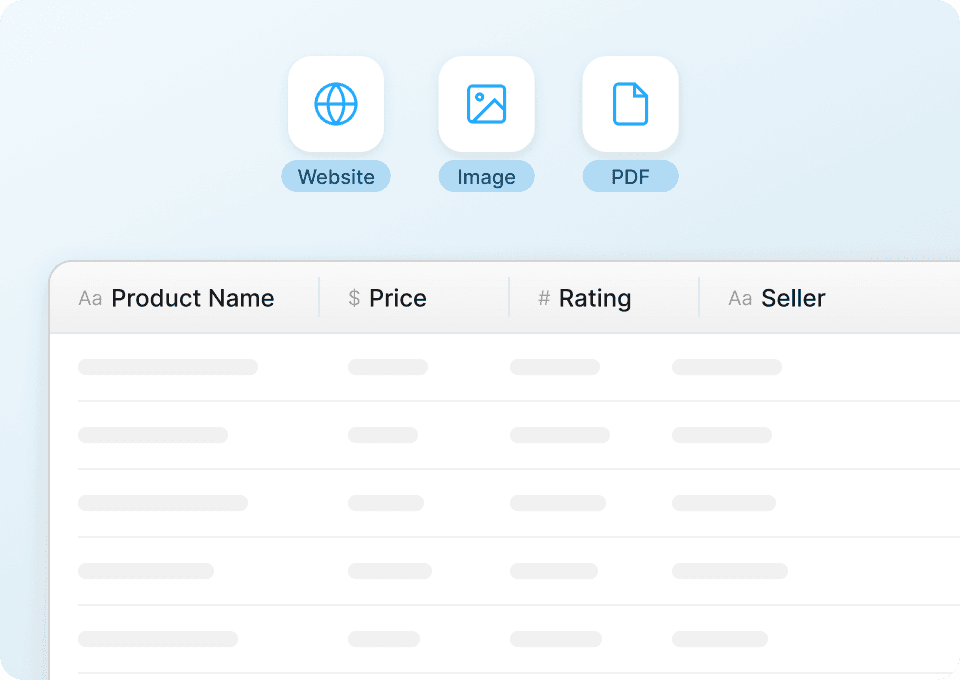
Thunderbit’s Zappos Scraper helps you turn Zappos product pages into clean, structured data using AI. You can extract product listings and item details like names, prices, sizes, colors, ratings, images, and product URLs, then export to Excel, Google Sheets, Airtable, or Notion. With AI handling field detection and formatting, you spend less time copying and more time analyzing.

🛍️ What is Zappos Scraper

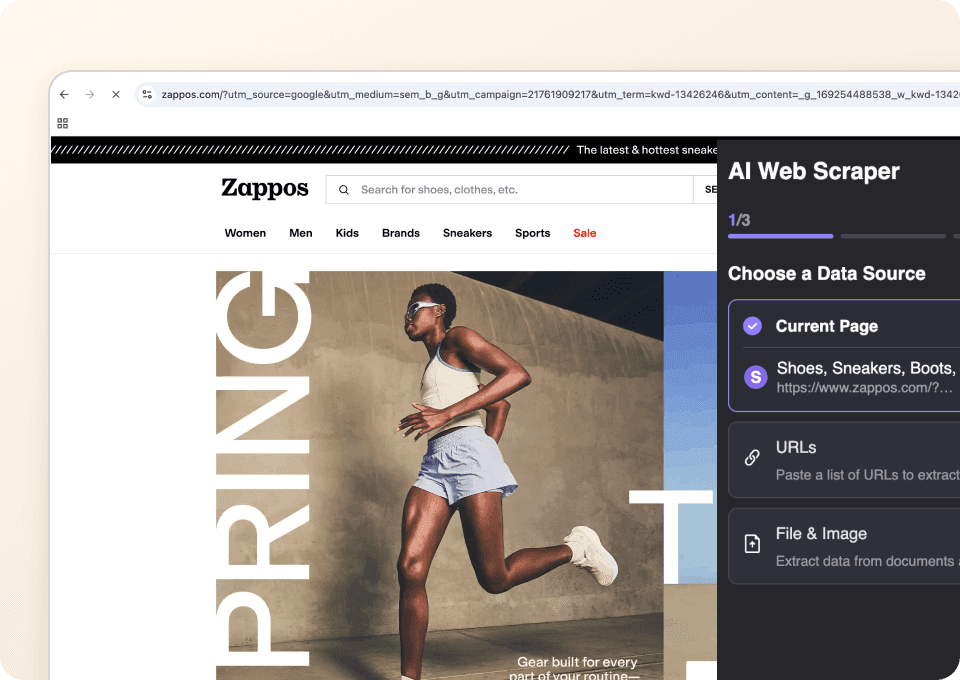
The AI-Powered Zappos Scraper is an built into the Thunderbit Chrome Extension that lets you scrape data from category and collection pages in a couple of clicks. You simply open a Zappos page, click AI Suggest Columns to let AI propose the best fields, then click Scrape to generate a table you can download or send to your tools.

Zappos Website Screenshot

Thunderbit is especially useful on ecommerce sites like Zappos because it can handle:

  • Pagination and infinite scroll scraping
  • Subpage scraping to enrich listings with details from each product page
  • Consistent exports to CSV/JSON, Excel, Google Sheets, Airtable, and Notion (export is free)

🧾 What can you scrape with Zappos

Zappos has rich product listing pages that are ideal for competitive research, assortment tracking, and merchandising analysis. Below are two common scraping workflows you can run with Thunderbit.

👠 Scrape Zappos Women’s Shoes

Use this scraper on the to collect product listings for analysis, price tracking, and catalog comparisons. You can scrape the listing grid, then optionally use Subpage Scraping to pull deeper attributes from each product detail page.

Zappos Women's Shoes Screenshot

Steps:

  1. Download the and register an account.
  2. Go to the destination page: .
  3. Click AI Suggest Columns to get recommended column names and data types.
  4. Click Scrape to run the scraper, then download or export your data.

Column names

ColumnDescription
👟 Product NameThe product title shown in the listing (brand + model name when available).
🏷️ BrandThe brand name associated with the product.
💲 PriceCurrent listed price (including sale price when applicable).
🔖 Original PriceThe pre-discount price if the item is on sale (when shown).
RatingAverage star rating displayed on the listing.
🧾 Review CountNumber of reviews associated with the product (when shown).
🎨 Color OptionsColor count or color names shown on the listing (varies by layout).
📏 Available SizesSizes shown on the page or extracted from the product subpage.
🖼️ Image URLThe main product image URL (useful for catalogs).
🌐 Product URLDirect link to the product detail page.
🆔 SKU / Style IDIdentifier pulled from the product page (best via Subpage Scraping).
🚚 Shipping / Availability NotesAny availability messaging shown (when present).

🆕 Scrape Zappos New Arrivals

Use this scraper on the to monitor newly listed products, spot assortment changes, and build a “new-in” feed for reporting. This is a common workflow for ecommerce ops teams that need frequent updates.

Zappos New Arrivals Screenshot

Steps:

  1. Download the and register an account.
  2. Go to the destination page: .
  3. Click AI Suggest Columns to generate a ready-to-scrape schema.
  4. Click Scrape to collect the data and export it.

Column names

ColumnDescription
🆕 Product NameThe name of the newly listed product.
🏷️ BrandBrand shown on the listing.
💲 PriceCurrent price displayed for the item.
🗂️ CategoryCategory context (if shown) or inferred from the page.
RatingStar rating shown for the product (if available).
🧾 Review CountTotal reviews shown (if available).
🎨 ColorsColor options or color count shown on the listing.
🖼️ Image URLMain image URL for the product card.
🔗 Product URLLink to the product detail page.
🕒 First Seen DateA timestamp you can add during scraping for monitoring new items over time.
🧵 Material / UpperProduct attribute typically found on the subpage (best via Subpage Scraping).
📦 Stock / AvailabilityAvailability signals pulled from the product page when present.

🎯 Why Use Zappos Tool

Scraping Zappos is useful when you need structured product data for analysis, reporting, or operations. Instead of manually copying product cards and opening dozens of tabs, you can build a dataset in minutes.

Common reasons teams scrape Zappos:

  • Ecommerce operators: Track assortment changes, monitor sale activity, and compare pricing across categories.
  • Merchandising teams: Build competitive sets, analyze brand coverage, and review rating/review distribution.
  • Marketing teams: Collect product URLs and images for campaign research, creative references, and landing page audits.
  • Sales and partnerships: Identify brands, product lines, and category trends to support outreach and planning.
  • Analysts: Create time-series datasets (e.g., “new arrivals weekly”) using Scheduled Scraper.

Thunderbit also helps when Zappos pages change layout. Traditional scrapers often break, but Thunderbit’s AI reads the page structure each run and re-creates the extraction logic.

🧩 How to Use Zappos Chrome Extension

  1. Install the Thunderbit Chrome Extension: Get it from the and create your account on .
  2. Navigate to a Zappos page: Open a category page like or a collection like .
  3. Activate AI-Powered Scraper: Click AI Suggest Columns to generate fields, then adjust column names, data types, or add a Field AI Prompt if you want custom formatting.
  4. Scrape, enrich, and export: Click Scrape to collect rows. Use Scrape Subpages to pull details (materials, size availability, style IDs), then export to Excel/Sheets/Airtable/Notion.

Helpful reading if you’re building repeatable workflows:

  • More guides on the

💳 Pricing for Zappos

Thunderbit uses a simple credit system:

  • 1 credit = 1 output row in your results table
  • The AI-powered scraping experience (AI Suggest Columns + AI structuring) is included, and data export is free

What you can try for free:

  • Free plan: scrape 6 pages per month
  • Free trial: scrape 10 pages for free, great for testing Zappos category pages and subpage enrichment

For ongoing work (like weekly new-arrivals monitoring or multi-category scraping), paid plans add more credits. The yearly plans are discounted and are typically more cost-effective if you scrape regularly.

You can review options on .

TierMonthly PriceYearly Price (per month)Yearly TotalCredits (Monthly)Credits (Yearly)
FreeFreeFreeFree6 pagesN/A
Starter$15$9$1085005,000
Pro 1$38$16.5$1993,00030,000
Pro 2$75$33.8$3986,00060,000
Pro 3$125$68.4$79610,000120,000
Pro 4$249$137.5$1,59220,000240,000

❓ FAQ

  1. What is the AI Powered Zappos Scraper?
    The AI Powered Zappos Scraper is an AI-driven workflow in Thunderbit that extracts structured product data from Zappos pages like category listings and new arrivals. Instead of writing code or configuring complex selectors, you click AI Suggest Columns and Thunderbit’s AI proposes the fields and data types, then you click Scrape to generate a table.

  2. What is Thunderbit?
    is an AI Web Scraper Chrome Extension that helps you scrape data from websites, PDFs, and images into structured formats. It’s designed for business workflows like lead generation, ecommerce operations, and market research, with fast exports to Excel, Google Sheets, Airtable, and Notion.

  3. What Zappos data can I extract with Thunderbit?
    You can extract product names, brands, prices, ratings, review counts, images, and product URLs from listing pages. With Subpage Scraping, you can also enrich your dataset with details found on product pages, such as materials, size availability, style IDs, and other attributes.

  4. Can Thunderbit scrape Zappos pagination and infinite scroll?
    Yes. Thunderbit supports pagination scraping for pages that use numbered pages or “next” navigation, and it can also handle infinite scroll experiences depending on how the page loads products. This is useful when you want to collect more than what’s visible on the first screen.

  5. How does Subpage Scraping work for Zappos products?
    After scraping a listing page, you can click Scrape Subpages in the results table. Thunderbit will visit each product URL and append additional columns to your existing rows, which is ideal for pulling deeper product attributes without manually opening each item.

  6. Do I need coding skills to use the Zappos Scraper?
    No. Thunderbit is built for non-technical workflows, so you don’t need Python, APIs, or CSS selectors. The AI handles field detection and structuring, and you can still customize columns if you want a specific schema.

  7. What is the difference between Cloud Scraping and Browser Scraping for Zappos?
    Cloud Scraping runs on Thunderbit’s cloud infrastructure and is typically faster for public pages, often processing batches of pages quickly. Browser Scraping runs in your Chrome session and is helpful when a site requires your login state or when you want the scrape to mirror exactly what you see in your browser.

  8. How much does it cost to scrape Zappos with Thunderbit?
    Cost is based on credits, where 1 credit equals 1 output row. You can start with the Free plan (6 pages per month) or the free trial (10 pages) to estimate how many rows you typically collect per run, then choose a plan on the that matches your volume.

  9. Can I export Zappos data to Excel, Google Sheets, Airtable, or Notion?
    Yes, and export is free. After scraping, you can download CSV/JSON or send the dataset directly to tools like Google Sheets, Airtable, and Notion, which is useful for building dashboards, catalogs, and recurring reports.

📚 Learn More

  • Get started with the
  • Explore the product on
  • Learn scraping fundamentals:
  • Build better exports:
  • See more tutorials on the