One-click Walmart Scraper for product research













From Walmart search to a usable table
Start with the page you already browse and let the agent handle the repetitive work.
Start without setup
Open a Walmart search, category, or product page and run One Click Extract. Thunderbit recommends the data types that fit the page, and you can adjust them in plain English.
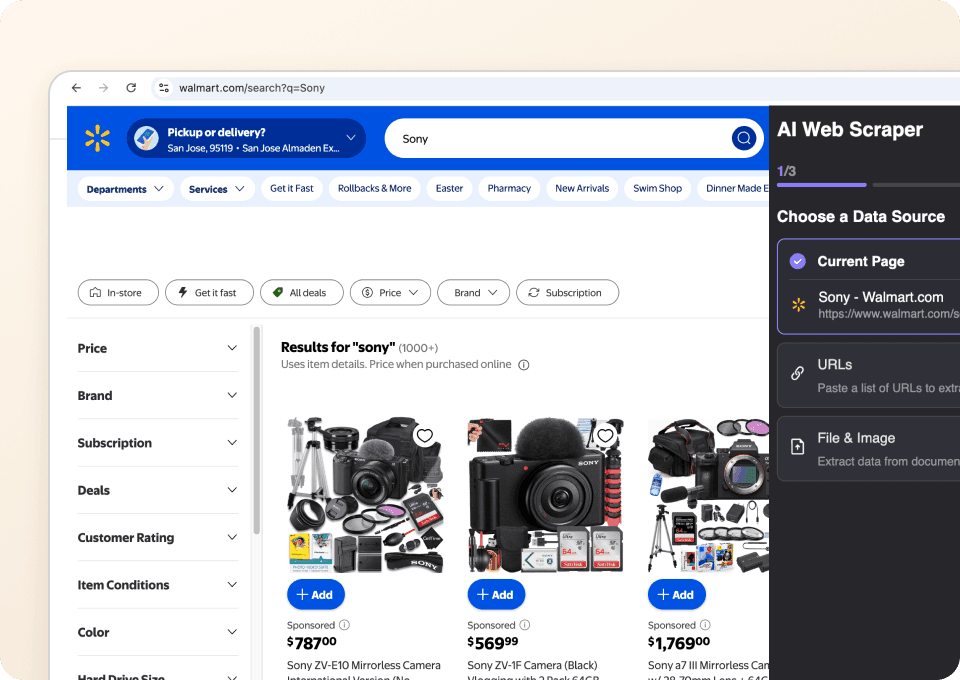
Keep every offer organized
Prices, sellers, ratings, delivery options, and product links land in separate columns. Conditional values stay blank, so the table is ready to filter without a cleanup project.
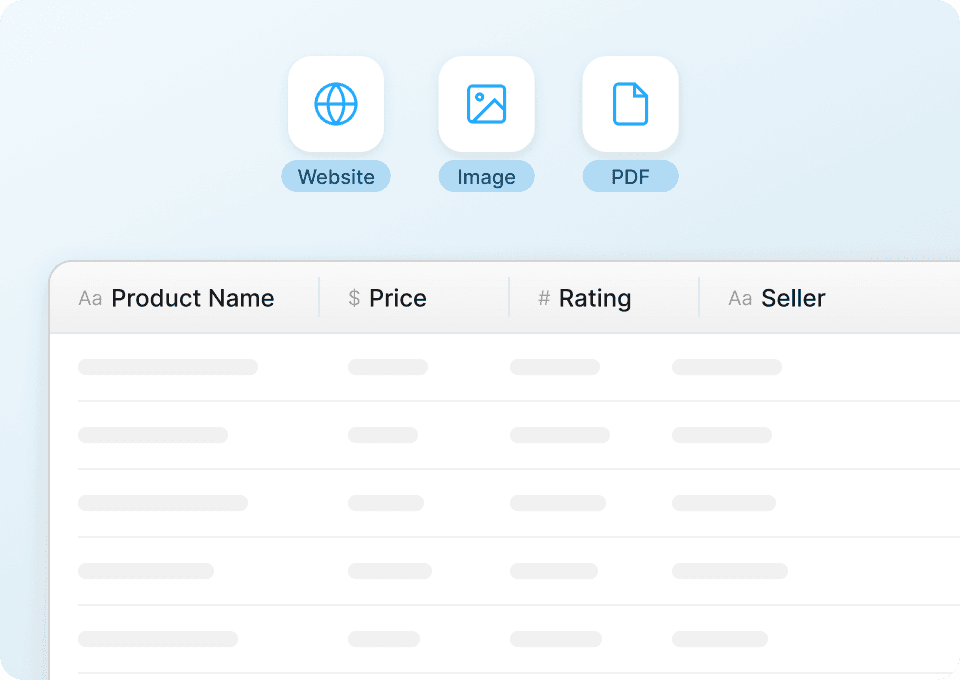
Move through long result lists
Let Thunderbit continue across Walmart result pages and collect the products it finds. You get one continuous dataset instead of a stack of copied browser tabs.
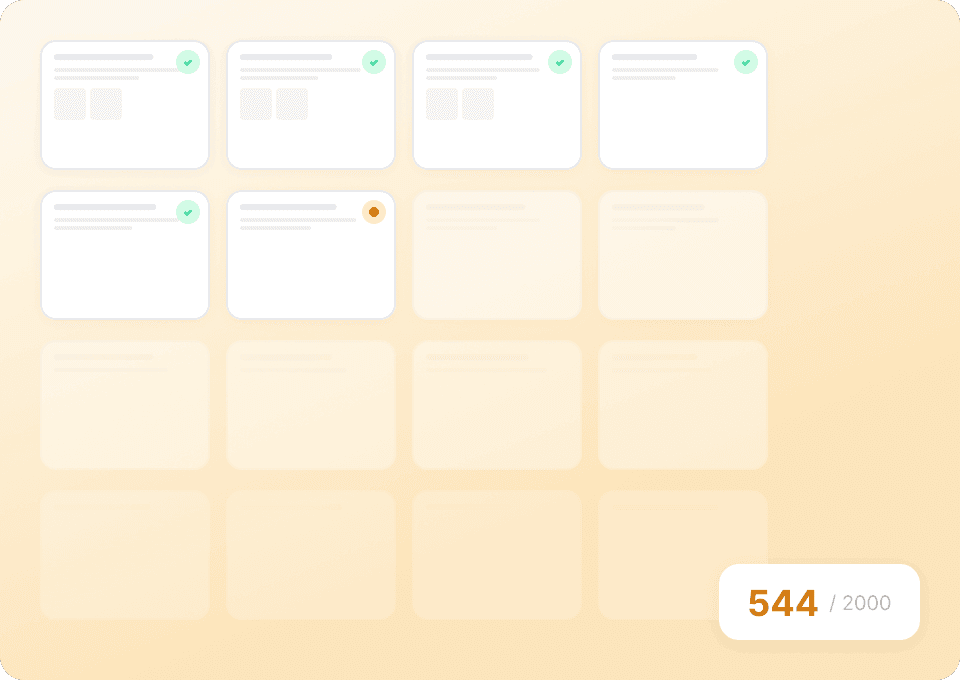
Walmart research without the browser-tab marathon
Replace repetitive copying with one AI agent run.
Manual product research
Slow to build and hard to repeatThunderbit Agent Mode
A clean table from the pages you chooseWhat to put in a Walmart assortment table
Pick up to 30 visible details, from offer and seller context to delivery and store availability.
- Product Name
- Product URL
- Primary Image URL
- Brand
- Category
- Current Price
- Original Price
- Unit Price
- Savings Amount
- Rollback Badge
- Sponsored Badge
- Star Rating
- Review Count
- Seller Name
- Sold and Shipped By
- Availability
- Shipping Cost
- Delivery Estimate
- Pickup Availability
- Selected Store
- Variant Name
- Size
- Color
- Pack Quantity
- Walmart Product ID
- Model Number
- Short Description
- Key Features
- Return Information
- Captured At
See why users choose Thunderbit
Watch customers explain how Thunderbit turns product pages into structured data they can review, share, and reuse.








Questions about scraping Walmart
What to expect when turning visible Walmart pages into structured data.
Add competitor shelves to the same workbook
Pair the Walmart assortment with Amazon marketplaces, Target fulfillment, Costco packs, or Best Buy electronics.

Sur la table Scraper
The Thunderbit Sur La Table Scraper lets you extract data from Sur La Table’s products, search results, cooking classes, and store locations. Use AI-powered field suggestions to quickly gather product details, class schedules, and store information for analysis or business insights.
Learn more ->
Superdelivery Scraper
The Thunderbit Superdelivery Scraper enables you to extract product data from Superdelivery vendor SKU lists and category pages. Use AI-powered field suggestions to quickly gather product names, prices, images, brands, and vendor details for inventory management, price comparison, or market research.
Learn more ->
Sharaf DG Scraper
The Thunderbit Sharaf DG Scraper enables you to extract structured data from Sharaf DG's product listings and SKU pages. Use AI-powered field suggestions to quickly gather product names, prices, descriptions, images, ratings, and specifications for analysis or research. Ideal for e-commerce professionals, marketers, and researchers seeking detailed Sharaf DG data.
Learn more ->
ÇiçekSepeti Scraper
The Thunderbit ÇiçekSepeti Scraper lets you extract product data from ÇiçekSepeti, including listings and SKU details. Use AI-powered field suggestions to quickly gather product names, prices, images, discounts, and codes for analysis or inventory management. Ideal for e-commerce professionals, marketers, and researchers.
Learn more ->
Vatan Bilgisayar Scraper
The Thunderbit Vatan Bilgisayar Scraper lets you extract data from Vatan Bilgisayar's product listings and SKU pages. Use AI-powered field suggestions to quickly gather product names, prices, discounts, images, and product codes for analysis or research. Ideal for e-commerce professionals, marketers, and researchers seeking structured Vatan Bilgisayar data.
Learn more ->
PTTAVM Scraper
The Thunderbit PTTAVM Scraper enables you to extract structured data from PTTAVM product listings and SKU pages. Gather product names, prices, discounts, images, and detailed descriptions quickly using AI-powered field suggestions. Ideal for e-commerce professionals, marketers, and researchers seeking accurate PTTAVM data.
Learn more ->Ready to supercharge your data extraction?
Join 200,000+ professionals already using Thunderbit to automate their web scraping workflows.
Free trial provides unlimited credits for 8 webpages.



