Thunderbit’s Waitrose Scraper helps you turn Waitrose.com product pages into clean, structured data using AI. You can extract grocery listings, prices, promotions, and availability from offers and organic categories, then export to Excel, Google Sheets, Airtable, or Notion. All you do is open the page, let AI suggest the right columns, and scrape.
🛒 What is Waitrose Scraper
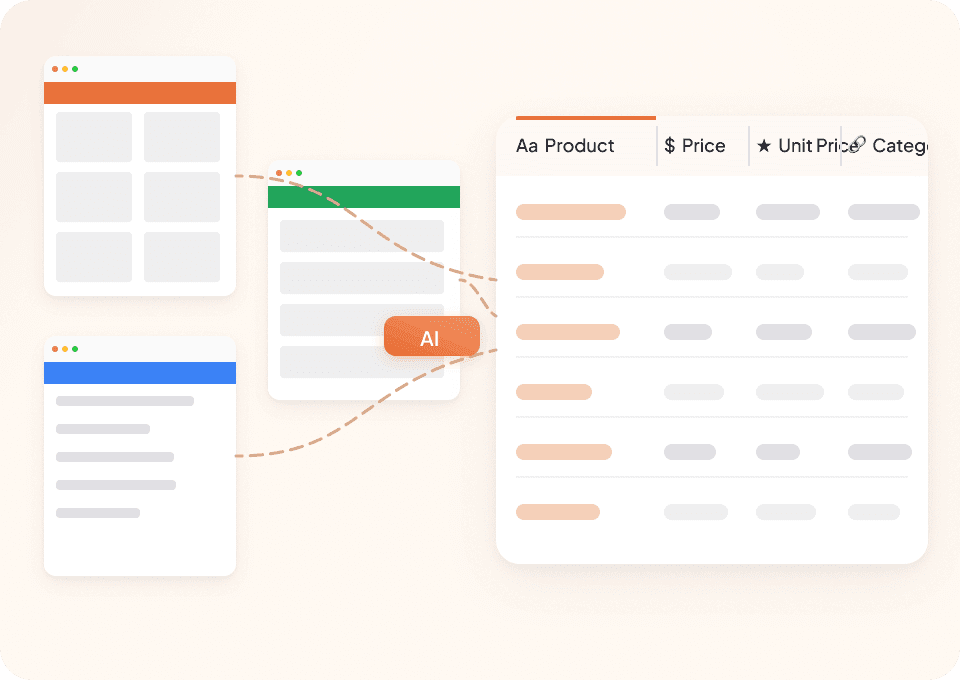
The AI-Powered Waitrose Scraper is an that lets you scrape data from in a simple workflow. Navigate to any Waitrose listing page (like offers or organic groceries), click AI Suggest Columns, then click Scrape to generate a structured table you can download or export.

Thunderbit is especially useful when you need:
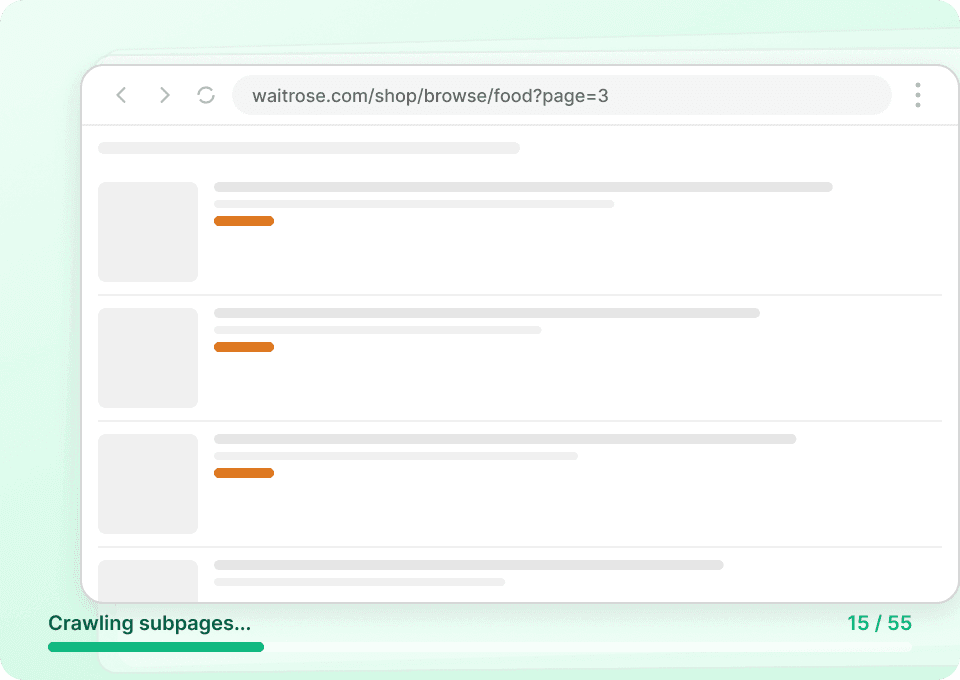
- Pagination scraping across multiple listing pages
- Subpage scraping to open each product page and enrich your dataset with nutrition, ingredients, and more
- Fast exports to Excel, Google Sheets, Airtable, and Notion (export is free)
🧾 What can you scrape with Waitrose
Waitrose pages are rich with product and promotion data. With Thunderbit, you can scrape listings for analysis, price tracking, promo monitoring, and assortment research.
Scrape Waitrose Weekly Multi-Buy & Flash Offers
This use case focuses on the , where you can capture promotional pricing, multi-buy mechanics, and product availability for weekly tracking or competitor benchmarking.

Steps:
- Download the and register an account.
- Go to the destination page, for example: .
- Click AI Suggest Columns to generate recommended column names and data types.
- Click Scrape to run the scraper, then download or export your data.
Column names
| Column | Description |
|---|---|
| 🏷️ Product Name | The product title shown in the offer listing. |
| 🌐 Product URL | The link to the product detail page (useful for subpage scraping). |
| 💷 Current Price | The current listed price (including promo price when applicable). |
| 🔖 Promotion Text | Offer messaging such as multi-buy, flash offer, or limited-time deal details. |
| 💰 Was Price | The previous price (when shown) for discount calculations. |
| 📦 Pack Size / Weight | Size information like grams, liters, count, or multipack details. |
| 🧾 Price per Unit | Unit price (e.g., per 100g, per kg, per item) for comparisons. |
| ✅ Availability | In stock / out of stock messaging when visible on the listing. |
| 🖼️ Product Image | Main product image URL (great for Airtable/Notion image fields). |
| 🗂️ Category / Offer Section | The offer group or section the item appears under (if present). |
Scrape Waitrose Healthy & Organic Market Analysis
This use case targets the so you can analyze organic assortment, pricing, and product positioning across brands and subcategories.

Steps:
- Download the and register an account.
- Go to the destination page, for example: .
- Click AI Suggest Columns to generate recommended column names and data types.
- Click Scrape to run the scraper, then download or export your data.
Column names
| Column | Description |
|---|---|
| 🥬 Product Name | The organic product name as listed. |
| 🌐 Product URL | Direct link to the product page for enrichment via subpage scraping. |
| 🏭 Brand | Brand name when shown on the listing. |
| 💷 Price | Current price displayed for the product. |
| 🧾 Price per Unit | Unit price for apples-to-apples comparisons across pack sizes. |
| 📦 Pack Size / Weight | Size/weight/count details for normalization and analysis. |
| 🧪 Dietary / Attribute Tags | Labels like organic, vegan, gluten-free, or other on-page tags (when present). |
| ⭐ Rating / Reviews | Star rating and/or review count if displayed. |
| ✅ Availability | Stock status messaging when visible. |
| 🖼️ Image URL | Product image URL for cataloging and reporting. |
| 🧭 Category Path | Category breadcrumb or subcategory context (if available). |
📈 Why Use Waitrose Tool
Scraping Waitrose data is useful when you need consistent, structured inputs for reporting and decision-making.
Common reasons you might scrape Waitrose:
- Ecommerce & retail ops: Track weekly promotions, multi-buy mechanics, and price changes across categories.
- Brand & category teams: Monitor assortment coverage in organic/healthy ranges and compare price per unit across competitors.
- Marketing teams: Build promo calendars, identify discount patterns, and measure visibility of featured products.
- Analysts & researchers: Create datasets for trend analysis (e.g., organic pricing inflation, promo depth, pack-size shifts).
- Sales teams (CPG and suppliers): Collect evidence of shelf presence, promo participation, and pricing for account reviews.
Thunderbit’s AI approach also helps with long-tail layouts and frequent UI changes, since it reads the page and structures the data each run. For more background, see and .
🧩 How to Use Waitrose Chrome Extension
- Install the Thunderbit Chrome Extension: Get it from the and create your account.
- Navigate to a Waitrose page: Open an offers or category page like or .
- Activate AI-Powered Scraper: Click AI Suggest Columns to generate fields, then adjust column names and data types if needed.
Extra tips for better datasets:
- Use Pagination Scraping to capture more than one page of listings.
- Use Subpage Scraping to open each product URL and add fields like ingredients, nutrition, allergens, or detailed descriptions into the same table.
- Export to spreadsheets fast using or .
💳 Pricing for Waitrose
Thunderbit uses a credit system:
- 1 credit = 1 output row in your results table
- The AI-powered scraping workflow (AI Suggest Columns + Scrape) is available to try right away
- On the Free tier, you can scrape 6 pages per month
- If you start a free trial, you can scrape 10 pages for free to evaluate your workflow before upgrading
If you scrape a Waitrose listing and get 200 products, that typically means about 200 rows, which uses 200 credits (especially relevant when you scrape multiple pages or schedule recurring runs).
Paid plans scale with your needs, and the yearly option is usually the most cost-effective due to the discount:
- Starter: $15 monthly or $9 yearly (billed yearly)
- Pro plans increase credits for larger monitoring and reporting workflows
You can review options on .
❓ FAQ
-
What is the AI Powered Waitrose Scraper?
The AI Powered Waitrose Scraper is a Thunderbit workflow that extracts structured data from Waitrose.com pages like offers and organic categories. Instead of manually copying product names and prices, you let AI detect the right fields and generate a table you can export.It’s designed for business tasks like promo tracking, assortment analysis, and price monitoring, and it can also enrich results by visiting product subpages.
-
What is Thunderbit?
is an AI web scraping and productivity Chrome extension that helps you collect data from websites, PDFs, and images into structured formats. It’s built for teams in sales, ecommerce operations, marketing, and real estate who want results quickly without building scrapers from scratch.You can also export to Excel, Google Sheets, Airtable, or Notion, and exports are free.
-
Do I need coding skills to scrape Waitrose.com?
No. You can scrape Waitrose by opening the page and clicking AI Suggest Columns and Scrape. Thunderbit is designed for non-technical workflows, so you can focus on what data you need rather than how to extract it.If you want more control, you can rename columns, change data types, and add field instructions.
-
Can Thunderbit scrape product detail pages for ingredients and nutrition?
Yes. Use Subpage Scraping to visit each product URL and add extra columns like ingredients, allergens, nutrition tables, or long descriptions. This is useful for organic market research, compliance checks, and catalog enrichment.Subpage scraping is also helpful when listing pages don’t show all attributes you need.
-
How does Thunderbit handle pagination and infinite scroll on Waitrose listings?
Thunderbit supports pagination scraping, including click-to-next pages and many infinite scroll patterns. This means you can collect more than what’s visible on the first page and build a complete dataset for a category or offer section.For large runs, Cloud Scraping can speed things up when login is not required.
-
What data can I export from Waitrose pages?
You can export product name, price, unit price, pack size, promo text, availability, image URLs, and product links. With subpage enrichment, you can also export deeper attributes like ingredients, nutrition, and other product metadata shown on the detail page.Thunderbit supports exports to CSV/JSON and direct exports to tools like Google Sheets, Airtable, and Notion.
-
How much does it cost to run a Waitrose scrape?
Cost is based on credits, where 1 credit equals 1 output row. If your scrape returns 300 products, that’s about 300 credits. The free tier lets you scrape 6 pages per month, and the free trial allows 10 pages so you can estimate your typical usage.For ongoing monitoring, a paid plan provides more monthly credits and better value on yearly billing.
-
Can I schedule Waitrose scrapes for weekly offer monitoring?
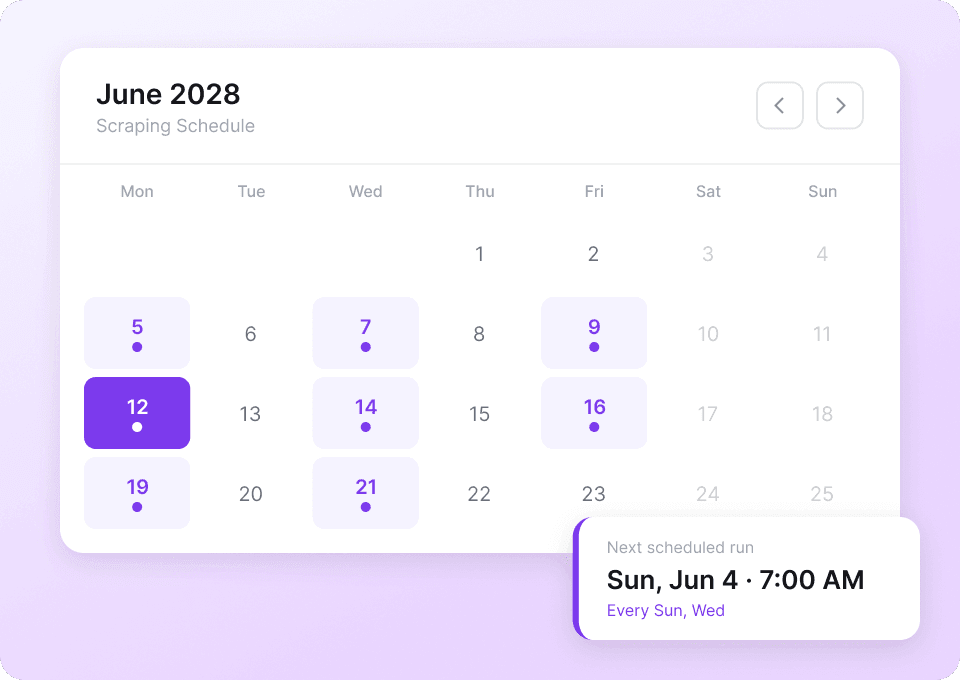
Yes. Thunderbit’s Scheduled Scraper lets you run scrapes automatically at intervals you describe in plain English. This is ideal for tracking weekly multi-buy deals, flash offers, and price changes over time.Scheduled runs help you build a historical dataset for reporting and trend analysis.
-
Is it safe to use Thunderbit with sites that require login?
Thunderbit offers Browser Scraping, which runs in your Chrome session and can access pages you’re logged into. For public pages, Cloud Scraping can be faster because it processes batches of pages in parallel.Choose the mode that matches your access needs and internal data policies.
📚 Learn More
- Get started with the extension:
- Read guides on scraping workflows:
- Learn fundamentals:
- Exporting tutorials:
- Broader tooling overview:
- If you also collect contacts for supplier research:
Ready to build your Waitrose offers and organic pricing dataset with AI: install and run your first scrape from the page you already use.