Twitter Post Scraper: Keep Tweets and Thread Context Together













Keep Twitter Posts and Conversation Context Together
See the post, nearby context, and engagement you can access.
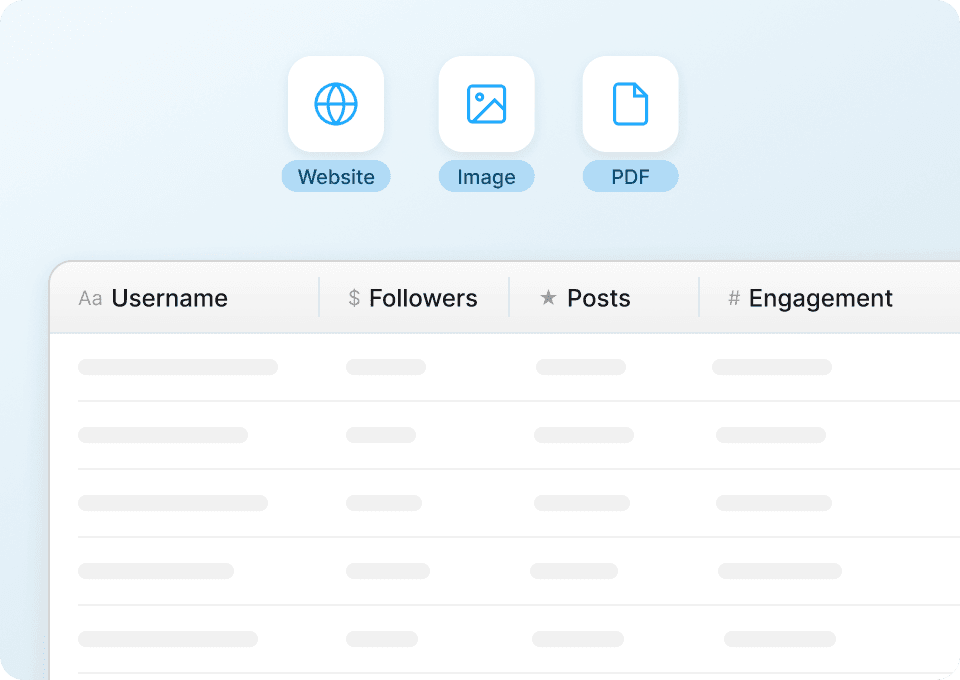
Keep Each Post in One Clean Row
Thunderbit reads the visible parts of a tweet and nearby context—author, text, counts, quotes or reply target, and media—and writes them to columns during extraction. No pattern writing.
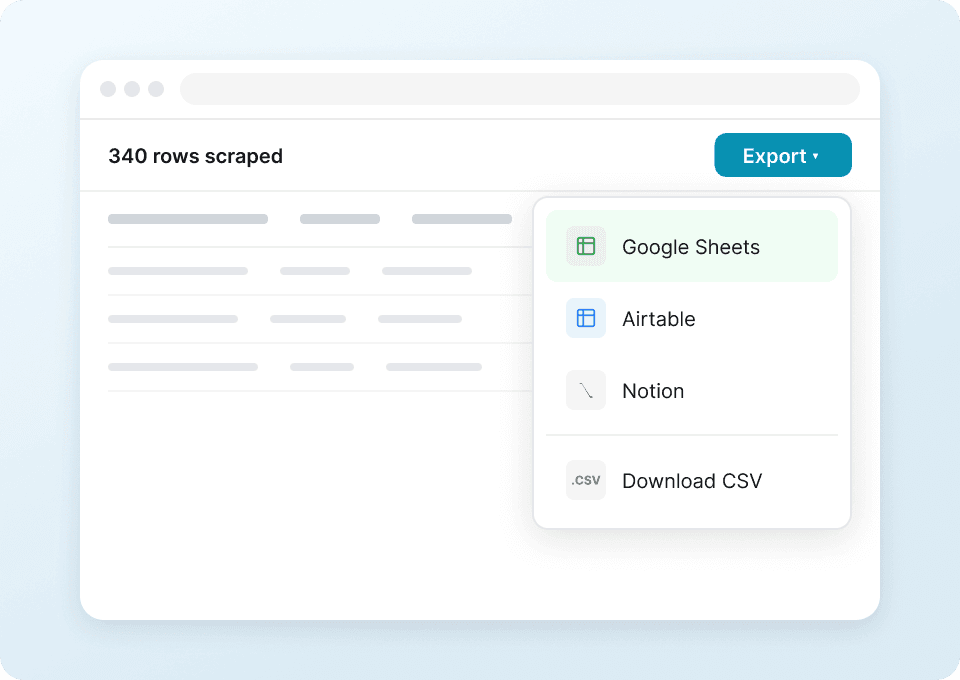
Export Twitter Post Data Directly
Export the captured columns to Google Sheets, Excel, Airtable, or Notion. You can also keep a CSV.
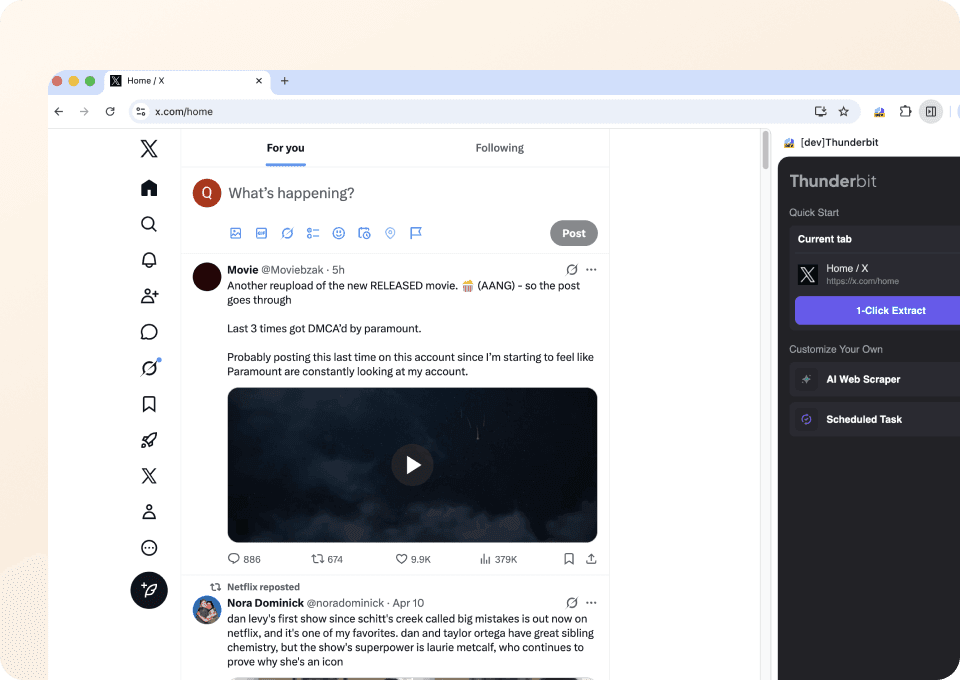
Extract Twitter Posts in One Click
In Agent Mode, suggested fields and extraction run in one go. Before it starts, tell the agent what to include or skip in plain language.
A copied Twitter thread loses its meaning
Manual notes split posts from authors, media, quotes, and replies. Thunderbit keeps visible context together.
Scattered notes from a live thread
Links and counts drift apartPost rows assembled by Thunderbit
Visible context stays with the postColumns for posts, quotes, and replies
Only included when shown on the page you can access.
- post_url
- post_text
- posted_datetime
- author_display_name
- author_username
- author_profile_url
- author_profile_image_url
- verified_badge
- pinned_label
- reply_count
- repost_count
- like_count
- quote_count
- view_count
- hashtags
- mentions
- cashtags
- media_type
- media_urls
- attached_media_count
- external_link_url
- link_domain
- card_title
- card_description
- card_thumbnail_url
- in_reply_to_username
- in_reply_to_post_url
- sensitive_content_warning
- poll_question
- location_name
See conversation research move into rows
In user videos, people show how Thunderbit turns posts, authors, links, and public response counts into clear rows.








FAQs for post‑level research
Answers for studying public Twitter posts you can see.
Study more of a Twitter conversation
Use ready‑made agents for profile bios, search results, thread steps, and media cards.

Minds Scraper
The Thunderbit Minds Scraper lets you extract data from Minds newsfeeds and group members with AI-powered field suggestions. Gather post titles, author names, likes, comments, and group member details for research, marketing, or community analysis. Export structured Minds data quickly and efficiently.
Learn more ->
MeWe Scraper
The Thunderbit MeWe Scraper lets you extract data from MeWe user profiles and group posts with AI-powered field suggestions. Gather profile names, bios, join dates, post content, likes, and comments for research, marketing, or analysis. Ideal for marketers, researchers, and businesses seeking structured MeWe data.
Learn more ->
Parler Scraper
The Thunderbit Parler Scraper lets you extract data from Parler search results and hashtag lists with AI-powered field suggestions. Gather search terms, user posts, hashtags, popularity scores, and more for research, marketing, or content analysis. Ideal for marketers, researchers, and businesses seeking structured Parler data.
Learn more ->
Odnoklassniki Scraper
The Thunderbit Odnoklassniki Scraper lets you extract data from Odnoklassniki groups and game lists with AI-powered field suggestions. Gather group names, descriptions, member counts, game details, ratings, and more for research, marketing, or analysis. Ideal for marketers, researchers, and businesses seeking structured Odnoklassniki data.
Learn more ->
Triller Scraper
The Thunderbit Triller Scraper lets you extract data from Triller blog pages and creator collective profiles. Use AI-powered field suggestions to quickly gather blog titles, publication dates, author names, creator bios, and follower counts for research, marketing, or analysis.
Learn more ->
Mastodon Scraper
The Thunderbit Mastodon Scraper lets you extract data from Mastodon apps and blog pages with AI-powered field suggestions. Gather app names, descriptions, platforms, blog titles, summaries, and publication dates for research, marketing, or analysis. Ideal for developers, marketers, and researchers seeking structured Mastodon data.
Learn more ->Ready to supercharge your data extraction?
Join 200,000+ professionals already using Thunderbit to automate their web scraping workflows.
Free trial provides unlimited credits for 8 webpages.



