TikTok Profile Videos Scraper: Catalog Posts and Engagement













Catalog Videos from a TikTok Profile
From grid tiles to per‑post context, without writing selectors.
Work with the Video Grid You See
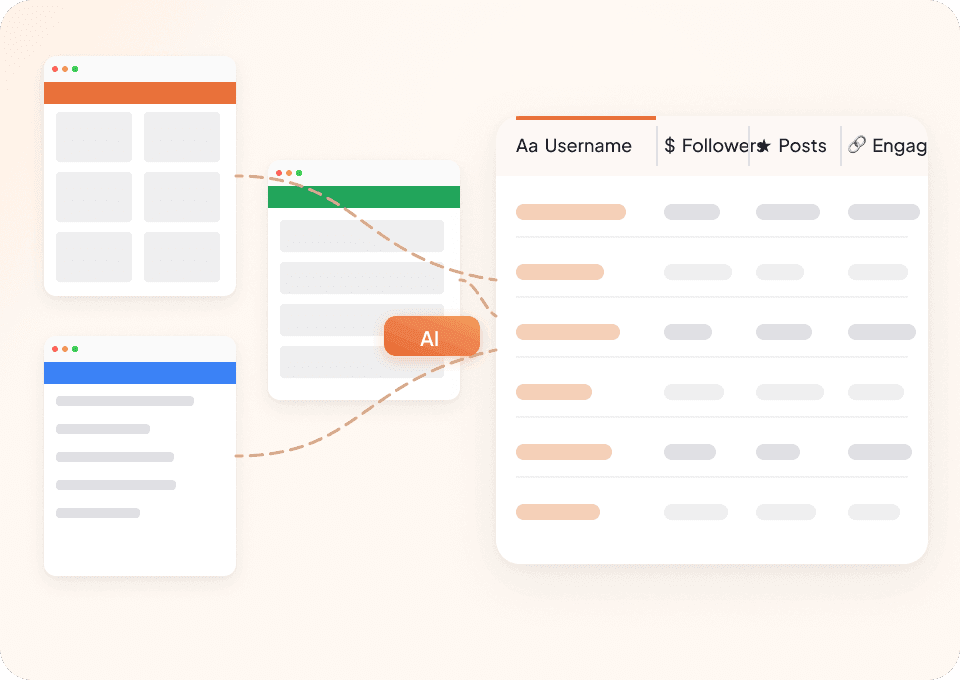
Agent Mode proposes profile and grid fields, then extracts in the same run. It looks for on‑screen labels and content, so you choose what to keep—no manual selector upkeep.

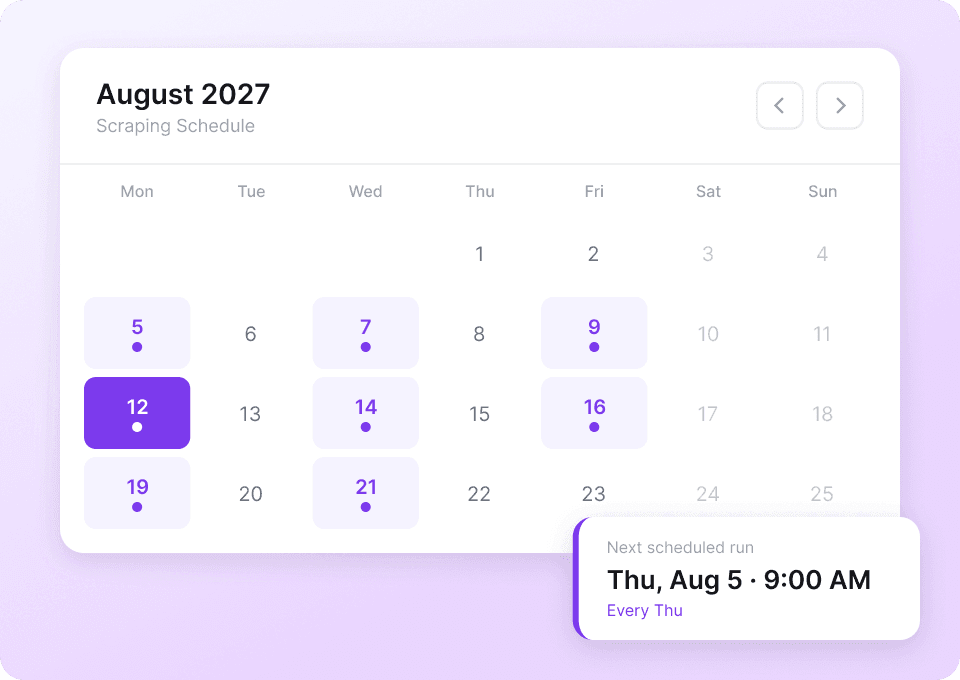
Refresh a Creator’s Video Catalog
Schedule a later run on the profile when you need a new view of its video grid and shown post counts.
Reuse the Workflow on Other Video Sites
Use the same field-led workflow on another public video or creator site, then adjust the labels for that page.
Keeping a creator’s video catalog up to date
Choose between hand‑maintained selectors and Agent Mode.
Manual or selector upkeep
Typical snagsAgent Mode for one profile
What you controlColumns for one creator’s grid and linked videos
Values appear only if TikTok shows them in your current page or follow‑up video pages you can open.
- profile_handle
- display_name
- profile_bio
- profile_website_url
- instagram_link_url
- youtube_link_url
- profile_picture_url
- follower_count
- following_count
- likes_count_total
- profile_verified_badge
- profile_url
- video_id
- video_url
- video_caption
- video_hashtags
- video_mentions
- video_view_count
- video_thumbnail_url
- video_pinned
- publish_date
- like_count
- comment_count
- share_count
- music_title
- music_url
- music_artist
- effect_names
- location_name
- comments_disabled
Watch changing pages become repeatable research
Customer videos show Thunderbit users choosing source pages, changing fields, and saving rows they can check later.






Cataloging one creator: questions we hear
Answers reflect TikTok’s on‑screen data in your session.
Adjacent tasks for creator content analysis
Build catalogs for hashtag result grids, sound pages, or single‑video pages on TikTok, and compare with similar feeds on YouTube Shorts.

Minds Scraper
The Thunderbit Minds Scraper lets you extract data from Minds newsfeeds and group members with AI-powered field suggestions. Gather post titles, author names, likes, comments, and group member details for research, marketing, or community analysis. Export structured Minds data quickly and efficiently.
Learn more ->
MeWe Scraper
The Thunderbit MeWe Scraper lets you extract data from MeWe user profiles and group posts with AI-powered field suggestions. Gather profile names, bios, join dates, post content, likes, and comments for research, marketing, or analysis. Ideal for marketers, researchers, and businesses seeking structured MeWe data.
Learn more ->
Parler Scraper
The Thunderbit Parler Scraper lets you extract data from Parler search results and hashtag lists with AI-powered field suggestions. Gather search terms, user posts, hashtags, popularity scores, and more for research, marketing, or content analysis. Ideal for marketers, researchers, and businesses seeking structured Parler data.
Learn more ->
Odnoklassniki Scraper
The Thunderbit Odnoklassniki Scraper lets you extract data from Odnoklassniki groups and game lists with AI-powered field suggestions. Gather group names, descriptions, member counts, game details, ratings, and more for research, marketing, or analysis. Ideal for marketers, researchers, and businesses seeking structured Odnoklassniki data.
Learn more ->
Triller Scraper
The Thunderbit Triller Scraper lets you extract data from Triller blog pages and creator collective profiles. Use AI-powered field suggestions to quickly gather blog titles, publication dates, author names, creator bios, and follower counts for research, marketing, or analysis.
Learn more ->
Mastodon Scraper
The Thunderbit Mastodon Scraper lets you extract data from Mastodon apps and blog pages with AI-powered field suggestions. Gather app names, descriptions, platforms, blog titles, summaries, and publication dates for research, marketing, or analysis. Ideal for developers, marketers, and researchers seeking structured Mastodon data.
Learn more ->Ready to supercharge your data extraction?
Join 200,000+ professionals already using Thunderbit to automate their web scraping workflows.
Free trial provides unlimited credits for 8 webpages.



