Thunderbit’s Shopify Product Scraper helps you turn Shopify collection pages and product pages into clean, structured datasets using AI. You can extract product listings, SKUs, variants, size matrices, prices, availability, images, and URLs, then export to Excel, Google Sheets, Airtable, or Notion. With AI Suggest Fields, Thunderbit reads the page layout for you and recommends the best columns to scrape.
🛍️ What is Shopify Product Scraper
The Shopify Product Scraper is an that lets you scrape data from Shopify stores (and Shopify-powered brands) using the Thunderbit Chrome Extension. You simply open a Shopify collection page (or any product listing), click AI Suggest Fields, then click Scrape to collect structured data.
Because Shopify stores often hide key details (like variant SKUs, sizes, and availability) inside product pages, Thunderbit’s Subpage Scraping is especially useful: it can visit each product detail page and enrich your table with variant-level data.

🧾 What can you scrape with Shopify Product Scraper
Shopify stores are a goldmine for ecommerce operations, competitive research, and merchandising analysis. With Thunderbit, you can scrape both:
- Collection pages (product listings, prices, URLs, images)
- Product detail pages (variants, SKUs, size matrix, availability, compare-at price, etc.)
Below are two common workflows you can run right away.
SKU Variant & Size Matrix Analysis
This use case focuses on extracting product listings from a Shopify collection page and then enriching the dataset by scraping each product’s subpage to capture variants, sizes, SKUs, and availability. A common example is Gymshark’s all-products collection page:

Steps:
- Download the and register an account.
- Go to the destination page, for example: .
- Click AI Suggest Fields, which recommends column names and data types for this page.
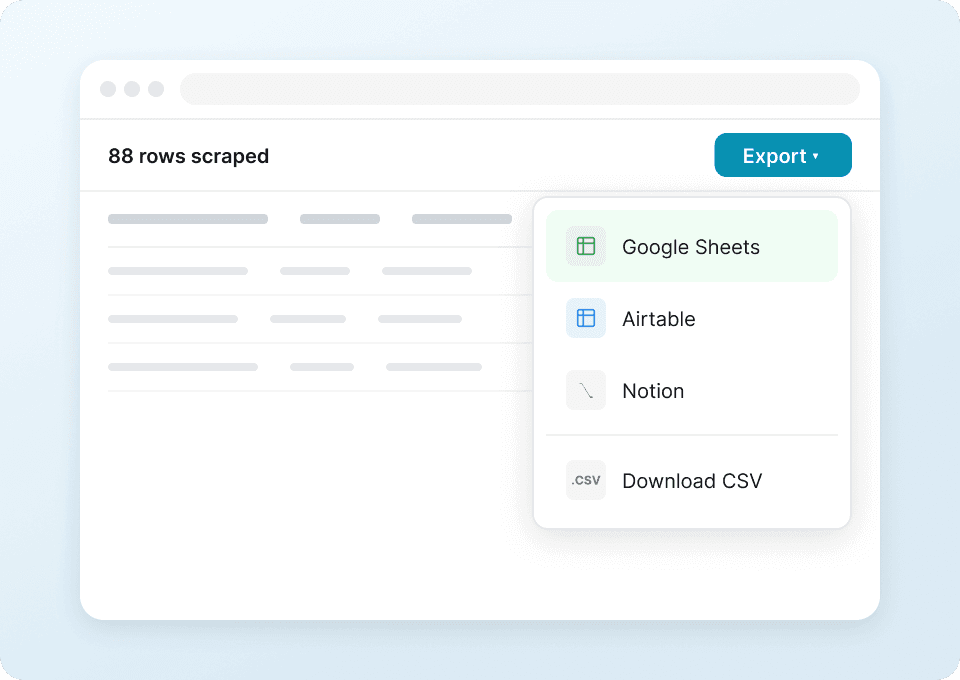
- Click Scrape to run the scraper, then export to Excel, Google Sheets, Airtable, Notion, or download CSV/JSON.
Column names
| Column | Description |
|---|---|
| 🏷️ Product Name | The product title shown on the collection page. |
| 🌐 Product URL | The direct link to the product detail page (used for subpage enrichment). |
| 🧩 Handle | The Shopify product handle (often part of the URL), useful for deduping and matching. |
| 💲 Price | Current listed price on the collection or product page. |
| 🏷️ Compare-at Price | Original price (if shown), useful for discount tracking. |
| 🎨 Color | Color name when available (often a variant attribute). |
| 📏 Size Options | A summarized list of sizes (S, M, L, etc.) extracted from variants. |
| 🧾 Variant Name | Variant title (for example: “Black / M”), typically from the product subpage. |
| 🔢 SKU | Variant SKU when available, pulled from product detail data. |
| ✅ Availability | In stock / out of stock status per product or per variant. |
| 📦 Inventory Note | Any stock messaging like “Low stock” or “Sold out” when present. |
| 🖼️ Image URL | Main product image URL (exportable; uploads to Notion/Airtable image libraries). |
| ⭐ Rating | Rating value if the store displays reviews on listing or product pages. |
| 🧮 Review Count | Number of reviews if shown. |
New Arrival / Trend Discovery
This use case is built for merchandising and marketing teams who want to monitor what’s new across Shopify stores. You can scrape “New Arrivals” pages, capture product metadata, and schedule recurring runs to spot trends early. Example: ColourPop new arrivals:

Steps:
- Download the and register an account.
- Go to the destination page, for example: .
- Click AI Suggest Fields to generate recommended columns for product discovery.
- Click Scrape to collect the data and export it to your preferred tool.
Column names
| Column | Description |
|---|---|
| 🆕 Collection Name | The collection being scraped (for example: New Arrivals), helpful for categorization. |
| 🏷️ Product Name | Product title as displayed on the listing page. |
| 🌐 Product URL | Link to the product page for deeper enrichment and tracking. |
| 💲 Price | Current price shown on the listing. |
| 🏷️ Compare-at Price | Original price if the product is discounted. |
| 🧴 Product Type | Product category/type when available (often on the product page). |
| 🏢 Brand/Vendor | Vendor field if exposed by the theme or product schema. |
| 🖼️ Image URL | Primary image URL for creative review and catalog building. |
| 📝 Short Description | Short marketing copy if present on listing cards or product pages. |
| 🧾 Tags | Product tags when available (useful for trend clustering). |
| ✅ Availability | In stock / out of stock status. |
| 🗓️ First Seen Date | A timestamp you can add during export to track when an item appeared. |
🎯 Why Use Shopify Product Scraper Tool
Scraping Shopify product data is useful when you need repeatable, structured product intelligence without manual copy-paste.
Common reasons you might scrape Shopify stores:
- Ecommerce operators: Build competitor price books, monitor promotions, and track assortment changes across collections.
- Merchandising teams: Analyze size matrices and variant availability to understand what sells out and where gaps exist.
- Sales teams and agencies: Create lead lists of Shopify brands, then enrich with product counts, categories, and positioning.
- Marketing teams: Track new arrivals, identify trending product types, and build swipe files of product imagery and messaging.
- Data teams: Export clean tables to Excel/Sheets/Airtable/Notion for reporting and dashboards.
Thunderbit is designed for business workflows: AI reads the page structure each time, so you spend less time maintaining brittle scrapers when themes or layouts change.
If you want more background on modern scraping workflows, these guides help:
- Browse more tutorials on the
🧩 How to Use Thunderbit Chrome Extension
- Install the Thunderbit Chrome Extension: Get it from the and create your account.
- Navigate to a Shopify collection or product page: For example, a collection like or .
- Activate AI-Powered Scraper: Click AI Suggest Fields to generate column names, data types, and optional field prompts. You can edit columns to match your workflow (pricing, variants, images, tags).
- Scrape and enrich with subpages: Click Scrape for the listing page, then use Scrape Subpages to pull variant-level details from each product page. Export to Excel, Google Sheets, Airtable, or Notion with free export.
💳 Pricing for Thunderbit
Thunderbit uses a simple credit system:
- 1 credit = 1 output row in your results table
- AI-powered scraping is included, and data export is free (Excel, Google Sheets, Airtable, Notion, CSV, JSON)
You can start with the Free tier and scrape 6 pages per month. If you start a free trial, you can scrape 10 pages for free, which is enough to test a full Shopify collection workflow (including pagination and subpage enrichment).
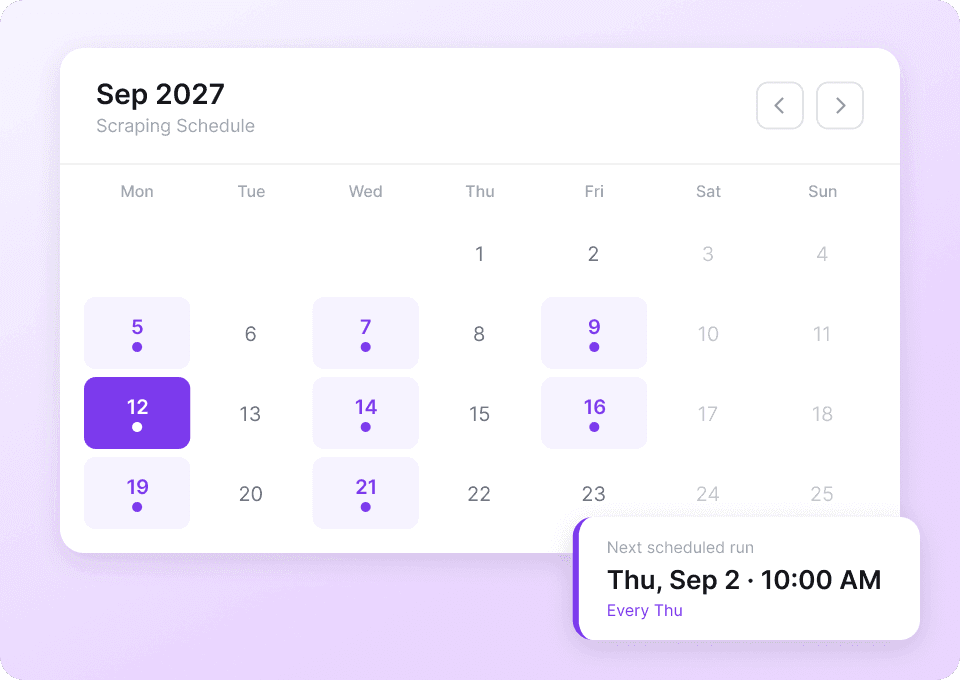
Paid plans are designed for ongoing monitoring (like weekly new-arrival tracking or daily price checks). The yearly plan is typically the most cost-effective option because it includes a discount compared to paying month-to-month.
You can review the latest options on .
❓ FAQ
-
What is the AI Powered Shopify Product Scraper?
The AI Powered Shopify Product Scraper is a workflow in Thunderbit that extracts structured product data from Shopify collection pages and product detail pages. It uses AI to identify fields like product name, price, images, variants, SKUs, and availability, then outputs them into a table you can export. -
What is Thunderbit?
is an AI web scraping and productivity Chrome Extension that helps you extract data from websites, PDFs, and images into structured formats. It’s built for business teams who want fast setup: click AI Suggest Fields, click Scrape, then export the results. -
Can you scrape Shopify variants, SKUs, and size matrices?
Yes. Many Shopify themes show only basic info on collection pages, so Thunderbit can scrape the listing first and then use Subpage Scraping to visit each product page and extract variant-level details like SKU, size, color, and availability. This is ideal for size matrix analysis and stock monitoring. -
Does Thunderbit work on any Shopify store or only Shopify.com?
It works on Shopify-powered storefronts across the web, not just . If you can open the collection page in Chrome, Thunderbit can read the page and suggest fields for scraping. -
How do you handle pagination and infinite scroll on collection pages?
Thunderbit supports pagination scraping for both click-based pagination and infinite scroll patterns. You can scrape multiple pages in one run, which is useful for large catalogs and “all products” collections. -
What is the difference between Cloud Scraping and Browser Scraping for Shopify?
Cloud Scraping is faster and can scrape batches of pages quickly, which is great for public product listings. Browser Scraping runs in your Chrome session and is better when a store requires login, region selection, or cookie-based access to see prices and inventory. -
Can you export Shopify product data to Google Sheets, Airtable, or Notion?
Yes. Thunderbit supports free export to Excel, Google Sheets, Airtable, and Notion, plus CSV/JSON downloads. If you export image fields to Notion or Airtable, Thunderbit can upload images into the workspace’s image library so they display properly. -
How accurate is AI field detection on different Shopify themes?
Shopify themes vary, but Thunderbit’s AI reads the page structure each time you run it, which helps it adapt to layout changes. If a field needs refinement (for example, extracting a normalized size list), you can adjust the column or add a field prompt to guide extraction. -
Is it okay to scrape Shopify stores for competitive research?
Scraping publicly available pages is commonly used for research and analytics, but you should always follow applicable laws, respect privacy, and review the website’s terms. If you’re scraping at scale, consider using scheduling responsibly and avoid collecting sensitive personal data.
📚 Learn More
- Get the extension:
- Explore product updates and guides:
- Learn scraping fundamentals:
- Scrape lists at scale:
- Export workflows:
- See videos and walkthroughs:
- Ready to run Shopify scraping now: