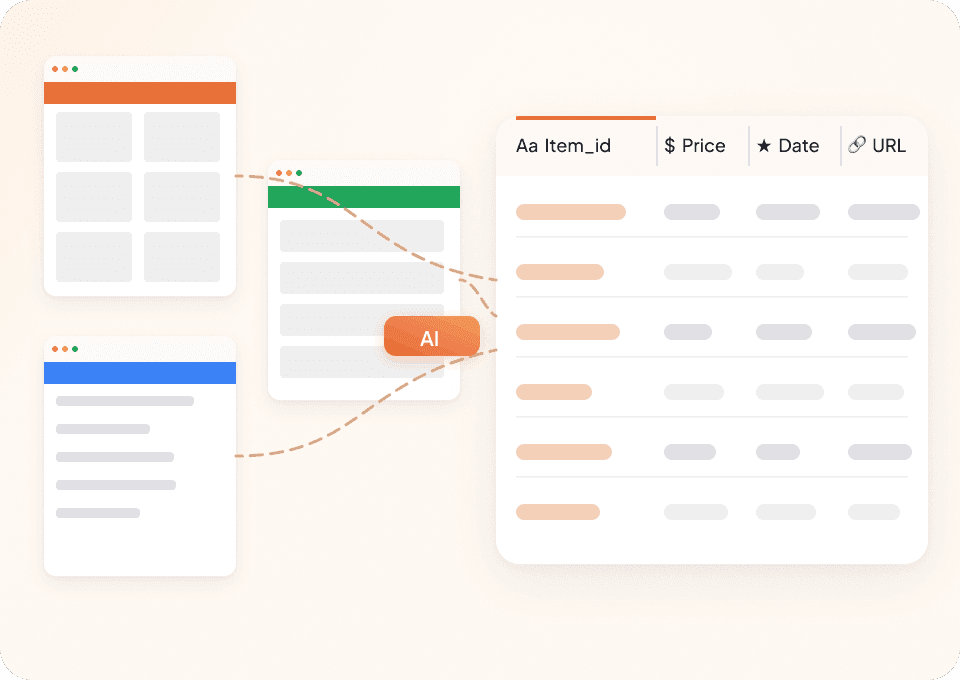
Thunderbit’s Shopify Price Scraper helps you turn Shopify store pages into clean, structured datasets using AI. You can extract product listings, prices, discounts, and availability from Shopify-powered stores, then export to Excel, Google Sheets, Airtable, or Notion. With AI Suggest Columns, Thunderbit reads the page layout for you and recommends the best fields to capture, so you can go from page to spreadsheet in minutes.
🛍️ What is Shopify Price Scraper
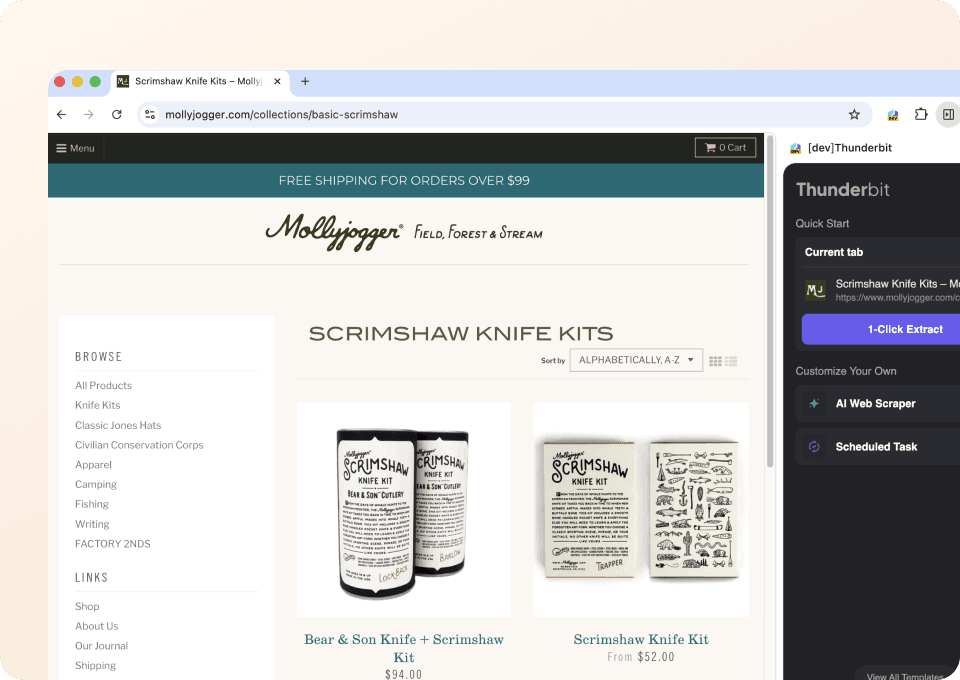
A Shopify Price Scraper is an AI Web Scraper that extracts product and pricing data from Shopify-powered storefronts and organizes it into a table you can download or sync to your tools. With AI Web Scraper (https://thunderbit.com/), you simply open a Shopify collection or promotion page, click AI Suggest Columns, then click Scrape.
Thunderbit is built for real-world ecommerce workflows, including:
- Pagination scraping (click pagination and infinite scroll)
- Subpage scraping to visit each product page and enrich your dataset (variants, SKU, stock, images, etc.)
- Fast Cloud Scraping for public pages, or Browser Scraping when you need to stay logged in

🧾 What can you scrape with Shopify
Shopify stores power millions of ecommerce sites, so “Shopify scraping” usually means extracting product catalogs, pricing, promotions, and inventory signals from any Shopify storefront (not just Shopify.com). Below are two common workflows you can run with Thunderbit’s AI Web Scraper (https://thunderbit.com/).
👟 Scrape Competitor Price Monitoring
Use this workflow to monitor competitor assortment and pricing from a Shopify collection page like Kith’s men’s footwear collection: https://kith.com/collections/mens-footwear. This is useful when you want a repeatable dataset for price comparisons, assortment changes, and new arrivals.

Steps:
- Download the and register an account.
- Go to the destination page, for example: https://kith.com/collections/mens-footwear
- Click AI Suggest Columns to let AI recommend the best column names and data types.
- Click Scrape to run the scraper, then export to Excel, Google Sheets, Airtable, or Notion.
Column names
| Column | Description |
|---|---|
| 🏷️ Product Name | The product title shown on the collection/listing page. |
| 🔗 Product URL | The direct link to the product detail page (useful for subpage scraping). |
| 💵 Price | The current listed price. |
| 🧾 Compare-at Price | The original price (if shown), often used to calculate discount. |
| 📉 Discount % | A computed or extracted discount indicator (when available). |
| 🎨 Colorway / Variant Preview | Any color/variant label visible on the listing card. |
| 🏪 Brand | Brand name if present on the card or derived from the product title. |
| 🖼️ Image URL | The main product image URL (great for Airtable/Notion image fields). |
| ✅ Availability | Signals like “Sold out” or “In stock” when visible on the listing. |
| 🕒 Scrape Timestamp | The time the row was collected for tracking changes over time. |
Tip: After scraping the collection page, click Scrape Subpages in Thunderbit to visit each product URL and enrich your table with SKU, full image gallery, materials, size availability, and more.
🏷️ Scrape Flash Sale & Discount Tracking
Use this workflow to track promotions and discount-heavy pages like Fashion Nova promotions: https://www.fashionnova.com/collections/promotions. This is ideal for monitoring markdown depth, promo cadence, and which products are being pushed during sales windows.

Steps:
- Download the and register an account.
- Go to the destination page, for example: https://www.fashionnova.com/collections/promotions
- Click AI Suggest Columns to generate recommended fields for promo tracking.
- Click Scrape to collect the data and export it to your preferred format.
Column names
| Column | Description |
|---|---|
| 🏷️ Product Name | The product title as displayed in the promotions grid. |
| 🔗 Product URL | Link to the product page for subpage enrichment and auditing. |
| 💲 Sale Price | The discounted price currently shown. |
| 🧾 Original Price | The pre-discount price (often “compare-at” on Shopify themes). |
| 🧮 Discount Amount | Difference between original and sale price (if derivable). |
| 📉 Discount % | Percent off, extracted or calculated. |
| 🧷 Promo Badge Text | Labels like “Sale”, “Final Sale”, “Limited Time”, when present. |
| 📦 Stock Status | Availability signals such as sold out, low stock, or in stock. |
| 🖼️ Primary Image URL | Main image for catalog review and creative analysis. |
| 🗂️ Collection / Category | The collection name or breadcrumb context when available. |
| 🕒 Scrape Timestamp | Timestamp for building a sale history dataset. |
🎯 Why Use Shopify Tool
Scraping Shopify-powered stores is a practical way to build a reliable view of the market without manual copy/paste. Thunderbit’s AI Web Scraper (https://thunderbit.com/) is designed for business teams that need data they can trust and reuse.
Common reasons you might scrape Shopify stores:
- Ecommerce operators: Track competitor pricing, new arrivals, and stock signals across collections.
- Marketing teams: Monitor promo frequency, discount depth, and merchandising patterns.
- Sales teams: Build lead lists from store locator pages, brand pages, or partner directories (and use Thunderbit’s free Email Extractor and Phone Number Extractor when relevant).
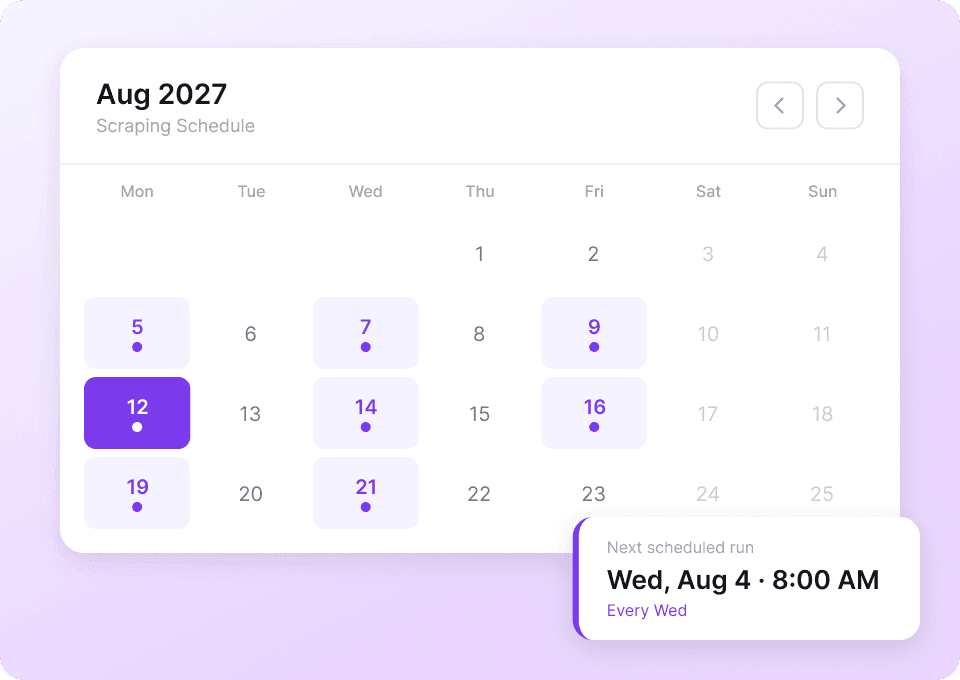
- Analysts: Create time-series datasets by scraping on a schedule and comparing changes week over week.
- Merchandising teams: Audit product naming, variant structure, and image coverage across competitors.
Thunderbit also helps when pages change. Traditional scrapers often break when a theme updates; Thunderbit’s AI reads the page structure each run and adapts.
🧩 How to Use Thunderbit Chrome Extension
- Install the Thunderbit Chrome Extension: Get it from the and create your account.
- Navigate to a Shopify collection or promotions page: For example, https://kith.com/collections/mens-footwear or https://www.fashionnova.com/collections/promotions
- Activate AI-Powered Scraper: Click AI Suggest Column to generate column names, adjust data types (text, number, URL, image), then click Scrape. For deeper product attributes, run Subpage Scraping to visit each product detail page.
If you’re deciding between modes:
- Choose Cloud Scraping for public pages to scrape faster (Thunderbit can process up to 50 pages at a time).
- Choose Browser Scraping when the site requires login, region selection, or you need your current browser session.
💳 Pricing for Thunderbit
Thunderbit uses a credit system:
- 1 credit = 1 output row (one row in your results table)
- Exporting your data is free: download CSV/JSON or send to Excel, Google Sheets, Airtable, or Notion
You can start with the Free tier and scrape 6 pages per month. If you start a free trial, you can scrape 10 pages for free, which is usually enough to test a full workflow (collection scrape + subpage enrichment).
Paid plans are designed for ongoing monitoring:
- Starter: $15/month (or $9/month billed yearly) with 500 credits/month
- Pro plans scale up for larger catalogs and scheduled monitoring
For most ecommerce teams doing recurring tracking, the yearly plan is typically more cost effective because the monthly equivalent is lower. See full details on .
❓ FAQ
-
What is the AI Powered Shopify Price Scraper?
The AI Powered Shopify Price Scraper is a workflow in Thunderbit that uses AI to extract structured product data from Shopify-powered storefronts. You open a collection or promo page, click AI Suggest Columns, and Thunderbit recommends fields like product name, price, compare-at price, and product URL, then scrapes them into a table. -
What is Thunderbit?
is an AI productivity tool and Chrome Extension that helps you scrape data from websites, PDFs, and images into structured formats. It’s built for business users who want fast setup, reliable extraction, and easy exports to tools like Google Sheets, Airtable, and Notion. -
Can Thunderbit scrape any Shopify store, or only Shopify.com?
You can scrape Shopify-powered stores across the web, not just Shopify.com. Many brands run on Shopify, and Thunderbit can extract data from their collection pages, search results, and product detail pages. -
What data can I extract from Shopify collection pages?
Collection pages usually expose product name, price, image, and product URL, and sometimes badges like “Sale” or “Sold out.” Thunderbit’s AI can detect what’s available on the page and propose the right columns, then you can refine them before scraping. -
How do I scrape product variants like sizes and colors?
Variants are often on the product detail page rather than the collection grid. Use Subpage Scraping in Thunderbit to visit each product URL and enrich your dataset with variant names, availability by size, SKU (when visible), and additional images. -
Does Thunderbit handle pagination and infinite scroll on Shopify themes?
Yes. Thunderbit supports pagination scraping for both click-to-next pagination and infinite scroll layouts. This matters for large collections where products are spread across many pages. -
What’s the difference between Cloud Scraping and Browser Scraping for Shopify sites?
Cloud Scraping is faster and works well for public pages because Thunderbit runs the extraction on cloud infrastructure. Browser Scraping runs in your Chrome session, which is better when a site needs login, location selection, age gates, or other session-based access. -
How much does it cost to scrape Shopify product data?
Thunderbit charges by credits, where 1 credit equals 1 output row in your results. You can scrape 6 pages per month for free, and the free trial allows 10 pages, so you can validate your workflow before choosing a paid plan on . -
Can I schedule Shopify scraping for daily or weekly price monitoring?
Yes. Thunderbit’s Scheduled Scraper lets you describe the interval in plain English and run scrapes automatically. This is useful for competitor price monitoring, promo tracking, and stock status checks without manual work.
📚 Learn More
- Get started with the
- Read:
- Read:
- Read:
- Browse more guides on the