Rakuten Scraper for Products, Prices, and Points













Read Rakuten as a collection of shop offers, not just product cards
Keep the price beside the points, coupon, delivery terms, and shop that give the number meaning.
Separate the numbers that change the deal
A Rakuten card can place price, points, coupons, and delivery signals side by side. One Click Extract recommends columns for the page in front of you; plain-English instructions let you keep each part of the offer distinct.
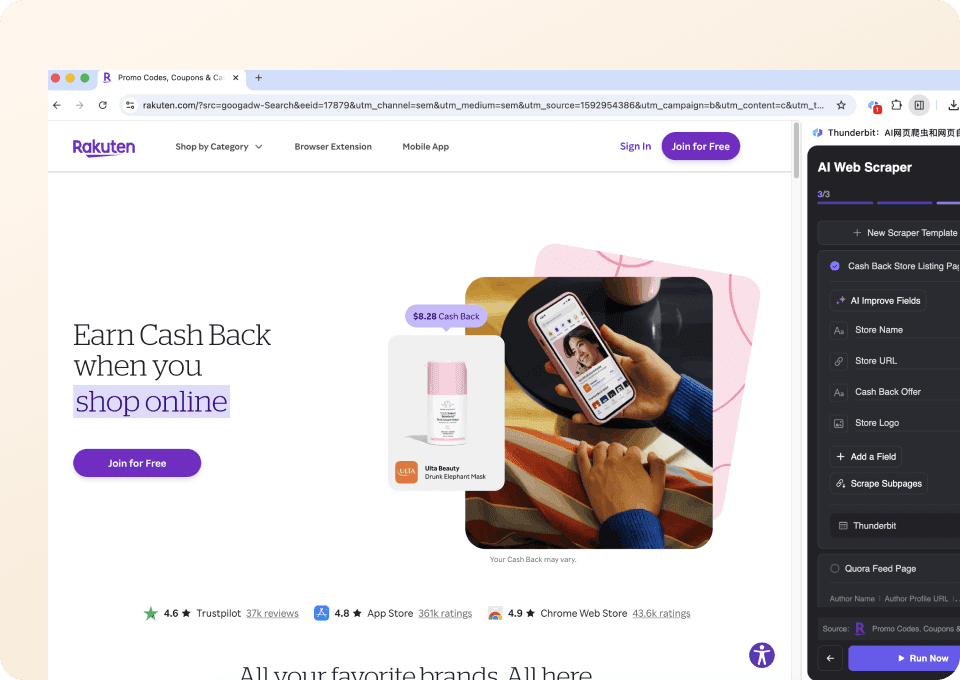
Let the item page finish the row
When the listing leaves out the shop, shipping conditions, variation, rating, or stock note, Agent Mode can open the accessible item link and add what is visible. Linked pages are on by default and can be switched off.
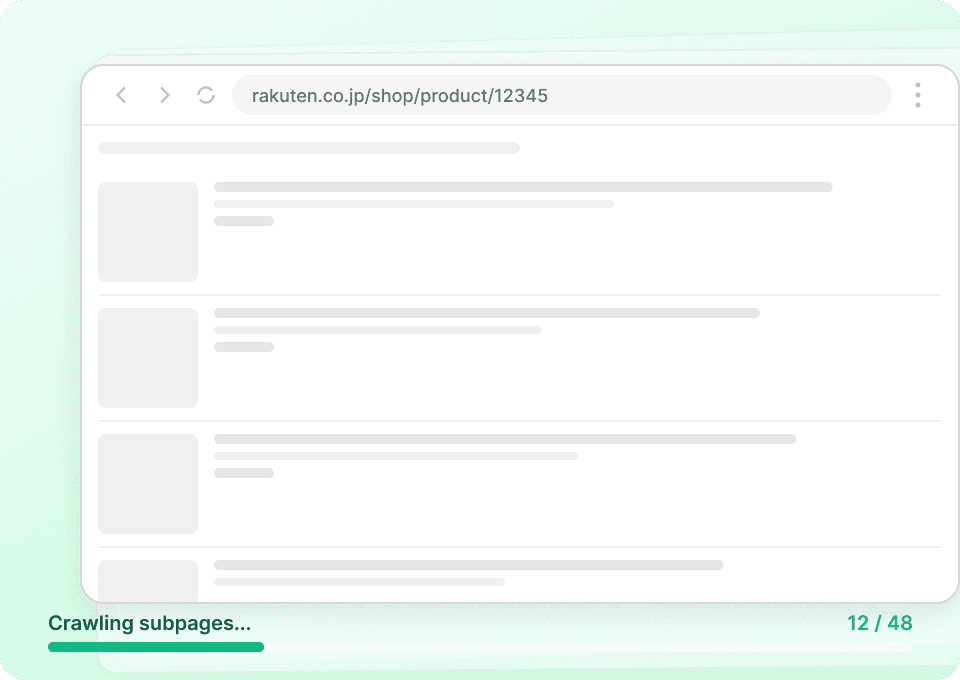
Turn a shortlist of URLs into a comparison sheet
Paste the Rakuten pages already shortlisted by your team and name the evidence the sheet needs. Thunderbit collects the accessible values into matching columns, so each shop offer can be reviewed without a hand-built join.
Keep the shop, points, and delivery terms beside every Rakuten price
A conventional scraper often returns an isolated number. Thunderbit builds a row around the way Rakuten actually presents an offer.
A price copied without its conditions
The spreadsheet loses the buying contextA Rakuten offer reconstructed in one row
The comparison keeps its evidenceWhat data can you extract from Rakuten?
Choose from 30 fields covering products, prices, points, shops, shipping, ratings, stock, and item details shown on Rakuten pages.
- Product name
- Product URL
- Product ID or item code
- Primary image URL
- Shop name
- Shop URL
- Current displayed price
- Price currency
- Reference or original price
- Discount amount
- Discount percentage
- Point amount
- Point multiplier
- Coupon label
- Sale or campaign label
- Shipping fee
- Free-shipping label
- Shipping destination
- Estimated delivery
- Availability
- Stock note
- Average rating
- Review count
- Review page URL
- Category or breadcrumb
- Brand or manufacturer
- Model number
- Variation
- Product description
- Product specifications
How people use Thunderbit in real research workflows
Watch users explain which browser tasks they handed to Thunderbit and what became easier once the information arrived in a usable table.






Questions that matter when collecting Rakuten product data
Rakuten listings can combine marketplace-wide information with details controlled by each shop.
Continue the product comparison beyond Rakuten
Use another marketplace or retail scraper when the same products, brands, or offers also need to be checked elsewhere.

Sur la table Scraper
The Thunderbit Sur La Table Scraper lets you extract data from Sur La Table’s products, search results, cooking classes, and store locations. Use AI-powered field suggestions to quickly gather product details, class schedules, and store information for analysis or business insights.
Learn more ->
Superdelivery Scraper
The Thunderbit Superdelivery Scraper enables you to extract product data from Superdelivery vendor SKU lists and category pages. Use AI-powered field suggestions to quickly gather product names, prices, images, brands, and vendor details for inventory management, price comparison, or market research.
Learn more ->
Sharaf DG Scraper
The Thunderbit Sharaf DG Scraper enables you to extract structured data from Sharaf DG's product listings and SKU pages. Use AI-powered field suggestions to quickly gather product names, prices, descriptions, images, ratings, and specifications for analysis or research. Ideal for e-commerce professionals, marketers, and researchers seeking detailed Sharaf DG data.
Learn more ->
ÇiçekSepeti Scraper
The Thunderbit ÇiçekSepeti Scraper lets you extract product data from ÇiçekSepeti, including listings and SKU details. Use AI-powered field suggestions to quickly gather product names, prices, images, discounts, and codes for analysis or inventory management. Ideal for e-commerce professionals, marketers, and researchers.
Learn more ->
Vatan Bilgisayar Scraper
The Thunderbit Vatan Bilgisayar Scraper lets you extract data from Vatan Bilgisayar's product listings and SKU pages. Use AI-powered field suggestions to quickly gather product names, prices, discounts, images, and product codes for analysis or research. Ideal for e-commerce professionals, marketers, and researchers seeking structured Vatan Bilgisayar data.
Learn more ->
PTTAVM Scraper
The Thunderbit PTTAVM Scraper enables you to extract structured data from PTTAVM product listings and SKU pages. Gather product names, prices, discounts, images, and detailed descriptions quickly using AI-powered field suggestions. Ideal for e-commerce professionals, marketers, and researchers seeking accurate PTTAVM data.
Learn more ->Ready to supercharge your data extraction?
Join 200,000+ professionals already using Thunderbit to automate their web scraping workflows.
Free trial provides unlimited credits for 8 webpages.



