Thunderbit’s Nordstrom Scraper helps you turn Nordstrom product pages into clean, structured data using AI. You can extract women’s clothing listings and sale items, then export fields like product name, brand, price, ratings, images, and product URLs to your favorite tools. With the AI Web Scraper, you click AI Suggest Columns to let AI structure the data, then click Scrape to download it.
🛍️ What is Nordstrom Scraper
The Nordstrom Scraper is an AI Web Scraper that lets you scrape product listings and item details from in a couple of clicks. Using the , you simply open a Nordstrom category page, click AI Suggest Columns, and then click Scrape to collect structured product data.

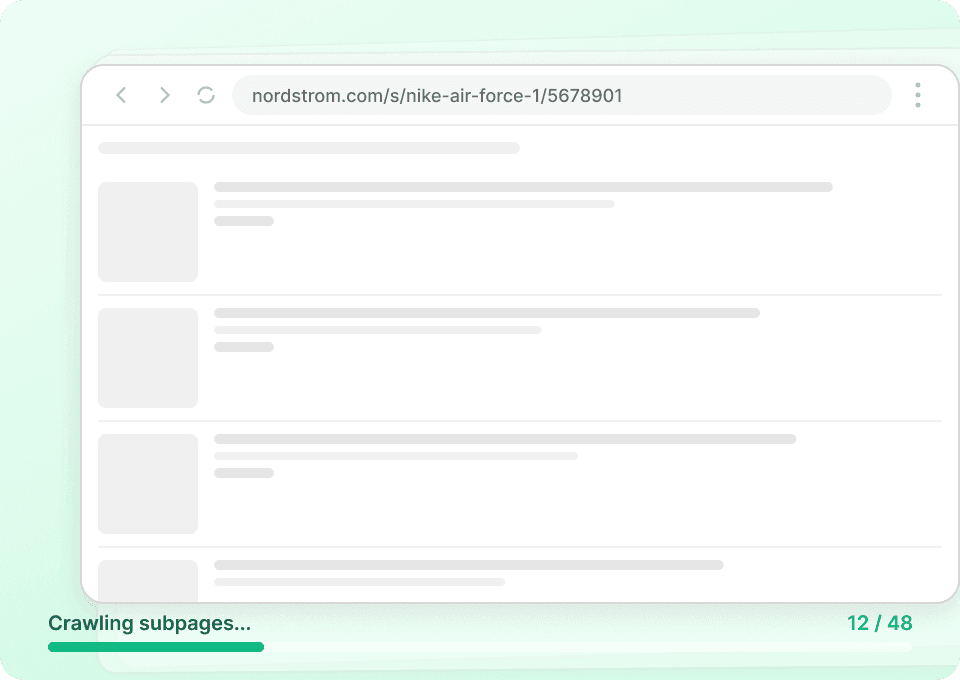
Thunderbit is especially useful for ecommerce operations because it can handle pagination, infinite scroll, and even subpage scraping (visit each product page to enrich your table with sizes, colors, materials, and more).
🧾 What can you scrape with Nordstrom
Nordstrom has rich product catalogs that are useful for pricing analysis, assortment tracking, merchandising research, and competitive monitoring. Below are two common workflows you can run with Thunderbit’s .
👗 Scrape Nordstrom Women’s Clothing
This use case focuses on extracting product listings from the Nordstrom women’s clothing category page, including key merchandising fields like brand, price, rating, and product links. It’s ideal when you want a structured dataset for category analysis, brand coverage, or trend tracking.
Use case page:

Steps:
- Download the and register an account.
- Go to the destination page, for example: .
- Click AI Suggest Columns, which recommends column names based on the page.
- Click Scrape to run the scraper, get data, and download the file.
Column names
| Column | Description |
|---|---|
| 🏷️ Product Name | The product title shown in the listing (great for catalog matching). |
| 🧵 Brand | The brand name associated with the product. |
| 💲 Price | Current listed price (Thunderbit can capture formatted price text). |
| 🏷️ Original Price | The pre-discount price when available (useful for markdown analysis). |
| 🔖 Discount | Discount amount or percent if shown on the listing. |
| ⭐ Rating | Average star rating displayed on the product card. |
| 🧾 Review Count | Number of reviews shown for the product. |
| 🎨 Color Options | Color count or color labels when visible on the listing. |
| 📏 Size Availability | Any size info shown on the card (or enrich via subpages). |
| 🖼️ Image URL | Main product image link (exportable to Notion/Airtable image fields). |
| 🔗 Product URL | Direct link to the product detail page for subpage enrichment. |
| 🆔 SKU / Style ID | Product identifier if present on the listing or via subpage scraping. |
🏷️ Scrape Nordstrom Sale Items
This use case extracts products from Nordstrom’s sale section so you can monitor markdowns, compare discount depth across brands, and track inventory signals over time. It’s a strong fit for competitive pricing research and promo intelligence.
Use case page:

Steps:
- Download the and register an account.
- Go to the destination page, for example: .
- Click AI Suggest Columns, which recommends column names.
- Click Scrape to run the scraper, get data, and download the file.
Column names
| Column | Description |
|---|---|
| 🏷️ Product Name | Sale item name as displayed in the sale grid. |
| 🧵 Brand | Brand name for brand-level discount tracking. |
| 💲 Sale Price | The current discounted price. |
| 🏷️ Original Price | The original price (MSRP/list price) when shown. |
| 📉 Discount % | Percent off when displayed (or compute later from prices). |
| 🏷️ Badge / Promo Label | Labels like “Sale”, “Limited-Time Sale”, or other promo tags. |
| ⭐ Rating | Star rating shown on the sale listing. |
| 🧾 Review Count | Review volume for demand proxy analysis. |
| 🖼️ Image URL | Primary image link for catalog QA or creative review. |
| 🔗 Product URL | Link to the product page for subpage scraping. |
| 🧩 Category / Department | Category breadcrumb if visible or extracted from subpages. |
| 🕒 Scrape Timestamp | When the row was collected (useful for price monitoring). |
📈 Why Use Nordstrom Tool
Scraping Nordstrom data is useful when you need a repeatable way to collect product intelligence without manual copy/paste.
Common reasons you might scrape Nordstrom:
- Ecommerce operators: Track competitor assortment, pricing, and markdown cadence across categories.
- Merchandising & retail analysts: Build datasets for brand coverage, price bands, and review distribution.
- Marketing teams: Identify top-rated products, promo patterns, and content opportunities using ratings and review counts.
- Sales & partnerships: Research brand presence and positioning across departments.
- Data teams: Feed structured product data into dashboards, spreadsheets, or internal tools.
Thunderbit stands out because you can:
- Use AI Suggest Columns to generate a clean schema fast
- Use Pagination Scraping for multi-page category results
- Use Subpage Scraping to visit each product URL and enrich your table with deeper attributes (materials, size charts, more images, etc.)
- Export to Excel, Google Sheets, Airtable, or Notion with free export options
If you’re new to scraping, these guides can help:
🧩 How to Use Nordstrom Chrome Extension
- Install the Thunderbit Chrome Extension: Get it from the and create your account.
- Navigate to a Nordstrom page you want to scrape: For example, the or the .
- Activate AI-Powered Scraper: Click AI Suggest Columns to generate column names, adjust data types (text, number, URL, image), and add optional Field AI Prompts if you want formatting or labeling.
- Scrape and export: Click Scrape, then export to Excel/CSV/JSON or send to Google Sheets, Airtable, or Notion.
Tip: If you need details that only appear on product pages (like full color names, materials, or detailed size availability), scrape the listing first, then run Subpage Scraping on the Product URL column to enrich every row.
💳 Pricing for Nordstrom
Thunderbit uses a simple credit system:
- 1 credit = 1 output row (one product row in your results table)
- The AI-powered scraping workflow (AI Suggest Columns + Scrape) is available to try right away
- On the Free tier, you can scrape 6 pages per month
- If you start a free trial, you can scrape 10 pages for free to test your Nordstrom workflows end-to-end
For ongoing needs, you can choose monthly or yearly plans. The yearly option is typically more cost effective because it includes a discount and a larger total credit allocation over time.
You can review plan details on .
| Tier | Pricing (Monthly) | Pricing (Yearly) | Yearly Total Price | Credits (Monthly) | Credits (Yearly) |
|---|---|---|---|---|---|
| Free | Free | Free | Free | 6 pages | N/A |
| Starter | $15 | $9 | $108 | 500 | 5,000 |
| Pro 1 | $38 | $16.5 | $199 | 3,000 | 30,000 |
| Pro 2 | $75 | $33.8 | $398 | 6,000 | 60,000 |
| Pro 3 | $125 | $68.4 | $796 | 10,000 | 120,000 |
| Pro 4 | $249 | $137.5 | $1,592 | 20,000 | 240,000 |
❓ FAQ
-
What is the AI Powered Nordstrom Scraper?
The AI Powered Nordstrom Scraper is a workflow in Thunderbit that uses AI to read Nordstrom pages and convert product listings into structured columns like name, brand, price, rating, and URL. Instead of writing code or building selectors, you click AI Suggest Columns and Thunderbit proposes a table you can scrape and export. -
What is Thunderbit?
is an AI Web Scraper Chrome Extension that helps you extract data from websites, PDFs, and images into structured formats. It’s built for business workflows like lead generation, ecommerce operations, and market research, with exports to Excel, Google Sheets, Airtable, and Notion. -
Can I scrape Nordstrom product details, not just listing pages?
Yes. You can scrape a category or sale listing page first, then use Subpage Scraping to visit each Product URL and pull deeper fields like materials, full color names, size charts, and additional images. This is useful when the listing grid doesn’t show everything you need. -
Does Thunderbit support pagination and infinite scroll on Nordstrom?
Thunderbit supports pagination scraping for pages that use next-page navigation and can also handle infinite scroll patterns depending on how the page loads products. If your results span multiple pages, you can scrape across them and keep the output in one dataset. -
What’s the best way to monitor Nordstrom sale price changes over time?
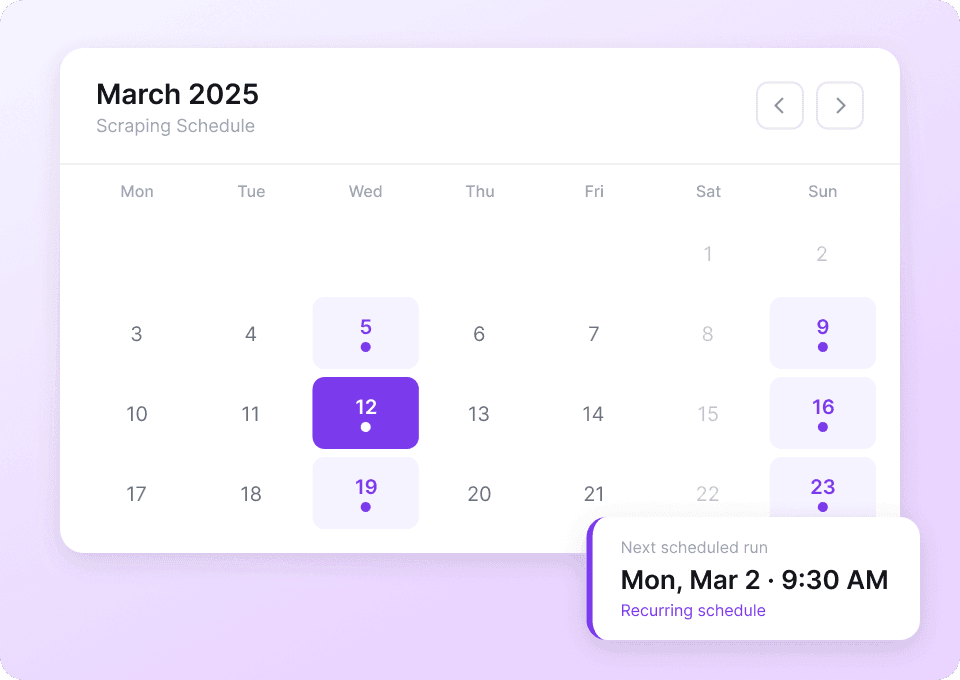
Use Thunderbit’s Scheduled Scraper to run the same sale URLs on a recurring schedule and export results to Google Sheets or Airtable for tracking. Adding a Scrape Timestamp column makes it easier to compare price changes and discount depth across runs. -
Can I export Nordstrom data to Google Sheets or Excel?
Yes. Thunderbit supports free export to Excel (XLSX), CSV, and JSON, and you can also send data directly to Google Sheets, Airtable, or Notion. This makes it easy to share with your team or connect to reporting workflows. -
How many products can I scrape per run?
The practical limit depends on how many pages you scrape and how many rows are on each page, but many Nordstrom workflows fit comfortably within a few hundred rows per run. Since 1 credit equals 1 row, you can estimate cost by the number of products you expect to collect. -
Should I use Cloud Scraping or Browser Scraping for Nordstrom?
If the pages are publicly accessible and don’t require login, Cloud Scraping is usually faster because it can process batches of pages quickly. If you need to scrape content that depends on your session, region, or account state, Browser Scraping is a better fit because it runs inside your Chrome session. -
Is it okay to scrape Nordstrom?
You should always follow applicable laws, respect privacy, and review the website’s terms before scraping. Thunderbit is a productivity tool that helps you collect and structure data; how you use that data and whether it’s permitted for your specific purpose depends on your use case and compliance requirements.
📚 Learn More
- Get started with the extension:
- Explore product updates and guides:
- Learn scraping fundamentals:
- Compare tools:
- Need emails for outreach on other sites too:
Ready to scrape Nordstrom women’s clothing and sale items with AI-structured columns
Sign up on and install the to start scraping in minutes.