Thunderbit’s Morrisons Scraper helps you extract structured product data from using AI, so you can analyze pricing, promotions, dietary tags, and availability without manual copy-paste. You simply open a Morrisons category page, let AI suggest the best columns, then scrape and export the results to Excel, Google Sheets, Airtable, or Notion. It’s built for business workflows where you need clean tables fast, even when pages change layout.
🛒 What is Morrisons Scraper
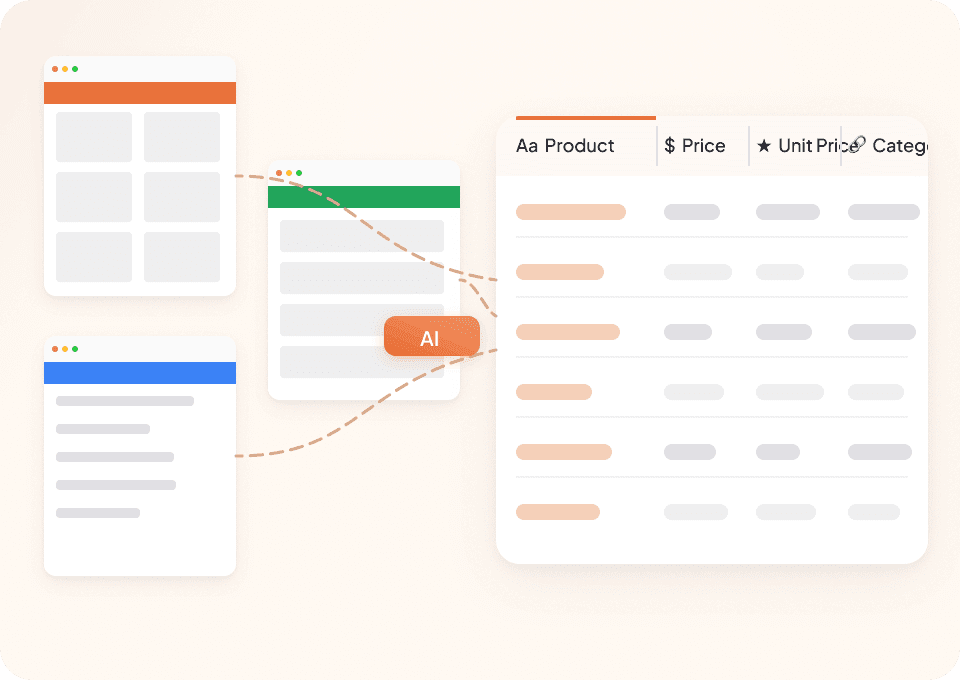
The AI-Powered Morrisons Scraper is an that extracts product listings and item details from and turns them into a structured dataset. With the , you navigate to a Morrisons page, click AI Suggest Columns, then click Scrape to collect data in minutes.

🧾 What can you scrape with Morrisons | Online Shopping from Morrisons
Morrisons category pages are ideal for tracking assortment changes, price movement, promotions, and dietary positioning across time. Thunderbit is especially useful when you want to:
- Monitor a category weekly (or daily) with Scheduled Scraper
- Enrich listing data by visiting each product page with Subpage Scraping
- Export clean tables to your reporting stack (Sheets, Airtable, Notion)
Below are two high-value scraping workflows you can run right away.
🥗 Scrape Dietary & Vegan Market Trends
Use this scraper on the to track vegan, gluten-free, dairy-free, and other lifestyle segments. This is useful for category managers, ecommerce operators, and analysts who want to understand assortment depth, promo intensity, and price bands.

Steps:
- Download the and register an account.
- Go to the destination page, for example: .
- Click AI Suggest Columns to generate recommended column names and data types.
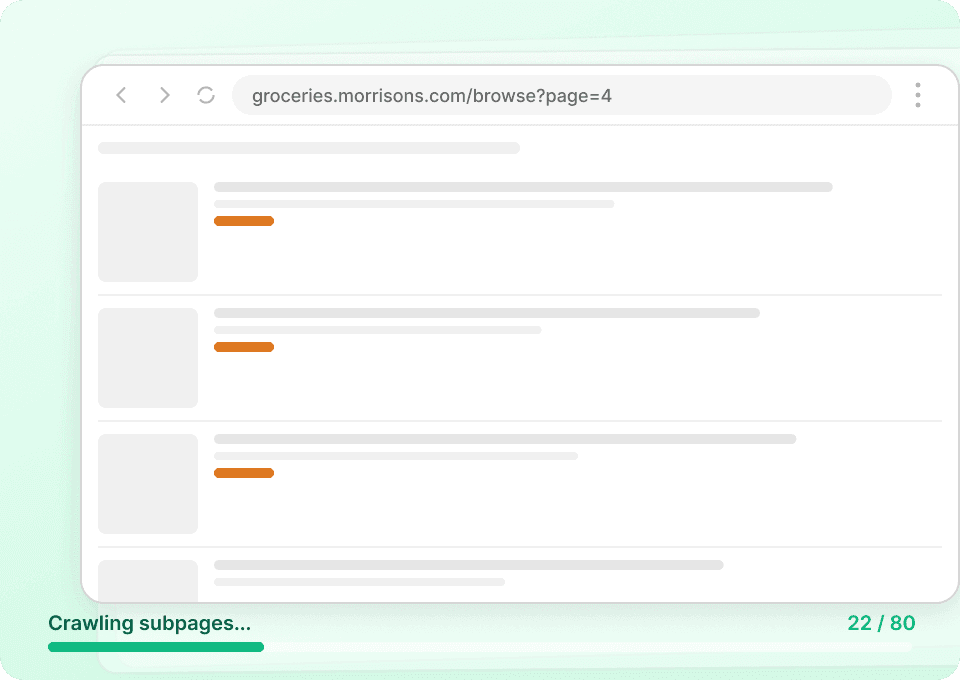
- Click Scrape to run the scraper, then download or export your data.
Column names
| Column | Description |
|---|---|
| 🏷️ Product Name | The product title shown in the listing (great for trend grouping and deduping). |
| 🔗 Product URL | Direct link to the product detail page for subpage enrichment. |
| 💷 Price | Current listed price (capture for price tracking and comparisons). |
| 📦 Pack Size / Weight | Size info such as grams, liters, or count (useful for unit price analysis). |
| 🧮 Unit Price | Price per unit (e.g., £/kg), when available on the page. |
| 🎯 Promotion / Offer | Promo text like multibuy, price drop, or limited-time offer. |
| 🥬 Dietary Tags | Tags such as vegan, vegetarian, gluten-free, dairy-free, etc., when present. |
| ⭐ Rating / Reviews | Star rating and/or review count if displayed for the item. |
| 🖼️ Image URL | Product image link for catalog QA or dashboards. |
| ✅ Availability | In-stock / out-of-stock messaging when visible on the listing. |
🍽️ Scrape Seasonal Food-to-Order Analytics
Use this scraper on the to analyze seasonal ranges, party platters, catering items, and holiday-specific offerings. This is ideal for tracking seasonality, bundle composition, and price positioning across events.

Steps:
- Download the and register an account.
- Go to the destination page, for example: .
- Click AI Suggest Columns to generate recommended column names and data types.
- Click Scrape to run the scraper, then download or export your data.
Column names
| Column | Description |
|---|---|
| 🍱 Item Name | The food-to-order product name (useful for menu mapping and reporting). |
| 🔗 Item URL | Link to the item page for deeper details via subpage scraping. |
| 💷 Price | Listed price for the item or platter. |
| 👥 Serves / Portion Info | “Serves X” or portion guidance when shown (key for value comparisons). |
| 🗓️ Seasonal Label | Any seasonal or event-related label shown on the listing. |
| 🎯 Promotion / Deal | Promo messaging such as bundles or limited-time pricing. |
| 🧾 Short Description | Listing snippet that summarizes what’s included. |
| 🖼️ Image URL | Image link for merchandising review and reporting. |
| ✅ Availability / Order Status | Availability signals (where visible), helpful for operational monitoring. |
| 🏪 Category / Subcategory | The category context (useful when scraping multiple subcategories). |
📈 Why Use Morrisons | Online Shopping from Morrisons Tool
Scraping Morrisons data is useful when you need repeatable, structured ecommerce intelligence without building and maintaining custom scripts.
Common reasons you might scrape Morrisons:
- Ecommerce & category teams: Track price changes, promo frequency, and assortment expansion across dietary ranges.
- CPG & brand teams: Monitor how your products appear (name, pack size, imagery, promos) and compare against adjacent competitors.
- Marketing & analytics: Build datasets for dashboards, campaign planning, and seasonal performance reviews.
- Sales teams: Create product lists and identify gaps in distribution or merchandising signals.
Thunderbit is designed for non-technical workflows:
- AI Suggest Columns reduces setup time
- Pagination scraping helps you capture full category listings (including infinite scroll patterns)
- Subpage Scraping enriches your table by visiting each product page for extra fields (ingredients, nutrition, full description, etc.)
- Free export to CSV/JSON, Excel, Google Sheets, Airtable, and Notion
If you want more background on modern scraping workflows, these guides help:
🧩 How to Use Morrisons | Online Shopping from Morrisons Chrome Extension
- Install the Thunderbit Chrome Extension: Get it from the and create your account on .
- Navigate to a Morrisons category page: Open a page like or .
- Activate AI-Powered Scraper: Click AI Suggest Columns to generate fields (you can rename columns, change data types, and add Field AI Prompts for formatting).
- Scrape, then export: Click Scrape and export to Excel, Google Sheets, Airtable, or Notion (export is free).
Tip: If you need deeper attributes (like ingredients, nutrition, or long descriptions), scrape the listing first, then use Scrape Subpages to enrich each row.
💳 Pricing for Morrisons Scraper
Thunderbit uses a simple credit system:
- 1 credit = 1 output row (one product row in your results table)
- The AI-powered scraper experience (AI Suggest Columns + structured extraction) is included, and you can start without coding.
Free options to try:
- Free tier: scrape 6 pages per month (page-based allowance)
- Free trial: scrape 10 pages for free, which is enough to validate your Morrisons workflow before upgrading
Paid plans scale with your volume. If you scrape regularly (weekly price checks, promo monitoring, seasonal tracking), the yearly plan is typically more cost effective due to the discount.
You can review the latest options on .
❓ FAQ
-
What is the AI Powered Morrisons Scraper?
The AI Powered Morrisons Scraper is a workflow in Thunderbit that extracts product listings and item details from and converts them into a structured table. You click AI Suggest Columns so the AI understands the page layout and data types, then click Scrape to collect the results. -
What is Thunderbit?
is an AI web scraping and web automation Chrome Extension built for business users who want structured data quickly. It helps you scrape websites, PDFs, and images, and export the results to tools like Excel, Google Sheets, Airtable, and Notion. -
What data can I extract from Morrisons category pages?
You can typically extract product name, price, pack size, unit price, promo text, image URL, and product links. Depending on what Morrisons displays, you can also capture dietary tags, ratings, and availability signals. -
Can Thunderbit scrape multiple pages and pagination on Morrisons?
Yes. Thunderbit supports pagination scraping, including click-based pagination and infinite scroll patterns, so you can capture more than what’s visible on the first screen. For larger pulls, Cloud Scraping can speed things up when login is not required. -
How do I scrape product detail pages for ingredients or nutrition?
Start by scraping the category listing to collect Product URL for each item. Then use Subpage Scraping to have Thunderbit visit each product page and append fields like ingredients, nutrition panels, allergens, or full descriptions into the same table. -
Can I export Morrisons data to Google Sheets or Airtable?
Yes. Thunderbit supports free export to Google Sheets, Airtable, Notion, and also lets you download CSV or JSON. This makes it easy to connect your scraped data to dashboards, reporting, or internal tools. -
How much does it cost to scrape Morrisons data?
Cost is based on credits, where 1 credit equals 1 output row. You can try scraping with the free tier (6 pages/month) or the free trial (10 pages) and then choose a plan on the based on how many rows you need each month. -
What’s the difference between Cloud Scraping and Browser Scraping for Morrisons?
Browser Scraping runs in your Chrome session, which is helpful if a site needs your login or location context. Cloud Scraping runs on Thunderbit’s cloud infrastructure and is often faster for public pages, processing up to 50 pages at a time when applicable. -
Will my scraper break if Morrisons changes the page layout?
Traditional scrapers often break when HTML structure changes, but Thunderbit’s AI reads the page fresh and re-infers the structure each run. You can also use AI Improve Fields to refine columns if you notice new elements or want different formatting.
📚 Learn More
- Get the extension:
- Explore product and guides:
- Learn scraping fundamentals:
- Build list workflows:
- Export to spreadsheets:
- Compare tools:
Ready to collect Morrisons product data in a clean table with AI: start with and install the .