Momondo Scraper













Unlock Momondo data with Thunderbit
Effortlessly scrape flight data from Momondo with our extension.
Ditch the copy-paste nightmare
Tired of manually copying flight data from Momondo into spreadsheets? Thunderbit lets you extract airline names, prices, and departure and arrival times with a single click — then instantly export to Google Sheets, Notion, or Airtable. Stop wasting time and start analyzing your Momondo data.
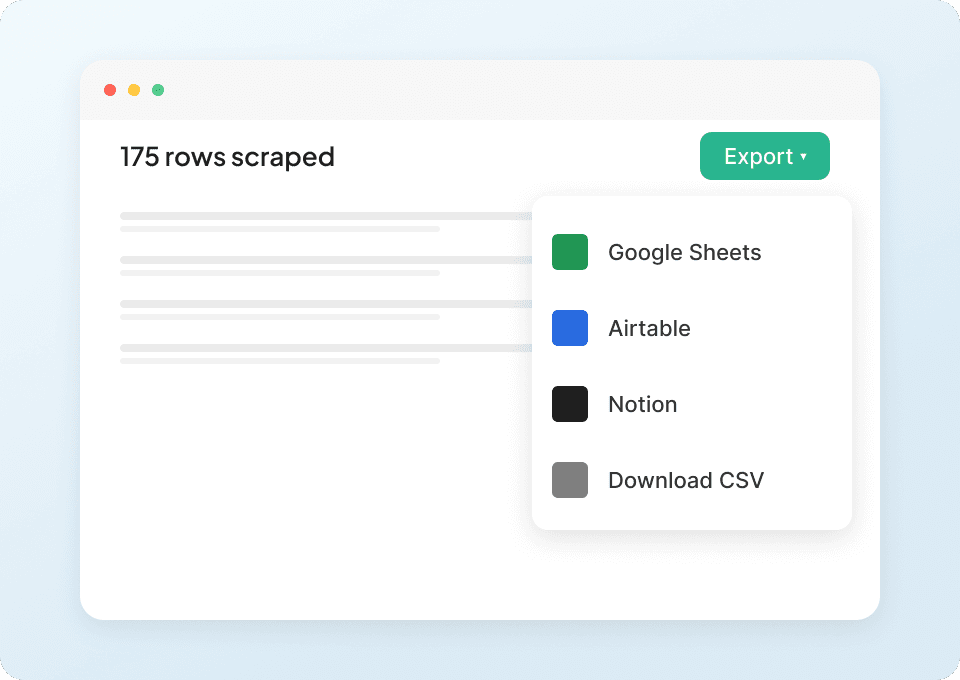
Get the full flight details
Momondo's search results often show only the headline price and times. Thunderbit automatically visits each flight's subpage, pulling in the details that matter — baggage allowance, layover duration, aircraft type — and organizes everything neatly in your chosen workspace.
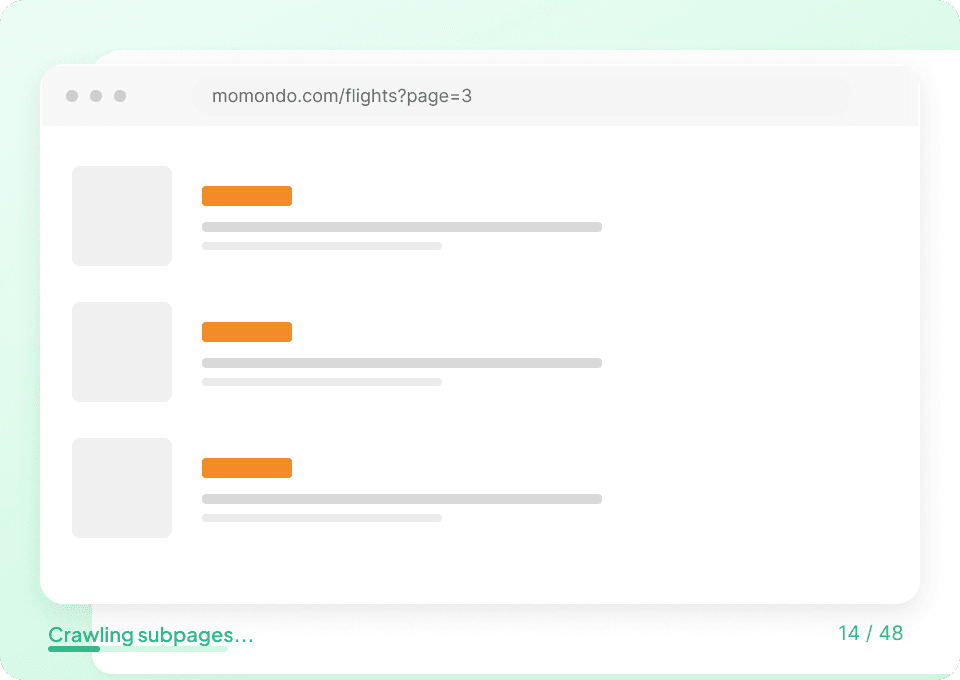
Automate your Momondo data collection
Flight prices and availability on Momondo change constantly. With Thunderbit's scheduled scraping, you can set up automatic data collection to run daily, weekly, or monthly. Get the latest airline, route, departure and arrival times, and pricing data delivered straight to your Google Sheets — no manual effort required.

Why is Thunderbit different from traditional Momondo scrapers?
Extract flight and hotel data from momondo with ease, using AI.
Traditional scrapers
The old way of doing thingsThunderbit AI
The smarter approach






Frequently asked questions
Related use cases
Explore more use cases of Thunderbit's web scraper.

DiveAssist Scraper
The Thunderbit DiveAssist Scraper lets you extract data from DiveAssist membership and dive centre directory pages. Use AI-powered field suggestions to quickly gather membership types, prices, benefits, dive centre names, locations, and contact details for research or business needs.
Learn more ->
HotelsCombined Scraper
The Thunderbit HotelsCombined Scraper lets you extract structured data from HotelsCombined hotel and flight search results. Use AI-powered field suggestions to quickly gather hotel names, prices, ratings, flight details, and more for travel analysis or planning. Ideal for travel agents, researchers, and businesses seeking actionable travel data.
Learn more ->
Viator Scraper
The Thunderbit Viator Scraper lets you extract data from Viator's tours and travel listings with AI-powered field suggestions. Gather tour names, prices, ratings, durations, and more for analysis or research. Ideal for travel agencies, researchers, and tour operators seeking structured Viator data.
Learn more ->
GetYourGuide Scraper
The Thunderbit GetYourGuide Scraper lets you extract data from GetYourGuide activities search results and details pages. Use AI-powered field suggestions to quickly gather activity names, prices, ratings, availability, and locations for travel analysis or content creation. Ideal for travel agencies, researchers, and bloggers seeking structured travel data.
Learn more ->
Klook Scraper
The Thunderbit Klook Scraper lets you extract data from Klook activities and details pages with AI-powered field suggestions. Gather structured information such as activity names, prices, ratings, locations, and availability for travel research, analysis, or marketing. Ideal for travel agencies, researchers, and businesses seeking Klook data.
Learn more ->
Hostelworld Scraper
The Thunderbit Hostelworld Scraper lets you extract data from Hostelworld hotel search results and details pages. Use AI-powered field suggestions to quickly gather hotel names, prices, ratings, room types, and contact information for travel research or analysis. Ideal for travel agents, researchers, and businesses seeking structured accommodation data.
Learn more ->Ready to supercharge your data extraction?
Join 200,000+ professionals already using Thunderbit to automate their web scraping workflows.
Free trial provides unlimited credits for 8 webpages.



