MakeMyTrip Scraper













Extract MakeMyTrip data effortlessly with Thunderbit
Thunderbit lets you scrape flight data from MakeMyTrip in just a few clicks, no coding required.
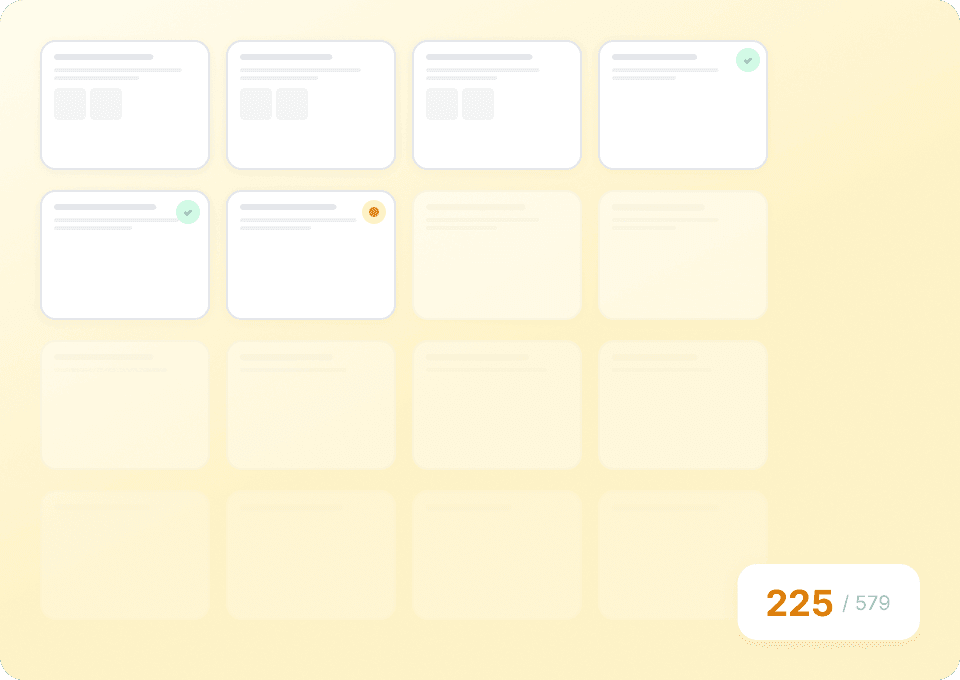
Bulk scrape MakeMyTrip flight data
Manually copying flight numbers, departure times, arrival times, prices, airlines, and stops from MakeMyTrip is tedious and error-prone. With Thunderbit, just provide a list of MakeMyTrip URLs and it automatically extracts all the data you need from hundreds of pages at once — saving you hours of repetitive work.
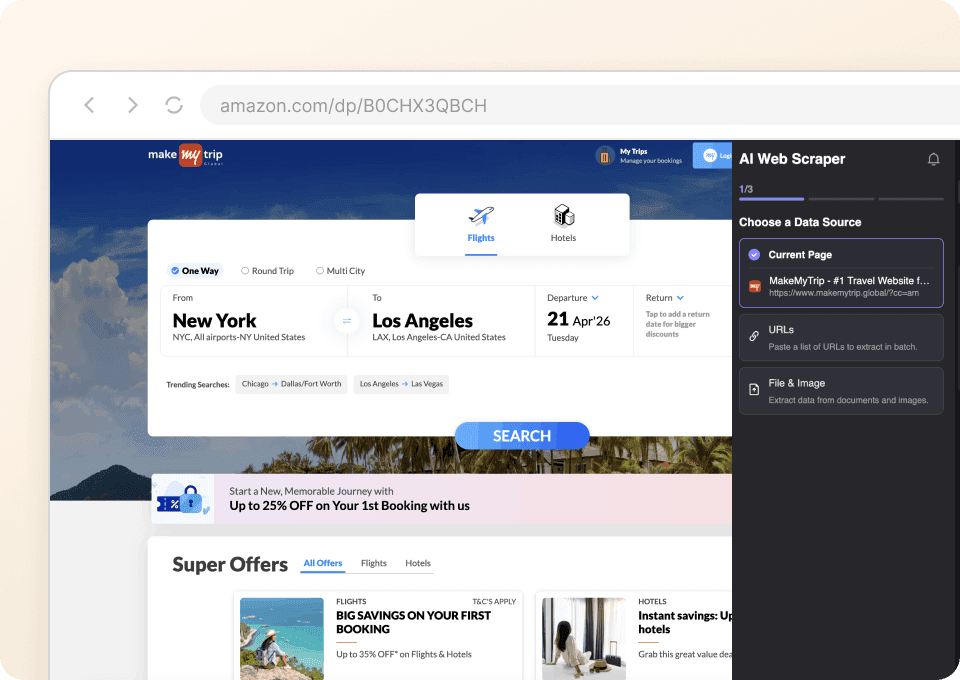
Two clicks to scrape MakeMyTrip
No complicated setups or CSS selectors required. Just point Thunderbit at the data you want — flight number, departure time, price, airline — and click. Thunderbit's AI automatically detects the fields and pulls the information, so you can go from zero to a clean dataset in minutes.
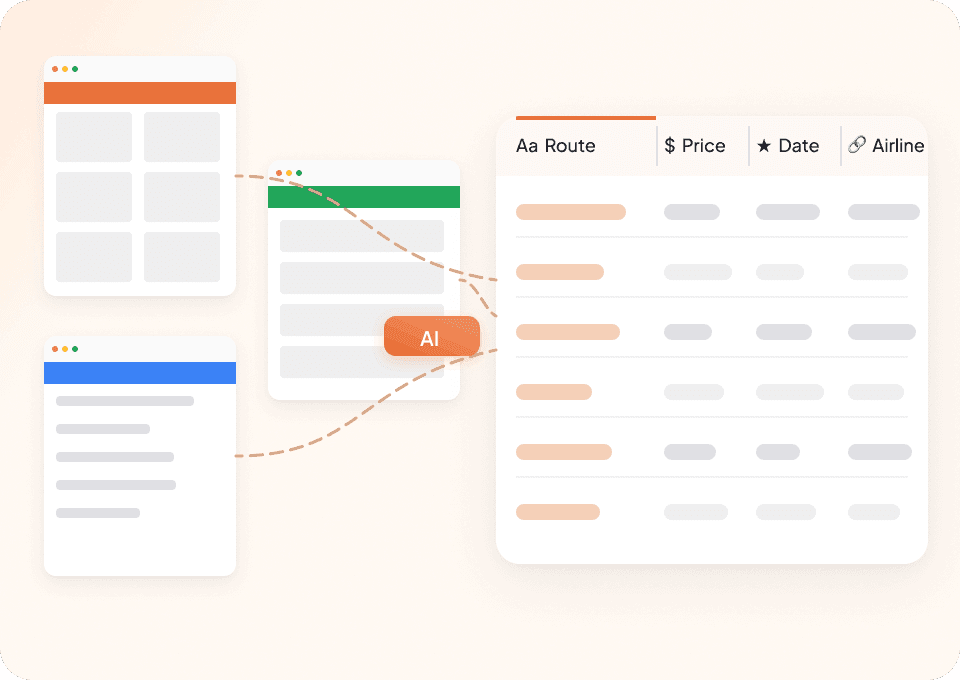
One tool for all your scraping needs
Why juggle different scrapers for every travel site? Thunderbit works on MakeMyTrip and thousands of other websites. With 50+ pre-built templates, you can start scraping right away — and if a template doesn't exist, Thunderbit's AI can extract data from any site out of the box.
Why is Thunderbit different from traditional MakeMyTrip scrapers?
Scrape makemytrip effortlessly with the power of AI.
Traditional scrapers
The old way of doing thingsThunderbit Ai
The smarter approach






Frequently asked questions
Related use cases
Explore more use cases of Thunderbit's web scraper.

DiveAssist Scraper
The Thunderbit DiveAssist Scraper lets you extract data from DiveAssist membership and dive centre directory pages. Use AI-powered field suggestions to quickly gather membership types, prices, benefits, dive centre names, locations, and contact details for research or business needs.
Learn more ->
HotelsCombined Scraper
The Thunderbit HotelsCombined Scraper lets you extract structured data from HotelsCombined hotel and flight search results. Use AI-powered field suggestions to quickly gather hotel names, prices, ratings, flight details, and more for travel analysis or planning. Ideal for travel agents, researchers, and businesses seeking actionable travel data.
Learn more ->
Viator Scraper
The Thunderbit Viator Scraper lets you extract data from Viator's tours and travel listings with AI-powered field suggestions. Gather tour names, prices, ratings, durations, and more for analysis or research. Ideal for travel agencies, researchers, and tour operators seeking structured Viator data.
Learn more ->
GetYourGuide Scraper
The Thunderbit GetYourGuide Scraper lets you extract data from GetYourGuide activities search results and details pages. Use AI-powered field suggestions to quickly gather activity names, prices, ratings, availability, and locations for travel analysis or content creation. Ideal for travel agencies, researchers, and bloggers seeking structured travel data.
Learn more ->
Klook Scraper
The Thunderbit Klook Scraper lets you extract data from Klook activities and details pages with AI-powered field suggestions. Gather structured information such as activity names, prices, ratings, locations, and availability for travel research, analysis, or marketing. Ideal for travel agencies, researchers, and businesses seeking Klook data.
Learn more ->
Hostelworld Scraper
The Thunderbit Hostelworld Scraper lets you extract data from Hostelworld hotel search results and details pages. Use AI-powered field suggestions to quickly gather hotel names, prices, ratings, room types, and contact information for travel research or analysis. Ideal for travel agents, researchers, and businesses seeking structured accommodation data.
Learn more ->Ready to supercharge your data extraction?
Join 200,000+ professionals already using Thunderbit to automate their web scraping workflows.
Free trial provides unlimited credits for 8 webpages.



