Thunderbit’s Magento Scraper helps you turn Magento (Adobe Commerce) pages into clean, structured datasets using AI. You can open a Magento page, click AI Suggest Fields, then click Scrape to extract product names, SKUs, prices, images, and more. It’s built for business workflows, so you can export to Excel, Google Sheets, Airtable, Notion, CSV, or JSON in minutes.
🛍️ What is Magento Scraper
A Magento Scraper is an AI web scraper that extracts product listings and product detail data from Magento (Adobe Commerce) websites and marketplace pages. With , you simply navigate to a target page (like a product listing or extension page), click AI Suggest Fields to let AI detect the best columns, and click Scrape to collect the data.
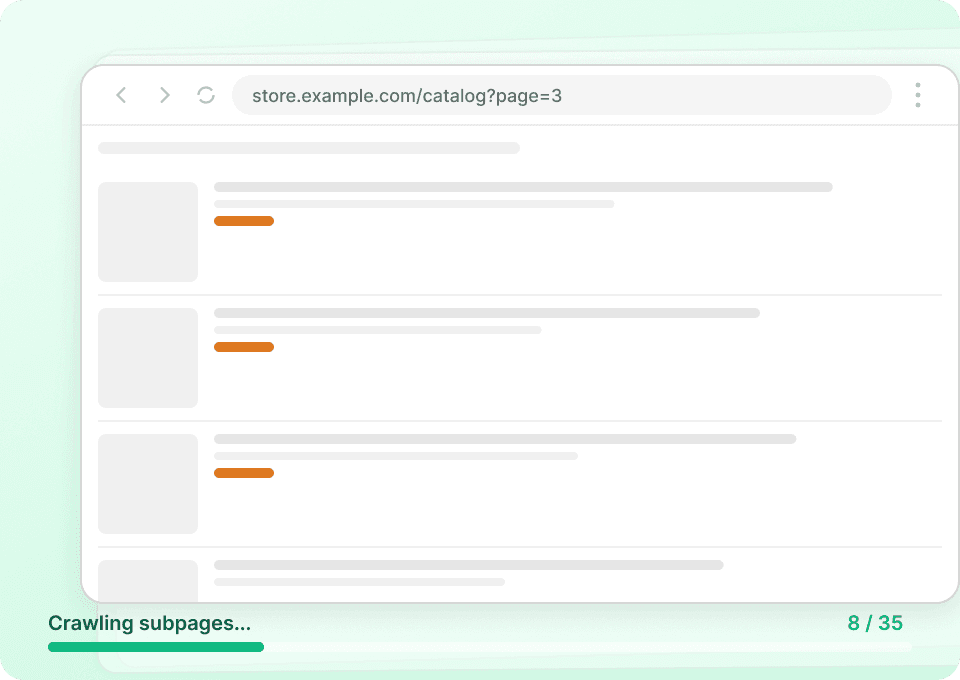
This is especially useful when you need pagination scraping (multiple pages of listings) and subpage scraping (visiting each product/extension detail page to enrich your table with deeper fields like version compatibility, documentation links, or pricing details).

🧾 What can you scrape with Magento Scraper
Magento pages often contain valuable e-commerce and catalog data, but it’s not always in a format you can copy into a spreadsheet. Thunderbit’s AI Web Scraper (https://thunderbit.com/) reads the page like a human and outputs structured rows, so you can build product catalogs, monitor pricing, and track marketplace changes.
Below are two common workflows you can run right away.
🧩 Scrape Magento Product Data Extraction
This use case focuses on extracting structured product/extension information from a Magento marketplace detail page such as:
https://commercemarketplace.adobe.com/extensions/customer-support.html
You can capture key fields (name, vendor, category, compatibility, documentation links) and then use Subpage Scraping to enrich your dataset if the page links out to additional details.

Steps:
- Download the and register an account.
- Go to the destination page, for example: https://commercemarketplace.adobe.com/extensions/customer-support.html
- Click AI Suggest Fields to generate recommended column names and data types.
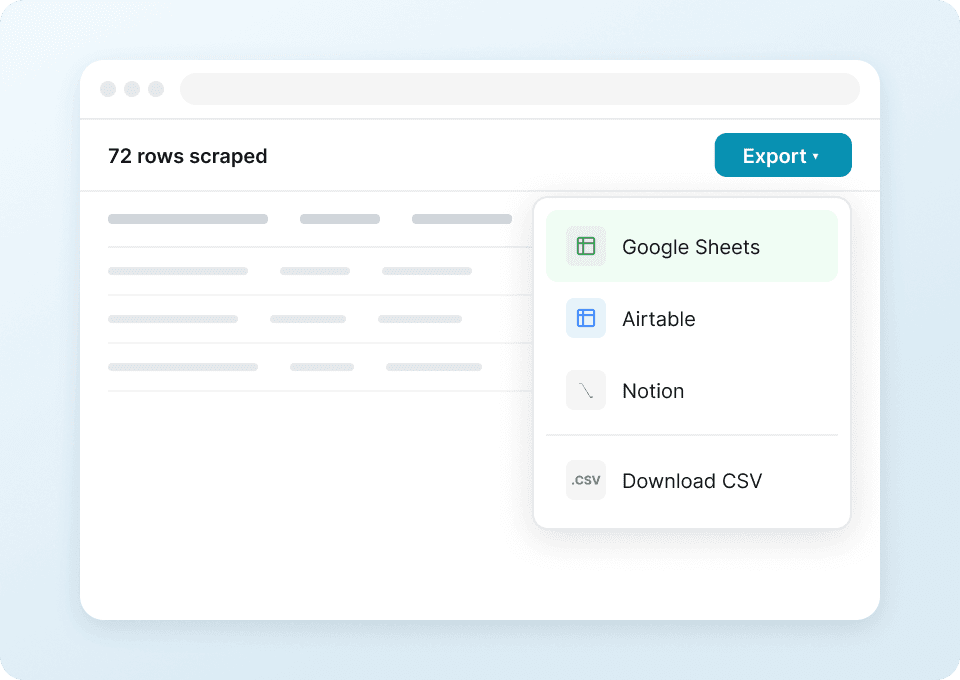
- Click Scrape to run the scraper, then export to Excel, Google Sheets, Airtable, Notion, CSV, or JSON.
Column names
| Column | Description |
|---|---|
| 🏷️ Product / Extension Name | The title of the Magento extension or product shown on the page. |
| 🔗 Product URL | The direct link to the product/extension detail page you scraped. |
| 🧑💻 Vendor / Publisher | The company or developer that publishes the extension. |
| 🧾 Short Description | A brief summary of what the extension does. |
| 🧩 Category | The marketplace category (for example: customer support, checkout, marketing). |
| 🧱 Platform / Edition | Any edition info shown (such as Adobe Commerce / Magento Open Source). |
| 🧰 Version Compatibility | Supported Magento/Adobe Commerce versions listed on the page. |
| 💲 Price | The listed price (or “Free” if applicable). |
| ⭐ Rating | Average rating displayed on the marketplace page (if available). |
| 🗳️ Review Count | Number of reviews (if available). |
| 🖼️ Image / Logo | The main product image or vendor logo URL. |
| 📄 Documentation URL | Link to docs, user guide, or installation instructions (if present). |
💲 Scrape Magento Product Price Monitoring
This use case is designed for tracking price changes and listing updates over time from a Magento marketplace product page such as:
https://commercemarketplace.adobe.com/vdcstore-module-customordernumber.html
You can run this manually when needed, or use Scheduled Scraper to monitor changes on a recurring cadence (daily, weekly, or any interval you describe).

Steps:
- Download the and register an account.
- Go to the destination page, for example: https://commercemarketplace.adobe.com/vdcstore-module-customordernumber.html
- Click AI Suggest Fields to generate recommended monitoring columns (price, availability, last updated, etc.).
- Click Scrape to collect the latest snapshot, then export or schedule recurring runs.
Column names
| Column | Description |
|---|---|
| 🏷️ Product / Extension Name | The name of the item you’re monitoring. |
| 🔗 Product URL | The page URL used as the monitoring target. |
| 💲 Current Price | The current listed price at the time of scraping. |
| 🧾 Pricing Model | One-time, subscription, free, or other pricing text shown on the page. |
| 🧑💻 Vendor / Publisher | The publisher name for vendor-level tracking. |
| 🧩 Category | Category label to group monitored items. |
| 🧰 Compatibility | Supported versions/editions (useful when compatibility changes). |
| 🕒 Last Updated | Any “updated” date shown on the page (if available). |
| ✅ Availability / Status | Signals like available, discontinued, or other status text (if present). |
| 🖼️ Image URL | Image/logo URL for catalog records in Airtable/Notion. |
| 🧷 SKU / Identifier | Any unique identifier shown (SKU, module name, or listing ID). |
🎯 Why Use Magento Scraper Tool
Scraping Magento (Adobe Commerce) pages is useful when you need repeatable, structured data for analysis, operations, or reporting.
Common reasons you might use a Magento scraper:
- E-commerce operations: Build a structured extension catalog, compare vendors, and standardize product metadata for internal evaluation.
- Pricing and competitive monitoring: Track price changes, listing updates, and compatibility changes over time using snapshots or schedules.
- Sales and partnerships: Identify vendors/publishers, collect product positioning details, and build outreach lists (then pair with Thunderbit’s free Email Extractor and Phone Number Extractor when contact info is available).
- Marketing and research: Analyze categories, review counts, and positioning language across multiple listings to understand market trends.
Thunderbit is designed for real-world web pages that change often. Instead of maintaining brittle selectors, you let AI re-interpret the page each run, which helps when layouts or page components change.
🧩 How to Use Magento Chrome Extension
- Install the Thunderbit Chrome Extension: Get it from the and create your account on .
- Navigate to a Magento page you want to scrape: For example, a marketplace listing like https://commercemarketplace.adobe.com/extensions/customer-support.html or a product page like https://commercemarketplace.adobe.com/vdcstore-module-customordernumber.html
- Activate AI-Powered Scraper: Click AI Suggest Fields to generate columns, adjust any field names or data types, then click Scrape. If you need deeper details, use Scrape Subpages to enrich each row by visiting linked pages.
Tip: If you’re scraping many pages of listings, enable pagination scraping (including infinite scroll when applicable). If the site is public, Cloud Scraping is usually faster; if you need to stay logged in, use Browser Scraping.
💳 Pricing for Magento Scraper
Thunderbit’s Magento Scraper runs on a simple credit system:
- 1 credit = 1 output row (one row in your results table)
- The AI-powered scraping experience (AI Suggest Fields + Scrape) is included, and data export is free
What you can try for free:
- Free plan: scrape 6 pages per month
- Free trial: scrape 10 pages for free, which is a good way to validate your column setup and subpage enrichment before upgrading
Paid plans scale with your workload. If you scrape regularly (price monitoring, catalog updates, weekly reporting), the yearly plans are typically more cost-effective because they include a discount compared to monthly billing.
You can review the latest options on the page:
- Starter: $15 monthly or $9 yearly (billed annually)
- Pro tiers: higher monthly credits for teams running larger scrapes (thousands to hundreds of thousands of rows per year)
❓ FAQ
-
What is the AI Powered Magento Scraper?
The AI Powered Magento Scraper is a workflow in Thunderbit that uses AI to read Magento (Adobe Commerce) pages and convert them into structured rows and columns. You click AI Suggest Fields to generate a schema, then click Scrape to extract product names, prices, images, compatibility, and other fields. -
What is Thunderbit?
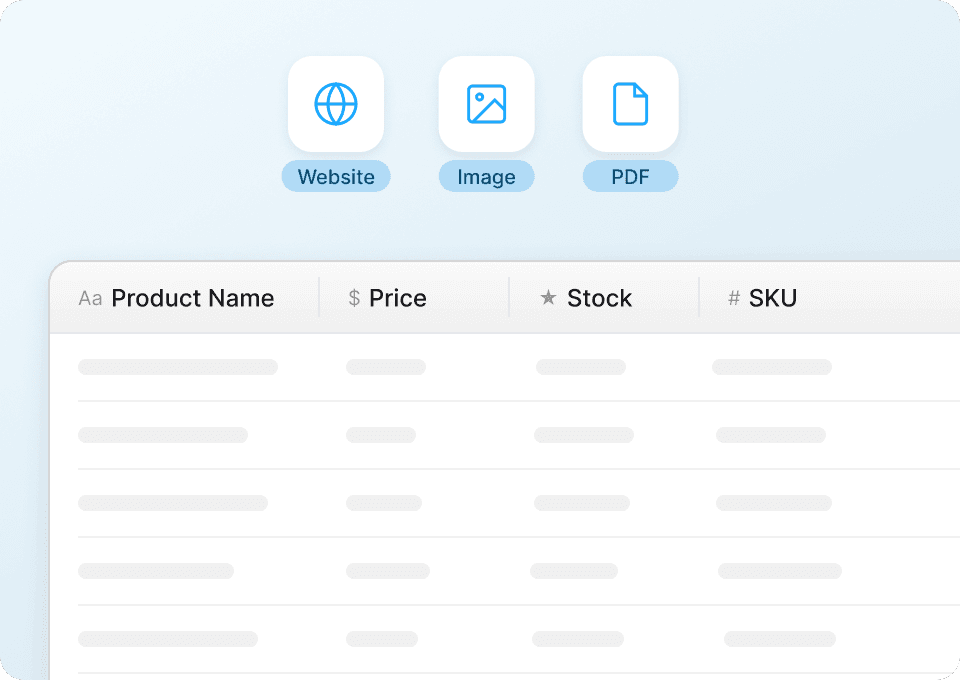
is an AI Web Scraper Chrome Extension that helps you extract data from websites, PDFs, and images into structured formats. It’s built for business teams who want fast setup, reliable extraction, and easy exports to tools like Excel, Google Sheets, Airtable, and Notion. -
Can Thunderbit scrape both listing pages and product detail pages on Magento?
Yes. You can scrape a listing page for a quick table, then use Subpage Scraping to visit each product/extension detail page and enrich your dataset with deeper fields. This is useful when key attributes are only visible after clicking into each item. -
How does pagination scraping work for Magento pages?
Thunderbit can scrape paginated pages by following “Next” buttons or handling infinite scroll, depending on how the Magento site is built. This helps you collect up to hundreds of rows across multiple pages without manually copying and pasting. -
What data can I export from Magento pages?
You can export text, numbers, dates, URLs, images, and more, depending on what the page contains. Thunderbit supports exports to Excel, Google Sheets, Airtable, Notion, CSV, and JSON, which makes it easy to plug scraped data into your reporting or operations workflow. -
How accurate is AI extraction on dynamic e-commerce pages?
AI extraction is designed to adapt to layout changes and mixed page structures, which are common on e-commerce sites. If a field needs extra precision, you can add a Field AI Prompt to instruct the scraper how to interpret or format that specific column. -
Can I monitor Magento product prices automatically?
Yes. Use Thunderbit’s Scheduled Scraper to run price monitoring at intervals you describe (for example, “every day at 9am”). This is useful for tracking price changes, compatibility updates, or listing status changes over time. -
Should I use Cloud Scraping or Browser Scraping for Magento?
If the pages are public and don’t require login, Cloud Scraping is usually faster and can process batches efficiently. If you need to access pages behind a login, region settings, or personalized content, Browser Scraping is better because it runs in your Chrome session. -
Is it legal to scrape Magento (Adobe Commerce) pages?
Legality depends on the website’s terms, the type of data, and how you use it. You should only scrape data you have the right to access, respect privacy and intellectual property rules, and follow applicable laws and the site’s terms of service.
📚 Learn More
- Get started with the
- Read:
- Read:
- Read:
- Read:
- Explore more guides on the
Ready to build a clean Magento dataset for product research or price monitoring with AI web scraping (https://thunderbit.com/). Install Thunderbit, click AI Suggest Fields, and scrape your first pages in minutes.