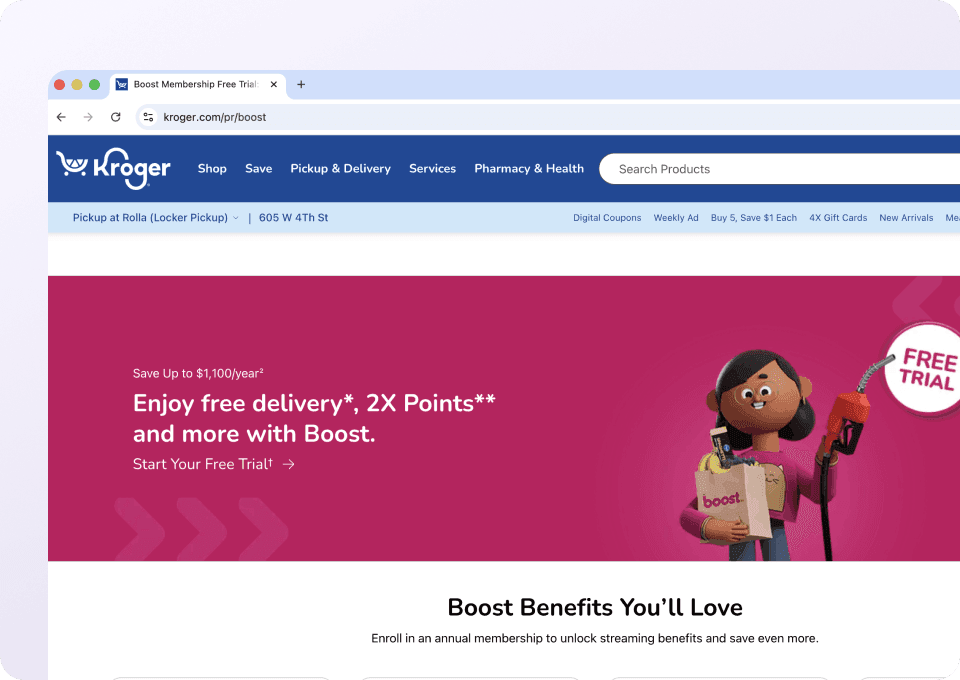
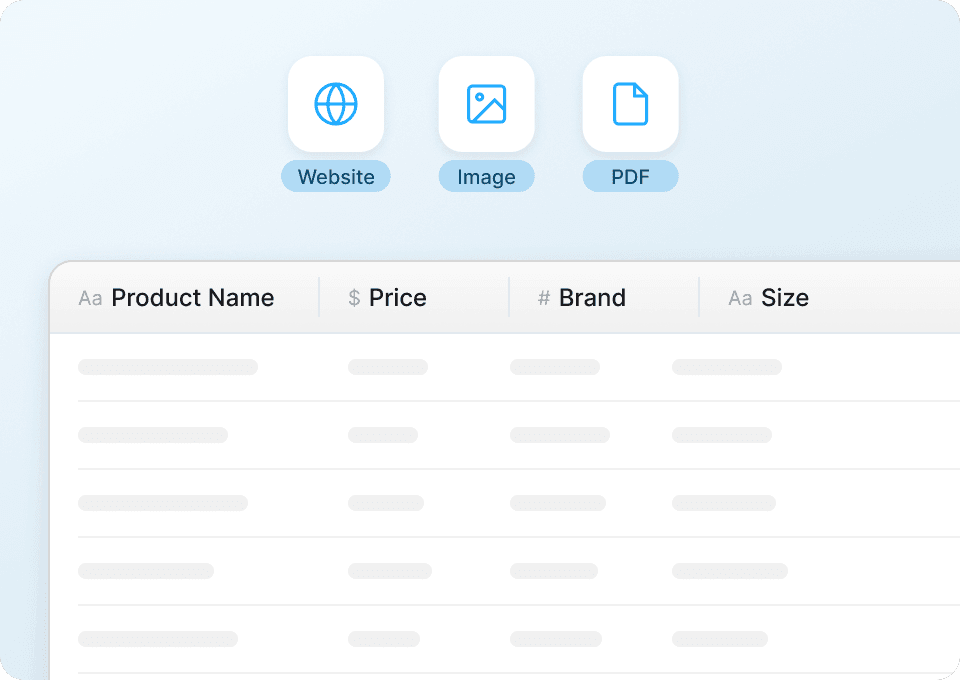
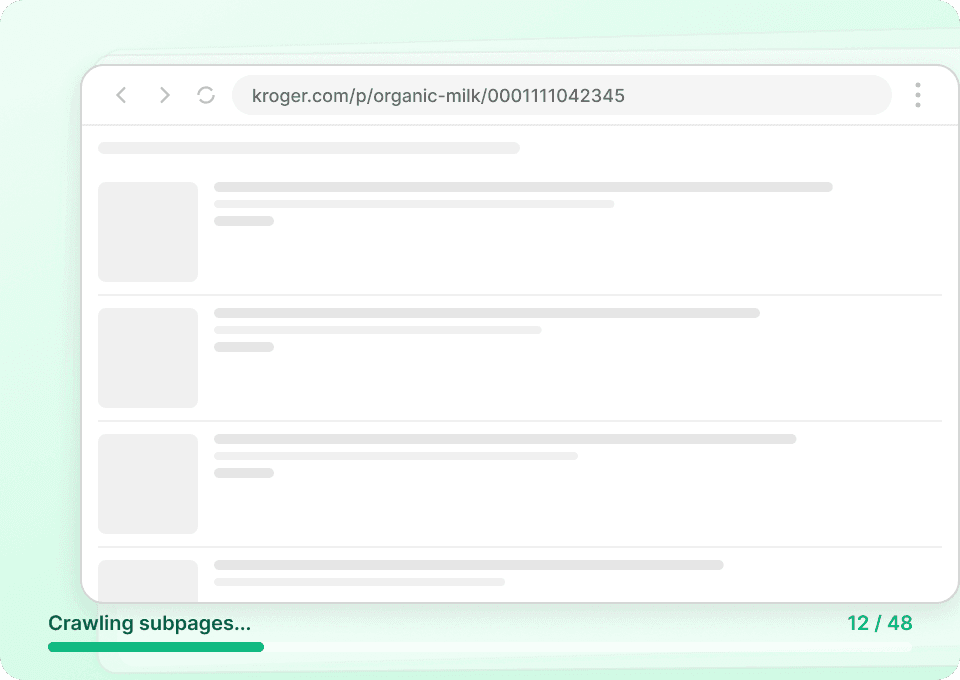
Thunderbit’s Kroger Scraper helps you turn Kroger pages into structured data using AI, so you can analyze weekly deals and digital coupons in a clean table. You simply open Kroger in Chrome, let AI suggest the right columns, then scrape and export to Excel, Google Sheets, Airtable, or Notion. It’s built for fast list scraping, pagination, and optional subpage enrichment when you need more details.
🛒 What is Kroger Scraper
The AI-Powered Kroger Scraper is an that extracts structured data from pages like weekly deals and digital coupons. With the , you can navigate to a Kroger listing page, click AI Suggest Columns, then click Scrape to collect data into a ready-to-export table.

Thunderbit is designed for business workflows where you need reliable extraction even when page layouts change, plus support for pagination, subpage scraping, and cloud vs. browser scraping options.
🧾 What can you scrape with Kroger
Kroger has high-value, frequently updated merchandising data that’s useful for pricing analysis, promo tracking, and assortment research. With Thunderbit, you can scrape:
- Weekly deals listing data (product, price, promo, size, category)
- Digital coupons (coupon value, eligibility, expiration, brand, product)
- Multi-page results via pagination or infinite scroll
- Optional enrichment by visiting product detail pages (subpage scraping)
Below are two common workflows you can run right away.
🏷️ Scrape Kroger Weekly Deals
The Kroger Weekly Deals Scraper pulls deal listings from Kroger’s weekly deals pages, so you can track promotions, compare categories, and build a historical promo dataset.
Target page:

Steps:
- Download the and register an account.
- Go to the destination page, for example: .
- Click AI Suggest Columns, which recommends column names.
- Click Scrape to run the scraper, get data, and download the file.
Column names
| Column | Description |
|---|---|
| 🏷️ Product Name | The product title shown in the weekly deals listing. |
| 🔗 Product URL | The link to the product or deal detail page (useful for subpage scraping). |
| 💲 Deal Price | The promotional price displayed for the item. |
| 🧾 Regular Price | The non-promotional price when available on the listing. |
| 📉 Discount / Savings | The savings amount or percent off when shown. |
| 🧺 Size / Unit | Pack size, weight, or unit information (e.g., oz, lb, count). |
| 🏪 Brand | Brand name when available on the card. |
| 🗂️ Category | Category or aisle grouping from the listing page. |
| 🖼️ Image URL | The product image link for cataloging or reporting. |
| 📍 Store / Location Context | Store context if Kroger shows it based on your selected location. |
| 🕒 Deal Validity | Any date range or “weekly” validity text shown on the page. |
🎟️ Scrape Kroger Digital Coupons
The Kroger Digital Coupons Scraper extracts coupon listings so you can monitor coupon values, expiration dates, and brand activity over time.
Target page:

Steps:
- Download the and register an account.
- Go to the destination page, for example: .
- Click AI Suggest Columns, which recommends column names.
- Click Scrape to run the scraper, get data, and download the file.
Column names
| Column | Description |
|---|---|
| 🎟️ Coupon Title | The coupon headline or offer name. |
| 🔗 Coupon URL | The link to the coupon detail page (if available). |
| 💰 Coupon Value | The discount amount (e.g., $1 off, 20% off). |
| 🧾 Offer Type | Type of offer such as “digital coupon,” “cash back,” or similar labels shown. |
| 🗓️ Expiration Date | The coupon end date or “expires” text. |
| ✅ Eligibility / Requirements | Requirements like minimum purchase, quantity, or participating items. |
| 🏷️ Brand | Brand associated with the coupon when shown. |
| 🧺 Applicable Products | Product names or product group text included in the offer. |
| 🖼️ Image URL | Coupon or product image link for reference. |
| 🏪 Store / Location Context | Store context if the coupon availability depends on your selected store. |
📈 Why Use Kroger Tool
Scraping Kroger weekly deals and coupons is useful when you need consistent, structured promo data for analysis and operations.
Common reasons you might scrape Kroger:
- Ecommerce & retail ops: Track promo frequency, discount depth, and category-level deal patterns for competitive monitoring.
- Brand & marketing teams: Monitor coupon activity, offer messaging, and promotional cadence across brands and product lines.
- Sales teams: Build lists of promoted SKUs and identify merchandising opportunities or pricing gaps.
- Analysts: Create a historical dataset for price/promo modeling, seasonality analysis, and reporting.
Thunderbit is especially helpful when:
- You need pagination scraping across many listing pages
- You want subpage scraping to enrich each row with details from product pages
- You want exports that plug directly into your workflow (Sheets, Airtable, Notion)
If you’re new to scraping, these guides can help:
🧩 How to Use Kroger Chrome Extension
- Install the Thunderbit Chrome Extension: Download it from the and create your account on .
- Navigate to a Kroger page you want to scrape: For example, the or the .
- Activate AI-Powered Scraper: Click AI Suggest Columns to generate column names, adjust data types (text, number, date, URL, image), and add optional field instructions.
- Scrape, paginate, and enrich: Click Scrape to extract rows. If the page has multiple results pages, enable pagination. If you need more details, use Scrape Subpages to have AI visit each product/coupon page and append extra fields.
Tip: If Kroger content depends on your store selection or login state, Browser Scraping is often the best option because it uses your current Chrome session.
💳 Pricing for Kroger
Thunderbit uses a simple credit system:
- 1 credit = 1 output row in your results table
- The AI-powered scraping workflow (AI Suggest Columns + Scrape) is included, and data export is free
What you can try for free:
- Free tier: scrape 6 pages per month
- Free trial: scrape 10 pages for free before choosing a paid plan
How much does a typical Kroger run cost?
- If you scrape 5 weekly-deals pages and each page yields 50 items, that’s about 250 rows = 250 credits
- If you scrape coupons and get 120 coupons, that’s about 120 rows = 120 credits
- If you use subpage scraping, you still pay per output row, but you get richer columns per row (often worth it for analysis)
Paid plans (monthly and yearly) scale with your volume. The yearly plan is usually more cost effective because it includes a discount compared to paying month-to-month. See full details on .
❓ FAQ
-
What is the AI Powered Kroger Scraper?
The AI Powered Kroger Scraper is a workflow in Thunderbit that uses AI to read Kroger pages and convert what you see into structured columns and rows. You click AI Suggest Columns to generate a table schema, then click Scrape to extract weekly deals or digital coupons into a dataset you can export. -
What is Thunderbit?
is an AI Web Scraper Chrome Extension that helps you extract data from websites, PDFs, and images with minimal setup. It’s built for business teams who want fast results, reliable scraping, and easy exports to tools like Excel, Google Sheets, Airtable, and Notion. -
Can Thunderbit scrape Kroger weekly deals and coupons with pagination?
Yes. Thunderbit supports pagination scraping for pages that use next/previous buttons and also supports infinite scroll patterns. This is useful when Kroger lists many deals or coupons across multiple pages and you want a complete dataset. -
Do I need to know how to code to scrape Kroger?
No. Thunderbit is designed for non-technical workflows, so you can scrape by clicking AI Suggest Columns and Scrape. If you want more control, you can rename columns, change data types, and add field instructions without writing code. -
What data can I export from Kroger into Excel or Google Sheets?
You can export product names, prices, discount text, coupon values, expiration dates, URLs, and image links, depending on what’s visible on the page. Exports are available as CSV/JSON downloads and also direct exports to Google Sheets, Airtable, and Notion. -
How does subpage scraping work for Kroger?
After scraping a listing page (like weekly deals), you can run Scrape Subpages to have Thunderbit visit each product or coupon detail page. This enriches your table with additional fields such as detailed descriptions, ingredients, size variants, or restrictions when those details are available on subpages. -
Should I use Cloud Scraping or Browser Scraping for Kroger?
If the data is publicly accessible and doesn’t depend on your login or store context, Cloud Scraping can be faster because it processes batches of pages quickly. If Kroger requires your selected store, location, or account session to show the right deals, Browser Scraping is often the better choice because it uses your active Chrome session. -
What is a credit and how many credits do I need for Kroger scraping?
A credit is one output row in your results table. If you scrape 300 deal items, that’s 300 credits, regardless of how many columns you extract for each item. This makes it easy to estimate cost based on how many products or coupons you plan to collect. -
Is it okay to scrape Kroger data?
You should always follow applicable laws, respect privacy, and review Kroger’s terms and policies before scraping. Thunderbit is a productivity tool that helps you collect and structure data you have access to, and you’re responsible for using it in a compliant way.
📚 Learn More
- Get started with the
- Explore tutorials and strategies on the
- Learn fundamentals:
- Learn list extraction:
- Excel workflow:
- Compare tools:
- See plans:
- Watch walkthroughs: