IMDb scraper













Unlock IMDb data in two clicks
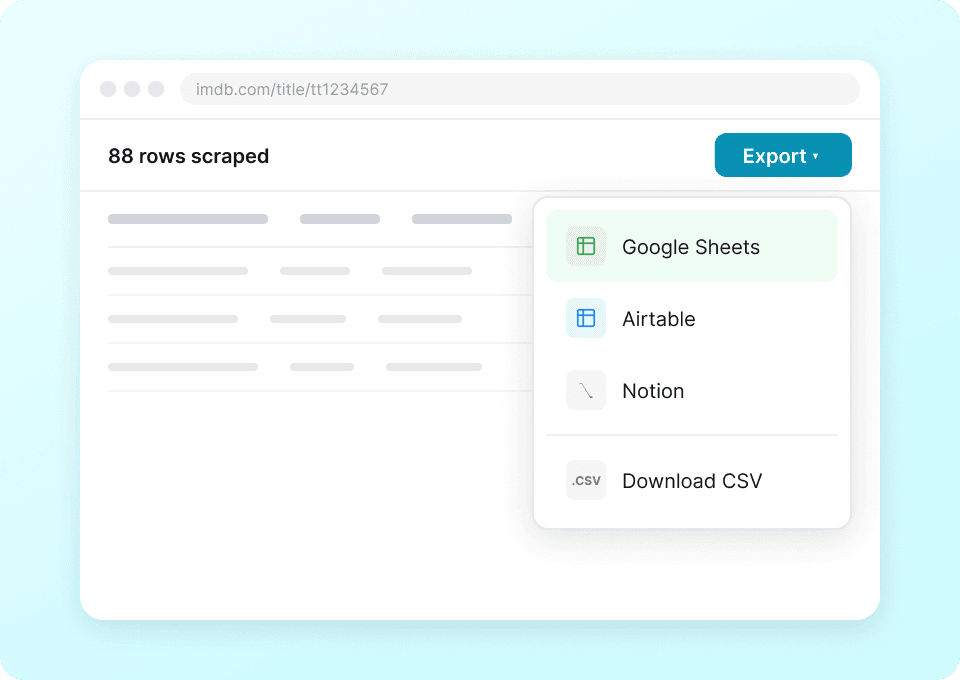
Send IMDb data straight to your tools
Tired of copying movie titles, ratings, genres, and actor lists from IMDb into your spreadsheets? Thunderbit eliminates the tedious copy-paste. With one click, send structured IMDb data directly to Google Sheets, Notion, or Airtable. Stop switching tabs and start analyzing your data.
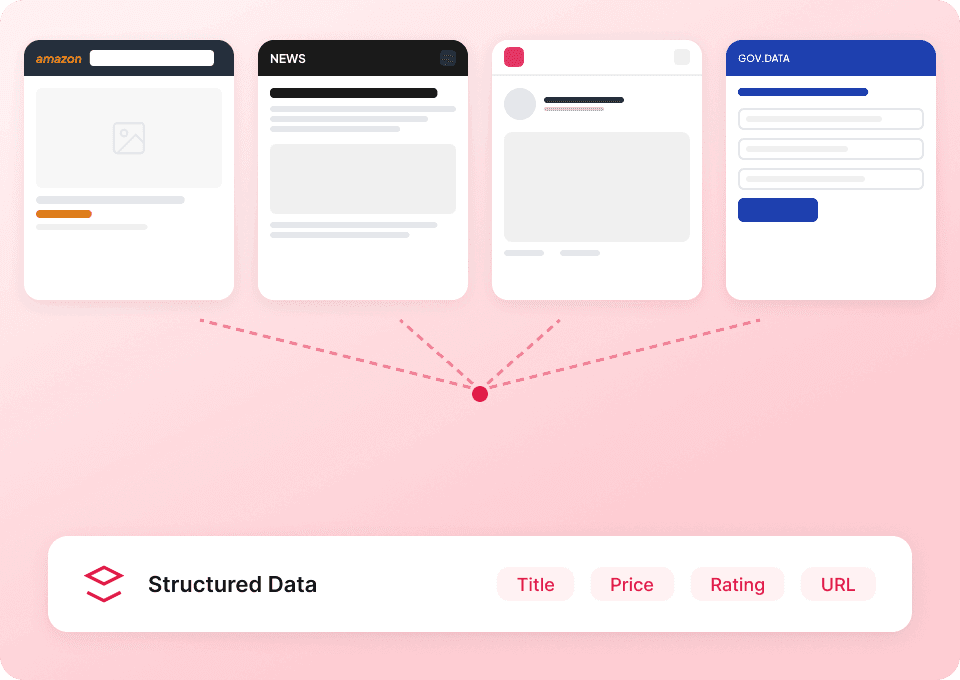
Scrape data from any site, not just IMDb
Why learn a new tool for every website? Thunderbit works everywhere. Use our 50+ pre-built templates, or point and click to extract data from any website, PDF, image, or document. Whether it's movie details from IMDb or information from another site, Thunderbit handles it all.
Auto-update your IMDb data on autopilot
IMDb data — like release dates and ratings — changes constantly. Manually re-scraping is a chore. Set up scheduled scraping in Thunderbit and let it run automatically. Get fresh movie titles, director names, and genre information delivered to your Google Sheets or Notion workspace without lifting a finger.

Struggling to scrape IMDb data?
See how Thunderbit simplifies imdb scraping compared to traditional methods.
Traditional scrapers
The old way of doing thingsThunderbit
The smarter approach






Frequently asked questions
Related use cases
Explore more use cases of Thunderbit's web scraper.

Statarea Scraper
The Thunderbit Statarea Scraper lets you extract football match predictions, team details, comparisons, and TV schedules from Statarea. Use AI-powered field suggestions to quickly gather structured data for sports analysis, betting, or content creation. Ideal for analysts, fans, and content creators seeking organized football data.
Learn more ->
Fooby Scraper
The Thunderbit Fooby Scraper lets you extract recipe data from Fooby, including recipe names, ingredients, preparation times, and nutritional values. Use AI-powered field suggestions to quickly gather structured recipe information for food blogs, nutrition analysis, or culinary projects.
Learn more ->
Swissmilk Scraper
The Swissmilk Scraper by Thunderbit lets you extract structured recipe data from Swissmilk's listing and individual recipe pages. Gather recipe names, ingredients, preparation steps, images, and more for culinary research, blogging, or menu planning. Ideal for food bloggers, chefs, and marketers seeking organized recipe data.
Learn more ->
Gutekueche Scraper
The Thunderbit Gutekueche Scraper lets you extract structured data from Gutekueche recipe listings and product pages. Use AI-powered field suggestions to quickly gather recipe names, descriptions, prices, images, ratings, and reviews for content creation, research, or analysis. Ideal for food bloggers, marketers, and researchers seeking organized Gutekueche data.
Learn more ->
Chefkoch Scraper
The Thunderbit Chefkoch Scraper lets you extract structured data from Chefkoch recipe listings and product pages. Use AI-powered field suggestions to quickly gather recipe names, descriptions, images, ratings, and reviews for analysis, content creation, or research.
Learn more ->
Talabat Scraper
The Thunderbit Talabat Scraper enables you to extract data from Talabat restaurant listings and individual restaurant pages. Use AI-powered field suggestions to quickly gather restaurant names, cuisine types, images, best seller dishes, ratings, and reviews for analysis or research. Ideal for marketers, researchers, and business owners seeking structured Talabat data.
Learn more ->Ready to supercharge your data extraction?
Join 200,000+ professionals already using Thunderbit to automate their web scraping workflows.
Free trial provides unlimited credits for 8 webpages.



