HOFER Scraper













Unlock Hofer data with Thunderbit scraper
Effortlessly extract product data from Hofer with our extension.
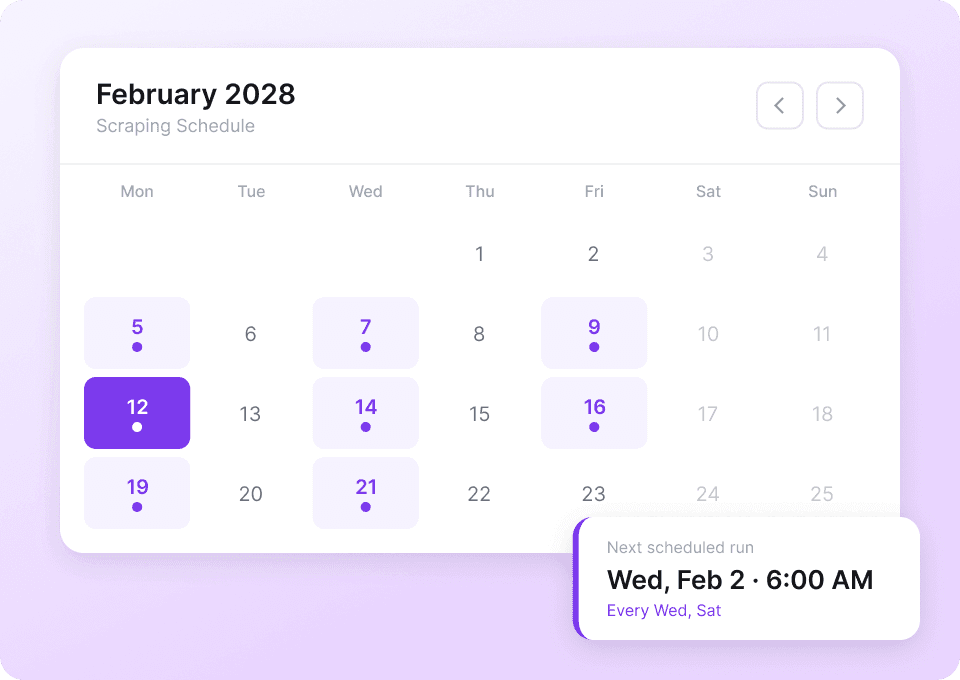
Automate your Hofer data collection
Hofer's product prices, availability, and promotions change frequently. Instead of checking manually every day, set up scheduled scraping in Thunderbit. Run it on autopilot and get fresh data delivered to your Google Sheet without lifting a finger — so you always stay ahead of price changes and stock updates.
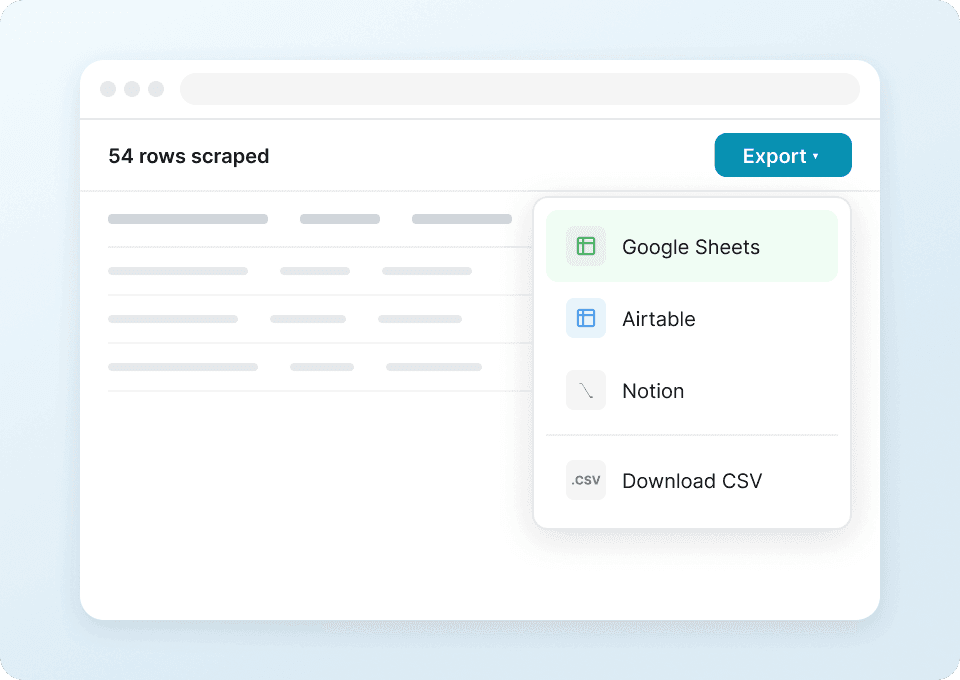
One-click Hofer data export
Stop copy-pasting product descriptions, unit prices, and promotional prices from Hofer into spreadsheets. Thunderbit lets you send scraped data to Google Sheets, Notion, or Airtable in one click. Analyze pricing trends and track product availability without any tedious manual work.
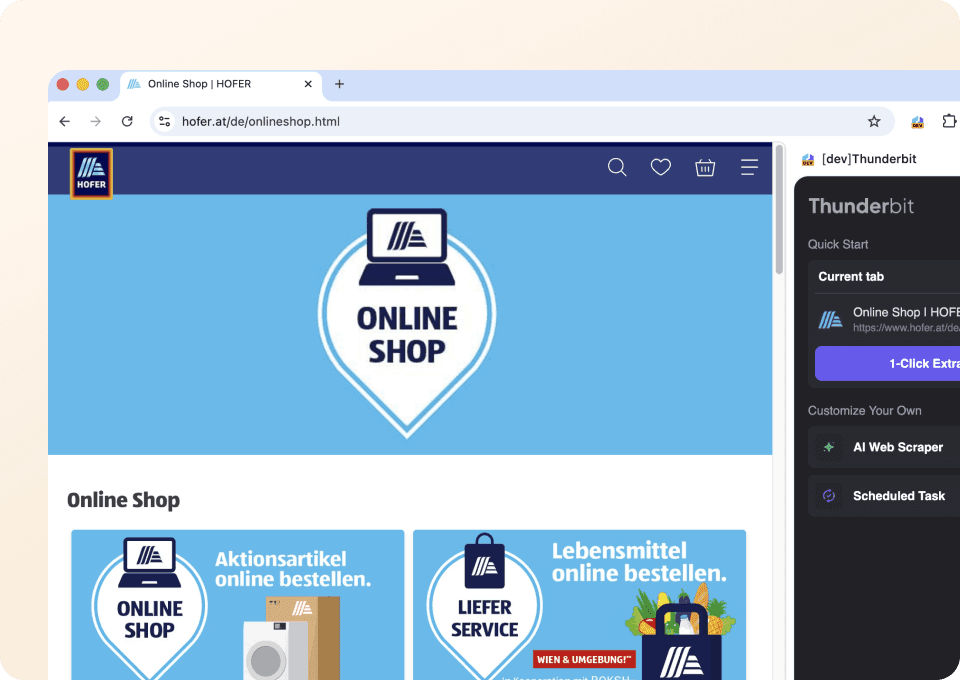
Scrape Hofer in just two clicks
No complicated setup or coding required. Thunderbit makes scraping Hofer straightforward — just point at the product name, price, availability, or any other field you want, and click. The extension handles the rest, making structured data extraction accessible to everyone.
Why is Thunderbit different from traditional Hofer scrapers?
Effortlessly extract data from hofer, even when things get complicated.
Traditional scrapers
The old way of doing thingsThunderbit AI
The smarter approach






Frequently asked questions
Related use cases
Explore more use cases of Thunderbit's web scraper.

Sur la table Scraper
The Thunderbit Sur La Table Scraper lets you extract data from Sur La Table’s products, search results, cooking classes, and store locations. Use AI-powered field suggestions to quickly gather product details, class schedules, and store information for analysis or business insights.
Learn more ->
Superdelivery Scraper
The Thunderbit Superdelivery Scraper enables you to extract product data from Superdelivery vendor SKU lists and category pages. Use AI-powered field suggestions to quickly gather product names, prices, images, brands, and vendor details for inventory management, price comparison, or market research.
Learn more ->
Sharaf DG Scraper
The Thunderbit Sharaf DG Scraper enables you to extract structured data from Sharaf DG's product listings and SKU pages. Use AI-powered field suggestions to quickly gather product names, prices, descriptions, images, ratings, and specifications for analysis or research. Ideal for e-commerce professionals, marketers, and researchers seeking detailed Sharaf DG data.
Learn more ->
ÇiçekSepeti Scraper
The Thunderbit ÇiçekSepeti Scraper lets you extract product data from ÇiçekSepeti, including listings and SKU details. Use AI-powered field suggestions to quickly gather product names, prices, images, discounts, and codes for analysis or inventory management. Ideal for e-commerce professionals, marketers, and researchers.
Learn more ->
Vatan Bilgisayar Scraper
The Thunderbit Vatan Bilgisayar Scraper lets you extract data from Vatan Bilgisayar's product listings and SKU pages. Use AI-powered field suggestions to quickly gather product names, prices, discounts, images, and product codes for analysis or research. Ideal for e-commerce professionals, marketers, and researchers seeking structured Vatan Bilgisayar data.
Learn more ->
PTTAVM Scraper
The Thunderbit PTTAVM Scraper enables you to extract structured data from PTTAVM product listings and SKU pages. Gather product names, prices, discounts, images, and detailed descriptions quickly using AI-powered field suggestions. Ideal for e-commerce professionals, marketers, and researchers seeking accurate PTTAVM data.
Learn more ->Ready to supercharge your data extraction?
Join 200,000+ professionals already using Thunderbit to automate their web scraping workflows.
Free trial provides unlimited credits for 8 webpages.



