Simple AI Expedia scraper













Everything you need to scrape Expedia
Thunderbit's AI reads Expedia's layout so you don't have to. Point, click, and collect structured travel data in seconds.
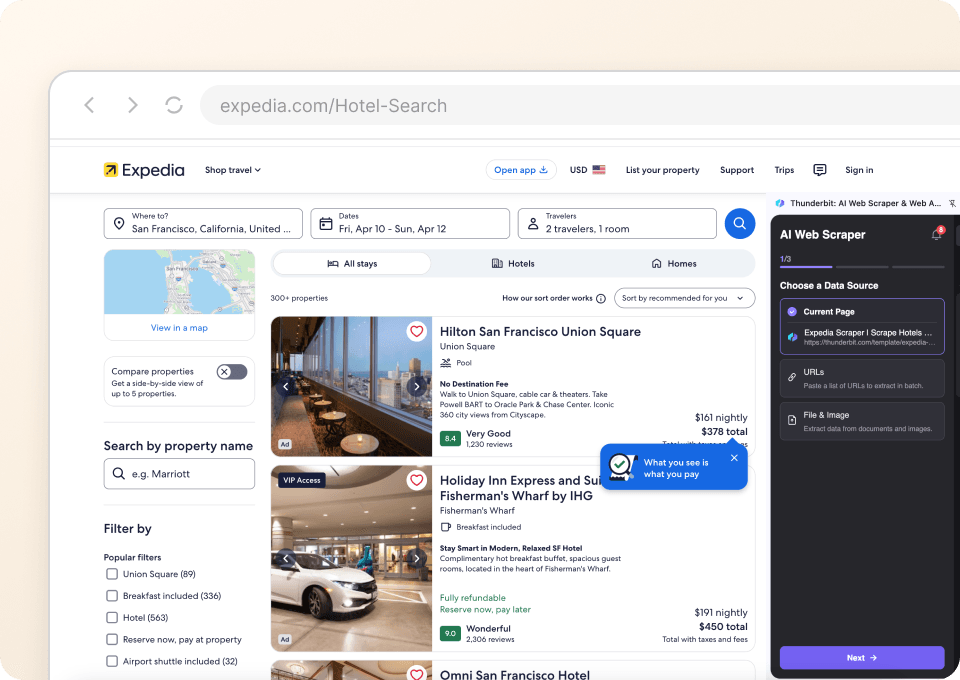
Grab Expedia listings in 2 clicks
Open any Expedia search results page — hotels, flights, or vacation packages — and Thunderbit instantly identifies the data that matters. Hotel names, nightly prices, star ratings, check-in and check-out dates, guest review scores, number of reviews, room types, property locations, and deal badges are all captured cleanly in one pass. No selectors, no scripts, no setup.
AI that adapts when Expedia changes its layout
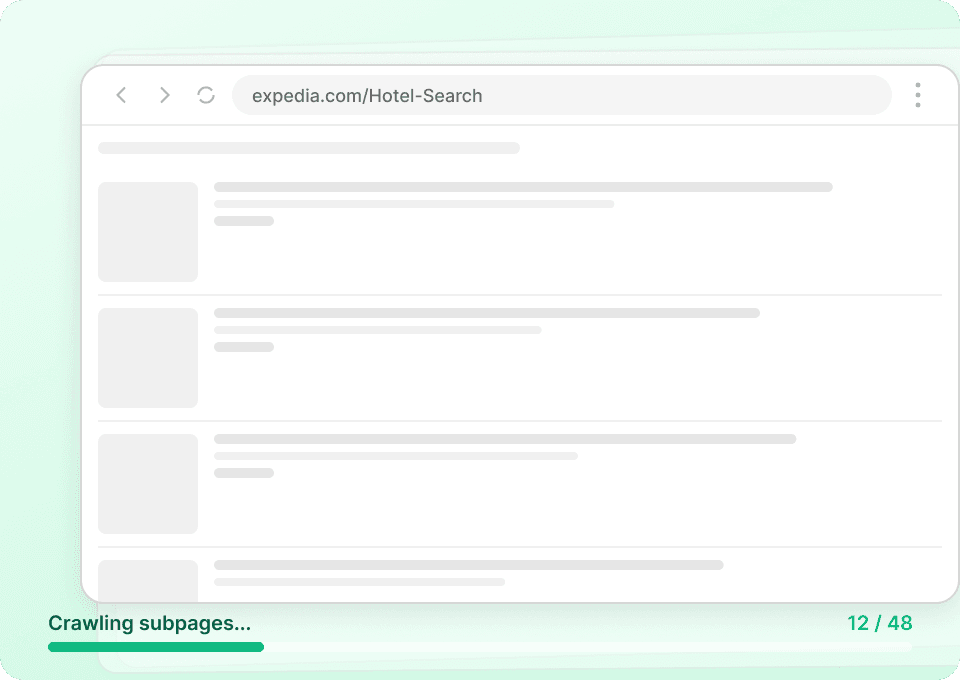
Expedia regularly redesigns its search pages, runs A/B tests, and restructures its listings. Traditional scrapers break every time this happens. Thunderbit's semantic AI understands what each element means — price, rating, departure time, availability — rather than relying on brittle CSS class names or XPaths. When the page updates, Thunderbit adapts automatically so your data keeps flowing without manual fixes.
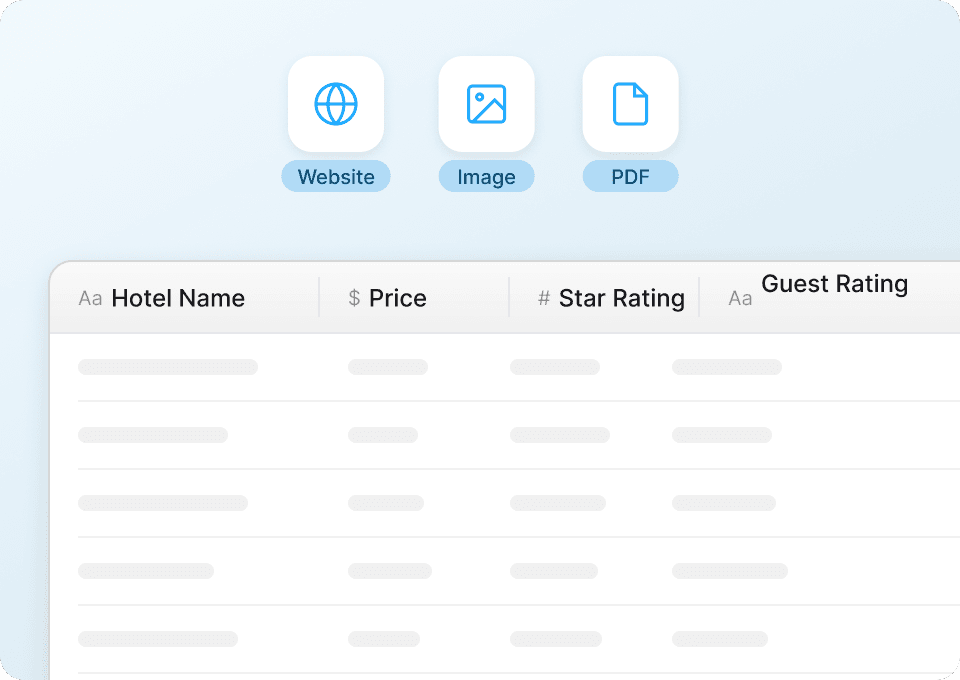
Export to Google Sheets, Excel, or Notion instantly
Once your Expedia data is captured, send it wherever your workflow lives. Push hotel comparisons and flight fares to Google Sheets for live price tracking, download as Excel for deeper analysis, or sync to Notion to keep your travel research organized. One click, fully formatted, ready to use — no copy-pasting required.
Why Thunderbit beats traditional Expedia scrapers
Old-school scraping tools struggle with Expedia's dynamic pages and frequent updates. Thunderbit handles it all out of the box.
Traditional scrapers
The old way of doing thingsThunderbit
The smarter approach






Frequently asked questions
Related use cases
Explore more use cases of Thunderbit's web scraper.

Rakuten Travel Scraper
The Thunderbit Rakuten Travel Scraper lets you extract data from Rakuten Travel hotel listings and details pages. Use AI-powered field suggestions to quickly gather hotel names, prices, ratings, room types, and amenities for research or travel planning. Ideal for travel agents, researchers, and businesses seeking structured travel data.
Learn more ->
Tieba Scraper
The Thunderbit Tieba Scraper enables you to extract data from Baidu Tieba, including trending topics and forum categories. Use AI-powered field suggestions to quickly gather topic names, URLs, post counts, and user activity for research, marketing, or content creation. Ideal for analyzing social media trends and discussions on Tieba.
Learn more ->
iBegin Scraper
The Thunderbit iBegin Scraper lets you extract business search results and detailed business information from the iBegin website. Use AI-powered field suggestions to quickly gather business names, contact details, addresses, ratings, and more for lead generation, research, or marketing analysis.
Learn more ->
White Pages Scraper
The Thunderbit White Pages Scraper lets you extract data from White Pages phone and business listings with AI-powered field suggestions. Gather names, phone numbers, addresses, and website URLs for lead generation, marketing, or research in just a few clicks.
Learn more ->
People-Search Scraper
The Thunderbit People-Search Scraper lets you extract structured data from People-Search profiles and reverse phone lookup pages. Use AI-powered field suggestions to quickly gather names, locations, phone numbers, emails, and more for research, marketing, or lead generation. Ideal for marketers, researchers, and businesses seeking public records and contact details.
Learn more ->
HKTVmall Scraper
Extract product names, prices, ratings, and more from HKTVmall listings in 2 clicks — no coding required. Export directly to Excel, Google Sheets, or Notion and turn HKTVmall data into actionable insights.
Learn more ->Ready to supercharge your data extraction?
Join 200,000+ professionals already using Thunderbit to automate their web scraping workflows.
Free trial provides unlimited credits for 8 webpages.



