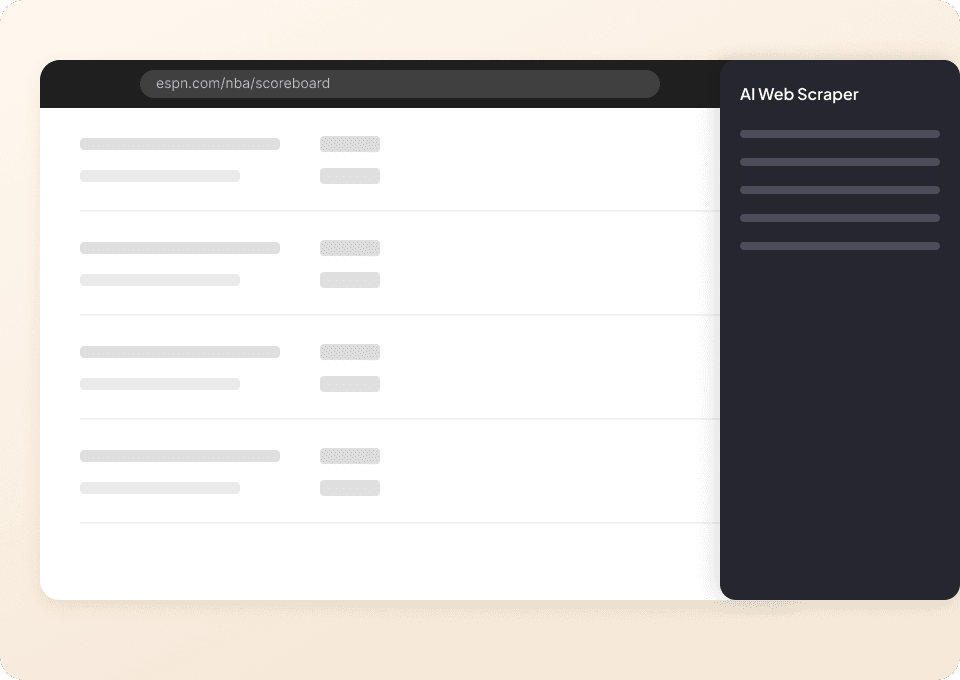
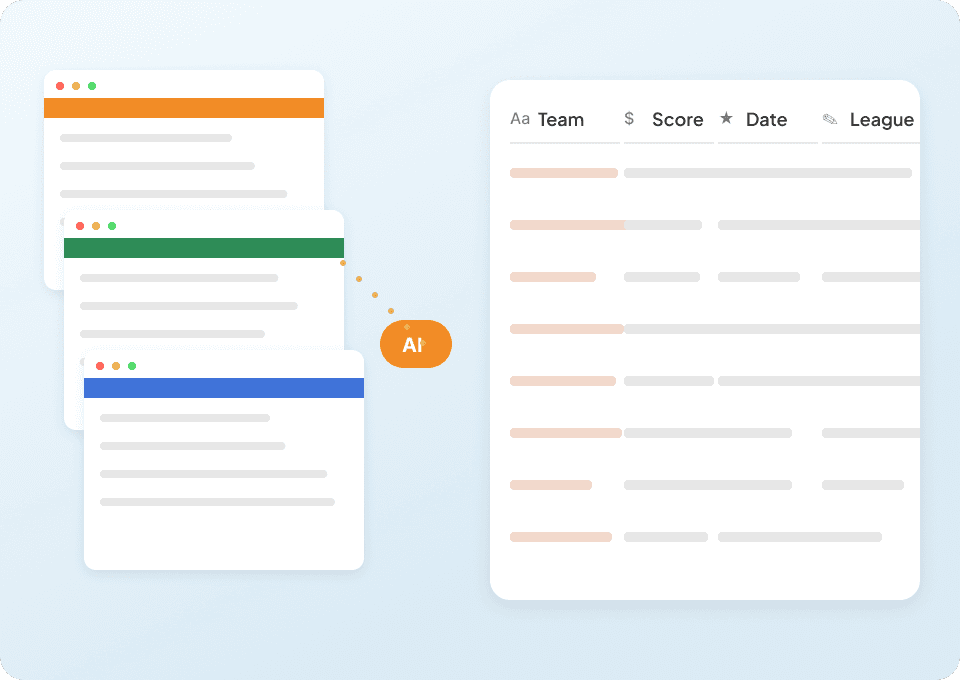
Thunderbit’s ESPN Scraper helps you turn ESPN pages into clean, structured datasets using AI. You can extract league tables (like NFL standings) and player leaderboards (like NBA stats), then export to Excel, Google Sheets, Airtable, or Notion in a couple of clicks. It’s built for speed and accuracy, even when pages include dynamic tables and frequent updates.
🏟️ What is ESPN Scraper
The ESPN Scraper is an that lets you scrape data from using AI to read the page and structure the data into columns. You simply open the ESPN page you want (like standings or stats), click AI Suggest Columns, then click Scrape to collect the table into a downloadable dataset.

With Thunderbit’s Chrome extension, you can also handle pagination, infinite scroll, and even enrich your dataset with subpage scraping when you want to pull extra details from linked team/player pages.
🧾 What can you scrape with ESPN
ESPN publishes a lot of high-value sports data in table formats—perfect for tracking performance, building dashboards, and monitoring trends. Below are two popular scraping workflows you can run with Thunderbit.
🏈 Scrape ESPN NFL Standings
The ESPN NFL Standings Scraper pulls structured standings data from the official standings page, including team records, win percentage, points for/against, and more. This is useful when you want to analyze division races, compare conferences, or build a weekly standings snapshot.
Target page:

Steps:
- Download the and register an account.
- Go to the destination page: .
- Click AI Suggest Columns to generate recommended column names and data types.
- Click Scrape to extract the table, then export to Excel, Google Sheets, Airtable, or Notion.
Column names
| Column | Description |
|---|---|
| 🏟️ Team | Team name as shown in the standings table. |
| 🔗 Team URL | Link to the team page (useful for subpage scraping). |
| 🧾 Division/Conference | The grouping the team appears under (e.g., AFC East, NFC West). |
| ✅ Wins | Total wins. |
| ❌ Losses | Total losses. |
| 🤝 Ties | Total ties (if applicable). |
| 📊 Win % | Winning percentage. |
| 🏠 Home Record | Home W-L-(T) record. |
| ✈️ Away Record | Away W-L-(T) record. |
| 🧮 Points For (PF) | Total points scored. |
| 🛡️ Points Against (PA) | Total points allowed. |
| ➕➖ Point Differential | PF minus PA (if shown on the page). |
| 🕒 Scrape Timestamp | When the row was collected (helpful for tracking changes). |
🏀 Scrape ESPN NBA Stats
The ESPN NBA Stats Scraper extracts player leaderboard data from ESPN’s stats pages—great for ranking analysis, scouting, content research, and building your own stat dashboards.
Target page:

Steps:
- Download the and register an account.
- Go to the destination page: .
- Click AI Suggest Columns to let AI map the leaderboard into structured fields.
- Click Scrape to collect the data and export it to your preferred tool.
Column names
| Column | Description |
|---|---|
| 🧍 Player | Player name listed in the leaderboard. |
| 🔗 Player URL | Link to the player profile page (useful for subpage enrichment). |
| 🏀 Team | Player’s team abbreviation/name shown on the page. |
| 🎯 Stat Category | The leaderboard context (e.g., points, rebounds, assists), if applicable. |
| 📈 Value | The primary stat value shown for the player in the table. |
| 🥇 Rank | Player rank/position in the leaderboard. |
| 🕹️ Games Played (GP) | Games played (if shown). |
| ⏱️ Minutes (MIN) | Minutes per game or total minutes (if shown). |
| 🎯 Field Goal % (FG%) | Shooting percentage (if shown). |
| 🧾 Additional Metrics | Any extra columns ESPN includes (varies by view). |
| 🕒 Scrape Timestamp | When the row was collected for historical tracking. |
🎯 Why Use ESPN Tool
Scraping ESPN is useful when you want repeatable, structured sports data without manually copying tables or rebuilding spreadsheets every week.
Common reasons you might scrape ESPN data:
- Sports analysts & content teams: Build weekly reports, power rankings, matchup previews, and trend analysis from standings and leaderboards.
- Marketing & partnerships: Track team performance and player visibility to support sponsorship research and campaign timing.
- Fantasy & community projects: Create custom dashboards, alerts, and comparison sheets using exported data.
- Data teams & researchers: Collect snapshots over time for longitudinal analysis (standings movement, player ranking changes, etc.).
Thunderbit is especially helpful because ESPN tables can change layout or load dynamically—Thunderbit’s AI reads the page and structures the data each run, reducing maintenance compared to brittle scrapers.
🧩 How to Use ESPN Chrome Extension
- Install the Thunderbit Chrome Extension: Get it from the and create your account on .
- Navigate to an ESPN page you want to extract: For example, or .
- Activate AI-Powered Scraper: Click AI Suggest Columns to generate fields, adjust if needed, then click Scrape.
Optional upgrades when you need more than a single table:
- 📄 Pagination scraping: Capture multiple pages or views when ESPN splits tables.
- 🧠 Subpage scraping: If your table includes player/team links, Thunderbit can visit each subpage and add extra columns (bio details, team info, etc.).
- ☁️ Cloud vs. browser scraping: Use Cloud Scraping for speed on public pages; use Browser Scraping when a page requires your session.
💳 Pricing for ESPN
Thunderbit uses a simple credit system:
- 1 credit = 1 output row (one row in your results table).
- The AI-powered scraping experience (including AI Suggest Columns) is available from the start, and you can test it before committing.
Free options:
- Free tier: scrape 6 pages per month (page-based allowance).
- Free trial: scrape 10 pages for free, which is ideal for testing ESPN standings and stats workflows end-to-end.
Paid plans (monthly and yearly) scale with how much you scrape. If you scrape standings weekly, track multiple leagues, or collect player leaderboards regularly, the yearly plan is typically more cost effective due to the discount.
You can compare plans on the page:
- Starter: good for light scraping and small projects
- Pro tiers: better for recurring exports, monitoring, and larger datasets
❓ FAQ
-
What is the AI Powered ESPN Scraper?
The AI Powered ESPN Scraper is a Thunderbit workflow that uses AI to read ESPN pages and convert tables into structured columns you can export. Instead of manually copying standings or stats, you click AI Suggest Columns and Scrape to generate a dataset in seconds. -
What is Thunderbit?
is an AI Web Scraper Chrome extension that helps you extract data from websites, PDFs, and images into structured formats. It’s designed for business users and teams who want fast setup, reliable extraction, and easy exports to tools like Excel, Google Sheets, Airtable, and Notion. -
Can I export ESPN standings and stats to Google Sheets or Excel?
Yes. Thunderbit supports free export to Excel, Google Sheets, Airtable, and Notion, plus downloads as CSV or JSON. This makes it easy to build dashboards, share reports, or run analysis in your preferred workflow. -
Do I need coding skills to scrape ESPN?
No. Thunderbit is built for non-technical workflows, and the AI handles column detection and data structuring. You can still customize columns and add field instructions, but you don’t need Python, selectors, or scraping scripts. -
How does Thunderbit handle ESPN pages that update often?
ESPN pages can change layouts or update table structures during the season. Thunderbit’s AI reads the page each time you run the scraper, which helps reduce breakage compared to traditional rule-based scrapers that rely on fixed selectors. -
Can I scrape multiple pages or categories from ESPN stats?
Yes. If ESPN provides multiple views (different stat categories, pages, or filters), you can scrape each view and combine exports. Thunderbit also supports pagination and repeated runs, which is useful for collecting multiple leaderboards. -
What is subpage scraping and how would it help with ESPN?
Subpage scraping means Thunderbit can open each linked player or team page and add extra fields back into your main table. For example, you can scrape the NBA stats leaderboard, then enrich it with player profile details by visiting each Player URL. -
How many rows can I scrape per run?
The practical limit depends on the page and your plan, but this template is commonly used for datasets up to hundreds of rows (often up to around 500 rows on a single extraction). Since credits are counted per output row, you can estimate cost by the number of rows you plan to export. -
Is it okay to scrape ESPN data?
You should always follow ESPN’s terms, respect applicable laws, and avoid collecting private or restricted data. Thunderbit is designed to help you extract publicly visible information for analysis and operations, and you’re responsible for using it in a compliant way.
📚 Learn More
- Get started with scraping concepts:
- Learn list-style extraction:
- Export workflows:
- Broader guides and tutorials:
- Install now:
- Watch tutorials:
- Explore more tools:
If you want to turn ESPN standings and stats into a dataset you can reuse every week, try the and run your first pages for free.