EasyJet Scraper













Unlock EasyJet data effortlessly with Thunderbit
Extract flight prices and details from EasyJet with no code.
Get clean EasyJet data instantly
Sorting through raw flight data is tedious. Thunderbit automatically structures EasyJet data as it scrapes, so flight prices, departure dates, and arrival airports come out neatly formatted and ready to use — not a messy jumble.
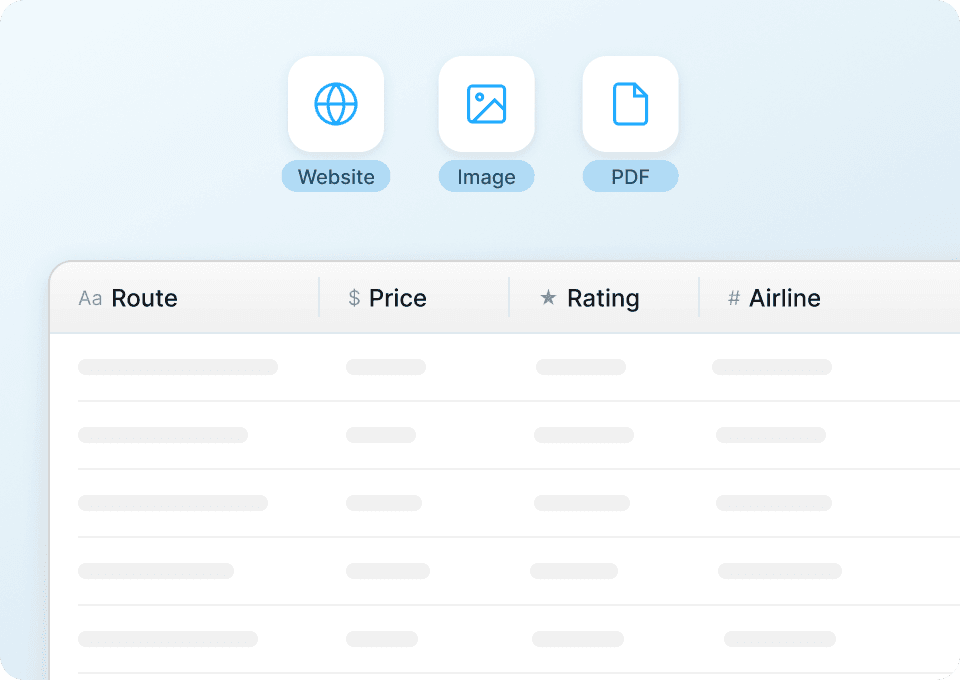
Scrape hundreds of EasyJet pages
Copying flight data from EasyJet one page at a time is slow. With Thunderbit, paste a list of EasyJet URLs and it scrapes all of them in one run — pulling departure airport, arrival airport, and flight duration from every page without the repetitive clicking.
Automate EasyJet data extraction
EasyJet prices and availability change daily. Set up Thunderbit to scrape EasyJet on a schedule and have the latest flight prices, departure dates, and arrival times delivered automatically to Google Sheets — no manual effort needed.

Why is Thunderbit different from traditional EasyJet scrapers?
Extract flight data easily, even when EasyJet's website changes its layout.
Traditional scrapers
The old way of doing thingsThunderbit AI
The smarter approach






Frequently asked questions
Related use cases
Explore more use cases of Thunderbit's web scraper.

DiveAssist Scraper
The Thunderbit DiveAssist Scraper lets you extract data from DiveAssist membership and dive centre directory pages. Use AI-powered field suggestions to quickly gather membership types, prices, benefits, dive centre names, locations, and contact details for research or business needs.
Learn more ->
HotelsCombined Scraper
The Thunderbit HotelsCombined Scraper lets you extract structured data from HotelsCombined hotel and flight search results. Use AI-powered field suggestions to quickly gather hotel names, prices, ratings, flight details, and more for travel analysis or planning. Ideal for travel agents, researchers, and businesses seeking actionable travel data.
Learn more ->
Viator Scraper
The Thunderbit Viator Scraper lets you extract data from Viator's tours and travel listings with AI-powered field suggestions. Gather tour names, prices, ratings, durations, and more for analysis or research. Ideal for travel agencies, researchers, and tour operators seeking structured Viator data.
Learn more ->
GetYourGuide Scraper
The Thunderbit GetYourGuide Scraper lets you extract data from GetYourGuide activities search results and details pages. Use AI-powered field suggestions to quickly gather activity names, prices, ratings, availability, and locations for travel analysis or content creation. Ideal for travel agencies, researchers, and bloggers seeking structured travel data.
Learn more ->
Klook Scraper
The Thunderbit Klook Scraper lets you extract data from Klook activities and details pages with AI-powered field suggestions. Gather structured information such as activity names, prices, ratings, locations, and availability for travel research, analysis, or marketing. Ideal for travel agencies, researchers, and businesses seeking Klook data.
Learn more ->
Hostelworld Scraper
The Thunderbit Hostelworld Scraper lets you extract data from Hostelworld hotel search results and details pages. Use AI-powered field suggestions to quickly gather hotel names, prices, ratings, room types, and contact information for travel research or analysis. Ideal for travel agents, researchers, and businesses seeking structured accommodation data.
Learn more ->Ready to supercharge your data extraction?
Join 200,000+ professionals already using Thunderbit to automate their web scraping workflows.
Free trial provides unlimited credits for 8 webpages.



