Boots Scraper for Products, Ingredients, and Reviews













Research Boots products without hand-building the dataset
Cover different categories, open product pages for label details, and return when prices or stock change.
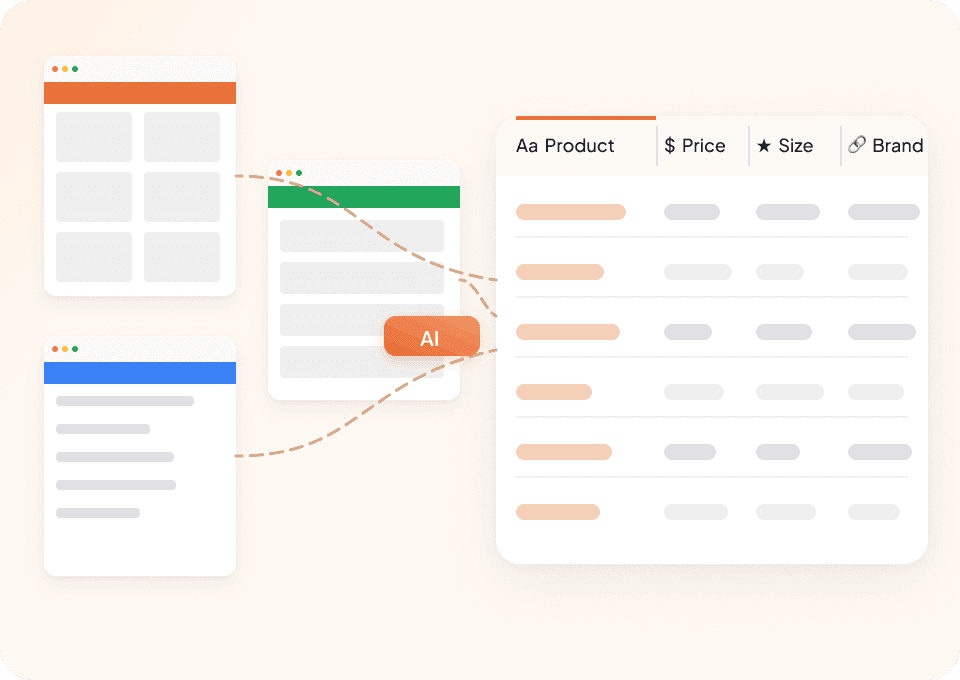
Cover Boots categories with one workflow
Use Thunderbit across public skincare, cosmetics, fragrance, wellness, and other Boots pages. AI recommends the visible product fields instead of asking you to configure each category.
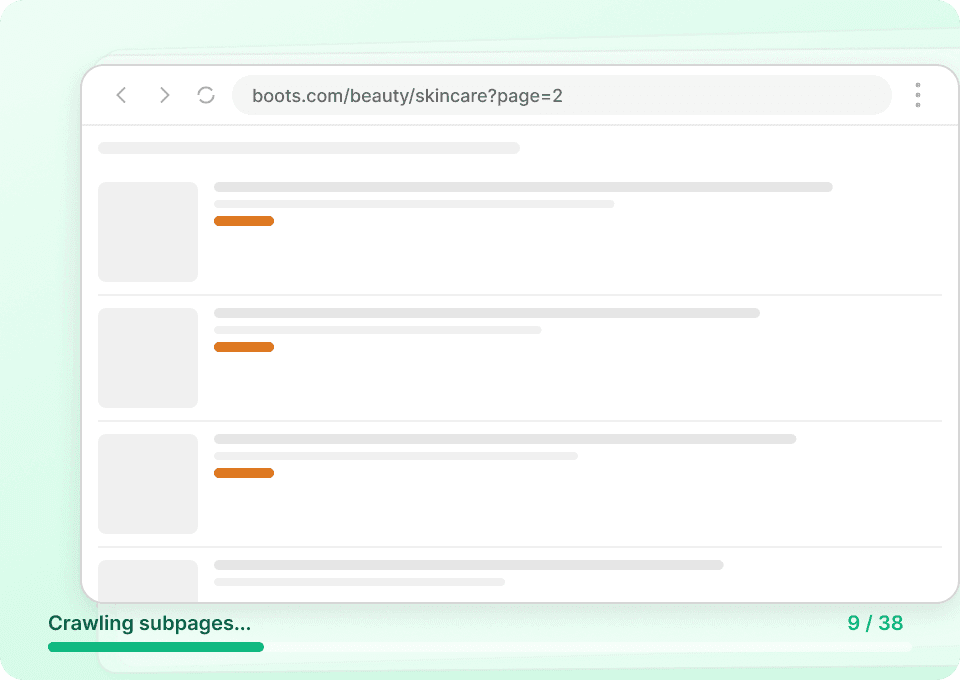
Open product pages for label details
Subpage scraping can follow accessible product links and add visible ingredients, benefits, cautions, pack sizes, shades, claims, or usage instructions to the same table.
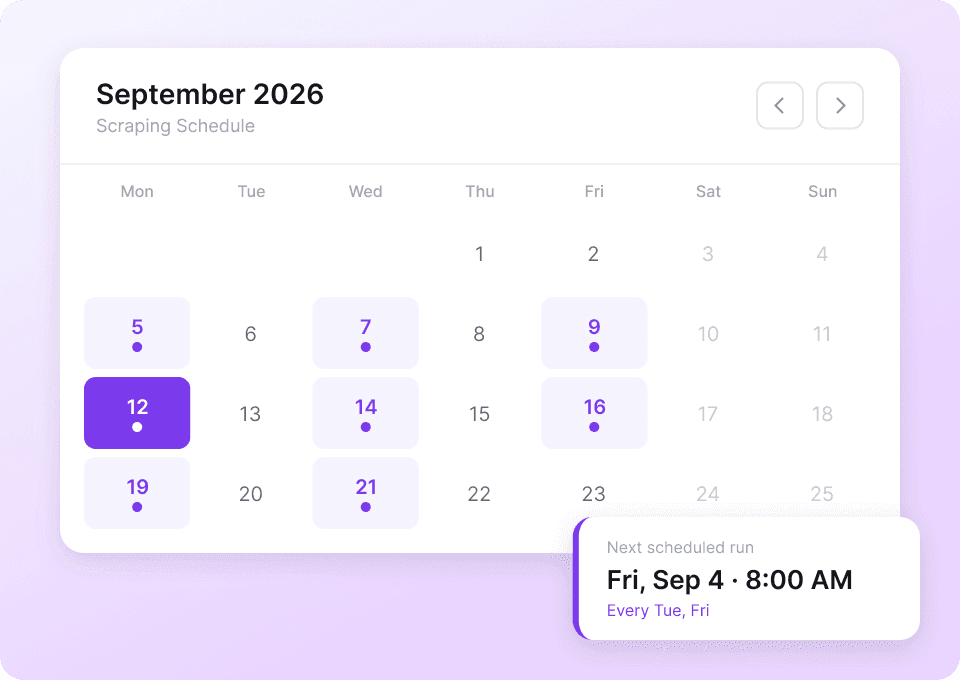
Refresh price and stock on a schedule
Choose the Boots pages you want to monitor and set recurring runs. New public prices, offers, ratings, or availability can arrive as dated spreadsheet snapshots.
Boots labels vary by category; your scraper should adapt
Traditional extraction rules expect one page shape. Thunderbit AI reads the visible product language instead.
Selectors built around one product type
Different labels demand more setupBoots details gathered by Thunderbit
AI adapts to the page in view30 useful Boots product fields
Fields appear only when Boots displays them; formulations, claims, shades, and reviews vary by category and product.
- Product Name
- Current Price
- Product Code
- Pack Size
- Unit Price
- Overall Rating
- Review Count
- Offer Label
- Product Description
- Key Benefits
- Product Texture
- Skin Type Suitability
- Usage Frequency
- How-to-Use Instructions
- Hazards and Cautions
- Country of Origin
- Manufacturer/Responsible Address
- Ingredients
- Active Ingredients
- Free-From Claims
- Hydration Duration Claim
- Visible-Results Timeframe
- Shade Variant
- Shade Family
- Vegan Claim
- Sensitive-Skin Suitability
- Cruelty-Free Certification
- Stock Availability
- Brand Name
- Product Image
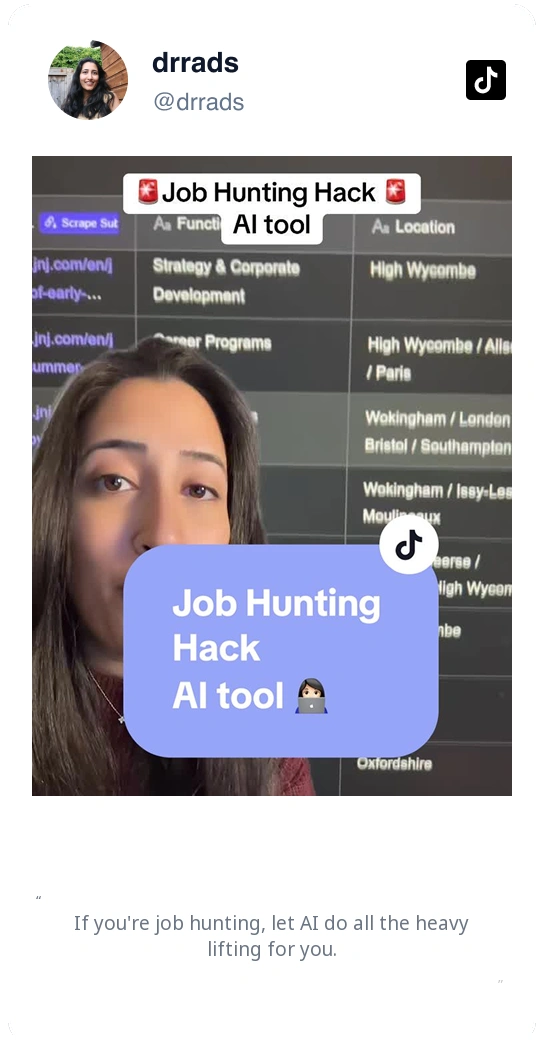
See Thunderbit users simplify detailed web research
Their videos show how an AI scraper helps organize product information that would otherwise require repeated page-by-page work.




Working with Boots health & beauty fields
Answers to common questions about category-dependent fields, claims evidence, and fulfilment details on Boots pages.
Next workflow: UK multi-retailer range check
After building your Boots dataset, consider scraping comparable UK health-and-beauty retailers with the same schema to compare product codes, unit prices, claims text, and stock availability across matching SKUs.

Sur la table Scraper
The Thunderbit Sur La Table Scraper lets you extract data from Sur La Table’s products, search results, cooking classes, and store locations. Use AI-powered field suggestions to quickly gather product details, class schedules, and store information for analysis or business insights.
Learn more ->
Superdelivery Scraper
The Thunderbit Superdelivery Scraper enables you to extract product data from Superdelivery vendor SKU lists and category pages. Use AI-powered field suggestions to quickly gather product names, prices, images, brands, and vendor details for inventory management, price comparison, or market research.
Learn more ->
Sharaf DG Scraper
The Thunderbit Sharaf DG Scraper enables you to extract structured data from Sharaf DG's product listings and SKU pages. Use AI-powered field suggestions to quickly gather product names, prices, descriptions, images, ratings, and specifications for analysis or research. Ideal for e-commerce professionals, marketers, and researchers seeking detailed Sharaf DG data.
Learn more ->
ÇiçekSepeti Scraper
The Thunderbit ÇiçekSepeti Scraper lets you extract product data from ÇiçekSepeti, including listings and SKU details. Use AI-powered field suggestions to quickly gather product names, prices, images, discounts, and codes for analysis or inventory management. Ideal for e-commerce professionals, marketers, and researchers.
Learn more ->
Vatan Bilgisayar Scraper
The Thunderbit Vatan Bilgisayar Scraper lets you extract data from Vatan Bilgisayar's product listings and SKU pages. Use AI-powered field suggestions to quickly gather product names, prices, discounts, images, and product codes for analysis or research. Ideal for e-commerce professionals, marketers, and researchers seeking structured Vatan Bilgisayar data.
Learn more ->
PTTAVM Scraper
The Thunderbit PTTAVM Scraper enables you to extract structured data from PTTAVM product listings and SKU pages. Gather product names, prices, discounts, images, and detailed descriptions quickly using AI-powered field suggestions. Ideal for e-commerce professionals, marketers, and researchers seeking accurate PTTAVM data.
Learn more ->Ready to supercharge your data extraction?
Join 200,000+ professionals already using Thunderbit to automate their web scraping workflows.
Free trial provides unlimited credits for 8 webpages.



