Booking.com Scraper for Room Offers and Terms













Turn Booking.com room offers into clean exportable rows
Start from the offer on screen, keep its terms organized, and move the finished table into your workspace.
Start with One Click Extract
Open a public Booking.com search or property page. Thunderbit recommends visible fields such as property, room, price, rating, dates, and availability without selector setup.
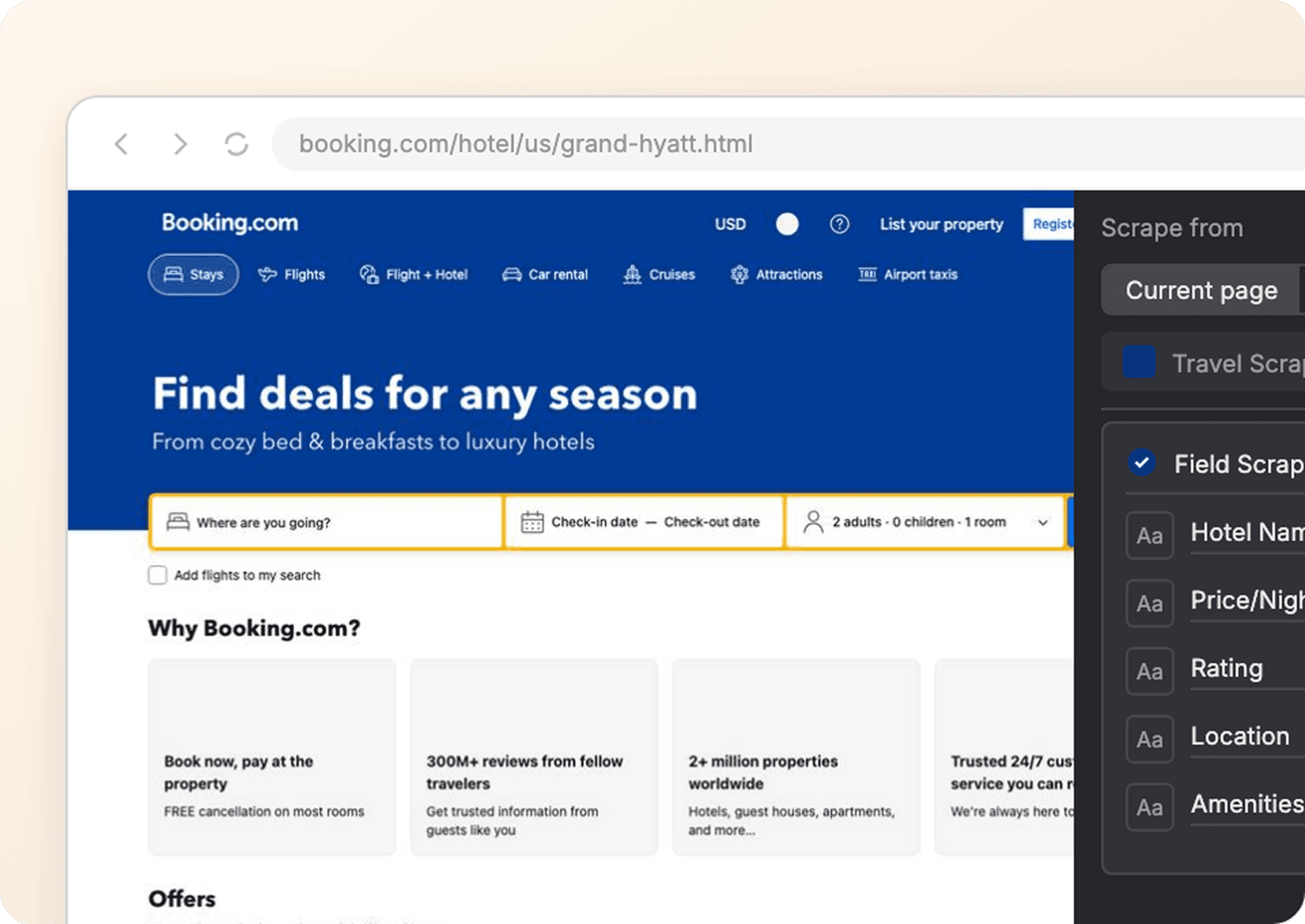
Keep room prices and terms in clean columns
Rate plan, occupancy, taxes, meals, cancellation, and payment details stay in named fields. Values remain blank when the selected Booking.com offer does not display them.
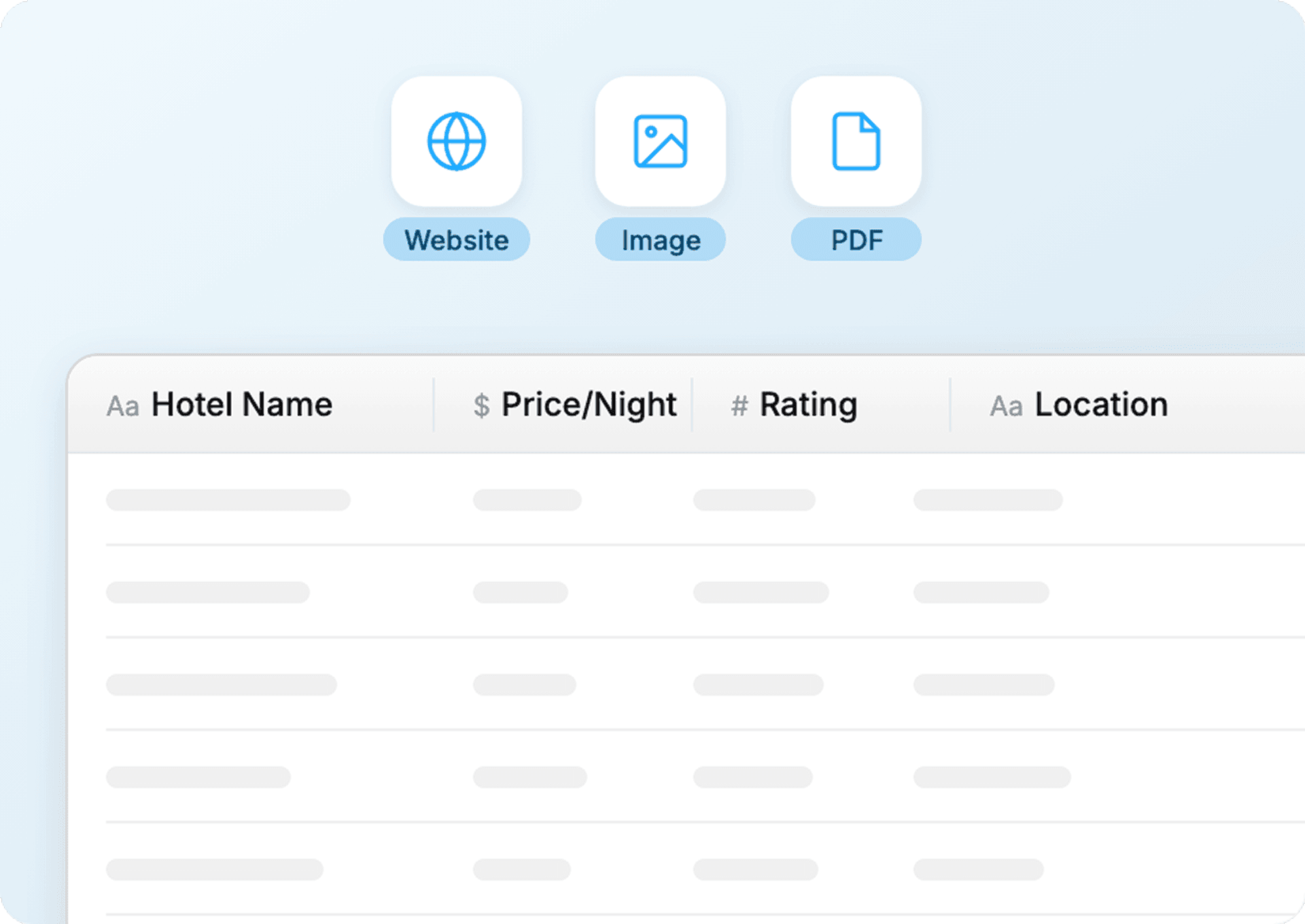
Export the offer table without reformatting
Send the structured Booking.com rows to Google Sheets, Excel, Notion, or Airtable, preserving the fields you selected for the stay comparison.
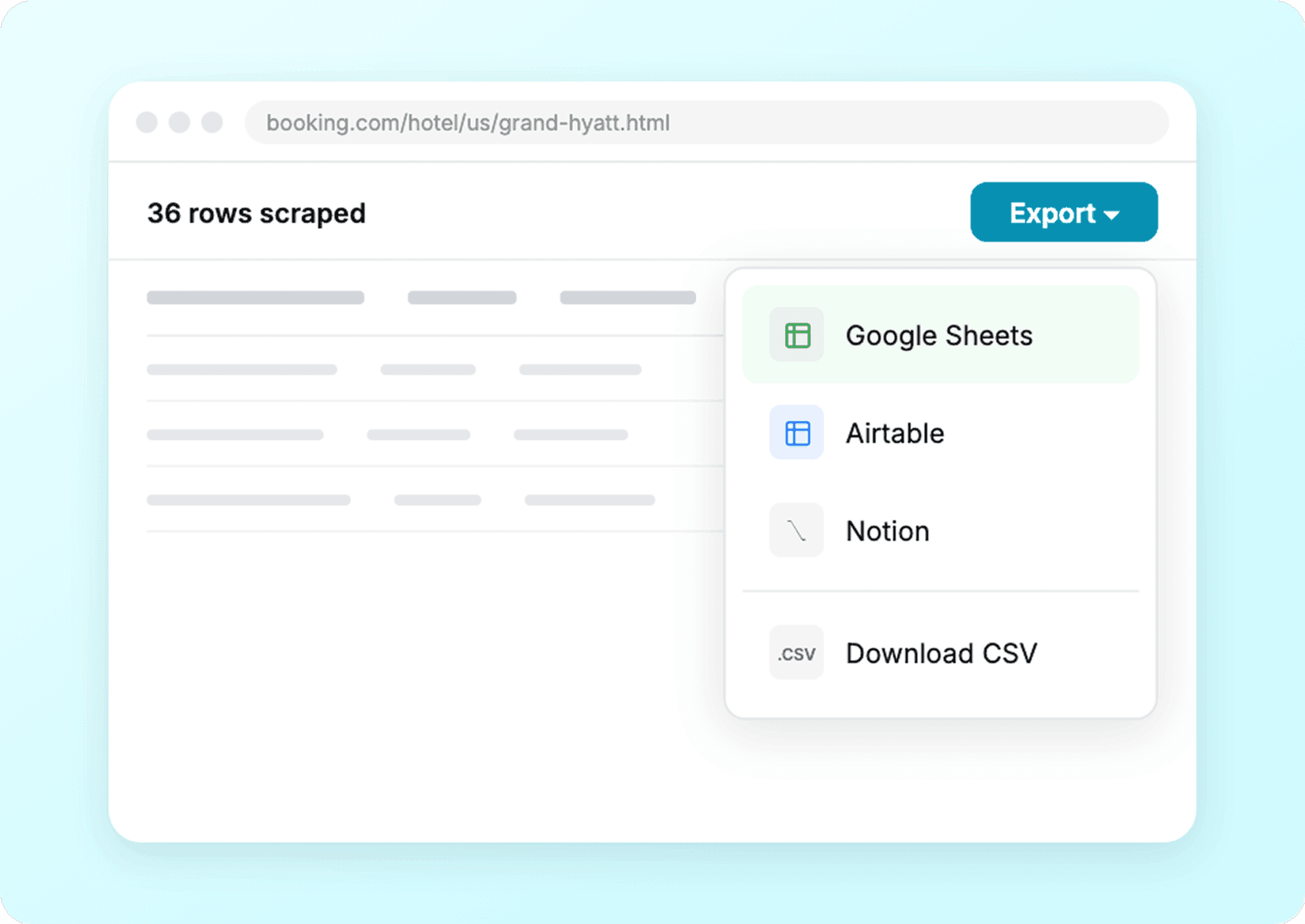
Booking.com offers change faster than selector maps
A traditional scraper tracks page structure. Thunderbit AI works from the room and rate labels guests can see.
Rules attached to one booking layout
Offer modules become maintenanceRoom offers read by Thunderbit AI
Terms stay beside the displayed rateBooking.com property, room, and rate‑plan fields
Field visibility varies by page type (search vs property), region/language, and whether stay dates and guests are set. Logged‑in perks are excluded; blanks mean the page did not display the field at capture time.
- Property Name
- Property Type
- Star Rating
- Guest Rating
- Review Count
- Street Address
- City
- Country
- Distance from City Center
- Nearby Landmark
- Current Price
- Original Price
- Discount
- Currency
- Taxes and Fees
- Total Stay Price
- Room Type
- Bed Type
- Room Size
- Maximum Occupancy
- Room Inventory
- Rate Plan
- Availability Status
- Check-In Date
- Check-Out Date
- Free Cancellation Status
- Cancellation Deadline
- Prepayment Policy
- Meal Plan
- Property Amenities
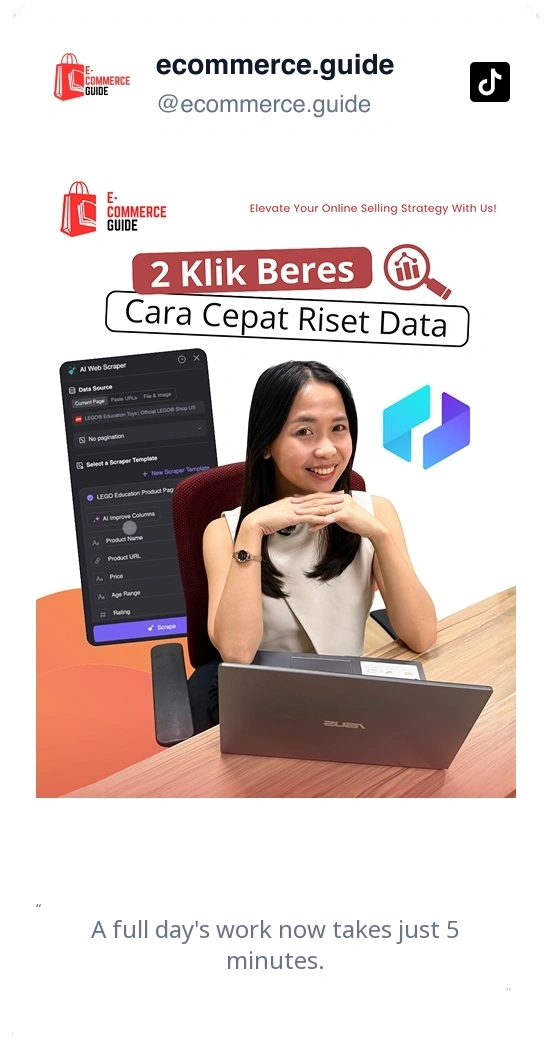
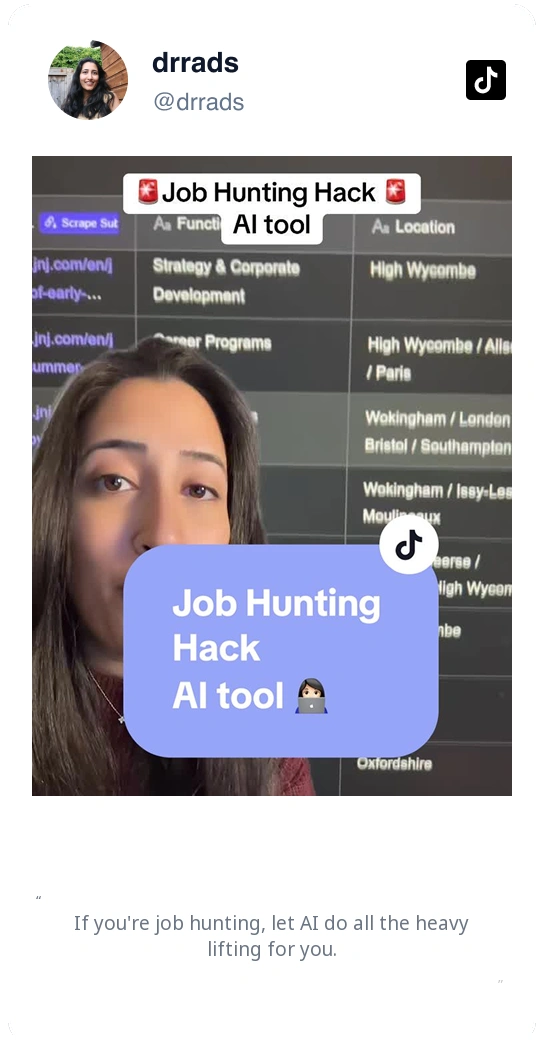
Watch teams turn booking research into usable rows
Thunderbit users explain how they capture changing web offers while keeping the details needed for later review.


Questions about Booking.com room and rate data
What the visible offer fields mean and how to keep them organized after export.
Check the same stay across other booking sources
Next, pull parallel hotel listings from Expedia or Google Hotels to validate prices and terms, or refresh reviews to enrich Guest Rating with recent Review Text before choosing a plan.

DiveAssist Scraper
The Thunderbit DiveAssist Scraper lets you extract data from DiveAssist membership and dive centre directory pages. Use AI-powered field suggestions to quickly gather membership types, prices, benefits, dive centre names, locations, and contact details for research or business needs.
Learn more ->
HotelsCombined Scraper
The Thunderbit HotelsCombined Scraper lets you extract structured data from HotelsCombined hotel and flight search results. Use AI-powered field suggestions to quickly gather hotel names, prices, ratings, flight details, and more for travel analysis or planning. Ideal for travel agents, researchers, and businesses seeking actionable travel data.
Learn more ->
Viator Scraper
The Thunderbit Viator Scraper lets you extract data from Viator's tours and travel listings with AI-powered field suggestions. Gather tour names, prices, ratings, durations, and more for analysis or research. Ideal for travel agencies, researchers, and tour operators seeking structured Viator data.
Learn more ->
GetYourGuide Scraper
The Thunderbit GetYourGuide Scraper lets you extract data from GetYourGuide activities search results and details pages. Use AI-powered field suggestions to quickly gather activity names, prices, ratings, availability, and locations for travel analysis or content creation. Ideal for travel agencies, researchers, and bloggers seeking structured travel data.
Learn more ->
Klook Scraper
The Thunderbit Klook Scraper lets you extract data from Klook activities and details pages with AI-powered field suggestions. Gather structured information such as activity names, prices, ratings, locations, and availability for travel research, analysis, or marketing. Ideal for travel agencies, researchers, and businesses seeking Klook data.
Learn more ->
Hostelworld Scraper
The Thunderbit Hostelworld Scraper lets you extract data from Hostelworld hotel search results and details pages. Use AI-powered field suggestions to quickly gather hotel names, prices, ratings, room types, and contact information for travel research or analysis. Ideal for travel agents, researchers, and businesses seeking structured accommodation data.
Learn more ->Ready to supercharge your data extraction?
Join 200,000+ professionals already using Thunderbit to automate their web scraping workflows.
Free trial provides unlimited credits for 8 webpages.



