BlaBlaCar Scraper for Comparable Ride Options













Keep BlaBlaCar ride research flexible across routes
Adapt to changing result layouts, compare multiple ride pages together, and carry the workflow to another transport source.
Keep working when BlaBlaCar layouts change
Thunderbit reads visible ride labels and values instead of relying only on fixed CSS selectors, reducing repair work when route cards or detail pages move.
Compare many BlaBlaCar ride pages together
Paste selected public ride URLs and collect departure, destination, times, pickup points, displayed prices, available seats, and driver ratings into one comparison table.
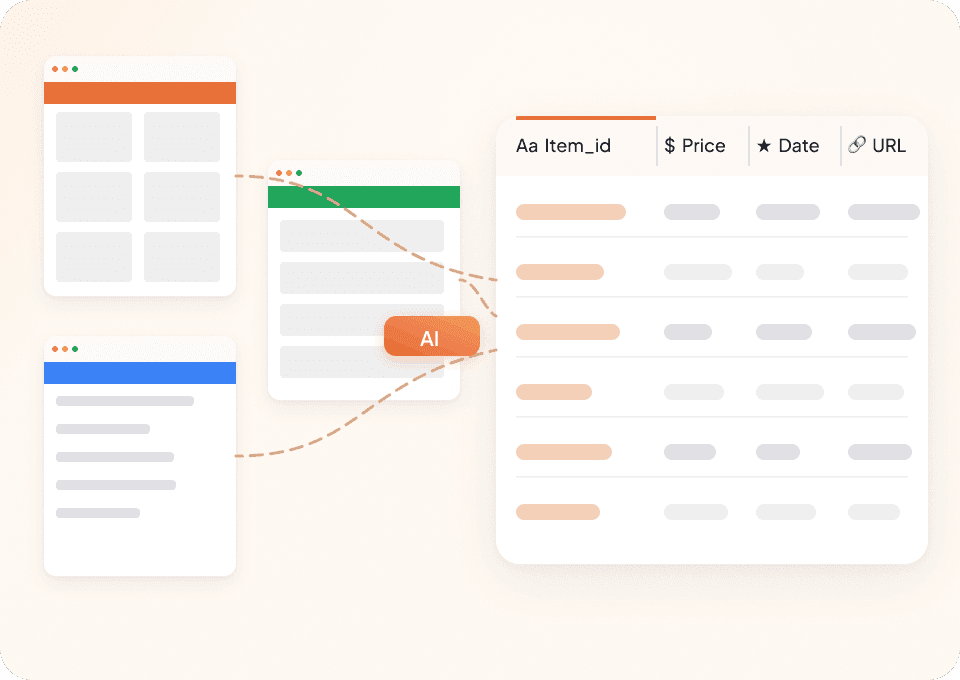
Use the same scraper for another transport site
Move from BlaBlaCar to a coach, rail, or travel page without learning another tool. Thunderbit recommends fields from the new source and accepts plain-language changes.
BlaBlaCar route cards should not dictate the scraper
Selector-based tools memorize one layout. Thunderbit AI works from the visible ride information and the fields you request.
A ride scraper locked to card structure
Route changes demand maintenanceRide options collected by Thunderbit AI
Meaning guides the requested columns30 useful BlaBlaCar ride fields
Visible fields depend on the market, route, transport mode, and whether you capture a search result or ride detail page.
- Transport Mode
- Departure Place
- Destination Place
- Departure Date
- Departure Time
- Arrival Date
- Arrival Time
- Trip Duration
- Price per Seat
- Total Price
- Currency
- Seats Offered
- Seats Available
- Number of Travellers
- Pickup Point
- Drop-Off Point
- Booking Method
- Instant Booking Status
- Ride Options
- Motorway Use
- Ride Description
- Trip Status
- Driver First Name
- Driver Profile URL
- Driver Profile Photo
- Driver Rating
- Driver Review Count
- Identity Verification Status
- Luggage Option
- Pet Option
Ride researchers show what Thunderbit removes from the process
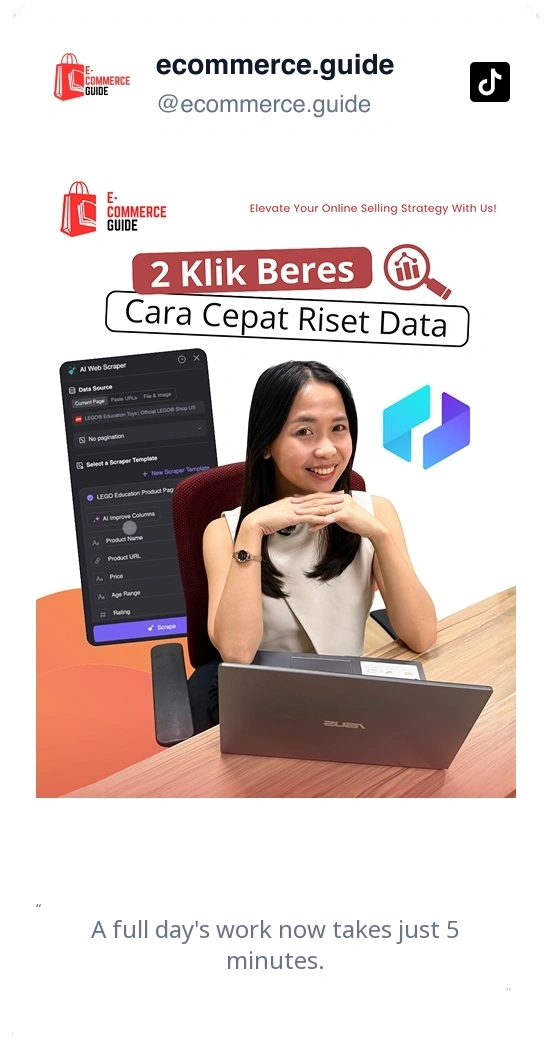
In user videos, repeated route and listing checks become structured data without a custom scraping project.


Comparing BlaBlaCar rides: common questions
Answers focus on timing, pickup/drop-off, seats, prices, and driver trust fields visible on public pages.
Consider scraping operator timetables for final departure checks
After comparing BlaBlaCar offers, some trips hinge on exact station times and fare rules; capture data from coach and rail operator pages to verify schedules and policies before booking.

DiveAssist Scraper
The Thunderbit DiveAssist Scraper lets you extract data from DiveAssist membership and dive centre directory pages. Use AI-powered field suggestions to quickly gather membership types, prices, benefits, dive centre names, locations, and contact details for research or business needs.
Learn more ->
HotelsCombined Scraper
The Thunderbit HotelsCombined Scraper lets you extract structured data from HotelsCombined hotel and flight search results. Use AI-powered field suggestions to quickly gather hotel names, prices, ratings, flight details, and more for travel analysis or planning. Ideal for travel agents, researchers, and businesses seeking actionable travel data.
Learn more ->
Viator Scraper
The Thunderbit Viator Scraper lets you extract data from Viator's tours and travel listings with AI-powered field suggestions. Gather tour names, prices, ratings, durations, and more for analysis or research. Ideal for travel agencies, researchers, and tour operators seeking structured Viator data.
Learn more ->
GetYourGuide Scraper
The Thunderbit GetYourGuide Scraper lets you extract data from GetYourGuide activities search results and details pages. Use AI-powered field suggestions to quickly gather activity names, prices, ratings, availability, and locations for travel analysis or content creation. Ideal for travel agencies, researchers, and bloggers seeking structured travel data.
Learn more ->
Klook Scraper
The Thunderbit Klook Scraper lets you extract data from Klook activities and details pages with AI-powered field suggestions. Gather structured information such as activity names, prices, ratings, locations, and availability for travel research, analysis, or marketing. Ideal for travel agencies, researchers, and businesses seeking Klook data.
Learn more ->
Hostelworld Scraper
The Thunderbit Hostelworld Scraper lets you extract data from Hostelworld hotel search results and details pages. Use AI-powered field suggestions to quickly gather hotel names, prices, ratings, room types, and contact information for travel research or analysis. Ideal for travel agents, researchers, and businesses seeking structured accommodation data.
Learn more ->Ready to supercharge your data extraction?
Join 200,000+ professionals already using Thunderbit to automate their web scraping workflows.
Free trial provides unlimited credits for 8 webpages.



