Bilibili Scraper for Videos, Comments, and Danmaku













Keep Bilibili video research moving as numbers change
Use one workflow across public pages, process video lists in bulk, and refresh performance snapshots on a schedule.
Start on Bilibili or another public page
Thunderbit is not limited to one video site. Open the page you need, let AI recommend the visible fields, and tailor the output in natural language.
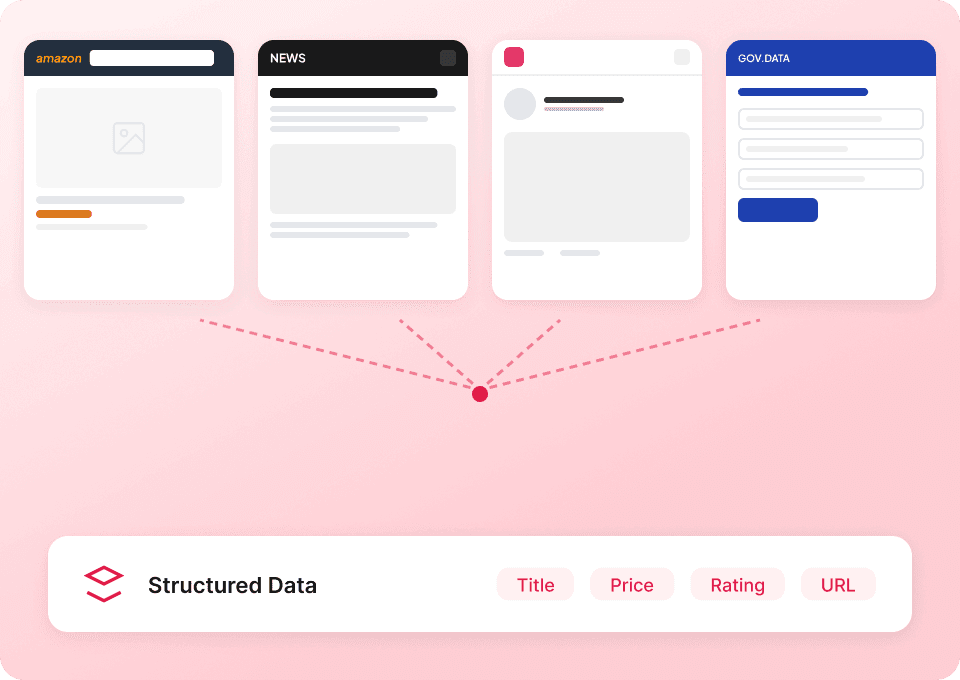
Process Bilibili video lists in bulk
Paste a set of public video URLs and collect titles, BV IDs, upload dates, visible views, likes, coins, favorites, comments, or danmaku details in one run.

Refresh changing video metrics on schedule
Return to the selected videos at the interval you choose. Fresh public counts can flow to your spreadsheet, giving each monitoring period a new snapshot.

Follow Bilibili videos without maintaining selectors
Traditional scrapers depend on fixed positions and loading rules. Thunderbit AI reads visible video information.
A scraper wired to one Bilibili layout
Small changes create repair workBilibili pages handled by Thunderbit
AI takes care of more setupBilibili video and danmaku export fields
Depending on whether you crawl a watch page, channel video list, or multipart player, some fields below may be absent; exports mirror what was publicly visible during your run.
- Video Title
- BV Video ID
- Video URL
- Video Category
- Video Description
- Cover Image URL
- Upload Date
- Video Duration
- Uploader Name
- Uploader Profile URL
- Uploader Follower Count
- View Count
- Danmaku Count
- Like Count
- Coin Count
- Favorite Count
- Comment Count
- Share Count
- Video Tags
- Copyright or Repost Notice
- AI-Generated Content Notice
- Series or Collection Name
- Episode or Part Number
- Comment Text
- Comment Author
- Comment Like Count
- Comment Reply Count
- Comment Date
- Danmaku Text
- Danmaku Video Timestamp
See how users monitor changing web data with Thunderbit
Their videos show practical ways to turn repeated page checks into organized, exportable records.








Working with Bilibili video and danmaku data
Answers for research-oriented collection from public pages.
Need seeds? Gather BV IDs from Bilibili search or tag pages
First collect Video URL and BV Video ID from public search or tag listings to build a crawl queue, then return here to capture comments, danmaku, and recommendation context for each target video.

RUTUBE Scraper
The Thunderbit RUTUBE Scraper lets you extract data from RUTUBE's popular channels and trending videos. Use AI-powered field suggestions to quickly gather channel names, subscriber counts, video titles, views, likes, and more for research, marketing, or content analysis. Ideal for marketers, researchers, and content creators seeking structured RUTUBE data.
Learn more ->
Rumble Scraper
The Thunderbit Rumble Scraper lets you extract data from Rumble's leaderboard and online store in just a few clicks. Use AI-powered field suggestions to gather ranks, usernames, scores, product names, prices, and availability for analysis or research. Ideal for marketers, researchers, and content creators seeking structured Rumble data.
Learn more ->
ShowMe Scraper
The Thunderbit ShowMe Scraper lets you extract data from ShowMe tutorial search results and video detail pages. Use AI-powered field suggestions to quickly gather titles, instructor names, durations, ratings, and publication dates for educational analysis or research. Ideal for educators, students, and content creators seeking structured ShowMe data.
Learn more ->
Vimeo scraper
Extract Vimeo video titles, view counts, upload dates, and more in 2 clicks — then export to Excel, Google Sheets, or Notion instantly. No coding needed.
Learn more ->
FC2 Scraper
The Thunderbit FC2 Scraper lets you extract data from FC2's video listings and ranking pages in just a few clicks. Use AI-powered field suggestions to gather video titles, URLs, uploaders, views, likes, and ranking information for analysis or research. Ideal for marketers, researchers, and content creators seeking structured FC2 data.
Learn more ->Ready to supercharge your data extraction?
Join 200,000+ professionals already using Thunderbit to automate their web scraping workflows.
Free trial provides unlimited credits for 8 webpages.



