Best Buy Scraper for Products, Offers, and Pickup













Collect Best Buy offers without building a product scraper
Start in one click, keep model and offer fields organized, and work through a list of product pages.
Start with One Click Extract
Open a public Best Buy listing or product page. Thunderbit recommends visible fields such as product name, price, rating, model number, SKU, and availability without selector setup.
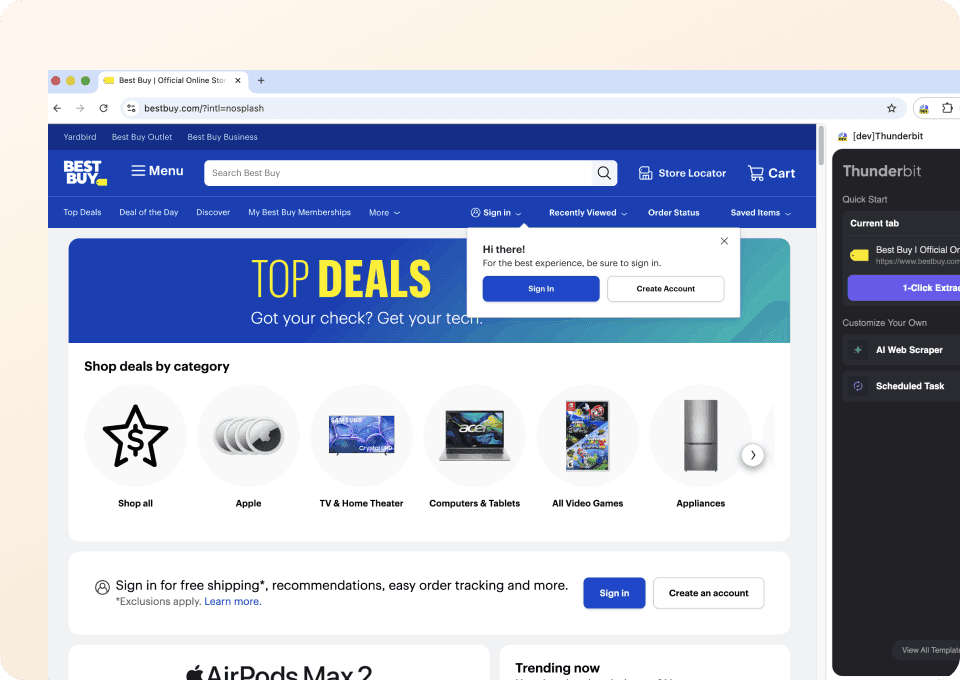
Get model and offer fields ready to compare
Product identity, current price, savings, financing, pickup, and delivery details stay in named columns. Empty fields remain empty when Best Buy does not display them.
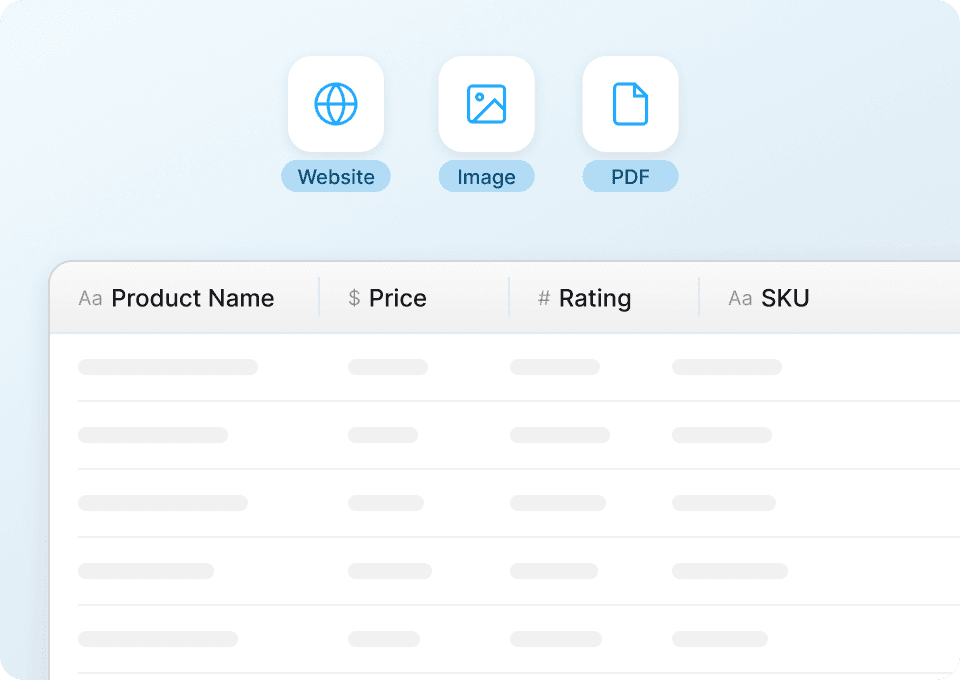
Run a list of Best Buy products
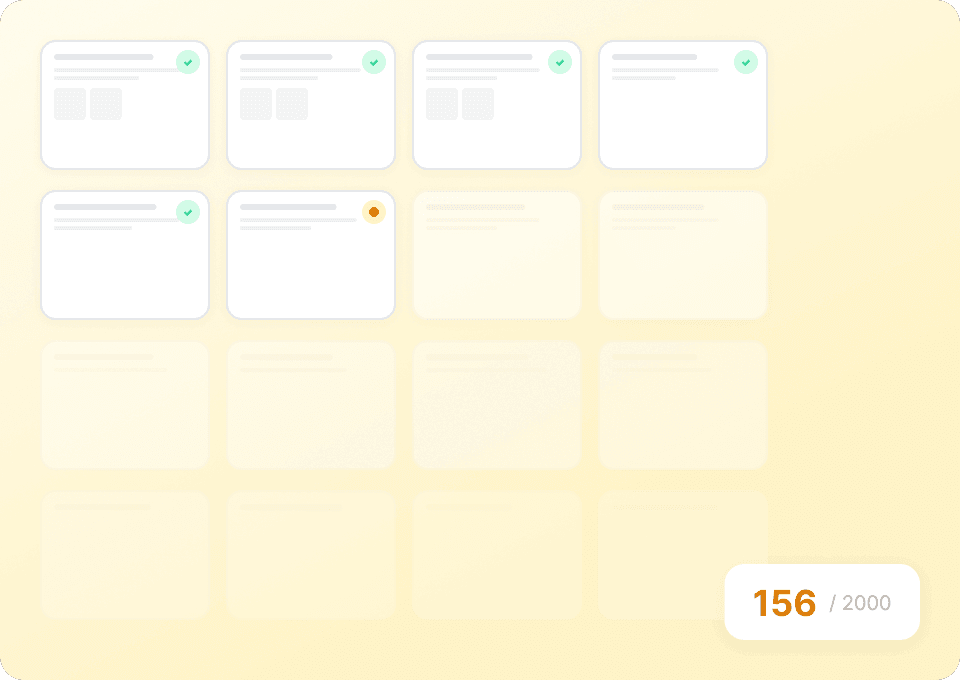
Paste selected product URLs and process them together. Thunderbit turns the visible details from each page into one table instead of making you open every model manually.
Best Buy categories should not need separate scraping rules
Selector-based tools follow markup. Thunderbit AI works from the visible meaning of each product page.
Hand-built rules for every category
Electronics pages become upkeepProduct offers read by Thunderbit AI
The page supplies the contextFields captured from public Best Buy pages
Many attributes are category‑ or location‑dependent; the table includes them only when Best Buy renders the field on product or listing pages.
- Product Name
- Brand
- Current Price
- Model Number
- SKU
- Overall Rating
- Review Count
- Availability
- Pickup Date
- Shipping Date
- Store Location
- Seller Name
- Product Image
- Add-to-Cart Availability
- Special Offer
- Color
- Product URL
- Deal Badge
- Original/Comparable Price
- Savings Amount
- Financing Monthly Payment
- Financing Term
- Pickup Availability
- Delivery Availability
- Installation Availability
- Variant Count
- Release Date
- Preorder Status
- Product Specifications
- Warranty Information
Hear how teams speed up product research with Thunderbit
Users explain how they collect changing web data without maintaining a traditional scraper for every project.








Working with Best Buy product identity, offers, and fulfillment
Answers focus on model/SKU matching, pricing context, and store-aware availability from public pages.
Next: cross‑retailer price‑match checks with Walmart or Target product pages
Pair Best Buy identity and fulfillment columns with Walmart or Target exports to confirm item equivalence by barcode or model, then compare pickup or shipping options across ZIP codes.

Sur la table Scraper
The Thunderbit Sur La Table Scraper lets you extract data from Sur La Table’s products, search results, cooking classes, and store locations. Use AI-powered field suggestions to quickly gather product details, class schedules, and store information for analysis or business insights.
Learn more ->
Superdelivery Scraper
The Thunderbit Superdelivery Scraper enables you to extract product data from Superdelivery vendor SKU lists and category pages. Use AI-powered field suggestions to quickly gather product names, prices, images, brands, and vendor details for inventory management, price comparison, or market research.
Learn more ->
Sharaf DG Scraper
The Thunderbit Sharaf DG Scraper enables you to extract structured data from Sharaf DG's product listings and SKU pages. Use AI-powered field suggestions to quickly gather product names, prices, descriptions, images, ratings, and specifications for analysis or research. Ideal for e-commerce professionals, marketers, and researchers seeking detailed Sharaf DG data.
Learn more ->
ÇiçekSepeti Scraper
The Thunderbit ÇiçekSepeti Scraper lets you extract product data from ÇiçekSepeti, including listings and SKU details. Use AI-powered field suggestions to quickly gather product names, prices, images, discounts, and codes for analysis or inventory management. Ideal for e-commerce professionals, marketers, and researchers.
Learn more ->
Vatan Bilgisayar Scraper
The Thunderbit Vatan Bilgisayar Scraper lets you extract data from Vatan Bilgisayar's product listings and SKU pages. Use AI-powered field suggestions to quickly gather product names, prices, discounts, images, and product codes for analysis or research. Ideal for e-commerce professionals, marketers, and researchers seeking structured Vatan Bilgisayar data.
Learn more ->
PTTAVM Scraper
The Thunderbit PTTAVM Scraper enables you to extract structured data from PTTAVM product listings and SKU pages. Gather product names, prices, discounts, images, and detailed descriptions quickly using AI-powered field suggestions. Ideal for e-commerce professionals, marketers, and researchers seeking accurate PTTAVM data.
Learn more ->Ready to supercharge your data extraction?
Join 200,000+ professionals already using Thunderbit to automate their web scraping workflows.
Free trial provides unlimited credits for 8 webpages.



