Argos Scraper for Prices, Specs, and Availability













Move an Argos shortlist from browser tabs to one table
Give key fields a consistent home, visit the product pages, and carry the workflow to another shop.
Build clean Argos rows for the shortlist
Keep the visible price, product code, rating, stock message, delivery choice, and collection option in consistent columns instead of scattered notes.
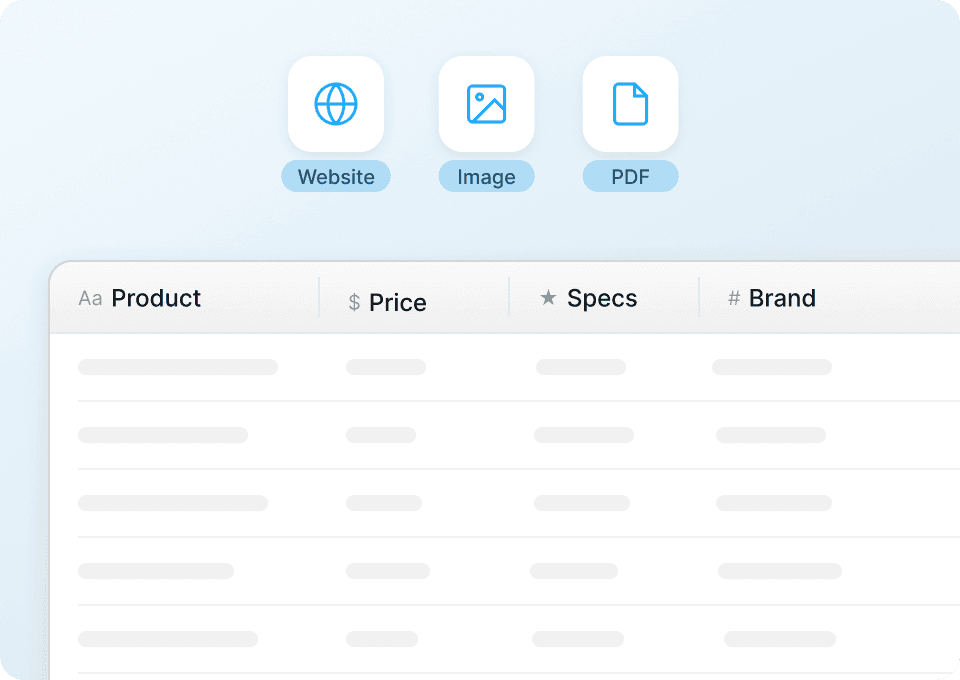
Pull finance and fulfilment from product details
A category grid rarely holds the full record. Subpage scraping can visit selected product links and append visible specifications, finance terms, guarantees, or returns information.
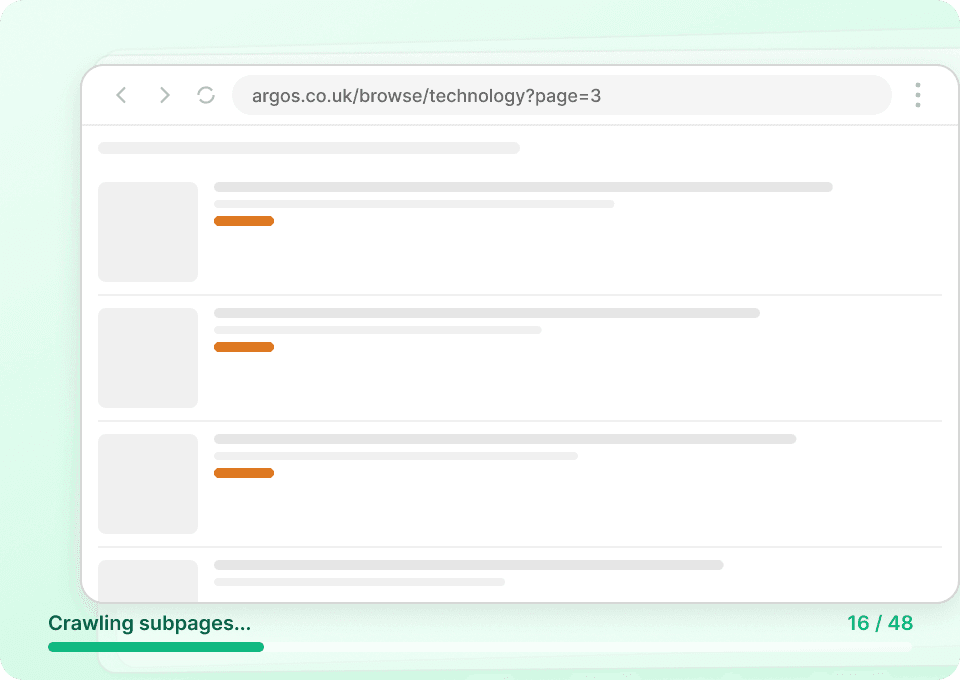
Take the workflow across retailers
Move from Argos to the next public shop without learning a new tool. Thunderbit reads the page you open and accepts natural-language field changes.
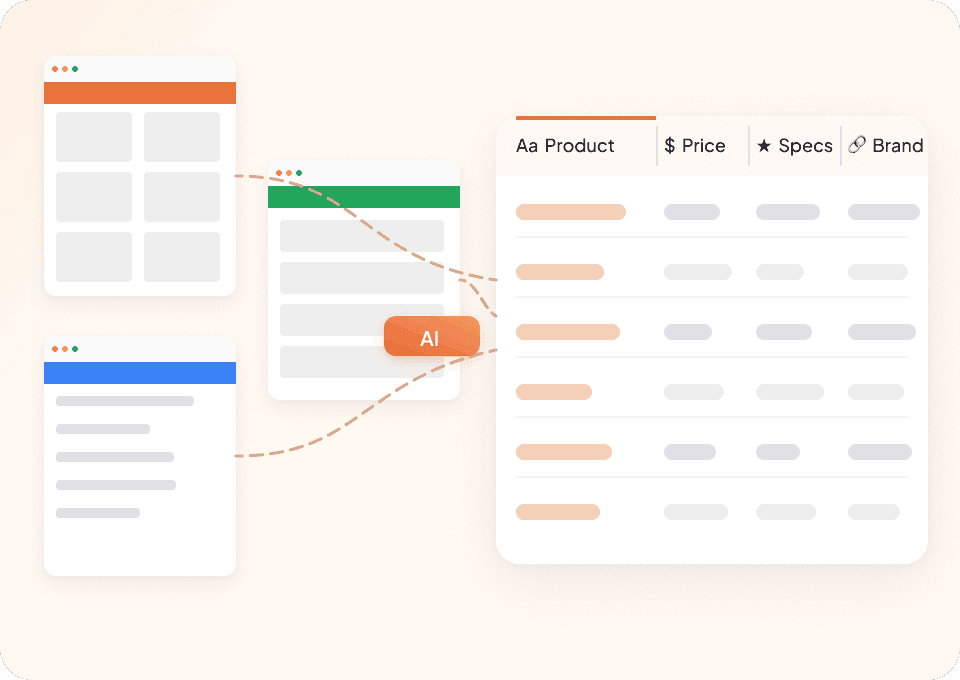
Avoid babysitting an Argos scraper when modules move
Hand-built extraction follows markup. Thunderbit AI works from the product information shown to shoppers.
Manually maintained Argos extraction
Each module adds another dependencyAn Argos shortlist built by Thunderbit AI
Shopping context stays with each item30 useful Argos product fields
Visibility varies by category and location; finance, appliance, furniture, delivery, and returns fields appear only when Argos shows them.
- Product Name
- Product Code
- Current Price
- Price Badge
- Monthly Finance Amount
- Finance Term
- Credit APR
- Nectar Points
- Product Description
- Feature List
- Product Weight
- Height
- Width
- Depth
- Manufacturer Guarantee
- EAN
- Overall Rating
- Review Count
- Stock Check
- Delivery Option
- Collection Option
- Product Image Count
- Color Variant
- Collection Name
- Material
- Assembly Requirement
- Power Consumption
- Noise Level
- Return Collection Fee
- Certification Claim
Watch real users replace repetitive product-page checks
These Thunderbit videos show practical ways to turn changing web pages into structured records for everyday work.






Working with Argos fields in Thunderbit
Answers focus on what appears on public Argos product pages and when those fields are present.
Next: compare the same EAN across UK retailers
Use Argos EAN and Product Code to locate matching SKUs at Currys, John Lewis or AO, then contrast price badges, guarantees and delivery promises for a like‑for‑like decision.

Sur la table Scraper
The Thunderbit Sur La Table Scraper lets you extract data from Sur La Table’s products, search results, cooking classes, and store locations. Use AI-powered field suggestions to quickly gather product details, class schedules, and store information for analysis or business insights.
Learn more ->
Superdelivery Scraper
The Thunderbit Superdelivery Scraper enables you to extract product data from Superdelivery vendor SKU lists and category pages. Use AI-powered field suggestions to quickly gather product names, prices, images, brands, and vendor details for inventory management, price comparison, or market research.
Learn more ->
Sharaf DG Scraper
The Thunderbit Sharaf DG Scraper enables you to extract structured data from Sharaf DG's product listings and SKU pages. Use AI-powered field suggestions to quickly gather product names, prices, descriptions, images, ratings, and specifications for analysis or research. Ideal for e-commerce professionals, marketers, and researchers seeking detailed Sharaf DG data.
Learn more ->
ÇiçekSepeti Scraper
The Thunderbit ÇiçekSepeti Scraper lets you extract product data from ÇiçekSepeti, including listings and SKU details. Use AI-powered field suggestions to quickly gather product names, prices, images, discounts, and codes for analysis or inventory management. Ideal for e-commerce professionals, marketers, and researchers.
Learn more ->
Vatan Bilgisayar Scraper
The Thunderbit Vatan Bilgisayar Scraper lets you extract data from Vatan Bilgisayar's product listings and SKU pages. Use AI-powered field suggestions to quickly gather product names, prices, discounts, images, and product codes for analysis or research. Ideal for e-commerce professionals, marketers, and researchers seeking structured Vatan Bilgisayar data.
Learn more ->
PTTAVM Scraper
The Thunderbit PTTAVM Scraper enables you to extract structured data from PTTAVM product listings and SKU pages. Gather product names, prices, discounts, images, and detailed descriptions quickly using AI-powered field suggestions. Ideal for e-commerce professionals, marketers, and researchers seeking accurate PTTAVM data.
Learn more ->Ready to supercharge your data extraction?
Join 200,000+ professionals already using Thunderbit to automate their web scraping workflows.
Free trial provides unlimited credits for 8 webpages.



