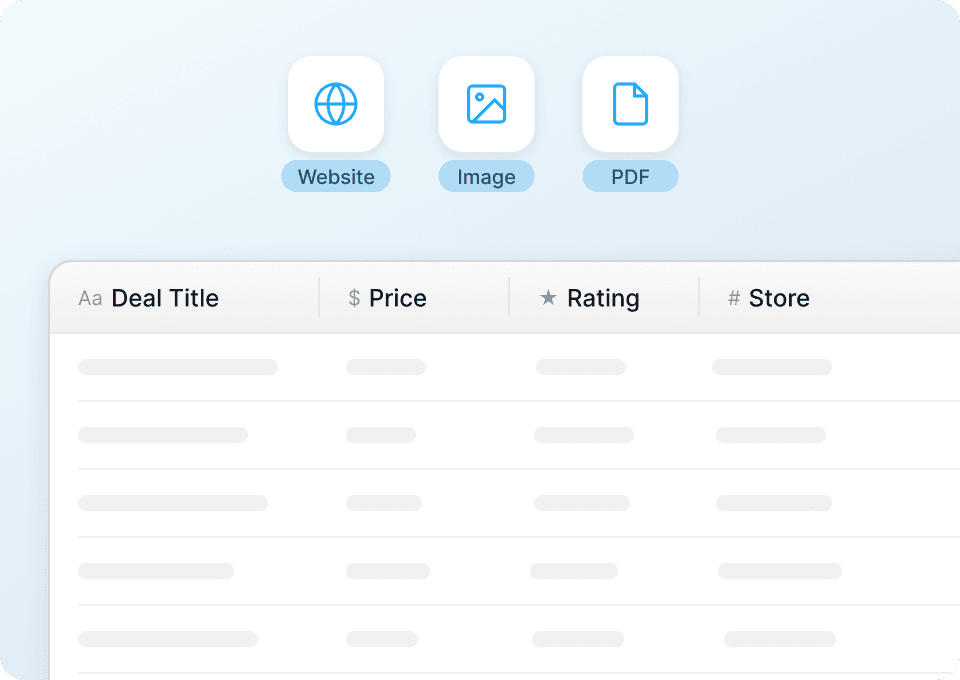
Thunderbit’s AppSumo Scraper helps you turn AppSumo deal pages into clean, structured data using AI. You can extract lifetime deal listings, pricing, categories, ratings, and more, then export to Excel, Google Sheets, Airtable, or Notion. Just open the page, let AI suggest the right columns, and scrape in a couple of clicks with .
🧩 What is AppSumo Scraper
The AppSumo Scraper is an built for scraping data from deal listing pages and (optionally) enriching results by visiting each deal’s subpage. With the , you go to an AppSumo page, click AI Suggest Columns, then click Scrape to get a structured table you can download or send to your tools.

🧲 What can you scrape with AppSumo
AppSumo is packed with valuable product and deal data for founders, marketers, and ecommerce operators. You can scrape listings for trend tracking, competitive research, category analysis, and building internal deal databases.
Below are two common workflows you can run with Thunderbit.
🆕 Scrape AppSumo Latest SaaS Lifetime Deals Tracker
Use this to monitor newly launched lifetime deals from the AppSumo “New” collection page: . It’s useful for building a weekly deal tracker, spotting category trends, and creating a shortlist for evaluation.

Steps:
- Download the and register an account.
- Go to the destination page (example): .
- Click AI Suggest Columns to generate recommended column names and data types.
- Click Scrape to run the scraper, then export to Excel, Google Sheets, Airtable, or Notion.
Column names
| Column | Description |
|---|---|
| 🏷️ Deal Title | The name of the product/deal as shown on the listing card. |
| 🔗 Deal URL | Direct link to the deal detail page for subpage enrichment. |
| 🧩 Category / Collection | The category or collection label (when visible) to group deals. |
| 💲 Current Price | The current listed price (often the lifetime deal price). |
| 🧾 Original Price / Value | The crossed-out price or stated value (if shown) for discount analysis. |
| 📉 Discount % | The discount percentage if displayed, or computed later in Sheets. |
| ⭐ Rating | Average star rating shown on the listing (if available). |
| 🗳️ Review Count | Number of reviews/ratings to gauge demand and credibility. |
| 🖼️ Product Image | Main thumbnail image URL for dashboards and Airtable/Notion views. |
| 🏢 Vendor / Brand | The company or maker name when present on the card. |
| 🕒 Date Scraped | Timestamp you add to track changes over time (great for monitoring). |
🤖 Scrape AppSumo High-Demand AI Tooling Analysis
Use this to analyze AI-related deals from AppSumo search/browse results: . It’s ideal for understanding what types of AI tools are trending, how they’re priced, and which listings attract the most reviews.

Steps:
- Download the and register an account.
- Go to the destination page (example): .
- Click AI Suggest Columns to generate recommended column names and data types.
- Click Scrape to run the scraper, then export your dataset.
Column names
| Column | Description |
|---|---|
| 🤖 Tool Name | The AI tool/deal title from the results list. |
| 🔗 Tool URL | Link to the deal page so you can scrape subpages for deeper details. |
| 🧠 AI Use Case Tags | Any visible tags like writing, SEO, chatbots, automation, etc. |
| 💲 Deal Price | The listed price for the offer shown in results. |
| 💰 Value / MSRP | The stated value or original price (if shown) for ROI comparisons. |
| ⭐ Average Rating | Star rating displayed in the results. |
| 🗳️ Number of Reviews | Review count to identify high-demand listings. |
| 🧾 Short Description | The one-line summary that helps you cluster tools by purpose. |
| 🧩 Category | Category label (if present) for segmentation and reporting. |
| 🖼️ Image URL | Thumbnail image for visual databases and internal catalogs. |
| 🏷️ Badges | Labels like “Top Deal”, “New”, or other on-card indicators (if present). |
🎯 Why Use AppSumo Tool
Scraping AppSumo helps you build a reliable dataset for decisions that are hard to make from browsing alone. Instead of manually comparing dozens of deals, you can create a spreadsheet that updates as often as you need.
Common ways you can use an AppSumo scraper:
- Founders & operators: Track new launches, shortlist tools by category, and compare pricing/value across deals.
- Marketing teams: Build a swipe file of positioning, headlines, and feature bullets from deal pages, then analyze patterns.
- Ecommerce and partnerships: Monitor deal performance signals (ratings, reviews) to identify partnership targets.
- Sales teams: Create lead lists of vendors/brands and enrich them via subpages, then export to Google Sheets or Airtable.
- Analysts & investors: Quantify trends in AI tooling, automation, and SaaS categories using review counts and pricing.
Thunderbit is designed for business users: you click AI Suggest Columns, adjust if needed, and scrape. If AppSumo page layouts change, the AI approach is more resilient than brittle selectors.
🧭 How to Use AppSumo Chrome Extension
- Install the Thunderbit Chrome Extension: Get it from the and create your account on .
- Navigate to an AppSumo page: Open a listing page like or a search page like .
- Activate AI-Powered Scraper: Click AI Suggest Columns to generate fields, then customize column names and data types if you want (text, number, URL, image, etc.).
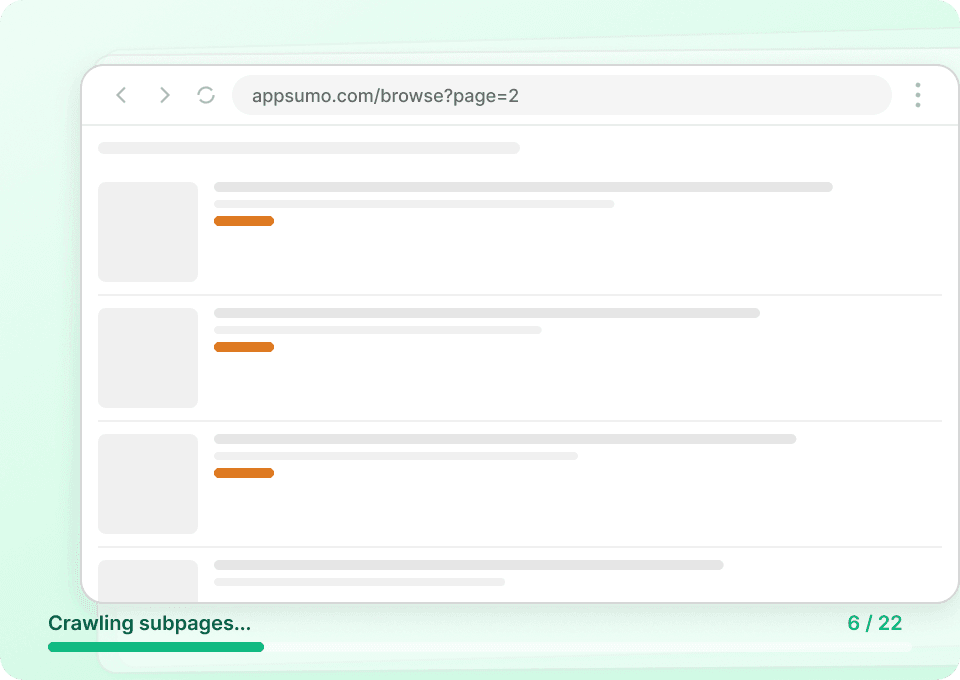
- Scrape, then enrich with subpages (optional): Click Scrape to collect rows. If you want deeper details, use Subpage Scraping to visit each deal page and append fields like long description, plan tiers, or redemption terms.
Helpful reading if you’re building a repeatable workflow:
💳 Pricing for AppSumo
Thunderbit uses a credit system where 1 credit = 1 output row. If you scrape a page and get 120 deals in your table, that’s 120 credits.
What you can try for free:
- The Free tier lets you scrape 6 pages per month (page-based free usage).
- If you start a free trial, you can scrape 10 pages for free, which is enough to test AppSumo workflows end-to-end.
Paid plans are designed for ongoing tracking (like weekly deal monitoring or daily price/review snapshots). Yearly plans are typically the most cost-effective because they include a discount compared to paying month to month.
You can review options on .
| Tier | Monthly Price | Yearly Price | Yearly Total Price | Credits (Monthly) | Credits (Yearly) |
|---|---|---|---|---|---|
| Free | Free | Free | Free | 6 pages | N/A |
| Starter | $15 | $9 | $108 | 500 | 5,000 |
| Pro 1 | $38 | $16.5 | $199 | 3,000 | 30,000 |
| Pro 2 | $75 | $33.8 | $398 | 6,000 | 60,000 |
| Pro 3 | $125 | $68.4 | $796 | 10,000 | 120,000 |
| Pro 4 | $249 | $137.5 | $1,592 | 20,000 | 240,000 |
❓ FAQ
-
What is the AI Powered AppSumo Scraper?
The AI Powered AppSumo Scraper is an AI-driven workflow in Thunderbit that reads AppSumo pages and converts listings into structured rows and columns. Instead of configuring complex selectors, you click AI Suggest Columns and Thunderbit proposes fields like title, price, rating, and URL based on what it sees on the page. -
What is Thunderbit?
is an AI Web Scraper Chrome Extension that helps you extract data from websites, PDFs, and images into structured tables. It’s built for business workflows like lead generation, ecommerce monitoring, and market research, with exports to Excel, Google Sheets, Airtable, and Notion. -
Can I scrape AppSumo deal detail pages, not just listing pages?
Yes. You can scrape listing pages first, then use Subpage Scraping to visit each deal URL and enrich your dataset with additional fields from the detail page. This is useful when you want deeper attributes like plan tiers, included features, redemption instructions, or longer descriptions. -
How do I handle pagination or infinite scroll on AppSumo?
Thunderbit supports pagination scraping for both click-based pagination and infinite scroll patterns. After you set up your columns once, you can scrape multiple pages in sequence to build a larger dataset for analysis. -
What data can I export from AppSumo into Google Sheets or Excel?
You can export text, numbers, dates, URLs, and images. For example, you can export deal titles, prices, ratings, review counts, and product images, then build pivots and charts in Sheets/Excel to track trends over time. -
Does Thunderbit support Cloud Scraping and Browser Scraping for AppSumo?
Yes. If the pages you need are public, Cloud Scraping is usually faster and can process many pages in batches. If you need to access pages that require your session or login context, Browser Scraping uses your Chrome browser so Thunderbit can scrape what you can see. -
How accurate is AI field detection on AppSumo pages?
AI field detection is designed to adapt to different layouts and card designs, which helps when websites change their UI. You can also rename columns, change data types, and add field instructions to improve consistency for your specific reporting needs. -
Is it possible to schedule AppSumo scraping for monitoring new deals?
Yes. Thunderbit’s Scheduled Scraper can run at intervals you describe in plain English and scrape a list of URLs automatically. This is useful for tracking new deals, monitoring rating changes, or maintaining an internal “deal database” without manual work. -
What should I do if I only need emails or phone numbers from vendor pages?
Thunderbit includes free one-click extractors for emails and phone numbers when that data is present on a page. If you’re building outreach lists, you can combine listing scraping (to collect vendor URLs) with subpage visits and run the extractors where relevant; for more context, see .
📚 Learn More
- Get the extension:
- Explore product and updates:
- Learn scraping fundamentals:
- Build list workflows:
- Export clean datasets:
- Compare tools:
Ready to build your AppSumo deal tracker in minutes with AI-powered structured data extraction using .