AliExpress Scraper: Compare Sellers, Shipping, and Offers













Compare Complete AliExpress Offers
Keep seller, shipping, demand, and destination context attached to each listing.
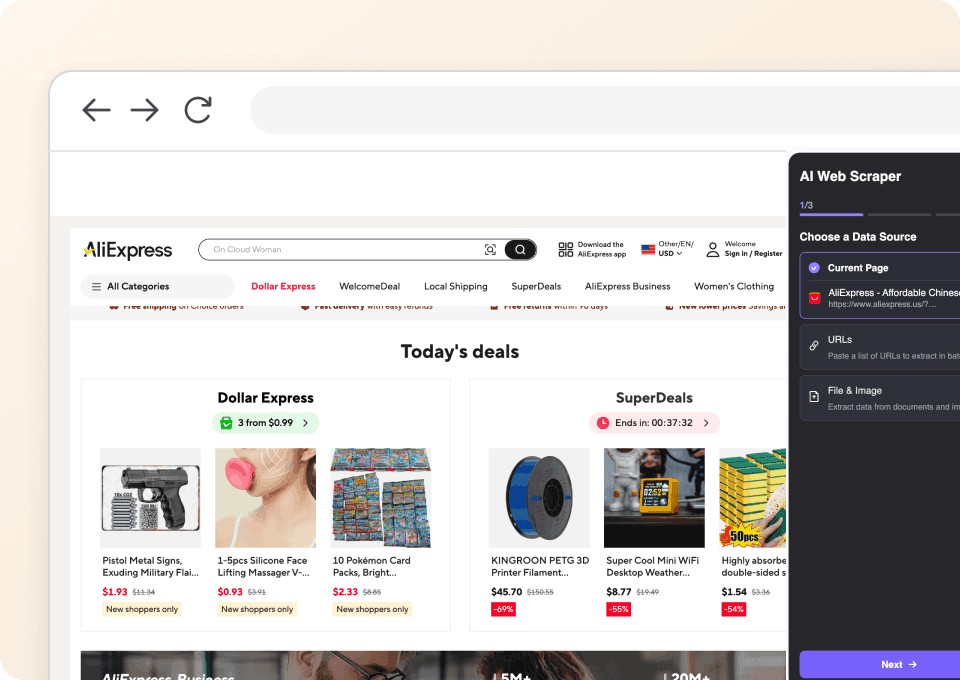
Extract AliExpress Offers in One Click
Open the AliExpress view for your market. One Click Extract proposes visible offer fields; describe any seller or shipping details you want before the rows are collected.
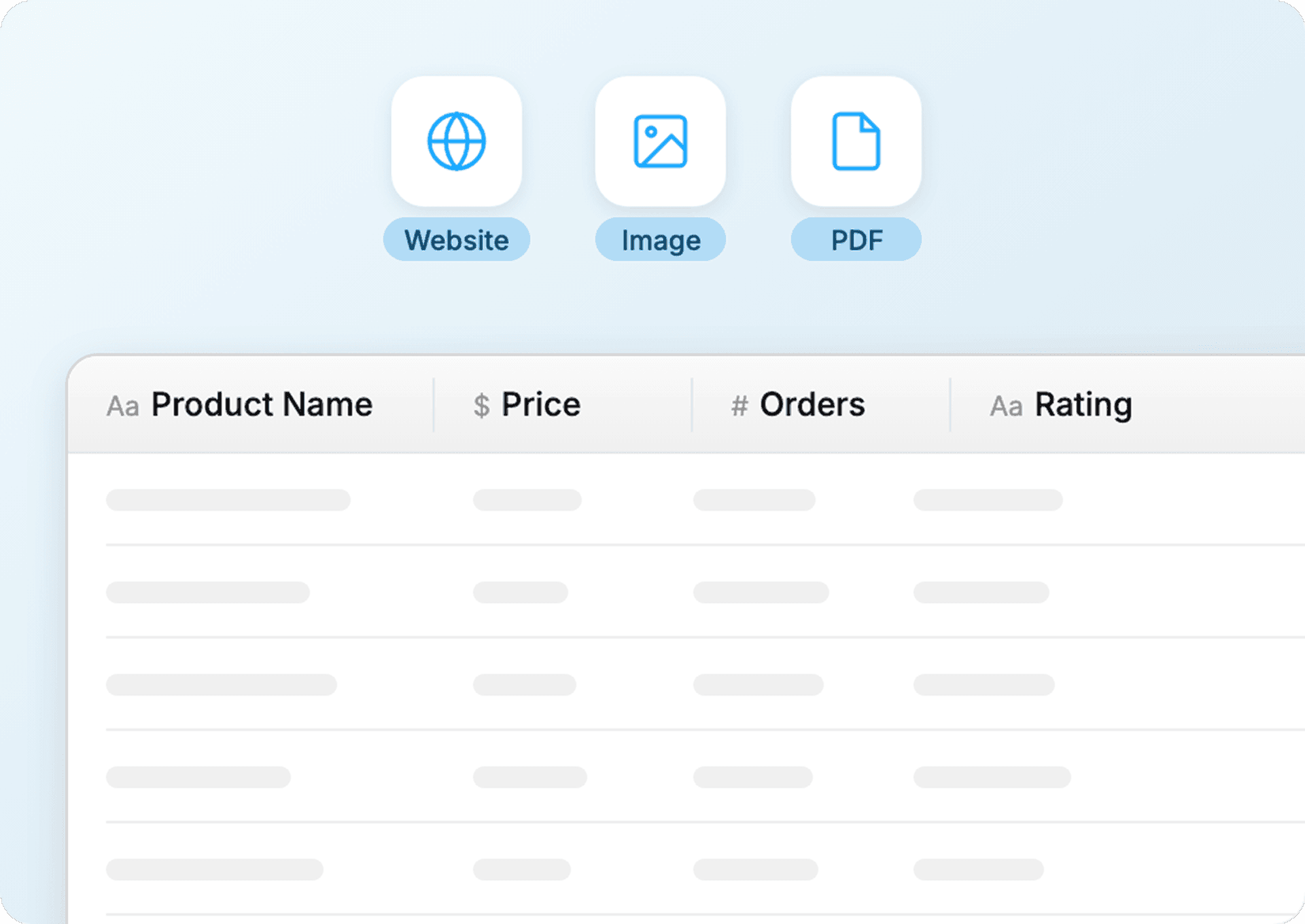
Keep Price and Shipping Separate
Displayed price, shipping fee, delivery estimate, ship-from location, and store signals stay in named columns. Values AliExpress does not show for your destination remain empty.
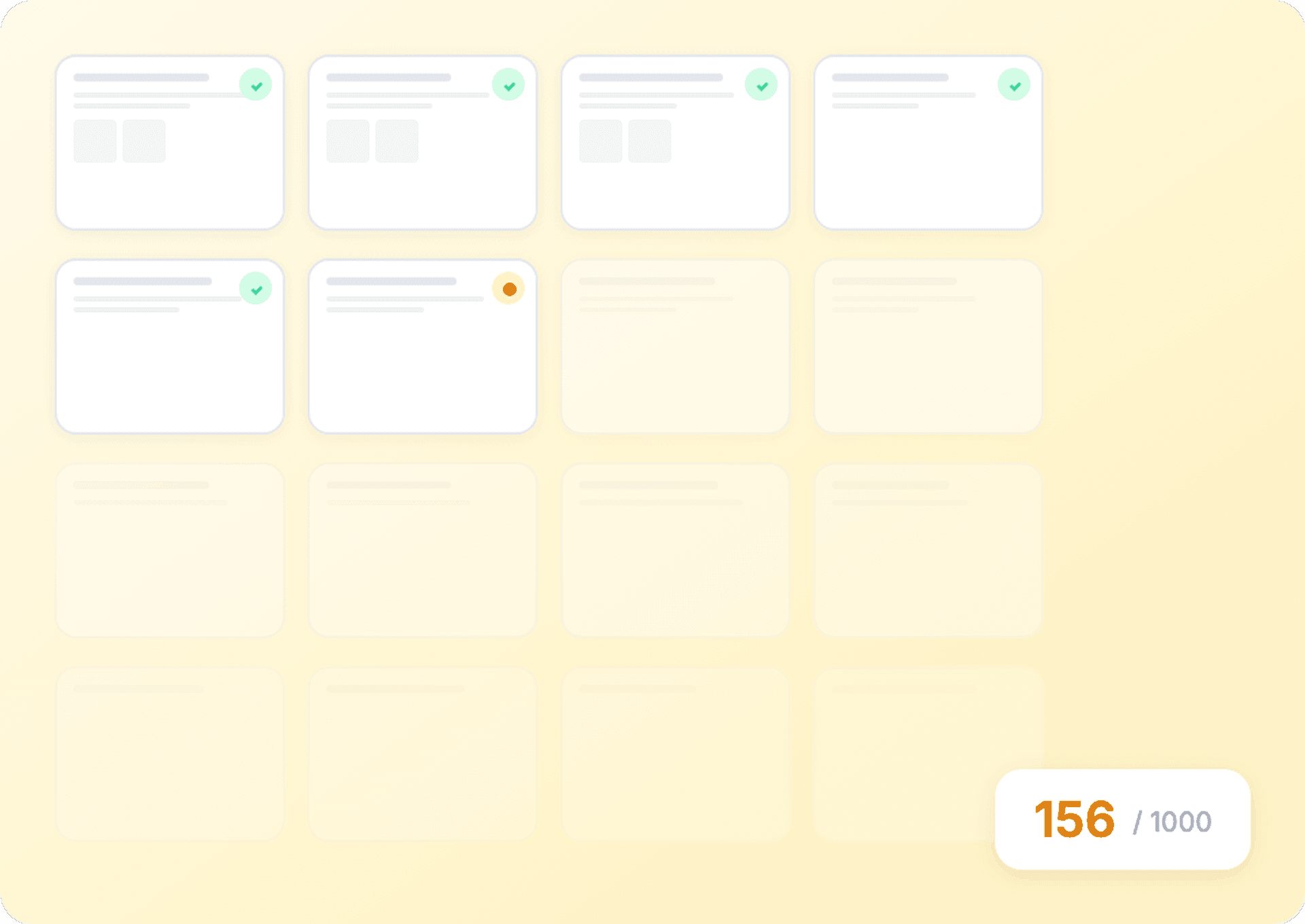
Process Multiple Product URLs
Provide the product URLs on your shortlist. Thunderbit builds one row per accessible page, so seller and delivery differences can be sorted without reopening every tab.
A low AliExpress price can hide a different offer
Compare the seller and delivery context, not just the first number on the card.
A browser tab for every candidate
The offer gets split across pagesOne offer matrix from Thunderbit
Each row keeps its own contextAliExpress columns for comparing sellers and terms
Only shown when visible in your session.
- Product Title
- Product URL
- Price
- Original Price
- Discount Percent
- Currency
- Rating
- Rating Count
- Orders Count
- Free Shipping
- Shipping Fee
- Ships From
- Ship To Country
- Estimated Delivery Date
- Return Policy Badge
- Top Brand Badge
- Seller Name
- Store URL
- Seller Positive Feedback
- Seller Feedback Count
- Image URL
- Thumbnail URL
- Video URL
- Variant Options
- Variants Count
- Availability
- Min Order Quantity
- Brand
- Category Path
- Coupon Text
See marketplace researchers build comparison tables
In these videos, real Thunderbit users show how they choose web fields, review the rows, and move a marketplace study into a spreadsheet.








AliExpress seller and shipping questions
Use the page view for your destination, and treat every unavailable value as unknown.
Also compare offers on these marketplaces
Use One Click Extract on Amazon, eBay, Etsy, Walmart, or Temu pages you can open.

United Airlines scraper
In 2 clicks, extract flight numbers, departure times, arrival airports, and prices from United Airlines — then export to Excel, Google Sheets, or Notion instantly. Thunderbit AI handles the rest.
Learn more ->
HKTVmall Scraper
Extract product names, prices, ratings, and more from HKTVmall listings in 2 clicks — no coding required. Export directly to Excel, Google Sheets, or Notion and turn HKTVmall data into actionable insights.
Learn more ->
TripAdvisor Business Listings Scraper
The Thunderbit TripAdvisor Business Listings Scraper lets you extract data from TripAdvisor's business listings, resource hub, and owners forum. Use AI-powered field suggestions to quickly gather resource names, URLs, descriptions, forum topics, authors, and post content for research, marketing, or analysis.
Learn more ->
DialIndia Scraper
The Thunderbit DialIndia Scraper lets you extract data from DialIndia's business profiles and travel directories with AI-powered field suggestions. Gather business names, contact details, locations, and descriptions for research, marketing, or lead generation in just a few clicks.
Learn more ->
Substack scraper
Extract Substack subscriber counts, article titles, and publication descriptions in 2 clicks — then export to Excel, Google Sheets, or Notion. No code needed; Thunderbit's AI handles the structuring for you.
Learn more ->
UpCity Scraper
The Thunderbit UpCity Scraper lets you extract data from UpCity's advertising agency listings and provider reviews. Use AI-powered field suggestions to quickly gather agency names, locations, ratings, contact info, and detailed review content for analysis or research. Ideal for marketers, researchers, and business owners seeking structured UpCity data.
Learn more ->Ready to supercharge your data extraction?
Join 200,000+ professionals already using Thunderbit to automate their web scraping workflows.
Free trial provides unlimited credits for 8 webpages.



