Air Canada Scraper for Flights, Fares, and Rules













Collect Air Canada flight options without opening every itinerary
Process route results in bulk, add fare details from linked pages, and reuse Thunderbit on the next travel source.
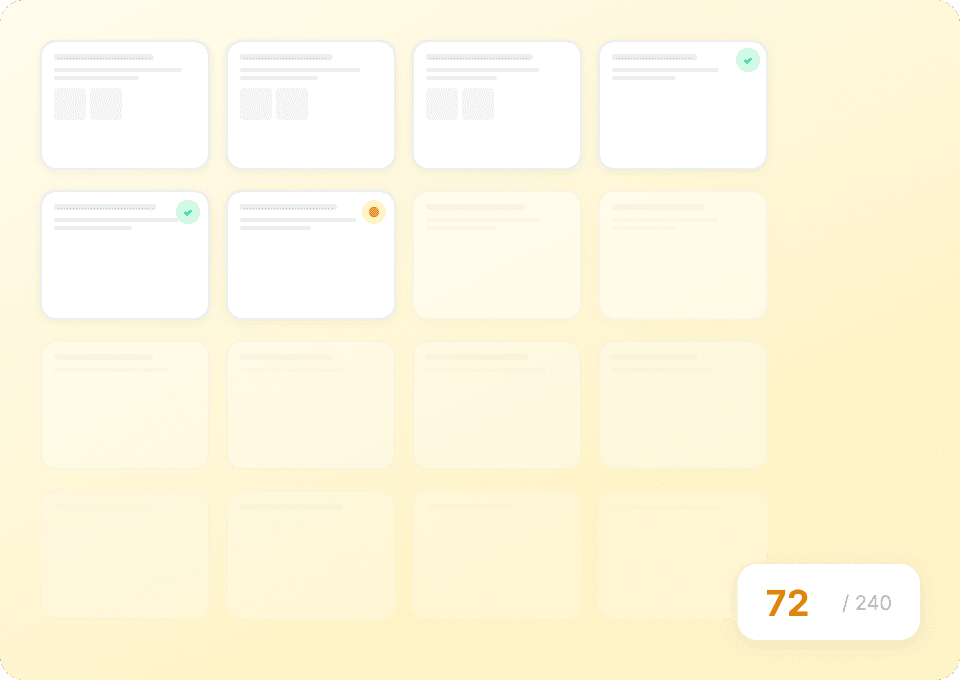
Run a batch of Air Canada flights
Give Thunderbit the public result or itinerary URLs you want to compare. Flight numbers, airports, times, stops, cabins, and displayed fares become structured rows in one run.
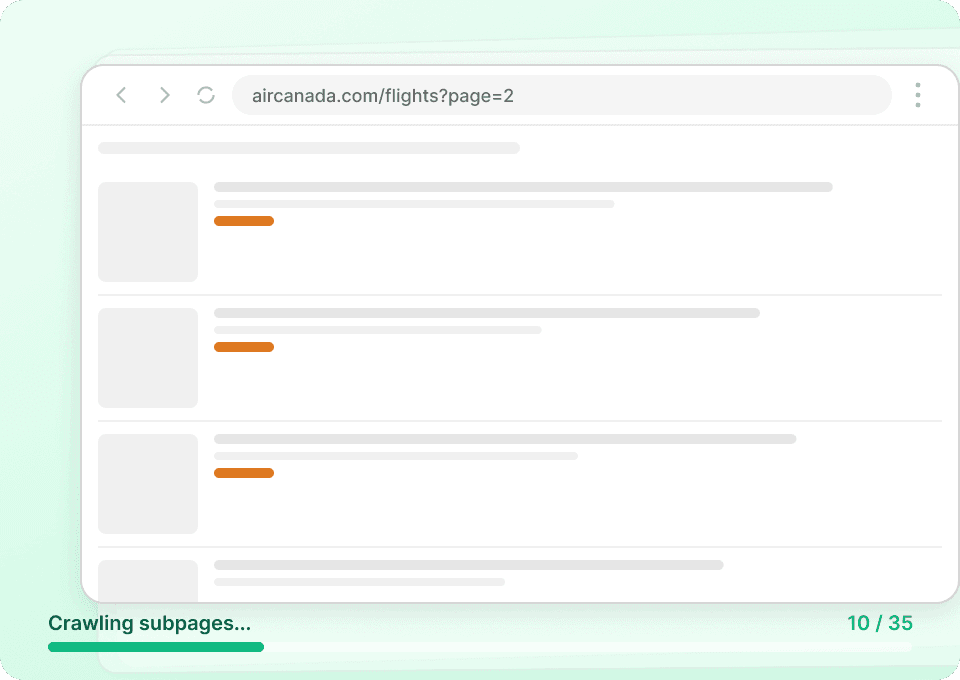
Add fare and baggage details from subpages
Linked fare or flight pages can contribute visible booking class, refundability, change terms, carry-on, checked-bag, and operating-carrier details to the corresponding itinerary.
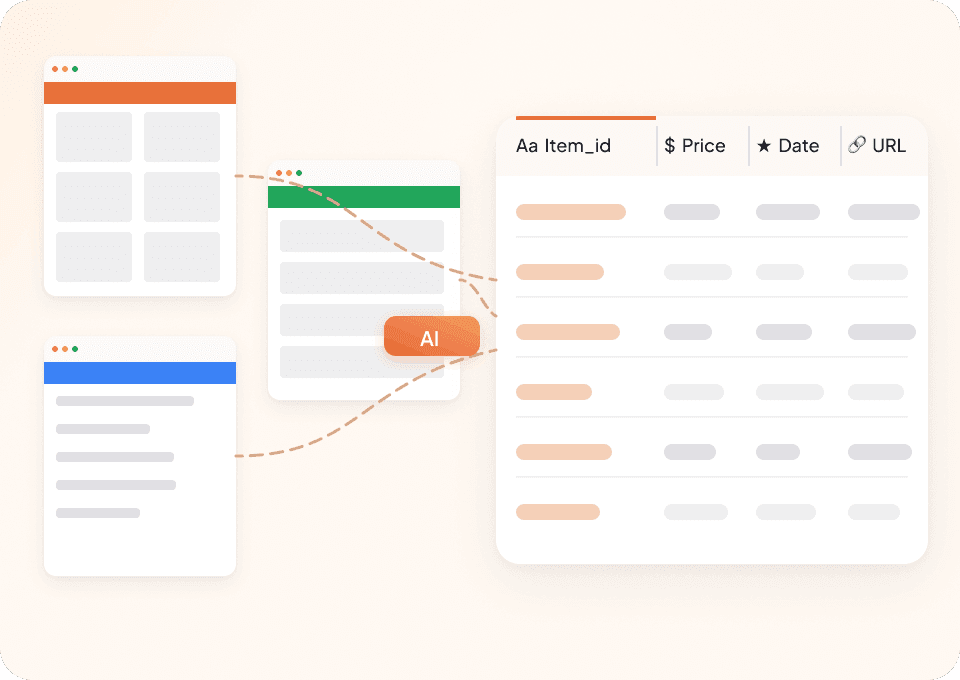
Continue beyond Air Canada
Open another airline or travel page and keep using the same Thunderbit workflow. AI recommends fields from the source in view, with natural-language adjustments when needed.
Flight options move; an Air Canada scraper must keep up
Static rules chase dynamic results. Thunderbit AI reads visible itinerary and fare information.
Flight extraction built from page rules
Dynamic results create fragile stepsAir Canada rows handled by Thunderbit
The agent follows visible flight detailsAir Canada itinerary, cabin, and fare‑rule fields
Fields populate when visible on public search, fare detail, status, or baggage pages; availability varies by route, cabin, date, and view.
- Origin Airport
- Destination Airport
- Departure Date
- Return Date
- Trip Type
- Flight Number
- Marketing Carrier
- Operating Carrier
- Departure Time
- Arrival Time
- Departure Airport
- Arrival Airport
- Flight Duration
- Number of Stops
- Connecting Airport
- Layover Duration
- Aircraft Type
- Cabin
- Fare Family
- Booking Class
- Base Fare
- Taxes
- Carrier Surcharge
- Total Fare
- Currency
- Fare Availability
- Refundability
- Carry-On Bag Allowance
- First Checked Bag Allowance
- Checked Bag Fee
Hear how analysts reduce repetitive travel research
In these videos, Thunderbit users show how changing schedules and fares become records they can review outside the browser.





Air Canada itinerary and fare‑rule questions
Read this before assembling a cabin‑by‑cabin comparison from public pages.
Cross‑carrier fare‑rule parity after your Air Canada matrix
Next, consider a WestJet scrape for domestic comparisons or a United scrape to review operating details on AC‑marketed transborder codeshares before finalizing route and cabin recommendations.

DiveAssist Scraper
The Thunderbit DiveAssist Scraper lets you extract data from DiveAssist membership and dive centre directory pages. Use AI-powered field suggestions to quickly gather membership types, prices, benefits, dive centre names, locations, and contact details for research or business needs.
Learn more ->
HotelsCombined Scraper
The Thunderbit HotelsCombined Scraper lets you extract structured data from HotelsCombined hotel and flight search results. Use AI-powered field suggestions to quickly gather hotel names, prices, ratings, flight details, and more for travel analysis or planning. Ideal for travel agents, researchers, and businesses seeking actionable travel data.
Learn more ->
Viator Scraper
The Thunderbit Viator Scraper lets you extract data from Viator's tours and travel listings with AI-powered field suggestions. Gather tour names, prices, ratings, durations, and more for analysis or research. Ideal for travel agencies, researchers, and tour operators seeking structured Viator data.
Learn more ->
GetYourGuide Scraper
The Thunderbit GetYourGuide Scraper lets you extract data from GetYourGuide activities search results and details pages. Use AI-powered field suggestions to quickly gather activity names, prices, ratings, availability, and locations for travel analysis or content creation. Ideal for travel agencies, researchers, and bloggers seeking structured travel data.
Learn more ->
Klook Scraper
The Thunderbit Klook Scraper lets you extract data from Klook activities and details pages with AI-powered field suggestions. Gather structured information such as activity names, prices, ratings, locations, and availability for travel research, analysis, or marketing. Ideal for travel agencies, researchers, and businesses seeking Klook data.
Learn more ->
Hostelworld Scraper
The Thunderbit Hostelworld Scraper lets you extract data from Hostelworld hotel search results and details pages. Use AI-powered field suggestions to quickly gather hotel names, prices, ratings, room types, and contact information for travel research or analysis. Ideal for travel agents, researchers, and businesses seeking structured accommodation data.
Learn more ->Ready to supercharge your data extraction?
Join 200,000+ professionals already using Thunderbit to automate their web scraping workflows.
Free trial provides unlimited credits for 8 webpages.



